

Getting Started with PHPUnit: A Complete Guide with MariaDB Database Integration
Introduction
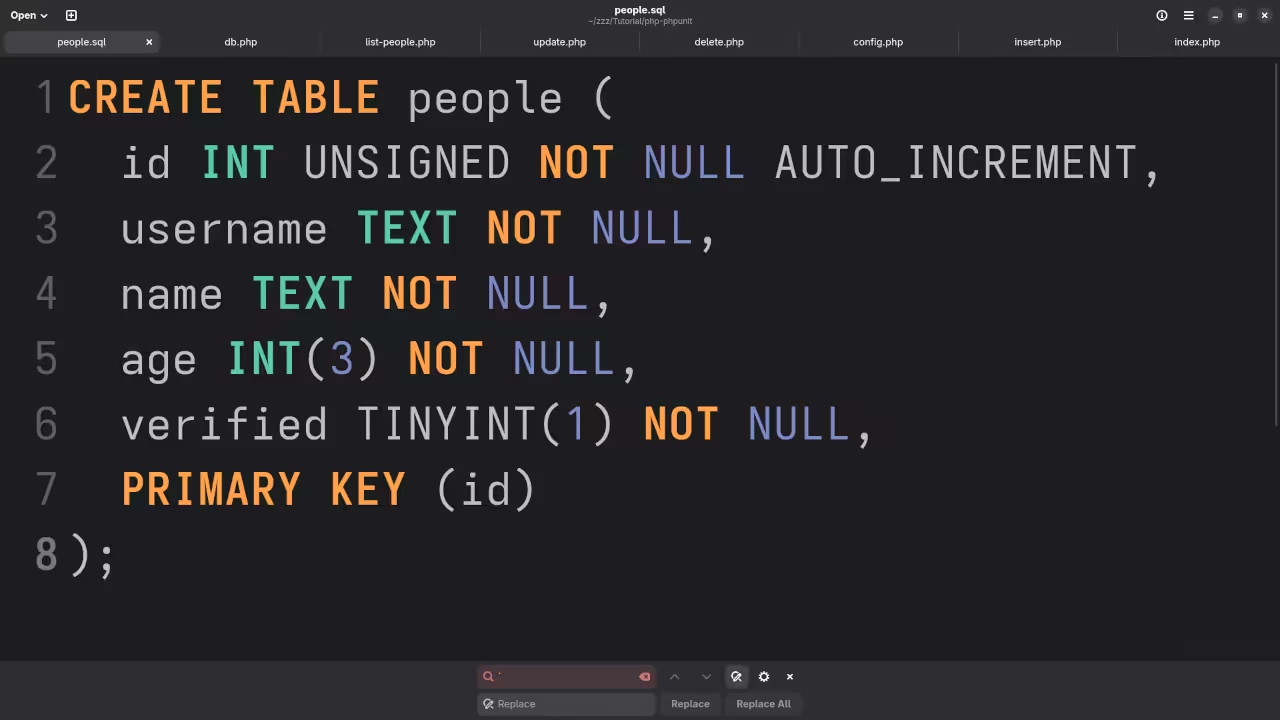
PHPUnit is an essential tool for testing PHP code to ensure it behaves as expected. In this beginner-level guide, we’ll walk you through setting up a basic application that connects to an existing MariaDB database table named “people”. This tutorial will cover connecting to the database, retrieving data, updating records, inserting new records, and deleting records.
Prerequisites
- Basic understanding of PHP.
- A PHP installation.
- MariaDB server with the “people” table set up.
Step 1: Setting Up PHPUnit in PHP
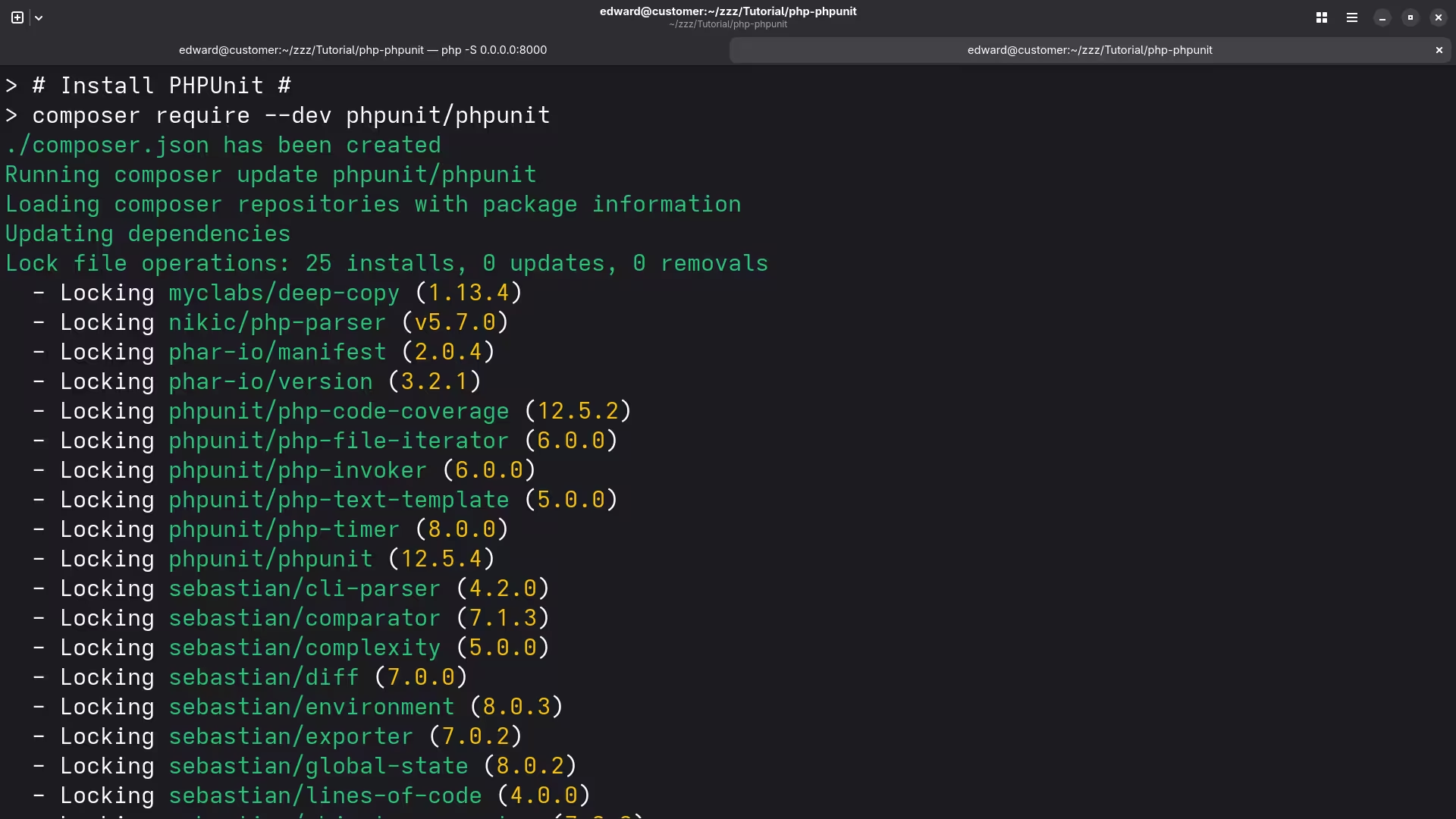
First, you need to install PHPUnit in your PHP environment. You can use Composer for this:
composer require --dev phpunit/phpunit ^9 Step 2: Creating a Basic Plugin Structure
Create a new folder named people-manager in the wp-content/plugins/ directory of your PHP application installation. Inside this folder, create the following files:
plugin.phpdb.phpviews/list-people.phptests/TestPeopleManager.php
Step 3: Connecting to MariaDB
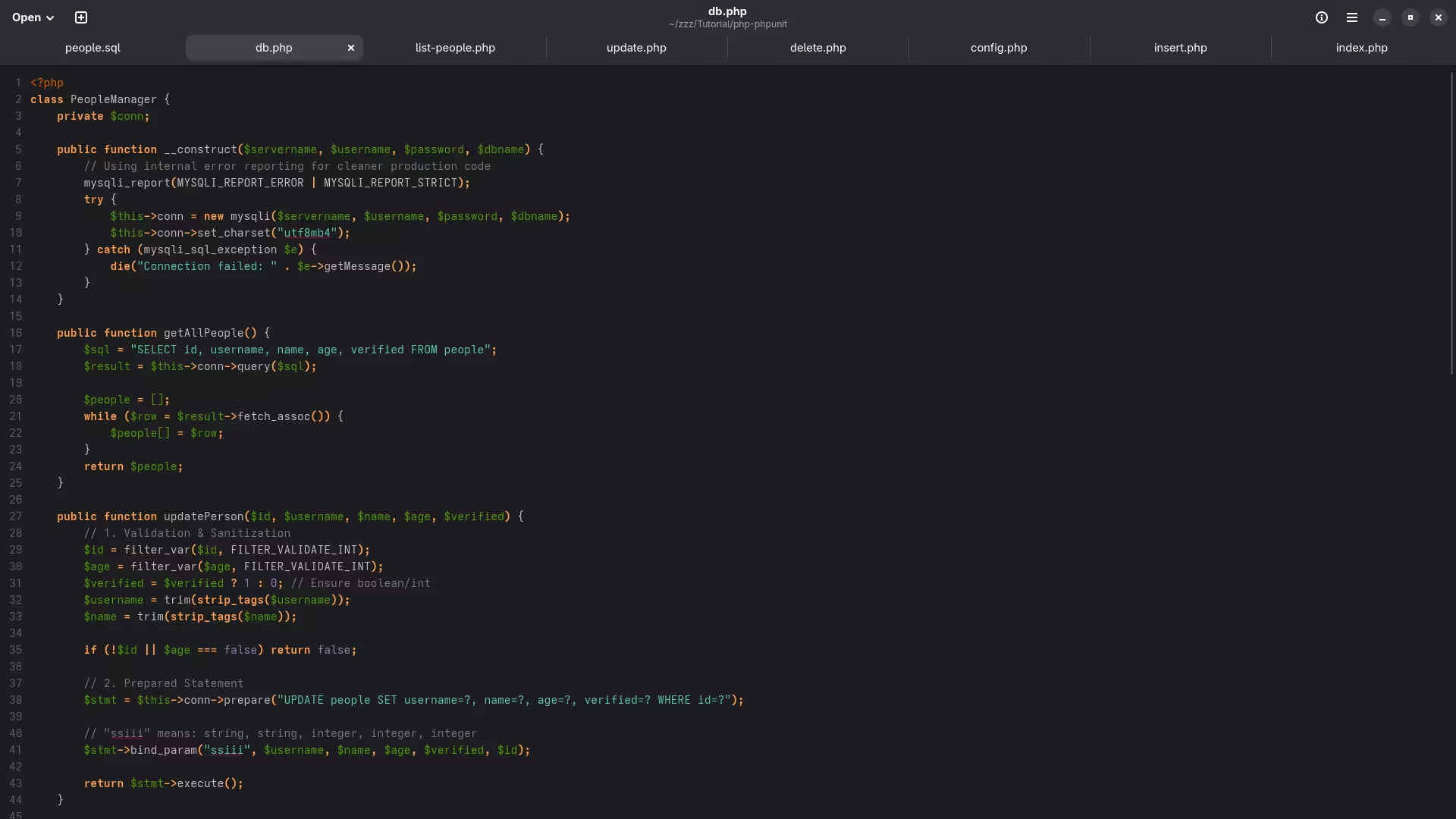
Create a file named db.php in the people-manager/ directory and add the following code:
<?php
class PeopleManager {
private $conn;
public function __construct($servername, $username, $password, $dbname) {
$this->conn = new mysqli($servername, $username, $password, $dbname);
if ($this->conn->connect_error) {
die("Connection failed: " . $this->conn->connect_error);
}
}
public function getAllPeople() {
$sql = "SELECT * FROM people";
$result = $this->conn->query($sql);
$people = [];
if ($result->num_rows > 0) {
while ($row = $result->fetch_assoc()) {
$people[] = $row;
}
}
return $people;
}
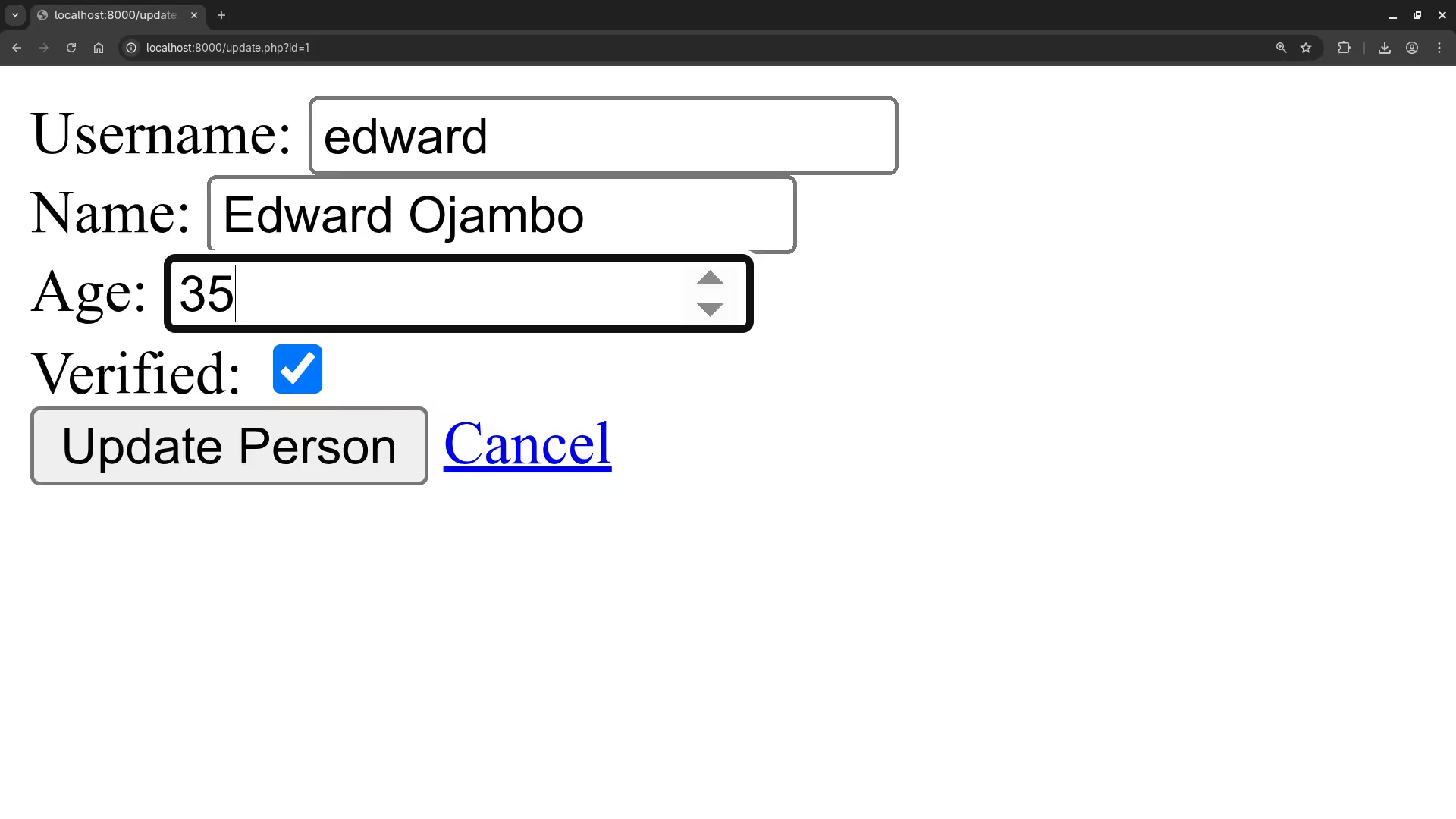
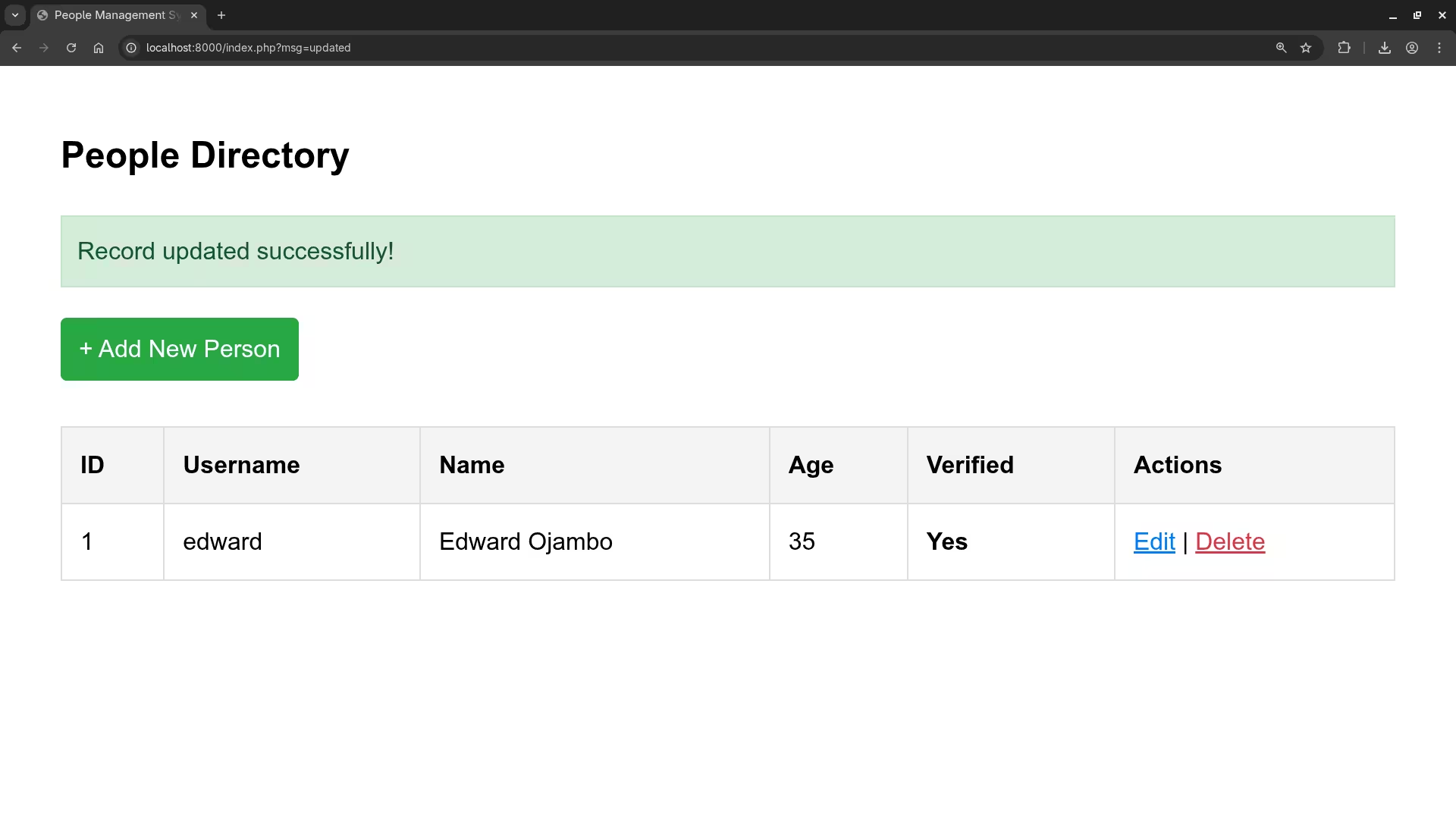
public function updatePerson($id, $username, $name, $age, $verified) {
$sql = "UPDATE people SET username='$username', name='$name', age=$age, verified=$verified WHERE id=$id";
if ($this->conn->query($sql) === TRUE) {
return true;
} else {
return false;
}
}
public function insertPerson($username, $name, $age, $verified) {
$sql = "INSERT INTO people (username, name, age, verified) VALUES ('$username', '$name', $age, $verified)";
if ($this->conn->query($sql) === TRUE) {
return true;
} else {
return false;
}
}
public function deletePerson($id) {
$sql = "DELETE FROM people WHERE id=$id";
if ($this->conn->query($sql) === TRUE) {
return true;
} else {
return false;
}
}
public function closeConnection() {
$this->conn->close();
}
}
?>
Step 4: Displaying People Data
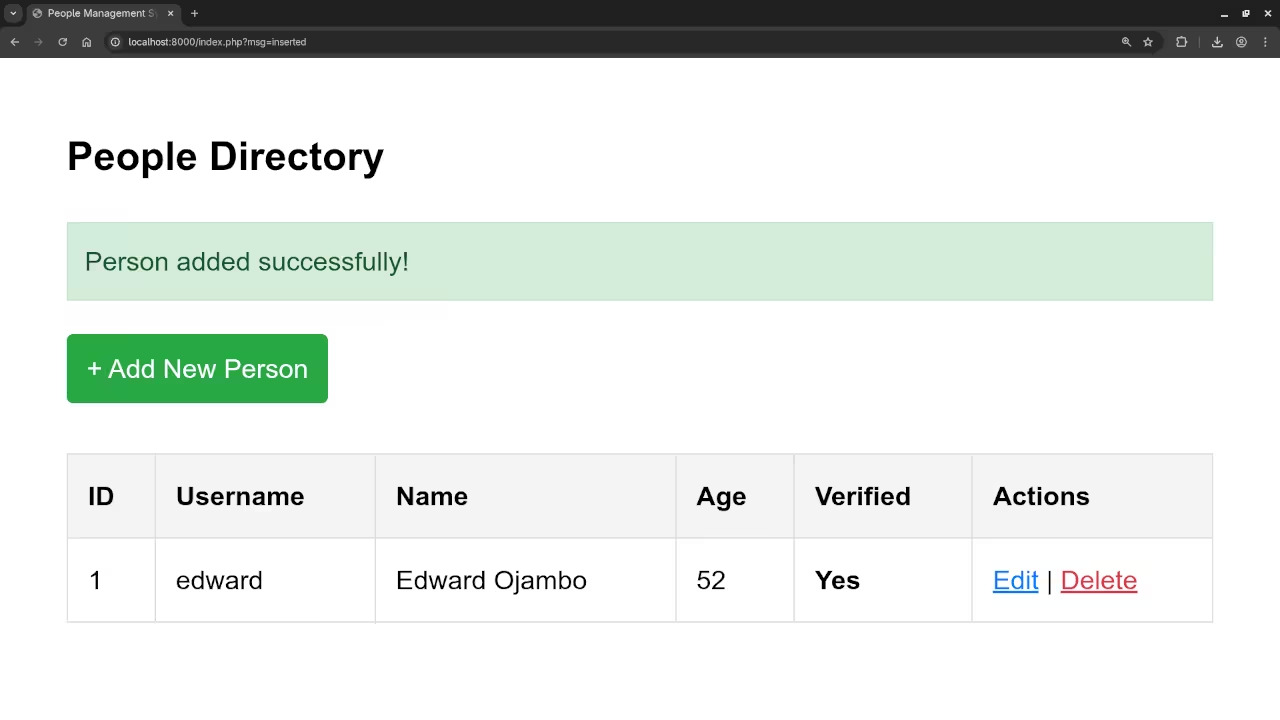
Create a file named list-people.php in the people-manager/views/ directory and add the following code:
<?php
if (!defined('ABSPATH')) exit; // Exit if accessed directly
require_once 'db.php';
$servername = 'your_servername';
$username = 'your_username';
$password = 'your_password';
$dbname = 'your_database';
$peopleManager = new PeopleManager($servername, $username, $password, $dbname);
$people = $peopleManager->getAllPeople();
?>
<table>
<tr>
<th>ID</th>
<th>Username</th>
<th>Name</th>
<th>Age</th>
<th>Verified</th>
<th>Action</th>
</tr>
<?php foreach ($people as $person): ?>
<tr>
<td><?php echo $person['id']; ?></td>
<td><?php echo $person['username']; ?></td>
<td><?php echo $person['name']; ?></td>
<td><?php echo $person['age']; ?></td>
<td><?php echo $person['verified'] ? 'Yes' : 'No'; ?></td>
<td>
<a href="update.php?id=<?php echo $person['id']; ?>">Update</a> |
<a href="delete.php?id=<?php echo $person['id']; ?>">Delete</a>
</td>
</tr>
<?php endforeach; ?>
</table>
<?php
$peopleManager->closeConnection();
?>
Step 5: Writing a Test Case
Create a file named TestPeopleManager.php in the people-manager/tests/ directory and add the following code:
<?php
use PHPUnit\Framework\TestCase;
class TestPeopleManager extends TestCase {
public function testGetAllPeople() {
$servername = 'your_servername';
$username = 'your_username';
$password = 'your_password';
$dbname = 'your_database';
$peopleManager = new PeopleManager($servername, $username, $password, $dbname);
$people = $peopleManager->getAllPeople();
$this->assertNotEmpty($people);
}
}
?>
Step 6: Running the Tests
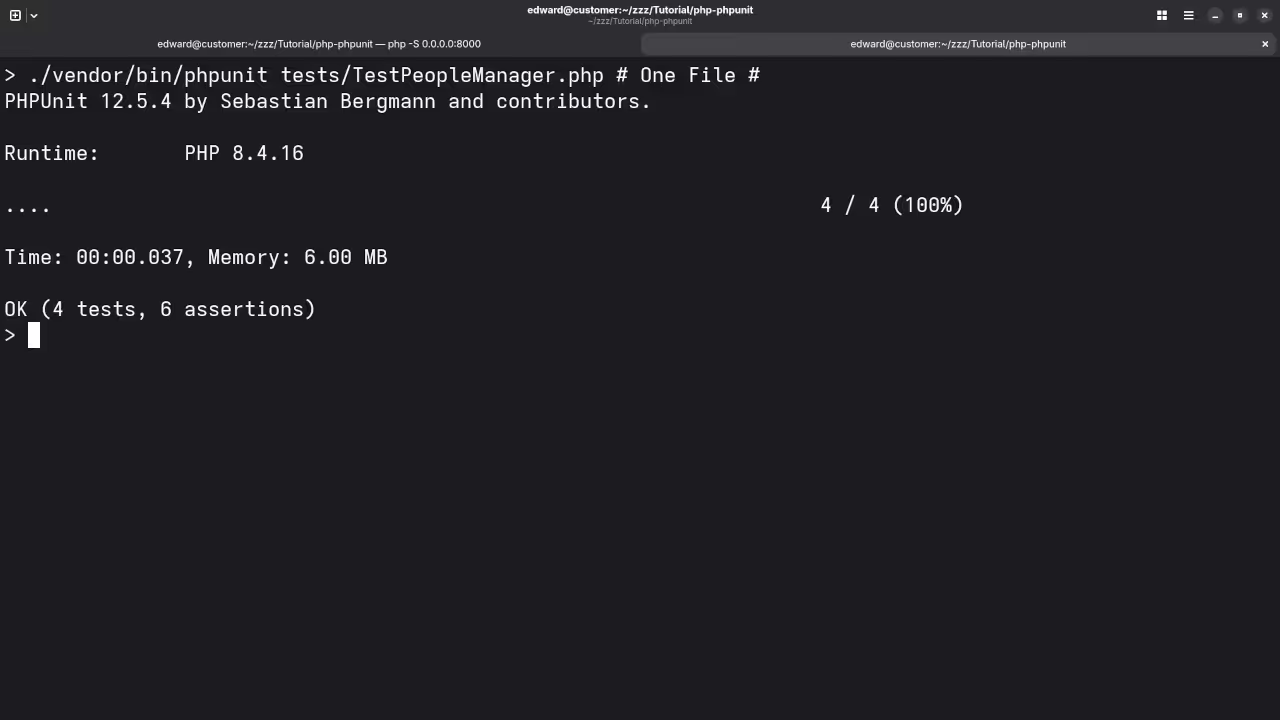
Navigate to your PHP application area and use the PHPUnit plugin or run tests from the command line:
./vendor/bin/phpunit people-manager/tests/ Screenshots and Screencast Tutorial
Conclusion
This tutorial provides a basic introduction to integrating PHPUnit with a MariaDB database in a PHP application. You can expand this application by adding more features, such as user authentication, form validation, and more sophisticated error handling.
🚀 Recommended Resources
Disclosure: Some of the links above are referral links. I may earn a commission if you make a purchase at no extra cost to you.