
Introduction
Godot 4 is an amazing open source engine. It runs perfectly on your desktop computer.
Your Fedora Linux workstation provides a great development environment. The engine is lightweight and very easy to install.
Why Choose Godot Engine
One major benefit of Godot is its license. The engine is completely free under the MIT license.
You own everything you create with no hidden fees. There are no royalties or contracts for your games.
Working With 3D Assets
You can also use Blender to create 3D assets. Blender is the best open source tool for modeling.
Blender Integration
Godot 4 imports Blender files directly with ease. You simply save your blend files in your project.
The engine automatically detects changes made in Blender. Your models update in the game world instantly.
Installation Methods
You can download the official binary very quickly. Simply extract the file and run the executable.
The Flatpak version is also a very popular choice. Use the Flathub repository to get the latest updates.
Understanding Nodes and Scenes
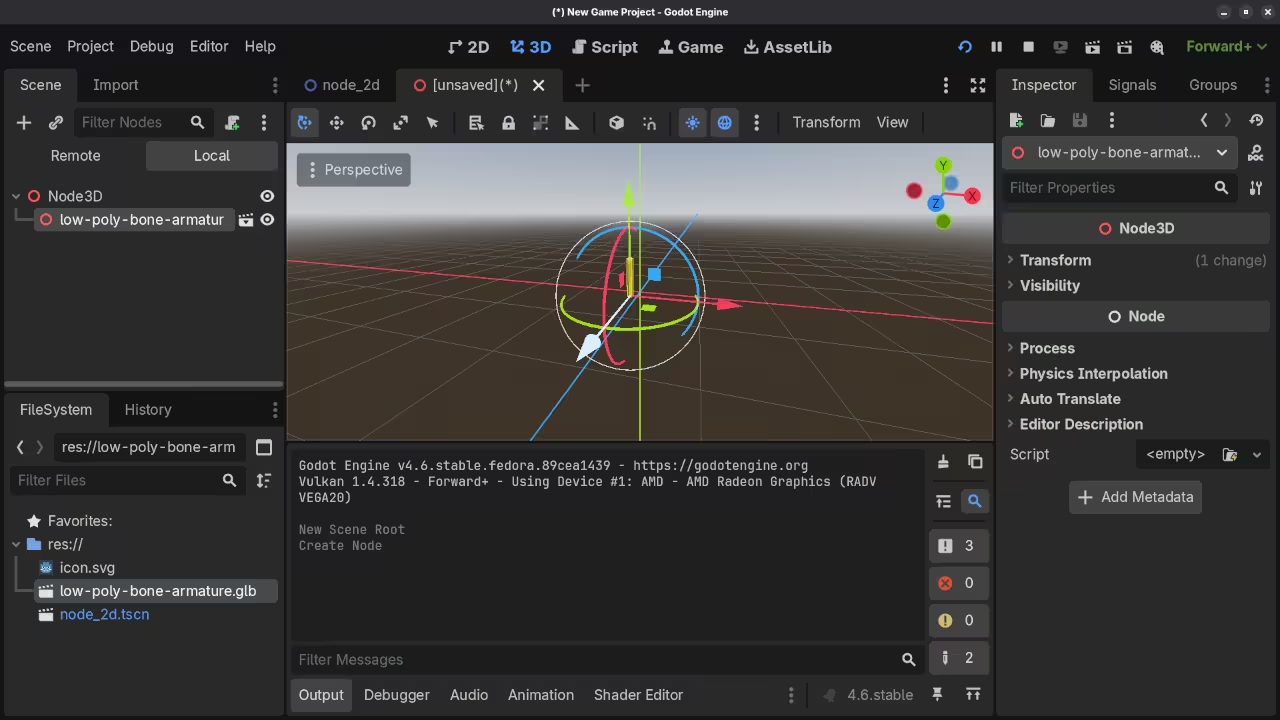
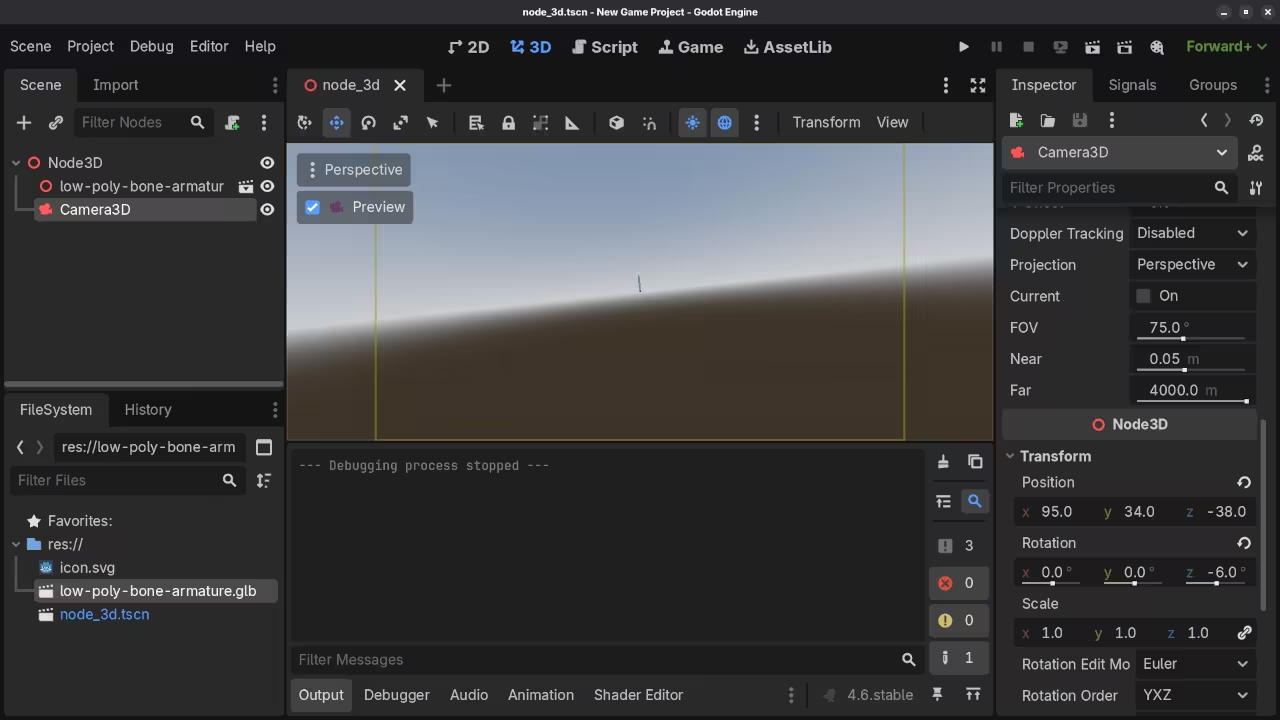
The Godot engine uses a unique system of nodes. You combine these nodes to build complex game scenes.
Every character and light in your game is a node. This hierarchy makes organizing your project very simple and clear.
Scripting With GDScript
Beginner programmers often choose Godot for its scripting language. This language is called GDScript and is very intuitive.
GDScript uses a syntax that is similar to Python. You will find it very easy to read and write.
Nodes handle the physics and collisions in your world. You can create 2D platformers or 3D shooters quickly.
Advanced Editor Features
The editor includes a built-in documentation search tool. You never have to leave the app to find help.
Signals allow nodes to communicate with each other easily. You can trigger events when a player touches an object.
Visuals and Interface
The UI system in Godot 4 is very powerful. You can design professional menus and buttons with simple tools.
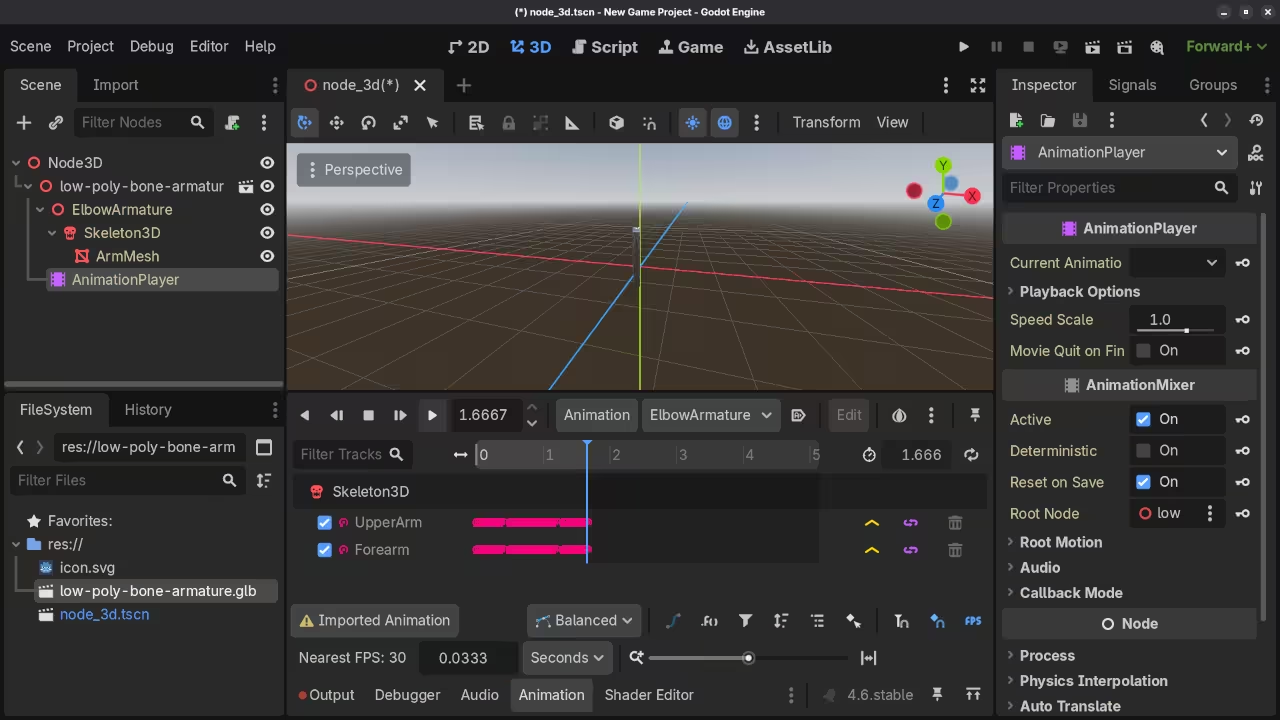
Animations are handled by a dedicated animation player node. You can animate almost any property in the inspector window.
The engine supports advanced lighting and shadow effects natively. Your games will look modern and professional on all systems.
Publishing Your Game
You can export your finished games to many platforms. Share your work on Windows, Mac, and mobile devices easily.
Game development is a great way to learn logic. Start your first project on your computer today.
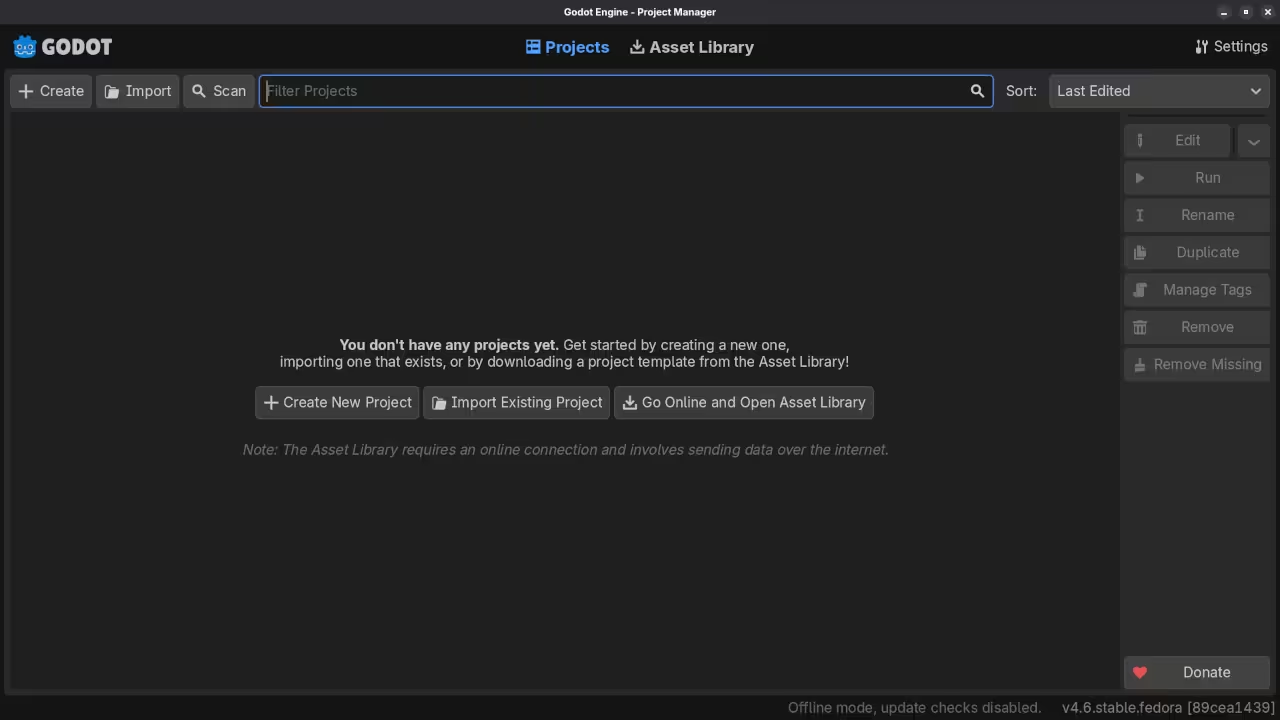
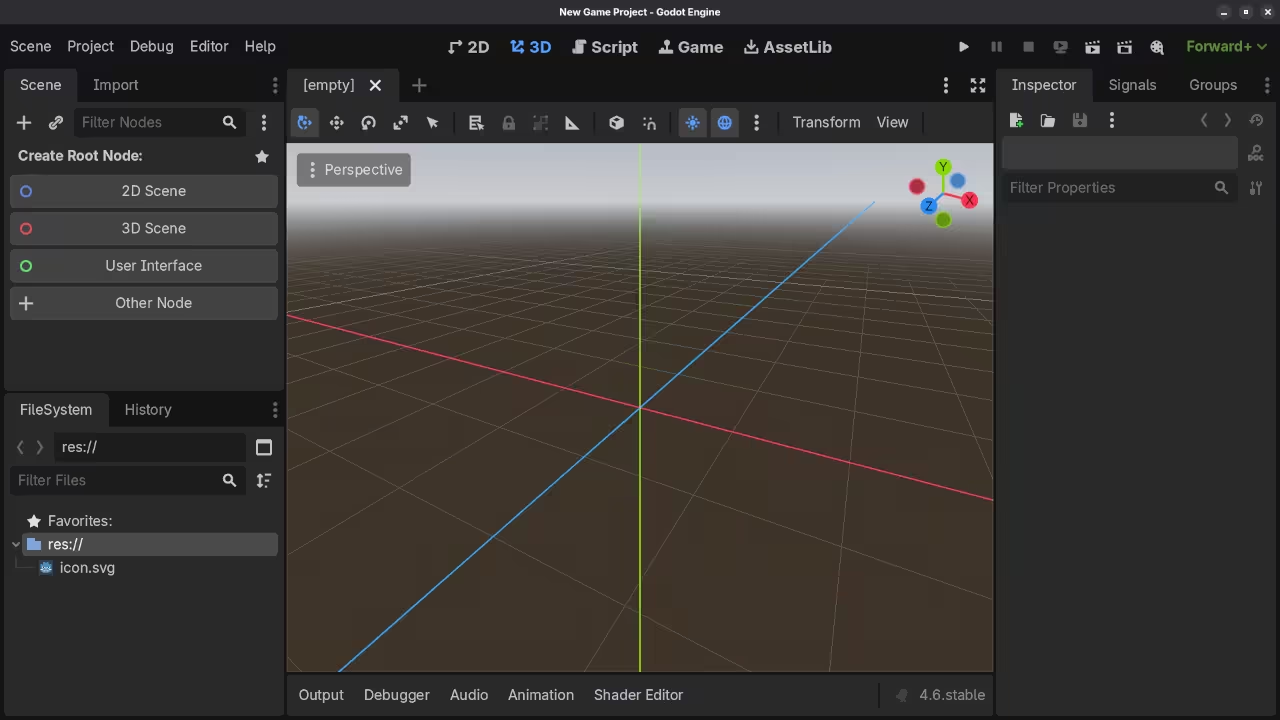
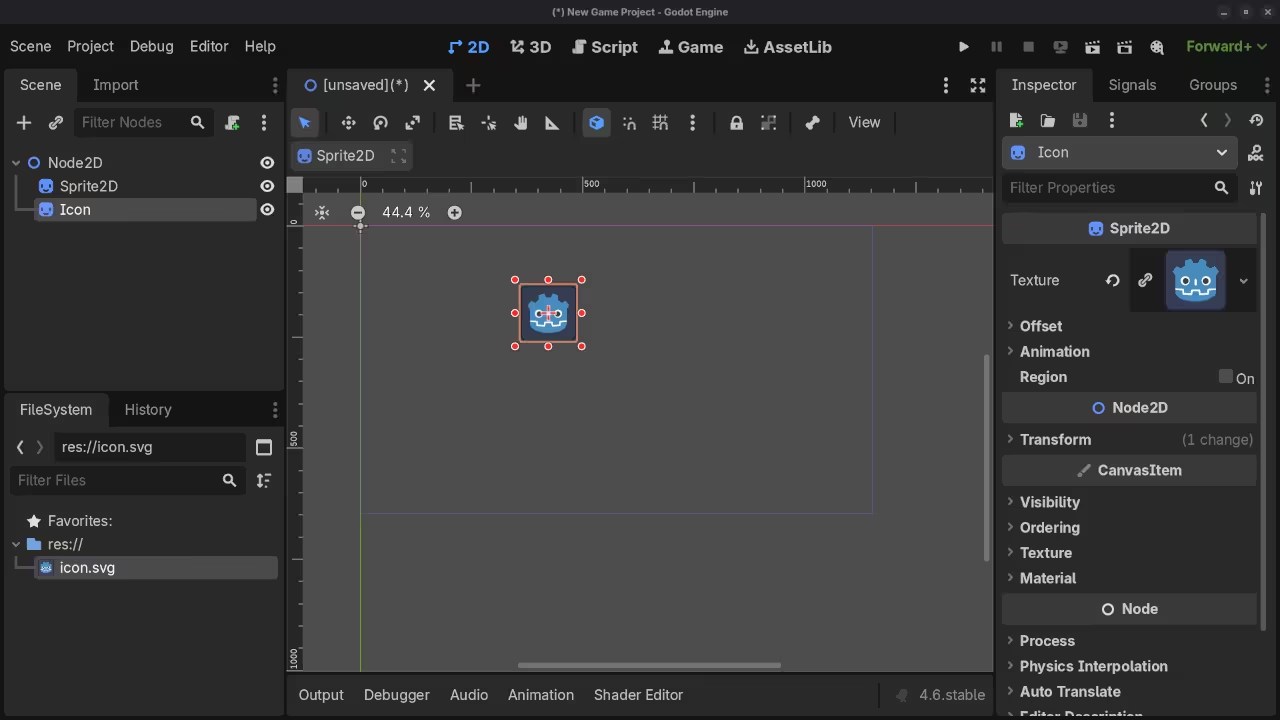
📷 Screenshots
🎬 Live YouTube Screencast
Take Your Skills Further
- Books: https://www.amazon.com/stores/Edward-Ojambo/author/B0D94QM76N
- Courses: https://ojamboshop.com/product-category/course
- Tutorials: https://ojambo.com/contact
- Consultations: https://ojamboservices.com/contact
🚀 Recommended Resources
Disclosure: Some of the links above are referral links. I may earn a commission if you make a purchase at no extra cost to you.