
Introduction
Every developer needs a way to run applications in isolated environments. You will likely choose between Podman and Docker for this specific task.
Both tools allow you to package software into small portable containers. These containers run consistently across different operating systems and cloud providers.
Architectural Differences Between Engines
Docker uses a central daemon to manage all your active containers. This background process requires root privileges to function on your system.
Podman operates without a daemon by using a fork-exec model instead. It runs containers as a standard user for better overall security.
Installation Guide for Multiple Platforms
You can install Docker on Windows by using the Desktop installer. macOS users should download the official DMG package from the website.
Fedora Linux users can install Docker using the dnf package manager. Simply run sudo dnf install docker-ce to get the latest version.
Installing Podman on Fedora is even easier than setting up Docker. You just run sudo dnf install podman to begin your journey.
Windows users can install Podman using the official MSI installer file. Use the brew command to install Podman on your Apple computer.
| Parameter | Description | Value |
|---|---|---|
| Architecture | How the tool manages processes | Daemonless vs Daemon |
| Root Access | Security level required for operation | Rootless Support |
| Parameter | Description | Value |
Managing Multiple Containers
Docker Compose helps you manage applications with multiple interconnected containers. You define your services inside a single YAML file for convenience.
Podman uses a tool called podman-compose to achieve similar results easily. It translates your Docker Compose files into Podman commands automatically now.
Understanding Pods and Groups
Podman introduces the concept of pods for grouping multiple containers together. These containers share the same network namespace and local storage resources.
Docker does not have a native pod concept for local development. You must use Kubernetes if you want to manage pods effectively.
User Experience and Interface
Beginners usually find the Docker Desktop interface very friendly and intuitive. Podman Desktop provides a similar graphical experience for all Linux users.
The command line interfaces for both tools are nearly identical today. You can often alias podman to docker without any functional issues.
Performance and Security Features
Performance is usually very similar between these two popular container engines. Podman might start slightly faster because it lacks a persistent daemon.
Docker has a larger community and more third-party integration tools available. Podman is gaining popularity rapidly due to its native Linux integration.
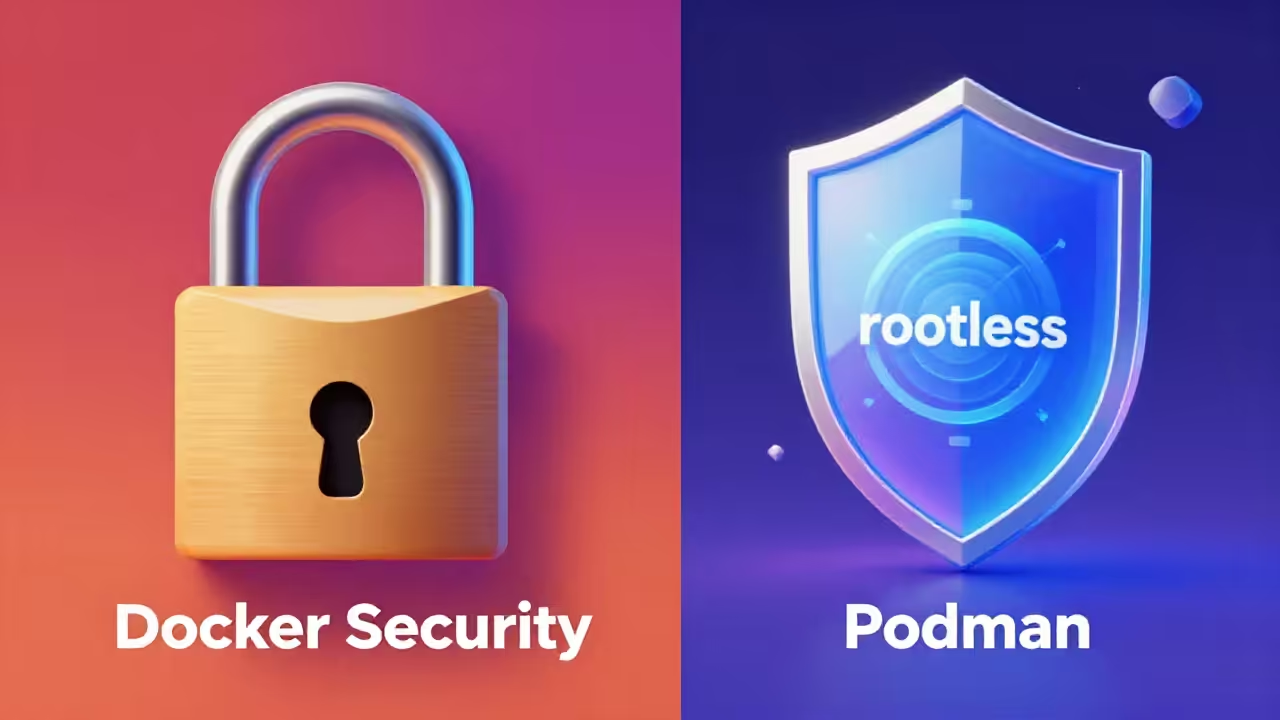
Security experts often prefer Podman for its excellent rootless container support. This feature prevents attackers from gaining root access to your host.
Docker recently added rootless mode to compete with Podman security features. Setting up rootless Docker requires more manual configuration on your system.
Screenshot
Live Screencast
Conclusion and Recommendations
Choose Docker if you need a mature ecosystem with extensive documentation. Select Podman if security and system integration are your main priorities.
Fedora users will find Podman works perfectly with their operating system. It comes pre-installed on many versions of the Fedora Workstation distribution.
You should try both tools to see which fits your workflow. Most container images will work perfectly on either engine without changes.
Take Your Skills Further
- Books: https://www.amazon.com/stores/Edward-Ojambo/author/B0D94QM76N
- Courses: https://ojamboshop.com/product-category/course
- Tutorials: https://ojambo.com/contact
- Consultations: https://ojamboservices.com/contact
🚀 Recommended Resources
Disclosure: Some of the links above are referral links. I may earn a commission if you make a purchase at no extra cost to you.