
Introduction
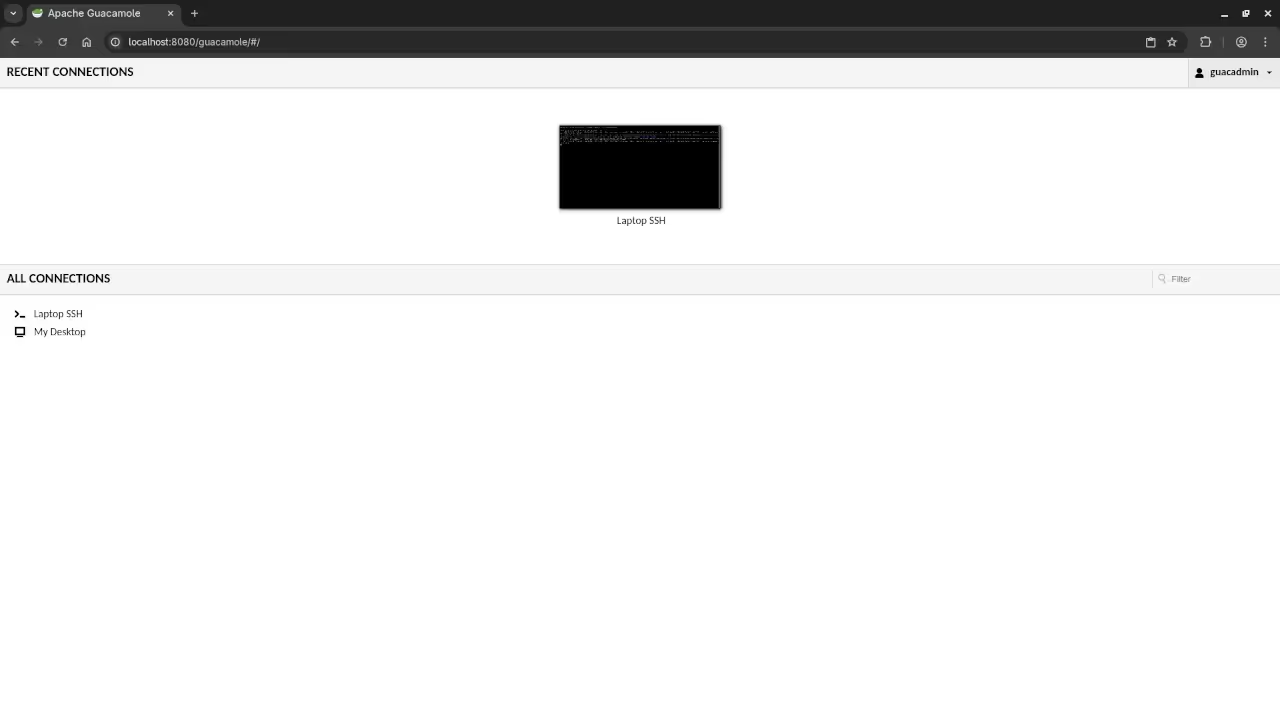
Apache Guacamole is a powerful remote desktop gateway. It allows you to access your computers from anywhere.
The software is famous for being completely clientless. You only need a modern web browser to connect.
Your Fedora Linux workstation acts as a perfect host. The installation process is stable and very efficient today.
Importance Of The Apache License
One major highlight is the Apache License 2.0. This license is a critical part of the software.
The license ensures the software remains free forever. You can modify the code for any specific project.
There are no hidden costs or royalty fees. This makes it ideal for personal and professional use.
The Apache License 2.0 also provides patent protection. This gives developers peace of mind when using it.
It encourages a transparent and collaborative development cycle. Users can contribute to the code base easily.
Supported Protocols And Performance
Guacamole supports standard protocols like RDP and VNC. It also handles SSH connections for terminal access.
The system translates these protocols into HTML5 data. This allows for smooth performance without any browser plugins.
Gateway Security Features
Security is a top priority for this gateway project. You can enable two factor authentication for every user.
It integrates easily with LDAP and standard SQL databases. This helps you manage many users from one place.
You can even record sessions for security auditing. This feature is built directly into the server backend.
Admins can monitor active connections in real time. You can disconnect any user with a single click.
User Experience And Interface
The interface is very clean and easy to navigate. You can switch between different remote desktops instantly.
Remote work is much simpler with this gateway installed. You can control your home lab from any location.
The community provides excellent support and detailed manuals. You will find help for any setup issues online.
Server Setup Components
Apache Guacamole is the best choice for remote access. Start your own self hosted gateway on Fedora now.
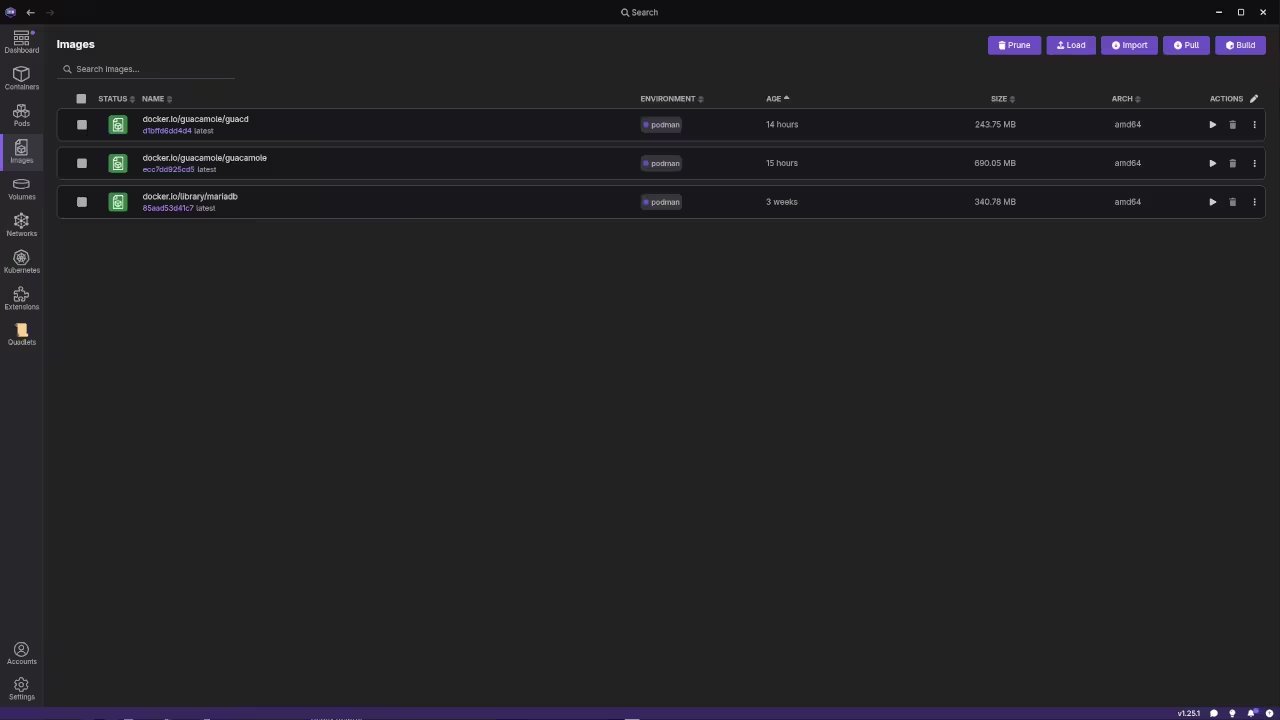
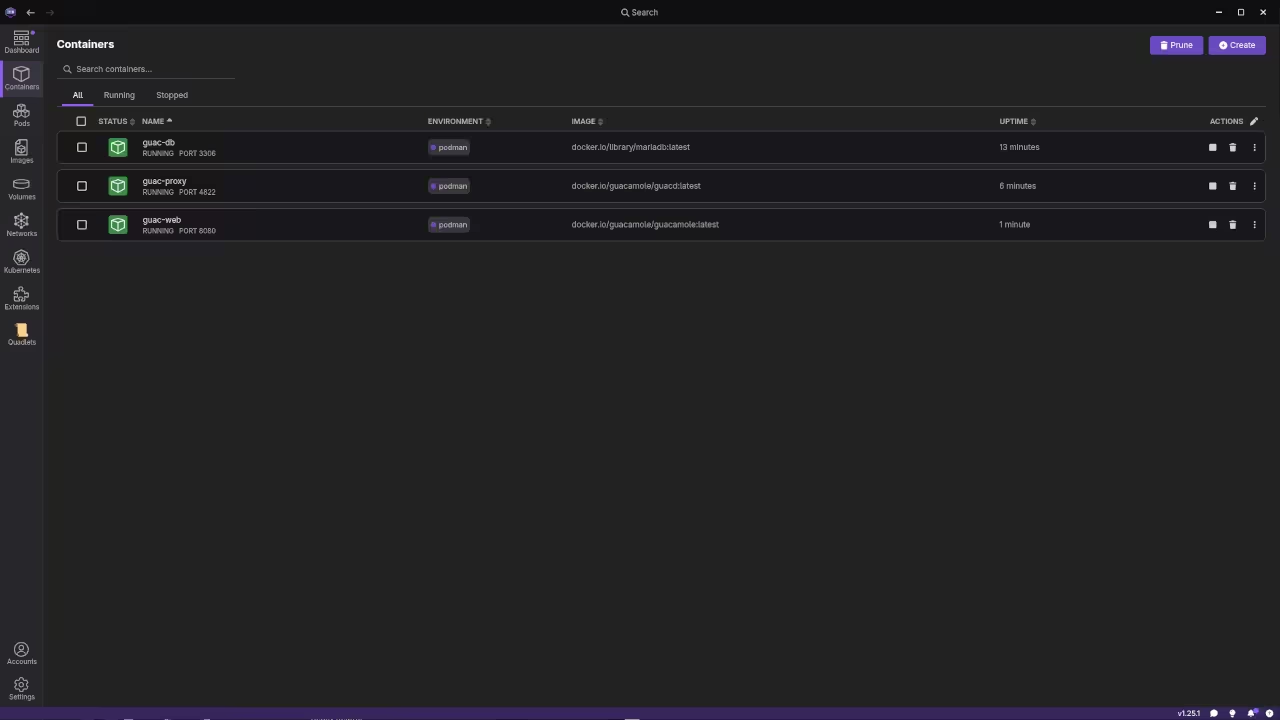
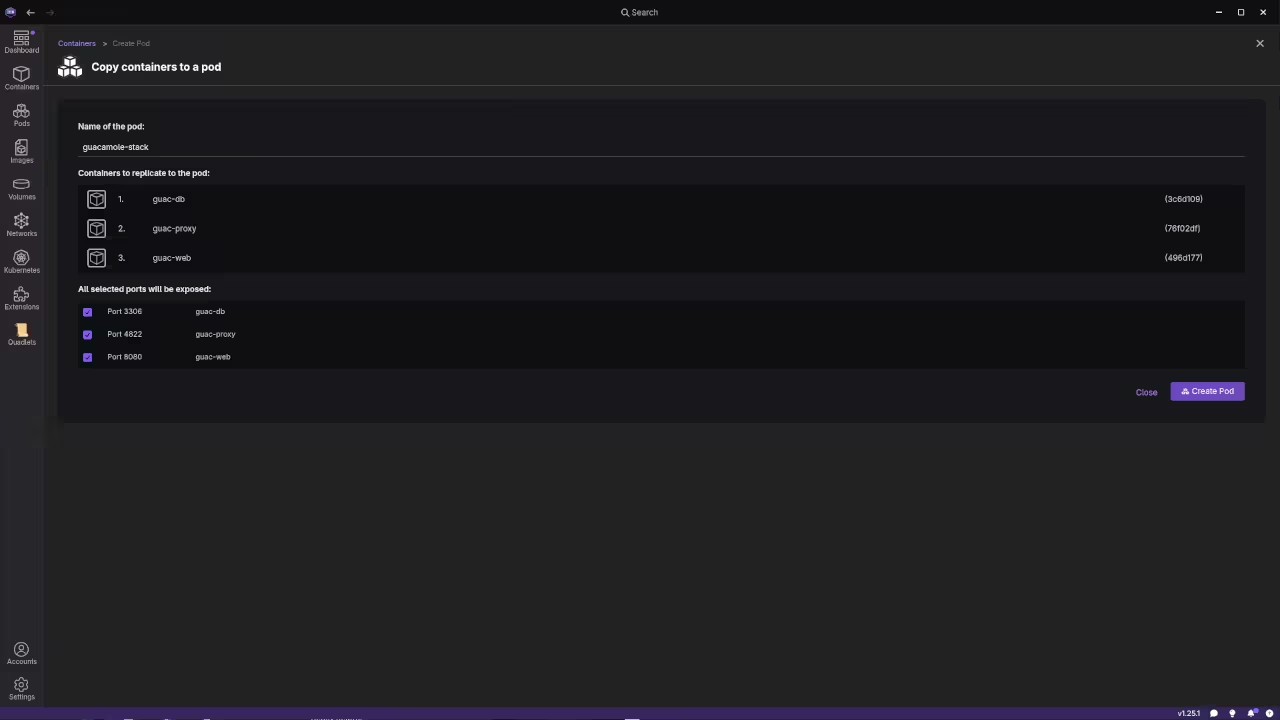
The installation involves setting up the guacd proxy service. You also need a Java based servlet container.
Apache Tomcat is the most common choice for this. It serves the web application to your local network.
Advanced Capabilities
You can customize the branding of the login page. This allows you to match your own corporate identity.
The software handles high resolution displays with very low latency. It is even capable of playing remote video smoothly.
File transfers work through a simple drag and drop. You can move documents between your local and remote machines.
The on screen keyboard allows for mobile tablet use. You can type and control your mouse using touch.
Cloud deployments are very popular for this specific tool. It provides a secure bridge to your private network.
This project is a true leader in the industry. It proves that open source tools can beat proprietary ones.
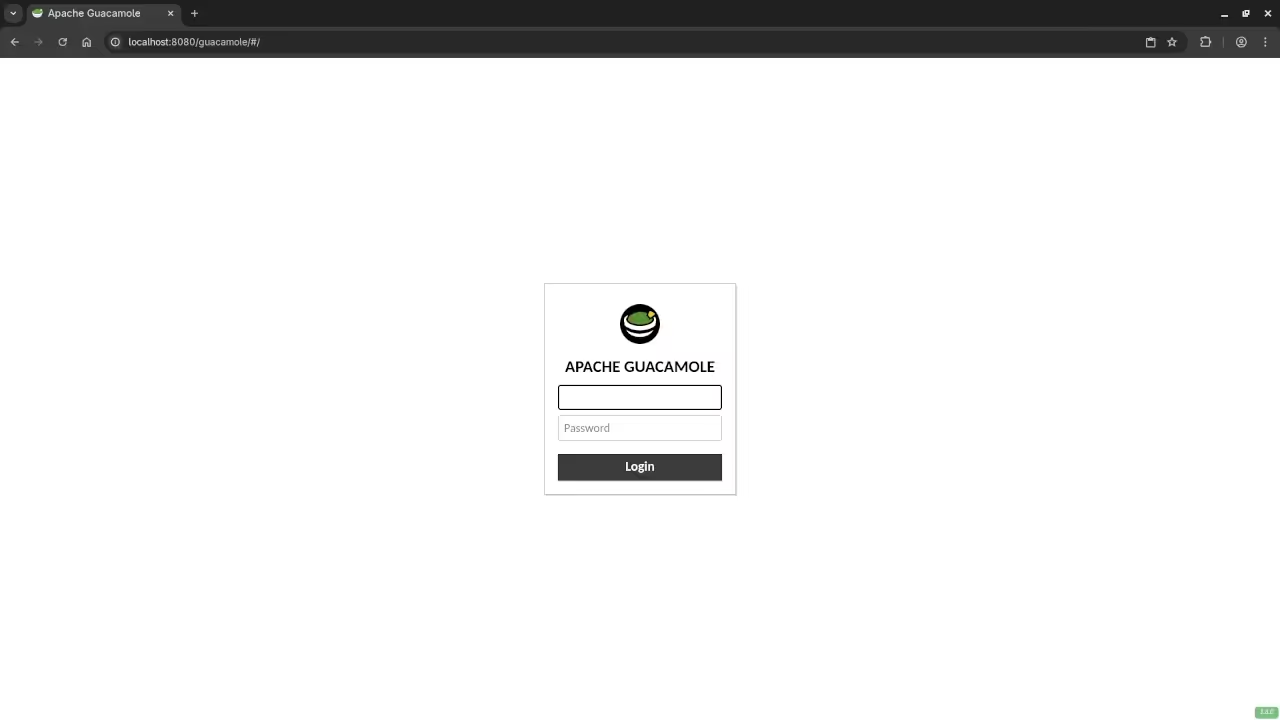
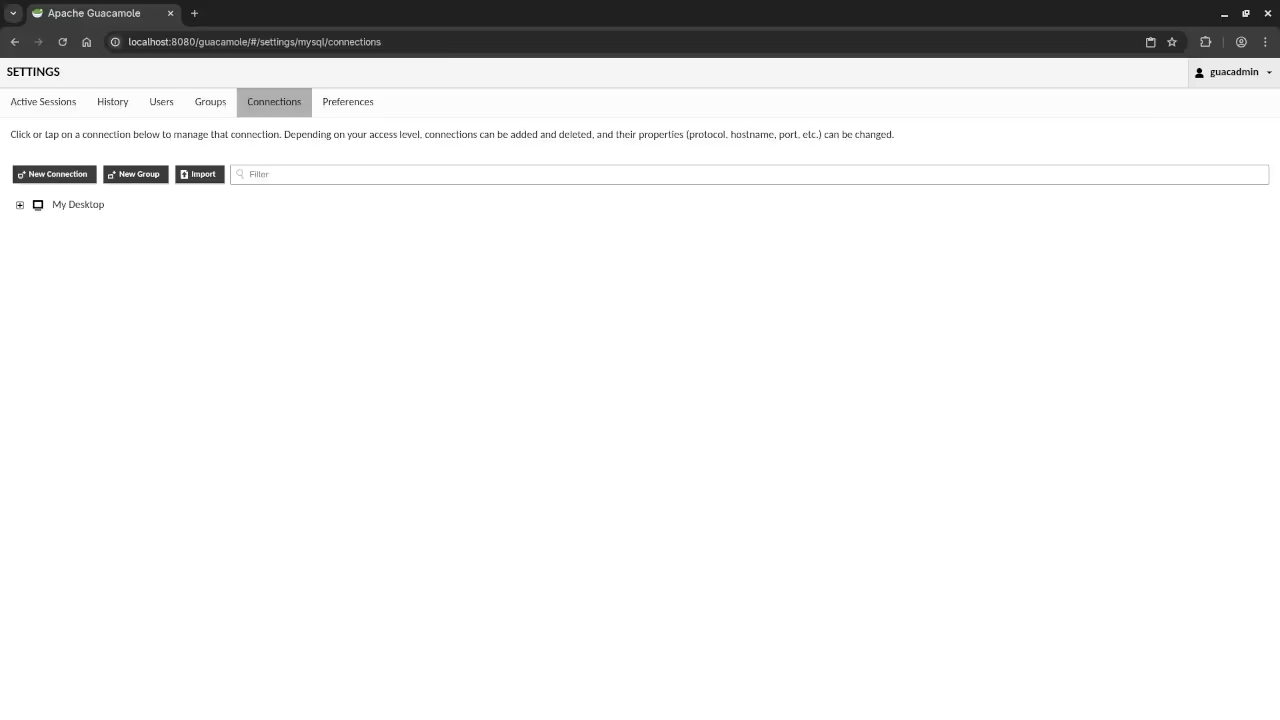
📷 Screenshots
🎬 Live YouTube Screencast
Take Your Skills Further
- Books: https://www.amazon.com/stores/Edward-Ojambo/author/B0D94QM76N
- Courses: https://ojamboshop.com/product-category/course
- Tutorials: https://ojambo.com/contact
- Consultations: https://ojamboservices.com/contact
🚀 Recommended Resources
Disclosure: Some of the links above are referral links. I may earn a commission if you make a purchase at no extra cost to you.