
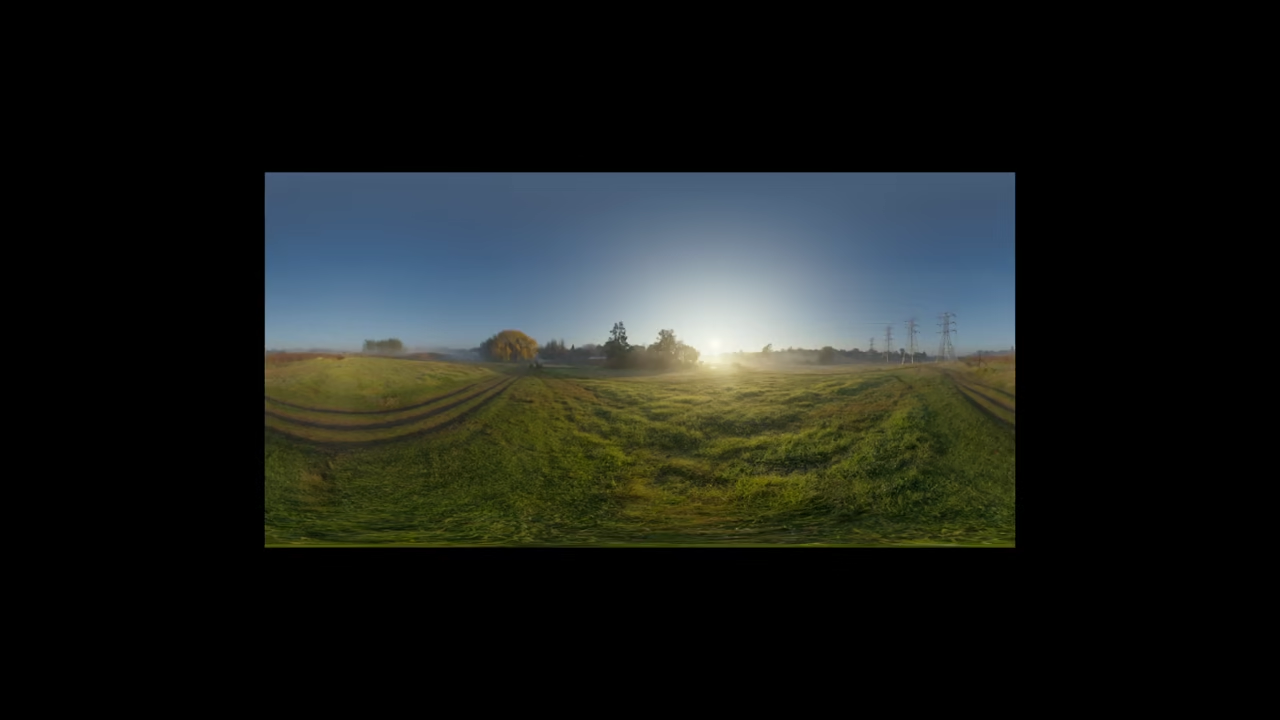
Beginner Guide to HTML5 3D HDR Image Slideshows Using Three.js
Creating immersive 3D experiences on the web is now easier than ever thanks to HTML5 and Three.js. In this beginner level tutorial we will explore how you can build a simple 3D HDR image slideshow that runs directly in the browser. This post is designed for developers who are new to 3D graphics but already have basic knowledge of HTML and JavaScript.
What Is an HTML5 3D HDR Image Slideshow
An HDR image slideshow uses high quality images with realistic lighting and reflections. When combined with Three.js you can
- Display images inside a 3D environment
- Add smooth camera movement and transitions
- Create depth lighting and realism using WebGL
- Run everything directly in modern browsers
This makes it perfect for portfolios product showcases virtual galleries and interactive storytelling.
Why Use Three.js
Three.js is a popular JavaScript library that simplifies working with WebGL. Instead of writing complex shader code Three.js gives you easy to use objects like
- Scenes
- Cameras
- Lights
- Textures
- Meshes
License: Three.js is open source and released under the MIT License which means you can freely use it in personal and commercial projects.
Basic Concept Behind the Slideshow
At a high level a 3D HDR slideshow using Three.js follows these steps
- Create a scene and camera
- Load HDR or high quality images as textures
- Apply images to planes or 3D objects
- Animate transitions between images
- Render everything in real time
Even with minimal code you can achieve impressive visual results.
Beginner Level Three.js HDR Image Slideshow Code
<!-- Include Three.js from CDN -->
<script src="https://cdnjs.cloudflare.com/ajax/libs/three.js/r152/three.min.js"></script>
<script src="https://cdn.jsdelivr.net/npm/three@0.152.0/examples/js/loaders/RGBELoader.js"></script>
<div id="slideshow" style="width:100%; height:500px;"></div>
<script>
// Step 1: Setup scene, camera, and renderer
const scene = new THREE.Scene();
const camera = new THREE.PerspectiveCamera(
75,
window.innerWidth / 500,
0.1,
1000
);
camera.position.z = 5;
const renderer = new THREE.WebGLRenderer({ antialias: true });
renderer.setSize(window.innerWidth, 500);
document.getElementById("slideshow").appendChild(renderer.domElement);
// Step 2: Load HDR image textures
const hdrLoader = new THREE.RGBELoader();
const images = [
'path/to/your-image1.hdr',
'path/to/your-image2.hdr',
'path/to/your-image3.hdr'
];
let currentImageIndex = 0;
let material, mesh;
function loadImage(index) {
hdrLoader.load(images[index], function(texture) {
texture.mapping = THREE.EquirectangularReflectionMapping;
// Remove previous mesh if exists
if (mesh) scene.remove(mesh);
material = new THREE.MeshBasicMaterial({ map: texture });
const geometry = new THREE.PlaneGeometry(5, 3);
mesh = new THREE.Mesh(geometry, material);
scene.add(mesh);
});
}
loadImage(currentImageIndex);
// Step 3: Animate slideshow
function animate() {
requestAnimationFrame(animate);
renderer.render(scene, camera);
}
animate();
// Step 4: Change image every 5 seconds
setInterval(() => {
currentImageIndex = (currentImageIndex + 1) % images.length;
loadImage(currentImageIndex);
}, 5000);
// Step 5: Handle window resize
window.addEventListener('resize', () => {
camera.aspect = window.innerWidth / 500;
camera.updateProjectionMatrix();
renderer.setSize(window.innerWidth, 500);
});
</script>
Consolidated Demo
Screenshot
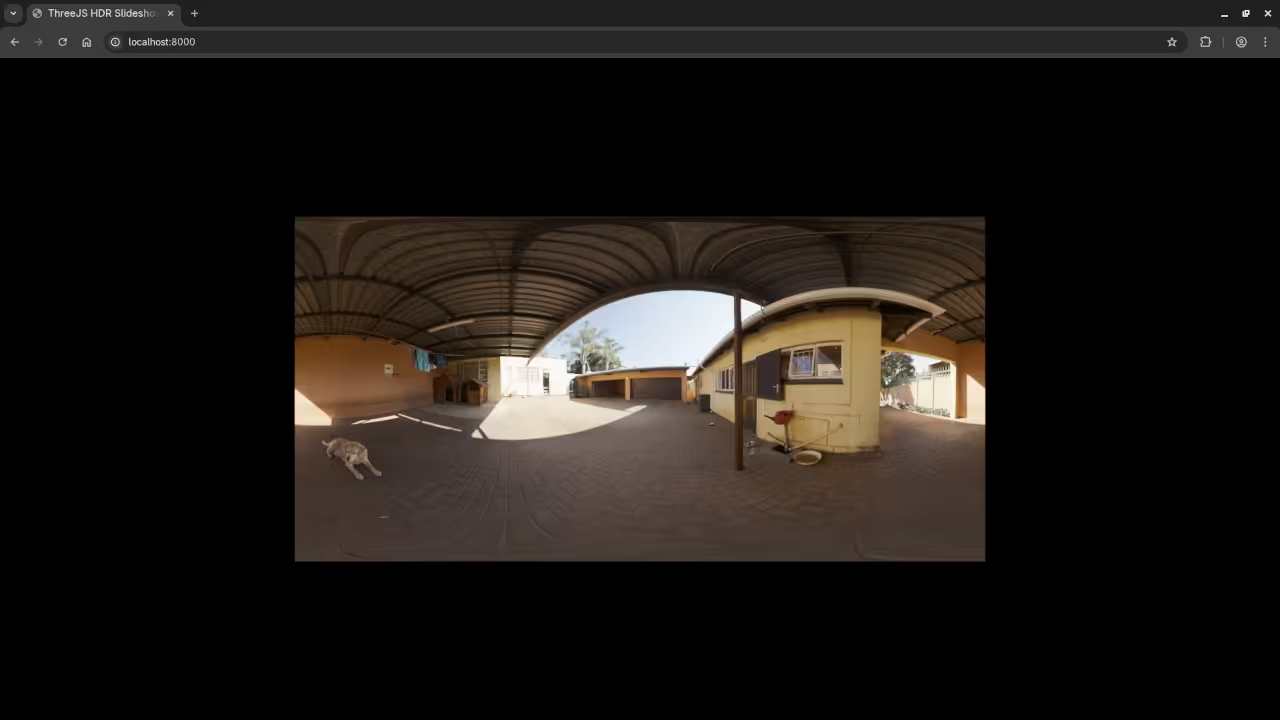
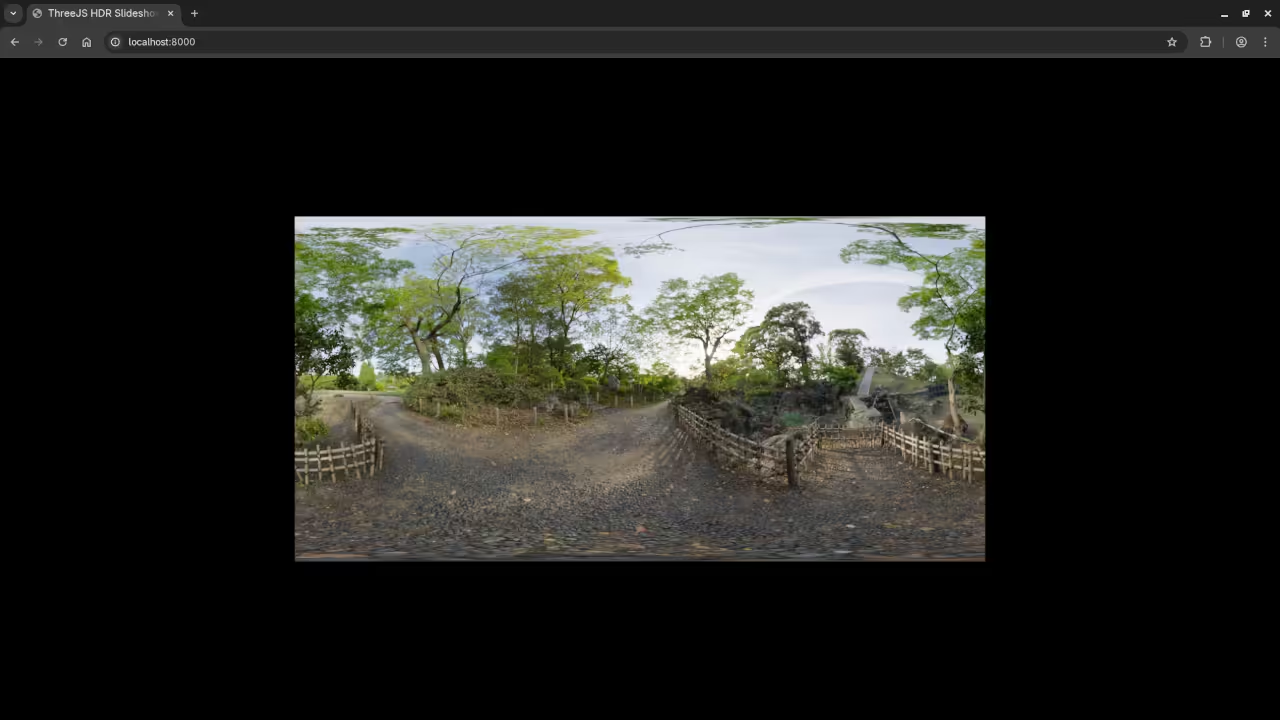
Live Screencast
Learning JavaScript for 3D Web Development
If you want to strengthen your JavaScript foundation before diving deeper into Three.js I recommend my book
JavaScript Course for Beginners
You can also enroll in my step by step course
Learning JavaScript Online Course
One on One Programming Tutorials
Need personalized help or want to build a custom 3D project
I am available for one on one programming tutorials including JavaScript and web development
Final Thoughts
HTML5 and Three.js open the door to powerful 3D visuals on the web. A 3D HDR image slideshow is a great beginner project that helps you learn
- JavaScript animation
- WebGL concepts
- 3D scene structure
- Interactive design
With consistent practice you will soon be creating advanced 3D web experiences.
🚀 Recommended Resources
Disclosure: Some of the links above are referral links. I may earn a commission if you make a purchase at no extra cost to you.