
Getting Started with Qwen2.5-Coder 7B: Running an Open WebUI Chatbot Using the Ollama Backend
Introduction
Hello everyone! Welcome to my beginner-level blog post on setting up Qwen2.5-Coder 7B, an advanced language model running in the Open WebUI using the Ollama backend. This setup is perfect for developers looking to experiment with AI models without the heavy lifting of building them from scratch.
What is Qwen2.5-Coder 7B?
Qwen2.5-Coder 7B is a powerful language model designed specifically for developers and coders. It’s an open-source project, which means that its source code is freely available for anyone to review, modify, or use in their projects.
How Does it Work?
Qwen2.5-Coder 7B runs in the Open WebUI, a user-friendly interface that allows you to interact with your AI model directly from your web browser. The Ollama backend provides the computational power needed to run such an advanced model efficiently.
Apache License 2.0 – Key Features
The Apache License 2.0 is one of the most permissive open-source licenses. It allows anyone to use, modify, and distribute the software without paying licensing fees. Here are some key features of this license:
- Free Use: You can use Qwen2.5-Coder 7B for any purpose, including commercial applications.
- Modifications: You can modify the source code as much as you need.
- Distribution: You can distribute the software and modified versions to others.
- Attribution: While not mandatory, it’s recommended that you include the original copyright notice and license in any copies or distributions.
Setting Up Qwen2.5-Coder 7B
Setting up Qwen2.5-Coder 7B is straightforward with Open WebUI. Here’s a quick guide:
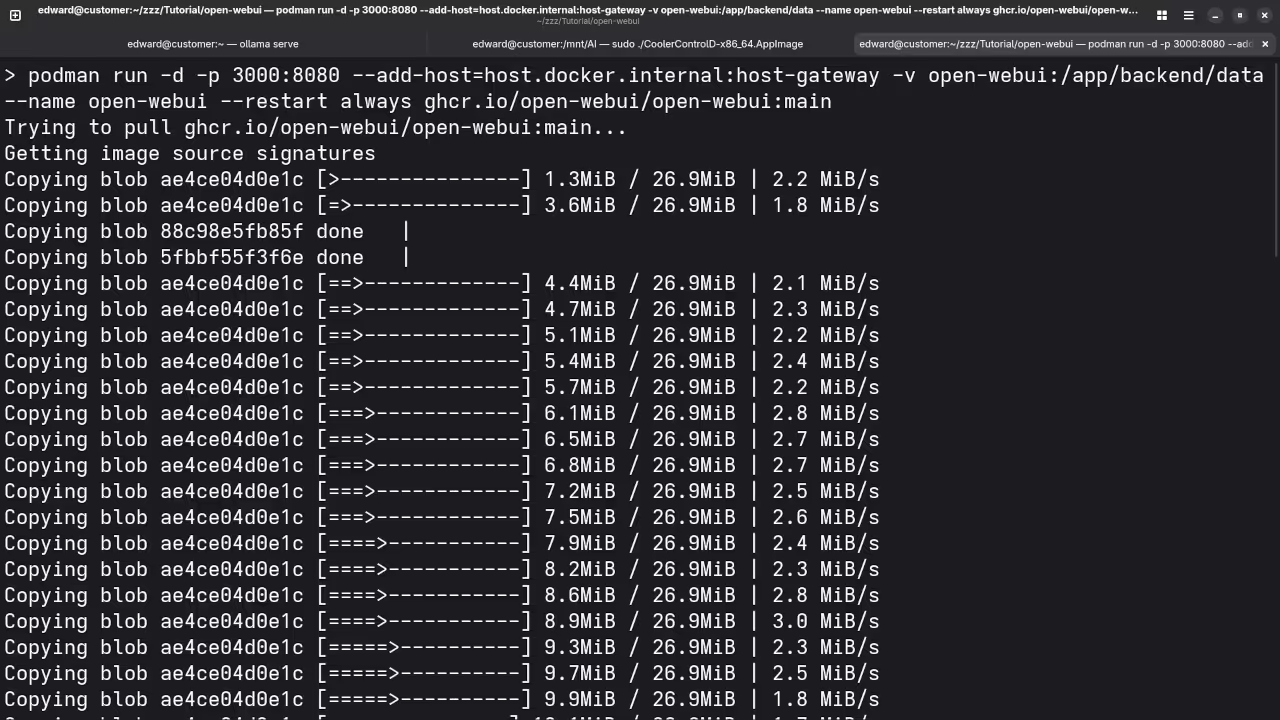
- Install Open WebUI: Follow the installation instructions provided on the Open WebUI GitHub page.
- Add Qwen2.5-Coder 7B: Download and configure Qwen2.5-Coder 7B following the Ollama backend documentation.
- Run Qwen2.5-Coder 7B in Open WebUI: Start the Open WebUI interface and connect to your Qwen2.5-Coder 7B model.
Screenshots and Screencast
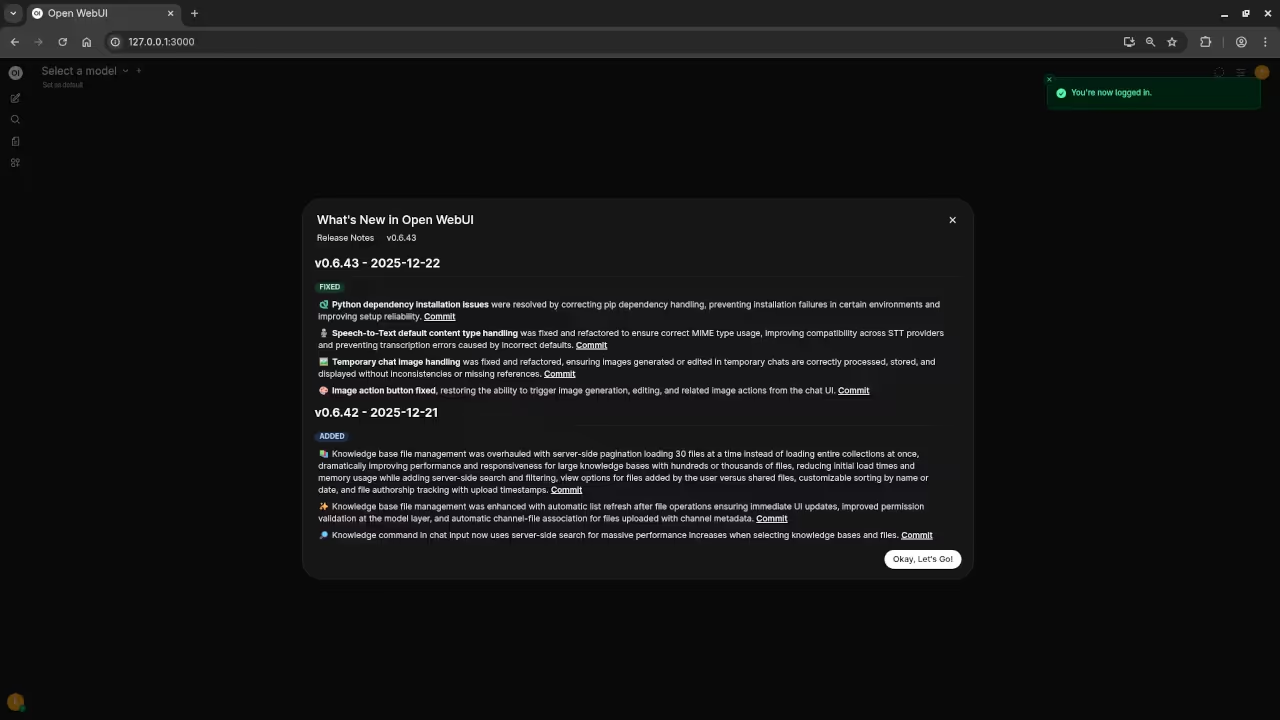
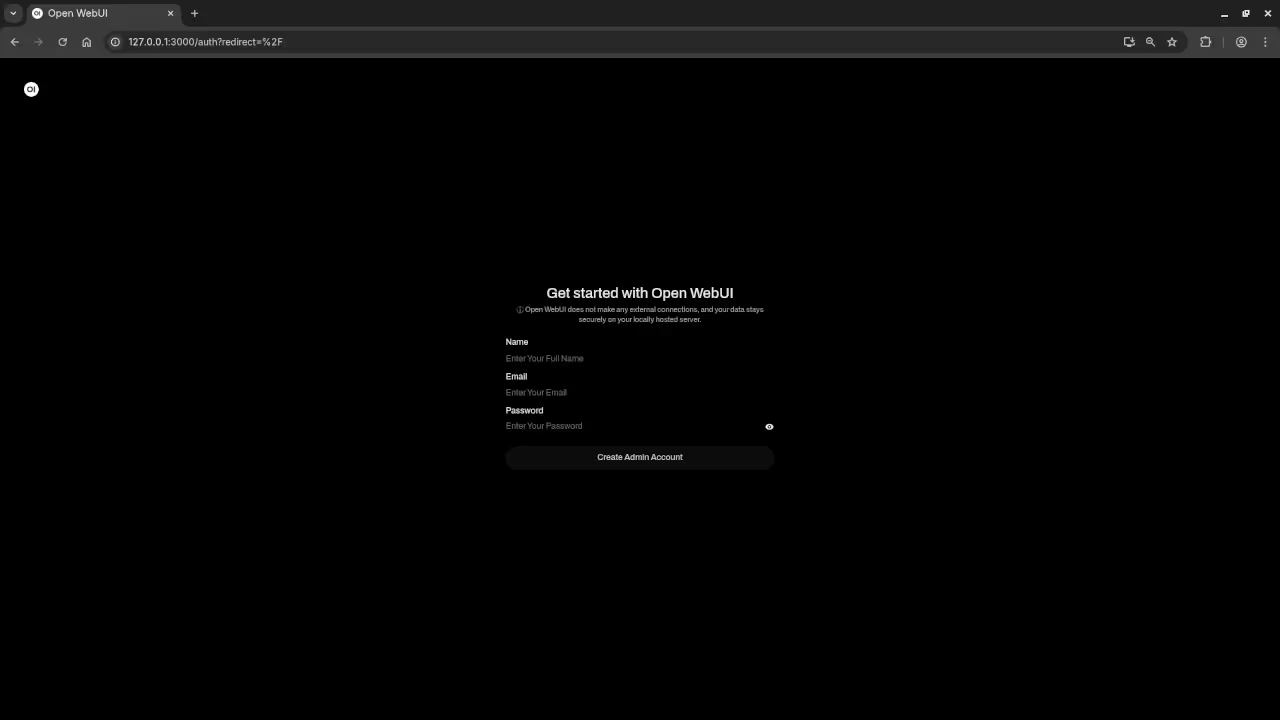
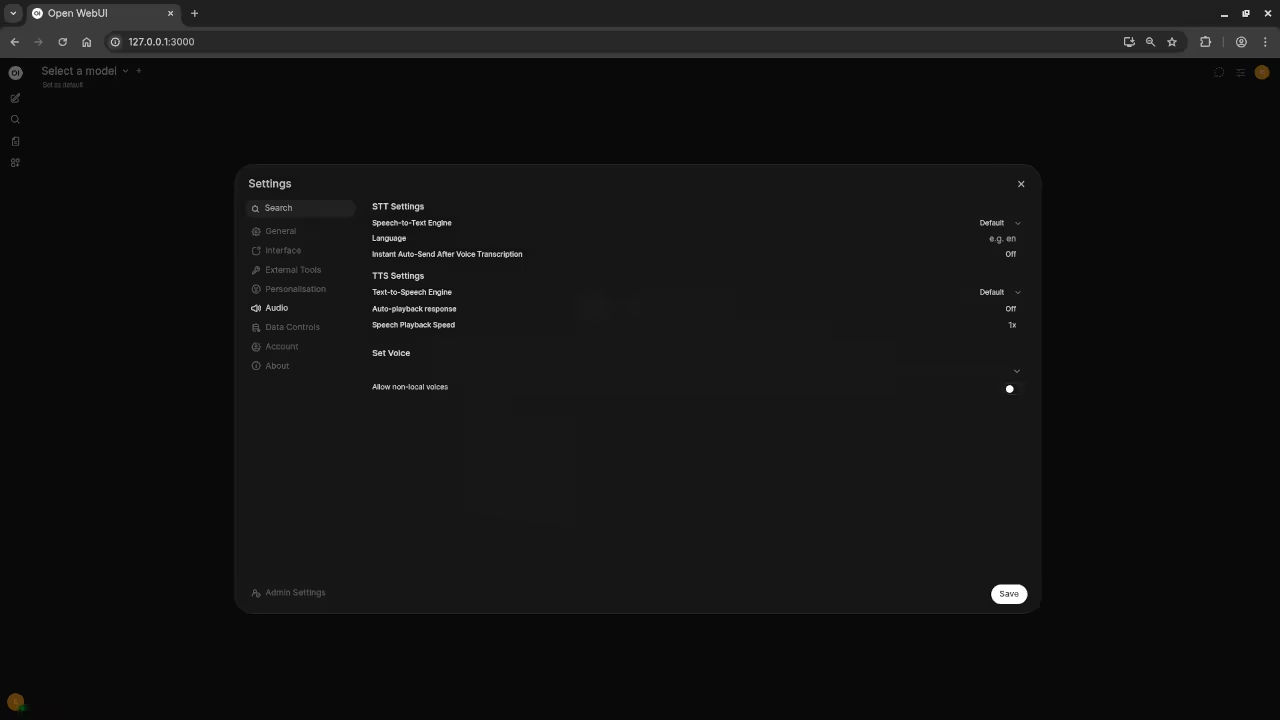
Here’s where you’ll find a visual walkthrough of setting up Qwen2.5-Coder 7B using Open WebUI And Ollama on your local system:
Results:
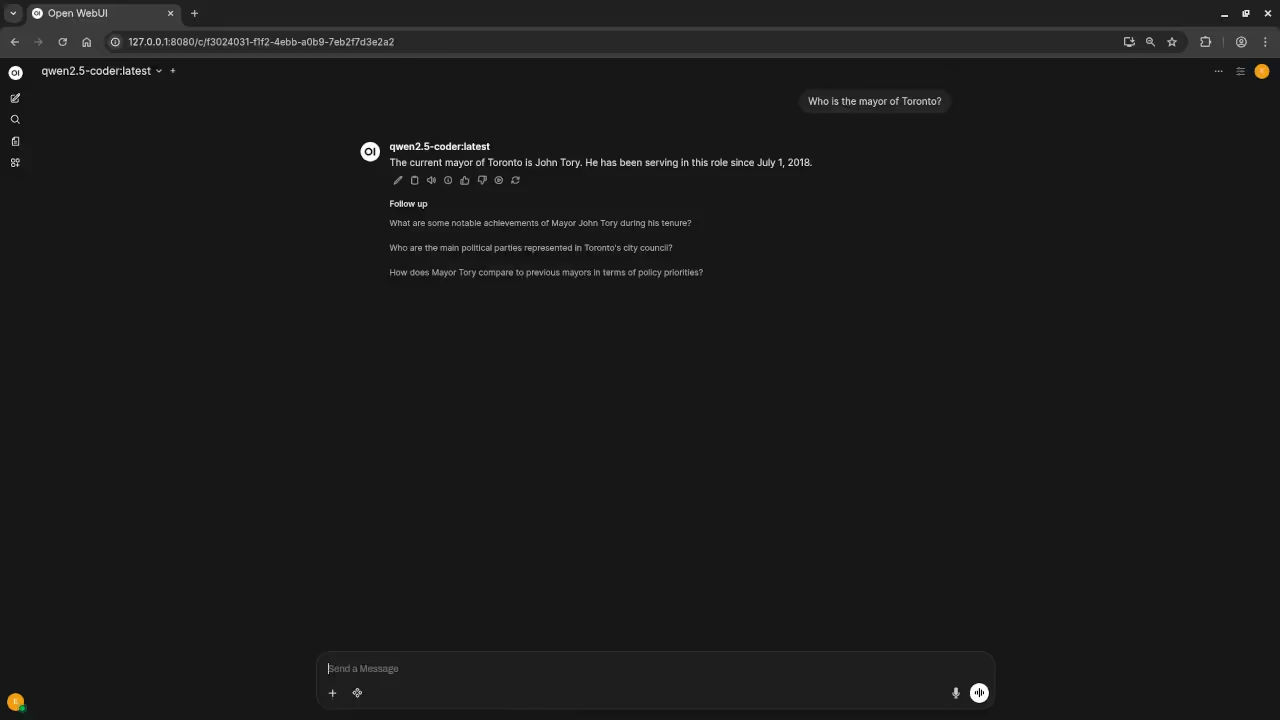
Who is the mayor of Toronto?
Produced inaccurate current answer to Olivia Chow as the mayor of Toronto.
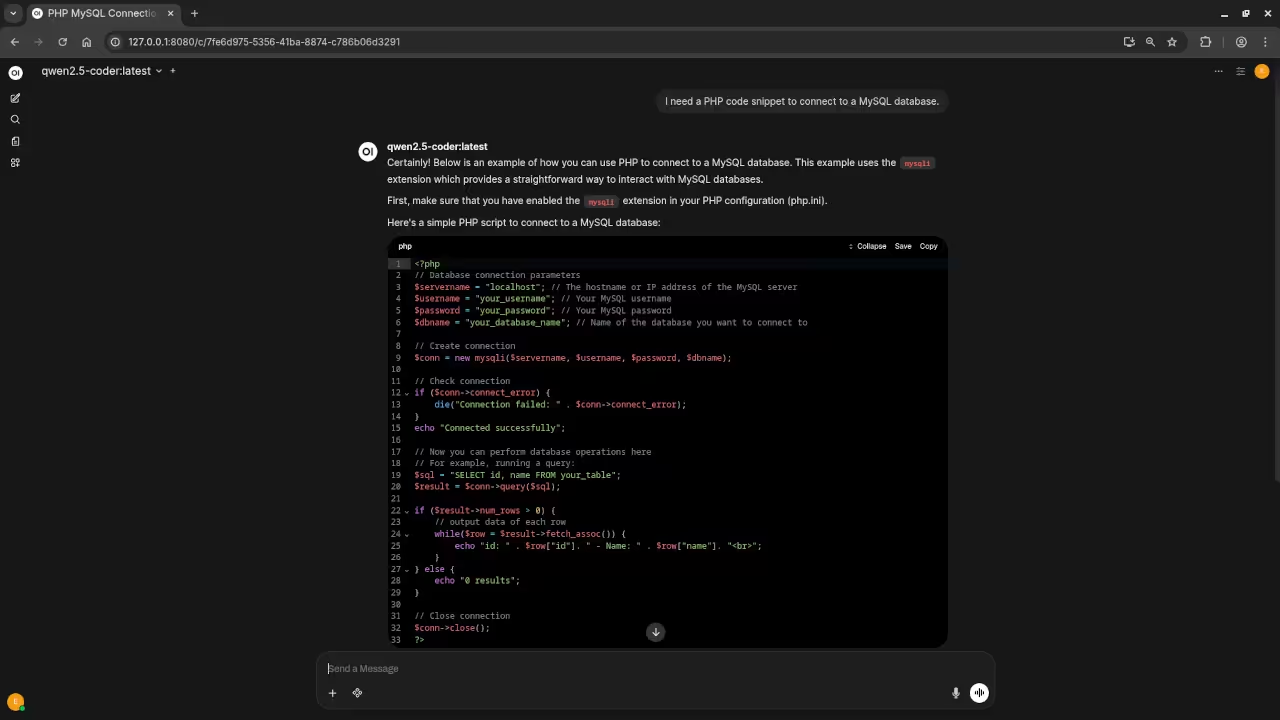
I need a PHP code snippet to connect to a MySQL database.
Produced accurate PHP code snippet to connect to a MySQL database.
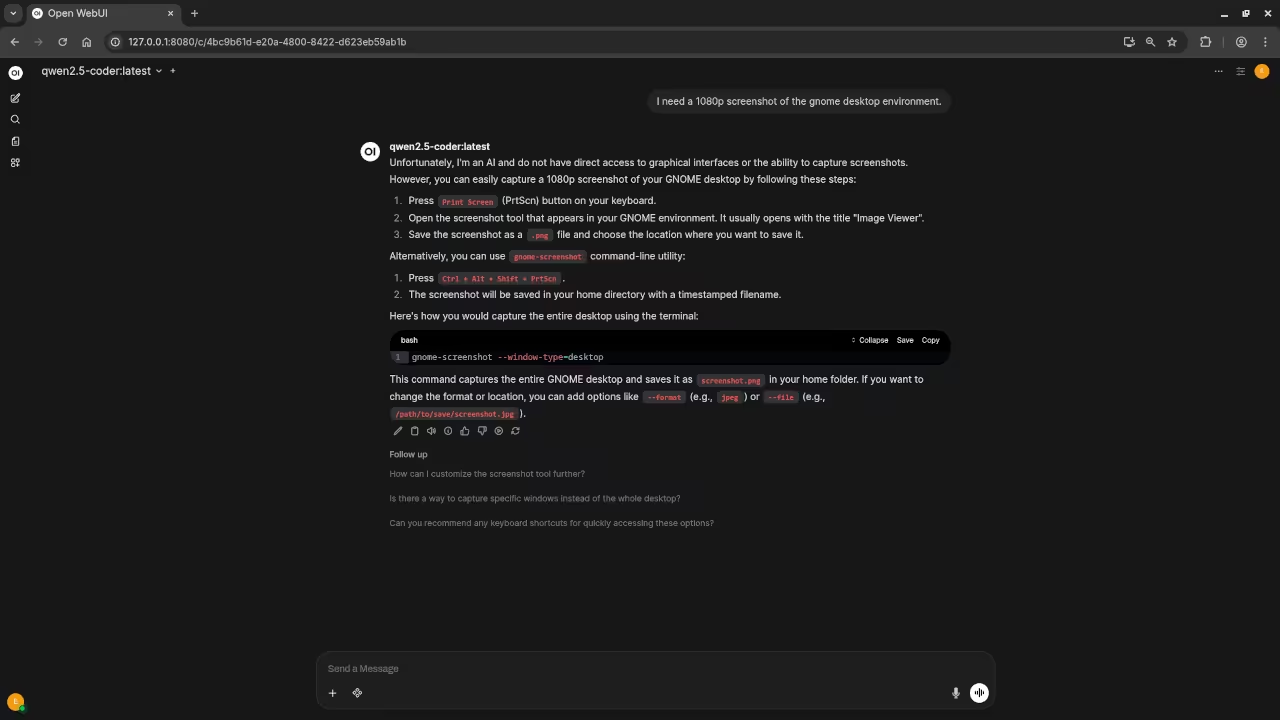
I need a 1080p screenshot of the gnome desktop environment.
Accurately provided instructions to generate a 1080p screenshot of Gnome desktop environment because it is a text-based AI lacking ability.
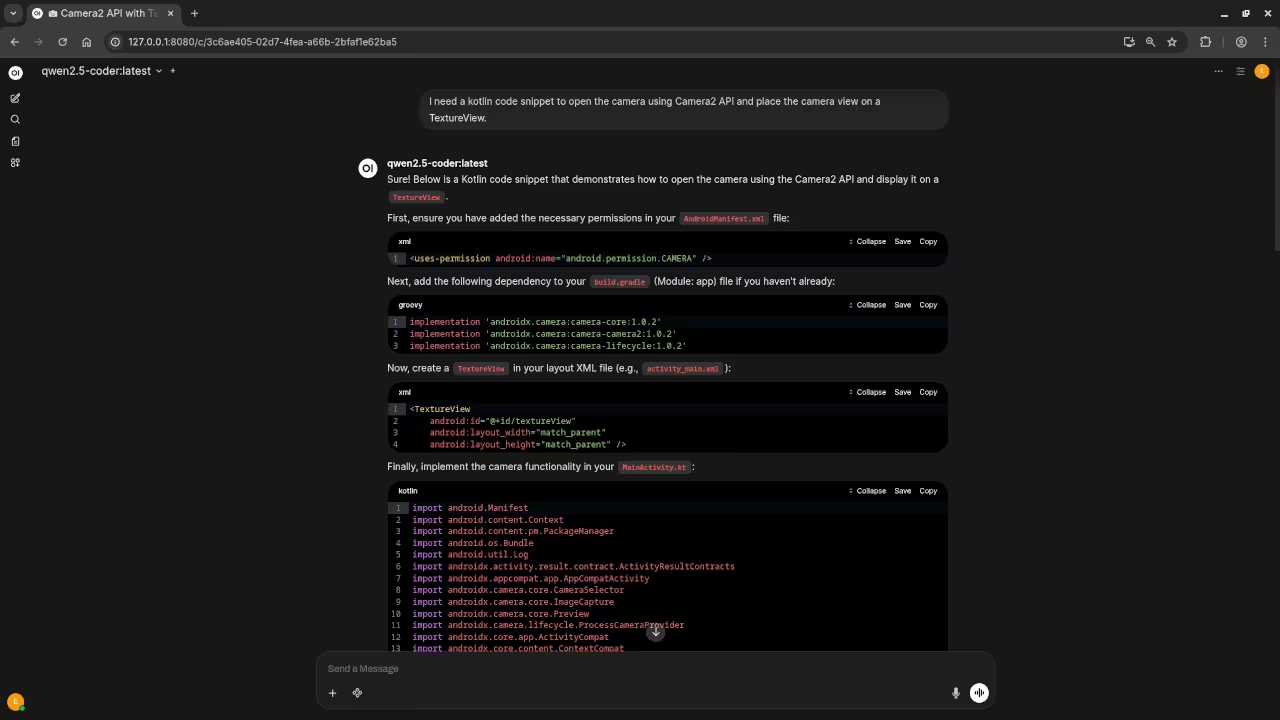
I need a kotlin code snippet to open the camera using Camera2 API and place the camera view on a TextureView.
Produced untested Kotlin code snippet.
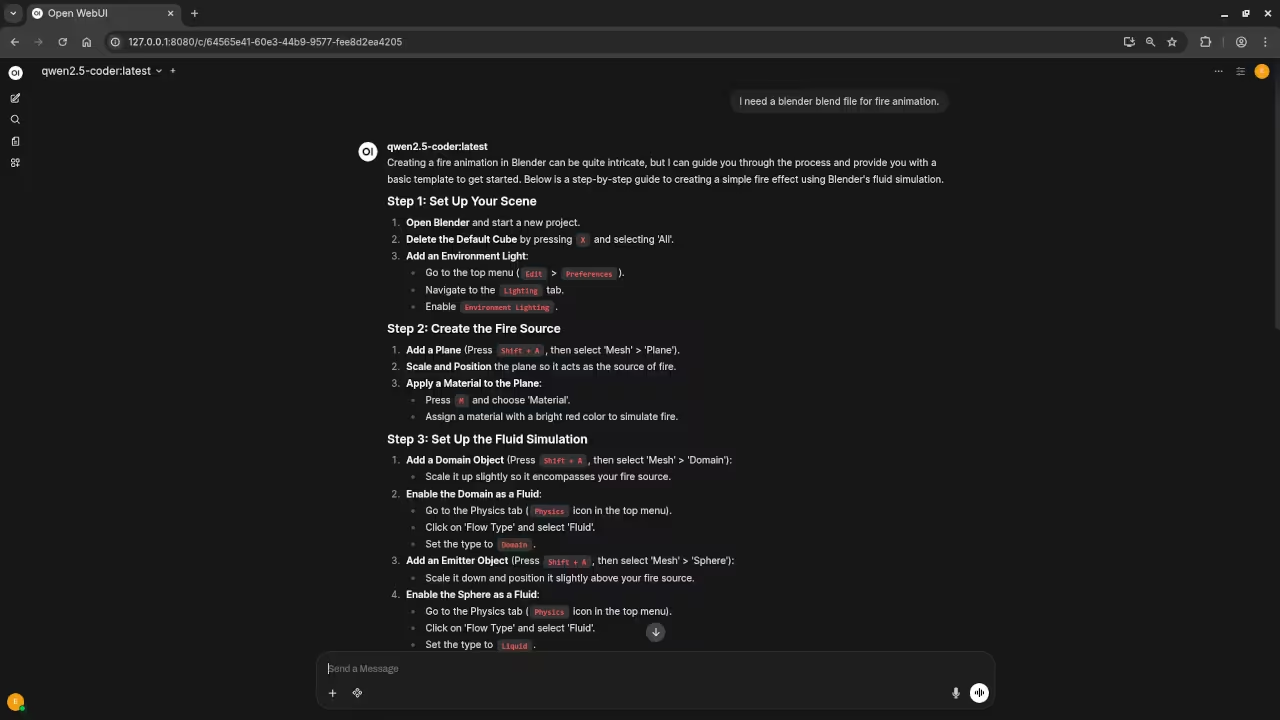
I need a blender blend file for fire animation.
Produced outdated instructions for generating a fire animation.
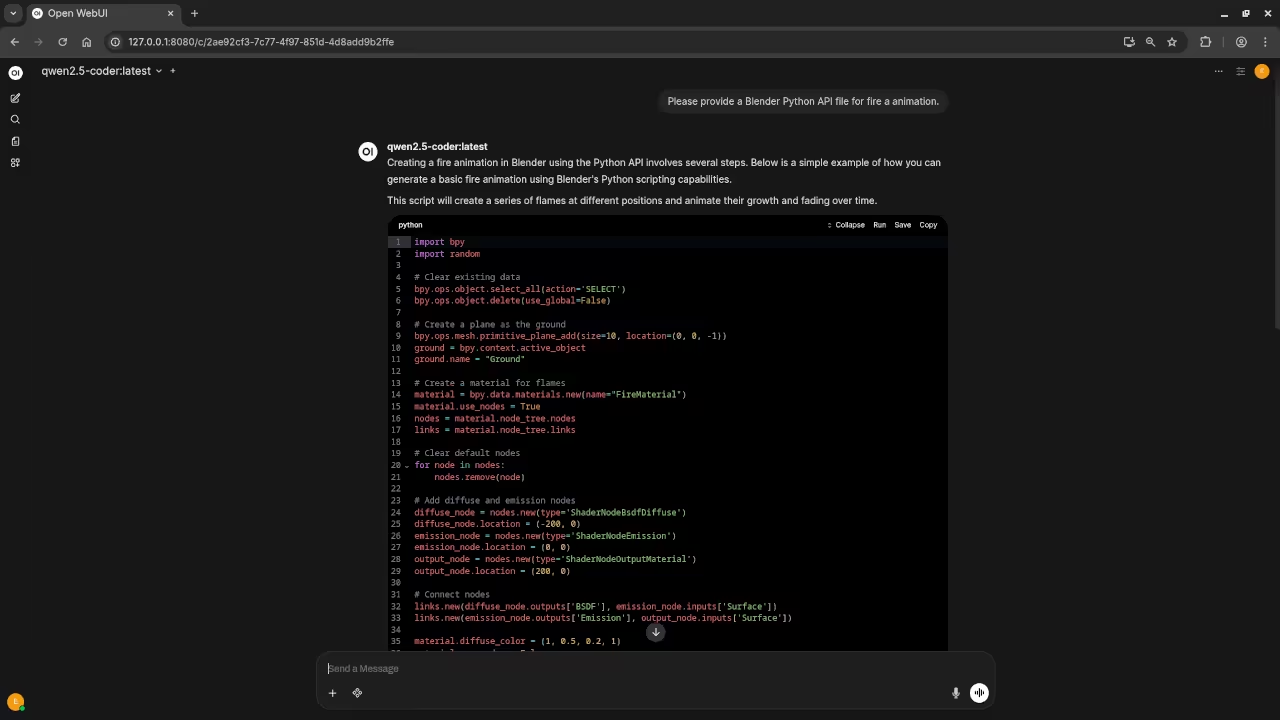
Please provide a Blender Python API file for fire a animation.
Produced untested Blender Python API code snippet.
Additional Resources
If you’re interested in learning more about Python programming, here are some resources to help you get started:
One-on-One Online Tutorials
For personalized learning and support, I offer one-on-one online Python tutorials. Click here to get in touch.
Migration Services
If you need help installing Qwen2.5-Coder 7B or migrating it to your environment, feel free to contact my services at Ojamboservices.com.
🚀 Recommended Resources
Disclosure: Some of the links above are referral links. I may earn a commission if you make a purchase at no extra cost to you.