Java Game Framework jMonkeyEngine

3D Game Engine Setup in Minutes

Live stream set for 2026-01-04 at 14:00:00 Eastern

Ask questions in the live chat about any programming or lifestyle topic.

This livestream will be on YouTube or you can watch below.

Getting Started with JMonkeyEngine on Fedora Linux

JMonkeyEngine (JME) is a free open source 3D game engine written in Java. It is licensed under the BSD 3-Clause License which allows you to use modify and distribute the engine with minimal restrictions.

License

License Type Key Permissions
BSD 3-Clause Permissive open source Commercial use modification distribution private use

Installing JMonkeyEngine

Fedora Linux

# Enable the RPM Fusion free repository (if not already enabled)
sudo dnf install https://download1.rpmfusion.org/free/fedora/rpmfusion-free-release-$(rpm -E %fedora).noarch.rpm

# Install Java (OpenJDK 11 or newer)
sudo dnf install java-11-openjdk-devel

# Download the latest JME SDK zip from https://github.com/jMonkeyEngine/sdk/releases
wget https://github.com/jMonkeyEngine/sdk/releases/download/v3.8.0/jmonkeyplatform-3.8.0.zip

# Unzip to your home directory
unzip jmonkeyplatform-3.8.0.zip -d ~/jmonkeyengine

# Make the launcher executable
chmod +x ~/jmonkeyengine/jmonkeyplatform

# Run the SDK
~/jmonkeyengine/jmonkeyplatform

Maven Gradle (custom projects)

# Example Maven dependency (add to pom.xml)
<dependency>
    <groupId>org.jmonkeyengine</groupId>
    <artifactId>jme3-core</artifactId>
    <version>3.8.0-stable</version>
</dependency>

Other Platforms

Platform Steps
Windows Install Java download the SDK zip unzip run jmonkeyplatform.exe
macOS Install Homebrew brew install openjdk@11 download SDK unzip run jmonkeyplatform.app
Ubuntu Debian sudo apt install openjdk-11-jdk download SDK unzip run the launcher script

First Project Walkthrough (Fedora)

  1. Open the JME SDK.
  2. Choose File > New Project > Basic Game.
  3. Name the project MyFirstJMEGame and click Finish.
  4. Press Run (green triangle) to launch the default demo.

📷 Screenshots
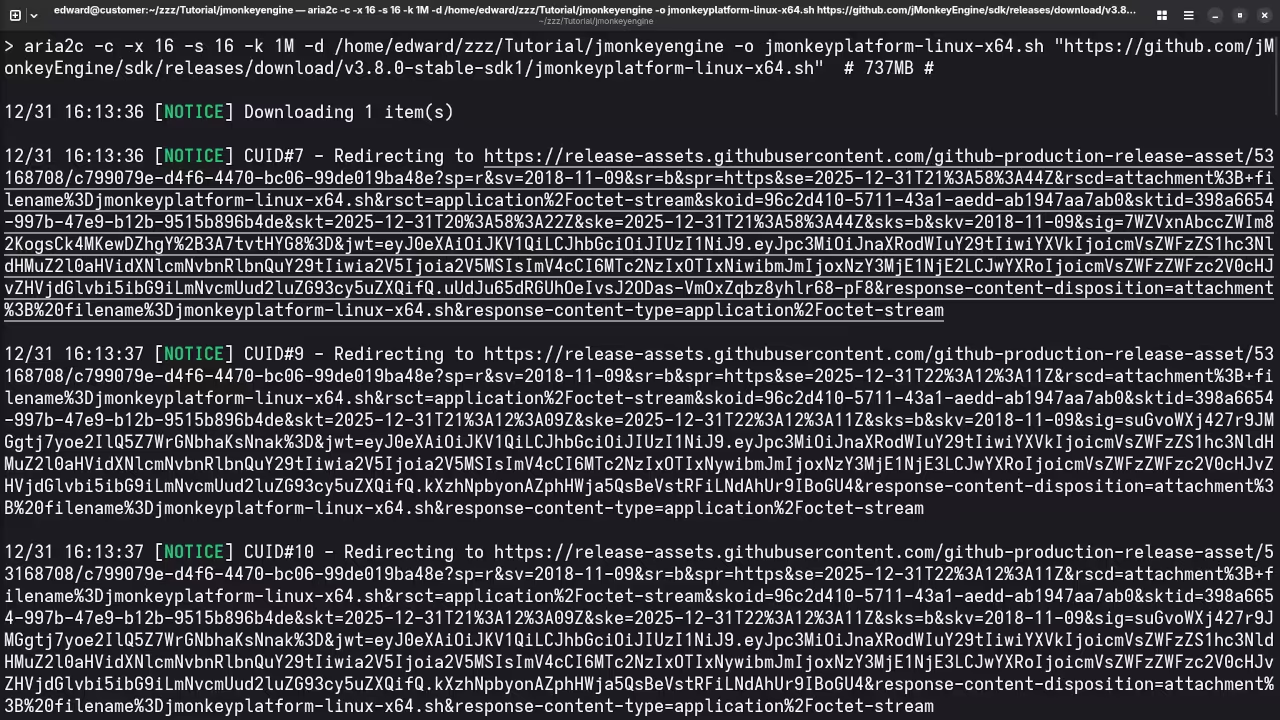
Downloading jMonkeyEngine
Command Line Displaying Download Of jMonkeyEngine SDK

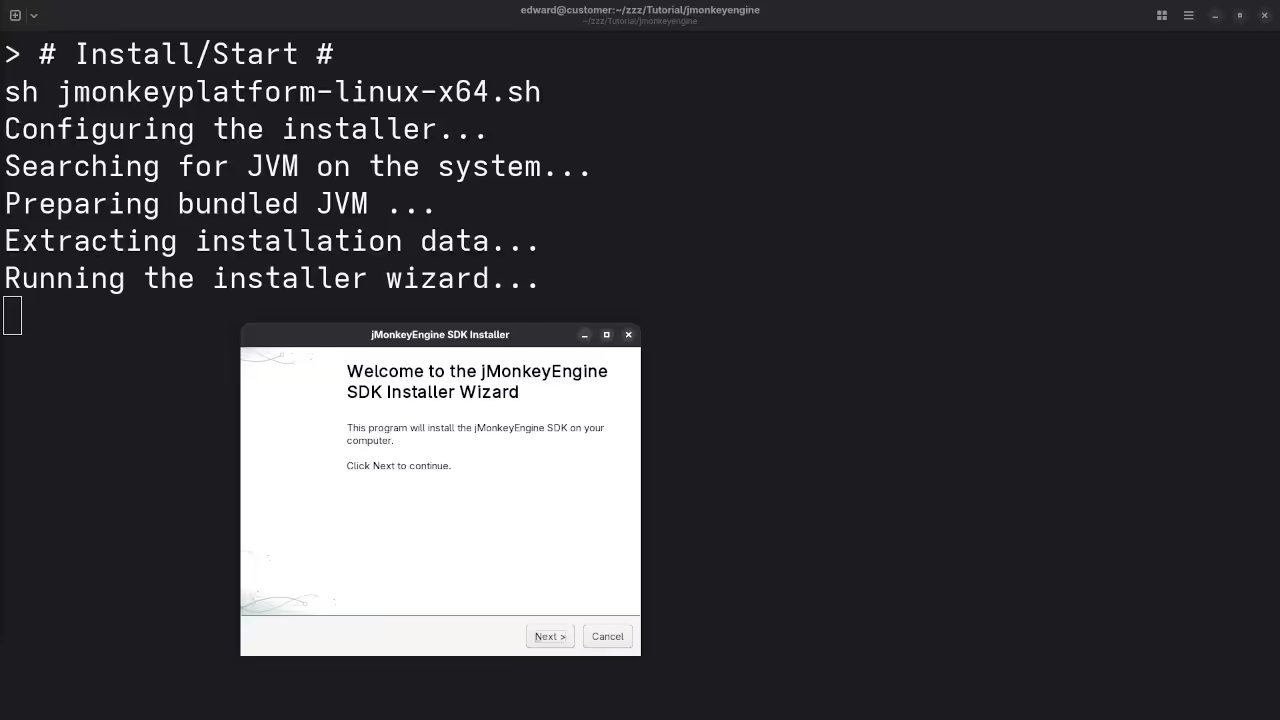
Install jMonkeyEngine
Command Line Displaying Installation Wizard For jMonkeyEngine SDK

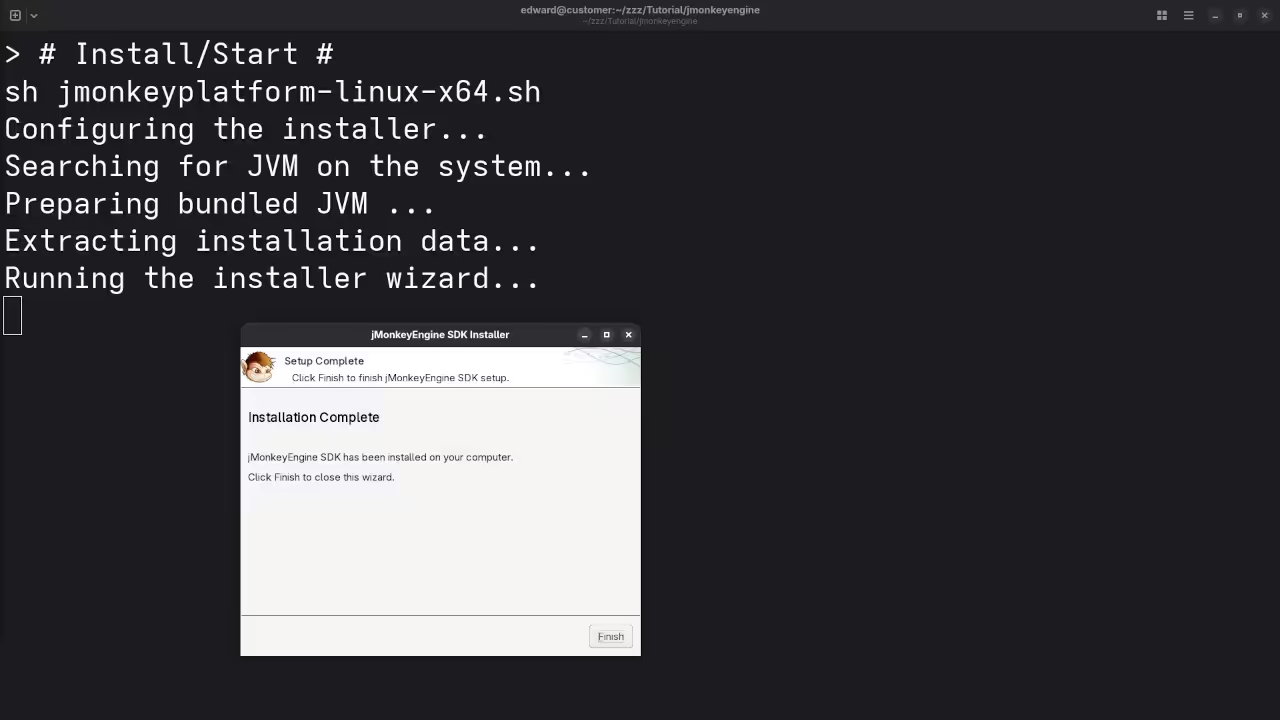
Installed jMonkeyEngine
Command Line Displaying Installation Complete For jMonkeyEngine SDK

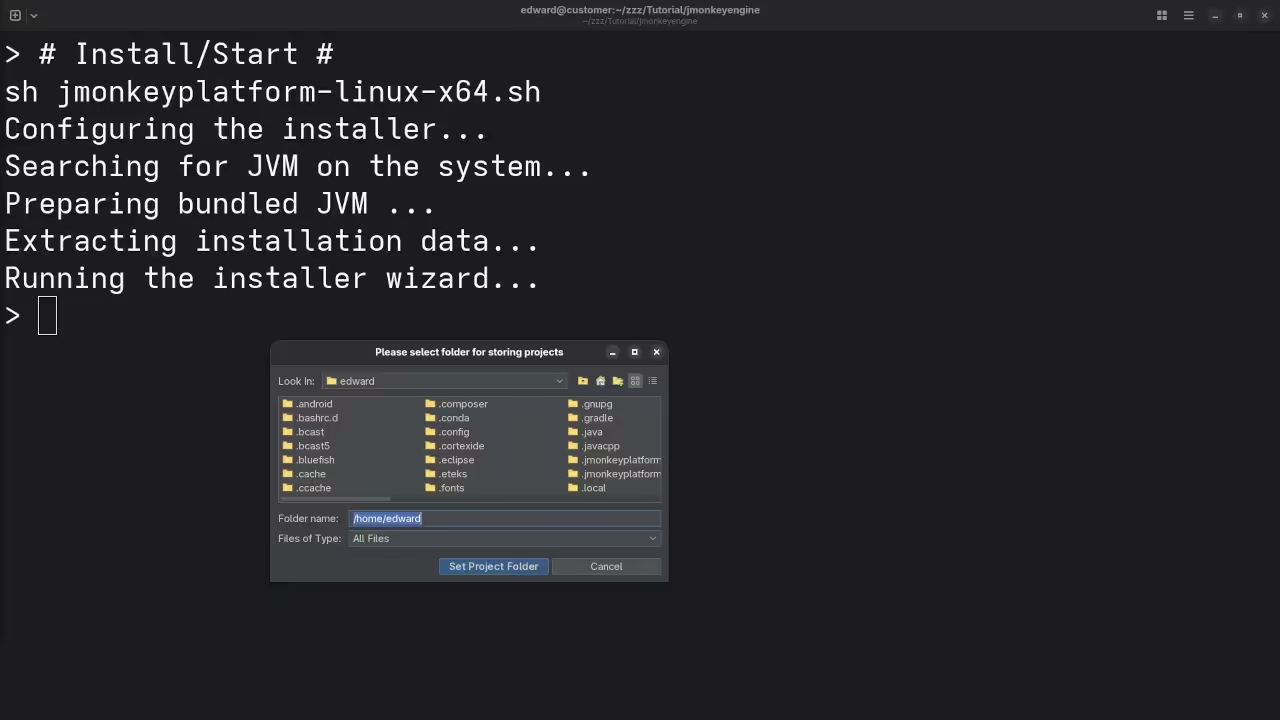
Setup jMonkeyEngine
Setup Dialog For jMonkeyEngine SDK

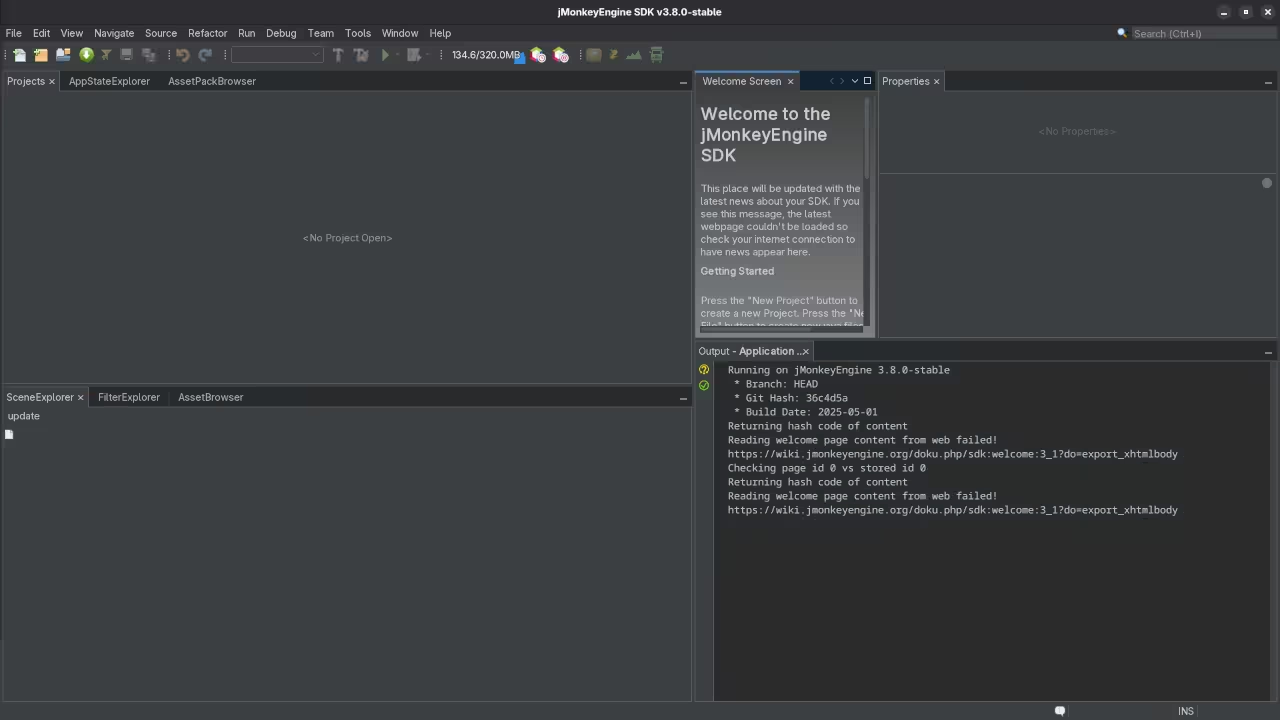
Dashboard jMonkeyEngine
Dashboard For jMonkeyEngine SDK

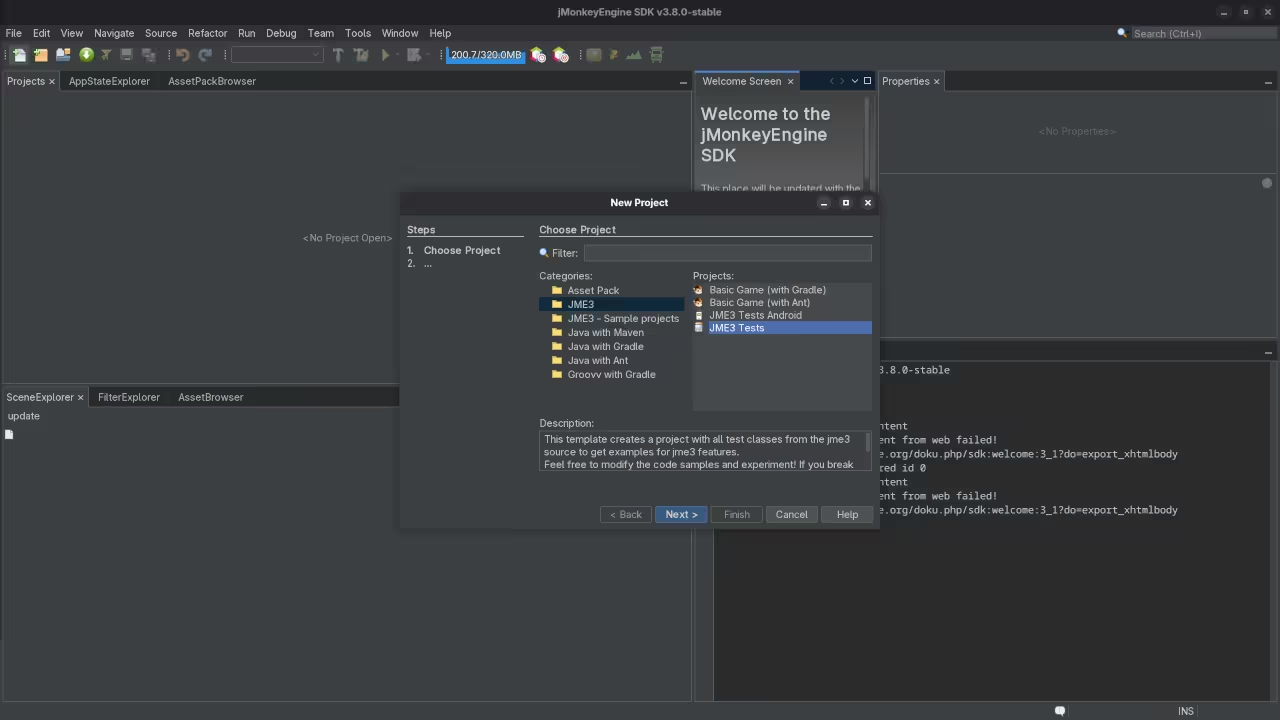
Project jMonkeyEngine
New Project For jMonkeyEngine SDK

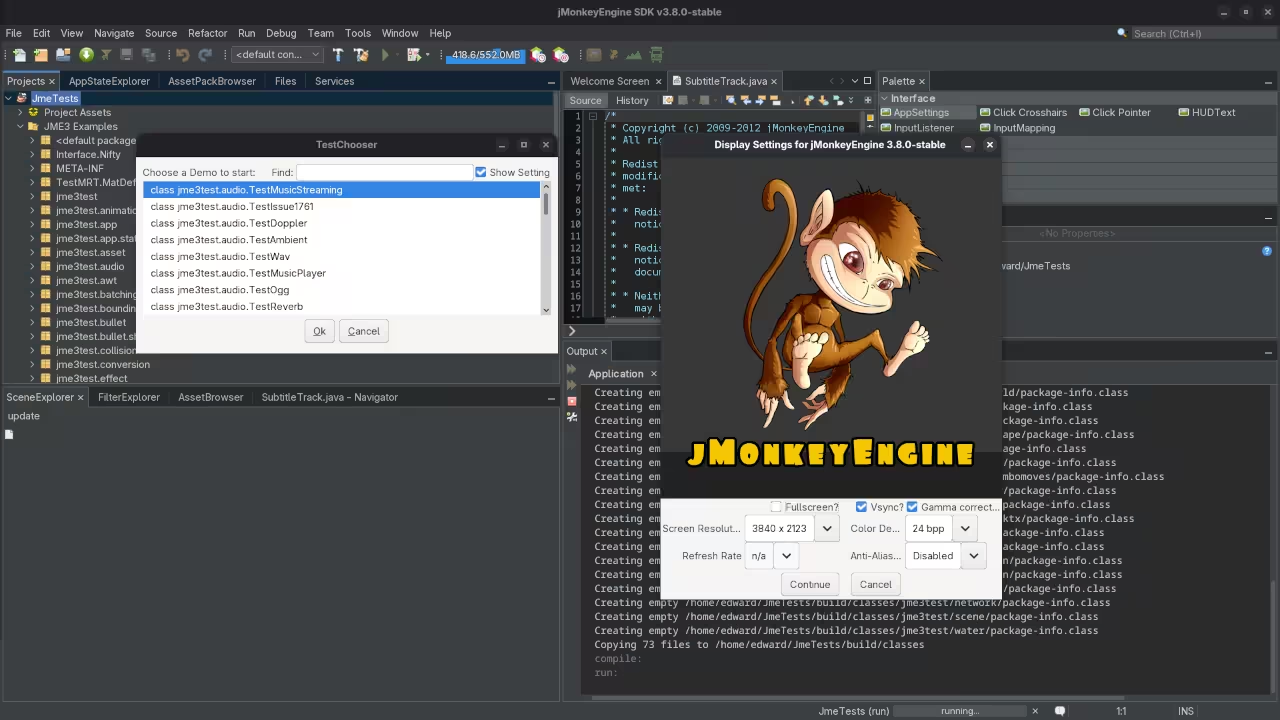
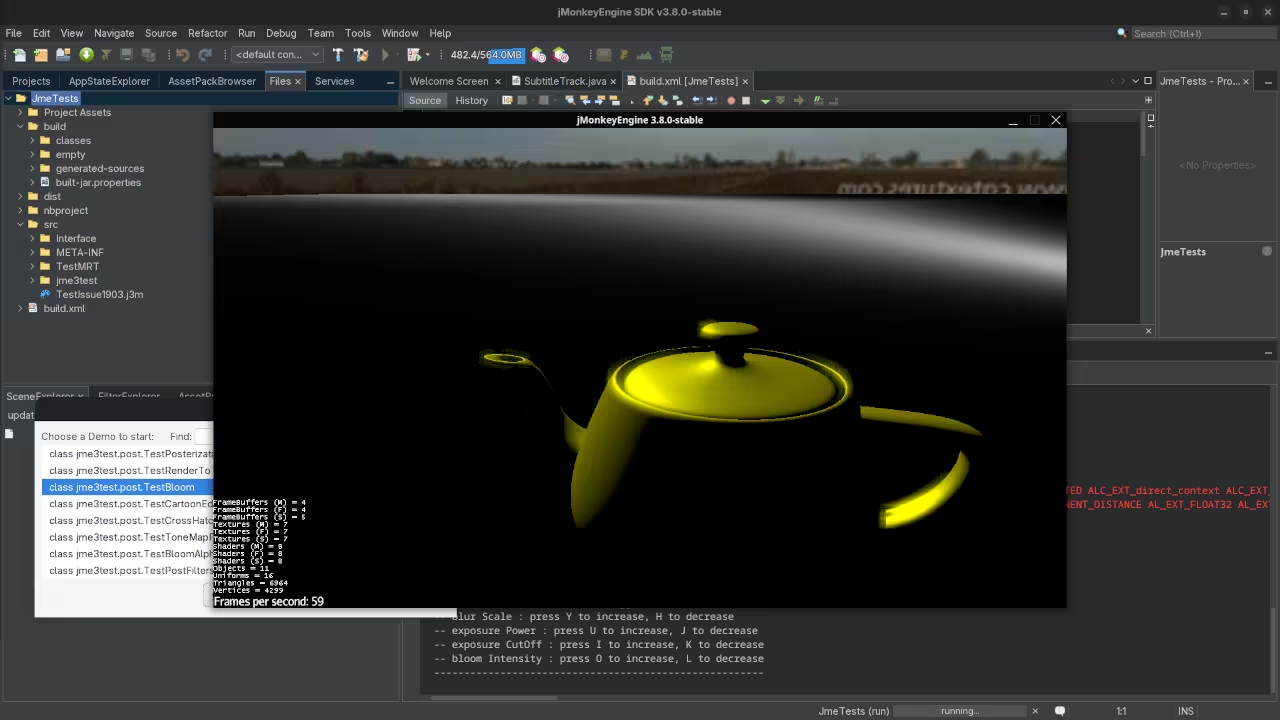
Test Chooser
TestChooser JmeTests Project For jMonkeyEngine SDK

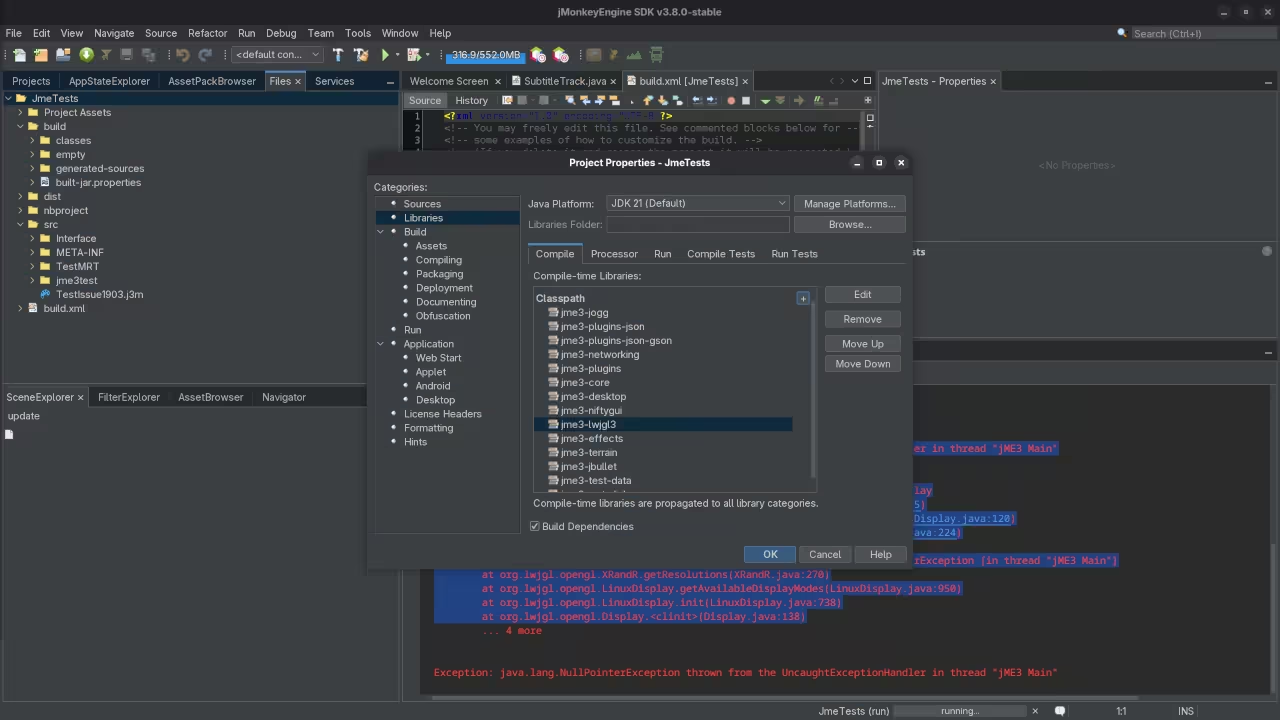
Project Properties
TestChooser JmeTests Project Properties For jMonkeyEngine SDK

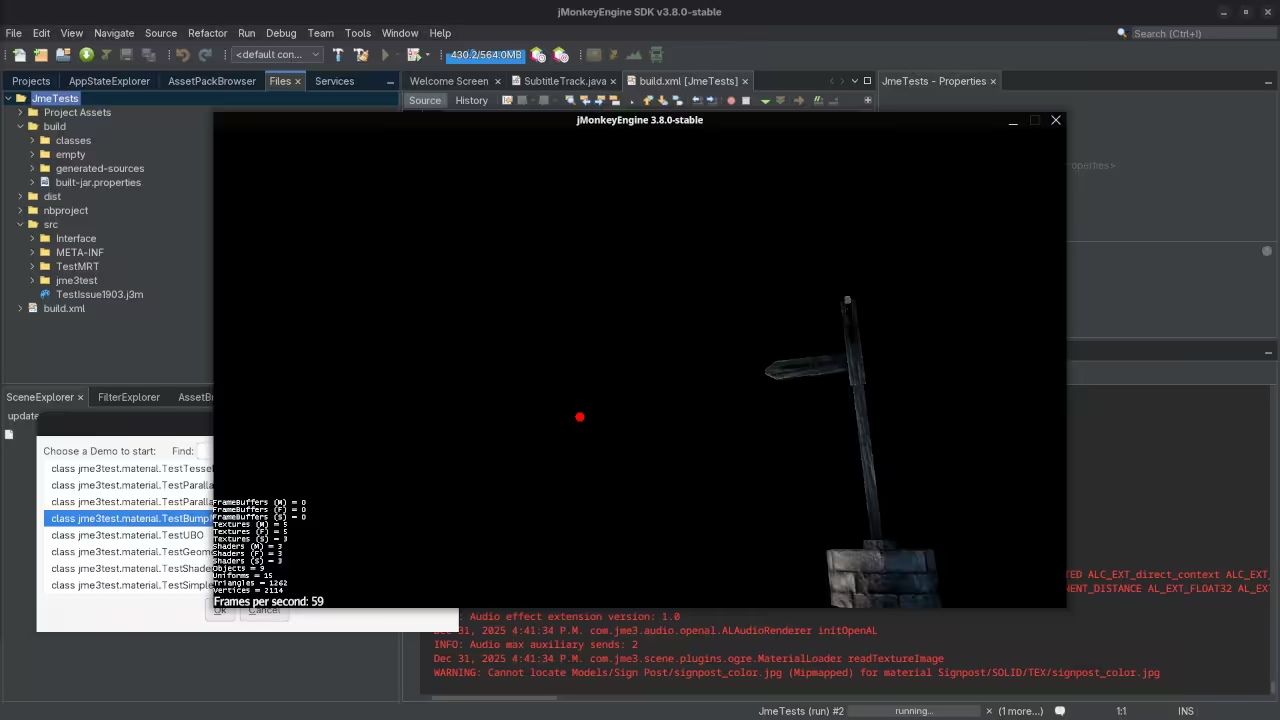
Test Bump
JmeTests Project TestBump

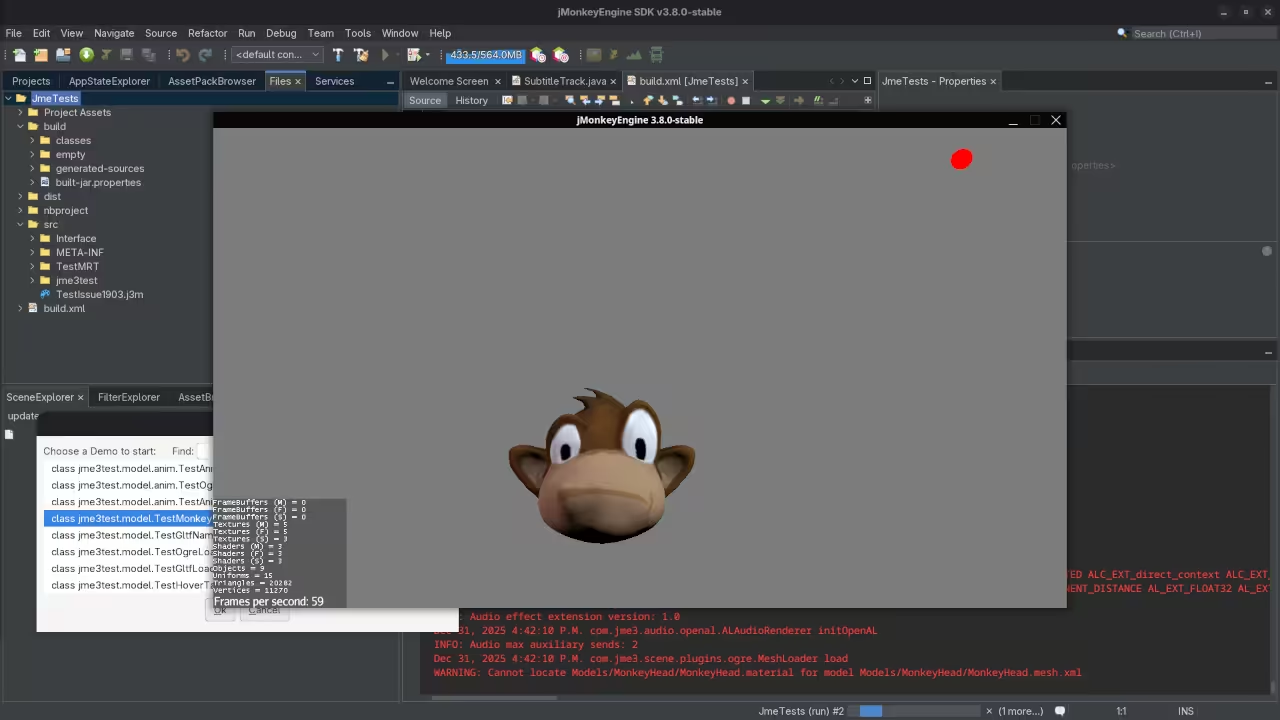
Test Monkey
JmeTests Project TestMonkey

📺 Live Walkthrough (Screencast)

Video Displaying The Installation And Use Of jMonkeyEngine Game Engine

About the Author

I have a collection of programming books available at Amazon Author Store.

Explore my programming courses at Ojambo Shop.

Need one on one online programming tutoring? Book a session via Contact Page.

Looking for JMonkeyEngine installation or migration services? Reach out at Ojambo Services.

Recommended Resources:

Disclosure: Some of the links above are referral (affiliate) links. I may earn a commission if you purchase through them - at no extra cost to you.

About Edward

Edward is a software engineer, web developer, and author dedicated to helping people achieve their personal and professional goals through actionable advice and real-world tools.

As the author of impactful books including Learning JavaScript, Learning Python, Learning PHP, Mastering Blender Python API, and fiction The Algorithmic Serpent, Edward writes with a focus on personal growth, entrepreneurship, and practical success strategies. His work is designed to guide, motivate, and empower.

In addition to writing, Edward offers professional "full-stack development," "database design," "1-on-1 tutoring," "consulting sessions,", tailored to help you take the next step. Whether you are launching a business, developing a brand, or leveling up your mindset, Edward will be there to support you.

Edward also offers online courses designed to deepen your learning and accelerate your progress. Explore the programming on languages like JavaScript, Python and PHP to find the perfect fit for your journey.

📚 Explore His Books – Visit the Book Shop to grab your copies today.
💼 Need Support? – Learn more about Services and the ways to benefit from his expertise.
🎓 Ready to Learn? – Check out his Online Courses to turn your ideas into results.

Leave a Reply

Your email address will not be published. Required fields are marked *