

Exploring Organic Maps An Open Source Navigation Solution for Your Android Device
In the world of mobile navigation, there are numerous apps available, but few offer the level of customization and privacy that Organic Maps provides. Organic Maps is an open source navigation app that prioritizes user privacy and offers a range of features that make it a strong contender in the navigation app market. Lets dive into what makes Organic Maps stand out and how you can install it on your Android device, specifically the Sony Xperia XA1 Ultra.
What is Organic Maps
Organic Maps is an open source navigation app that provides offline maps, turn by turn navigation, and a variety of other features without compromising user privacy. Unlike many other navigation apps, Organic Maps does not track your location or collect personal data, making it a great choice for privacy conscious users.
Key Features of Organic Maps
- Offline Maps Download maps for offline use, ensuring you have navigation capabilities even without an internet connection.
- Turn by Turn Navigation Get real time directions with voice guidance.
- Privacy Focused No location tracking or data collection.
- Customizable Tailor the app to your needs with various settings and options.
- Open Source The source code is available for anyone to review, modify, and contribute to.
Installation Guide for Sony Xperia XA1 Ultra
The Sony Xperia XA1 Ultra comes with Android 7.0 out of the box, but it can be upgraded to Android 8.0. Heres how you can install Organic Maps on your device:
Step 1 Upgrade to Android 8.0
- Backup Your Data Before upgrading, make sure to back up all your important data.
- Check for Updates Go to Settings About phone System updates and check for available updates.
- Install the Update Follow the on screen instructions to download and install the Android 8.0 update.
Step 2 Install Organic Maps
- Enable Unknown Sources Go to Settings Security and enable the option to install apps from unknown sources.
- Download the APK Visit the Organic Maps website and download the APK file for Android.
- Install the APK Open the downloaded APK file and follow the installation prompts.
- Launch Organic Maps Once installed, open the app and grant the necessary permissions.
Step 3 Configure Organic Maps
- Download Maps Open the app and download the maps for the regions you plan to use.
- Set Preferences Customize the app settings to suit your navigation needs.
📷 Screenshots
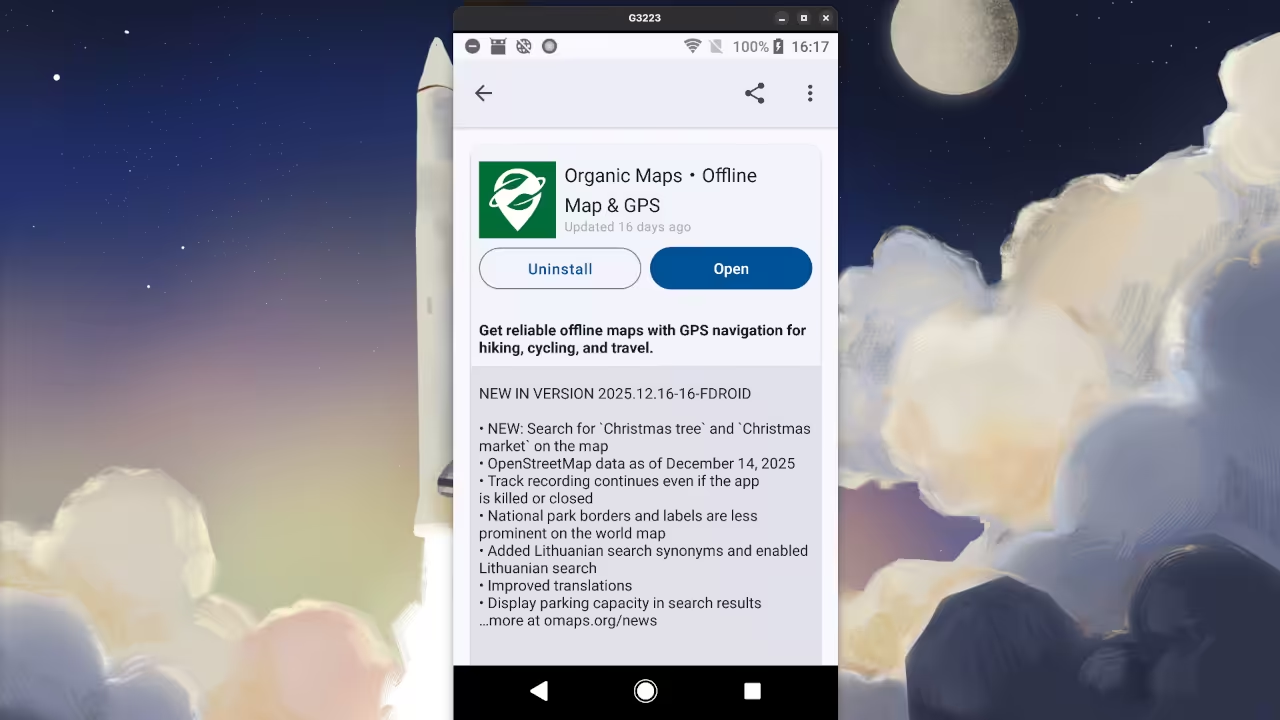
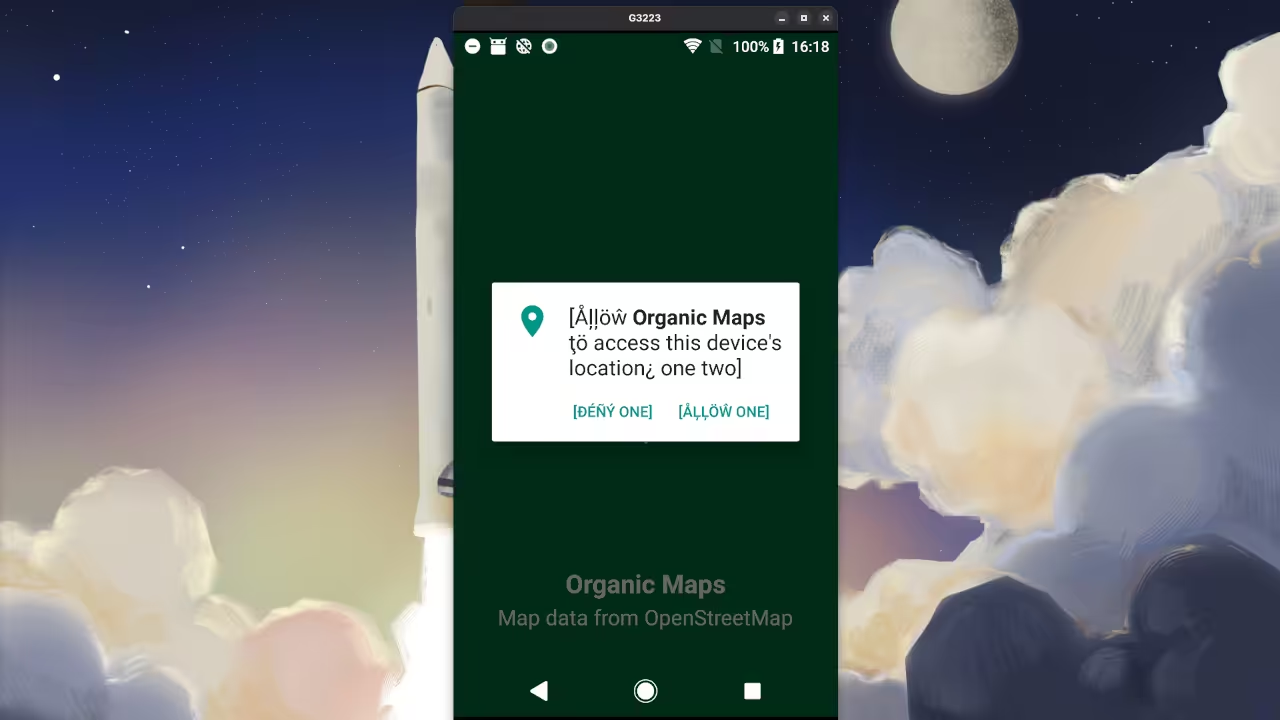
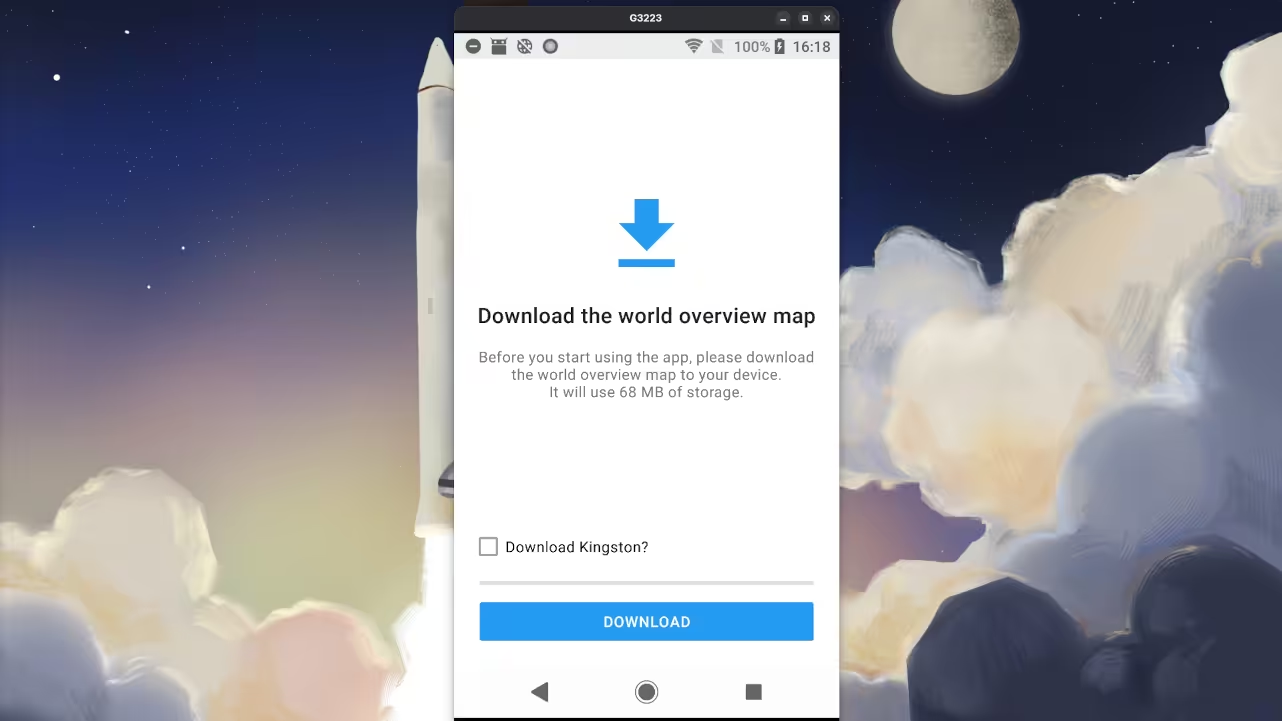
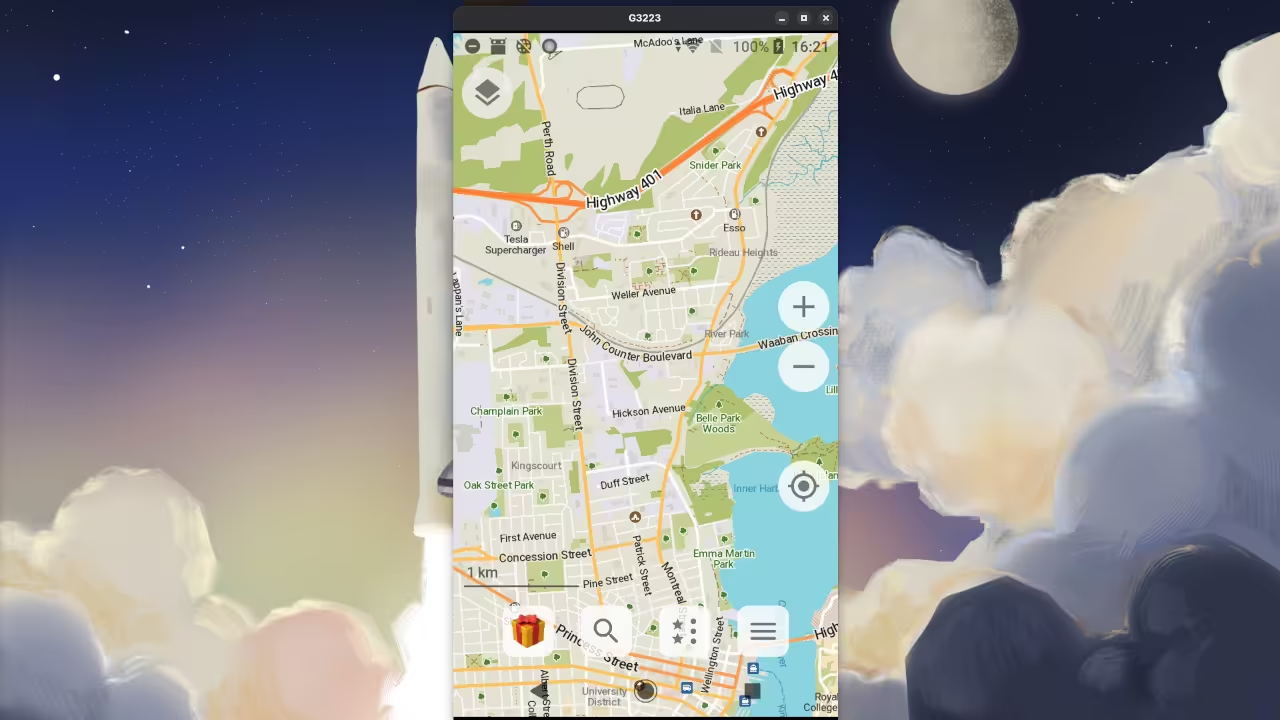
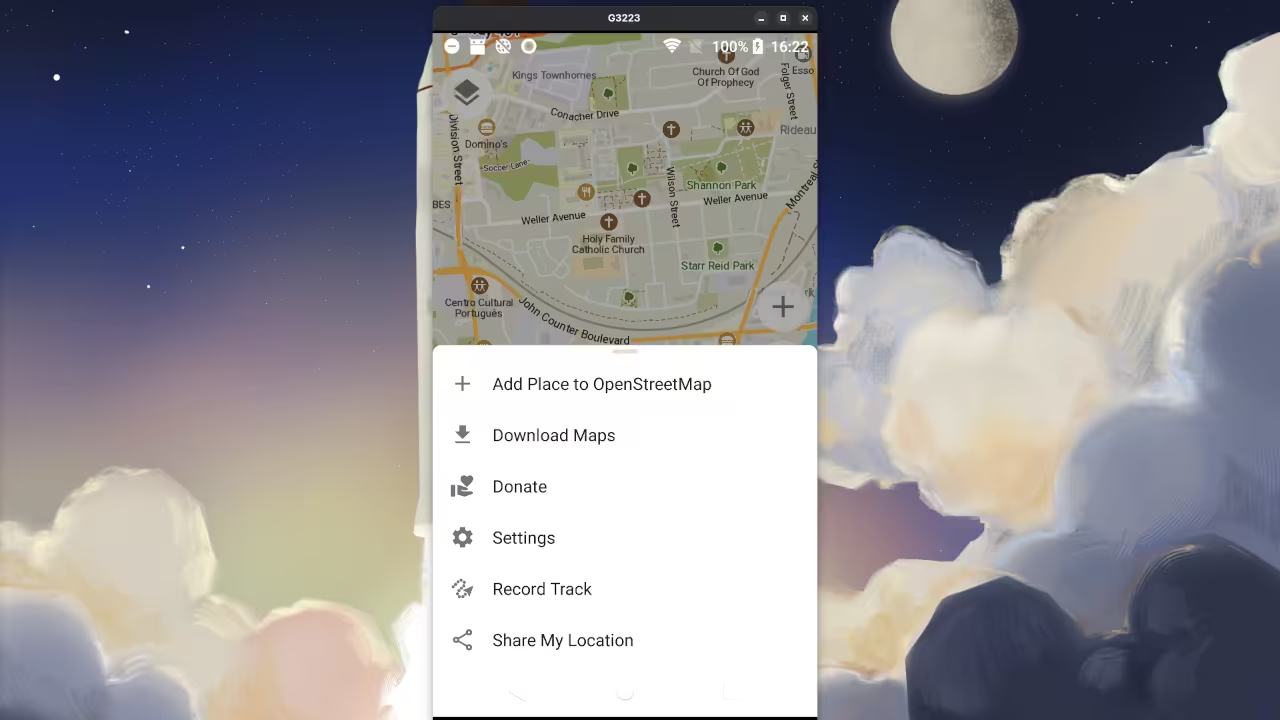
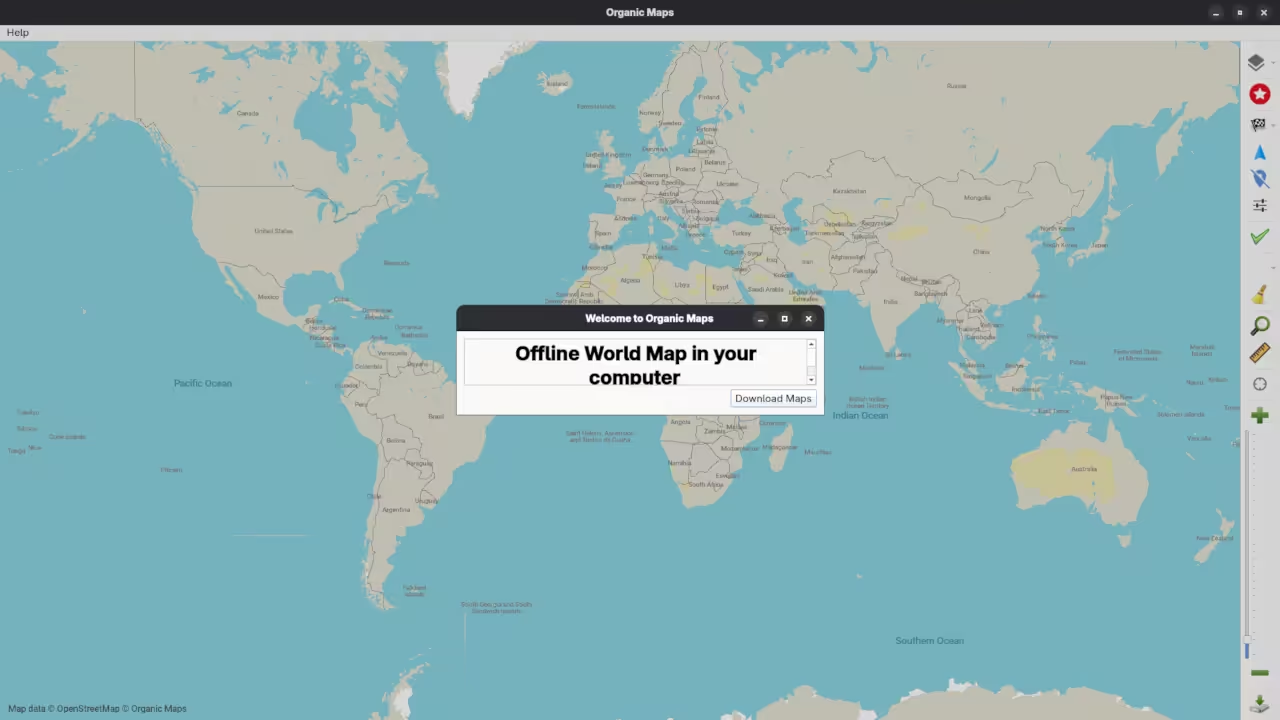
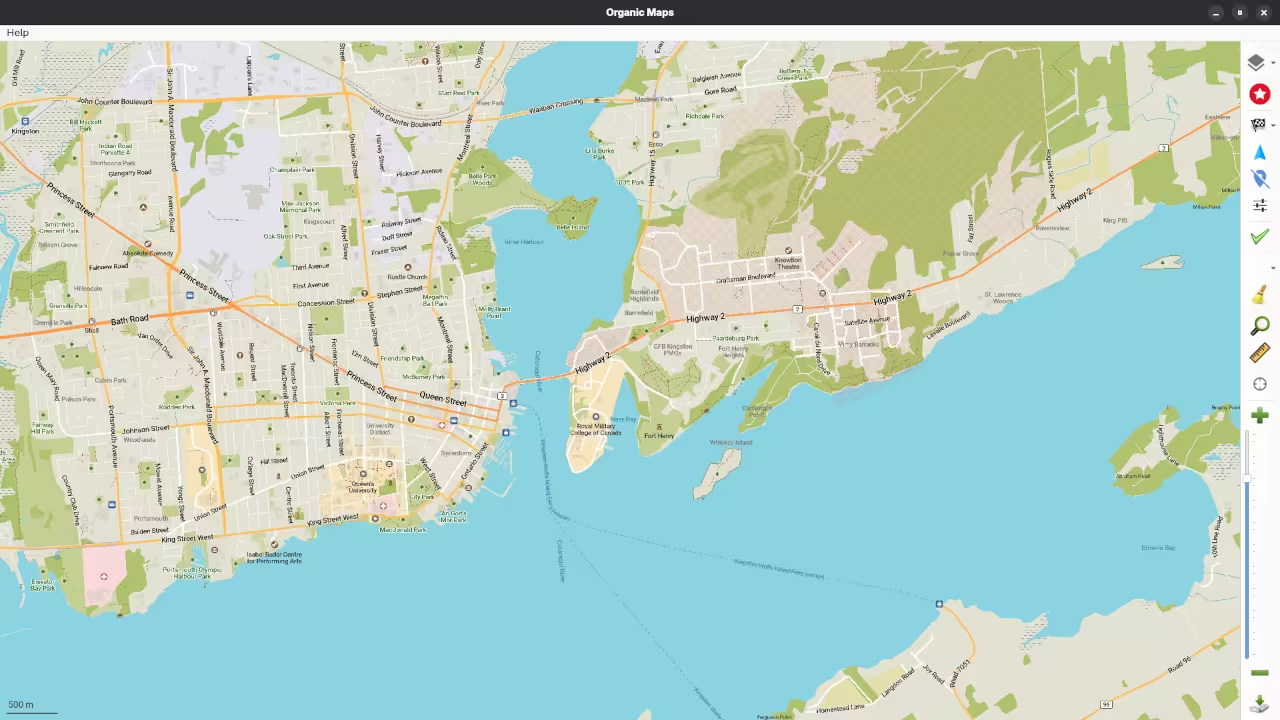
🎬 Live YouTube Screencast
Conclusion
Organic Maps is a powerful and privacy focused navigation app that offers a range of features to enhance your mobile navigation experience. Whether youre looking for offline maps, turn by turn navigation, or simply want to avoid data tracking, Organic Maps has you covered.
Additional Resources
If youre interested in learning more about programming, check out my collection of programming books on Amazon. For online programming courses, visit Ojambo Shop. If you need one on one programming tutorials or consulting services, feel free to reach out through Ojambo Contact or Ojambo Services.
🚀 Recommended Resources
Disclosure: Some of the links above are referral links. I may earn a commission if you make a purchase at no extra cost to you.