
Introduction
Game creation is now easier for every beginner programmer today. You do not need to write complex code to start.
GDevelop is a powerful open source engine for making 2D games. It uses a visual event system instead of traditional text.
Visual Scripting and Development Benefits
This tool allows you to build logic with simple blocks. You can create movement or physics with just a click.
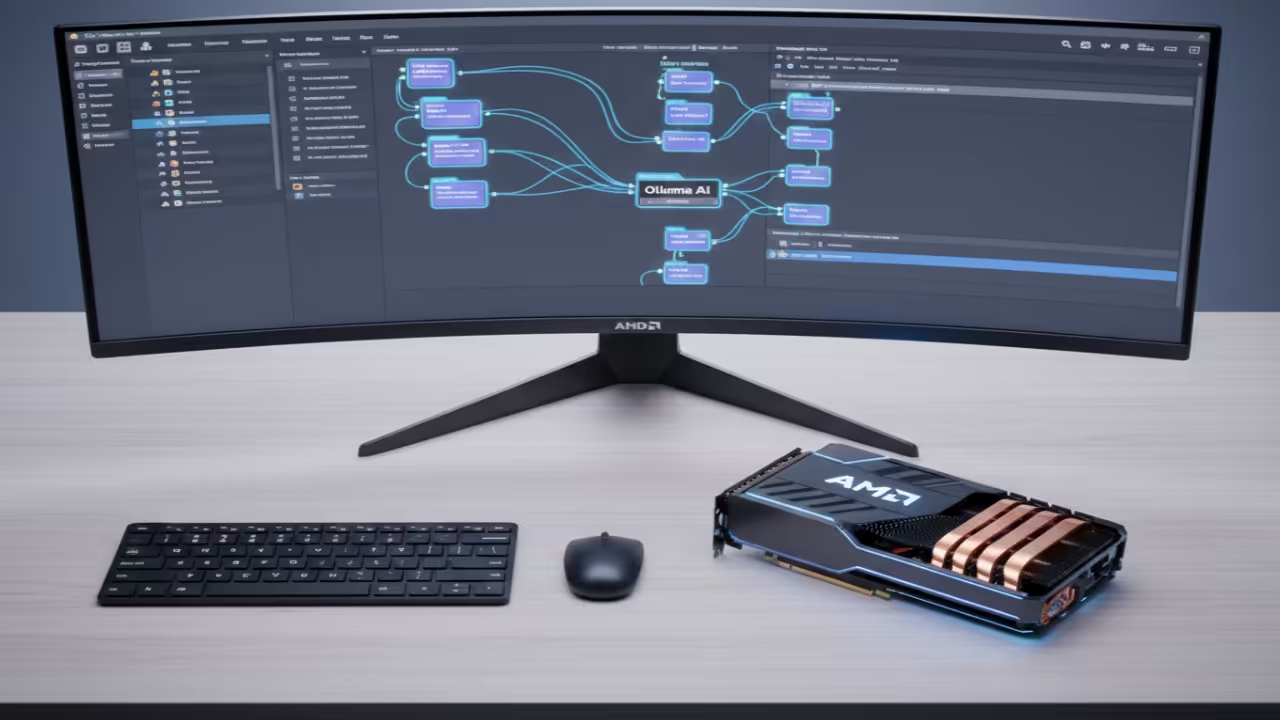
Modern creators also use artificial intelligence to speed up work. You can link your project to local AI tools easily.
Local AI servers like Ollama keep your data very private. They run directly on your hardware without using the cloud.
You can generate dialogue or game ideas using these assistants. This workflow saves a lot of time for solo developers.
Installation and Hardware Setup
Installation is simple on various systems including Windows and macOS. Linux users can use the Flatpak version for easy setup.
Open your terminal and type the command to install GDevelop. The engine is lightweight and runs well on most machines.
| Parameter | Description | Value |
|---|---|---|
| Install Method | Linux Package Manager | Flatpak |
| AI Server | Local LLM Provider | Ollama |
| Graphics API | Rendering Backend | Vulkan/WebGL |
| Parameter | Description | Value |
Creating Your First Project
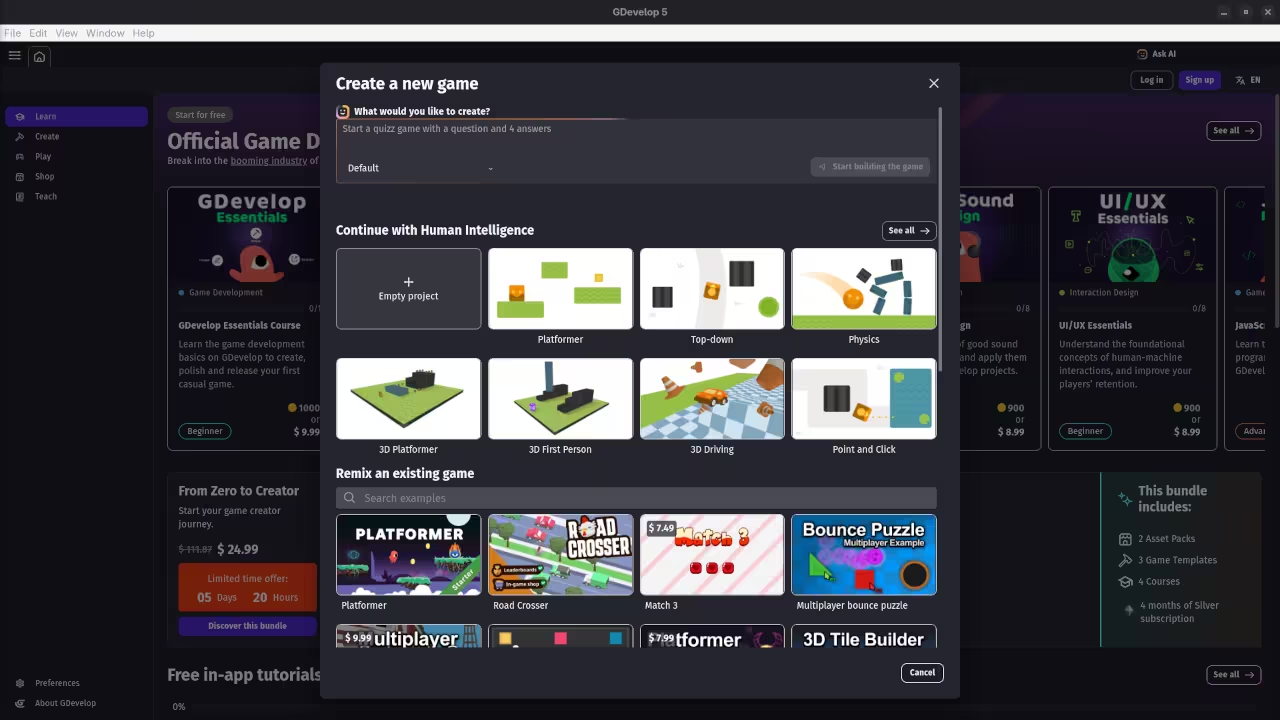
Beginners should start by selecting a pre-made game template. These templates show you how the event system works.
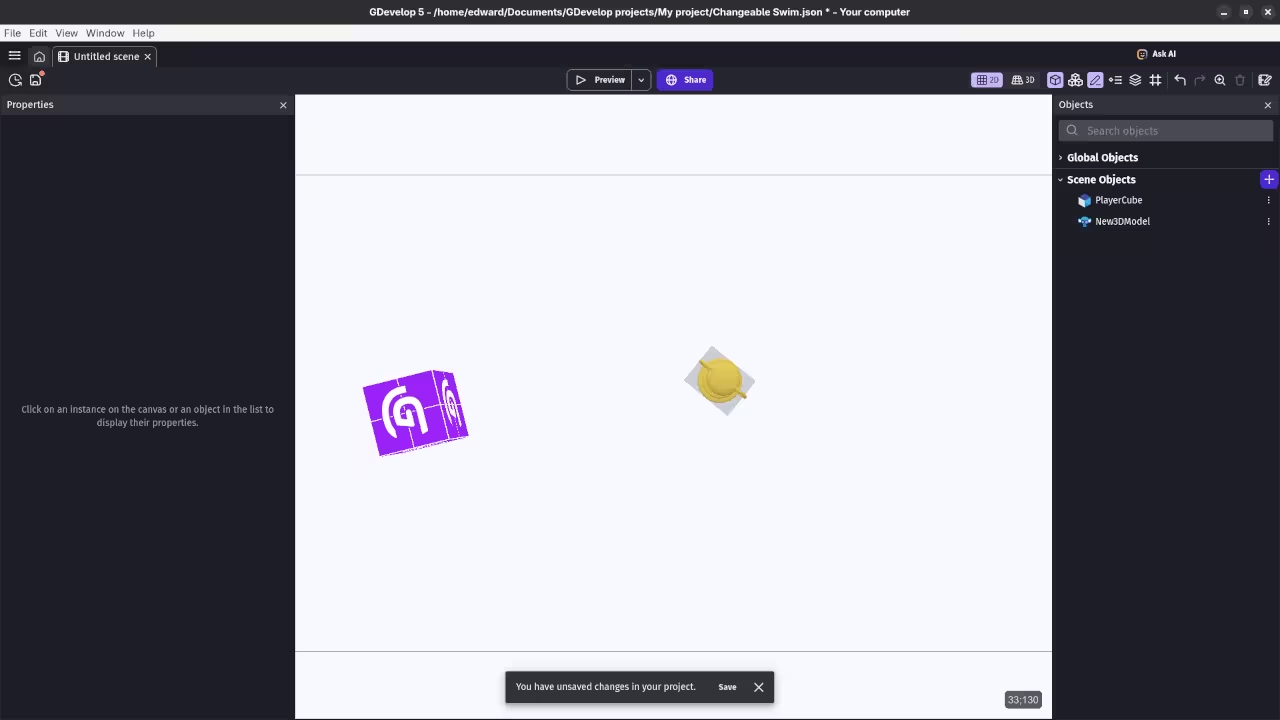
Drag a player object onto the main game scene. Attach a top-down or platformer behavior to that object.
Your character will move immediately when you press keys. There is no need to manually handle input code.
Integrating Local Intelligence
Connecting to an AI server requires a specific extension. Look for the Ollama extension in the community library.
Enter the local address of your running AI server. You can now send prompts from your game events.
The AI will return text that your characters speak. This creates a very dynamic experience for your players.
Test your game frequently using the built-in preview button. It shows changes instantly without any long waiting times.
GDevelop is free to download and use for everyone. It is a perfect choice for your first project.
📷 Screenshots
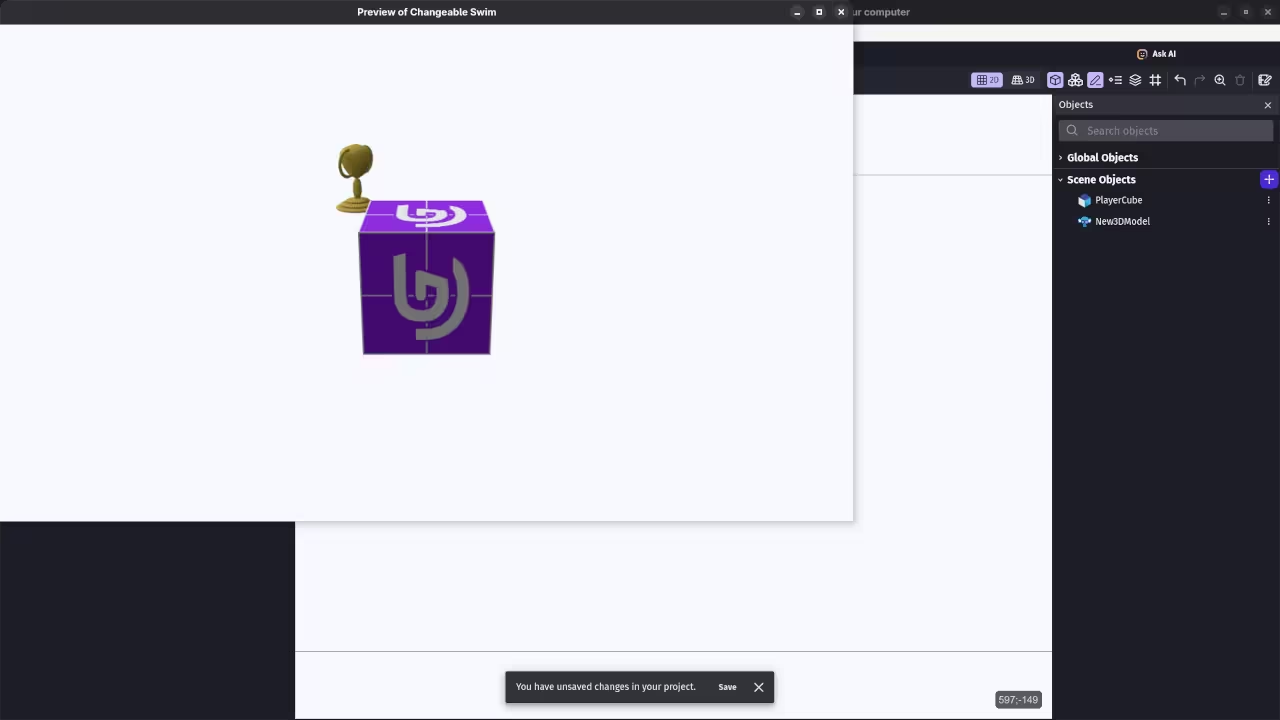
🎬 Live YouTube Screencast
Take Your Skills Further
Books: https://www.amazon.com/stores/Edward-Ojambo/author/B0D94QM76N
Courses: https://ojamboshop.com/product-category/course
Tutorials: https://ojambo.com/contact
Consultations: https://ojamboservices.com/contact
🚀 Recommended Resources
Disclosure: Some of the links above are referral links. I may earn a commission if you make a purchase at no extra cost to you.