Get Started with Excalidraw: Open Source Virtual Whiteboard Tool

Free Open-Source Virtual Whiteboard

Live stream set for 2026-01-03 at 14:00:00 Eastern

Ask questions in the live chat about any programming or lifestyle topic.

This livestream will be on YouTube or you can watch below.


Getting Started with Excalidraw A Free Open Source Diagramming Tool

Excalidraw is a free open source web based diagramming tool that allows users to create a wide range of diagrams from simple flowcharts to complex technical illustrations. Its simplicity ease of use and collaborative features make it an excellent choice for individuals and teams looking to visualize ideas and communicate more effectively.

What is Excalidraw

Excalidraw is built using JavaScript and is designed to be highly customizable. As an open source project it is actively maintained and developed by a community of contributors.

Installing Excalidraw

Excalidraw can be installed and run using various methods including Podman or Podman Compose. Here is an example of how to install Excalidraw using Podman Compose:

version: '3'
services:
  excalidraw:
    image: ghcr.io/excalidraw/excalidraw
    ports:
      - "8080:8080"

To run Excalidraw using Podman Compose save the above configuration to a file named docker-compose.yml then execute the following command:

podman-compose up

This will start the Excalidraw server and you can access it by navigating to http://localhost:8080 in your web browser.

Features and Usage

Excalidraw offers a wide range of features including:

  • Real time collaboration
  • Customizable diagrams
  • Extensive library of shapes and symbols
  • Support for multiple export formats

📷 Screenshots
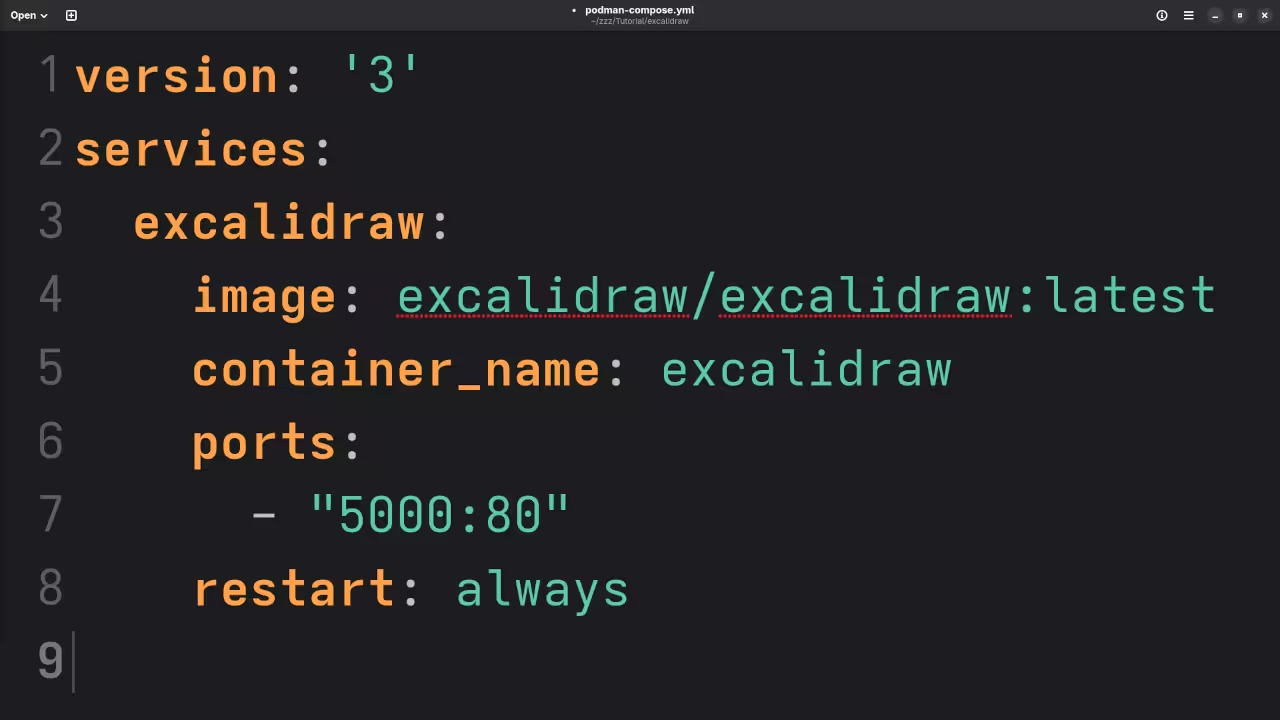
Excalidraw YAML
Gnome Text Editor Displaying Excalidraw Podman YAML File

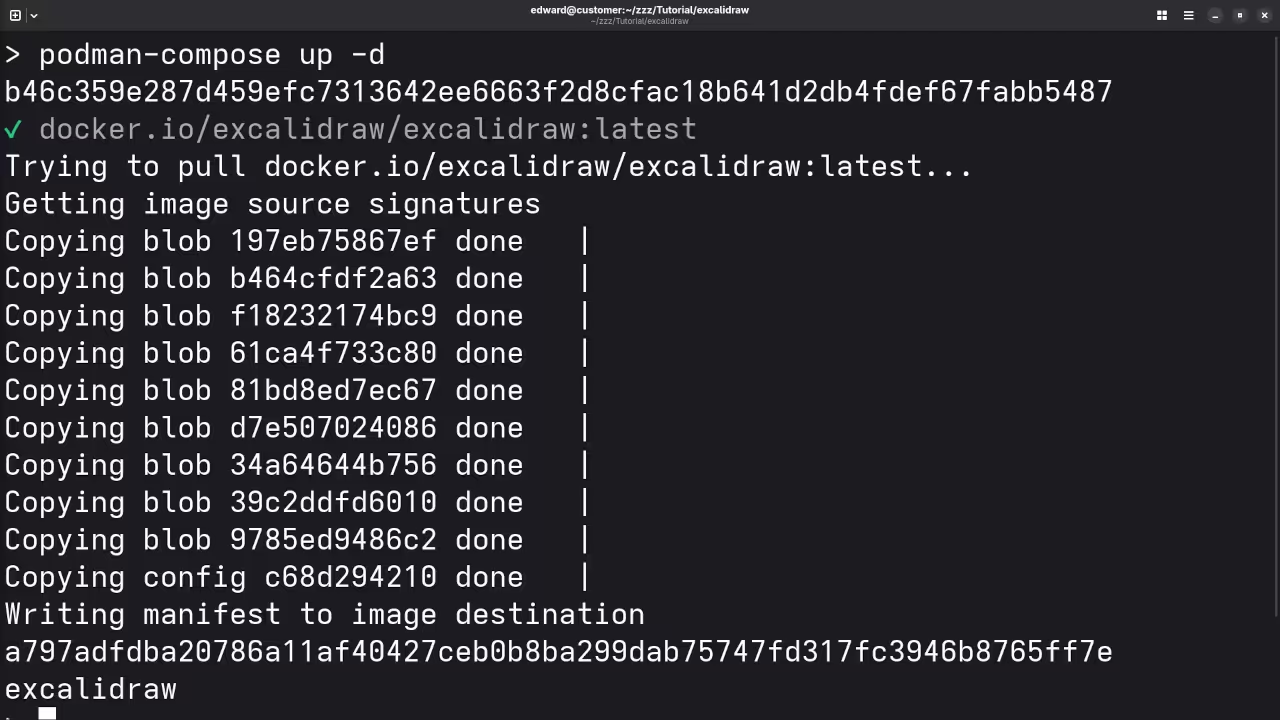
Excalidraw Podman Installation
Command Line Displaying Podman Installing Excalidraw

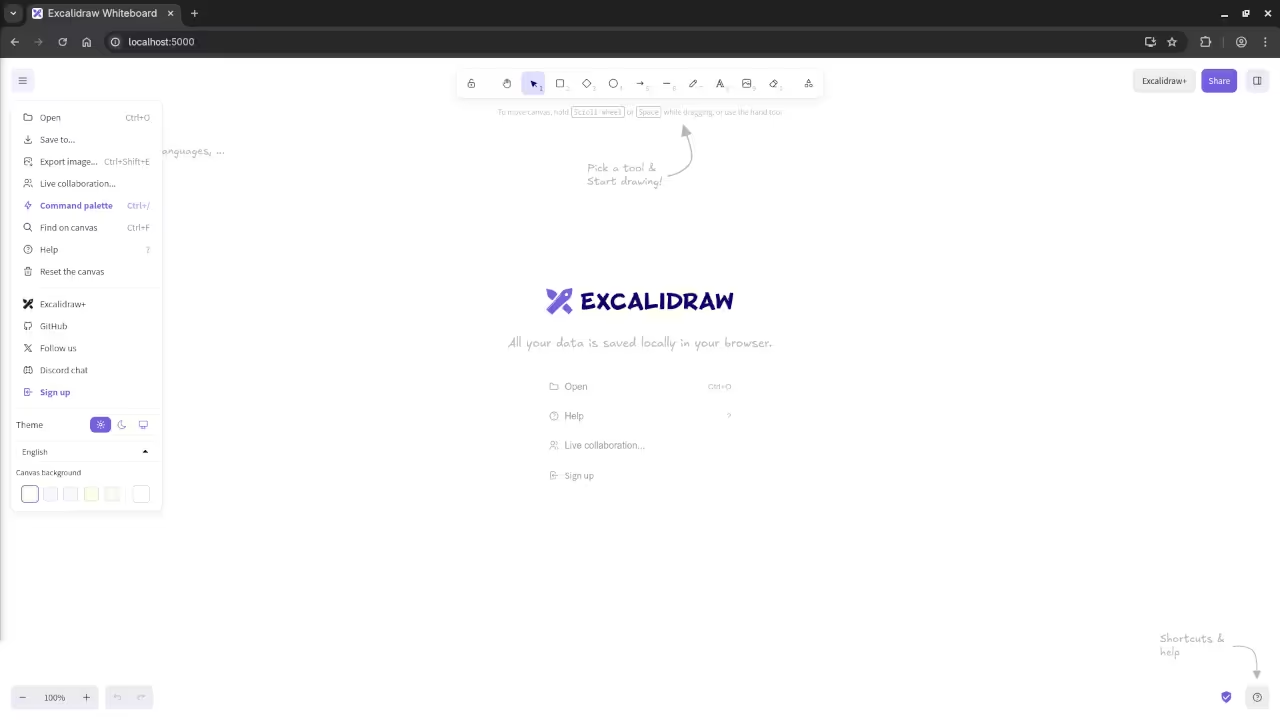
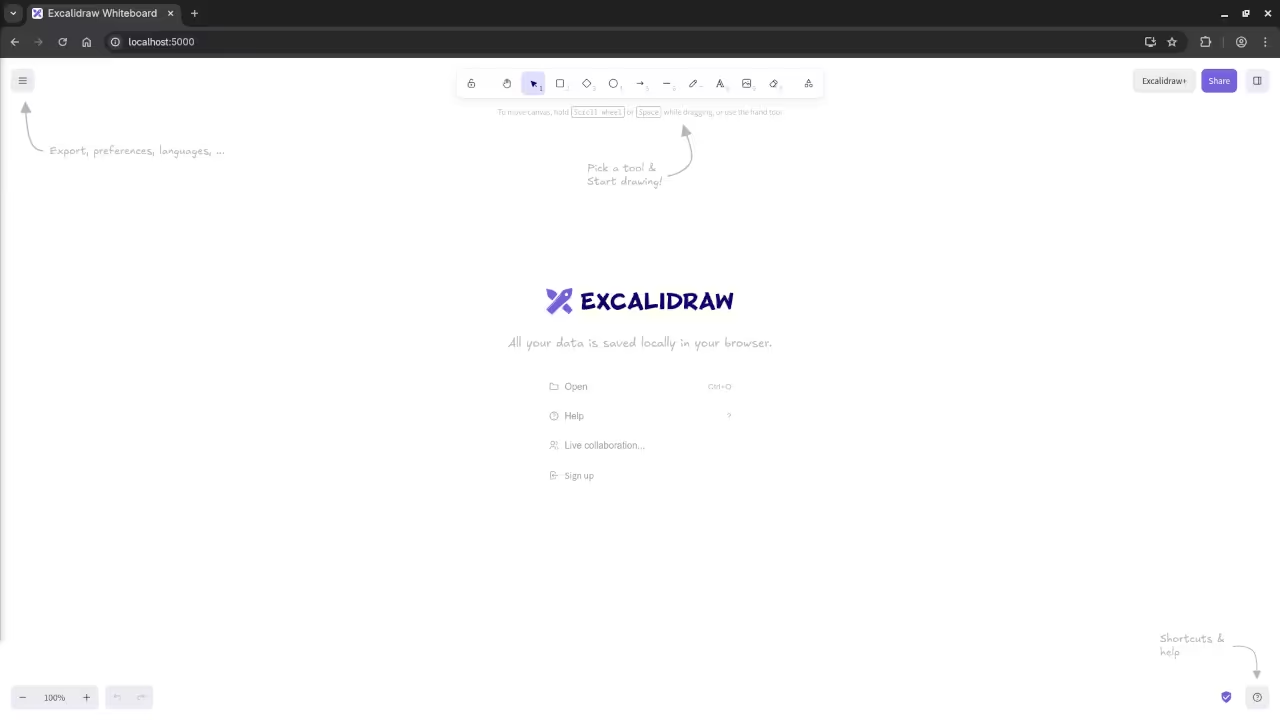
Excalidraw Menu
Web Browser Displaying Excalidraw Menu Items

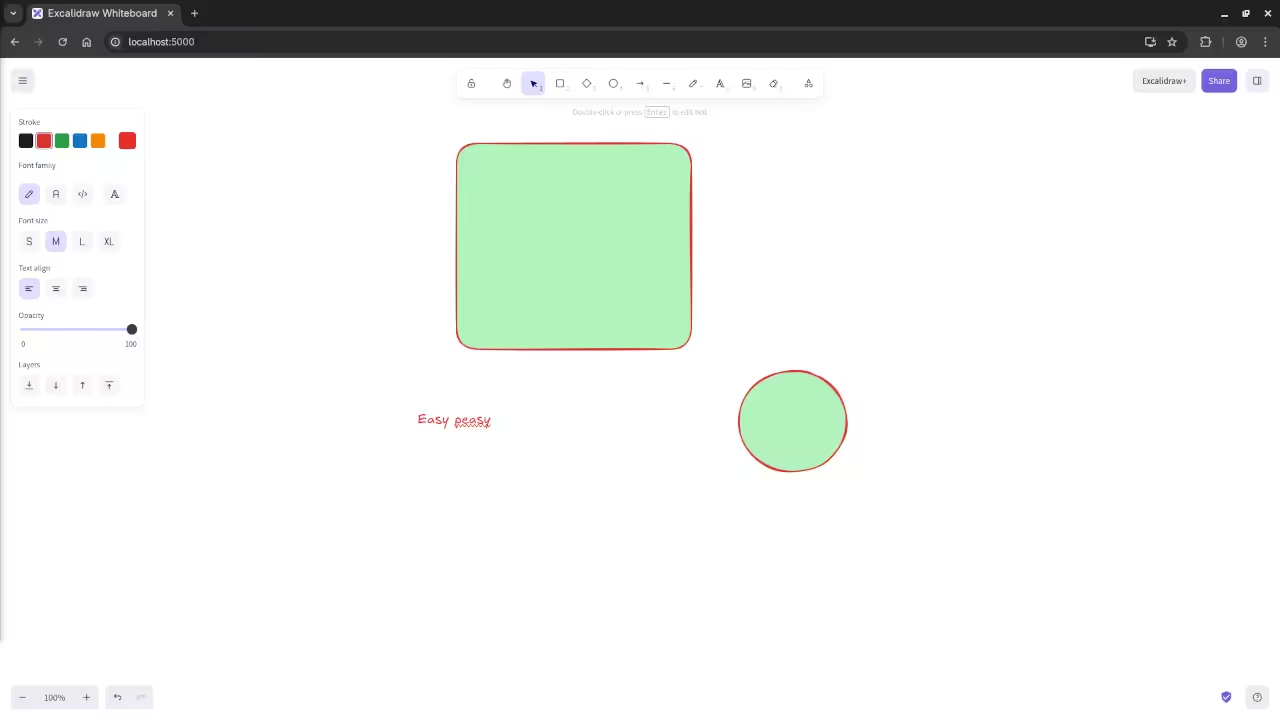
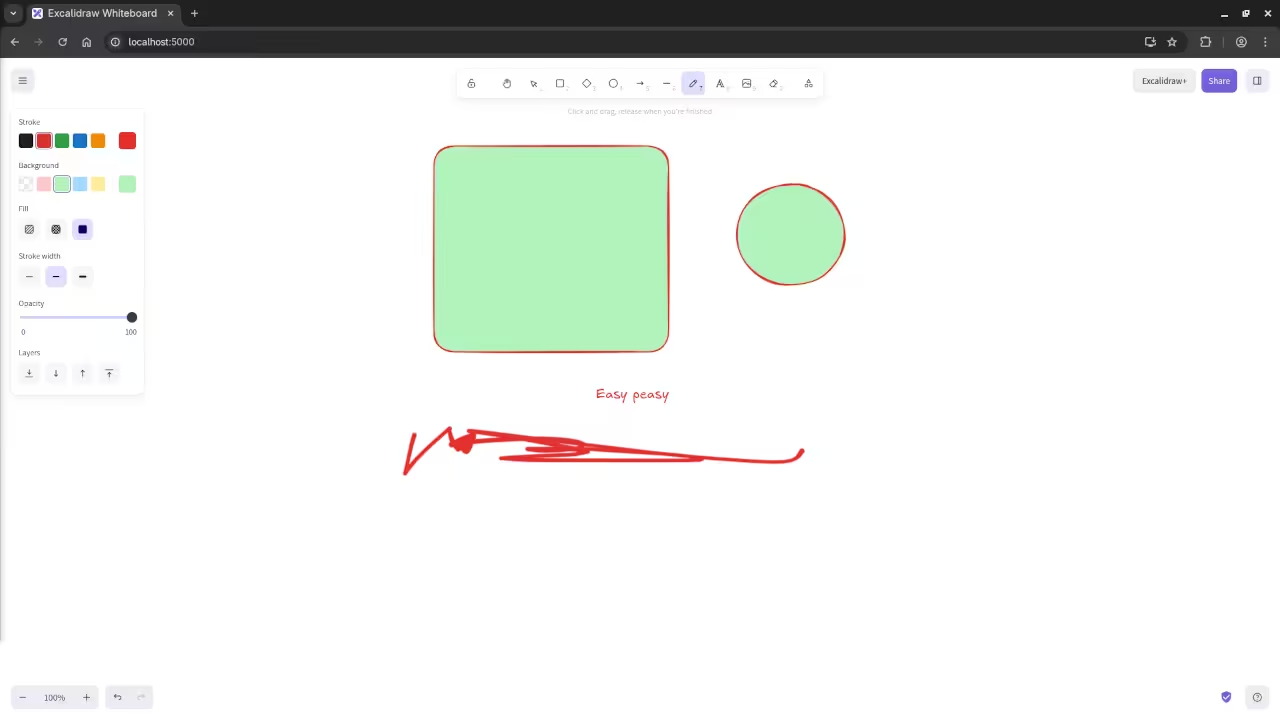
Excalidraw Sketch
Web Browser Displaying Excalidraw Sketched Diagrams

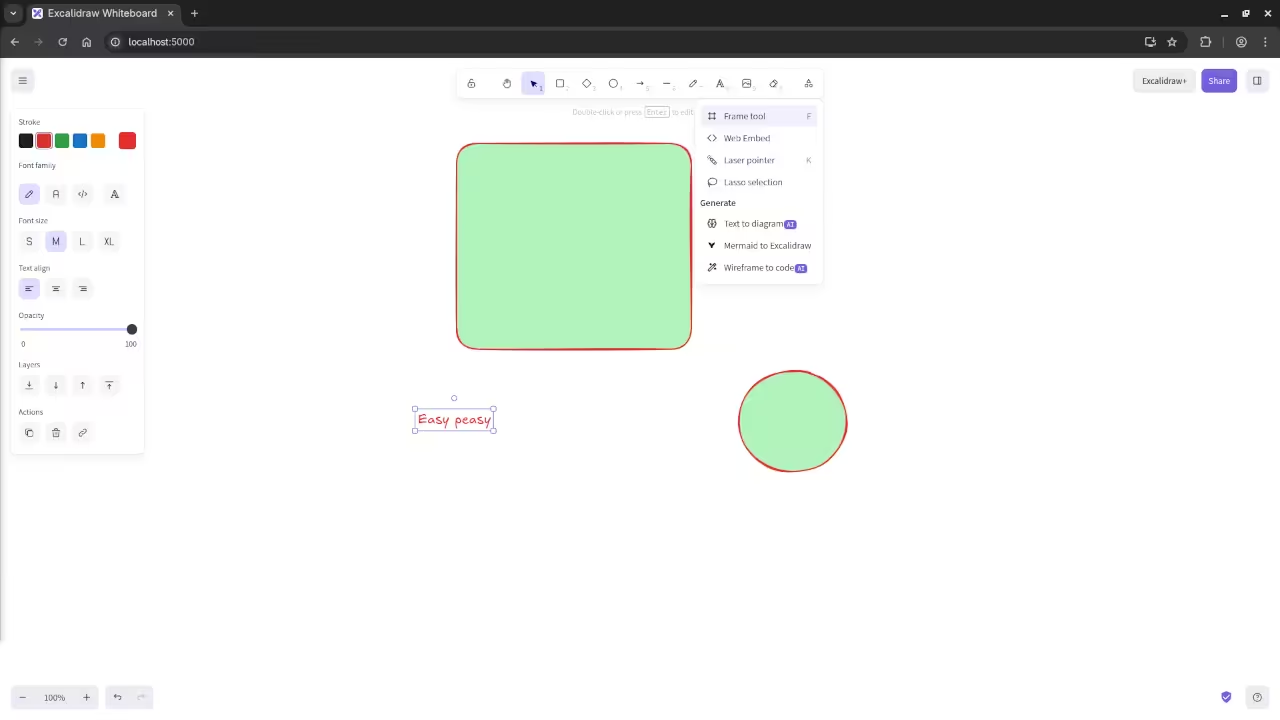
Excalidraw More Tools
Web Browser Displaying Excalidraw More Tools Drop-down

Excalidraw Freehand
Web Browser Displaying Excalidraw Drawn Freehand

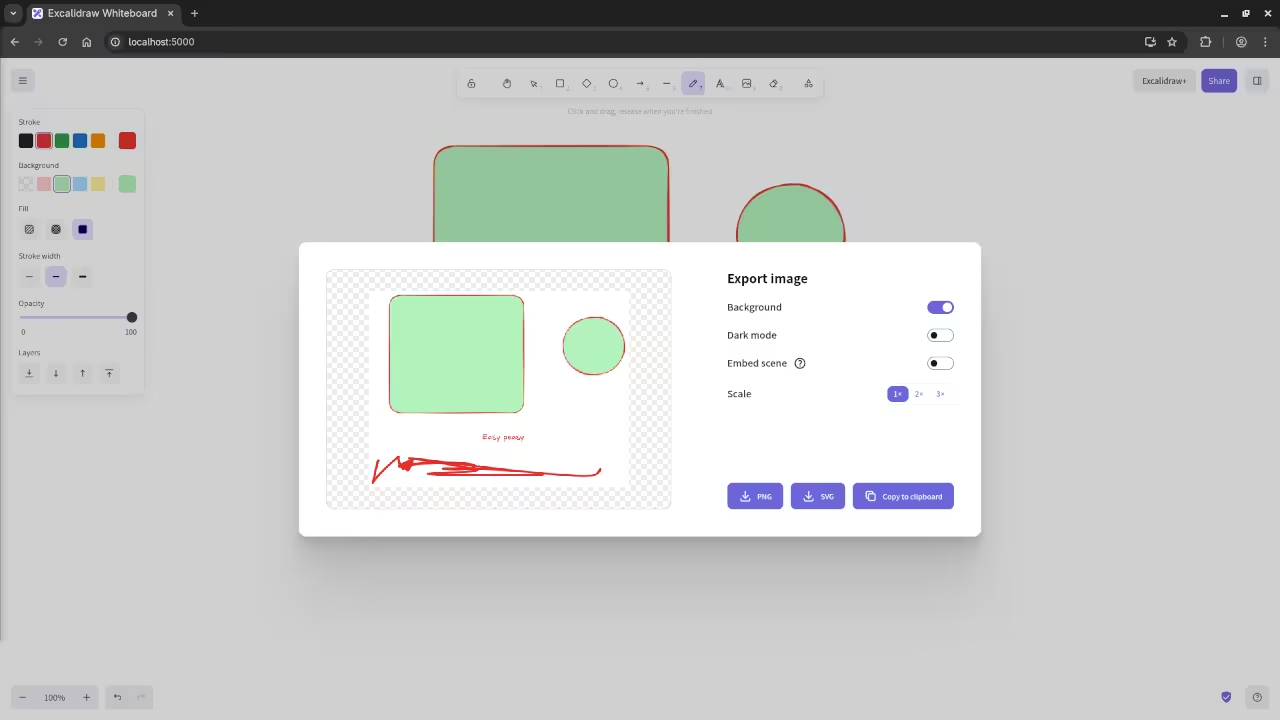
Excalidraw Export
Web Browser Displaying Excalidraw Export Dialog

📺 Live Walkthrough (Screencast)

Video Displaying The Installation And Use Of Excalidraw In Container

Learn More About JavaScript

If you’re interested in learning more about JavaScript the programming language used to build Excalidraw check out my book Learning JavaScript.

or take my online course Learning JavaScript.

One on One Tutorials and Custom Excalidraw Installations

If you need help with installing updating or migrating Excalidraw or would like one on one programming tutorials feel free to contact me.

Recommended Resources:

Disclosure: Some of the links above are referral (affiliate) links. I may earn a commission if you purchase through them - at no extra cost to you.

About Edward

Edward is a software engineer, web developer, and author dedicated to helping people achieve their personal and professional goals through actionable advice and real-world tools.

As the author of impactful books including Learning JavaScript, Learning Python, Learning PHP, Mastering Blender Python API, and fiction The Algorithmic Serpent, Edward writes with a focus on personal growth, entrepreneurship, and practical success strategies. His work is designed to guide, motivate, and empower.

In addition to writing, Edward offers professional "full-stack development," "database design," "1-on-1 tutoring," "consulting sessions,", tailored to help you take the next step. Whether you are launching a business, developing a brand, or leveling up your mindset, Edward will be there to support you.

Edward also offers online courses designed to deepen your learning and accelerate your progress. Explore the programming on languages like JavaScript, Python and PHP to find the perfect fit for your journey.

📚 Explore His Books – Visit the Book Shop to grab your copies today.
💼 Need Support? – Learn more about Services and the ways to benefit from his expertise.
🎓 Ready to Learn? – Check out his Online Courses to turn your ideas into results.