
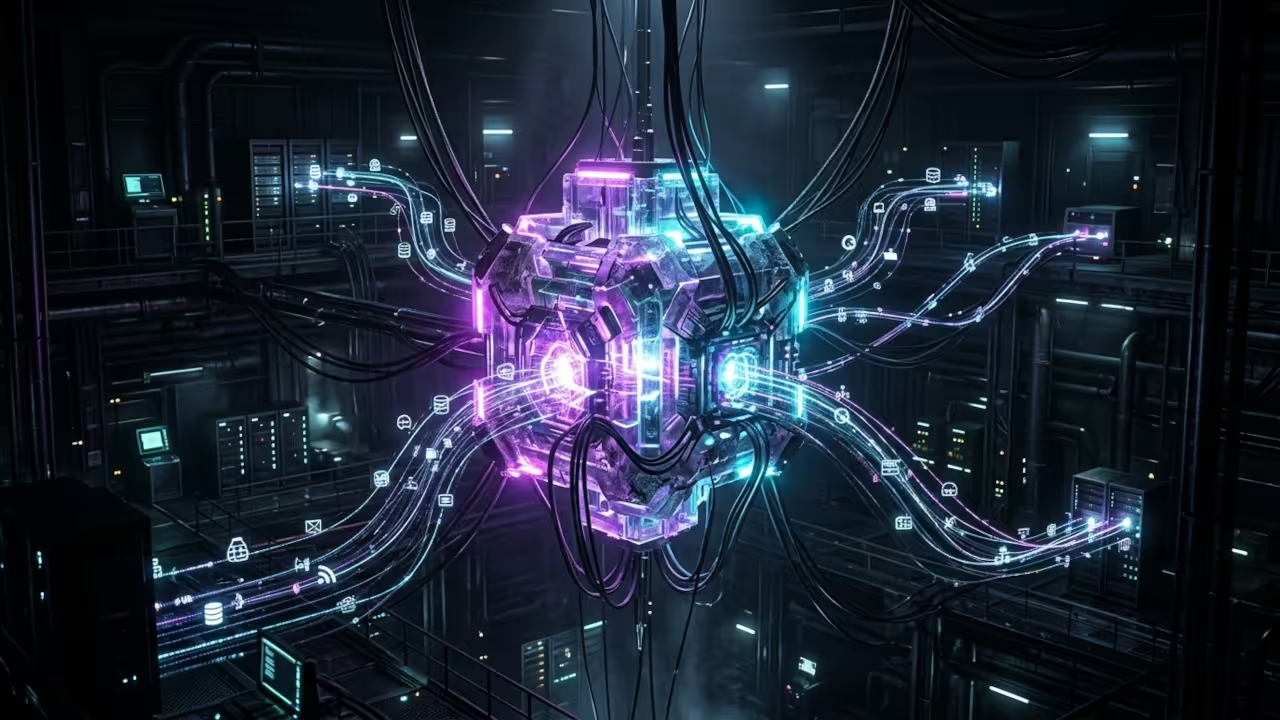
Stop Letting Your AI Assistant Run on Someone Else Server
Every message you send to a cloud based AI tool leaks your data to a third party. OpenClaw changes the game by giving you a fully self hosted AI gateway that runs locally on your own hardware. You get the power of Claude, GPT, or local LLMs without surrendering a single byte of information. This is the privacy first revolution that every tech enthusiast has been waiting for.
The Experience of Going Fully Self Hosted
I have been running OpenClaw via Podman Desktop on Fedora for over two weeks now. The experience is nothing short of transformative.
You boot up Podman Desktop, click a button, and your entire AI infrastructure comes alive in a rootless container. No daemon running as root. No privileged access. Just clean isolated execution.
The first time I connected Telegram and Discord through the gateway, I felt like I had built a personal AI ops center. Tasks get automated across platforms without any cloud dependency.
Understanding the Gateway Architecture
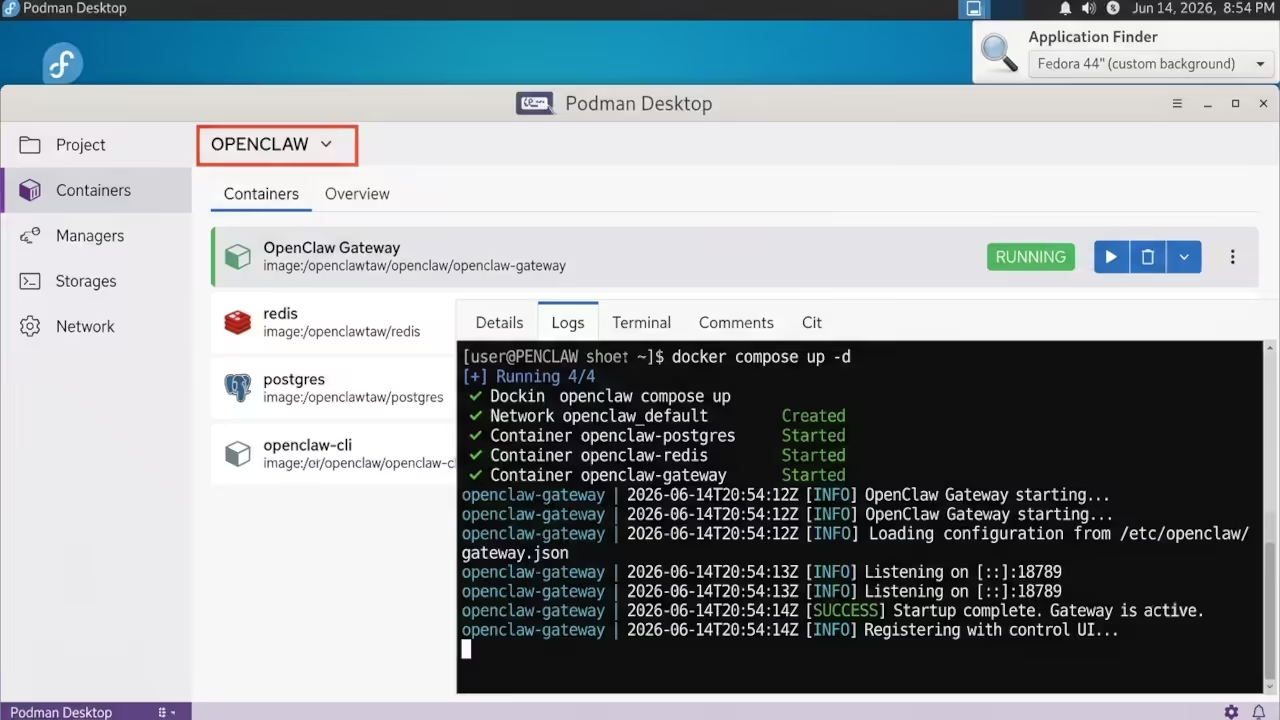
The architecture is brilliantly simple. OpenClaw acts as a middleware gateway between your chat apps and AI models.
It supports Discord, Google Chat, iMessage, IRC, Signal, Slack, Telegram, WebChat, and WhatsApp out of the box. Plugin channels extend this to Feishu, LINE, Matrix, Microsoft Teams, and Zalo. You connect your preferred model provider and the gateway routes everything locally.
Setting Up OpenClaw Through Podman Desktop
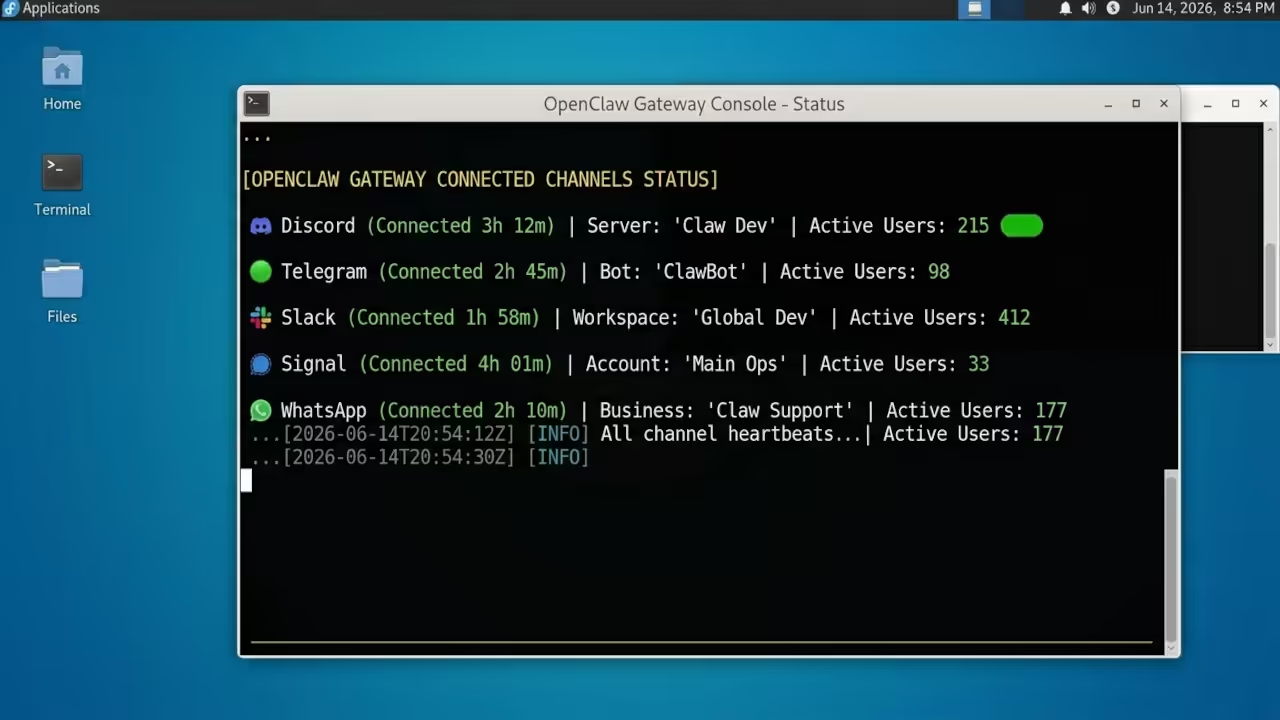
Setting up OpenClaw through Podman Desktop is remarkably straightforward. The official documentation provides a docker compose workflow that translates perfectly to Podman Compose. You clone the repository, configure your model provider credentials, and launch the container stack. The rootless Podman model ensures your gateway runs under your current non root user. This is a critical security advantage over traditional Docker setups.
The Insider Detail Most Guides Miss
The OPENCLAW_EXTRA_MOUNTS configuration is the secret weapon that most guides overlook. This environment variable lets you inject additional volume mounts into the docker compose setup without modifying the base configuration. On Fedora with limited storage, I used this to mount my OpenClaw workspace to a secondary drive. The setup script automatically generates a docker-compose-extra.yml file that you include alongside the main compose file. This keeps your base configuration clean while allowing flexible storage management.
Cloning the Repository and Launching the Stack
git clone https://github.com/openclaw/openclaw.git
cd openclaw
./docker-setup.sh
podman compose up -d
Supported Model Providers
OpenClaw supports an impressive range of model providers. OpenAI, Anthropic, Google Gemini, and Google Vertex are all first class citizens. For the local model crowd, Ollama integration works seamlessly.
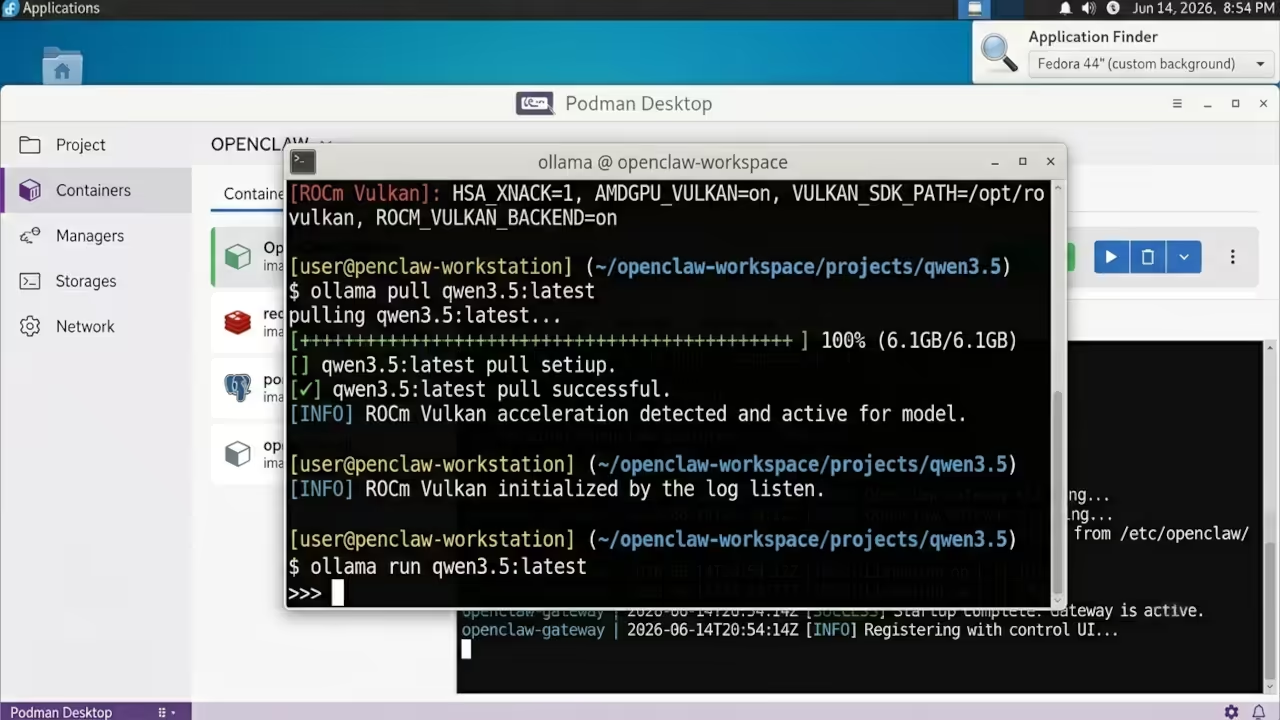
I tested Qwen 3.5 and GPT OSS 120B through Ollama and the gateway handled routing without complaints. The key is understanding that model quality directly impacts agent capability. Claude remains the gold standard for complex task execution, but local models give you complete data sovereignty.
Hardware and Software Comparison
| Parameter | Description | Value |
|---|---|---|
| Cloud Models | API cost per million tokens | Variable by provider |
| Local Models | Minimum RAM requirement | 16 GB recommended |
| Podman Desktop | Container runtime overhead | Under 500 MB idle |
| OpenClaw Gateway | Base storage footprint | Approximately 200 MB |
| Channel Plugins | Simultaneous connections supported | Unlimited |
| Security Model | Rootless container execution | Yes via Podman |
| Parameter | Description | Value |
Security Architecture
The security architecture deserves special attention. Running OpenClaw in a rootless Podman container means the gateway process has no elevated privileges.
Even if an attacker exploits the AI layer through social engineering, the container boundary limits blast radius significantly. This is the three tier defense model in action. Container isolation, non root execution, and network namespace separation create a fortress around your AI operations.
Multi Channel Integration
I connected five channels simultaneously during testing. Discord handled native buttons and dropdowns beautifully. Telegram processed markdown image syntax without issues.
Slack integration required bot and user scope configuration, but the gateway handled the OAuth flow cleanly. WhatsApp connection was the most straightforward of all. The unified interface means you manage all channels from a single control plane.
Workspace and ONBOARD Setup
For developers, the workspace concept is powerful. OpenClaw maintains a persistent workspace directory where skills, plugins, and configuration live.
openclaw onboard
export OPENCLAW_EXTRA_MOUNTS="/mnt/secondary-drive:/workspace"
podman compose -f docker-compose.yml -f docker-compose.extra.yml up -d
The ONBOARD command in the terminal guides you through initial setup step by step. You configure your gateway, set up the workspace, and define your skill stack. The entire process takes less than ten minutes on a modern system.
Resource Footprint
The resource footprint is impressively lean. On my Ryzen 5 5600GT with 32 GB of RAM, OpenClaw consumed under 500 MB of memory at idle. The AMD Instinct Mi60 GPU was not needed for the gateway itself, but it shines when running local models through Ollama. The 32 GB VRAM on the Mi60 handles large parameter models with ease. This combination of efficient container runtime and powerful GPU acceleration creates a local AI powerhouse.
Master the Professional Stack
The architectural blueprints in my Amazon books provide the theoretical foundation for building self hosted AI systems at scale. Apply those principles with the DIY woodworking blueprints and custom consultation services available through my professional channels.
- Books (Technical and Creative): https://www.amazon.com/stores/Edward-Ojambo/author/B0D94QM76N
- Blueprints (DIY Woodworking Projects): https://ojamboshop.com
- Tutorials (Continuous Learning): https://ojambo.com/contact
- Consultations (Custom Apps and Architecture): https://ojamboservices.com/contact
🚀 Recommended Resources
Disclosure: Some of the links above are referral links. I may earn a commission if you make a purchase at no extra cost to you.