
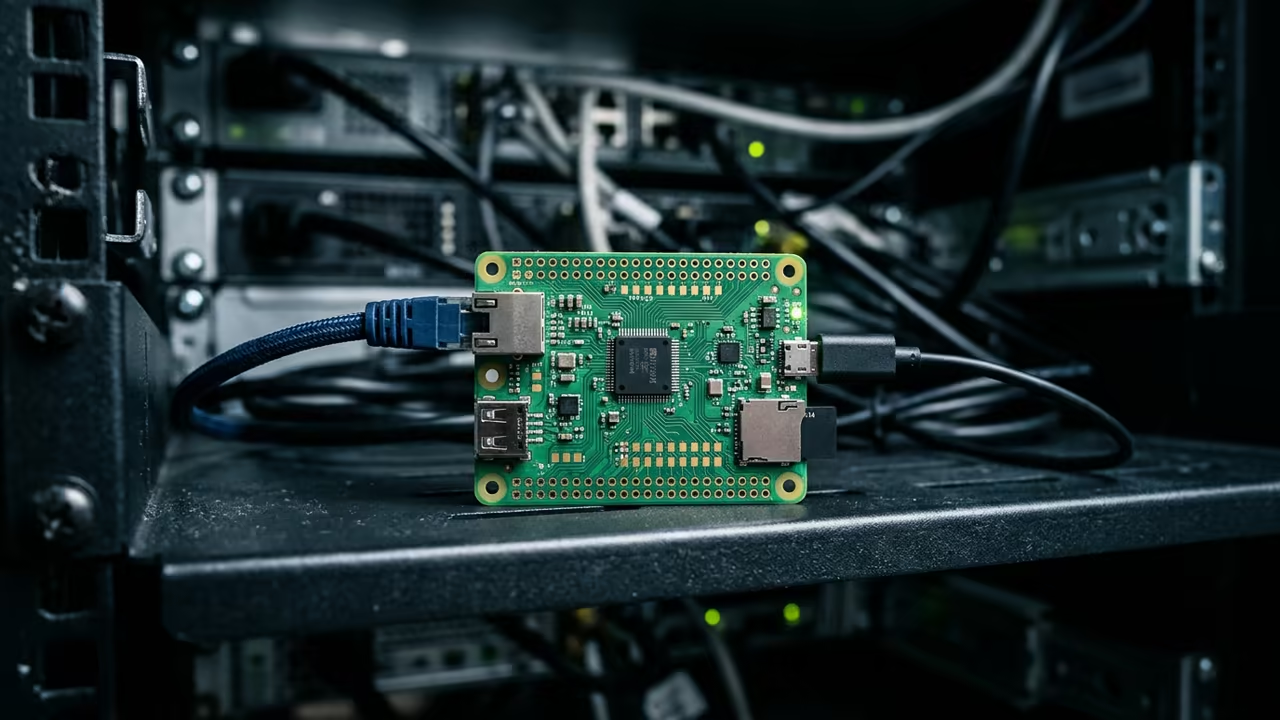
The Bloat Crisis in Modern Browsing
The modern web is a bloated nightmare of tracking scripts and heavy frameworks. Most lightweight devices simply choke when trying to load a basic news page.
This technical gridlock forces users into expensive hardware upgrades that they do not actually need. A tiny Raspberry Pi Zero W can break this cycle using the Dillo browser.
This combination turns a five dollar computer into a focused web portal. It bypasses the memory bloat of Chromium and the lag of Firefox.
44
Disclaimer: I may earn a commission from purchases made through these links at no extra cost to you.


The Experience of Pure Speed
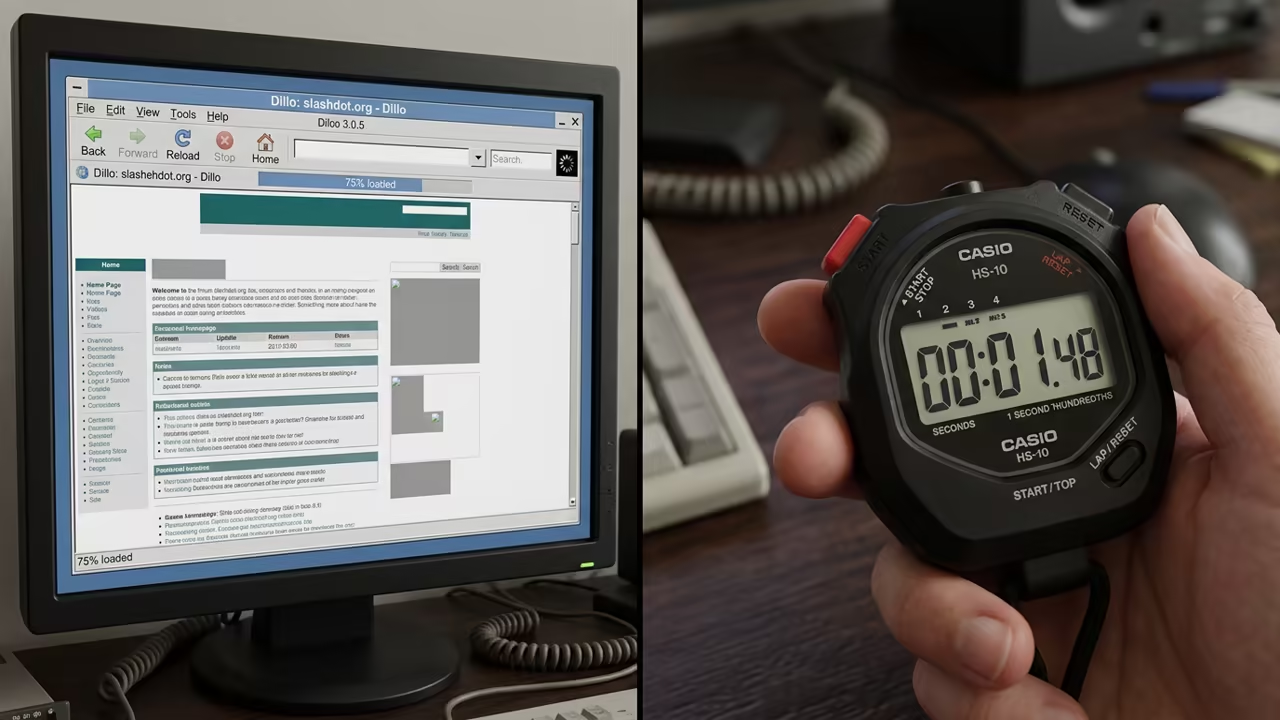
Implementing this setup feels like discovering a secret shortcut in a crowded city. The browser snaps open instantly without the usual struggle for RAM.
You experience a raw and unfiltered version of the internet that prioritizes speed over scripts. This is the ultimate lean machine for high intent browsing.
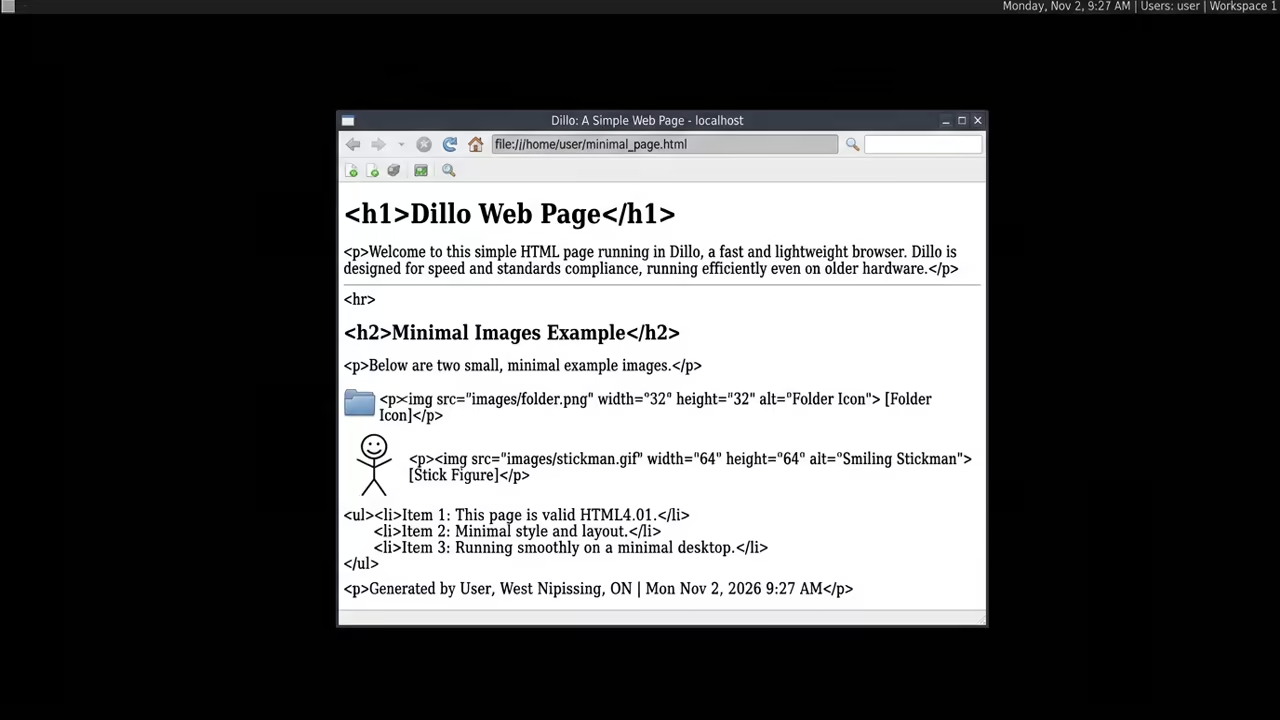
Engineering the Minimalist Stack
The core of this efficiency lies in the stripped down nature of the Dillo engine. It ignores the heavy JavaScript that kills most low power systems.
You get a lightning fast text and image experience on a device with only 512MB of RAM. This is a masterclass in resource allocation.
Sequential Setup Protocol
The setup requires a precise sequence to keep the system responsive. You must begin with a clean install of Raspberry Pi OS Lite.
sudo apt update && sudo apt upgrade -y
sudo apt install openbox tightvncserver dillo -y
- Update the system packages using the standard apt update command.
- Install the Openbox window manager for minimal graphical overhead.
- Set up TightVNC Server to allow remote access from your main workstation.
- Install the Dillo browser package from the official repository.
- Configure the Openbox autostart file to launch Dillo on boot.
The Insider Memory Hack
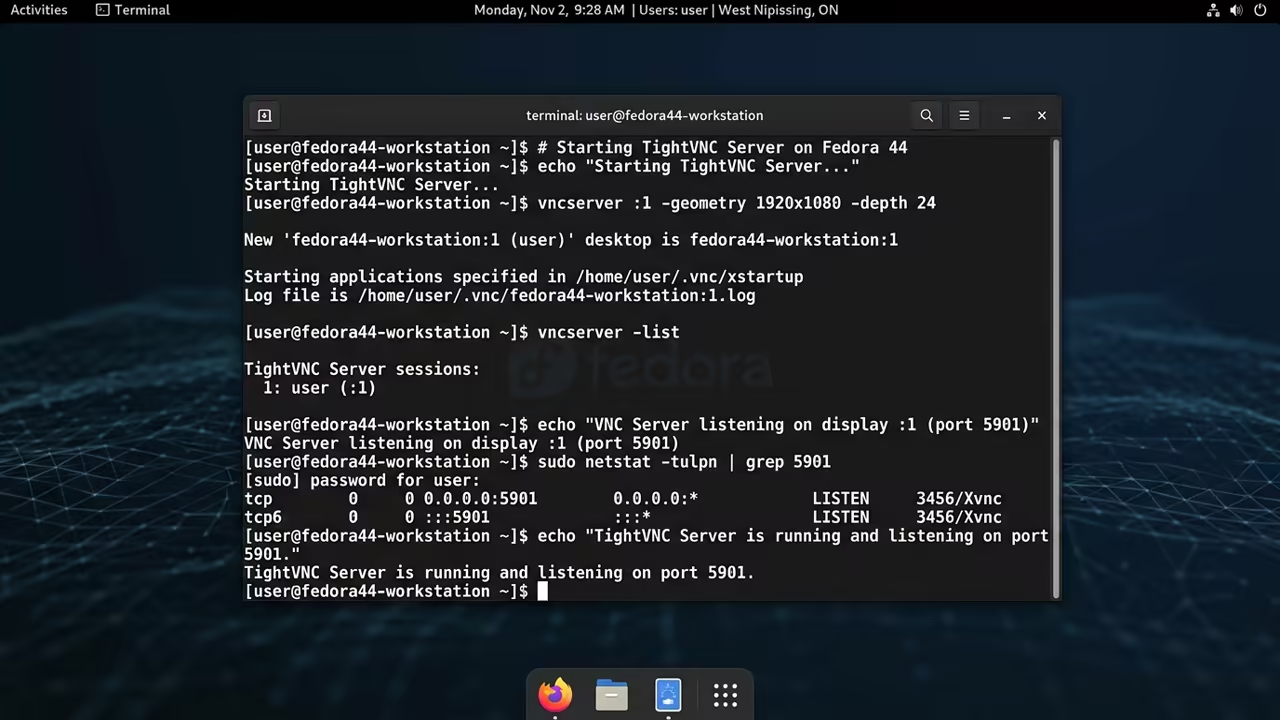
A critical insider detail for this build is the memory management. You should create a small tmpfs partition for the Dillo cache folder.
This prevents constant SD card writes and speeds up page loads significantly. It effectively treats a portion of your RAM as a lightning fast disk.
# Add to /etc/fstab for faster cache
tmpfs /home/pi/.dillo/cache tmpfs defaults,size=50M 0 0
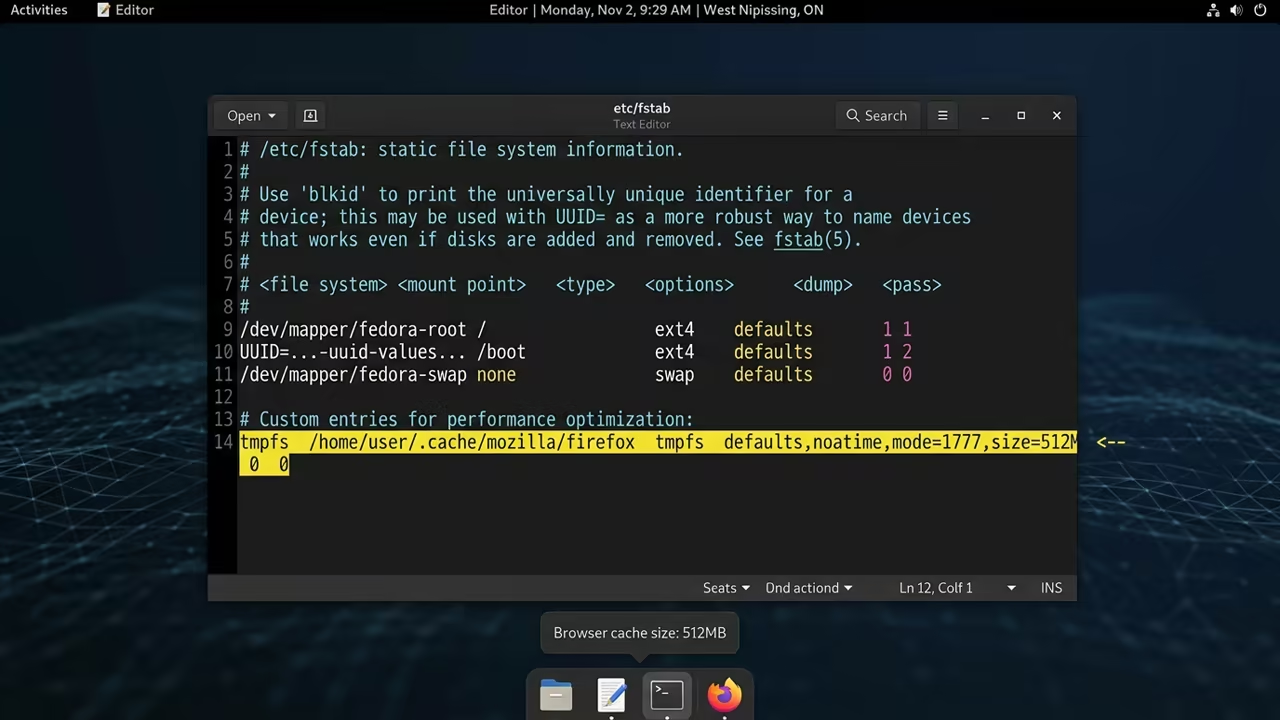
Hardware Performance Comparison
The difference in performance becomes clear when you compare this to standard setups. Most people try to force a full desktop onto the Zero W.
| Parameter | Chromium on Pi Zero | Dillo on Pi Zero |
|---|---|---|
| Boot Time | Very Slow | Instant |
| RAM Usage | 300MB Plus | 15MB |
| JS Support | Full | Minimal |
| Responsiveness | Laggy | Snappy |
| Stability | Prone to OOM | Rock Solid |
Architectural Breakthroughs
This architectural breakthrough connects directly to our previous deep dives into headless server optimization. By removing the GUI bloat we reclaim nearly half of the system resources.
This allows the Pi Zero to handle the browser without swapping to disk. The result is a dedicated browsing machine that consumes almost no power.
It serves as a perfect distraction free research tool or a simple monitoring dashboard. You no longer need a powerhouse PC for basic information retrieval.
Learning and Support
Reach out for personalized technical help to optimize your hardware stack. Dive deeper into these secrets with our comprehensive online tutorials.
Online Tutorials and Technical Help: https://ojambo.com/contact
🚀 Recommended Resources
Disclosure: Some of the links above are referral links. I may earn a commission if you make a purchase at no extra cost to you.
Leave a Reply