
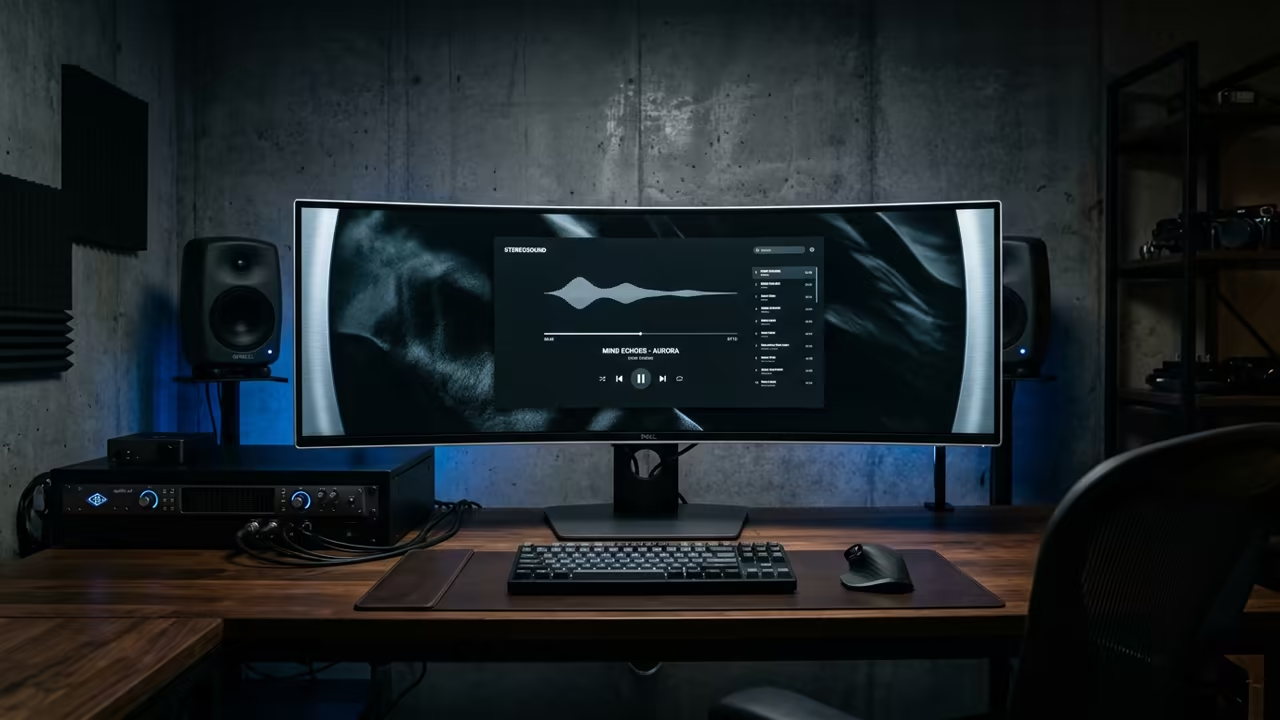
The Bloat Crisis in Modern Media Playback
Most modern media players have become bloated monstrosities that consume your precious system resources. They force unnecessary toolkits and heavy frameworks onto users who just want to play a file.
This software bloat creates a massive bottleneck for those running lean XFCE environments. You deserve a playback experience that respects your hardware and stays out of the way.
Parole Media Player solves this problem by stripping away the noise and focusing on pure efficiency. It transforms a clunky viewing experience into a streamlined professional workflow.
Disclaimer: I may earn a commission from purchases made through these links at no extra cost to you.


The Experience of Pure Efficiency
Implementing this lightweight powerhouse feels like removing a heavy weight from your shoulders. The application launches instantly and integrates perfectly with the XFCE desktop architecture.
You will notice a significant drop in background CPU usage during high resolution playback. Everything just works without the typical configuration headaches associated with Linux media tools.
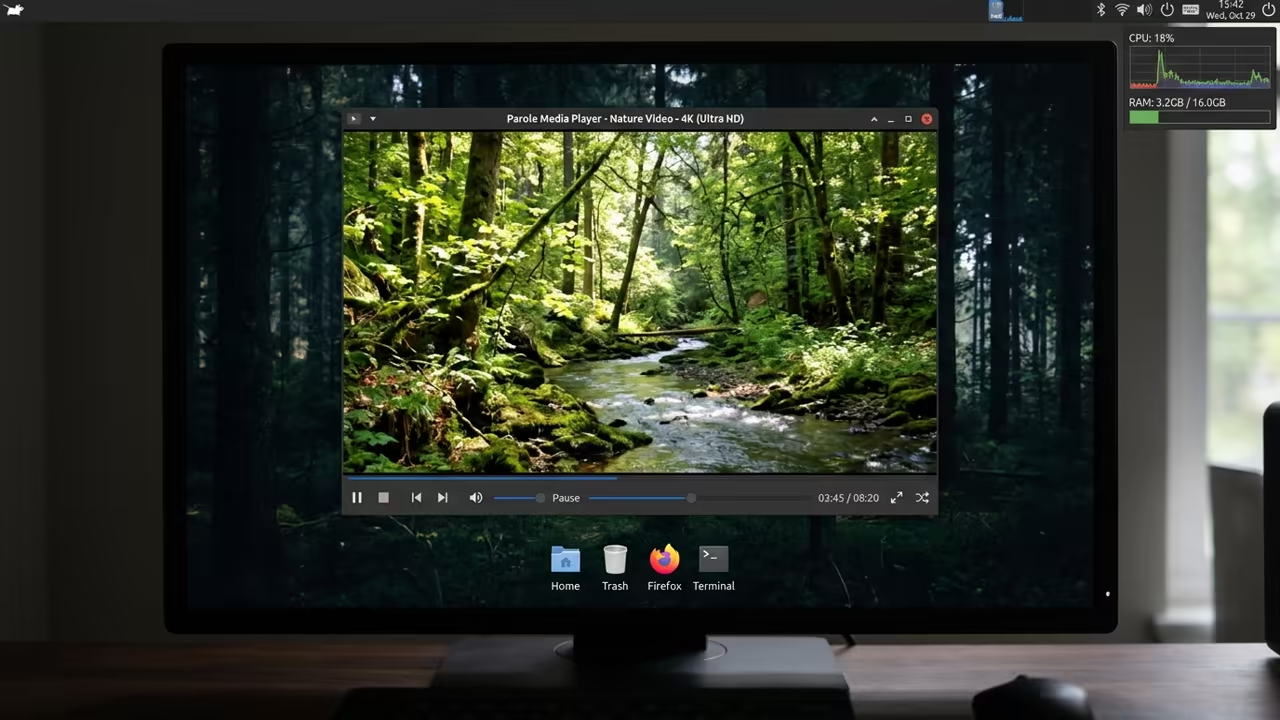
The interface is clean and provides exactly what you need for daily operation. It is the ultimate choice for the minimalist who demands absolute stability.
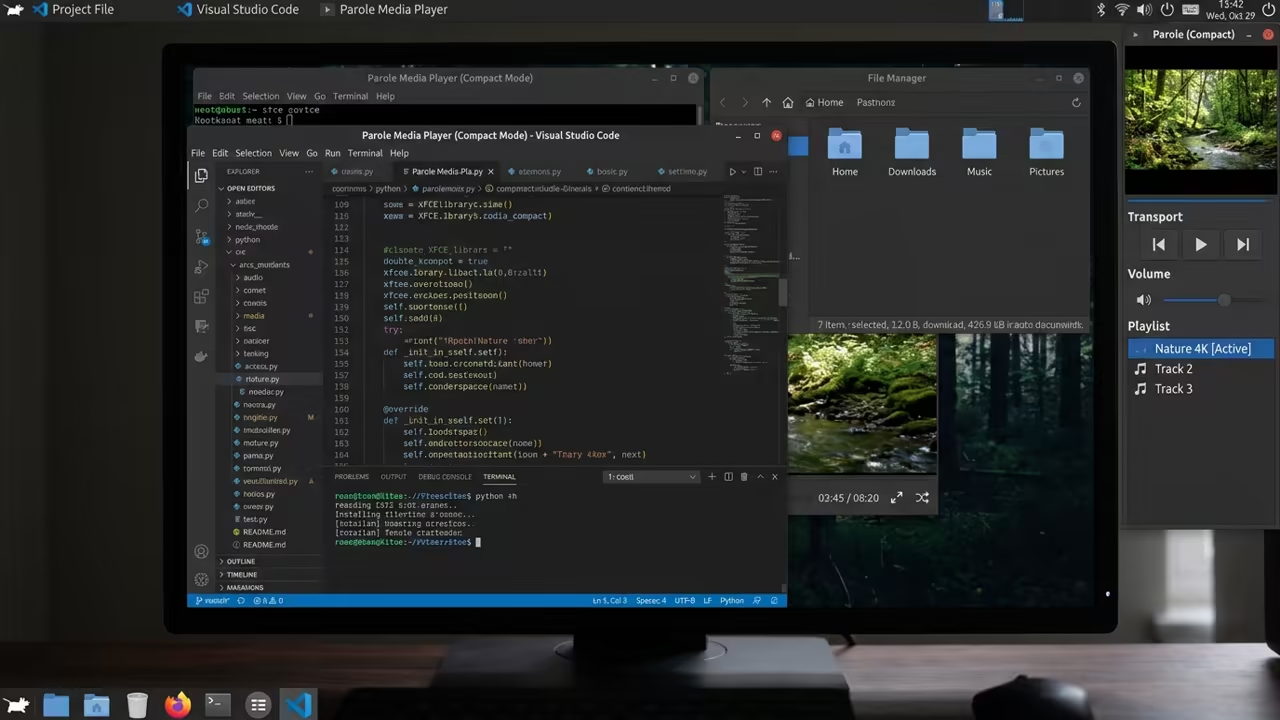
Mastering Hardware Acceleration on AMD
For those running Fedora 44 on AMD hardware, you must optimize the GStreamer pipeline. Install the RPM Fusion repositories to access the gstreamer1 plugins bad and ugly packages.
This step ensures your AMD MI60 leverages VA-API for hardware accelerated decoding. Without these plugins, your system will rely on software rendering and waste GPU potential.
sudo dnf install gstreamer1-libav
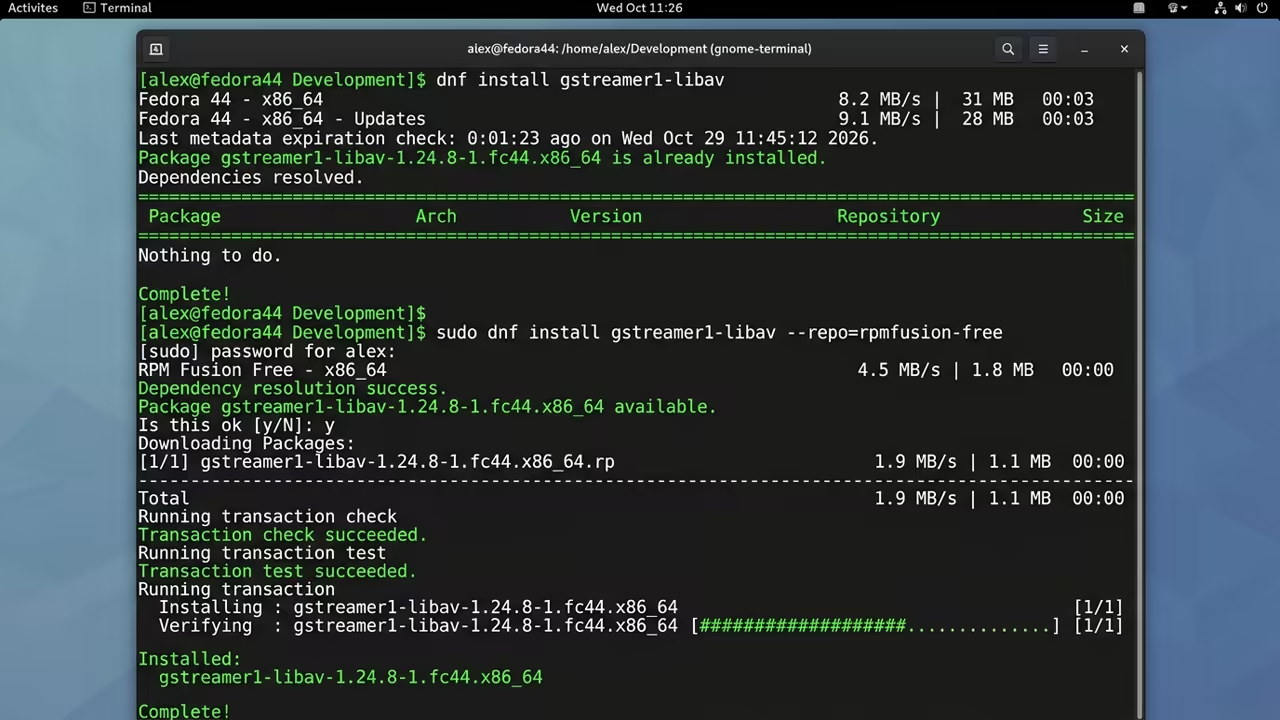
Run the dnf install command for gstreamer1-libav to unlock full codec support. This insider tweak bypasses the default Fedora codec limitations for a smoother frame rate.
Architectural Alignment and Performance
This optimization mirrors the logic used in our previous deep dives into ROCm tuning. It ensures that the hardware and software layers communicate with maximum efficiency.
Such architectural alignment is the secret to a truly high performance workstation. The efficiency of this setup is clear when compared to industry giants like VLC.
| Parameter | Parole | VLC | MPV |
|---|---|---|---|
| RAM Usage | Very Low | Medium | Low |
| XFCE Sync | Native | Generic | Minimal |
| Setup | Instant | Complex | Command Line |
| Framework | GStreamer | Internal | FFmpeg |
| Parameter | Parole | VLC | MPV |
Parole remains lean while providing the essential features required for professional media consumption. It is a masterclass in purpose built software design.
This streamlined approach allows you to focus on the content rather than the tool. It is the perfect companion for a system dedicated to high impact creative work.
You can finally reclaim your system resources for tasks that actually matter.
Learning and Support
Reach out for personalized technical help to optimize your open source stack. Dive deeper into our online tutorials to master your hardware configurations.
Online Tutorials and Technical Help: https://ojambo.com/contact
🚀 Recommended Resources
Disclosure: Some of the links above are referral links. I may earn a commission if you make a purchase at no extra cost to you.
Leave a Reply