
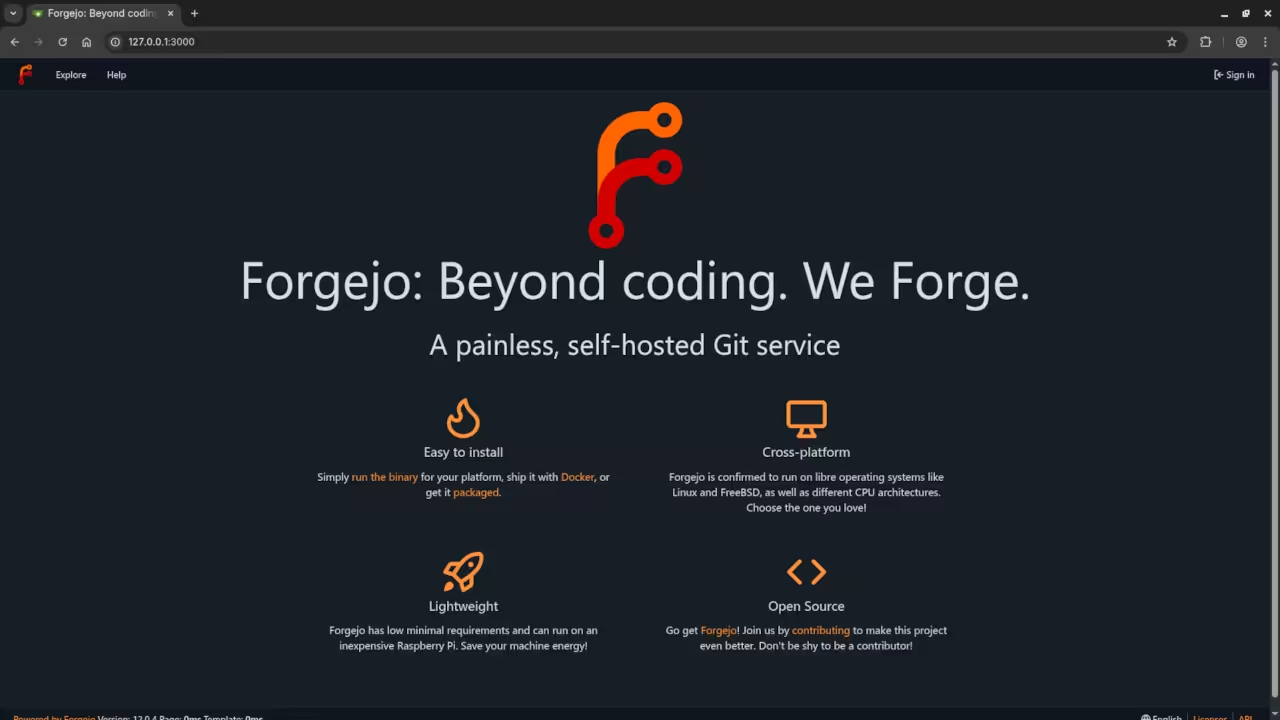
Forgejo: A Beginner-Friendly, Open Source Git Server (with Podman Installation Guide)
Introduction to Forgejo
If you’re looking for a free and open-source alternative to GitHub or GitLab, Forgejo is a great choice. Built on Forgejo, Forgejo is a community-driven Git server that you can self-host for full control over your repositories and development workflows.
Whether you’re working solo, teaching students, or managing a small team, Forgejo can be easily installed and run using lightweight container technologies like Podman or Podman Compose.
In this post, I’ll walk you through a basic installation of Forgejo using Podman, and share how I can help you get started with Git, Forgejo setup, or repository migration.
Why Forgejo?
- Open-source (AGPL-3.0 licensed)
- Lightweight and fast
- Easy to install with container support
- Great for personal, team, or educational use
- Active community and regular updates
How to Install Forgejo Using Podman
Step 1: Create a Directory for Forgejo
mkdir -p ~/forgejo/{data,config}
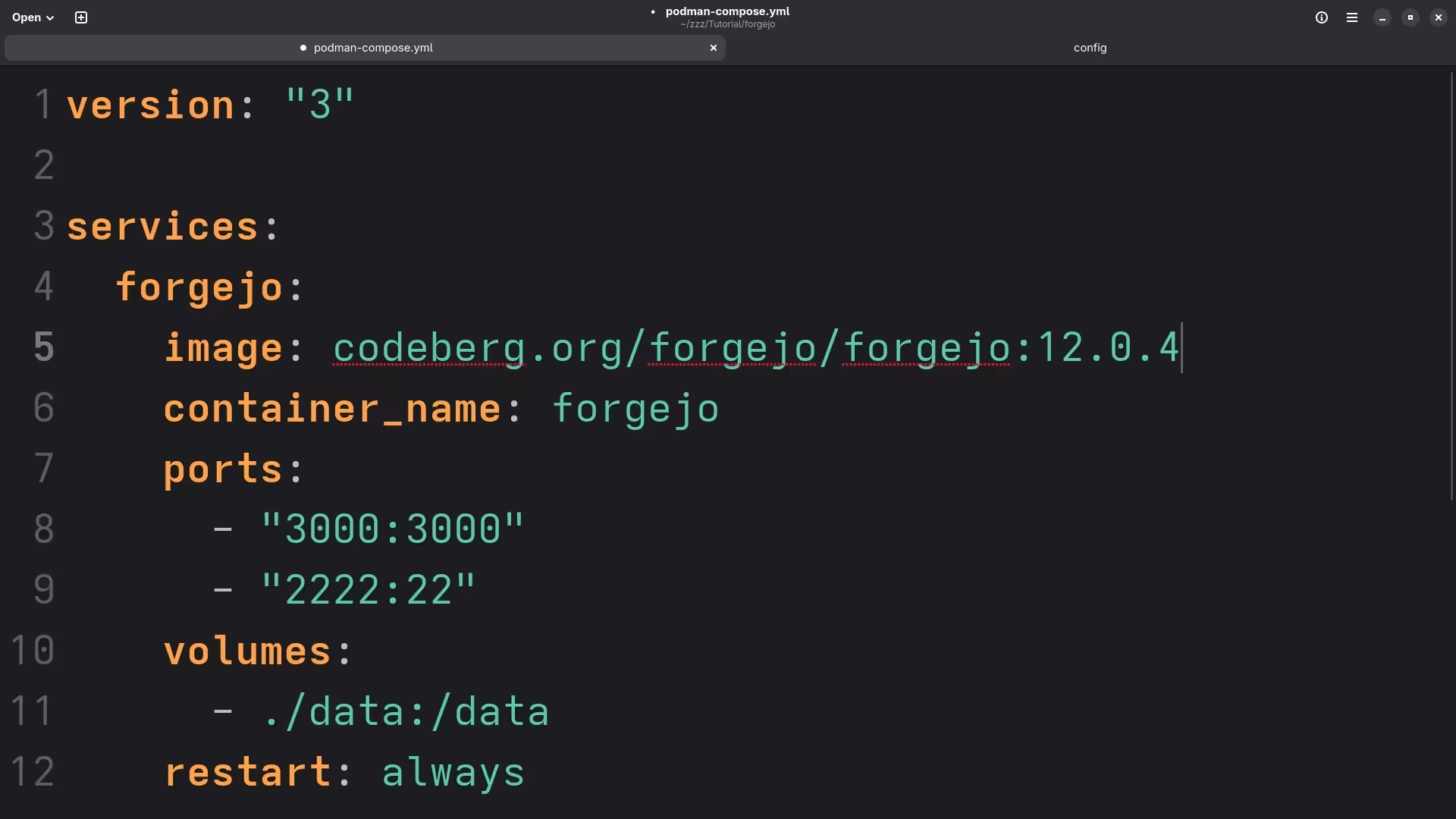
cd ~/forgejo Step 2: Create a podman-compose.yml File
version: "3"
services:
forgejo:
image: codeberg.org/forgejo/forgejo:12.0.4-rootless
container_name: forgejo
ports:
- "3000:3000"
- "222:22"
volumes:
- ./data:/data
restart: always Save this as podman-compose.yml.
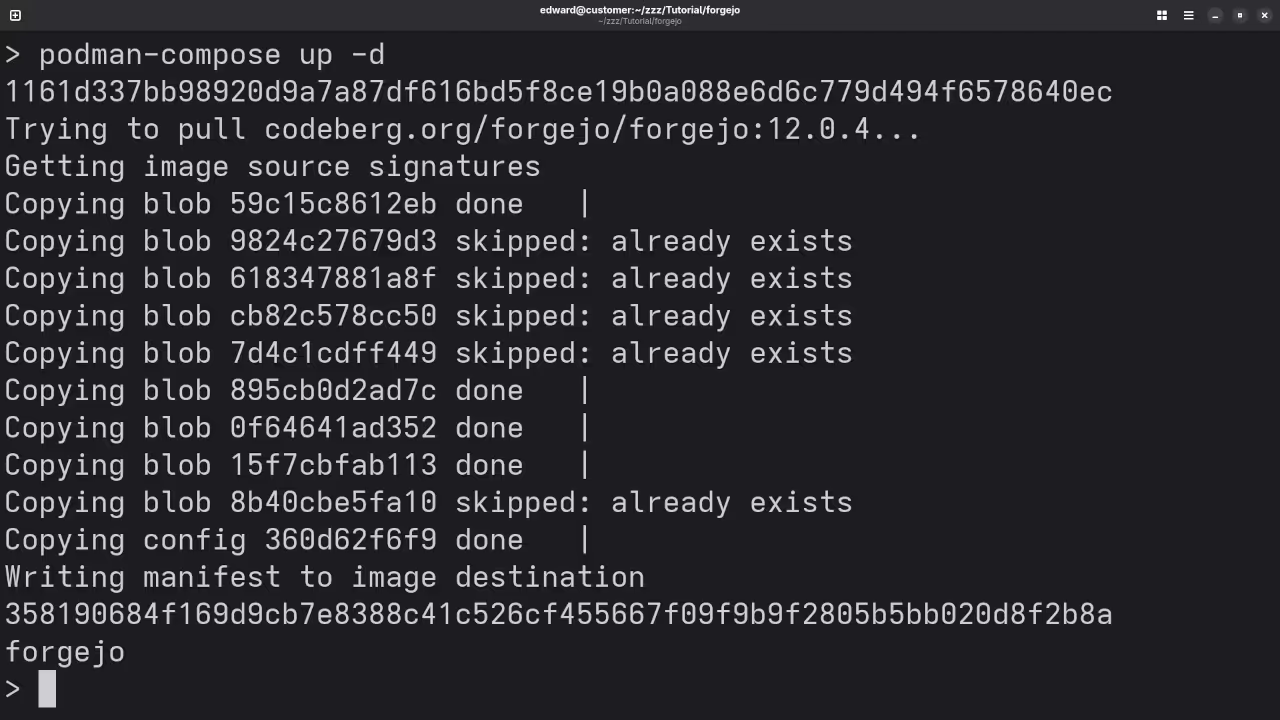
Step 3: Start Forgejo
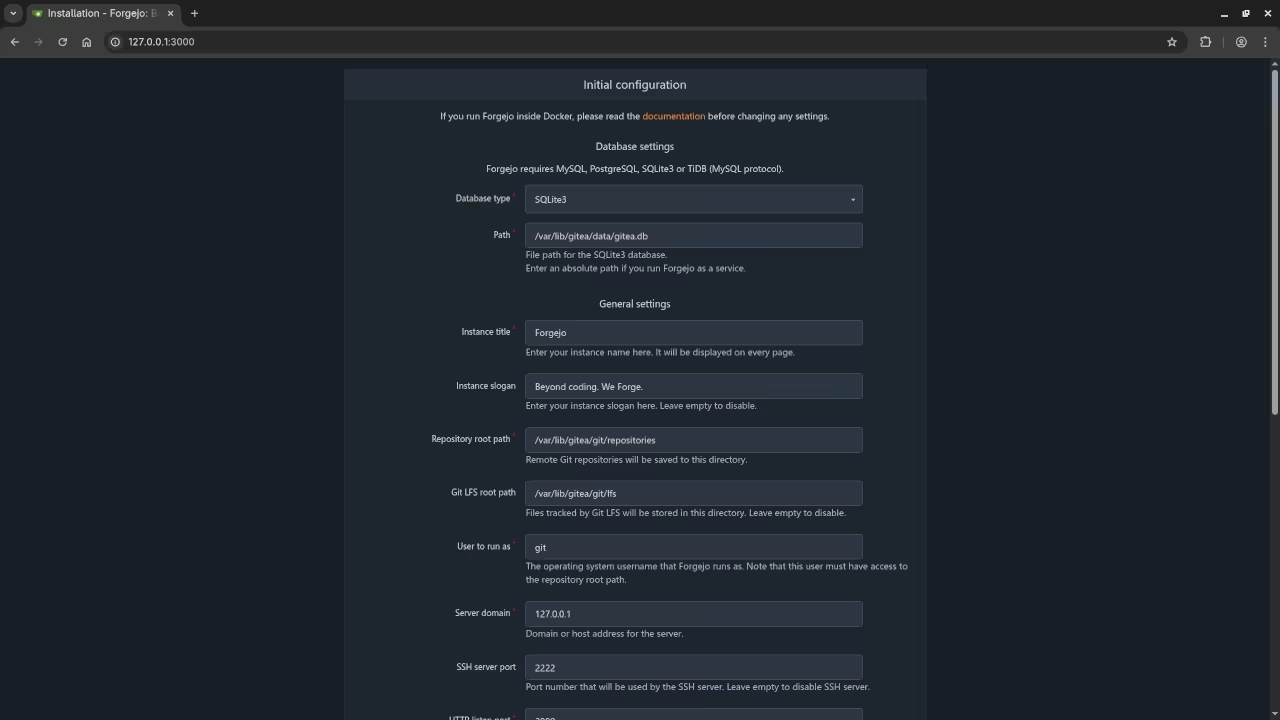
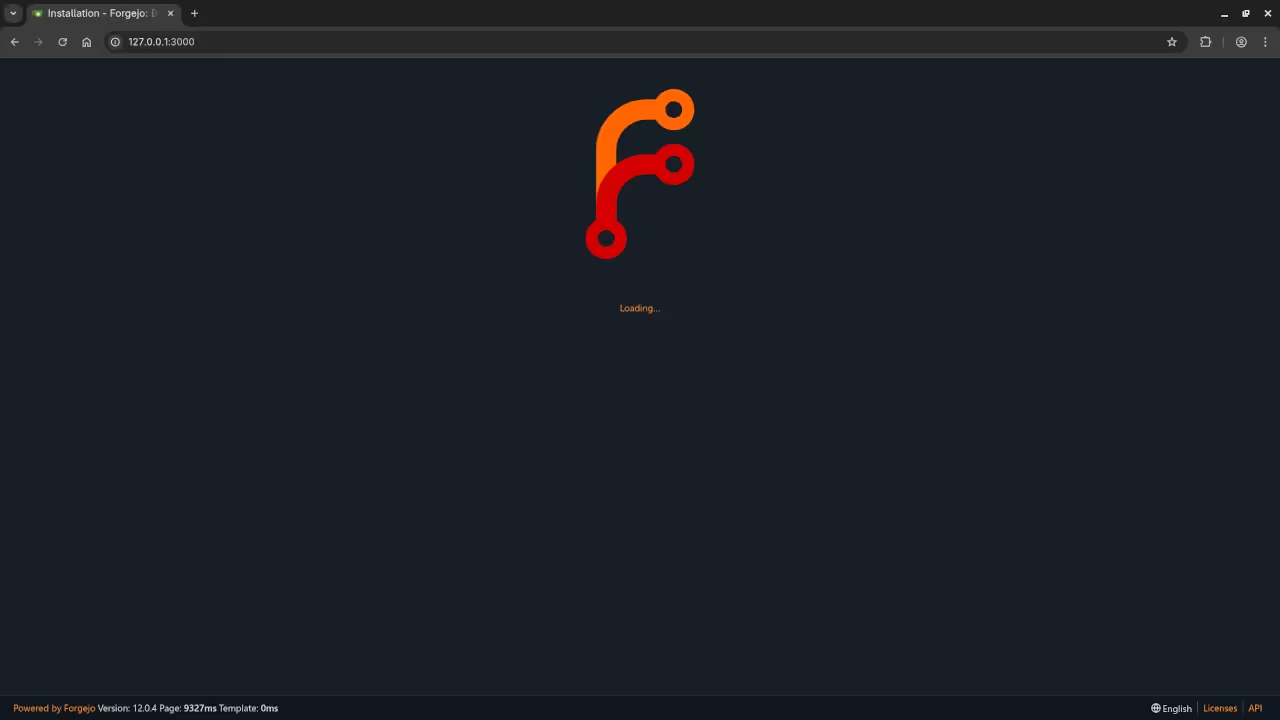
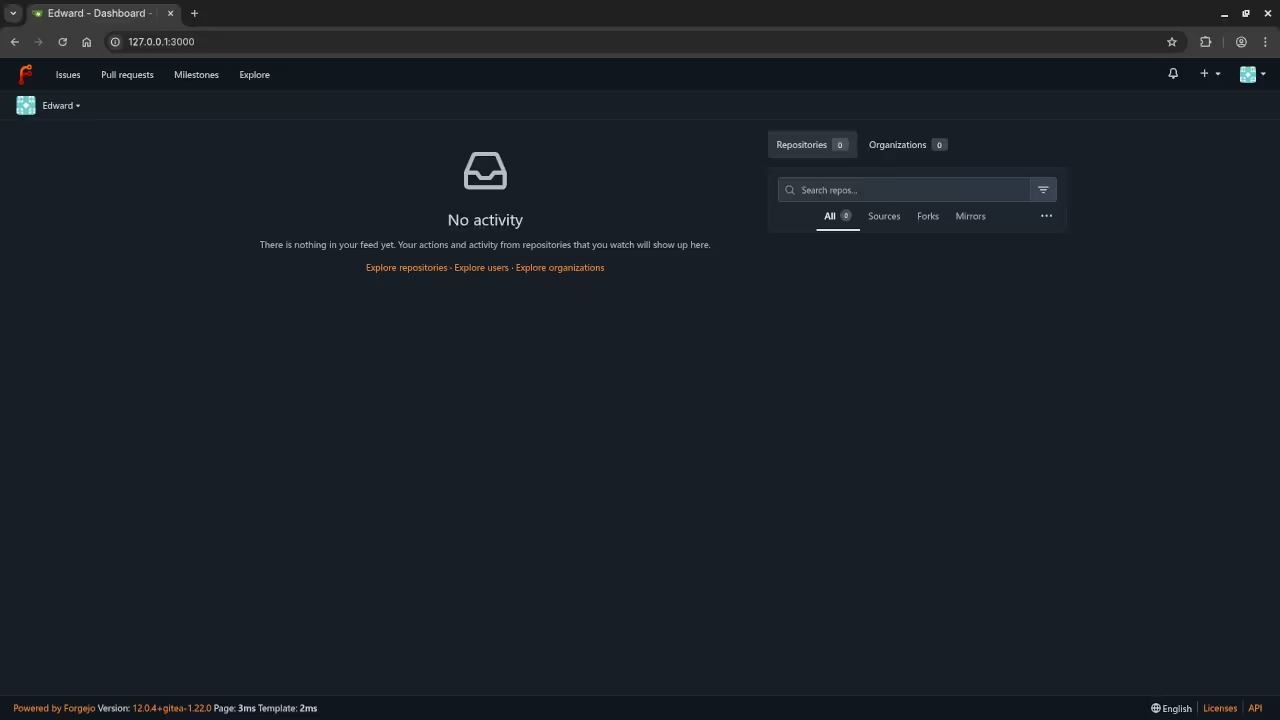
podman-compose up -d Once it’s up, visit http://localhost:3000 in your browser to complete the setup wizard.
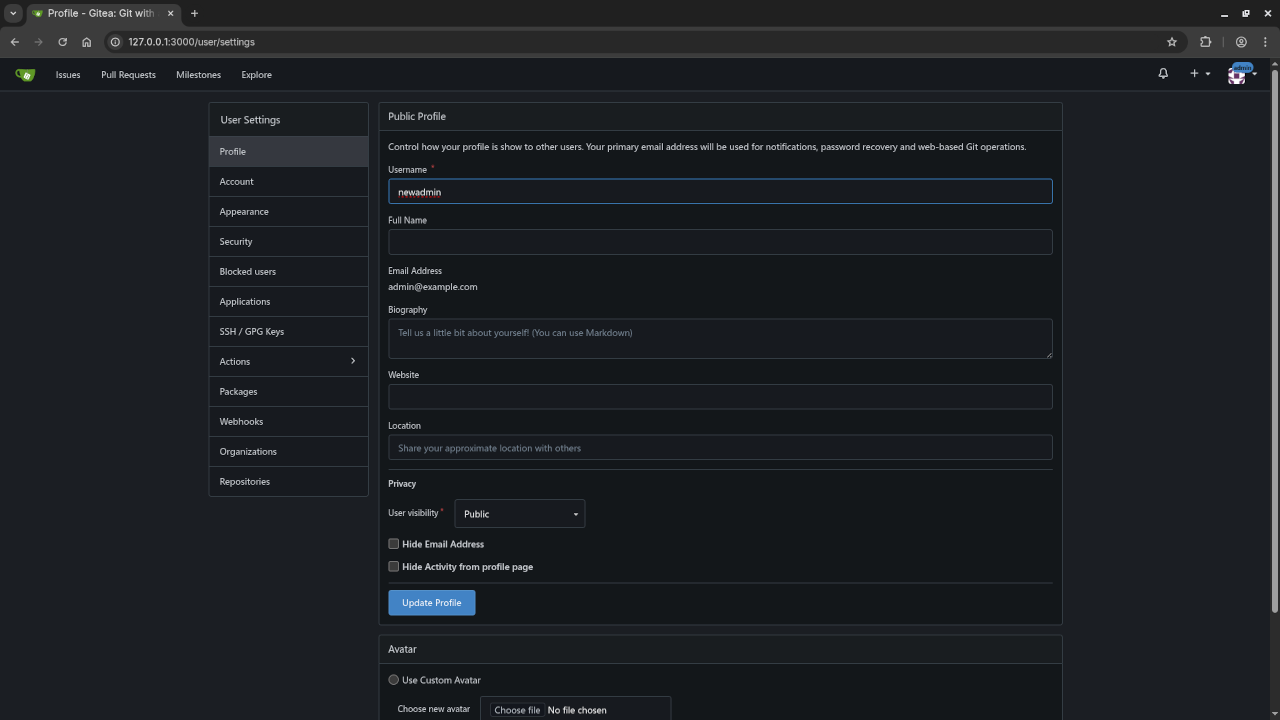
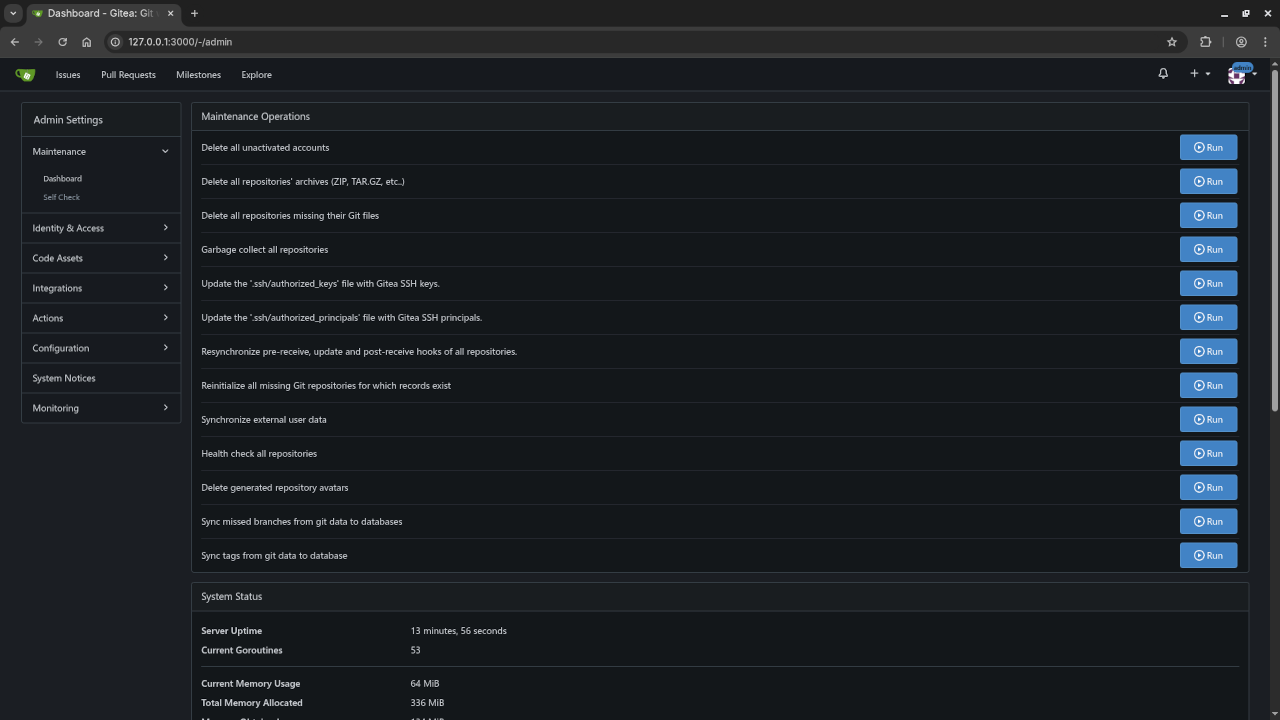
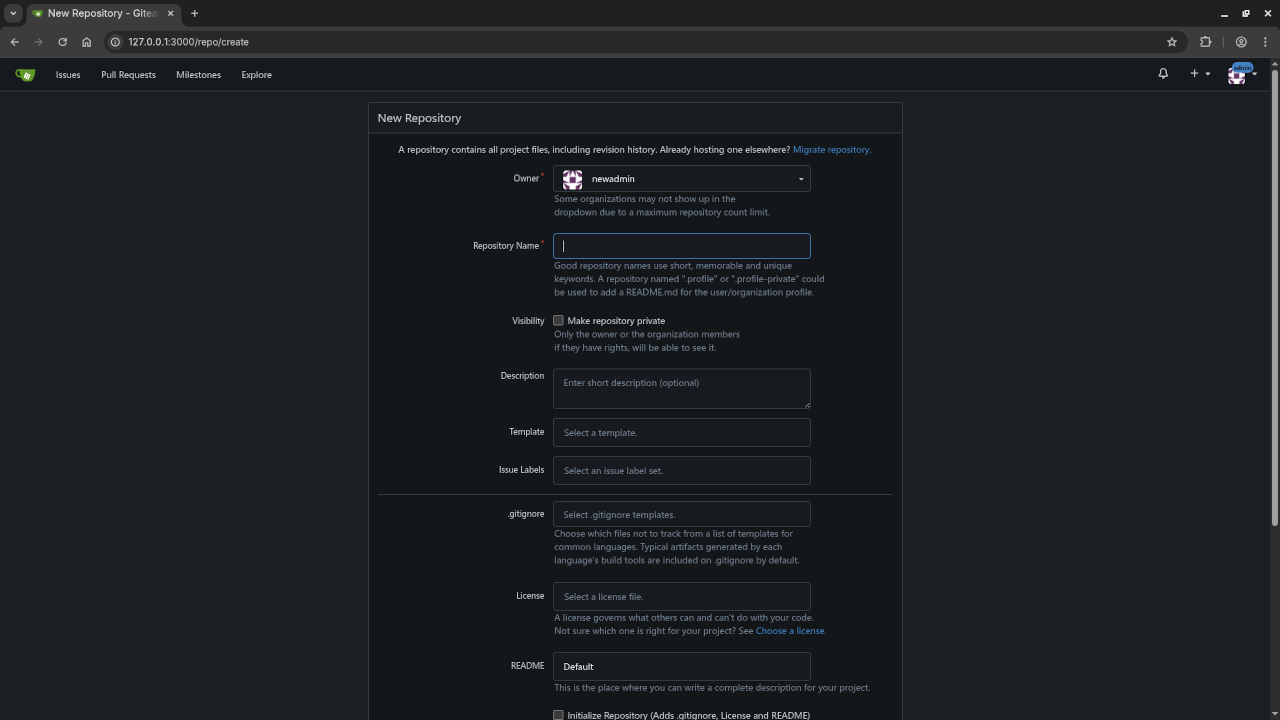
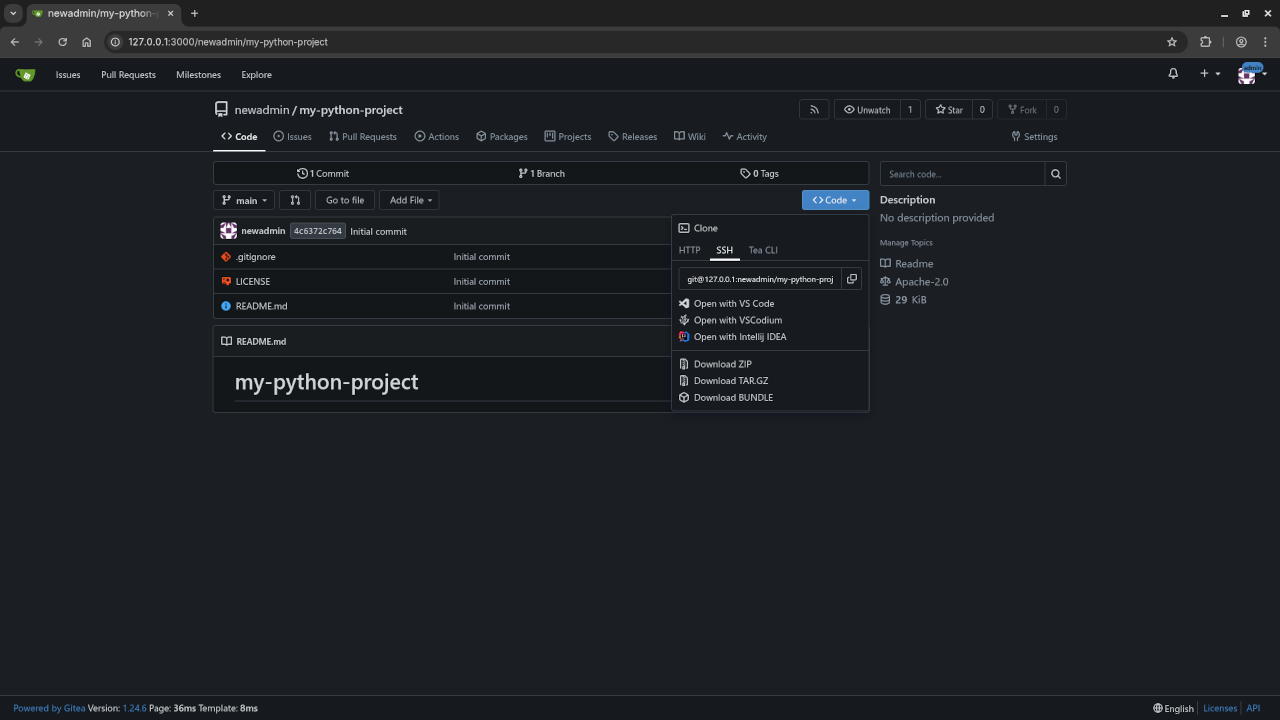
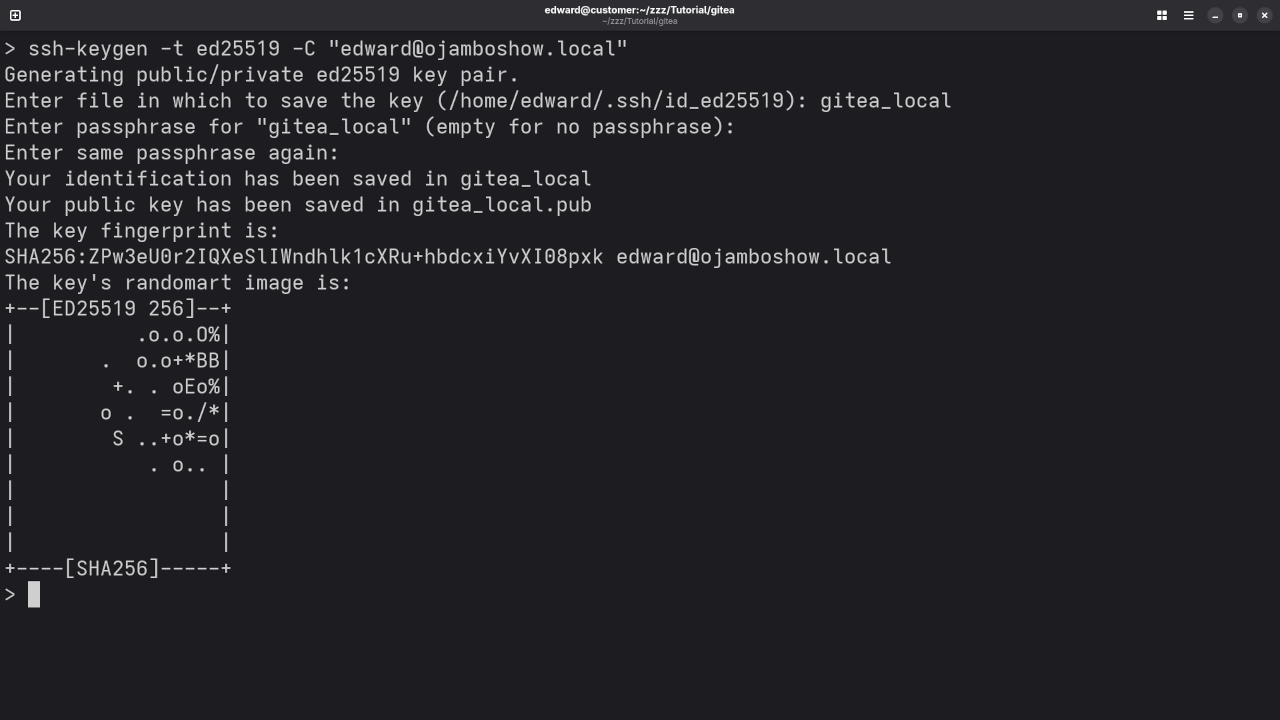
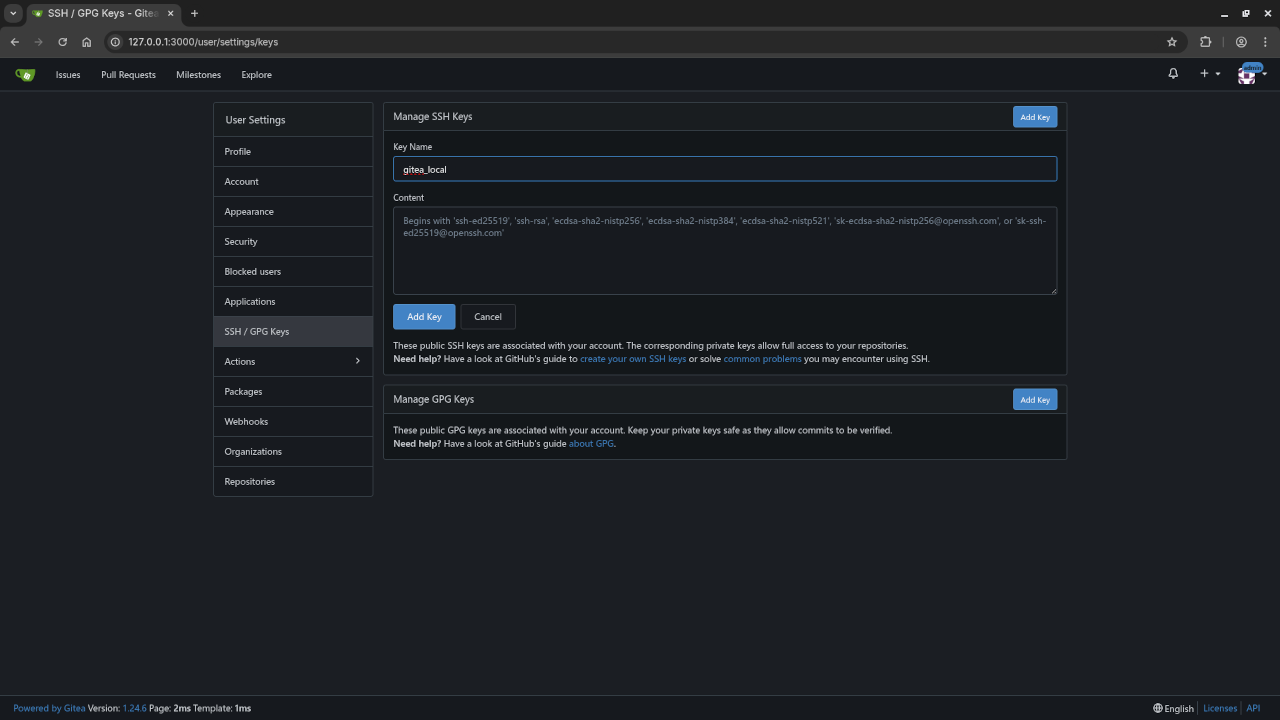
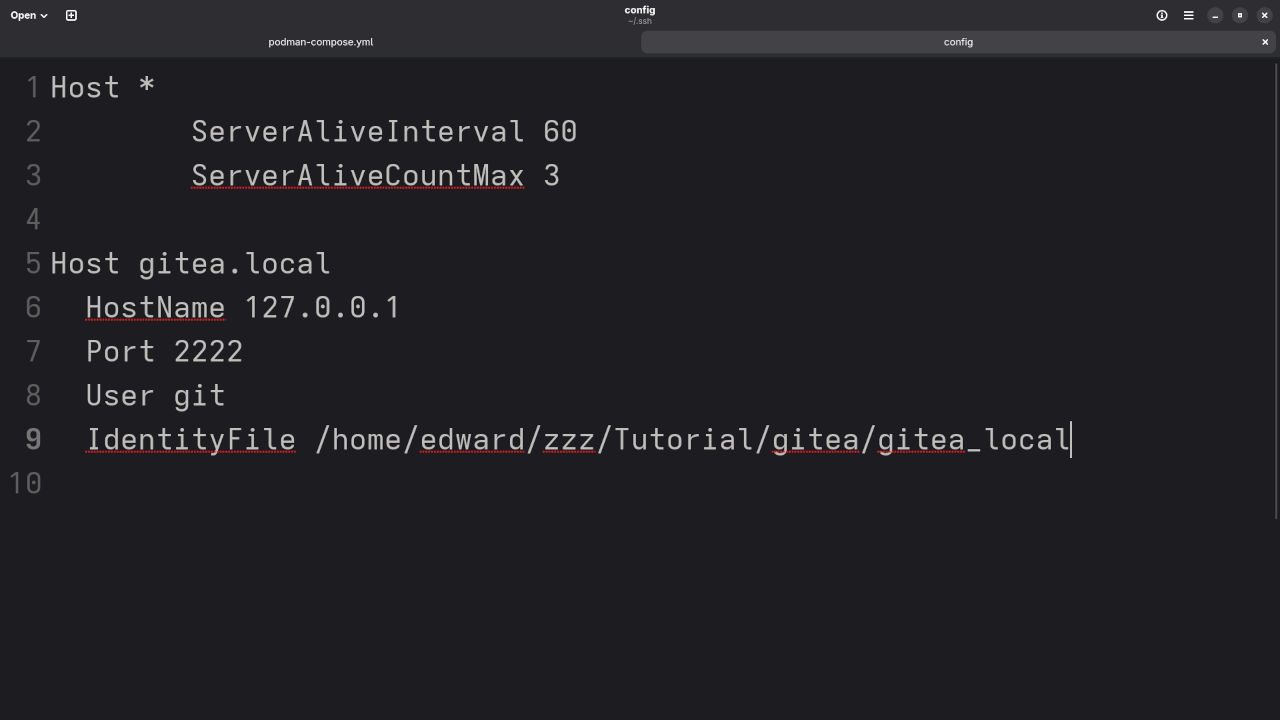
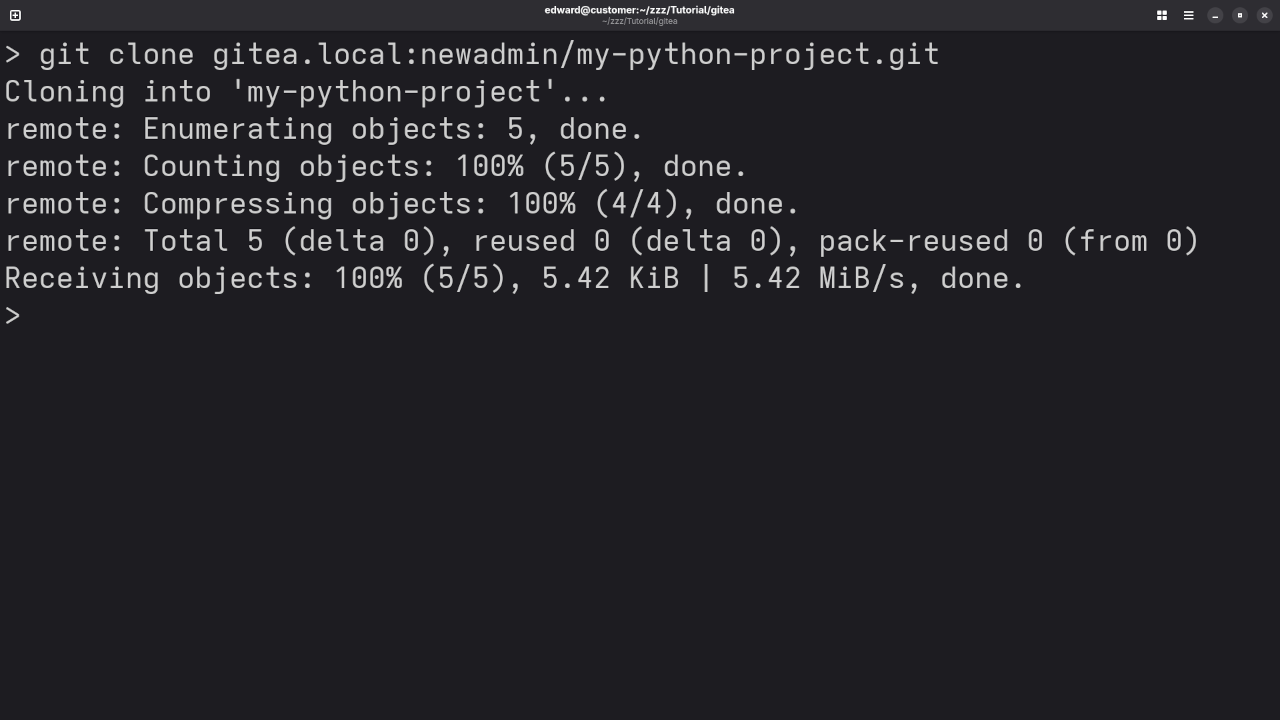
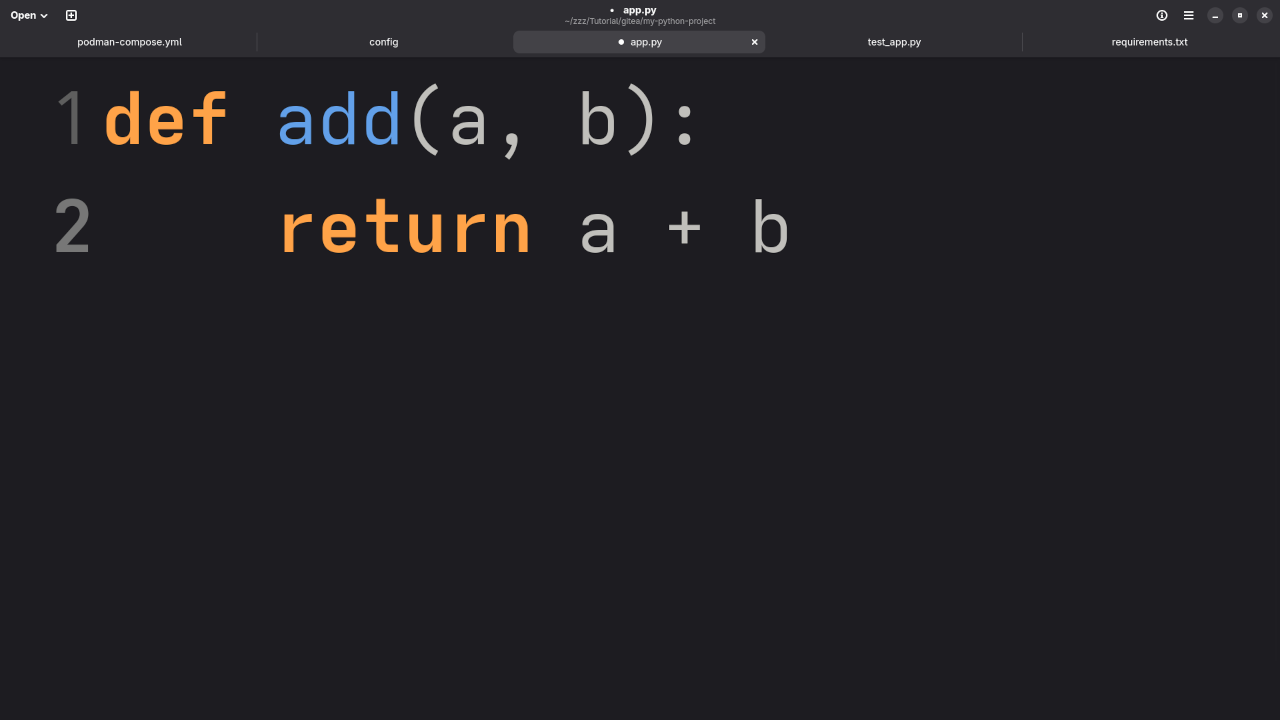
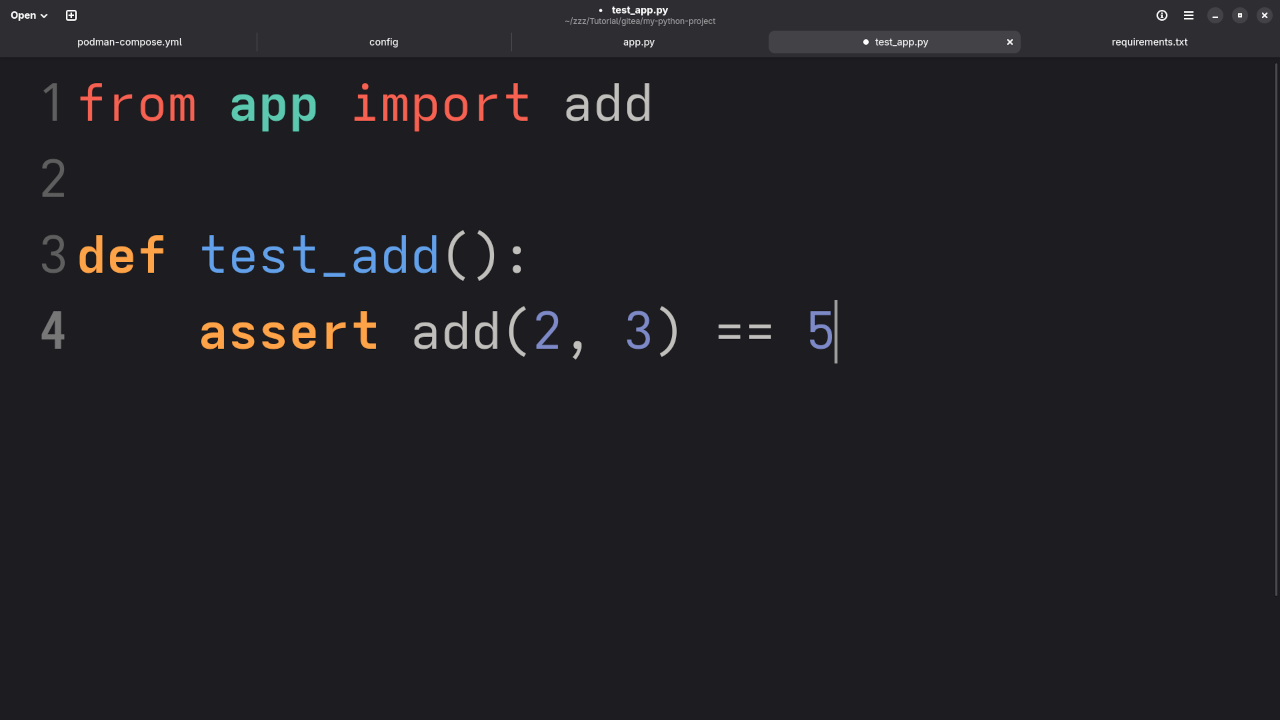
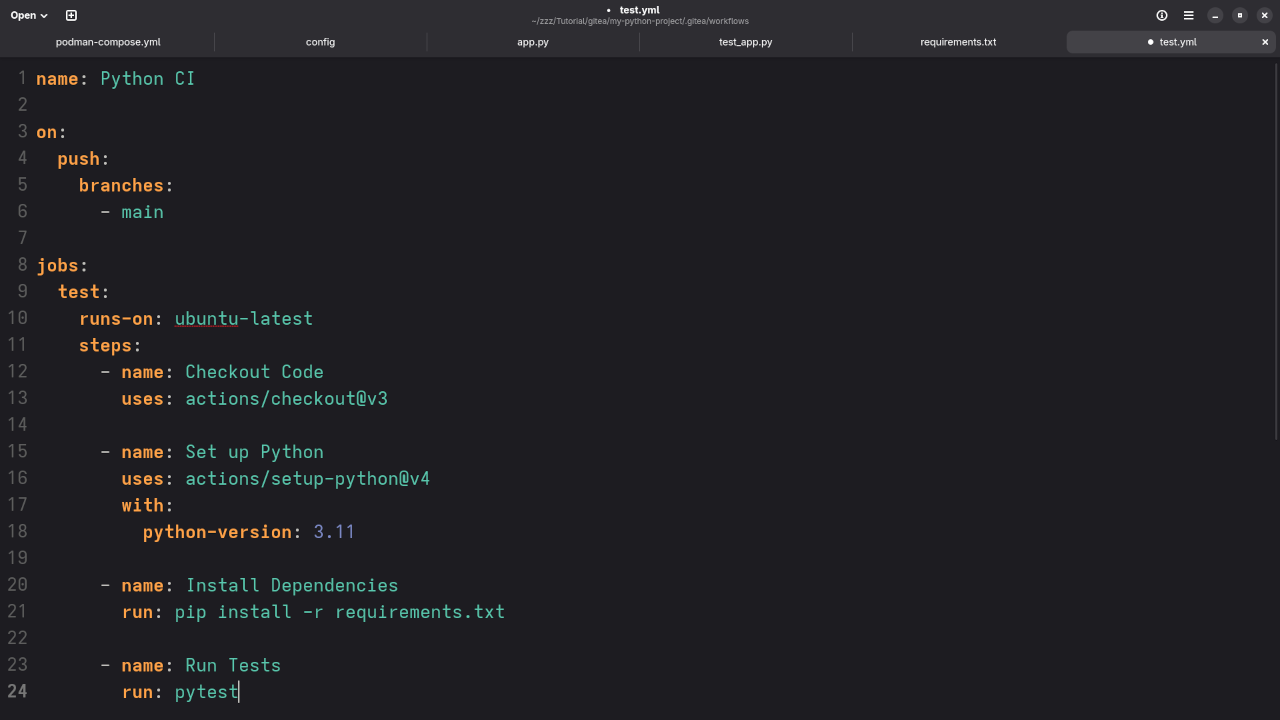
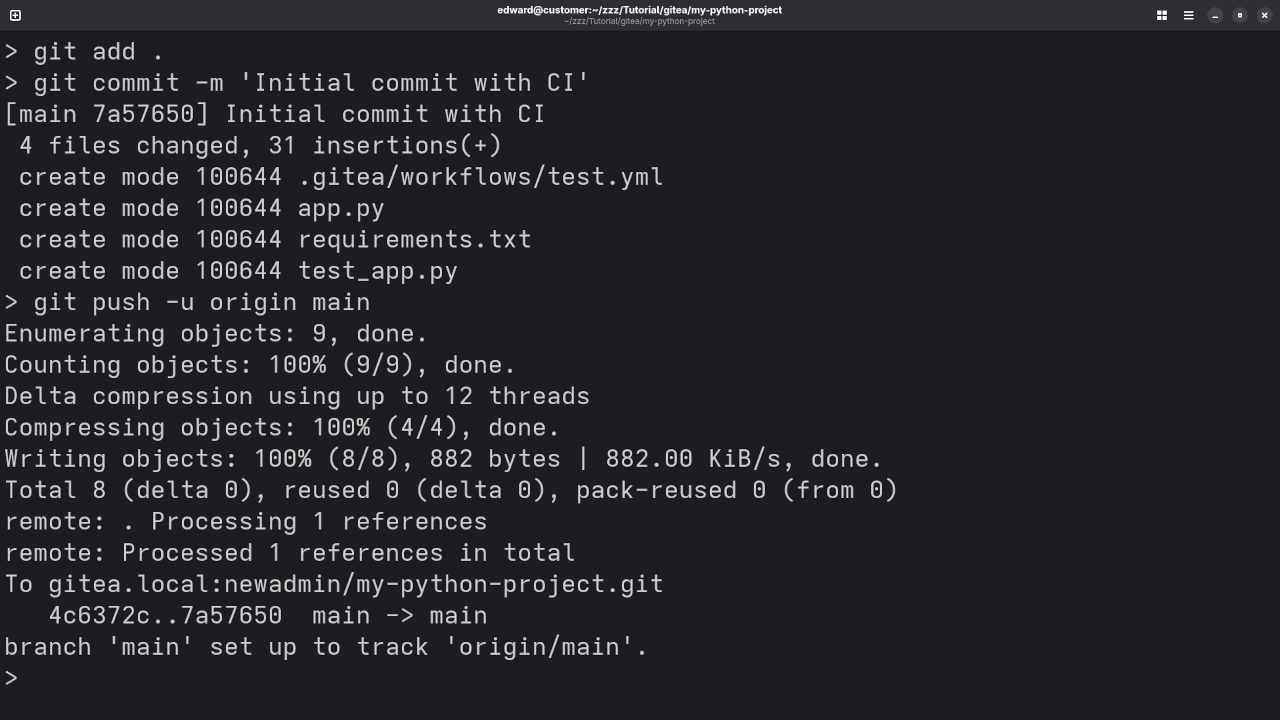
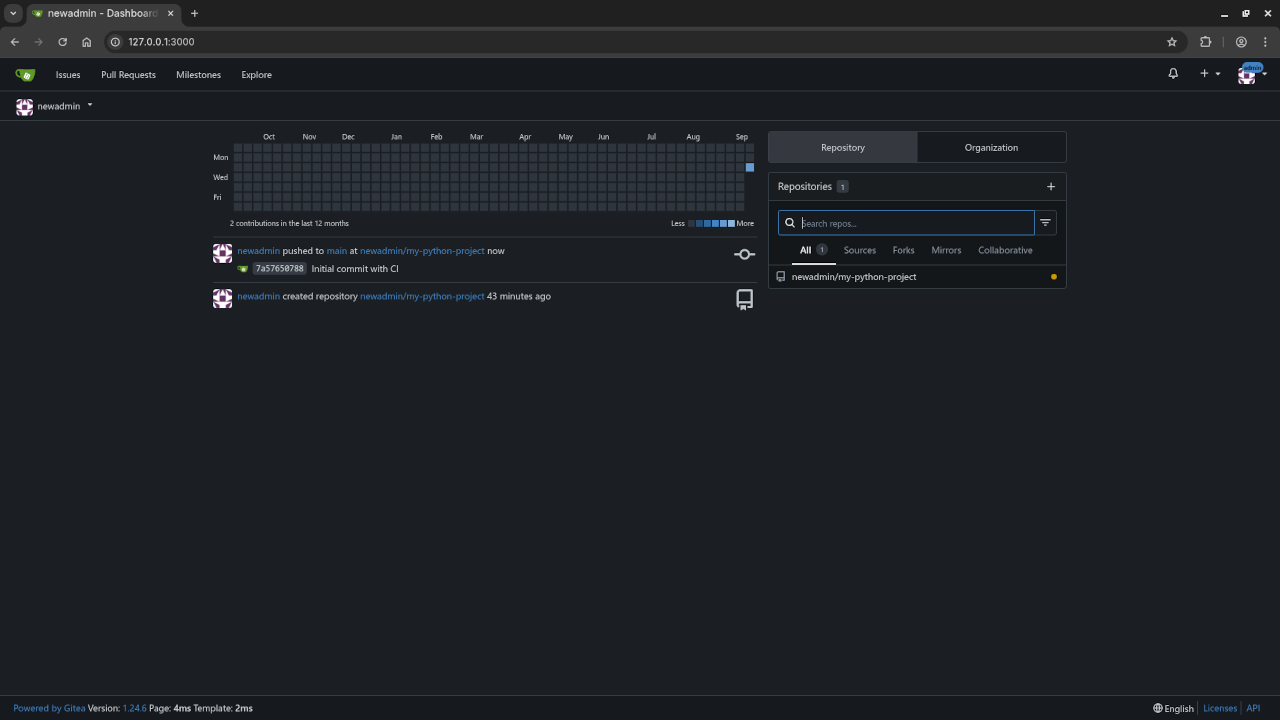
Screenshots and Screencast Tutorial
Need Help with Git, Forgejo, or Programming?
I am Edward Ojambo, and I offer the following:
- Programming books on Git, Linux, C++, and more
- Online programming courses tailored to beginners and intermediate learners
- One-on-one tutorials for Git, Forgejo, Linux, and development tools
- Forgejo/Git installation and migration services – get up and running fast
Conclusion
Forgejo is a fantastic, free, and open-source Git hosting solution that gives you full control over your codebase. With Podman, getting started is quick and easy – and if you ever need help, I’m just a click away.
🚀 Recommended Resources
Disclosure: Some of the links above are referral links. I may earn a commission if you make a purchase at no extra cost to you.