
Introduction
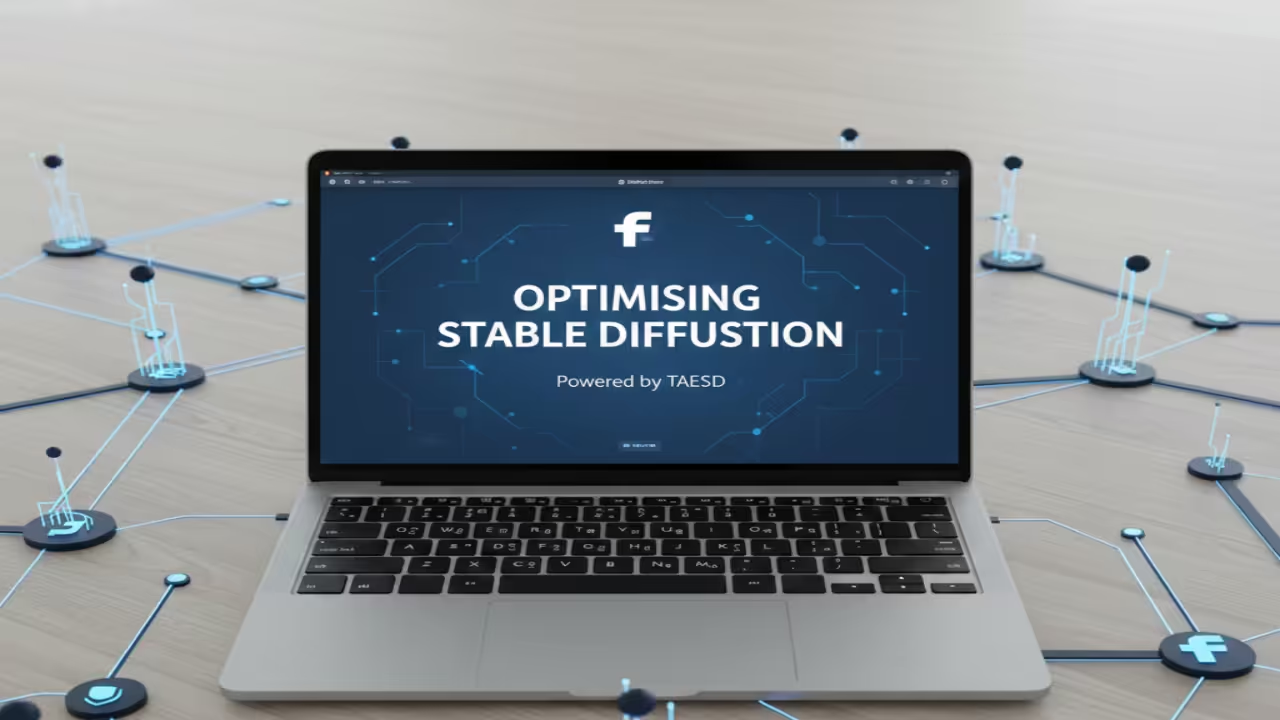
TAESD speeds up image generation on Fedora Linux. This tool provides instant previews for beginner developers.
Standard VAEs use a lot of video memory. TAESD reduces the load on your local GPU.
Fedora users can install these tools very easily. Use the terminal to set up your environment.
How Tiny Autoencoders Work
The model works by simplifying the decoding process. It skips heavy calculations to save precious time.
You can see your art while it builds. This feedback loop helps you fix prompt errors.
Small models allow for experimentation on older hardware. Tiny autoencoders are perfect for rapid local testing.
Setting Up Your Linux Environment
The code stays simple for any new programmer. Integrate the weights into your existing Python scripts.
Fedora workstations handle these Python tasks very well. Open your terminal to begin the installation process.
Update your system packages before starting the project. Install the latest version of PyTorch for Linux.
Technical Performance Details
The encoder compresses the image into a latent. The decoder recreates the pixels with high efficiency.
Standard models often freeze during the decoding phase. TAESD remains fluid even on lower-end graphics cards.
Latency drops significantly when using this specialized model. Speed becomes your biggest advantage during creative sessions.
Most developers prefer Fedora for its stable kernels. This operating system runs AI libraries with ease.
Comparison and Theoretical Speed Gains
The architecture uses fewer layers than a standard VAE. Each layer focuses on speed instead of detail.
| Feature | Standard VAE | TAESD Model |
|---|---|---|
| VRAM Usage | High (Gigabytes) | Low (Megabytes) |
| Decoding Speed | Baseline speed | Up to 10x faster |
| Image Quality | Full detail | Compressed preview |
| Ideal Use | Final Render | Drafting |
| Feature | Standard VAE | TAESD Model |
Theoretical speed gains can reach up to tenfold. Decoding happens in milliseconds rather than full seconds.
This efficiency allows for real-time video generation experiments. Your Fedora system will feel much more responsive.
Tradeoffs and Quality Considerations
However you must consider the trade-off in quality. Tiny models sometimes lose very fine image details.
Small text or distant faces might appear slightly blurry. You should use standard VAEs for your final renders.
TAESD serves best as a fast drafting tool. Switch models when you are ready for high-definition output.
The color accuracy might shift in certain light settings. Always check your work with a full-sized autoencoder later.
Beginners should understand these limits before starting projects. Balancing speed and quality is a vital programming skill.
Modern AI depends on these smart optimization tricks. Learning them early improves your programming career path.
Screenshot
Live Screencast
Take Your Skills Further
- Books: https://www.amazon.com/stores/Edward-Ojambo/author/B0D94QM76N
- Courses: https://ojamboshop.com/product-category/course
- Tutorials: https://ojamb.com/contact
- Consultations: https://ojamboservices.com/contact
🚀 Recommended Resources
Disclosure: Some of the links above are referral links. I may earn a commission if you make a purchase at no extra cost to you.