
Introduction
Wan models generate amazing video and images. Tiny AutoEncoders make these models run faster.
Fedora Linux users often prefer efficient local tools. Stable-diffusion.cpp is a great C++ implementation.
Understanding Performance Benefits
TAESD allows for real-time latent previews. This saves time during long generation tasks.
First install build essentials on your Fedora system. Use dnf to grab the latest compilers.
Clone the stable-diffusion.cpp repository from GitHub. Navigate into the folder using your terminal.
Setting Up Wan 2.1 and 2.2
Download the Wan 2.1 1.3B model file. Also download the Wan 2.2 14B file.
The TAESD files are much smaller than VAEs. Place these files in your models directory.
Run the project using the taesd flag. Specify the path to your tiny autoencoder.
Hardware Considerations for Large Models
The 1.3B model works well on laptops. The 14B model requires more video memory.
Standard VAEs often use too much RAM. TAESD uses a tiny fraction of memory.
Decoding images becomes nearly an instant process. This helps you iterate on prompts quickly.
Replacing the Text Encoder
Text encoders turn your words into numbers. Wan models typically use the T5 encoder.
The regular T5 encoder is very large. You can replace it with smaller versions.
Look for quantized GGUF versions of T5. These fit much better in system RAM.
Use the –vae flag for the standard encoder. Use the –taesd flag for the fast one.
Implementation and Final Steps
The cli tool accepts separate text encoder paths. Point the software to your downloaded encoder.
Combining TAESD and small encoders saves memory. This allows 14B models to run locally.
Fedora Linux handles these high-performance tasks very efficiently. Keep your mesa drivers updated for speed.
Check the console for any loading errors. Ensure your paths match your actual file locations.
Monitor your system resources with the top command. Watch the memory usage during the process.
Screenshot
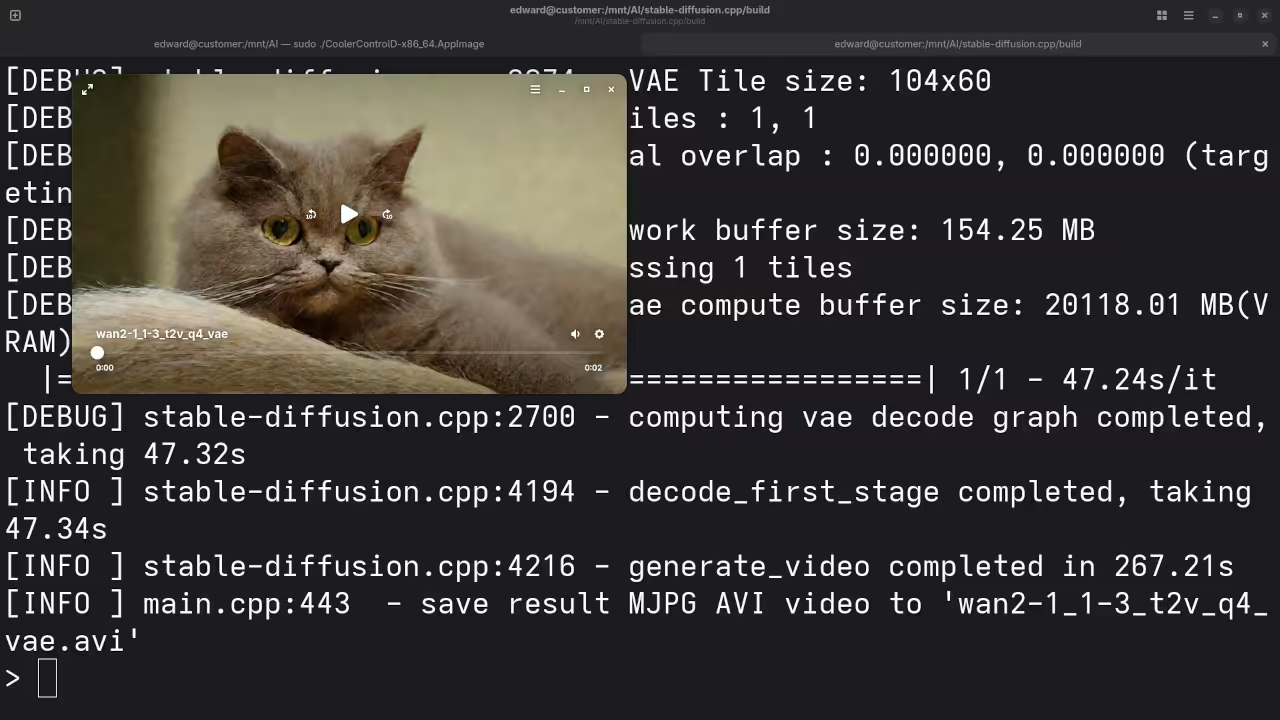
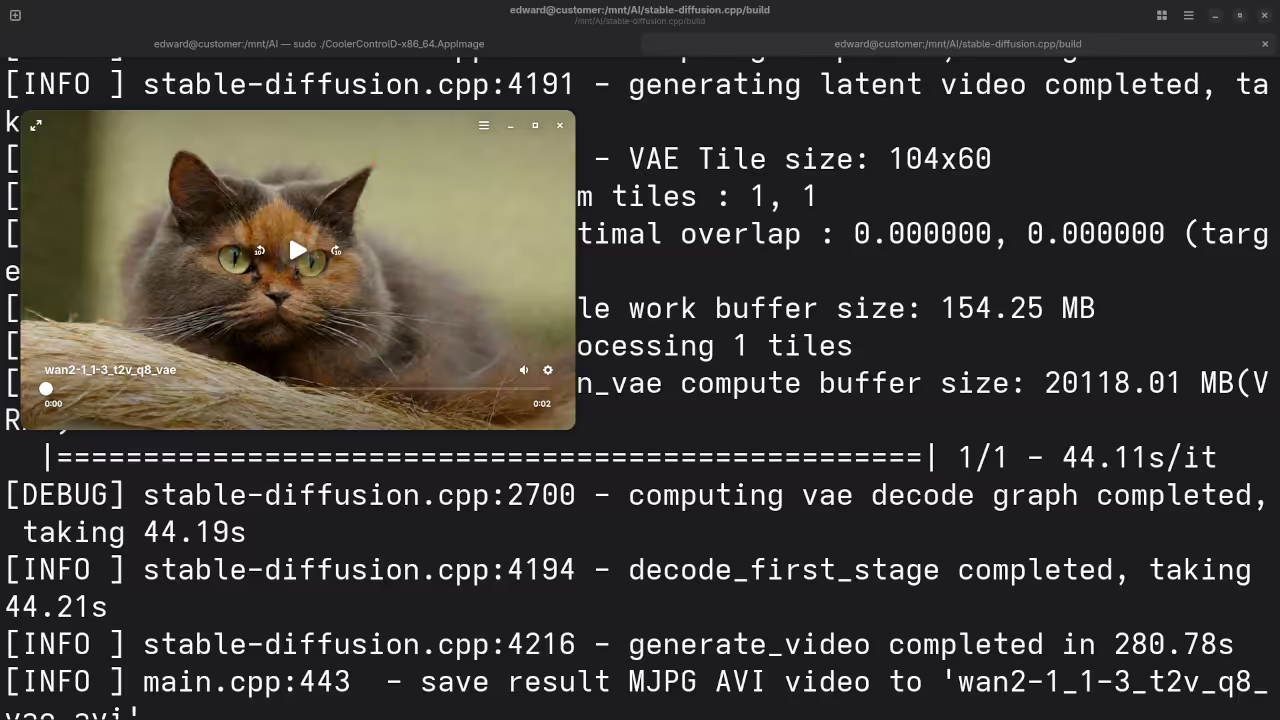
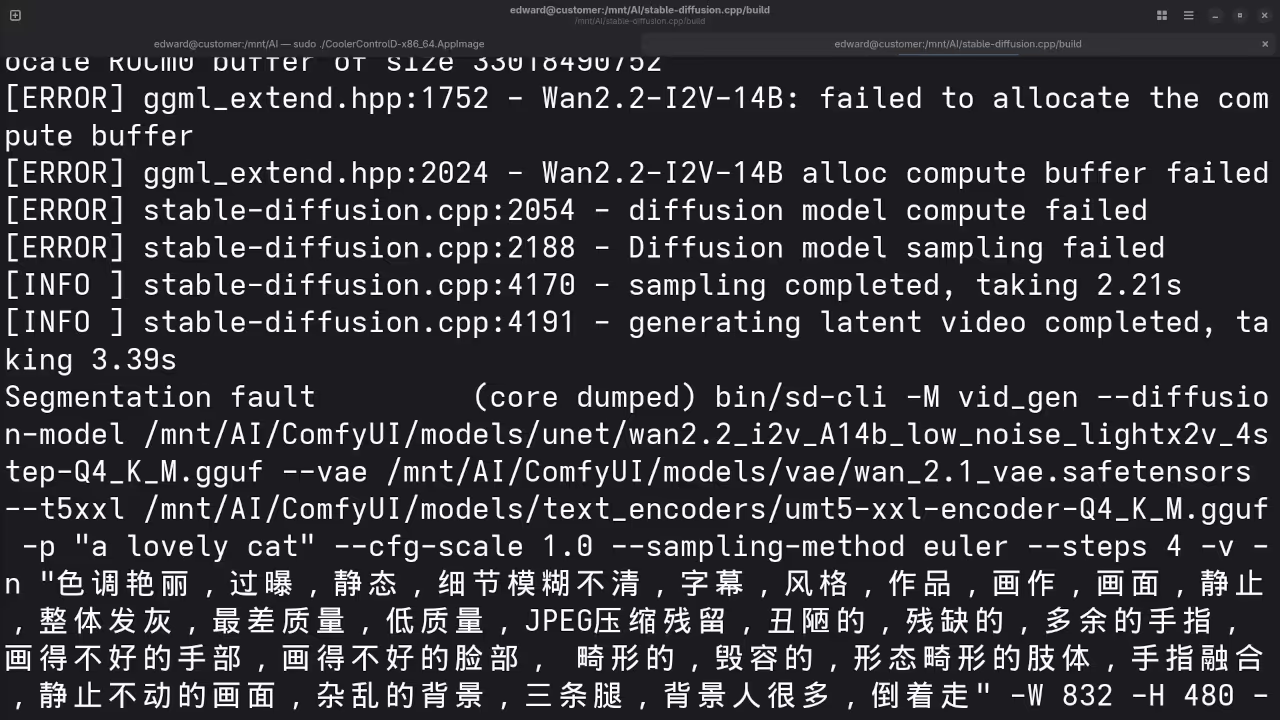
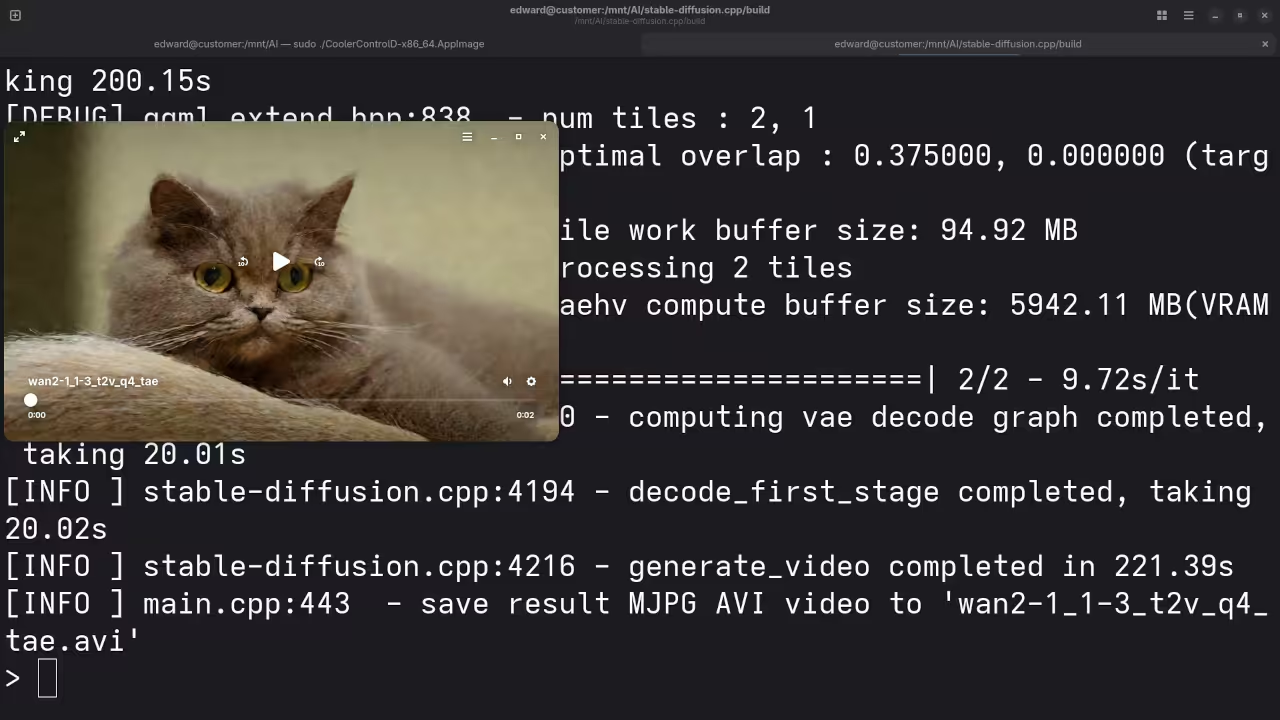
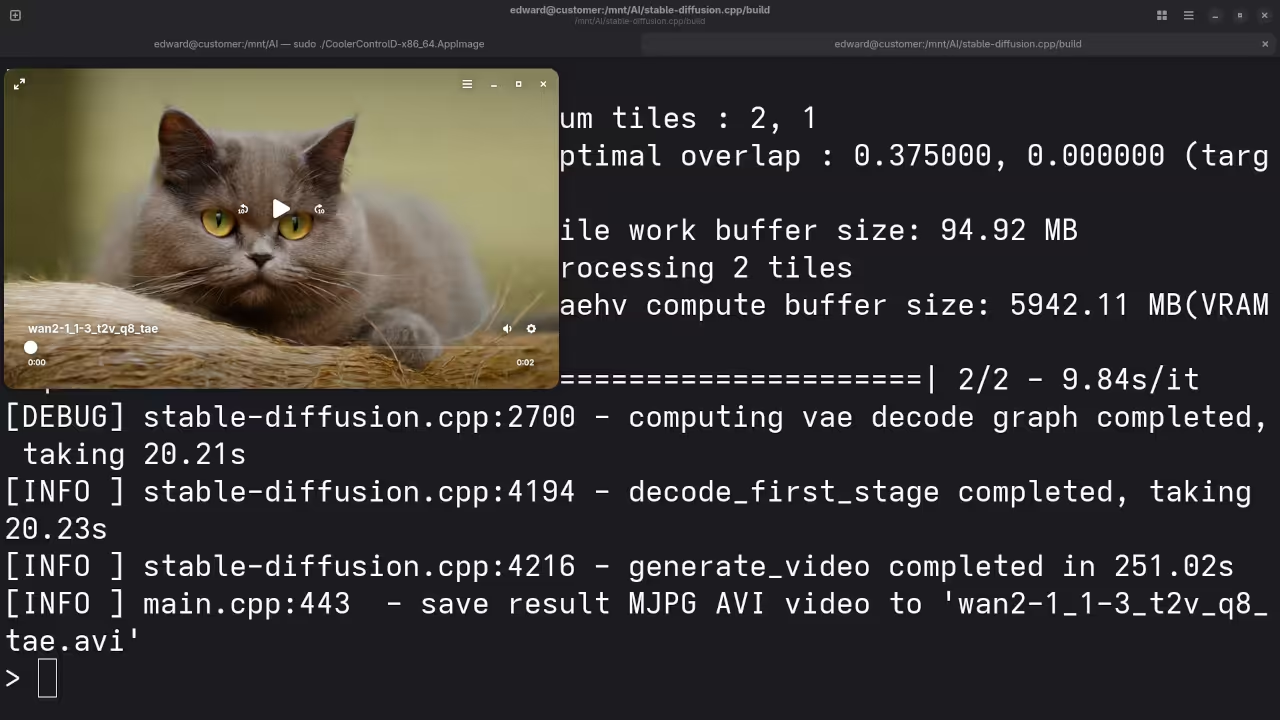
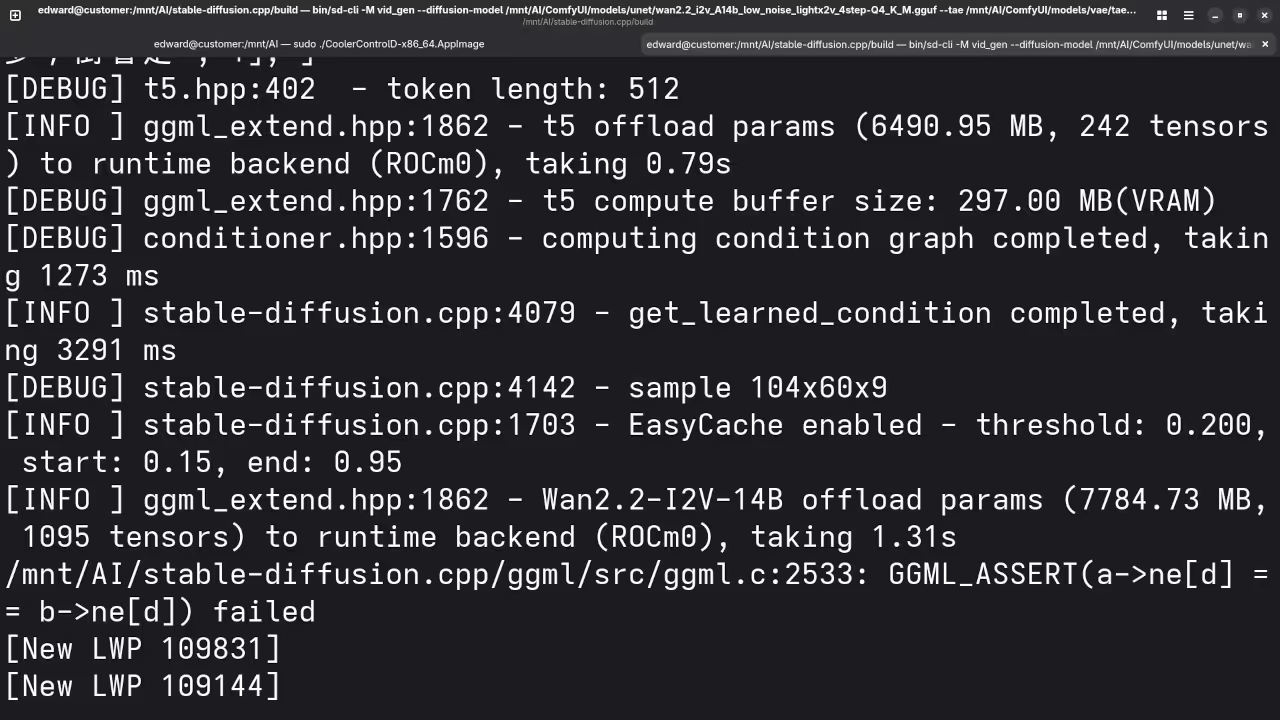
Live Screencast
Take Your Skills Further
- Books: https://www.amazon.com/stores/Edward-Ojambo/author/B0D94QM76N
- Courses: https://ojamboshop.com/product-category/course
- Tutorials: https://ojambo.com/contact
- Consultations: https://ojamboservices.com/contact
🚀 Recommended Resources
Disclosure: Some of the links above are referral links. I may earn a commission if you make a purchase at no extra cost to you.