
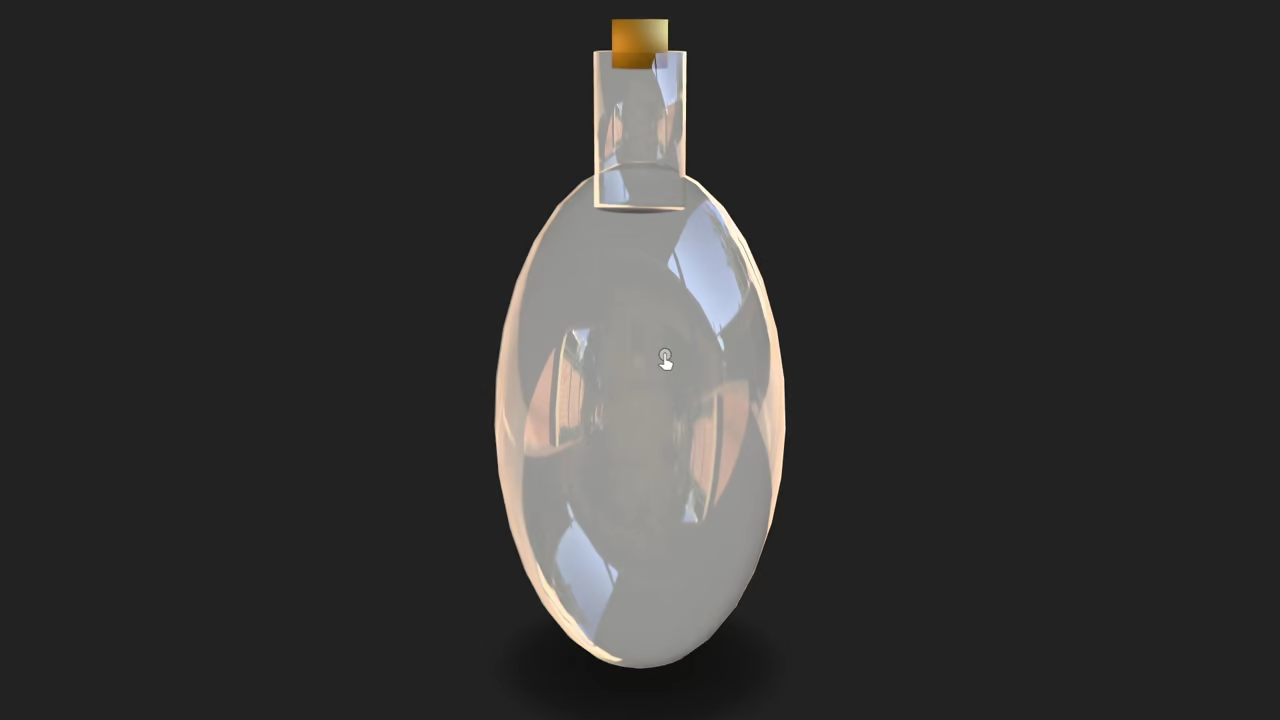
Create a Glass Bottle in Blender Using Python and Display It in the Browser
In this beginner-friendly tutorial, you will learn how to:
- Generate a 3D glass bottle in Blender using the Blender Python API
- Export it as a .glb file (GLTF Binary format)
- Display the model in a web browser using
<model-viewer>
If you are just starting out with Python, this is a great way to combine code with visual creativity.
What You Will Need
- Blender (any version above 3.0)
- Python (comes bundled with Blender)
- Basic knowledge of the command line
- A text editor like VS Code or Blender’s built-in text editor
- A browser that supports WebGL (Chrome, Firefox, Edge, etc.)
Step 1: Generate the Glass Bottle with Blender Python
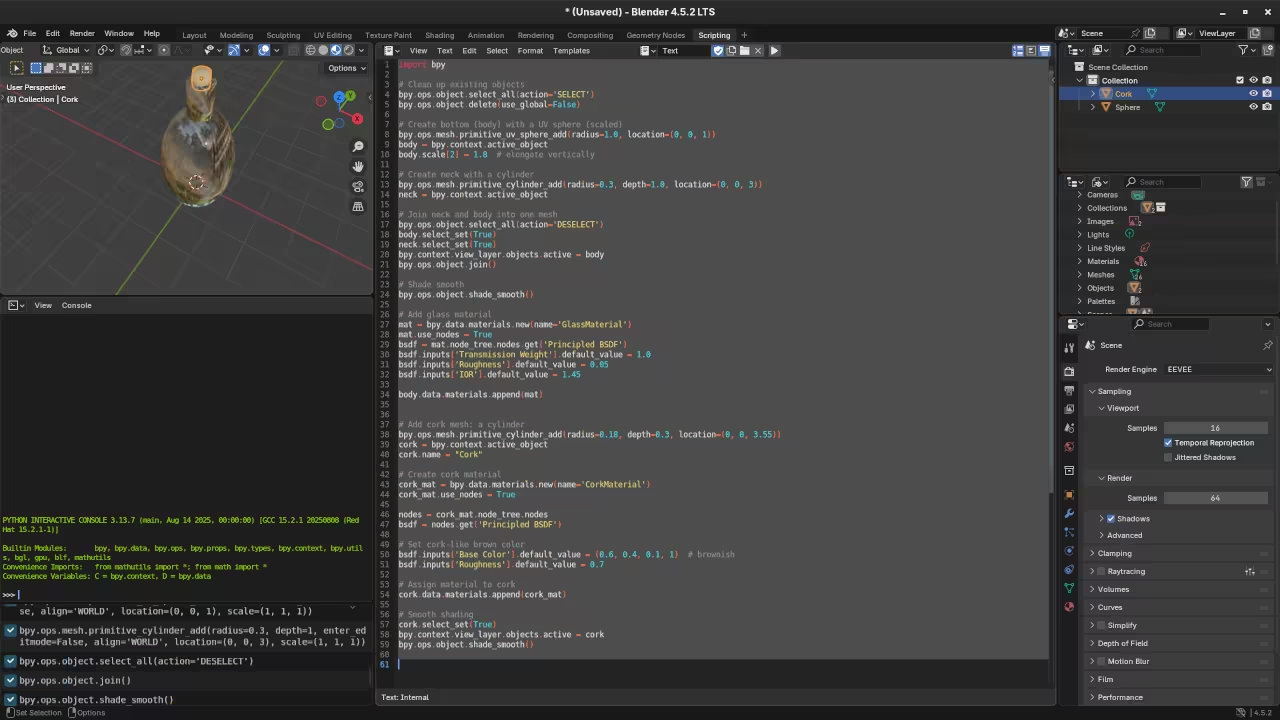
Create a new Python script called glass_bottle.py and paste the following code:
import bpy
# Clean up existing objects
bpy.ops.object.select_all(action='SELECT')
bpy.ops.object.delete(use_global=False)
# Create bottom (body) with a UV sphere (scaled)
bpy.ops.mesh.primitive_uv_sphere_add(radius=1.0, location=(0, 0, 1))
body = bpy.context.active_object
body.scale[2] = 1.8 # elongate vertically
# Create neck with a cylinder
bpy.ops.mesh.primitive_cylinder_add(radius=0.3, depth=1.0, location=(0, 0, 3))
neck = bpy.context.active_object
# Join neck and body into one mesh
bpy.ops.object.select_all(action='DESELECT')
body.select_set(True)
neck.select_set(True)
bpy.context.view_layer.objects.active = body
bpy.ops.object.join()
# Shade smooth
bpy.ops.object.shade_smooth()
# Add glass material
mat = bpy.data.materials.new(name='GlassMaterial')
mat.use_nodes = True
bsdf = mat.node_tree.nodes.get('Principled BSDF')
bsdf.inputs['Transmission Weight'].default_value = 1.0
bsdf.inputs['Roughness'].default_value = 0.05
bsdf.inputs['IOR'].default_value = 1.45
body.data.materials.append(mat)
# Add cork mesh: a cylinder
bpy.ops.mesh.primitive_cylinder_add(radius=0.18, depth=0.3, location=(0, 0, 3.55))
cork = bpy.context.active_object
cork.name = "Cork"
# Create cork material
cork_mat = bpy.data.materials.new(name='CorkMaterial')
cork_mat.use_nodes = True
nodes = cork_mat.node_tree.nodes
bsdf = nodes.get('Principled BSDF')
# Set cork-like brown color
bsdf.inputs['Base Color'].default_value = (0.6, 0.4, 0.1, 1) # brownish
bsdf.inputs['Roughness'].default_value = 0.7
# Assign material to cork
cork.data.materials.append(cork_mat)
# Smooth shading
cork.select_set(True)
bpy.context.view_layer.objects.active = cork
bpy.ops.object.shade_smooth()
# Export as GLB
bpy.ops.export_scene.gltf(filepath='glass_bottle.glb', export_format='GLB')
Step 2: Run the Script in Blender via Command Line
To execute this script without opening Blender’s GUI:
blender --background --python glass_bottle.py This will generate a file called glass_bottle.glb in your working directory.
Step 3: Display in Browser Using <model-viewer>
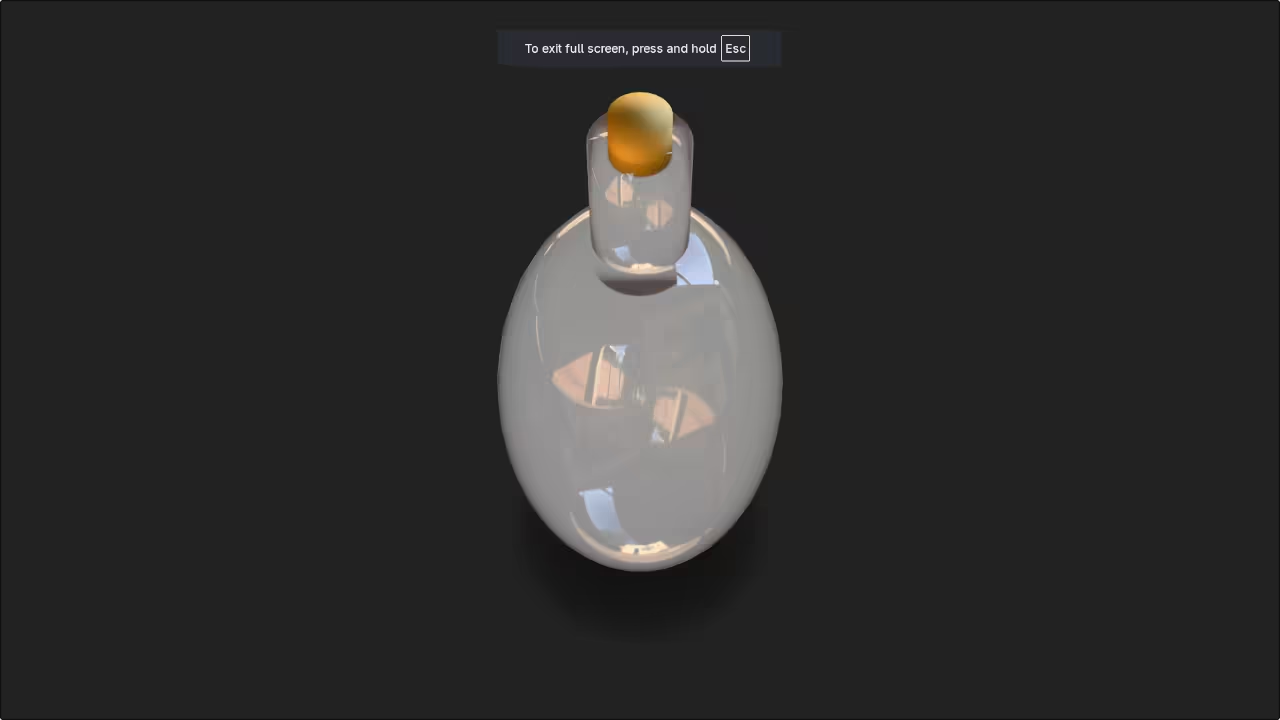
You can now display the 3D bottle in any modern browser using the HTML snippet below:
<script type="module" src="https://unpkg.com/@google/model-viewer/dist/model-viewer.min.js"></script>
<model-viewer
src="glass_bottle.glb"
alt="A glass bottle"
auto-rotate
camera-controls
ar
style="width: 600px; height: 600px;">
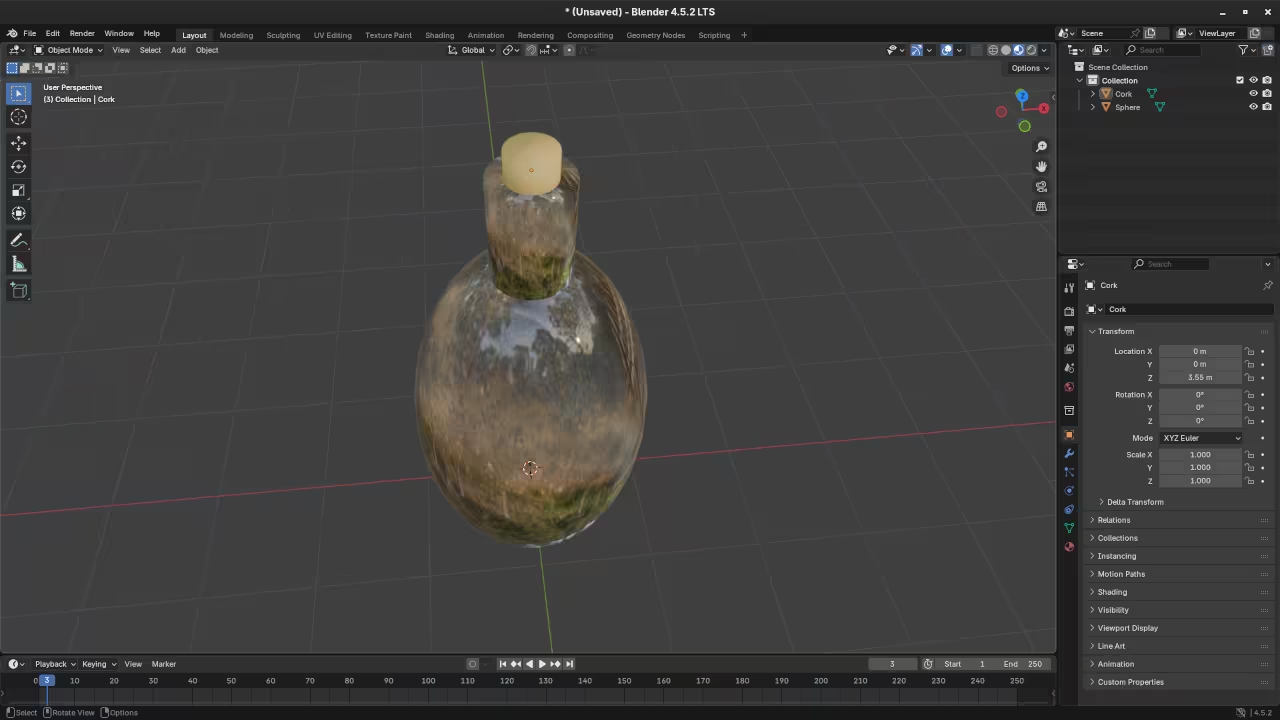
</model-viewer> 📸 Screenshots & Screencast
Related Learning Resources
If you would like to go deeper, check out my books and course:
-
Book:
Learning Python (Beginner-Friendly) -
Book:
Mastering Blender Python API -
Course:
Learning Python
Need Help? Book a 1-on-1 Session
I am available for personalized online Python tutorials, including Blender scripting:
Thanks for following along. Let me know in the comments how your 3D bottle turned out, or what you would like to build next.
🚀 Recommended Resources
Disclosure: Some of the links above are referral links. I may earn a commission if you make a purchase at no extra cost to you.