
Introduction
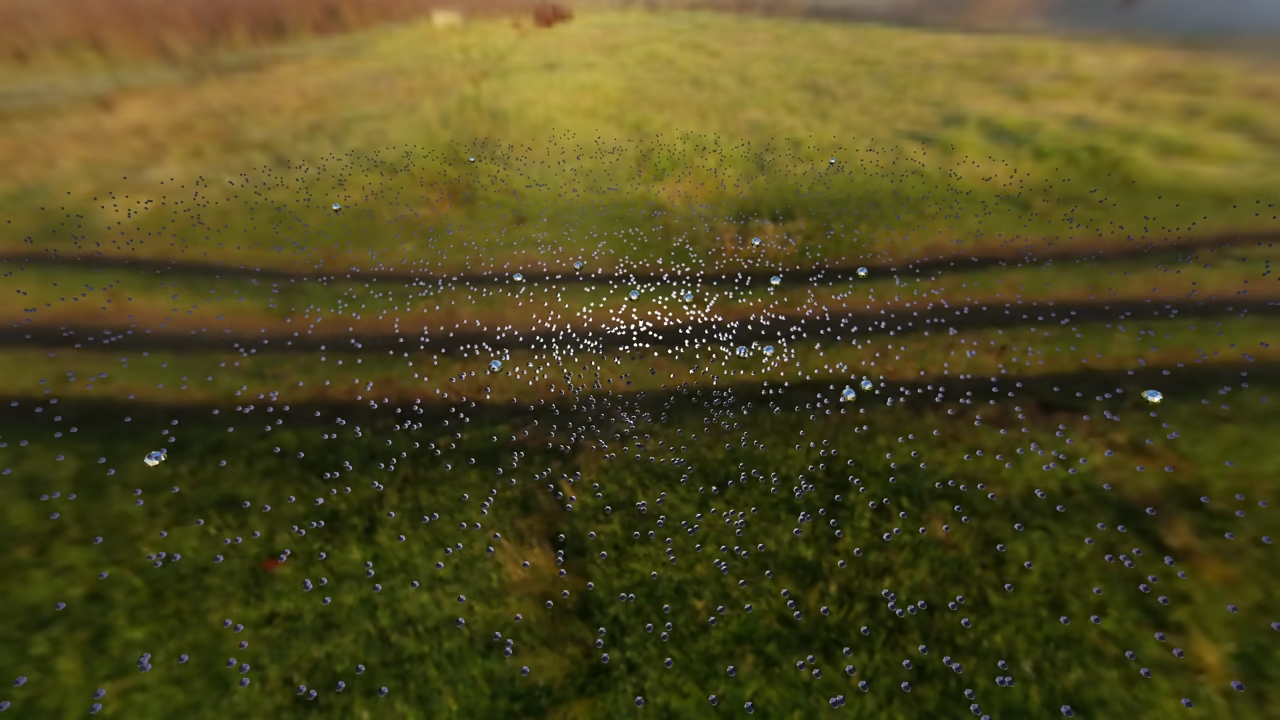
Building 3D galaxies is easy with Python scripts. Start by opening Blender on your Fedora system.
Procedural generation creates complex assets with code. This method saves time during the design phase.
Using Blender Python API for Geometry
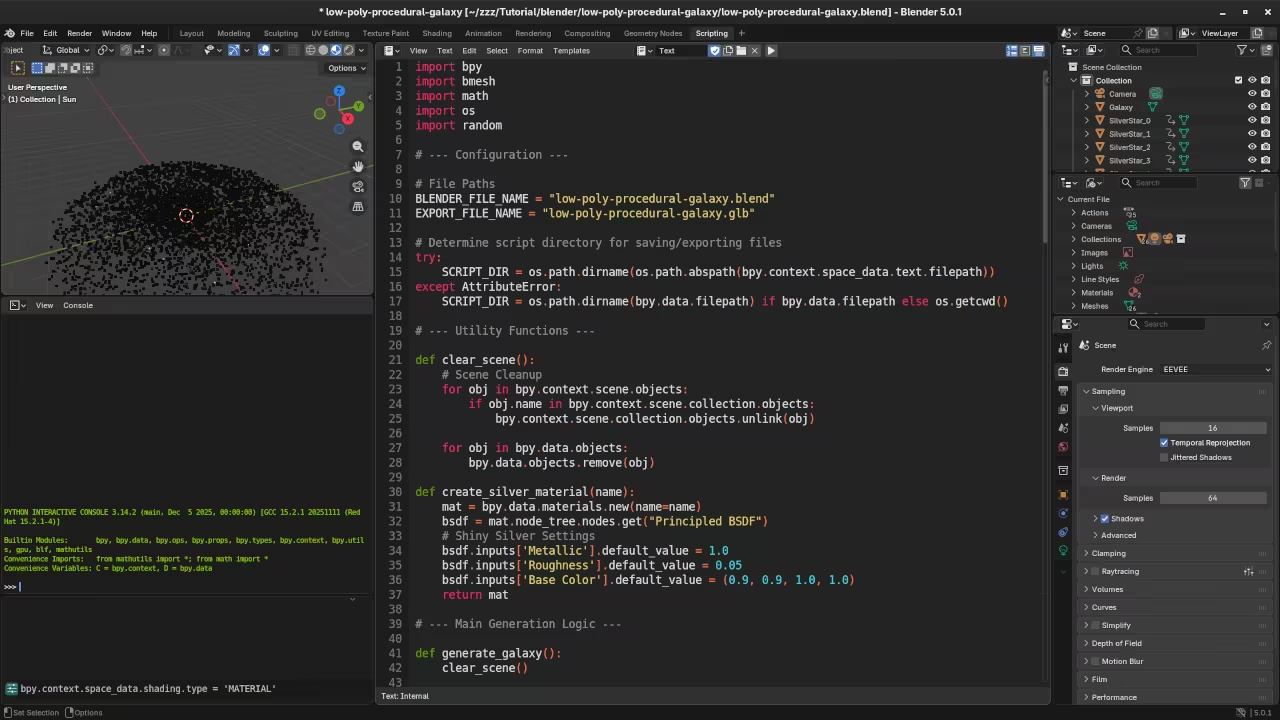
Open the Scripting tab inside Blender 5.0 now. You will use the bmesh module for speed.
The script runs a loop to create vertices. It uses math functions to calculate star positions.
import bpy
import bmesh
import math
import random
def create_galaxy(stars=5000):
mesh = bpy.data.meshes.new("Galaxy")
obj = bpy.data.objects.new("Galaxy", mesh)
bpy.context.collection.objects.link(obj)
bm = bmesh.new()
for i in range(stars):
angle = random.uniform(0, 12.0)
dist = random.uniform(0.2, 5.0)
x = dist * math.cos(angle + dist) + random.gauss(0, 0.1)
y = dist * math.sin(angle + dist) + random.gauss(0, 0.1)
z = random.gauss(0, 0.05)
bm.verts.new((x, y, z))
bm.to_mesh(mesh)
bm.free()
create_galaxy()
Applying Logarithmic Spiral Math
A logarithmic spiral formula creates the galaxy arms. This math places points along a curved path.
Use the random module to add organic noise. This makes the star distribution look very natural.
Vertices are stored in a single mesh object. This keeps the file size small for web.
Exporting to Web Optimized Formats
Export your finished galaxy as a GLB file. Choose the include custom properties option during export.
The GLB format contains geometry and material data. It is the standard for modern web 3D.
Displaying with Threejs
Create a basic HTML file for your project. Include the Threejs library using a script tag.
import * as THREE from "three";
import { GLTFLoader } from "three/examples/jsm/loaders/GLTFLoader.js";
const scene = new THREE.Scene();
const loader = new GLTFLoader();
loader.load("galaxy.glb", function(gltf) {
scene.add(gltf.scene);
});
Use the GLTFLoader class to import your model. Add a perspective camera to view the scene.
Set up a basic animation loop for rotation. The galaxy will spin slowly in the browser.
You have now mastered the 3D web workflow. Create more complex shapes with this same logic.
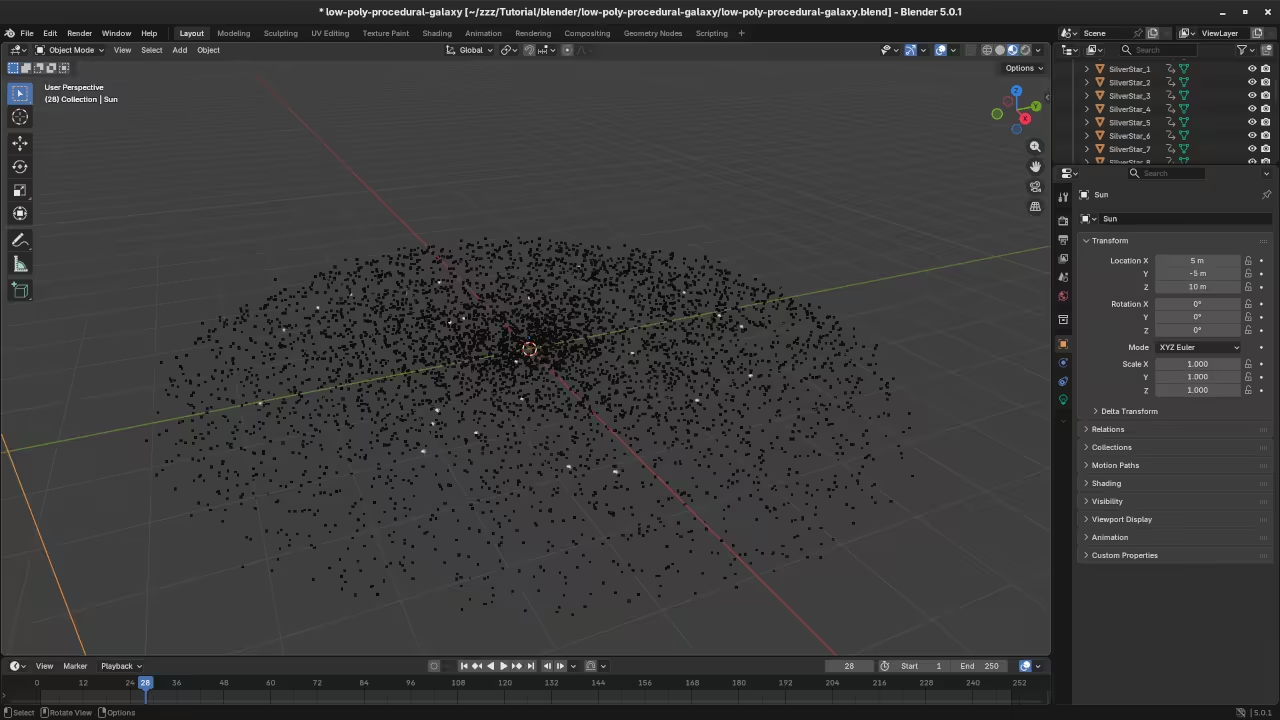
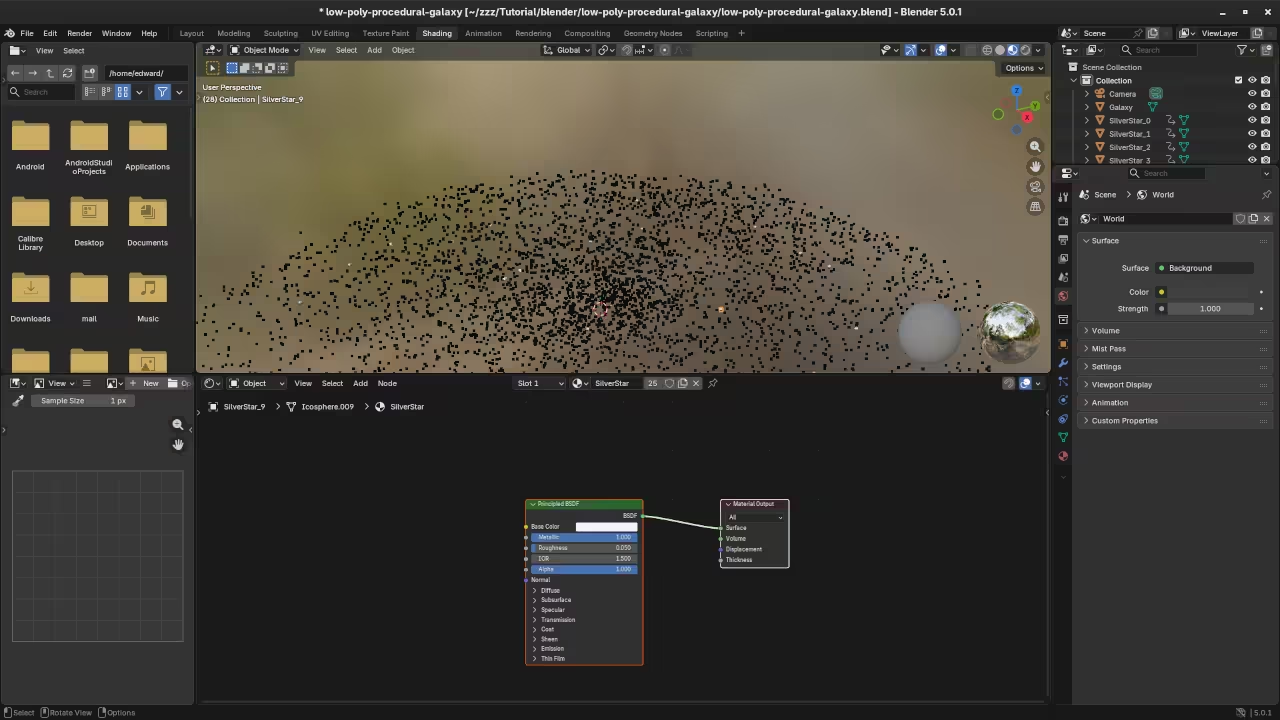
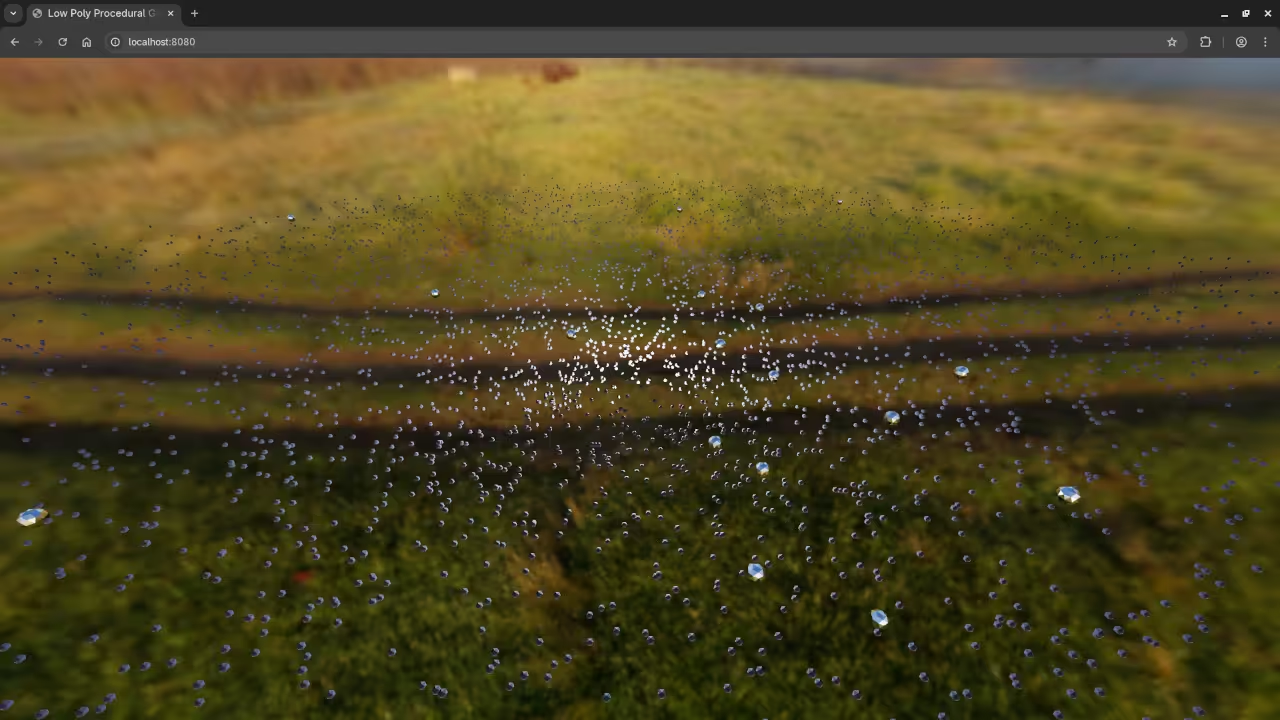
📸 Screenshots & Screencast
Take Your Skills Further
- Books: https://www.amazon.com/stores/Edward-Ojambo/author/B0D94QM76N
- Courses: https://ojamboshop.com/product-category/course
- Tutorials: https://ojambo.com/contact
- Consultations: https://ojamboservices.com/contact
🚀 Recommended Resources
Disclosure: Some of the links above are referral links. I may earn a commission if you make a purchase at no extra cost to you.