
Introduction
Building 2D games is very exciting for new developers. LITIENGINE helps you create these games using Java.
Open Source Game Development Benefits
This engine is free and uses the MIT license. You can create and sell your projects easily.
The MIT license is highly permissive for developers. You can share your modified code with others.
Technical Features and Performance
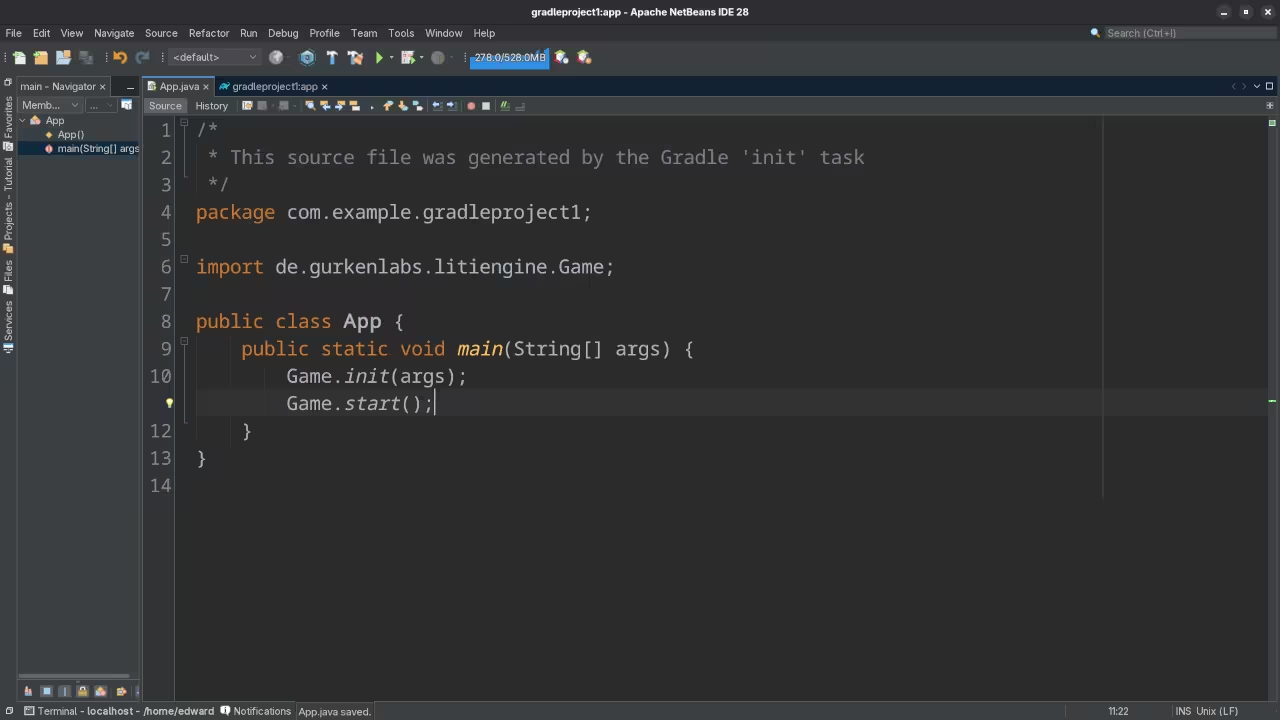
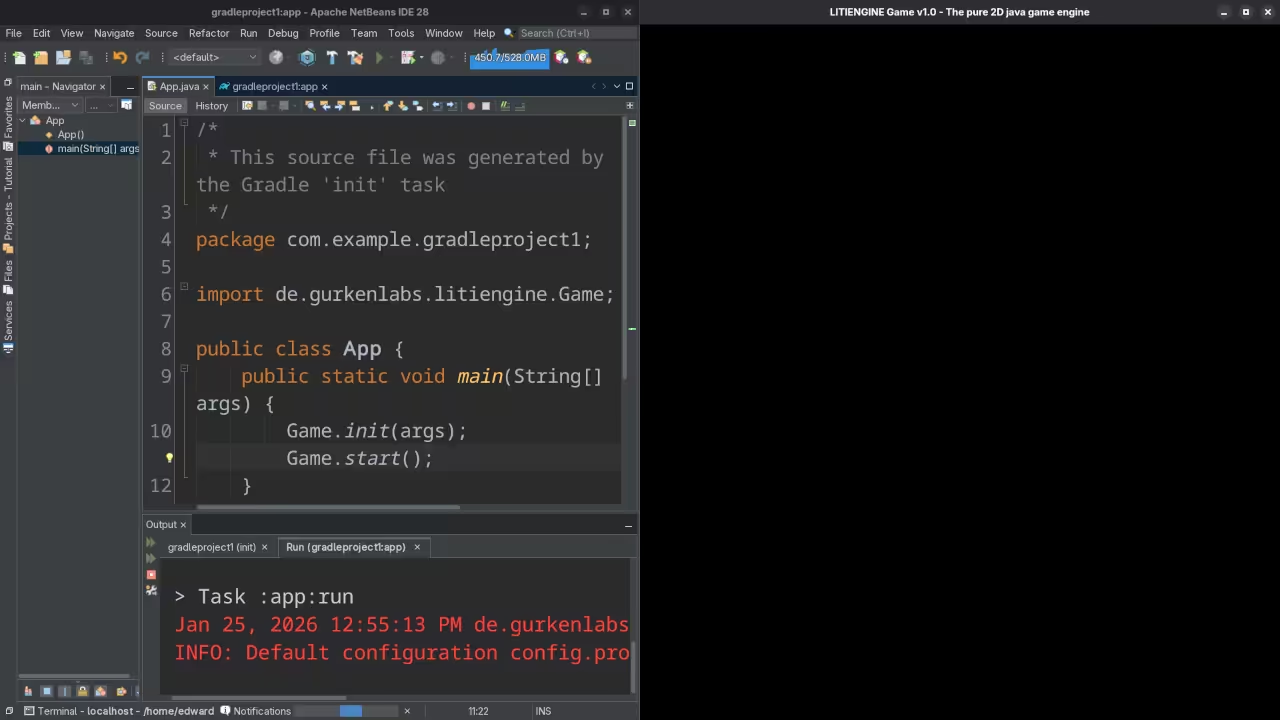
The engine relies on pure Java for high performance. It works smoothly on Fedora Linux 43 systems.
The software avoids complex math and OpenGL setups. You can focus on your game ideas instead.
Installation and Environment Setup
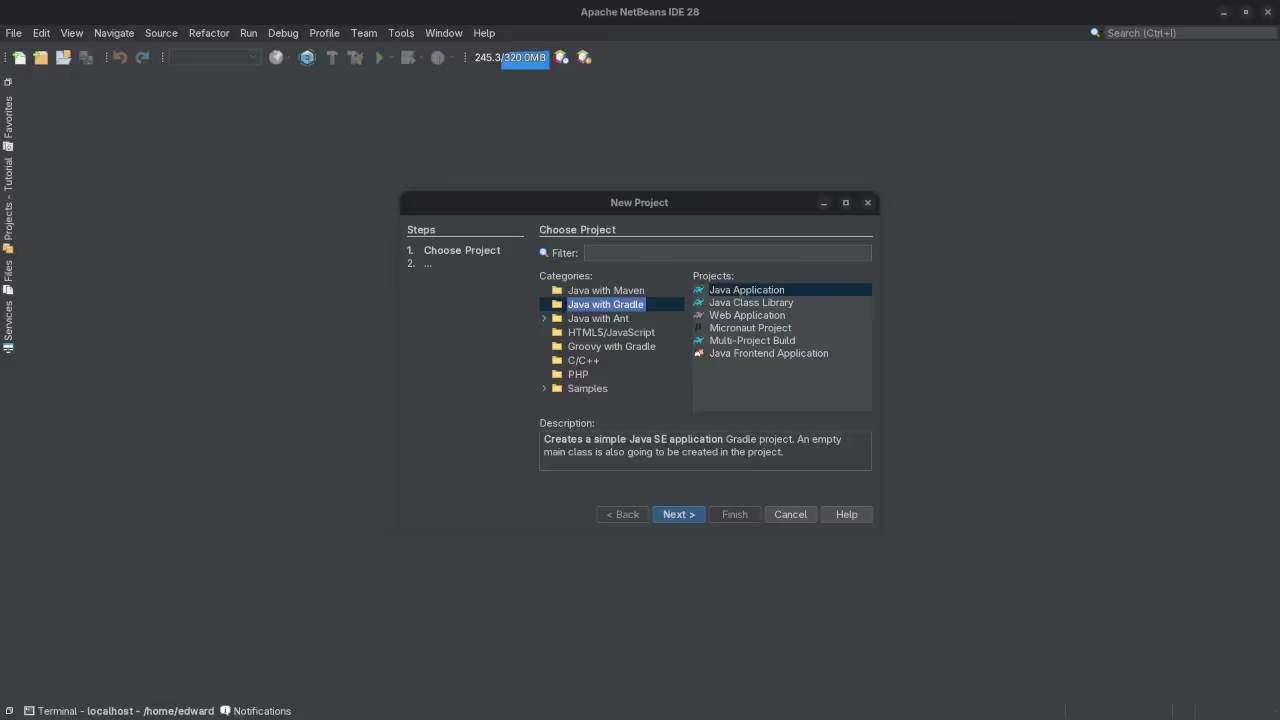
You must install Java 25 to start coding. Fedora 43 makes this setup very fast today.
Use the dnf command to install the JDK. Then download the LITIENGINE library for your project.
Modern Input and Rendering
The engine uses a custom framework called Input4j. This handles gamepads and keyboards with great speed.
Input4j removes the need for native binary files. Your game stays portable across different desktop systems.
The 2D render engine uses standard Java AWT. This ensures your game runs on any PC.
Using the Development Tools
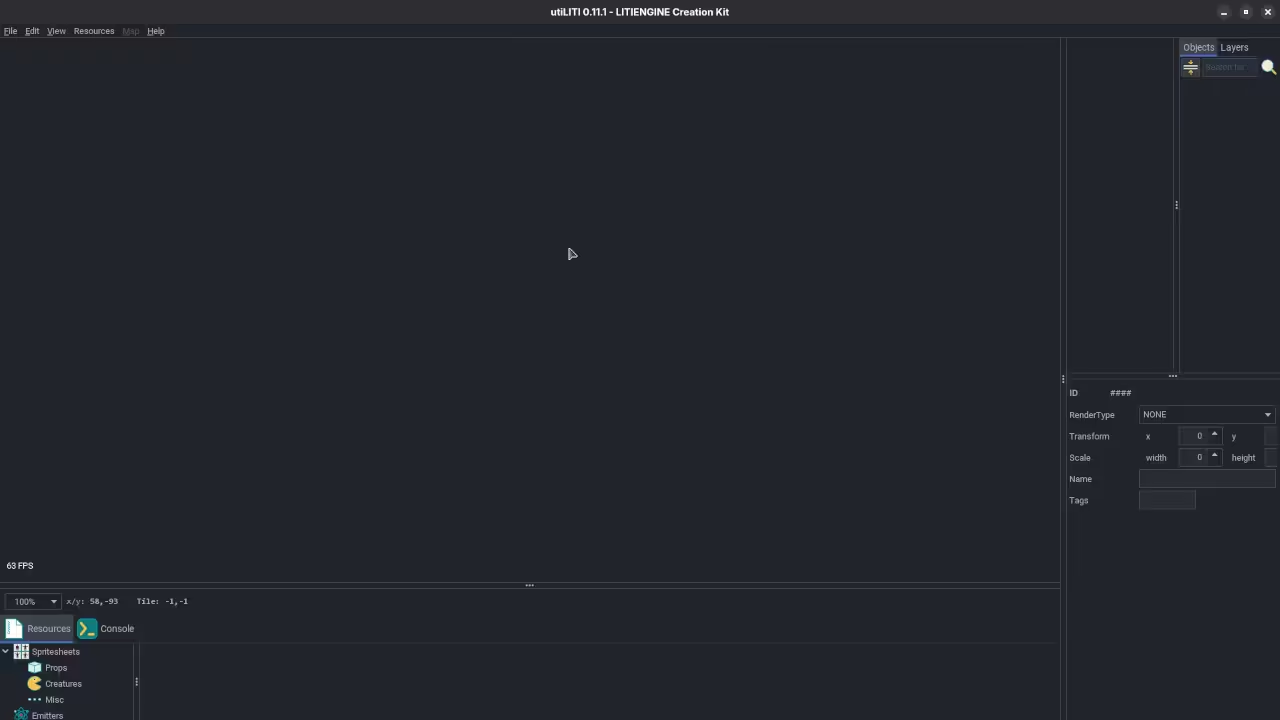
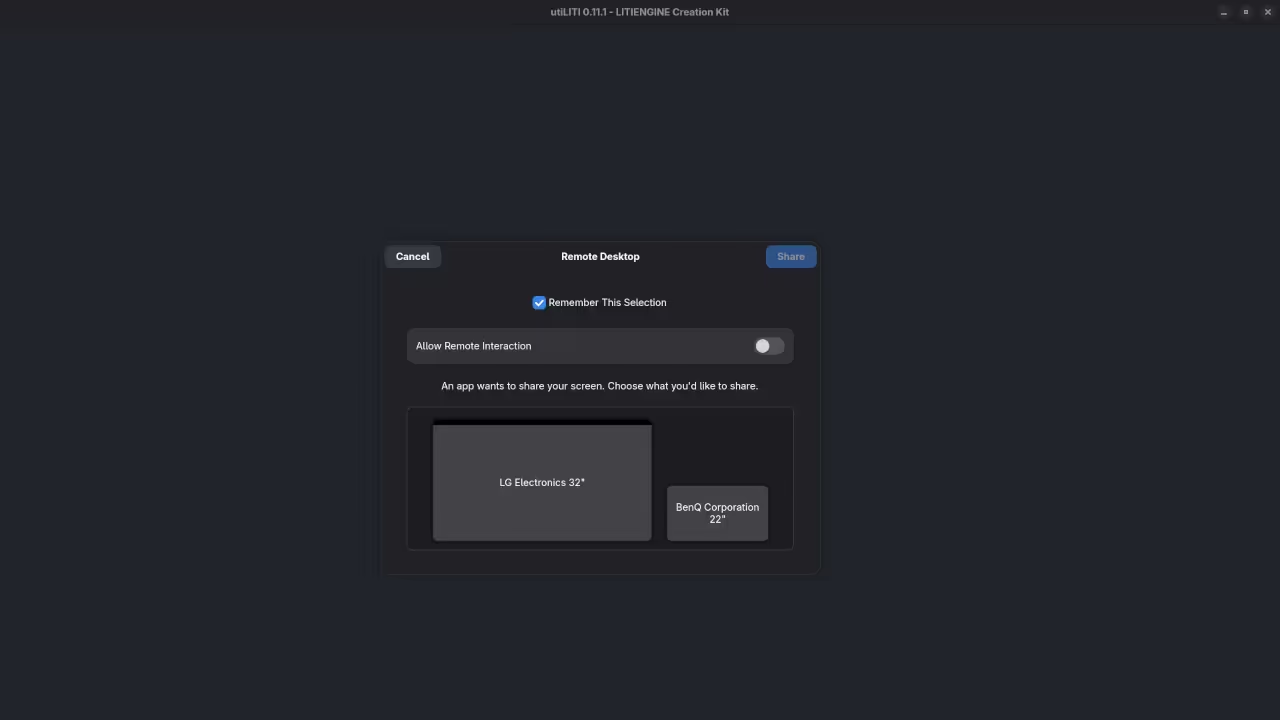
You can organize your game using the utiLITI editor. This tool manages maps and resources in one place.
The editor allows you to place entities quickly. You can add triggers and collision boxes with clicks.
LITIENGINE supports Tiled maps for your game levels. These maps are standard in the 2D industry.
Physics and Audio Systems
The integrated physics engine handles all character movements. It calculates collisions and gravity for your entities.
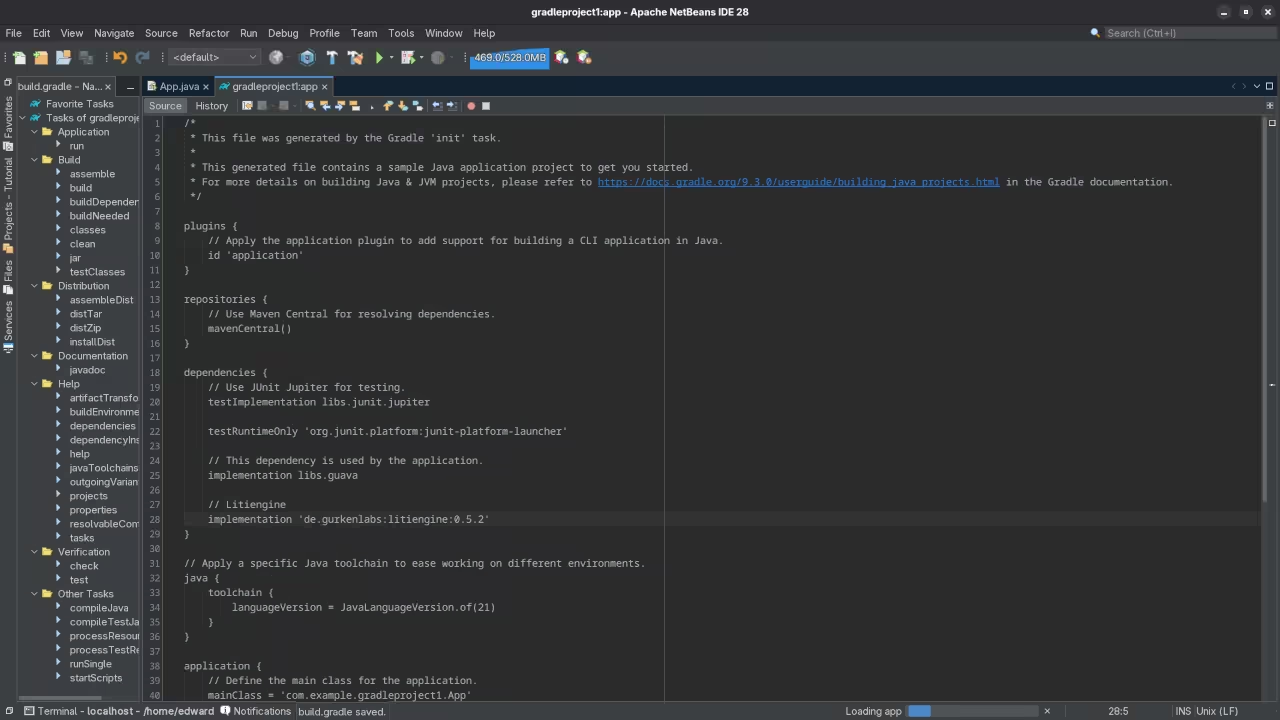
Gradle 9 helps you build your game files. This tool automates the compiling process for you.
You can create platformers or top down shooters easily. The engine provides the physics and sound systems.
The sound engine supports high quality spatial audio. Sounds can move relative to the player position.
Best Practices for Beginners
Always test your game on different screen sizes. Fedora 43 provides great tools for display scaling.
This setup is perfect for your first game project. It keeps your development process stable and fun.
📷 Screenshots
🎬 Live YouTube Screencast
Take Your Skills Further
- Books: https://www.amazon.com/stores/Edward-Ojambo/author/B0D94QM76N
- Courses: https://ojamboshop.com/product-category/course
- Tutorials: https://ojambo.com/contact
- Consultations: https://ojamboservices.com/contact
🚀 Recommended Resources
Disclosure: Some of the links above are referral links. I may earn a commission if you make a purchase at no extra cost to you.