
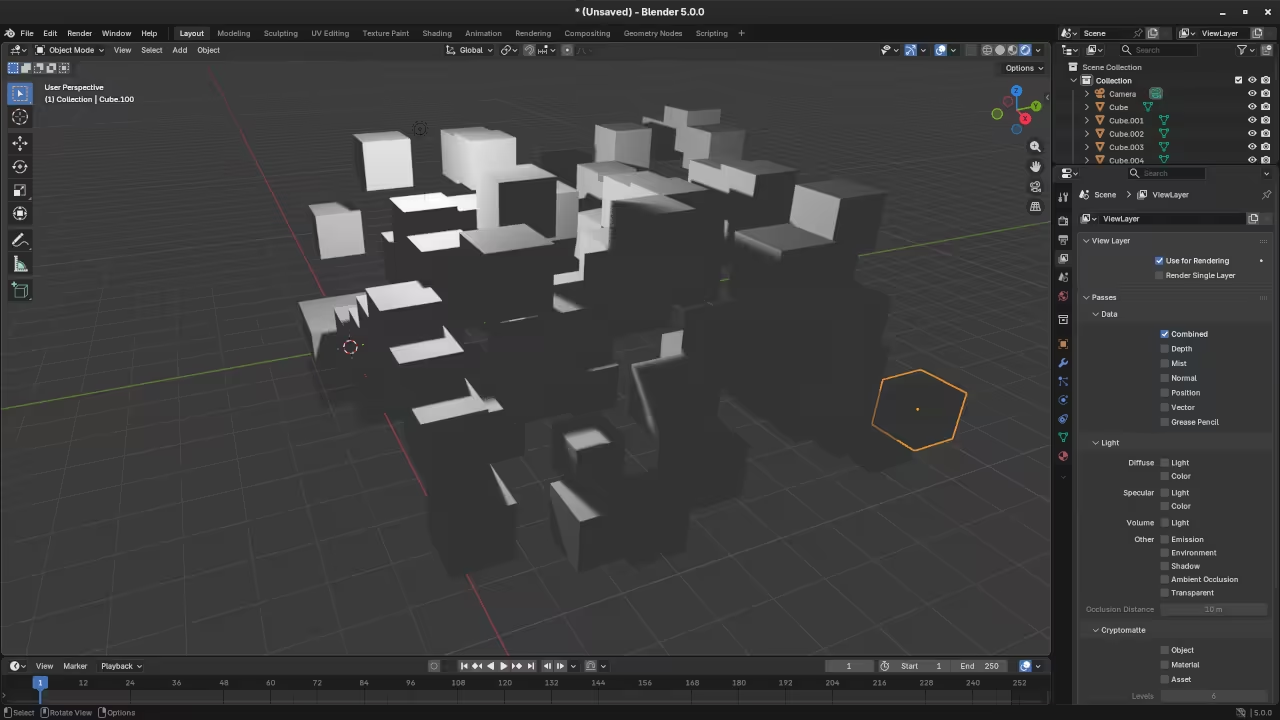
Simple Way to Connect AI to Blender Using Ollama Python API
Connecting local AI to Blender allows you to generate 3D scenes using natural language. This workflow uses the power of Python to bridge the gap between a Large Language Model and the Blender 3D environment. This process is entirely powered by open source software which gives you full control over your creative pipeline.
The Open Source Stack
All tools mentioned in this guide are free to use and distribute under their respective licenses:
- Blender: The professional 3D suite licensed under the GNU GPL v2.
- Ollama: The local model runner licensed under the MIT License.
- Qwen2.5-Coder: A specialized LLM for programming licensed under the Apache 2.0 License.
Setup Instructions
First you must install the Ollama library into the Python environment used by Blender. Open a terminal in the Blender installation folder under the python bin directory and run the following command.
./python -m pip install ollama
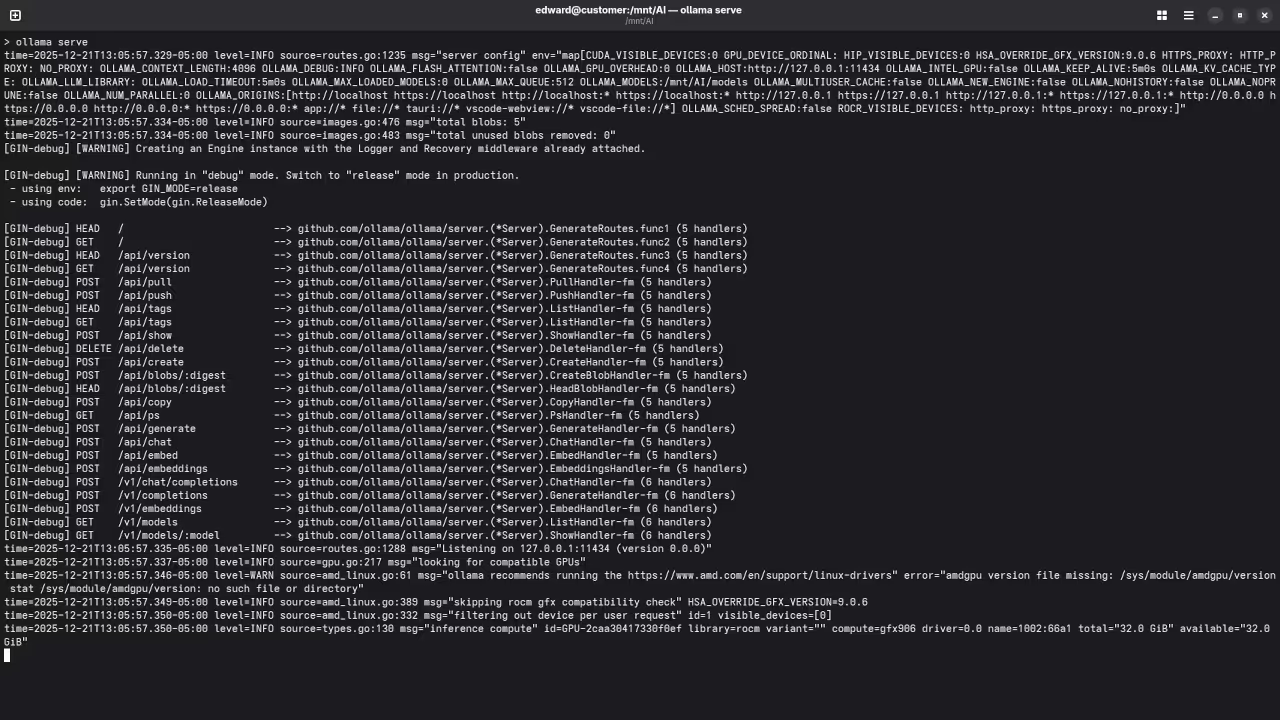
Next ensure you have the Qwen model running by typing ollama pull qwen2.5-coder in your terminal. This model is optimized for technical tasks and code generation.
The Python Script
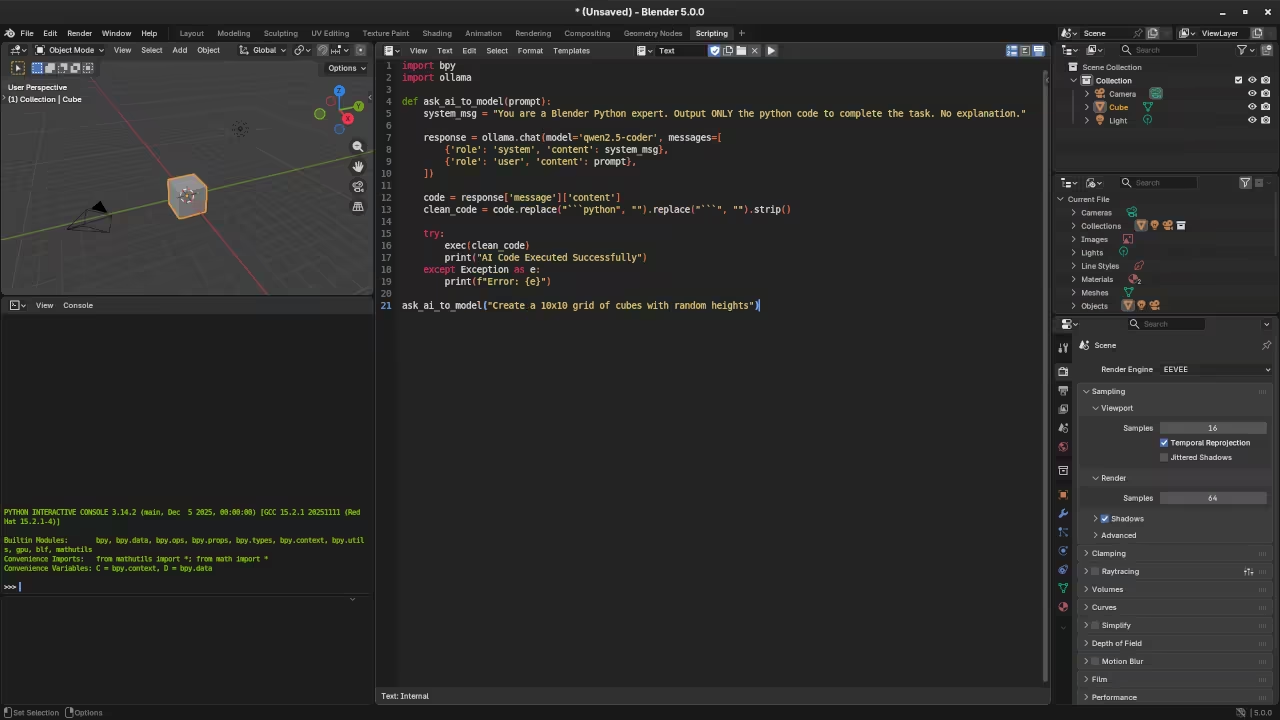
Open the scripting tab in Blender and create a new script. Use the code below to send a request to the local API endpoint.
import bpy
import ollama
def ask_ai_to_model(prompt):
system_msg = "You are a Blender Python expert. Output ONLY the python code to complete the task. No explanation."
response = ollama.chat(model='qwen2.5-coder', messages=[
{'role': 'system', 'content': system_msg},
{'role': 'user', 'content': prompt},
])
code = response['message']['content']
clean_code = code.replace("```python", "").replace("```", "").strip()
try:
exec(clean_code)
print("AI Code Executed Successfully")
except Exception as e:
print(f"Error: {e}")
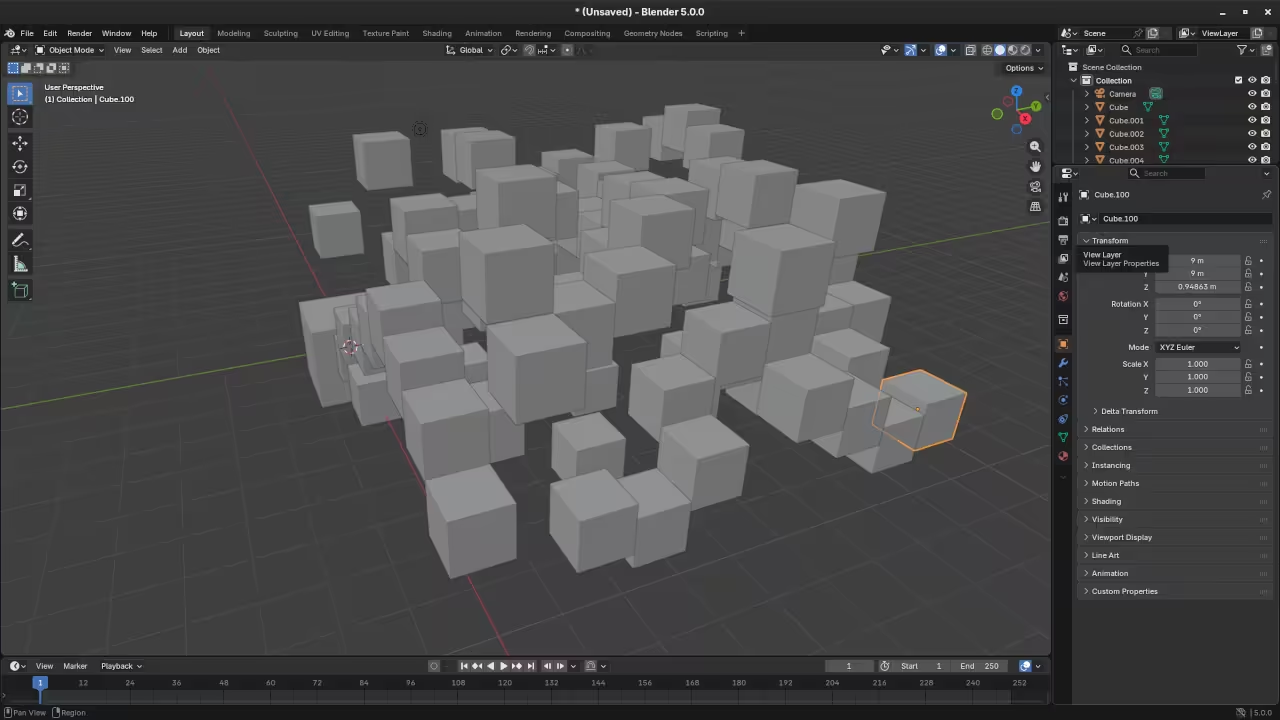
ask_ai_to_model("Create a 10x10 grid of cubes with random heights")
API Endpoints
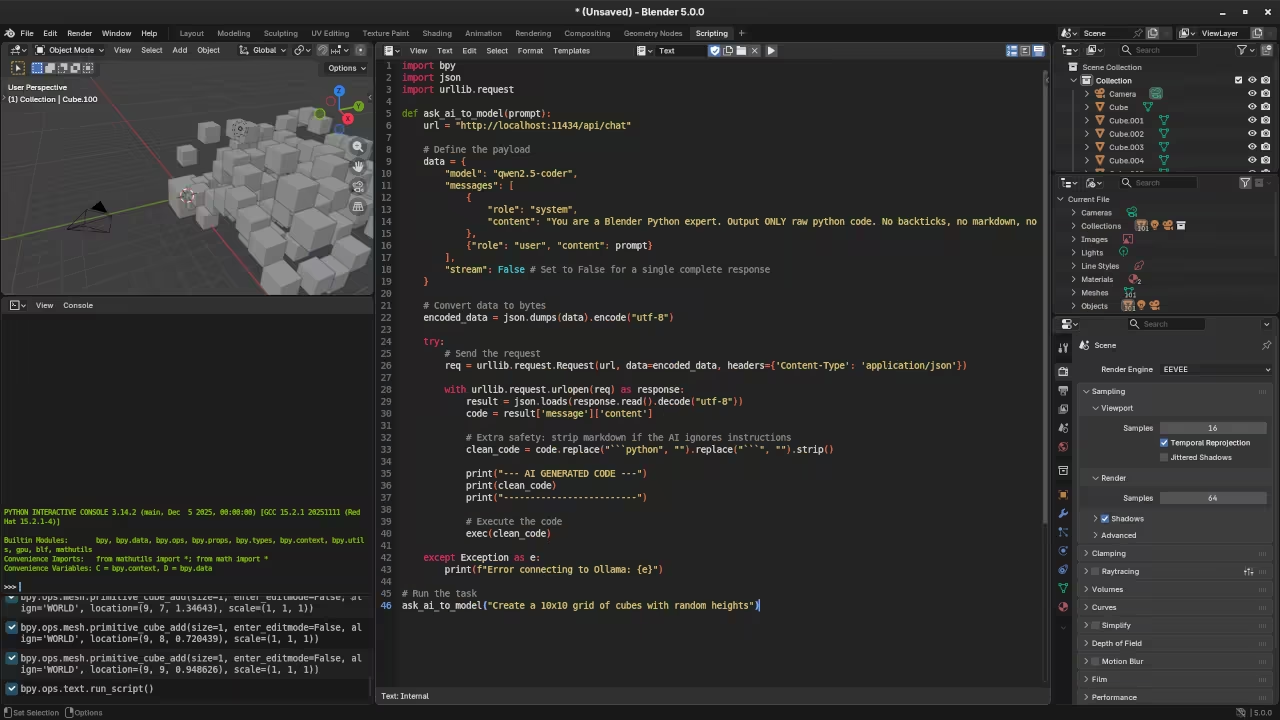
Ollama creates a local server on your machine that communicates via HTTP requests. Blender uses its internal Python console to send instructions to the following API endpoints:
- Main URL:
http://localhost:11434 - Chat Endpoint:
/api/chat
📸 Screenshots & Screencast
Resources for Learning Python and Blender
To master these techniques you can explore detailed educational materials that cover both basic and advanced concepts:
- Read the book Learning Python for a solid foundation in programming.
- Deepen your technical skills with Mastering Blender Python API for 3D automation.
- Enroll in the Learning Python video course for guided instruction.
One on One Tutorials
Personalized instruction is available if you require help with Python or the Blender API. You can book one on one online Python tutorials to accelerate your learning process. Visit the contact page to schedule a session.
🚀 Recommended Resources
Disclosure: Some of the links above are referral links. I may earn a commission if you make a purchase at no extra cost to you.