
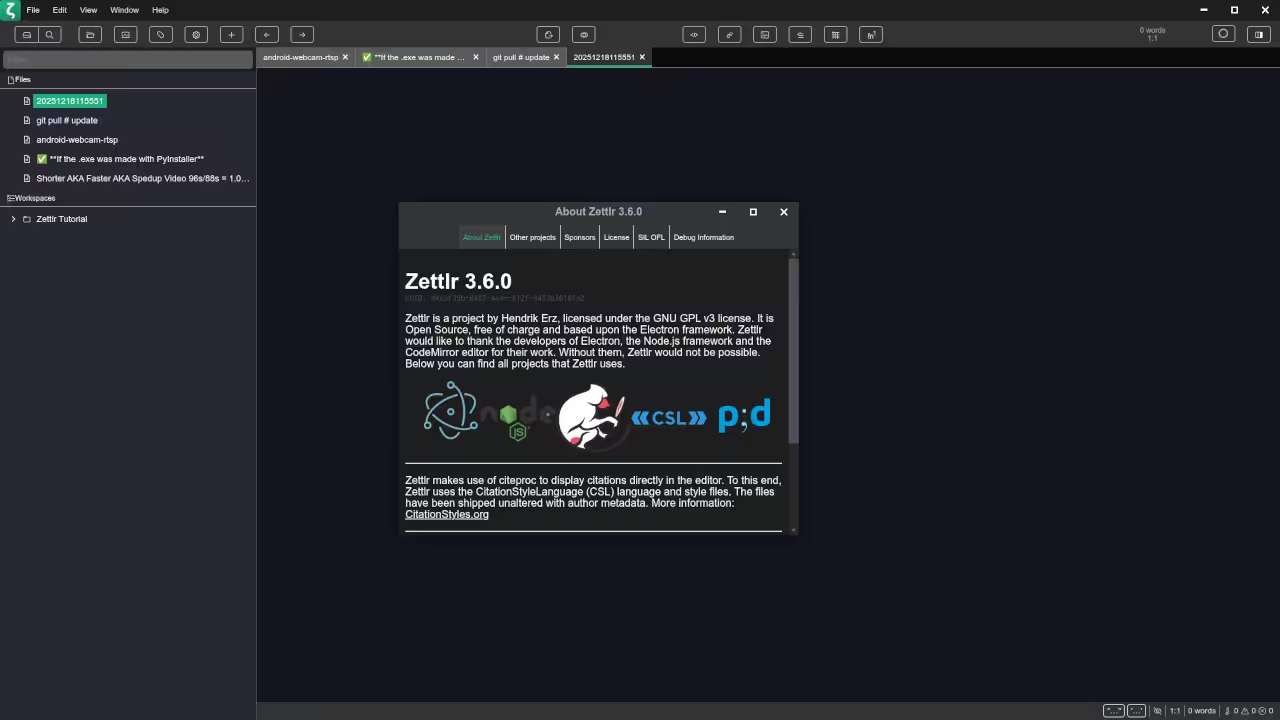
Zettlr Review An Open Source WYSIWYG Markdown Editor for Fedora Linux
Zettlr is a free and open source Markdown editor built for developers writers researchers and educators who want a clean and productive writing environment. It provides a near WYSIWYG editing experience while keeping all content in plain Markdown which makes it ideal for WordPress blogging documentation and programming books.
Why Zettlr Is Worth Using
Zettlr focuses on clarity speed and control. It is especially useful when you want to write Markdown content while visually understanding the final structure of your document as you type.
- Free and open source software
- Clean WYSIWYG style Markdown editing
- Designed for developers and technical writers
- Cross platform support including Linux
- Excellent for blogging books and documentation
Key Features
- Live Markdown preview with minimal distractions
- Project and folder based organization
- Citation and bibliography management
- Export to PDF HTML and LaTeX
- Syntax highlighting for code blocks
Zettlr License
Zettlr is licensed under the GNU General Public License version 3.0.
This license allows you to use study modify and redistribute the software while ensuring that Zettlr and any derived works remain open source. It is well suited for educators developers and organizations that value software freedom.
Installing Zettlr on Fedora Linux
Install Using Flathub
This method is recommended for getting the latest stable release.
sudo dnf install flatpak
flatpak remote-add --if-not-exists flathub https://flathub.org/repo/flathub.flatpakrepo
flatpak install flathub com.zettlr.Zettlr Launch Zettlr using the following command.
flatpak run com.zettlr.Zettlr Install From the Fedora Distribution
You may also install Zettlr from available Fedora repositories if present.
sudo dnf search zettlr
sudo dnf install zettlr The distribution version may not always be the most recent compared to Flathub.
Using Zettlr as a WYSIWYG Markdown Editor
Zettlr uses Markdown syntax but renders formatting clearly while writing. Headings lists emphasis and code blocks are visually distinct which creates a writing experience close to traditional WYSIWYG editors without hiding the Markdown structure.
This makes Zettlr well suited for WordPress posts programming tutorials technical books and long form documentation.
📷 Screenshots
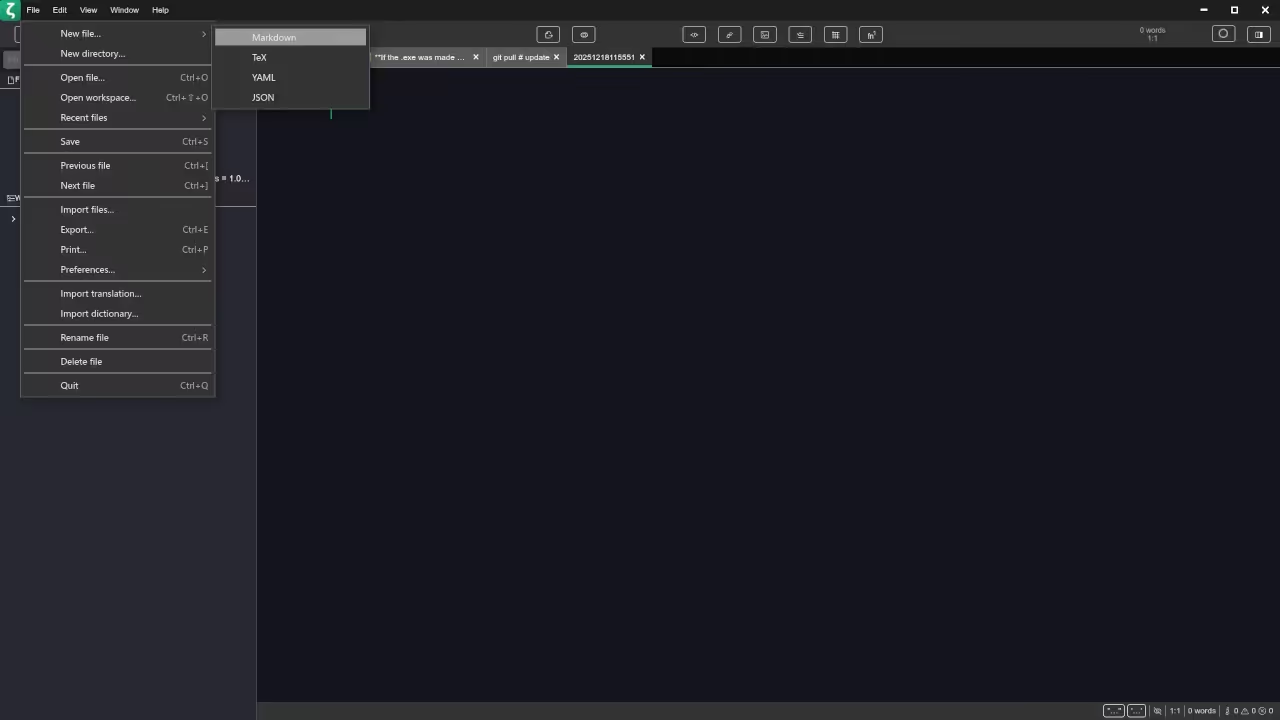
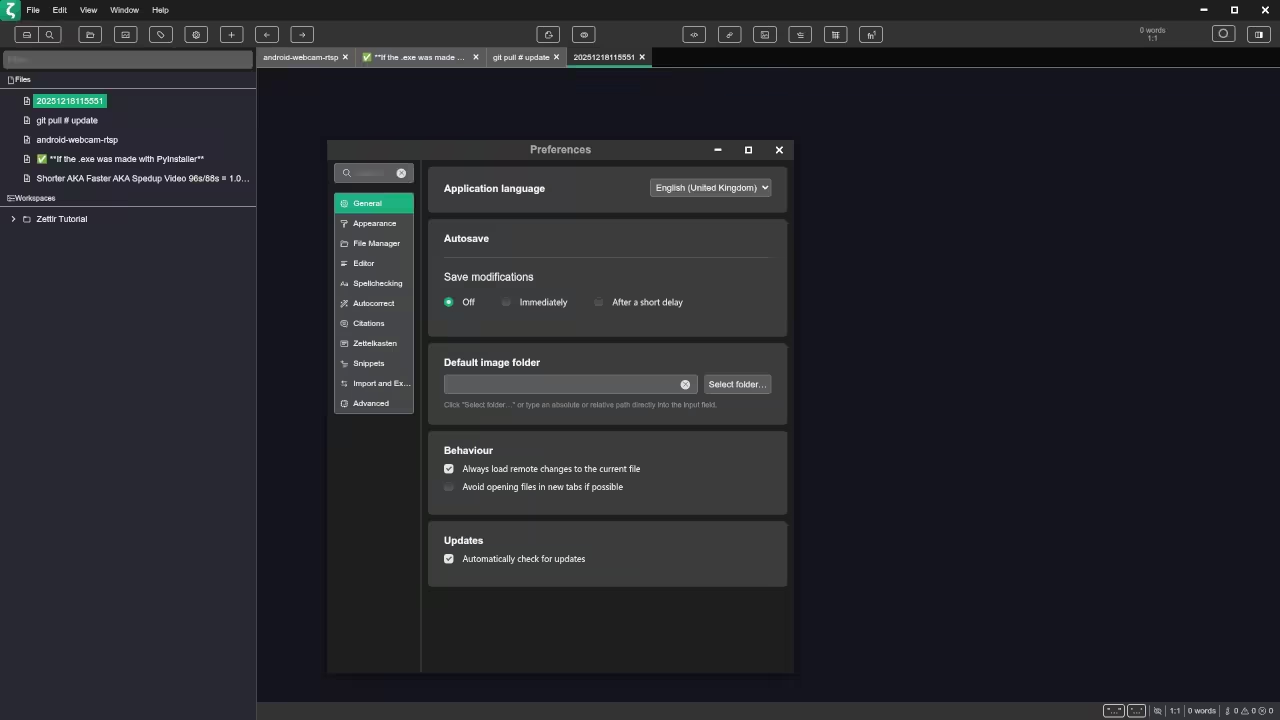
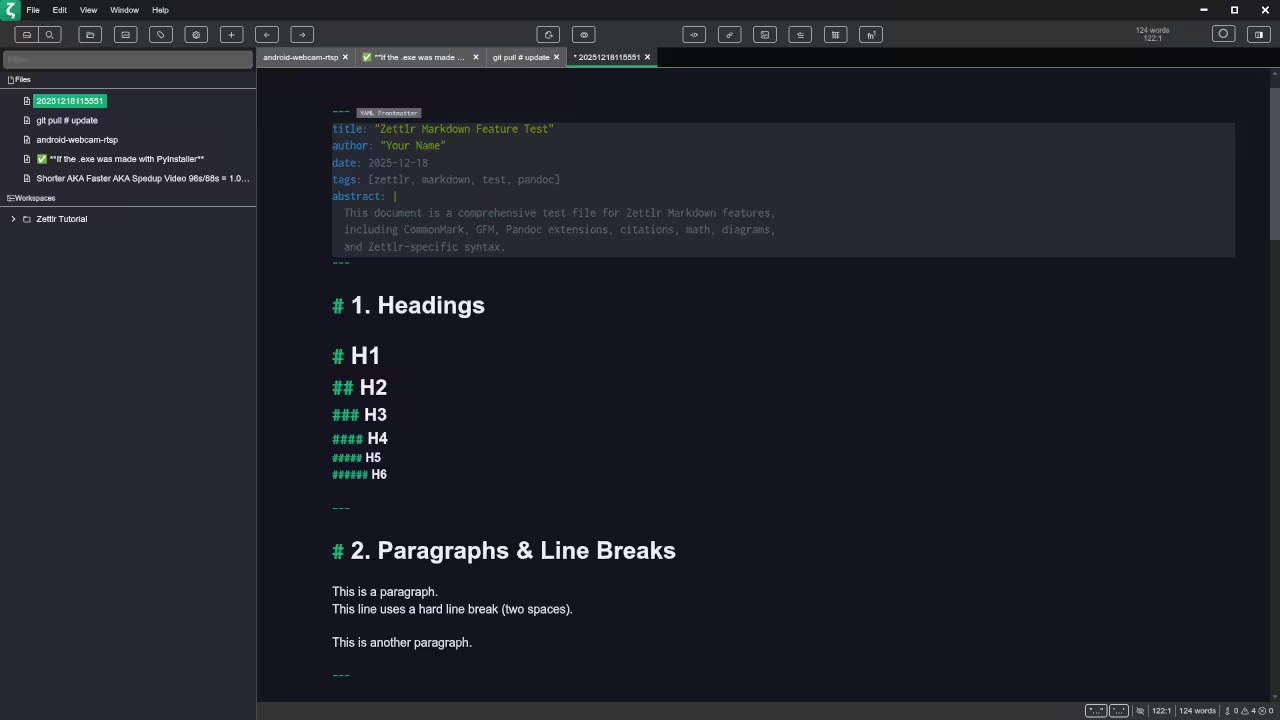
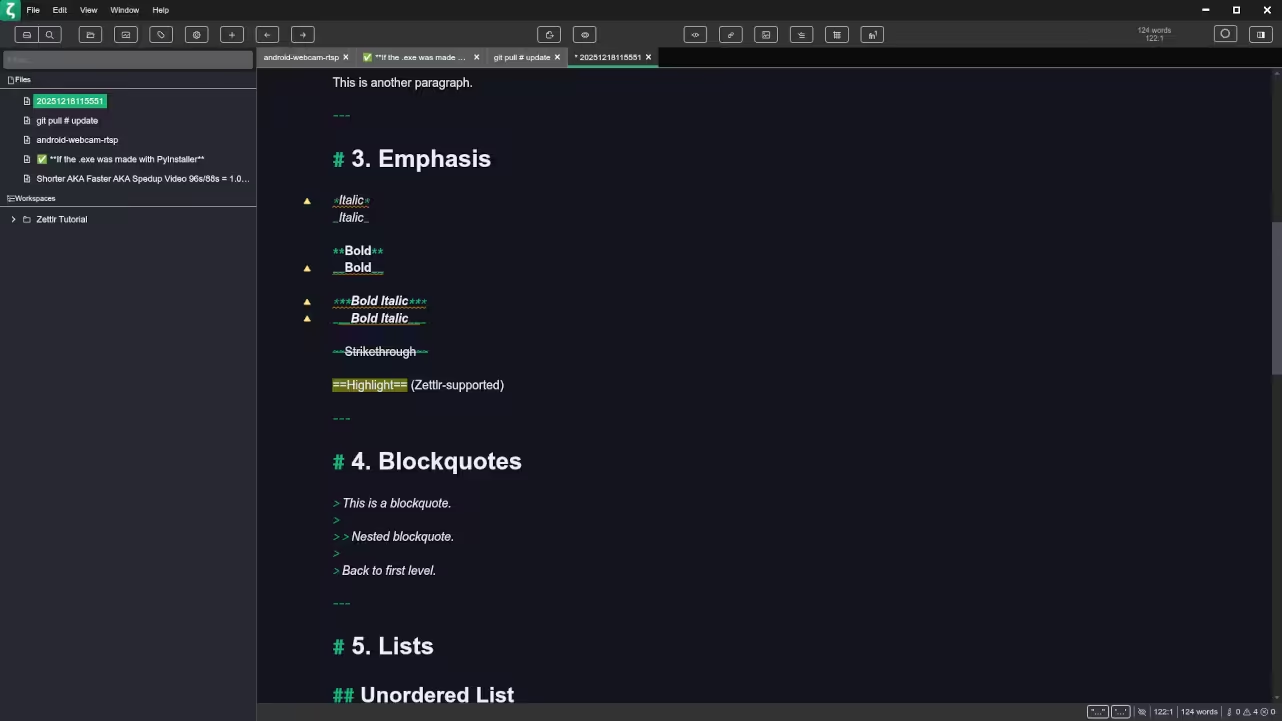
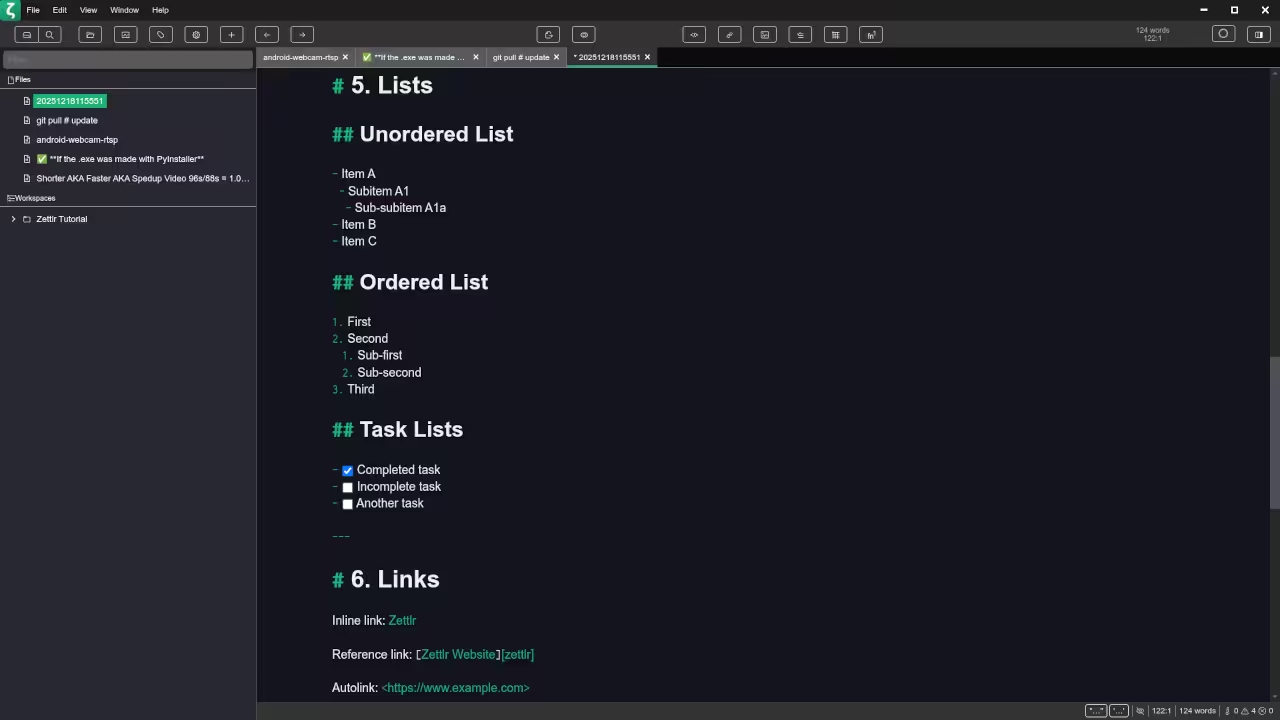
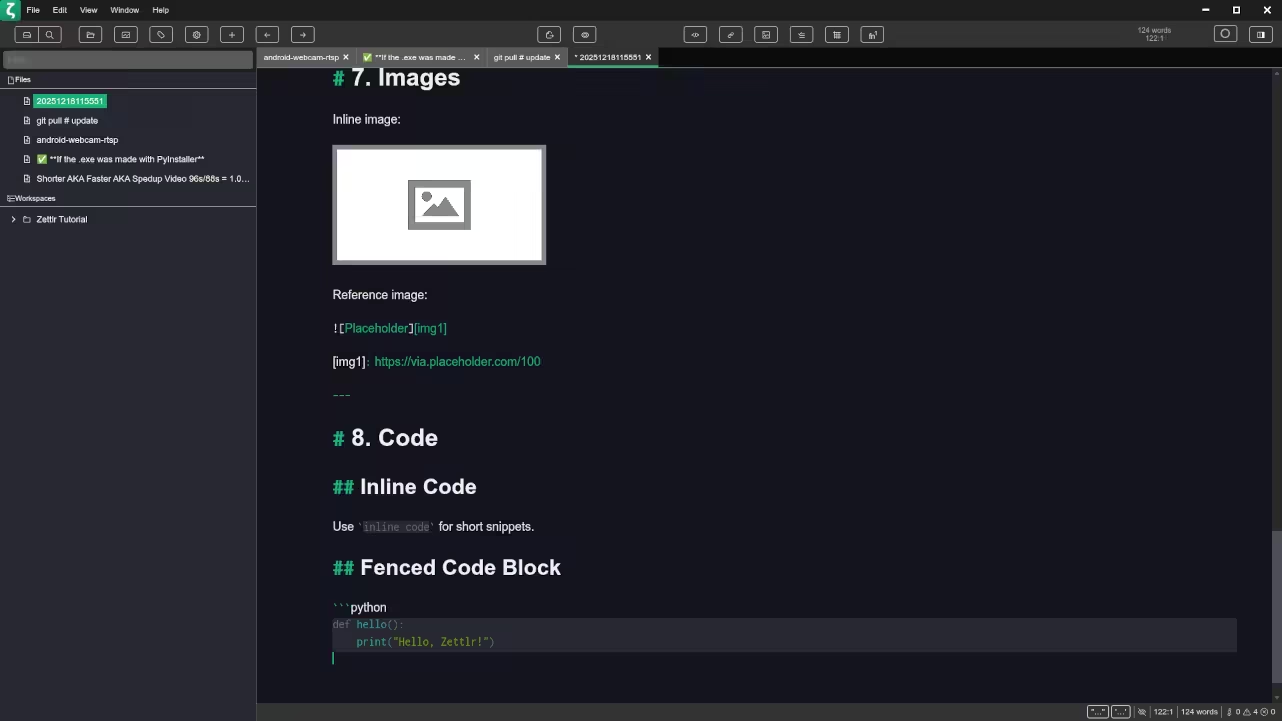
🎬 Live YouTube Screencast
Programming Resources and Services
Programming Books
I have published programming books that focus on practical and real world learning.
View my programming books on Amazon
Online Programming Courses
Browse my online programming courses designed for beginners and professionals.
View online programming courses
One on One Programming Tutorials
I am available for personalized one on one programming tutorials.
Contact me for one on one programming tutorials
Consulting and Remote Installation Services
I also provide consulting services and can install Zettlr and other remote desktop clients for individuals and teams.
Contact me for consulting and installation services
Final Thoughts
Zettlr is a powerful open source Markdown editor that fits perfectly into a Fedora Linux workflow. Whether you are writing WordPress articles programming books or technical documentation it delivers clarity flexibility and control while respecting open source principles.
🚀 Recommended Resources
Disclosure: Some of the links above are referral links. I may earn a commission if you make a purchase at no extra cost to you.