
Setup Virtualmin For Website Management
Learn how to install Virtualmin from the command line to graphically manage your website from a web browser.
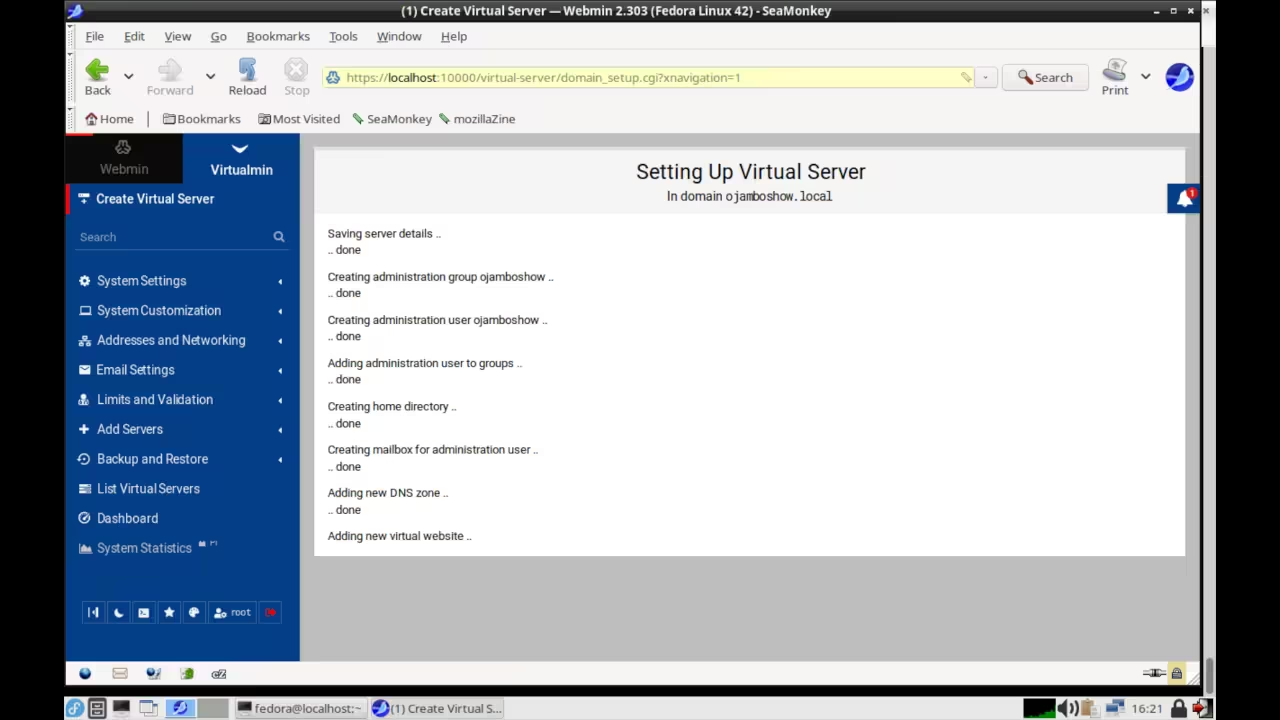
Virtualmin is a free and open source Perl-based online website management control panel. Virtualmin as part of Webmin that runs at its own process and web server defaulting to port 10000.
Virtualmin has to be installed on a web server. It an be directly uninstalled like a standard software package. It’s important to confirm your decision before proceeding, as the website control will now be manually manged from the command line.
Requirements For Virtualmin
Glossary
IP
Internet Protocol address is a numerical label that is assigned to a device connected to a computer network.
RHEL
Red Hat Enterprise Linux
Debian
Debian GNU/Linux
Firewall
Network security system that monitors and controls incoming and outgoing network traffic based on configurable security rule.
Download
Virtualmin can be downloaded from Virtualmin. Then the downloaded file is executed directly on the server or locally before installation based on the operating system.
Web Portal
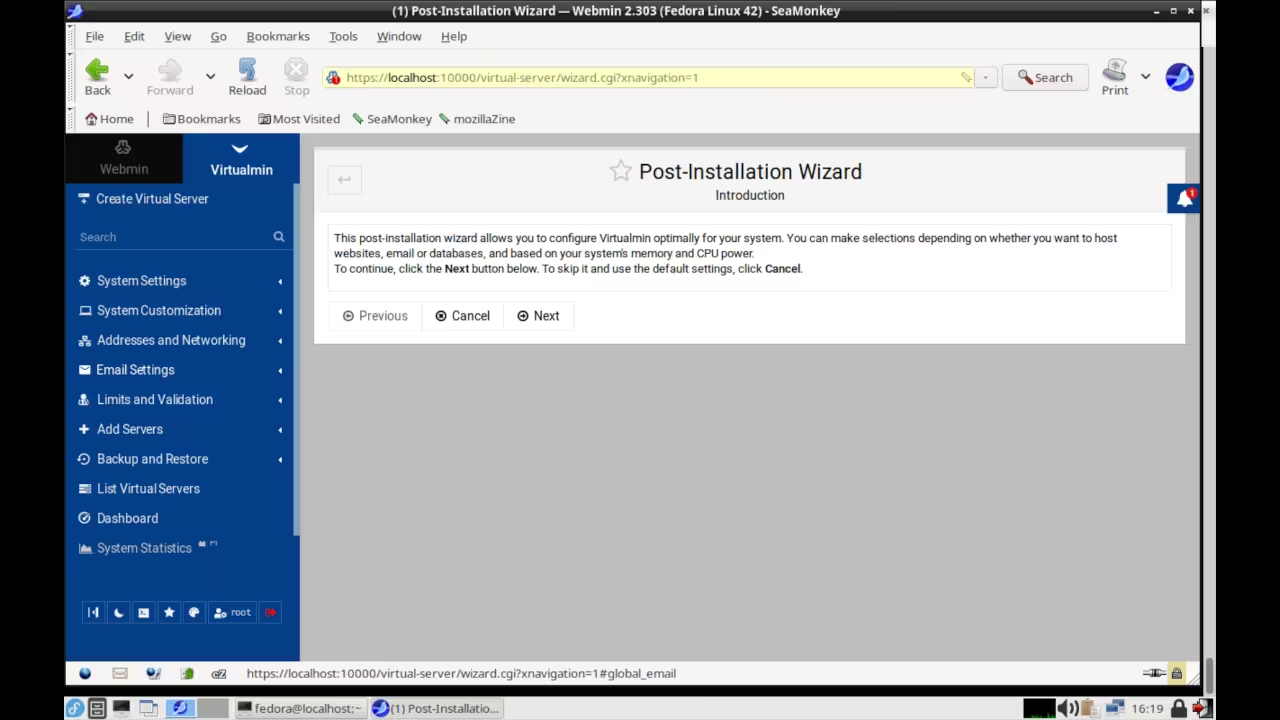
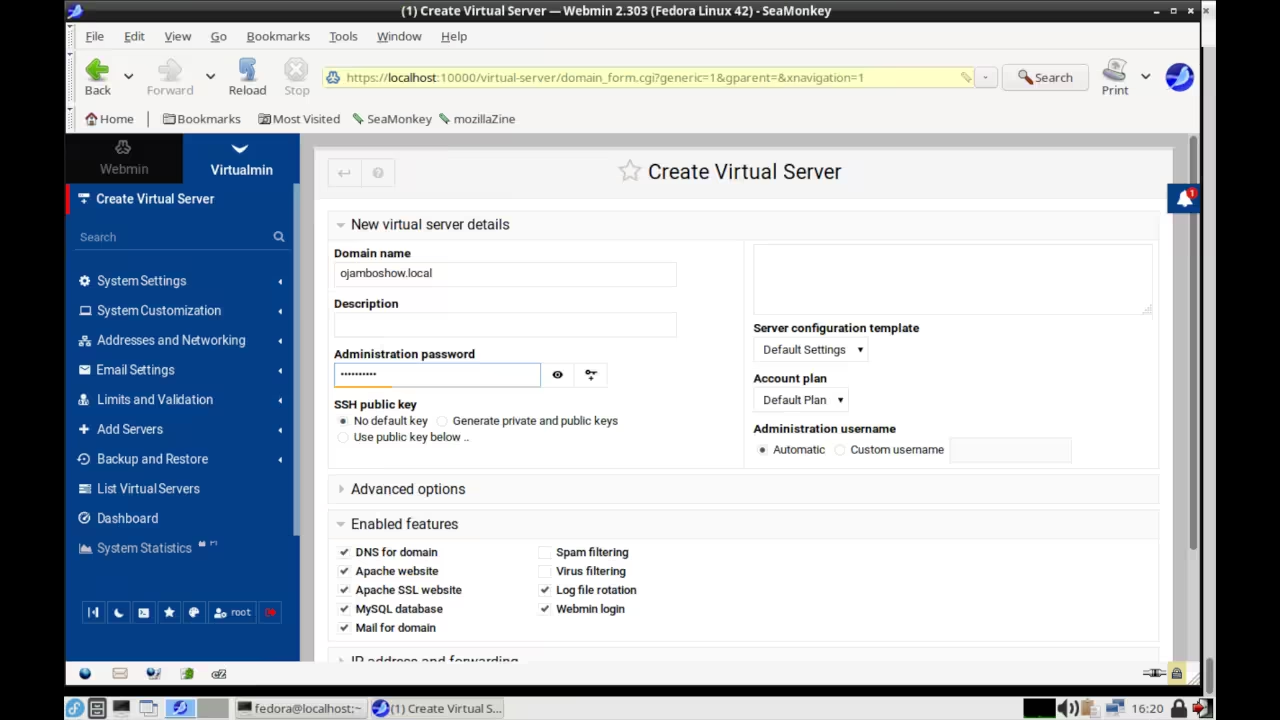
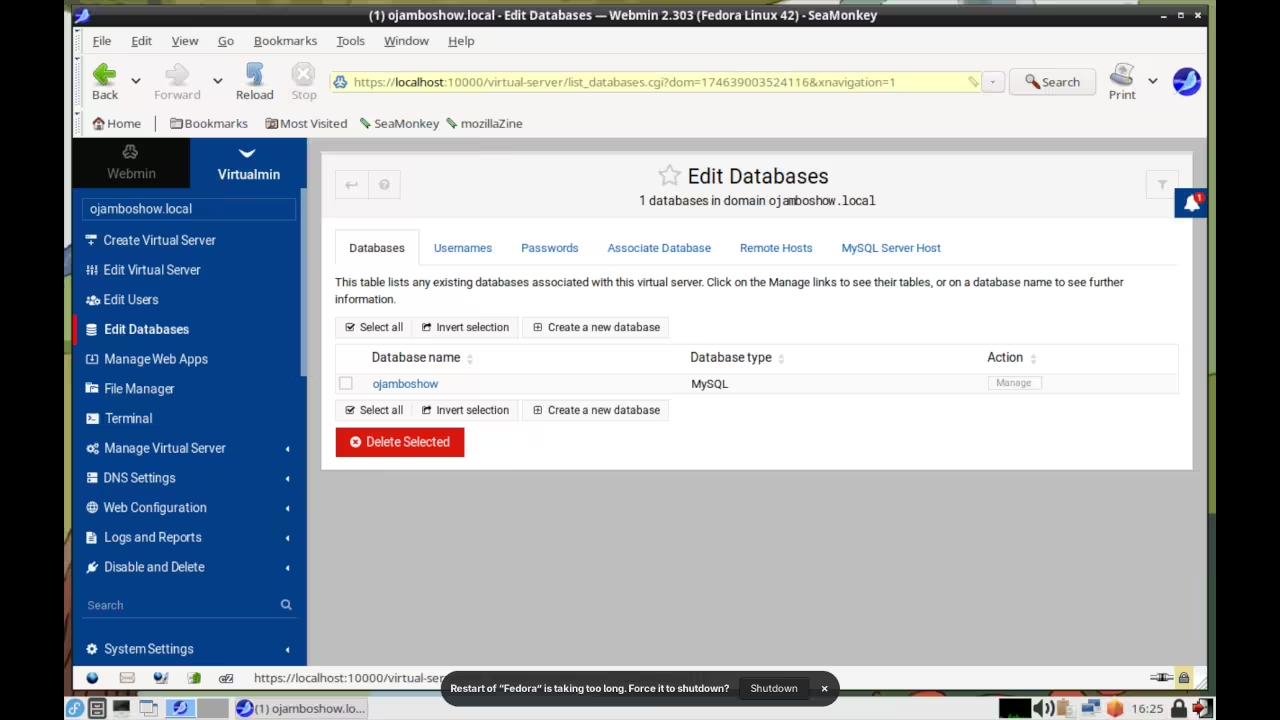
Virtualmin must be accessed through Webmin. Webmin requires the default port 10000 to be open in the firewall configuration. The webmin interface can be accessed at the following URL https://Server-IP:10000 where “Server-IP” is replaced by your server IP address or hostname.
Setup Virtualmin
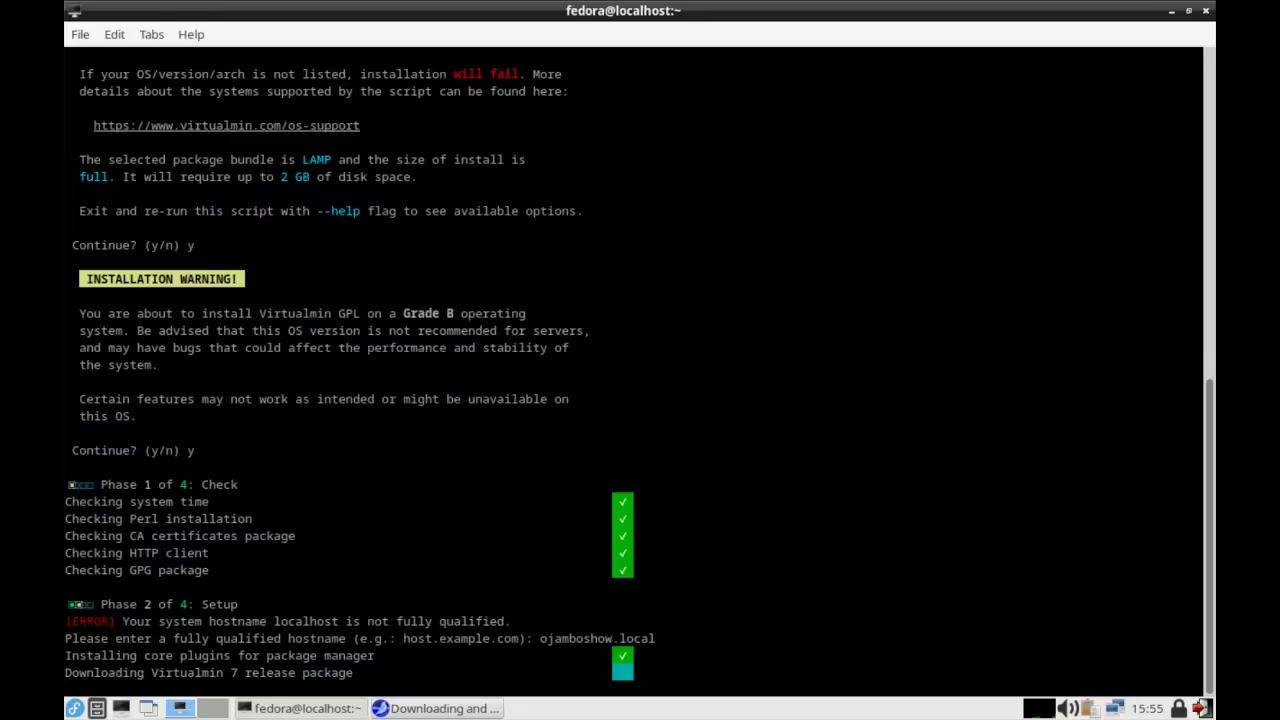
# Download Virtualmin Setup Script #
curl -o virtualmin-install.sh https://software.virtualmin.com/gpl/scripts/virtualmin-install.sh
# Execute Virtualmin Setup Script #
sh virtualmin-install.sh
Install Virtualmin
# Install Virtualmin On RHEL And Derivatives #
dnf install virtualmin
# Install Virtualmin On Debian And Derivatives #
apt-get install virtualmin
Open Source
Virtualmin is licensed under the GNU General Public License Version 3.0. The copyleft license comes with strict rules and requirements to ensure the software remains free and open-source. It allows commercial use, modification, distribution, and allows making derivatives proprietary, consult the license for more specific details
Webmin is released under the BSD-3-Clause license. The permissive license requires the preservation of the copyright notice and disclaimer. It allows commercial use, modification, distribution, and allows making derivatives proprietary, consult the license for more specific details.
Perl is dual-licensed under the GNU General Public License (GPL) and the Artistic License. The GPL copyleft license comes with strict rules and requirements to ensure the software remains free and open-source. The Artistic permissive license requires the preservation of the copyright notice and disclaimer. It allows commercial use, modification, distribution, and allows making derivatives proprietary, consult the license for more specific details.
Conclusion:
Virtualmin is easy to install once you meet all the requirements for the server and operating system. Install Virtualmin Control Panel using the command line and graphically use in a web browser.
If you enjoy this article, consider supporting me by purchasing one of my OjamboShop.com Online Programming Courses or publications at Edward Ojambo Programming Books or simply donate here Ojambo.com Donate
References:
- Customer Sets Price Plugin for WooCommerce on Ojambo.com
- Learning JavaScript Course on OjamboShop.com
- Learning Python Course on OjamboShop.com
- Learning PHP Course on OjamboShop.com
- Learning JavaScript Paperback on Amazon
- Learning JavaScript Ebook on Amazon
- Learning Python Ebook on Amazon
- Learning PHP Ebook on Amazon
- OjamboServices.com For Custom Websites, Applications & Tutorials
🚀 Recommended Resources
Disclosure: Some of the links above are referral links. I may earn a commission if you make a purchase at no extra cost to you.