
Introduction
AI image generation is changing fast for Linux users. You can now run Flux.2 Klein locally today.
High Performance Hardware For AI
The AMD Instinct MI60 is a powerful server GPU. It features 32GB of high speed HBM2 memory.
Fedora 43 provides the best environment for this task. It includes the latest ROCm 6.4 software stack.
Modern Transformer Models
Flux.2 Klein is a very fast transformer model. It unifies image generation and editing in one tool.
The model fits perfectly into the MI60 memory. Using GGUF quantization helps maintain high output quality.
Open Source Licensing Benefits
The stable-diffusion.cpp application uses the MIT license. This open source license allows for total freedom.
You can modify and distribute the software easily. There are no hidden fees for commercial usage.
Open source code ensures your privacy remains safe. You can verify how your data is processed locally.
Compiling On Fedora 43 With ROCm
Compiling for AMD GPUs is a straightforward process. First you must install the hipblas-devel system packages.
Use the dnf command to install development tools. You also need the git and cmake packages.
Building From Source
Clone the stable-diffusion.cpp repository from the web. Create a new build directory inside the folder.
Run the cmake command with the HIP option. Set the SD_HIPBLAS flag to the ON position.
Target the gfx906 architecture for the MI60 GPU. This matches the specific hardware version of your card.
Start the compilation process using the make command. Use multiple processor cores to speed up the build.
Performance And Hardware Optimization
The MI60 lacks modern matrix cores for AI. However the 1TB per second bandwidth is amazing.
This bandwidth allows Flux.2 Klein to generate images quickly. You can create high resolution art in seconds.
The C++ code runs much faster than Python. It removes heavy dependencies for a lightweight local setup.
Always monitor your hardware temperatures during heavy generation. The MI60 requires active cooling for long sessions.
Licensing and Commercial Use
The FLUX.2 [klein] 4B model is released under the Apache 2.0 License, which is a significant departure from the more restrictive “Non-Commercial” licenses found on the larger 9B and 32B models. This permissive license means you are legally free to use the 4B model for commercial purposes, including building paid applications, generating marketing assets for clients, or integrating the model into a business workflow without paying royalties. You are also encouraged to modify the weights, train custom LoRAs, or redistribute the model, provided you include the original license and copyright notice.
Tips for Best Results
To get the most out of the Klein 4B architecture, shift away from “tag-based” prompting and adopt a prose-style approach. Describe your scene as if you are writing a brief passage in a novel; the model is highly sensitive to word order, so place your primary subject at the beginning. Additionally, FLUX.2 [klein] excels at following hex color codes and rendering exact text placed within single quotes.
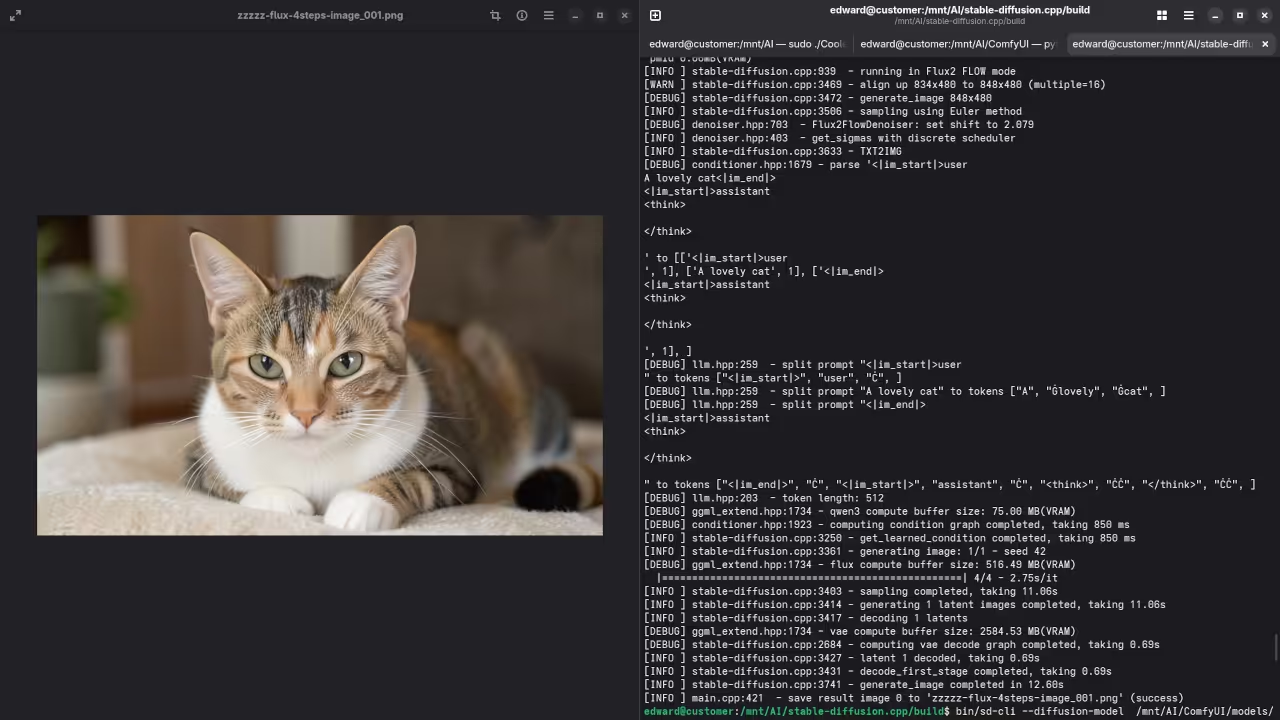
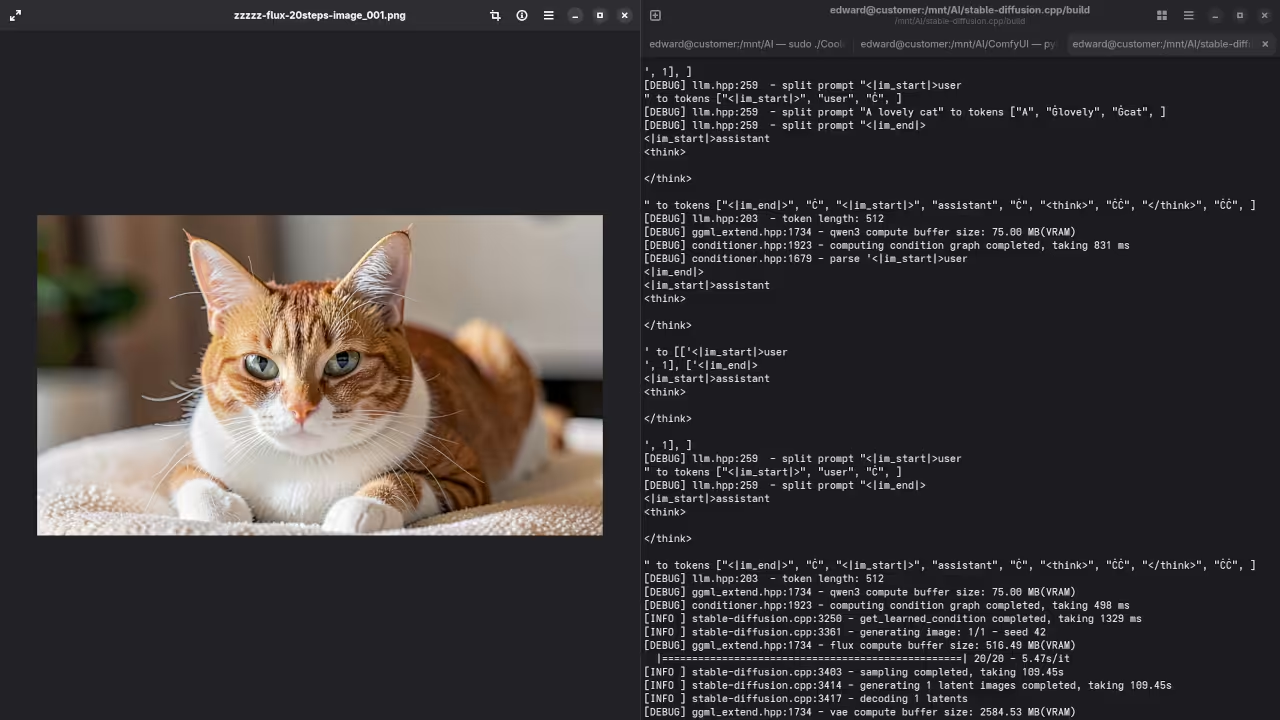
On the technical side, aim for 4 to 6 inference steps for the Distilled version. Increasing the step count beyond 10 often degrades quality. Keep your Guidance Scale (CFG) low—around 1.0 for Distilled and 3.5 to 5.0 for the Base model. Finally, ensure you are using the specific Klein VAE and the Qwen3-4B text encoder to avoid tensor shape mismatch errors during loading.
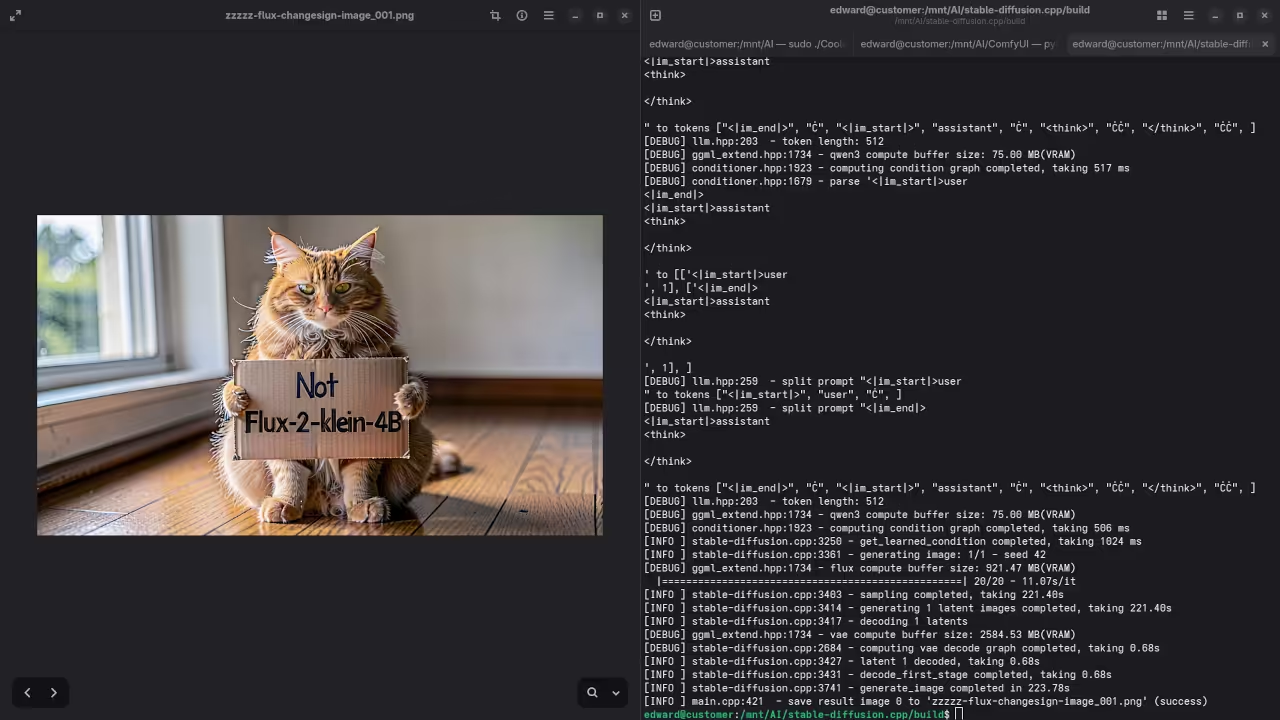
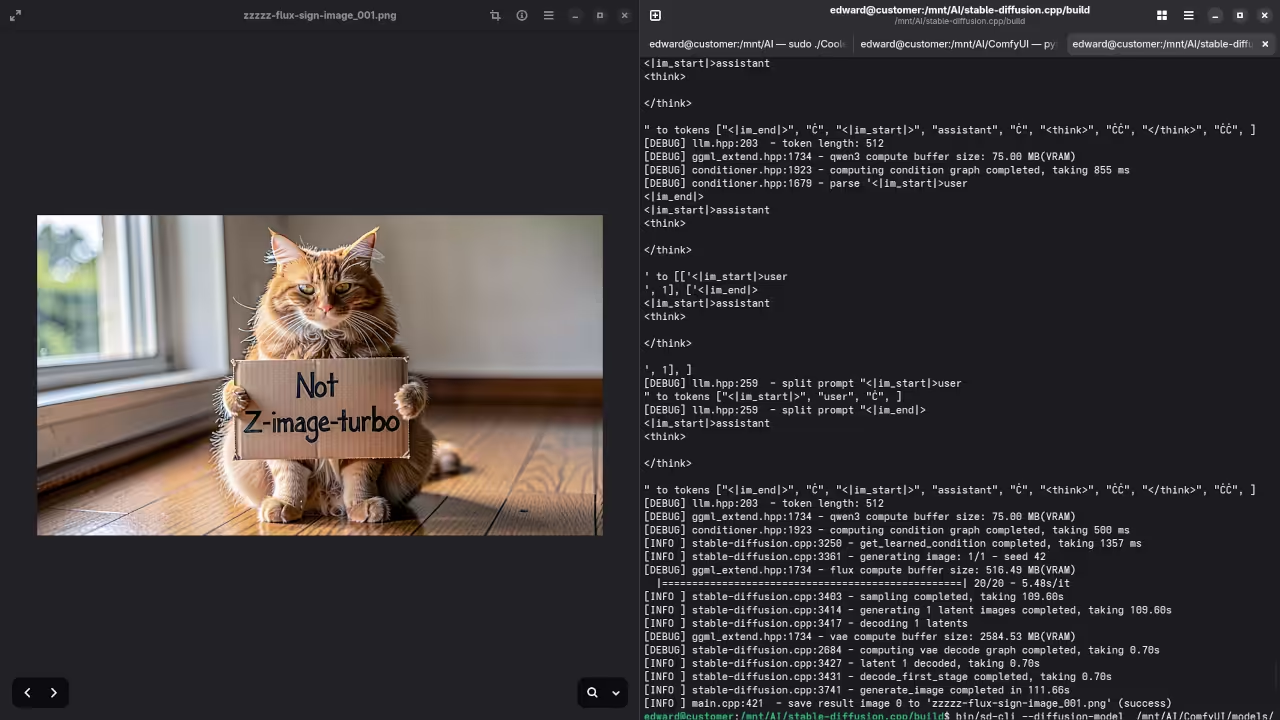
Screenshot
Live Screencast
Take Your Skills Further
- Books: https://www.amazon.com/stores/Edward-Ojambo/author/B0D94QM76N
- Courses: https://ojamboshop.com/product-category/course
- Tutorials: https://ojambo.com/contact
- Consultations: https://ojamboservices.com/contact
🚀 Recommended Resources
Disclosure: Some of the links above are referral links. I may earn a commission if you make a purchase at no extra cost to you.