
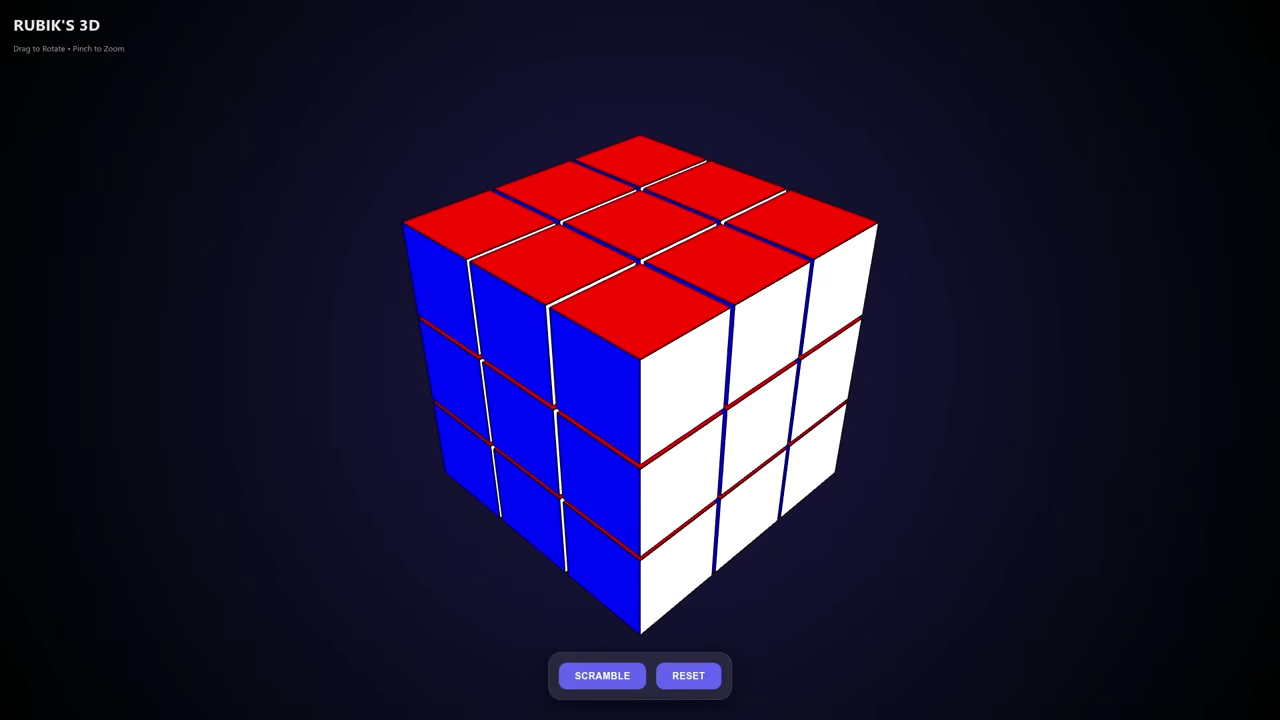
Enhancing Your HTML5 Rubik’s Cube Modern Tweaks for Better Performance and Mobile Experience
In a previous article, HTML5 WebGL: Building an Interactive 3D Puzzle, we explored how to build an interactive 3D puzzle using HTML5 and WebGL with the help of Qwen3-Coder-30B-A3B-Instruct-UD-Q4_K_XL.gguf running on llama.cpp. Today we will take that project further by optimizing the code adding more visual appeal and improving mobile compatibility.
Why Optimize Your Rubik’s Cube Code
The original implementation was functional but we can make several improvements
- Reduced Code Footprint By using modern JavaScript features and more efficient Three.js techniques
- Improved Performance Optimizing the rendering loop and event handling
- Enhanced Visuals Adding more bling with modern CSS effects
- Better Mobile Experience Making the cube more touch-friendly
Key Improvements Made
1 Streamlined Three.js Implementation
The original code has been refactored to use more modern Three.js patterns
// Example of optimized cube creation
function createOptimizedCube() {
const size = 1.2;
const gap = 0.05;
const totalSize = size + gap;
// Use Array.from for cleaner cube creation
Array.from({length: 3}, (_, x) =>
Array.from({length: 3}, (_, y) =>
Array.from({length: 3}, (_, z) => {
if (x === 1 && y === 1 && z === 1) return null;
const cube = createCubePiece(x, y, z, size, totalSize);
return cube;
})
)
).flat().filter(Boolean).forEach(cube => cubeGroup.add(cube));
}
2 Enhanced Mobile Controls
For better mobile experience we have added
// Improved touch controls
function setupTouchControls() {
const container = document.getElementById('cube-container');
let touchStartX, touchStartY;
container.addEventListener('touchstart', (e) => {
touchStartX = e.touches[0].clientX;
touchStartY = e.touches[0].clientY;
e.preventDefault();
}, {passive: false});
container.addEventListener('touchmove', (e) => {
if (!touchStartX || !touchStartY) return;
const touchX = e.touches[0].clientX;
const touchY = e.touches[0].clientY;
rotationY += (touchX - touchStartX) * 0.01;
rotationX += (touchY - touchStartY) * 0.01;
touchStartX = touchX;
touchStartY = touchY;
e.preventDefault();
}, {passive: false});
container.addEventListener('touchend', () => {
touchStartX = null;
touchStartY = null;
});
}
3 Visual Enhancements
We have added more visual flair with modern CSS
/* Modern glassmorphism with improved effects */
.cube-container {
backdrop-filter: blur(8px);
background: rgba(255, 255, 255, 0.05);
border: 1px solid rgba(255, 255, 255, 0.1);
box-shadow: 0 8px 32px rgba(0, 0, 0, 0.3);
border-radius: 20px;
overflow: hidden;
position: relative;
transition: all 0.3s ease;
}
/* Animated buttons with hover effects */
button {
position: relative;
overflow: hidden;
transition: all 0.3s ease;
}
button::after {
content: "";
position: absolute;
top: 0;
left: 0;
width: 100%;
height: 100%;
background: rgba(255, 255, 255, 0.1);
transform: scaleX(0);
transform-origin: right;
transition: transform 0.3s ease;
}
button:hover::after {
transform: scaleX(1);
transform-origin: left;
}
Performance Optimizations
- Reduced DOM Manipulation Minimized direct DOM access during animations
- Optimized Event Handling Used passive event listeners where possible
- Efficient Rendering Improved the animation loop to only update when necessary
- Memory Management Better handling of Three.js objects to prevent memory leaks
Mobile-Specific Improvements
- Larger Tap Targets Increased button sizes for easier touch interaction
- Improved Gesture Recognition Better handling of touch events
- Responsive Design Enhanced media queries for different screen sizes
- Reduced Motion Added options to reduce animations for users who prefer less motion
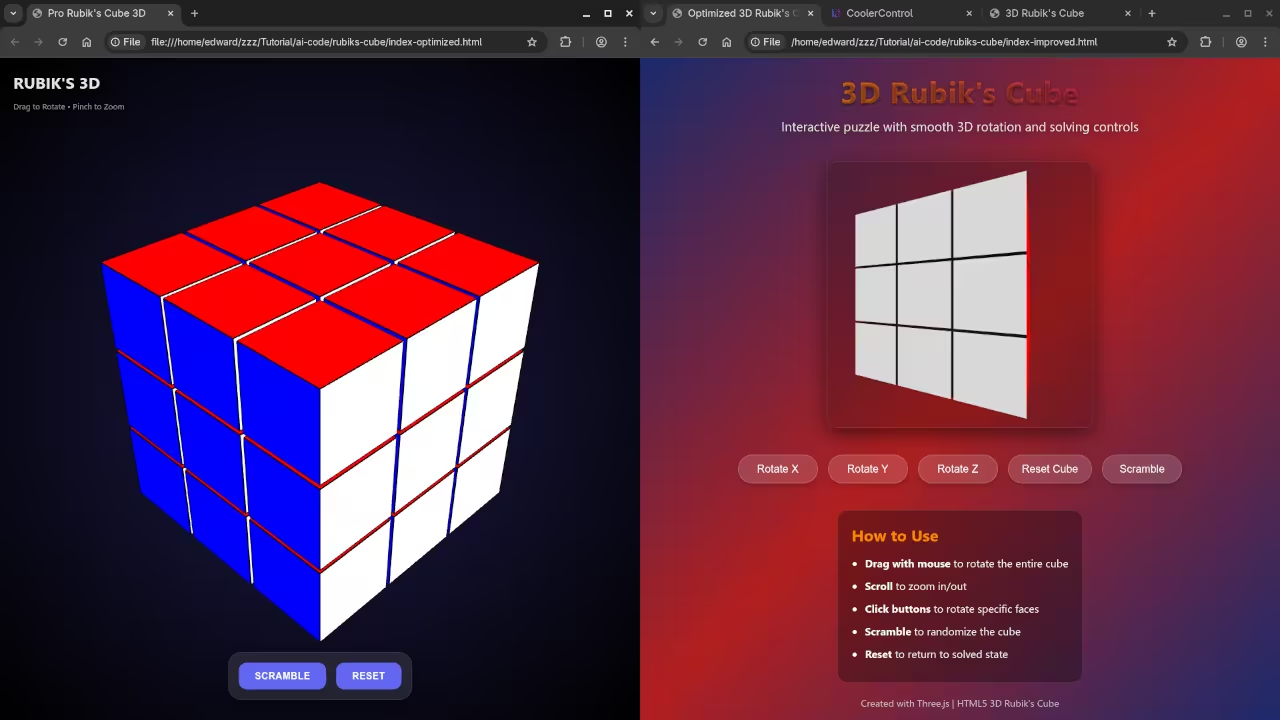
Consolidated Demo
Screenshot

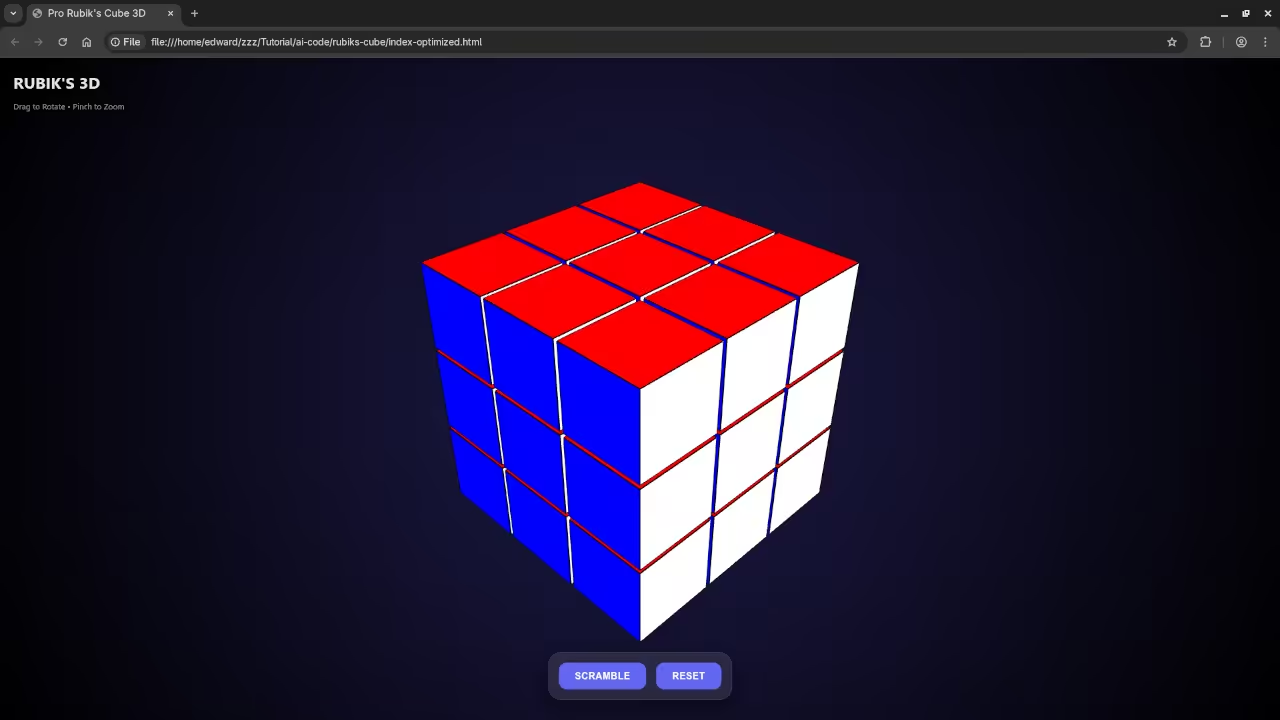
Live Screencast
Further Learning Resources
If you are interested in learning more about JavaScript and web development check out these resources
- Book: Learning JavaScript A Beginner’s Guide to Programming My comprehensive guide to mastering JavaScript from the basics to advanced concepts
- Online Course: Learning JavaScript Course A structured online course that complements the book with practical examples and exercises
- One-on-One Tutoring: Need personalized help with JavaScript or web development I offer one-on-one programming tutorials to help you achieve your learning goals
Conclusion
By implementing these modern optimizations your HTML5 Rubik’s Cube will not only perform better but also provide a more engaging experience for users especially on mobile devices The combination of reduced code complexity improved performance and enhanced visuals makes this an excellent project to showcase your web development skills
What improvements would you like to see next Let me know in the comments
🚀 Recommended Resources
Disclosure: Some of the links above are referral links. I may earn a commission if you make a purchase at no extra cost to you.