
Creating an Image Textured Cube with Blender Python and Viewing It on the Web
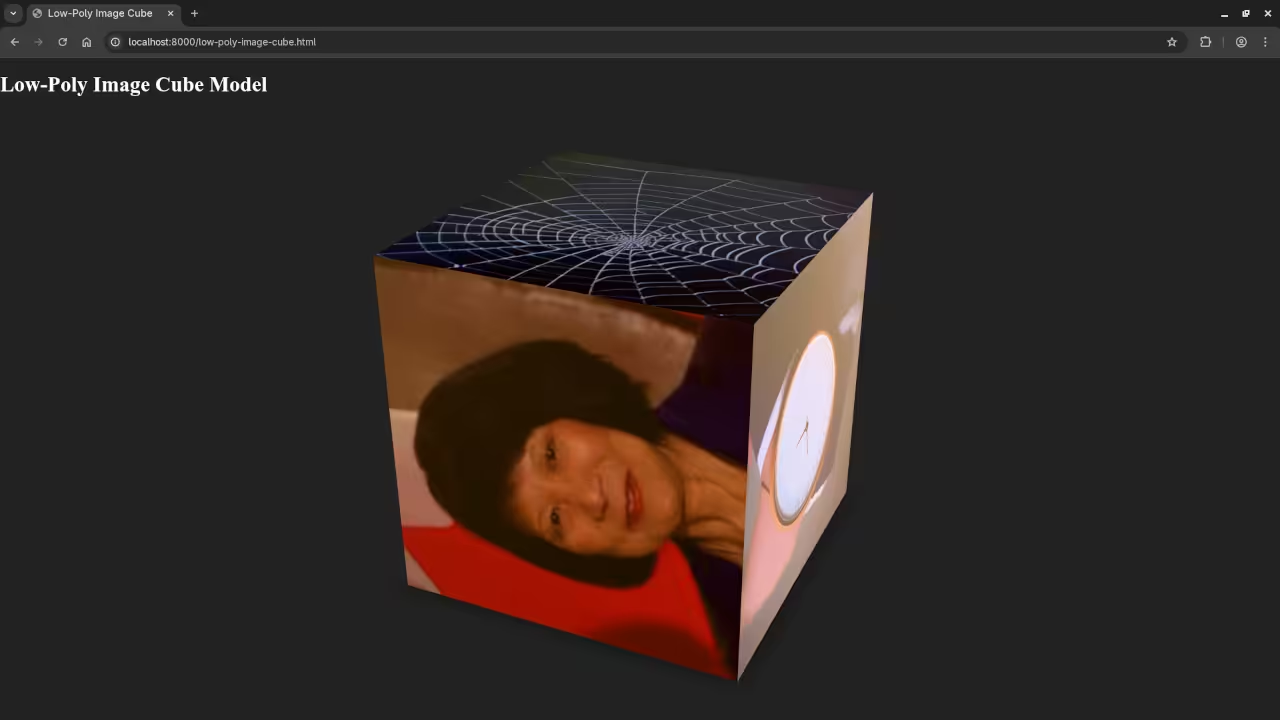
This beginner level tutorial explains how to create a simple three dimensional cube using the Blender Python API and place a different image on each side of the cube. The finished model is then displayed in a web browser using the model viewer web component. The scene is lit using an HDR environment image which is the Courtyard EXR included with Blender 4.5 LTS.
This workflow is ideal for learning the basics of Python scripting in Blender and understanding how three dimensional content can be shared on the web.
Why Use Blender Python
Blender includes a powerful Python API that allows automation of modeling materials lighting and exporting. Instead of clicking through menus each step can be described in code which makes it repeatable and easier to learn over time.
Creating a Cube with Images on All Sides
To place different images on each side of a cube we follow these simple steps
- Create a cube
- Unwrap the UVs so images know where to appear
- Create one material per face
- Load one image per material
- Assign each material to a different face
Blender Python Script
import bpy
# Clear the scene
bpy.ops.object.select_all(action='SELECT')
bpy.ops.object.delete()
# Create a cube
bpy.ops.mesh.primitive_cube_add(size=2, location=(0, 0, 0))
cube = bpy.context.active_object
# UV unwrap
bpy.ops.object.mode_set(mode='EDIT')
bpy.ops.mesh.select_all(action='SELECT')
bpy.ops.uv.unwrap(method='ANGLE_BASED')
bpy.ops.object.mode_set(mode='OBJECT')
def create_image_material(name, image_path):
mat = bpy.data.materials.new(name=name)
mat.use_nodes = True
nodes = mat.node_tree.nodes
links = mat.node_tree.links
nodes.clear()
tex_node = nodes.new(type='ShaderNodeTexImage')
bsdf_node = nodes.new(type='ShaderNodeBsdfPrincipled')
output_node = nodes.new(type='ShaderNodeOutputMaterial')
tex_node.image = bpy.data.images.load(image_path)
links.new(tex_node.outputs['Color'], bsdf_node.inputs['Base Color'])
links.new(bsdf_node.outputs['BSDF'], output_node.inputs['Surface'])
return mat
image_paths = [
"/path/to/image1.png",
"/path/to/image2.png",
"/path/to/image3.png",
"/path/to/image4.png",
"/path/to/image5.png",
"/path/to/image6.png",
]
for i, path in enumerate(image_paths):
mat = create_image_material(f"FaceMat{i}", path)
cube.data.materials.append(mat)
for i, poly in enumerate(cube.data.polygons):
poly.material_index = i
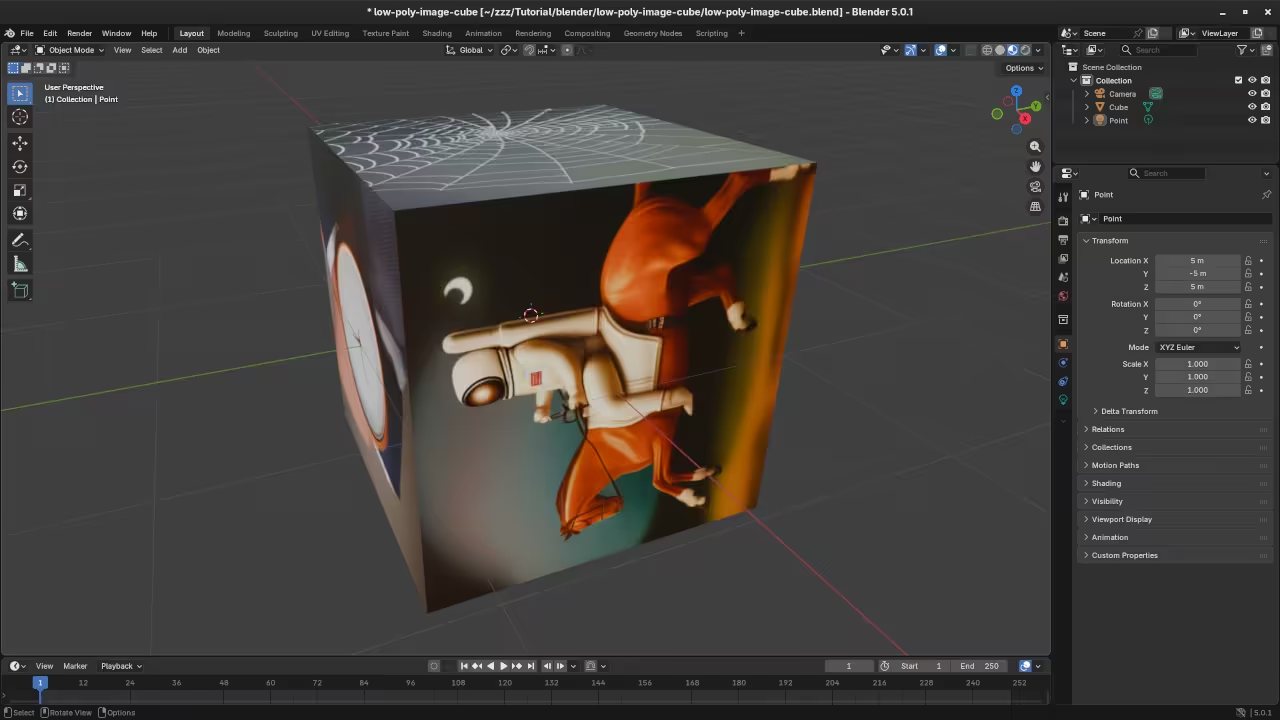
Each face of the cube receives its own material and each material contains a different image. This is the key step that places unique images on all sides of the cube.
Lighting with an HDR Image
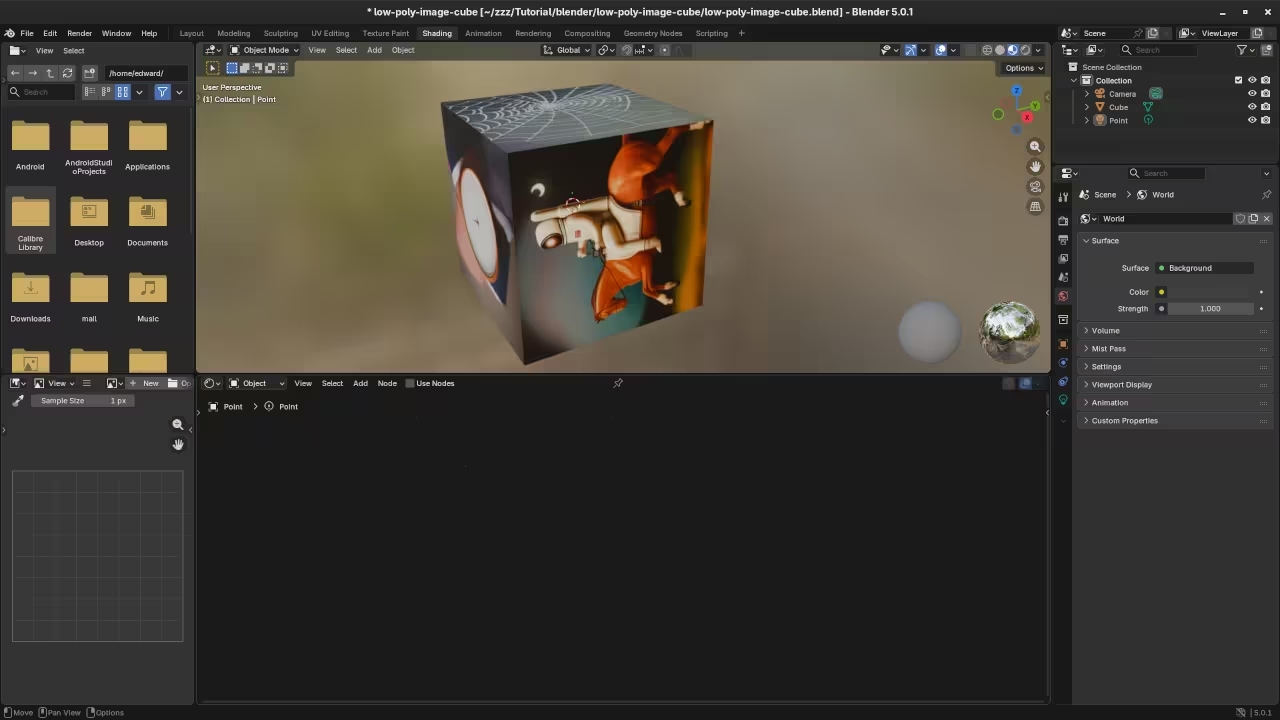
The scene is lit using an HDR environment texture. Blender 4.5 LTS includes a Courtyard EXR file which can be assigned to the World shader. HDR lighting provides soft realistic light and reflections without adding traditional lamps.
Exporting the Model for the Web
After the cube is complete it can be exported as a GLB file. This format includes geometry materials and textures in a single file which makes it ideal for web use.
bpy.ops.export_scene.gltf(
filepath="image_cube.glb",
export_format='GLB'
)
Displaying the Cube in the Browser
The model viewer web component allows three dimensional models to be displayed directly in modern browsers using standard HTML.
<script type="module"
src="https://unpkg.com/@google/model-viewer/dist/model-viewer.min.js">
</script>
<model-viewer
src="image_cube.glb"
environment-image="courtyard.exr"
auto-rotate
camera-controls>
</model-viewer>
Open Source Tools and Licenses
Blender is open source software released under the GNU General Public License. This license ensures Blender remains free and community driven.
Model viewer is also open source and is released under the Apache License version 2.0. This permissive license allows use in both personal and commercial projects.
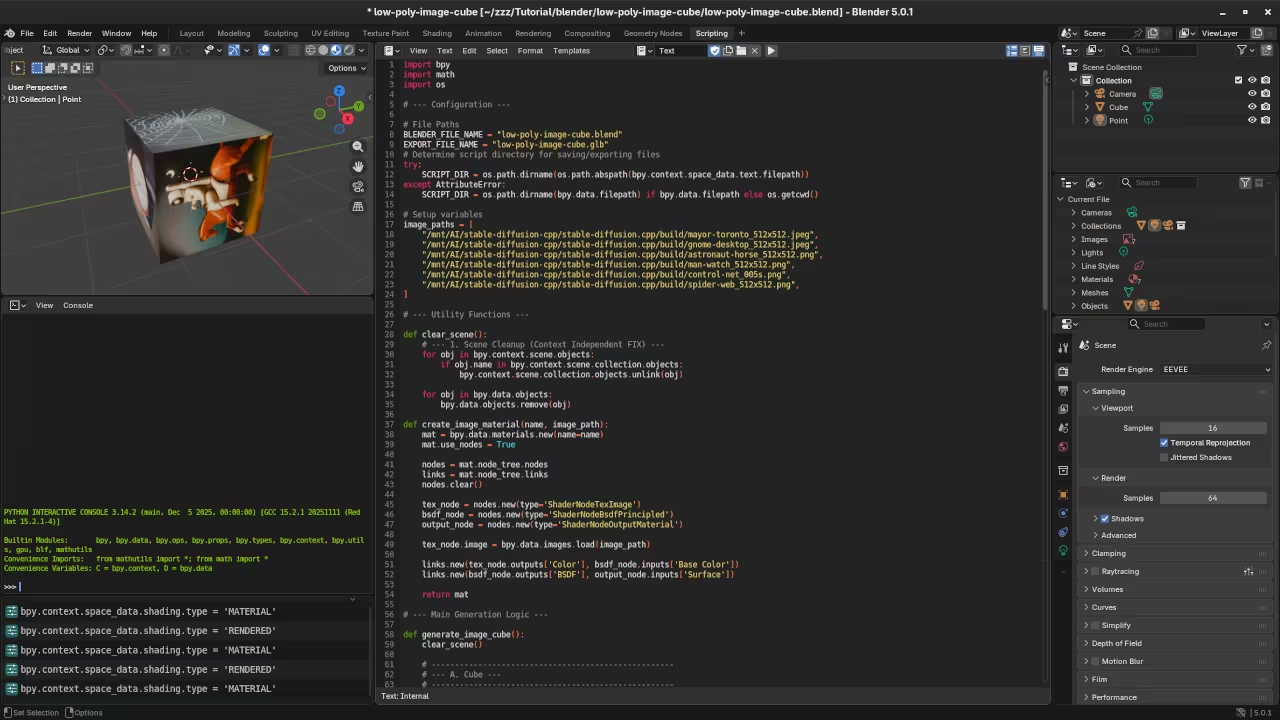
📸 Screenshots & Screencast
Books and Learning Resources
If you want to learn more about Python and Blender scripting you may find these resources helpful.
Learning Python book on Amazon
Mastering Blender Python API book on Amazon
One on One Python and Blender Training
I am available for one on one online Python tutorials including Blender Python scripting.
Contact me for private training
Conclusion
This beginner friendly workflow shows how Blender Python scripting HDR lighting and web based three dimensional viewing can work together. It is a strong foundation for anyone interested in automation three dimensional graphics and sharing interactive models on the web.
🚀 Recommended Resources
Disclosure: Some of the links above are referral links. I may earn a commission if you make a purchase at no extra cost to you.