
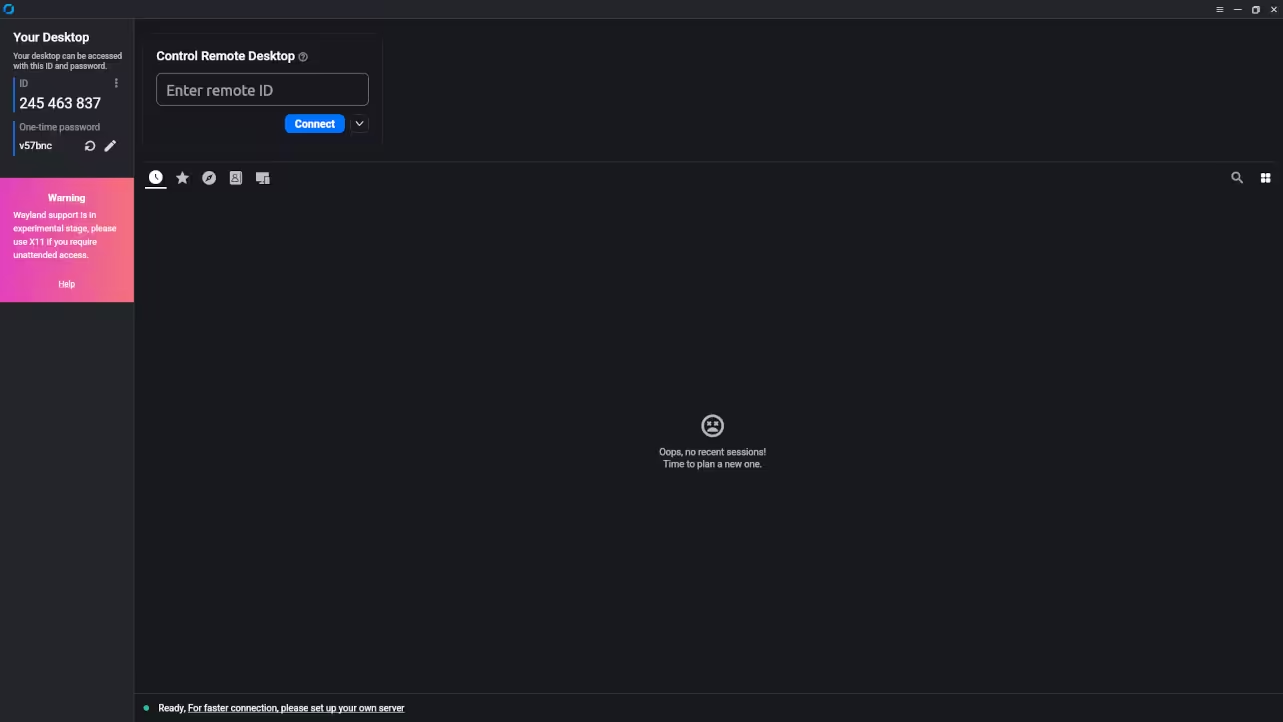
RustDesk with Podman Quadlets and systemd Integration Beginner Guide
RustDesk is a free and open source remote desktop solution that allows secure access to computers over a local network or the internet. It is a strong alternative to proprietary remote desktop tools and gives you full control over your infrastructure.
This beginner level guide shows how to run RustDesk using Podman and manage it with Podman Quadlets and systemd. An optional podman compose example is also included.
Why Use RustDesk
- Open source and community driven
- Self hosted with full data control
- Cross platform support
- Lightweight and fast
- Works well with Linux containers
What Are Podman Quadlets
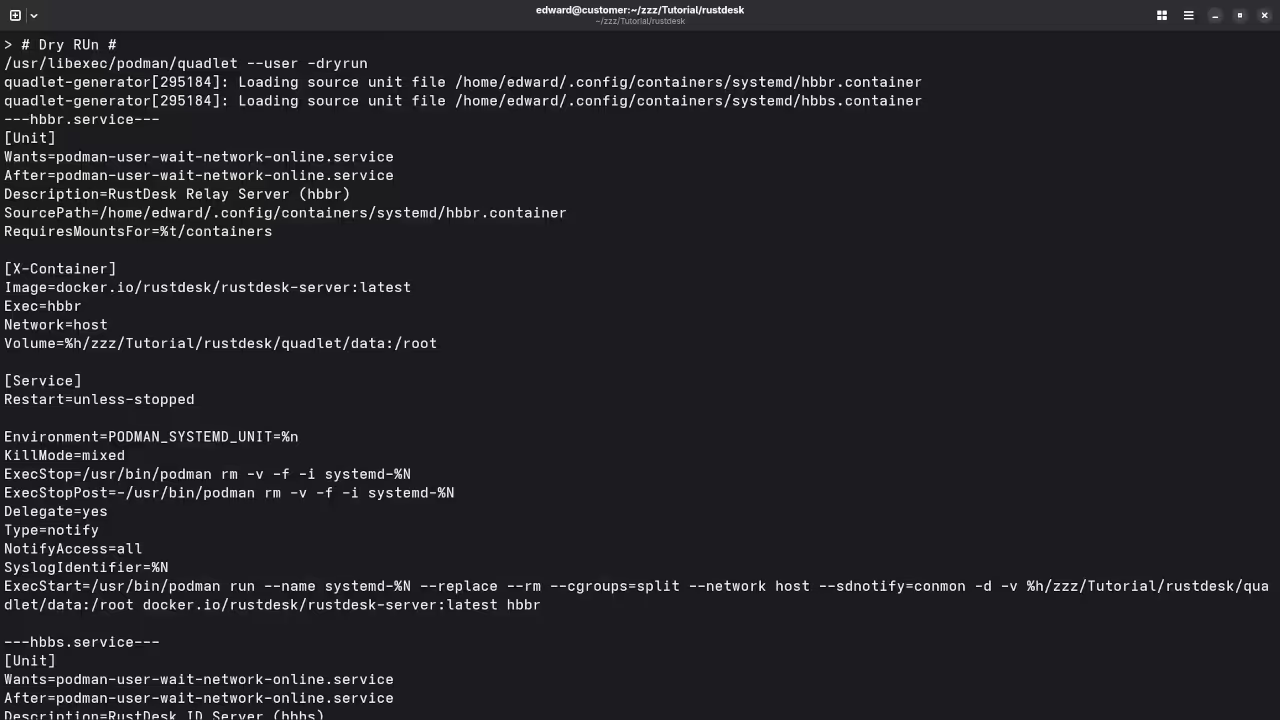
Podman Quadlets allow containers to be managed directly by systemd using simple configuration files. This ensures services start automatically on boot and integrate cleanly with the operating system.
Prerequisites
- Linux system with systemd
- Podman version 4 or newer
- Basic terminal knowledge
Installing RustDesk Using Podman Quadlets
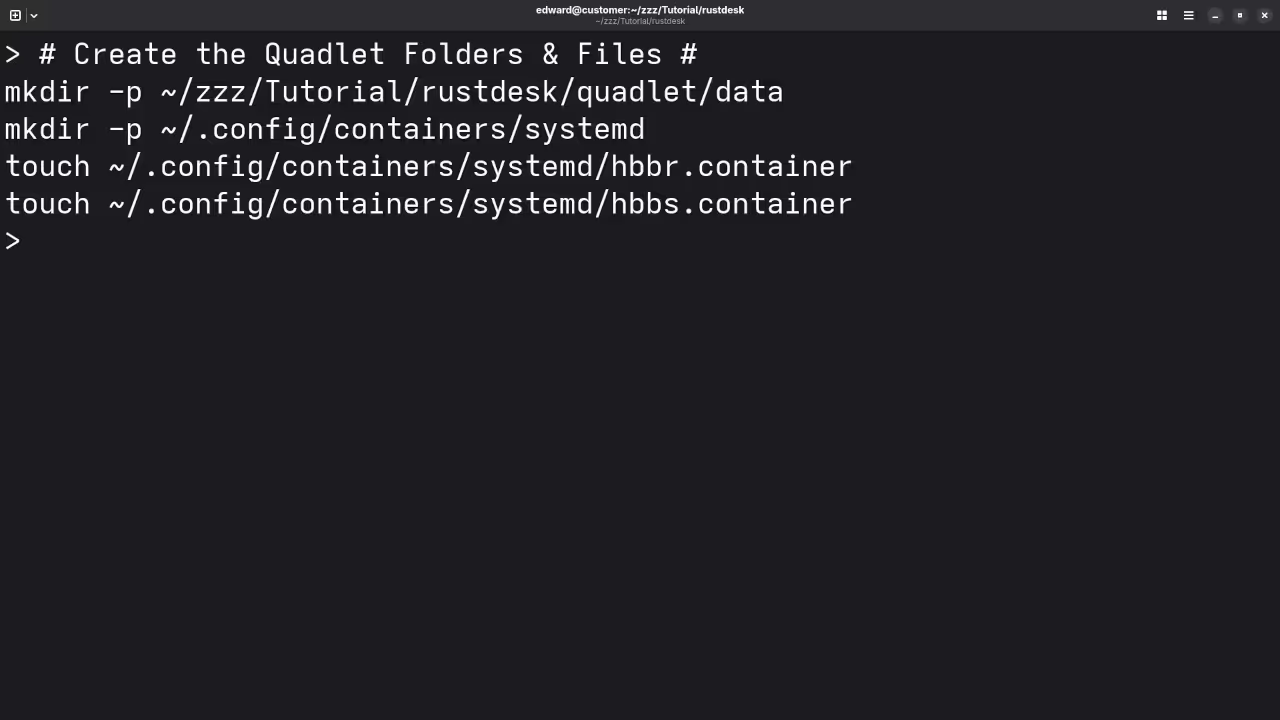
Create the Quadlet Directory
mkdir -p ~/.config/containers/systemd Create the RustDesk Quadlet File
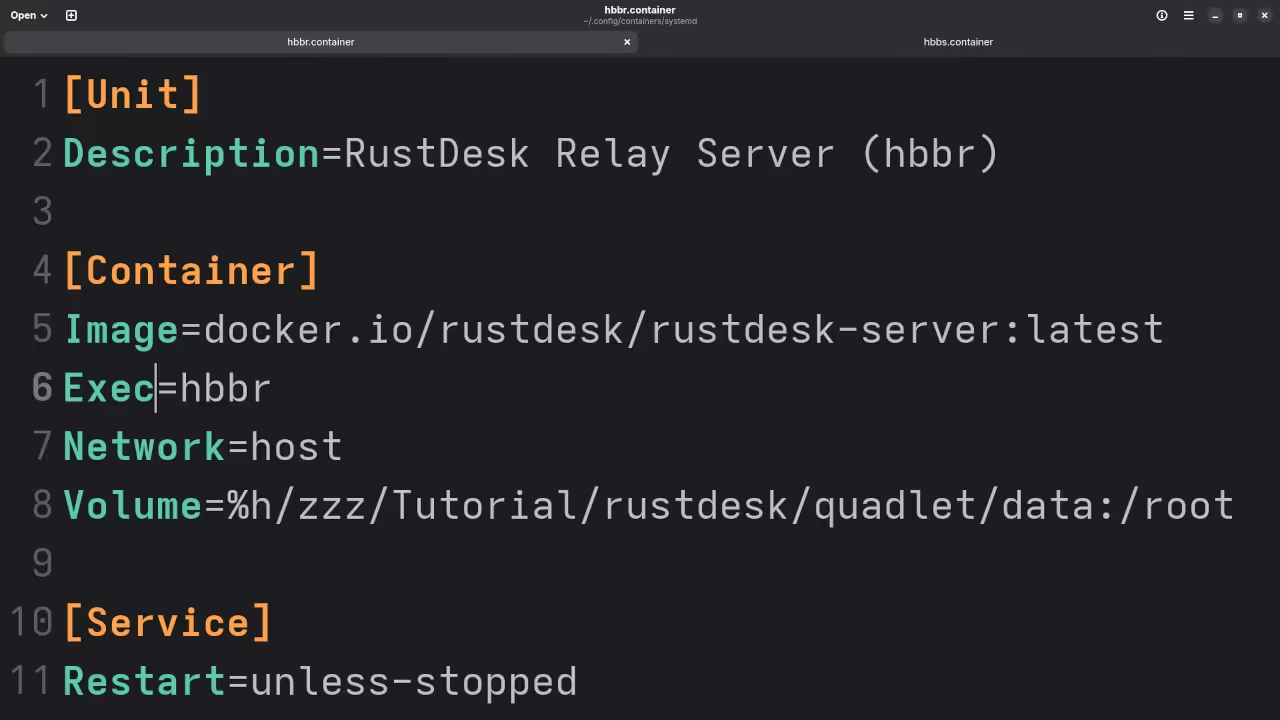
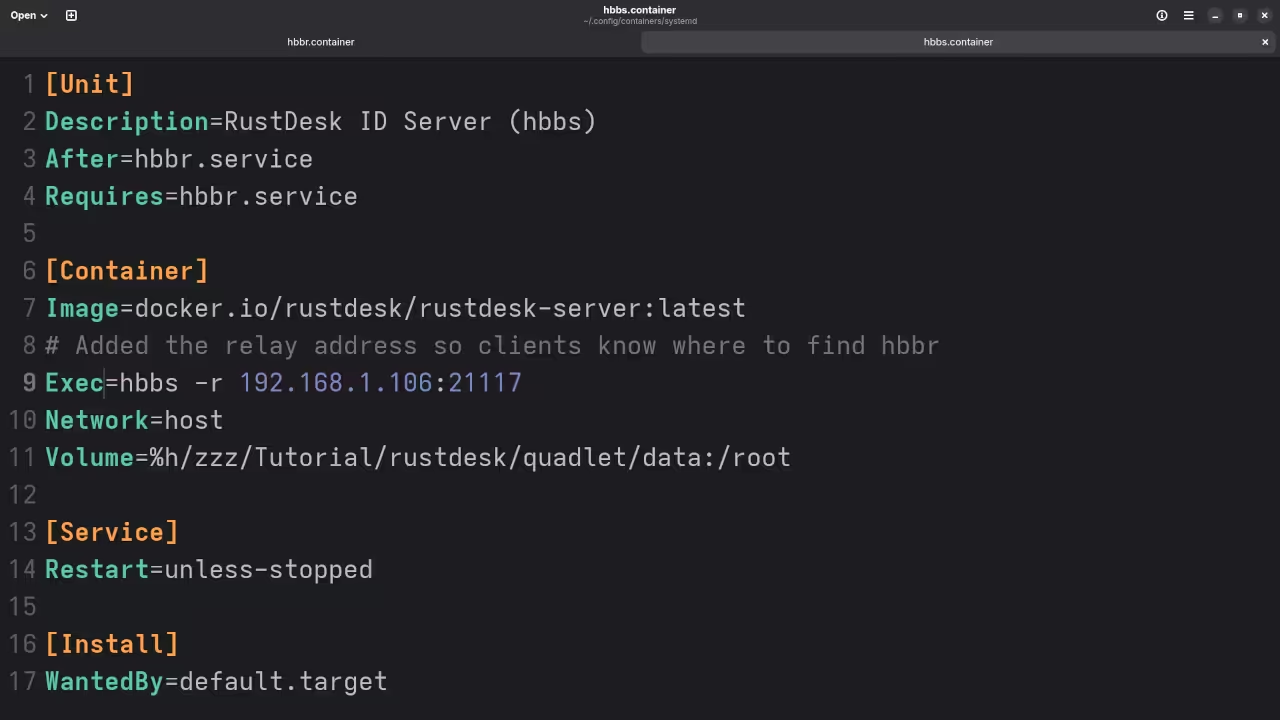
~/.config/containers/systemd/rustdesk.container [Unit]
Description=RustDesk Server Container
After=network-online.target
[Container]
Image=docker.io/rustdesk/rustdesk-server:latest
ContainerName=rustdesk
AutoUpdate=registry
PublishPort=21115:21115
PublishPort=21116:21116
PublishPort=21117:21117
PublishPort=21118:21118
Volume=%h/rustdesk-data:/data
Exec=/usr/bin/hbbs -r your-domain-or-ip:21117
[Service]
Restart=always
[Install]
WantedBy=default.target Replace your domain or ip with your public server address.
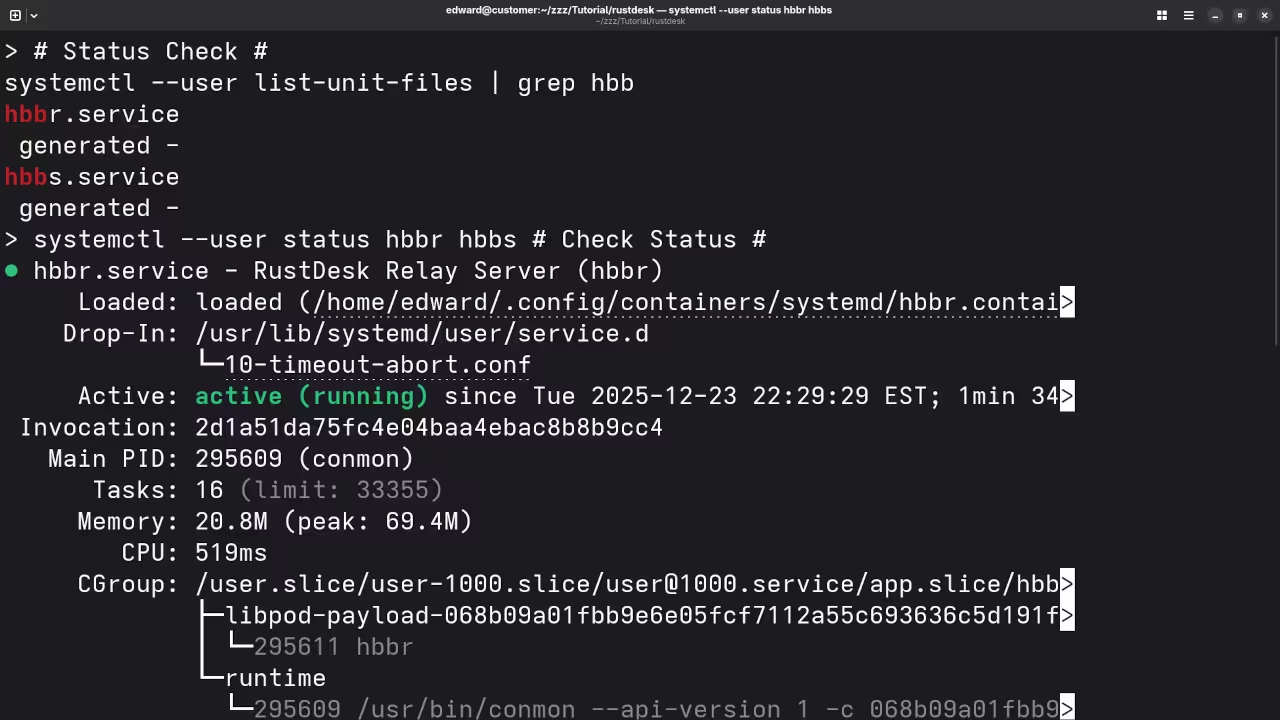
Enable and Start the Service
systemctl --user daemon-reload
systemctl --user enable --now rustdesk.service systemctl --user status rustdesk.service Optional Installation Using podman compose
version: "3"
services:
rustdesk:
image: rustdesk/rustdesk-server:latest
container_name: rustdesk
command: hbbs -r your-domain-or-ip:21117
ports:
- "21115:21115"
- "21116:21116"
- "21117:21117"
- "21118:21118"
volumes:
- ./rustdesk-data:/data
restart: always podman-compose up -d Connecting RustDesk Clients
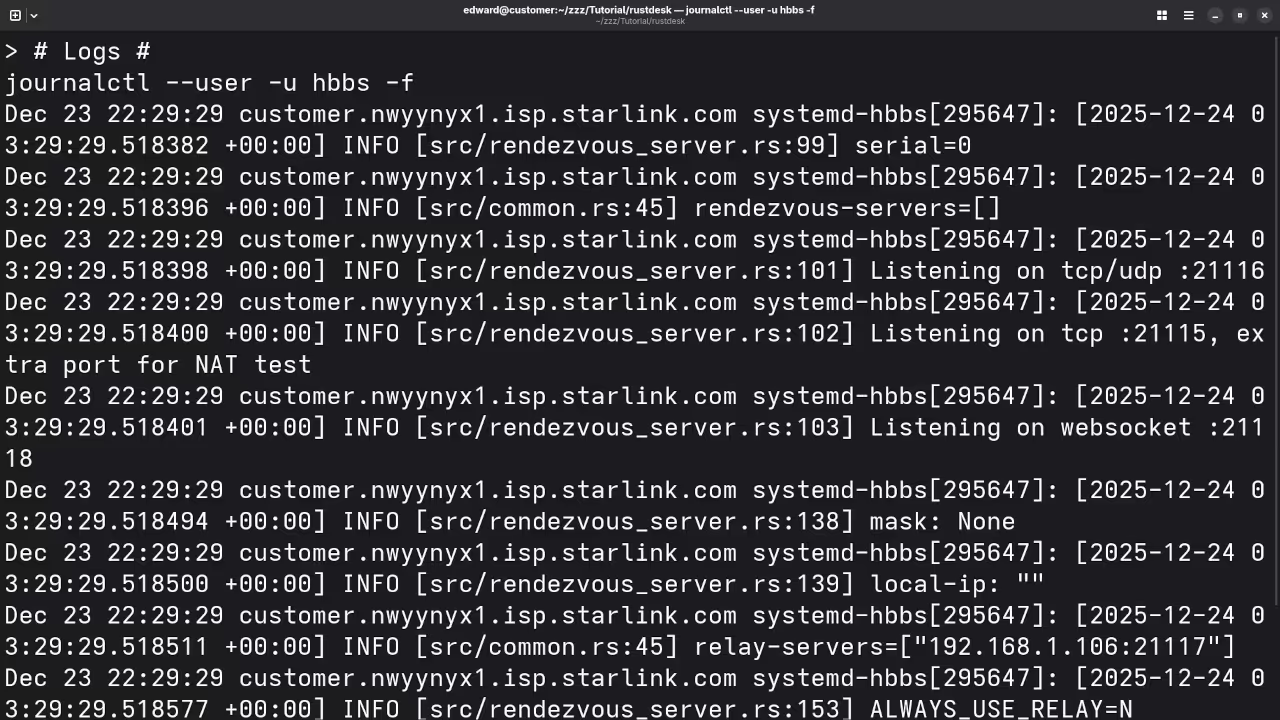
Once the server is running install the RustDesk client on your device and configure it to use your custom server address.
📷 Part 3: Screenshots
🎬 Part 4: Live YouTube Screencast
Programming Books
Explore my programming books on Amazon at
Programming Courses
Browse my programming courses at
https://ojamboshop.com/product-category/course
One on One Programming Tutorials
I am available for one on one online programming tutorials at
RustDesk Installation and Migration Services
If you need help installing or migrating RustDesk you can contact me at
https://ojamboservices.com/contact
Conclusion
RustDesk combined with Podman Quadlets and systemd provides a clean secure and production ready remote desktop solution suitable for beginners and advanced users.
🚀 Recommended Resources
Disclosure: Some of the links above are referral links. I may earn a commission if you make a purchase at no extra cost to you.