
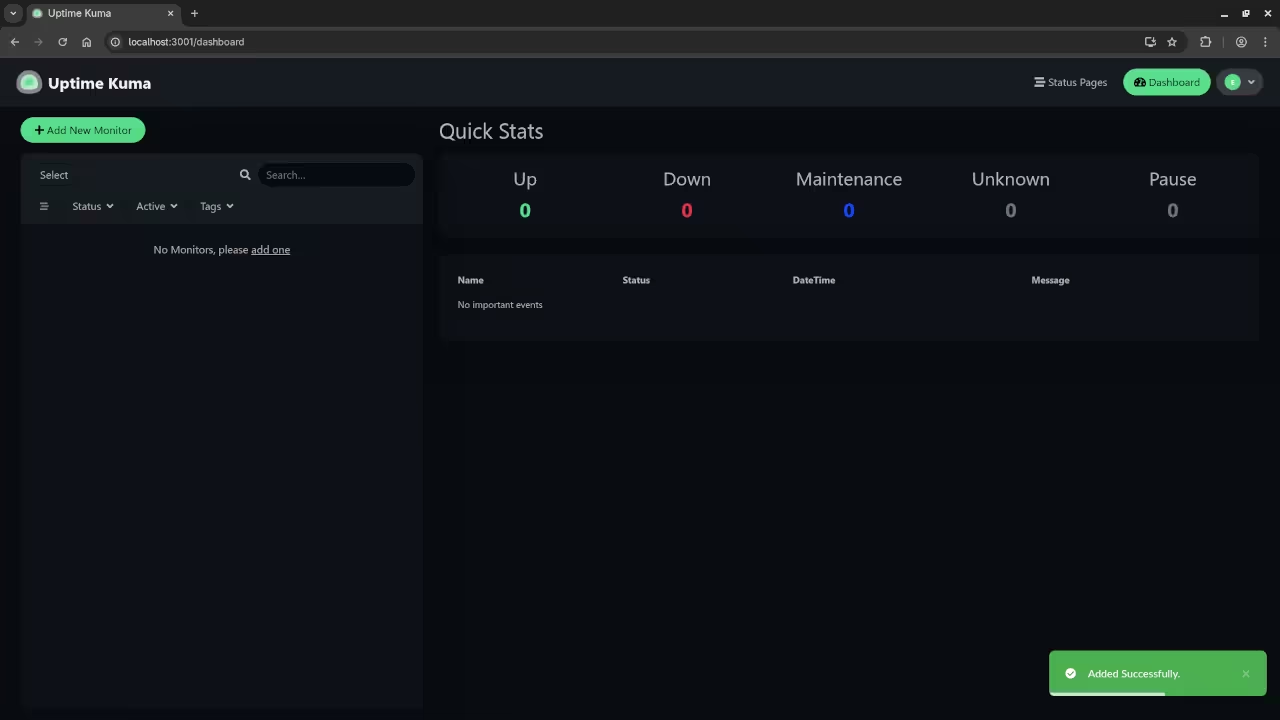
Monitor Your Services with Uptime Kuma (Self-Hosted & Open Source)
Looking for a lightweight, powerful way to monitor your websites or services? Uptime Kuma is an open-source alternative to services like Uptime Robot, and you can host it yourself – with full control over your data.
Whether you’re monitoring a single site or a dozen microservices, Uptime Kuma gives you a slick interface, multiple notification options, and great flexibility. The best part? You can host it yourself using tools like Podman or Podman Compose, the rootless, daemonless alternative to Docker.
What Is Uptime Kuma?
Uptime Kuma is:
- 100% open source and licensed under the MIT License
- Self-hosted
- A simple and beautiful monitoring tool for HTTP(s), TCP, ping, and more
- Capable of sending alerts via Telegram, Discord, email, and more
You can check out the Uptime Kuma GitHub Repository for the latest features and contributions.
Installing Uptime Kuma with Podman
Here’s how to get started with a basic install of Uptime Kuma using Podman and Podman Compose.
Note: This guide assumes you already have Podman and Podman Compose installed. If not, check your OS-specific instructions for installation.
Step 1: Create a Podman Compose File
Create a directory for Uptime Kuma:
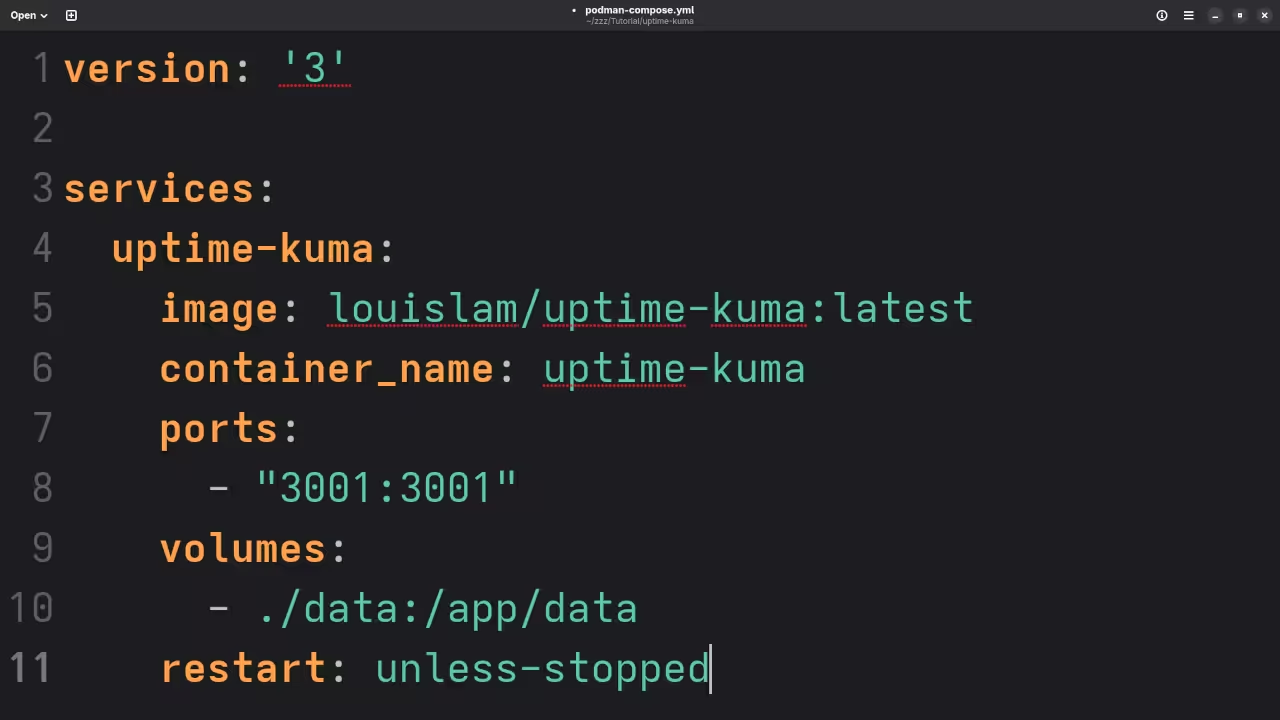
mkdir -p ~/uptime-kuma && cd ~/uptime-kuma Create a podman-compose.yaml file (or docker-compose.yaml, as podman-compose supports both names):
version: '3'
services:
uptime-kuma:
image: louislam/uptime-kuma:latest
container_name: uptime-kuma
ports:
- "3001:3001"
volumes:
- ./data:/app/data
restart: unless-stopped Step 2: Start the Container
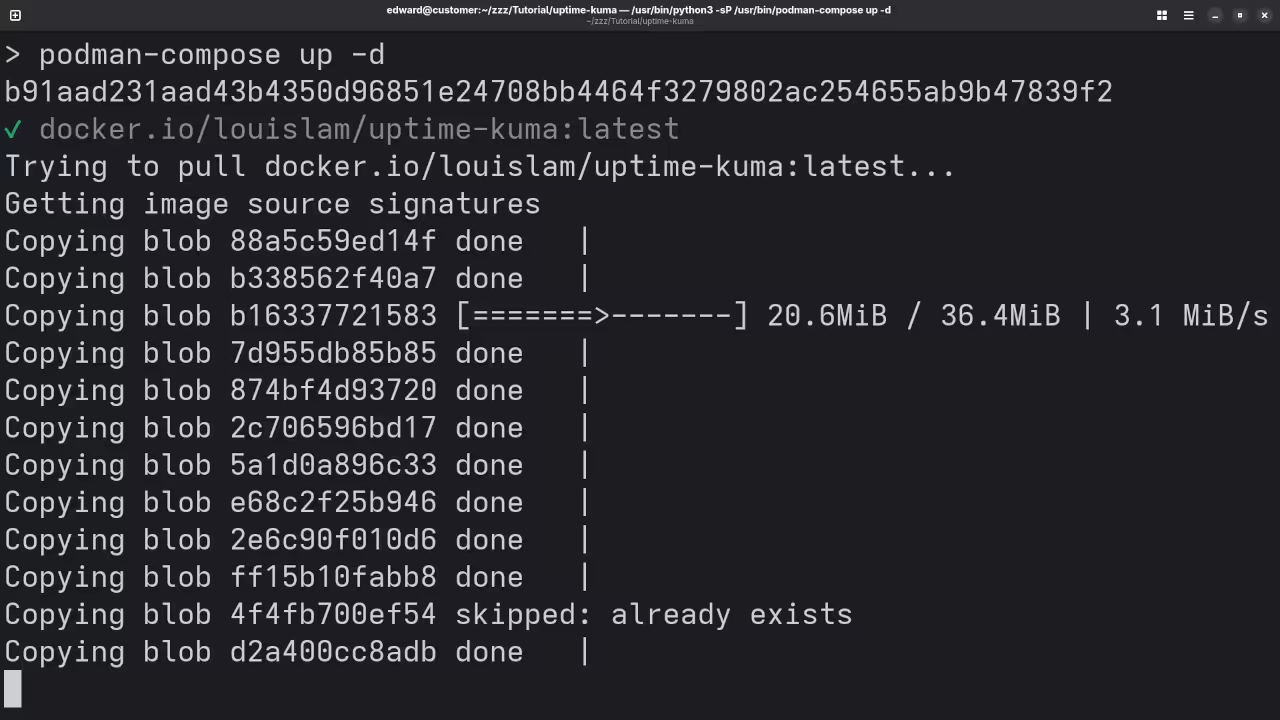
Use podman-compose to bring up the service:
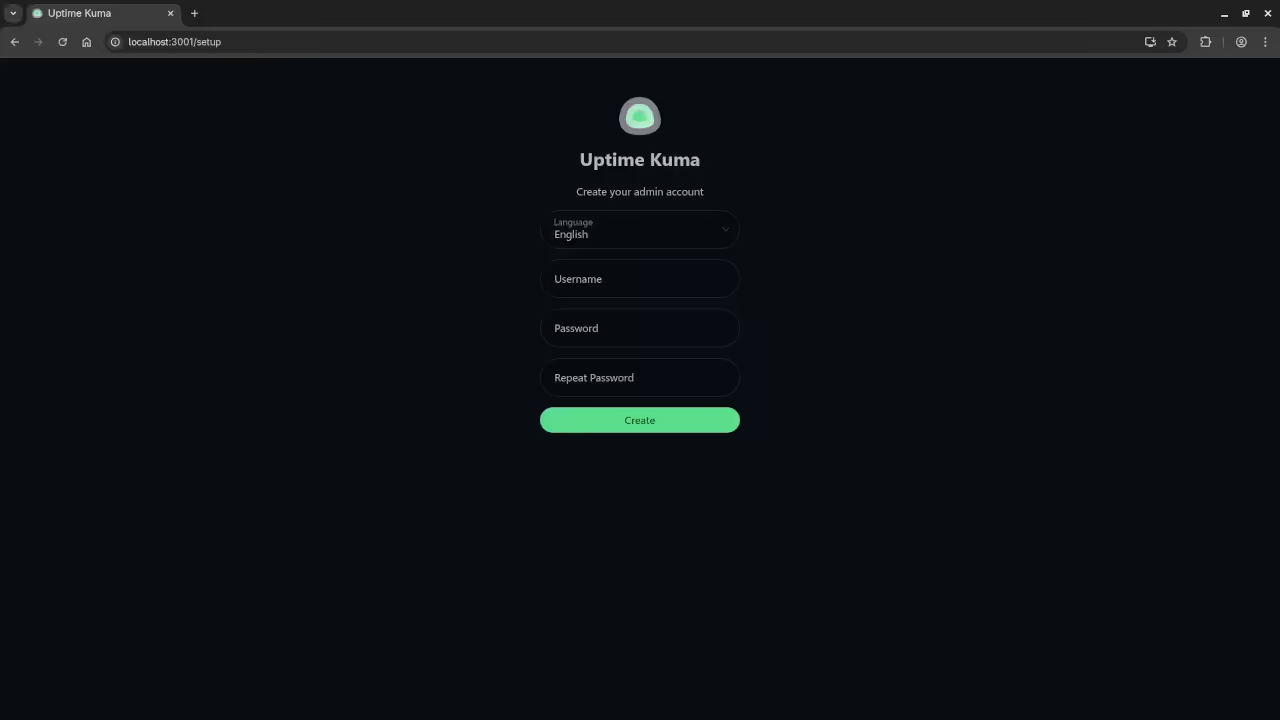
podman-compose up -d Now open your browser and go to: http://localhost:3001
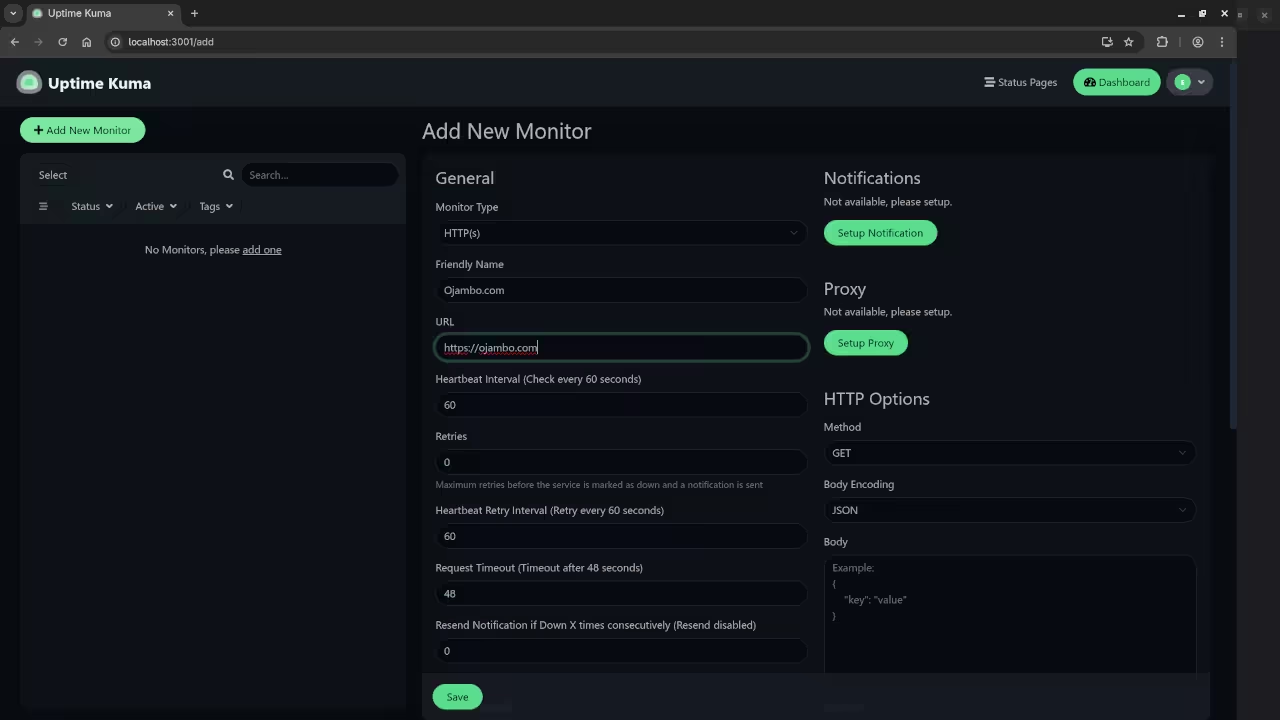
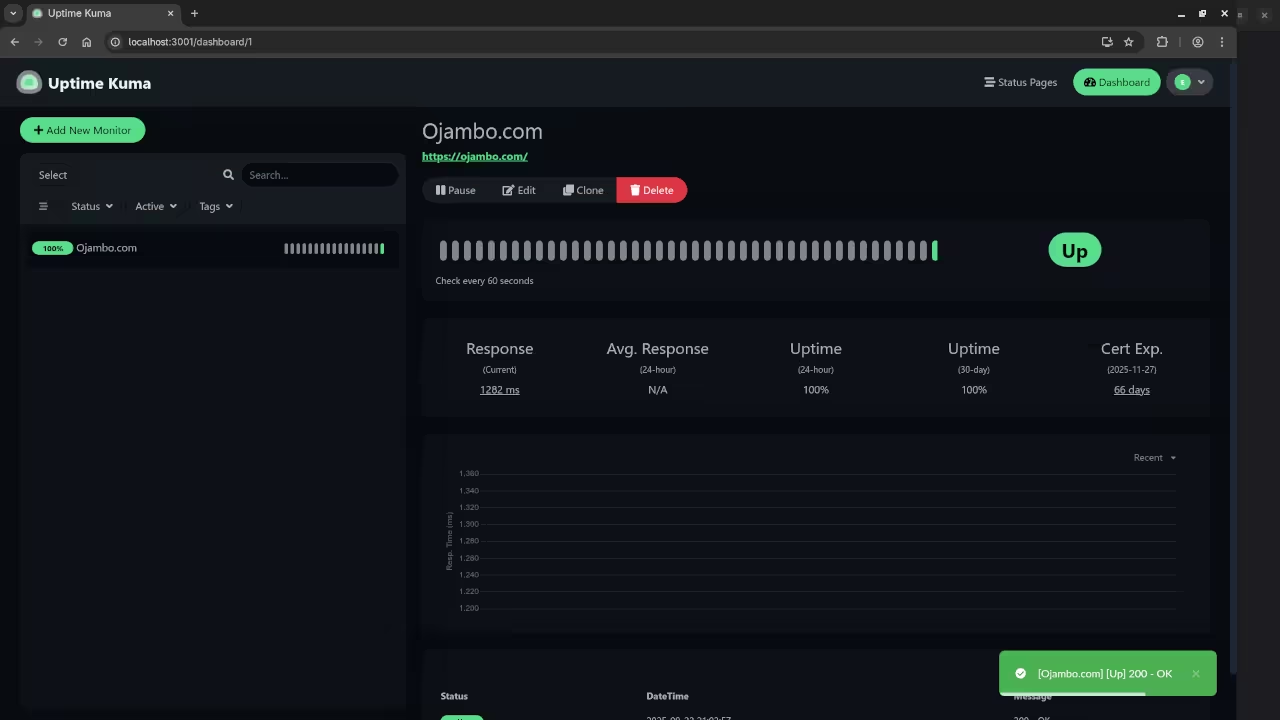
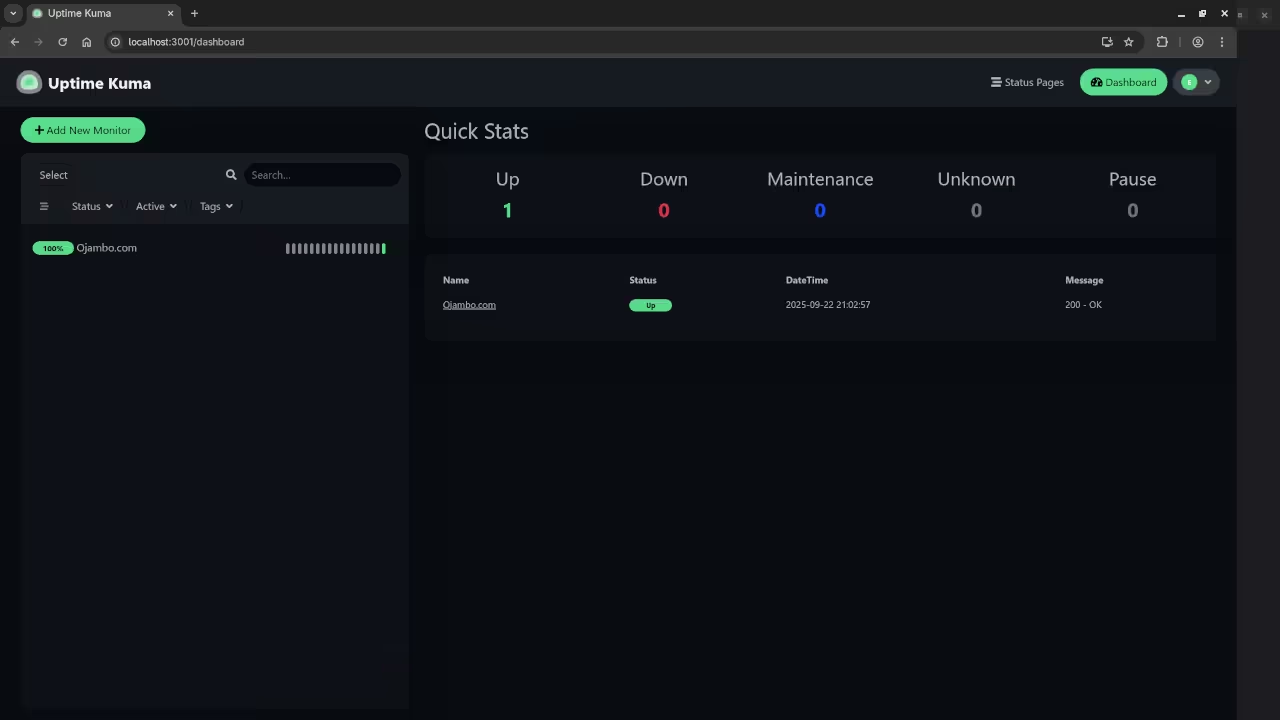
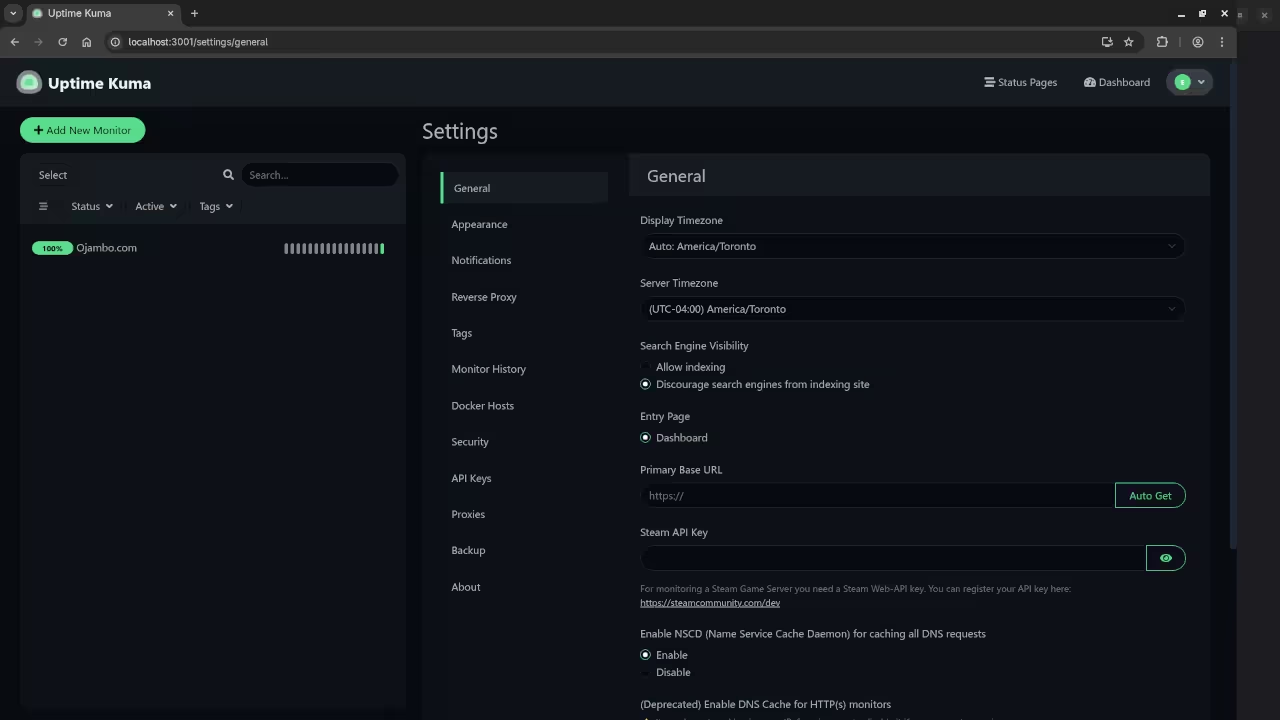
You’ll be guided through setting up an admin account and can start monitoring right away.
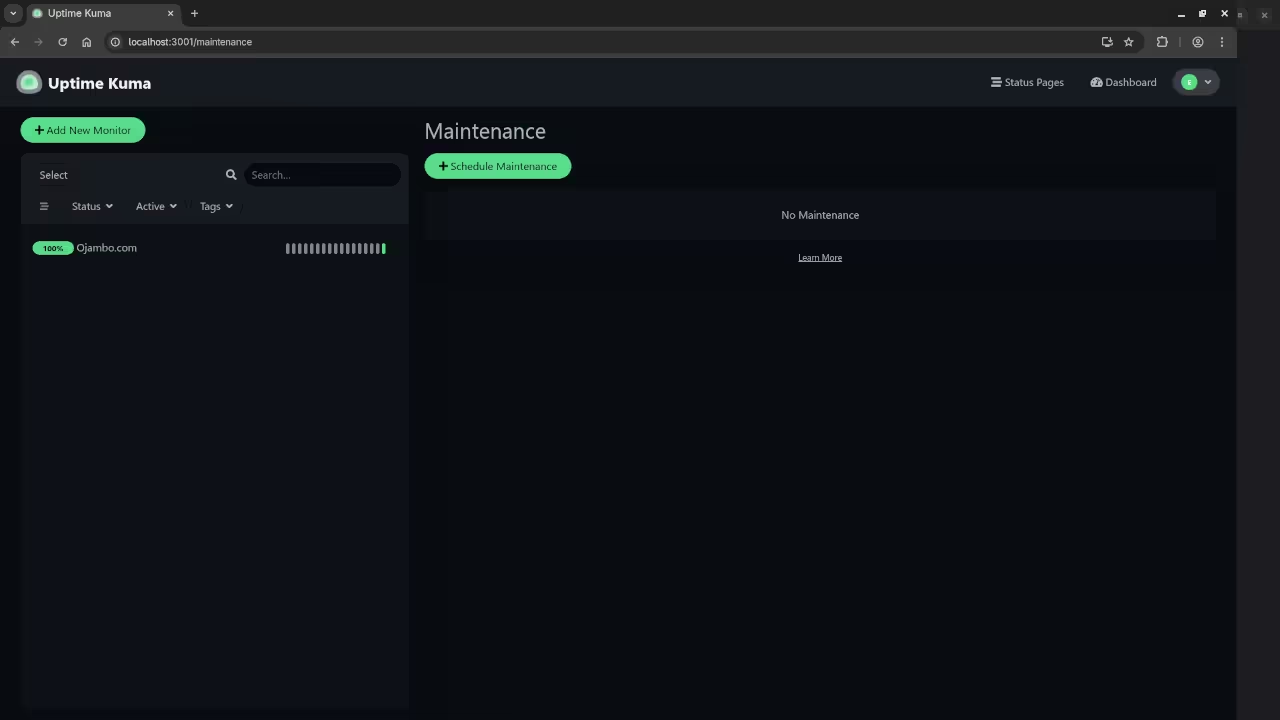
Screenshots and Screencast
Need Help or Custom Setup?
If you’re new to Podman, open source apps, or just want to get up and running quickly, I offer one-on-one programming tutorials and can help with:
- Installing Uptime Kuma on your server
- Updating or migrating an existing install
- Integrating notification systems (Telegram, Discord, Email, etc.)
Contact me here: https://ojambo.com/contact
Wrapping Up
Uptime Kuma is an excellent monitoring tool that puts you in full control. With Podman, it’s easy to set up a secure, containerized instance. If you’re looking for a modern, open-source status monitoring dashboard, give Uptime Kuma a try.
🚀 Recommended Resources
Disclosure: Some of the links above are referral links. I may earn a commission if you make a purchase at no extra cost to you.