
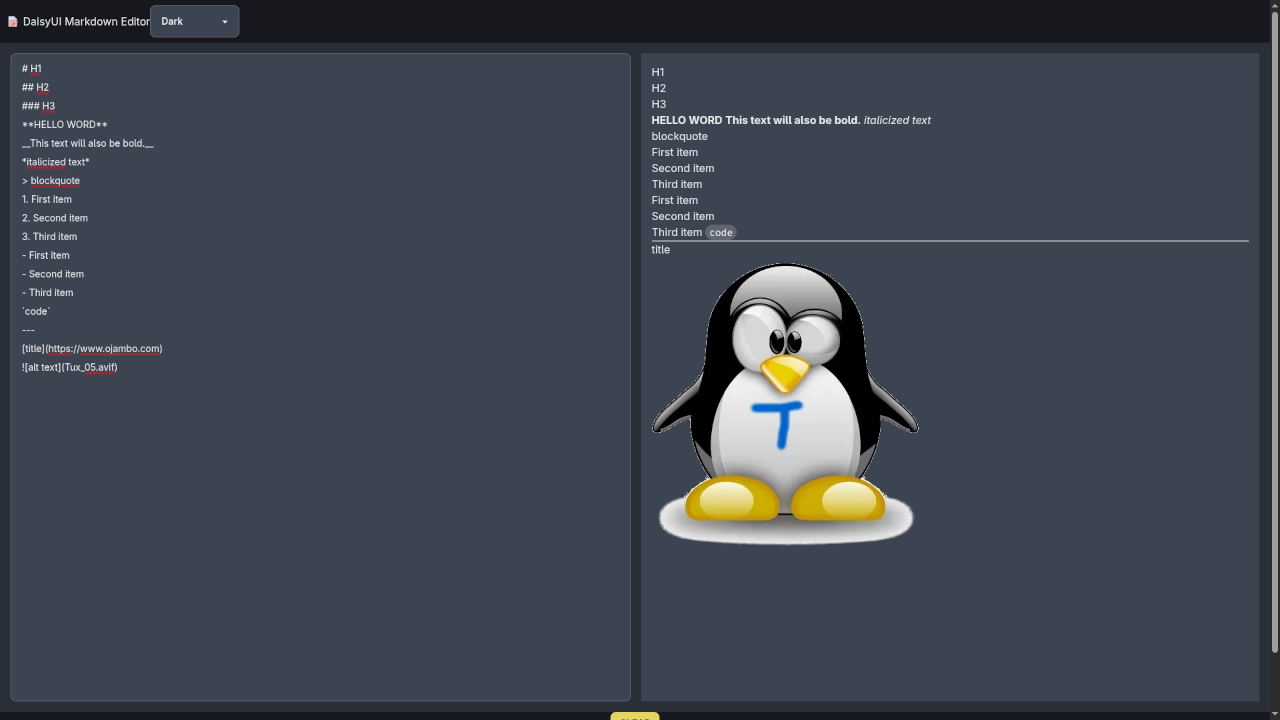
If you’re learning JavaScript and want a fun way to build something practical and interactive, this beginner-friendly tutorial is for you! We’ll use DaisyUI, a plugin for Tailwind CSS, to build a clean and responsive Markdown editor with live preview, theme switching, and local storage support – all in a single HTML file.
📚 What You’ll Learn
- How to use DaisyUI for beautiful UI components
- How to implement a live Markdown preview using JavaScript and
marked.js - How to switch between light and dark themes
- How to save your content using localStorage
💻 Full HTML Code
Here’s the complete code you can copy and run in your browser:
<!DOCTYPE html>
<html lang="en" data-theme="dark">
<head>
<meta charset="UTF-8" />
<meta name="viewport" content="width=device-width, initial-scale=1" />
<title>DaisyUI Markdown Editor</title>
<link href="https://cdn.jsdelivr.net/npm/daisyui@5" rel="stylesheet" />
<script src="https://cdn.jsdelivr.net/npm/marked/marked.min.js"></script>
<style>
html, body { margin: 0; padding: 0; height: 100%; }
main { flex: 1; display: flex; gap: 1rem; padding: 1rem; }
textarea, #preview {
flex: 1;
min-height: 90vh;
resize: none;
}
#preview { overflow-y: auto; padding: 1rem; }
</style>
</head>
<body class="bg-base-200 text-base-content flex flex-col min-h-screen">
<header class="navbar bg-base-300 shadow-md px-6 py-4">
<div class="flex-1 text-xl font-bold"> DaisyUI Markdown Editor</div>
<select id="themeSelector" class="select select-bordered w-40 max-w-xs">
<option value="light">Light</option>
<option value="dark">Dark</option>
</select>
</header>
<main>
<textarea id="editor" class="textarea textarea-bordered" placeholder="Write markdown here..."></textarea>
<article id="preview" class="prose prose-invert bg-base-100 rounded-lg shadow-lg"></article>
</main>
<footer class="footer footer-center p-4 bg-base-300 text-base-content">
<button id="clearBtn" class="btn btn-warning btn-sm">Clear</button>
<button id="resetBtn" class="btn btn-error btn-sm">Reset</button>
</footer>
<script>
const editor = document.querySelector('#editor');
const preview = document.querySelector('#preview');
const themeSelector = document.querySelector('#themeSelector');
const clearBtn = document.querySelector('#clearBtn');
const resetBtn = document.querySelector('#resetBtn');
const STORAGE_KEY = 'markdown-editor-content';
const THEME_KEY = 'markdown-editor-theme';
function renderMarkdown() {
preview.innerHTML = marked.parse(editor.value || '');
}
function loadContent() {
const content = localStorage.getItem(STORAGE_KEY);
if (content) {
editor.value = content;
renderMarkdown();
}
}
function loadTheme() {
const theme = localStorage.getItem(THEME_KEY) || 'dark';
document.documentElement.setAttribute('data-theme', theme);
themeSelector.value = theme;
}
editor.addEventListener('input', () => {
localStorage.setItem(STORAGE_KEY, editor.value);
renderMarkdown();
});
themeSelector.addEventListener('change', () => {
const theme = themeSelector.value;
document.documentElement.setAttribute('data-theme', theme);
localStorage.setItem(THEME_KEY, theme);
});
clearBtn.addEventListener('click', () => {
editor.value = '';
renderMarkdown();
localStorage.setItem(STORAGE_KEY, '');
});
resetBtn.addEventListener('click', () => {
editor.value = '';
renderMarkdown();
localStorage.removeItem(STORAGE_KEY);
localStorage.removeItem(THEME_KEY);
themeSelector.value = 'dark';
document.documentElement.setAttribute('data-theme', 'dark');
});
loadTheme();
loadContent();
</script>
</body>
</html>
Interactive Demo
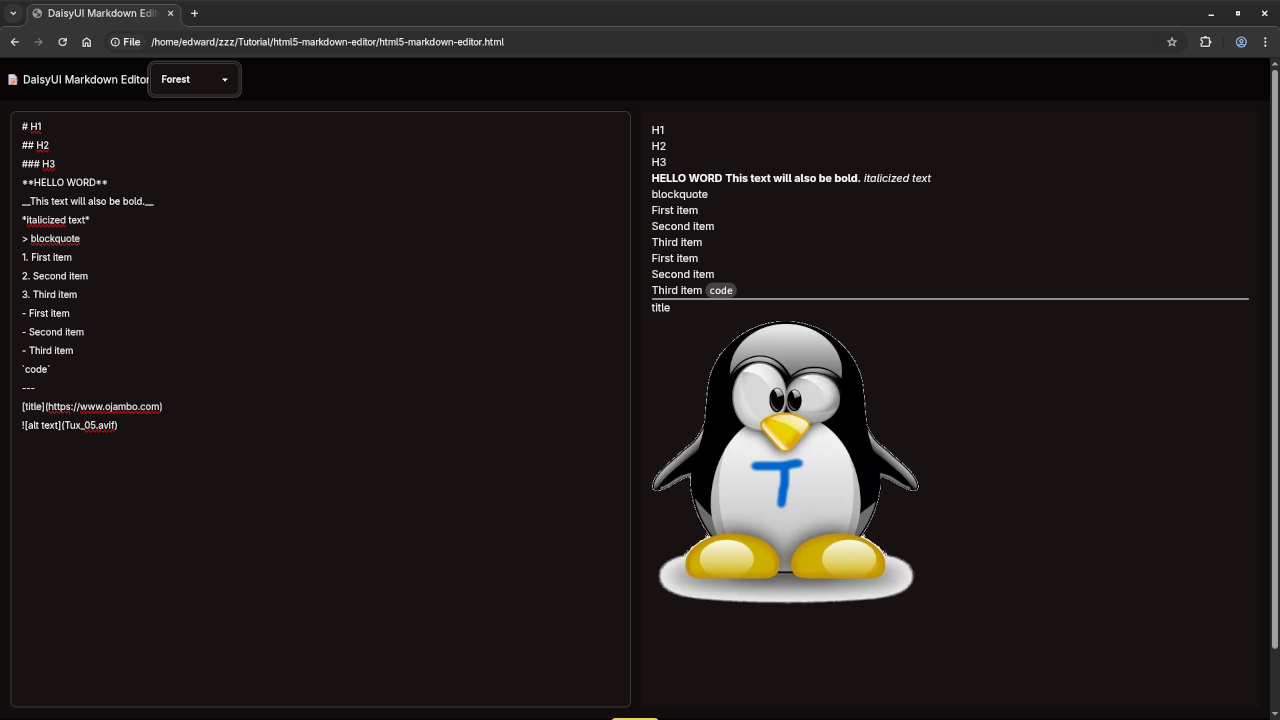
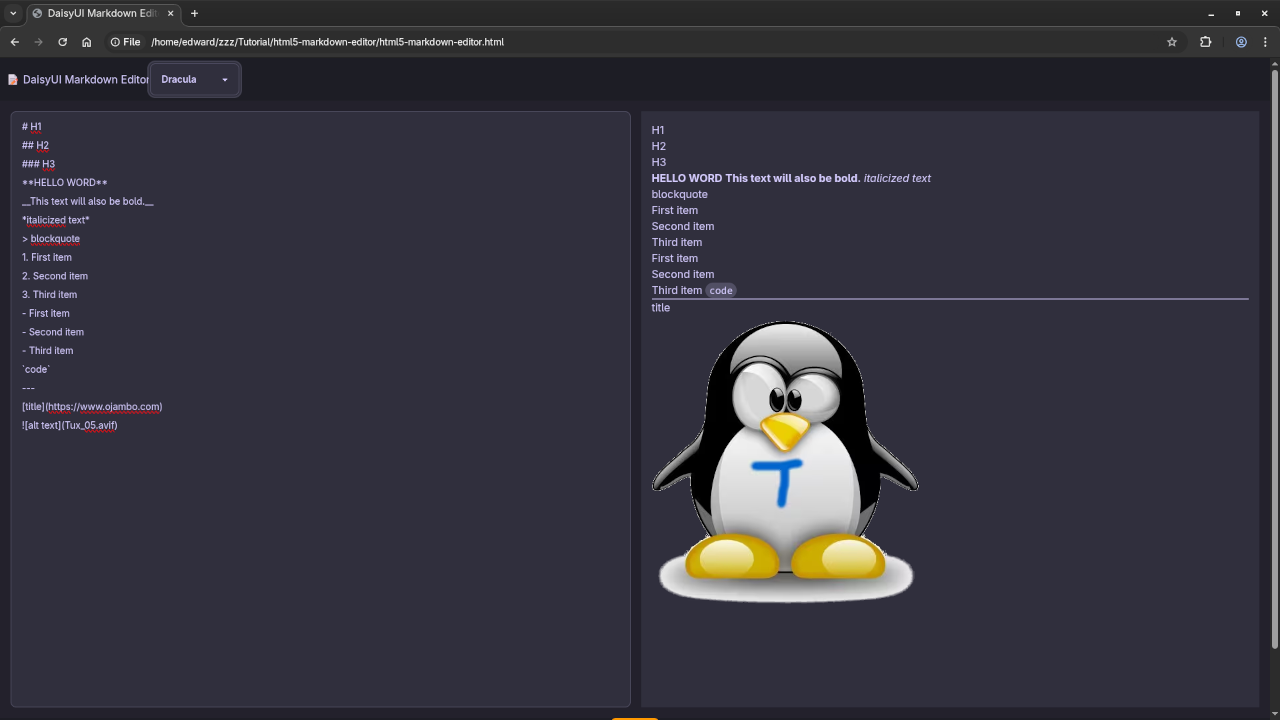
Here’s a live example of the Markdown Editor in action:
🎬 Watch It
📖 Learn More with My Book
If you’re serious about learning JavaScript step-by-step, check out my beginner-friendly book:
Learning JavaScript on Amazon.
🎓 Enroll in My Course
Prefer video lessons and guided exercises? Get access to my self-paced course:
Learning JavaScript at OjamboShop.
💻 One-on-One JavaScript Tutorials
Need extra help? I’m available for 1-on-1 programming tutorials including JavaScript, CSS, Tailwind, and more.
Contact me here to book a session.
📦 Final Thoughts
DaisyUI makes it super easy to build beautiful interfaces without writing a ton of CSS. Combined with JavaScript, it becomes a powerful tool for beginners and pros alike. Try building this Markdown editor and let me know how it goes!
🚀 Recommended Resources
Disclosure: Some of the links above are referral links. I may earn a commission if you make a purchase at no extra cost to you.