
Getting Started with Aura PHP: MVC Example with MariaDB
Are you looking for a lightweight, flexible PHP framework to kick off your next project? Aura PHP is an excellent choice for beginners and experienced developers alike. It’s built around modular, decoupled components and fully supports the MVC (Model-View-Controller) pattern, making it easy to build structured applications.
In this beginner-friendly post, we’ll walk through:
- Installing Aura PHP using Composer
- Setting up a simple MVC application
- Connecting to an existing MariaDB database table
- Outputting all results as HTML
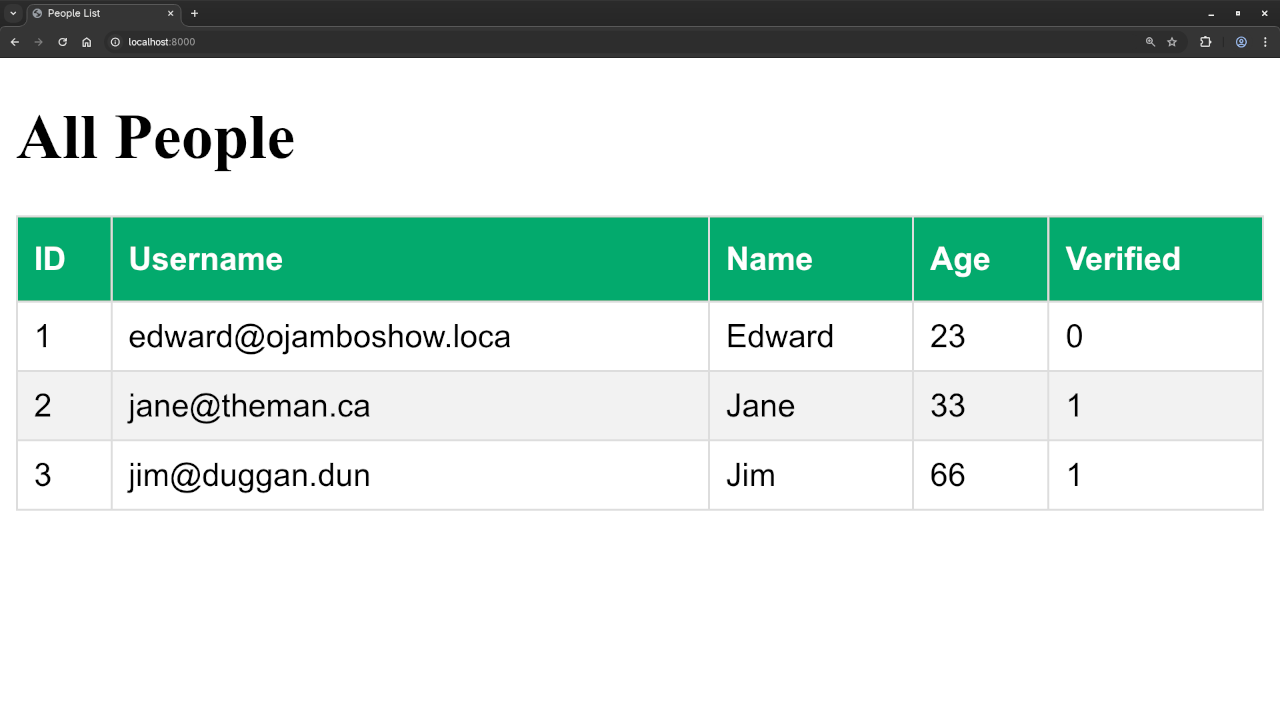
We’ll also provide a screencast and screenshots below so you can follow along visually. Let’s dive in!
What is Aura PHP?
Aura PHP is a collection of independent, decoupled libraries for PHP. The Aura framework uses a clean, no-magic approach that emphasizes explicit dependency injection, testability, and simplicity.
Installation Using Composer
Make sure you have Composer installed. Then create a new project directory:
mkdir aura-app
cd aura-app
composer require aura/sql aura/router nyholm/psr7 http-interop/http-factory-guzzle This sets up an MVC structure using Aura libraries.
Update composer.json to autoload your classes:
"autoload": {
"psr-4": {
"App\\": "app/"
}
} Then run:
composer dump-autoload Connect to a MariaDB Database
Suppose you already have a MariaDB table named users with the following structure:
CREATE TABLE users (
id INT PRIMARY KEY AUTO_INCREMENT,
name VARCHAR(255),
email VARCHAR(255)
);
File Structure Overview
Your folder structure might look like:
aura-app/
|-- app/
| |-- Controller/
| |-- Model/
| |-- View/
|-- public/
| |-- index.php
|-- vendor/
|-- composer.json MVC Example: Fetch Users
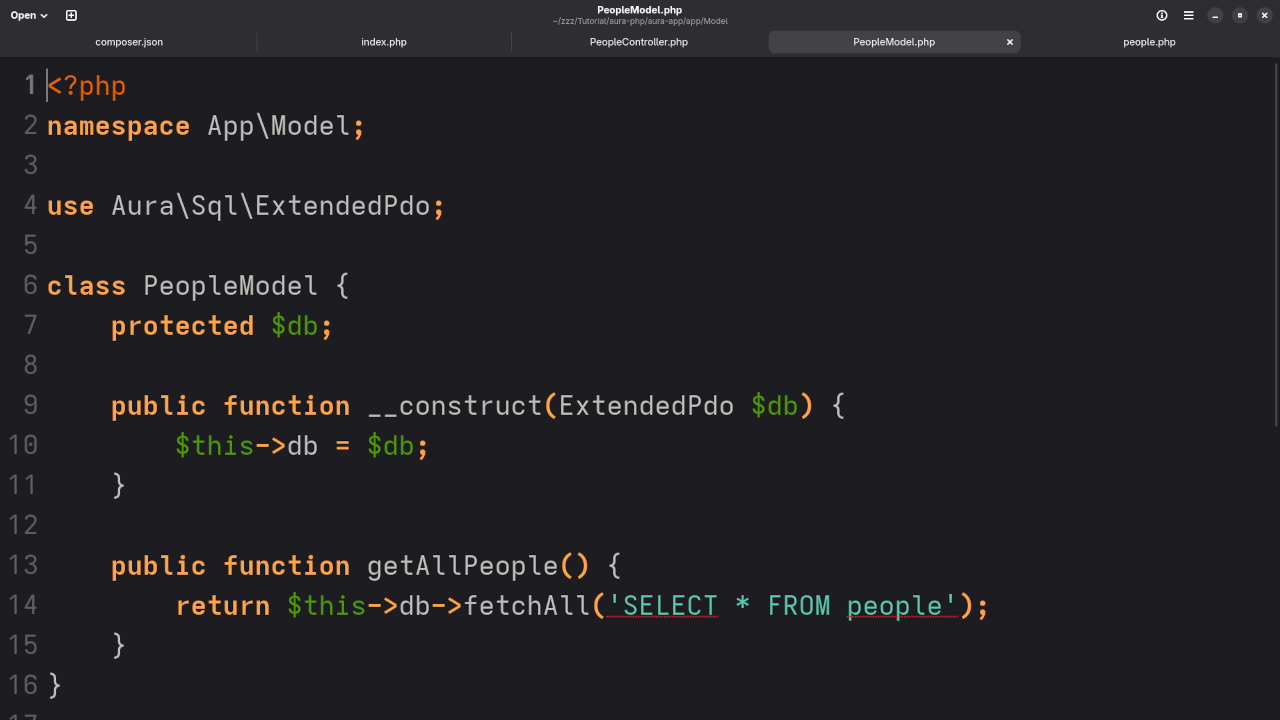
Model/UserModel.php
namespace App\Model;
use Aura\Sql\ExtendedPdo;
class UserModel {
protected $db;
public function __construct(ExtendedPdo $db) {
$this->db = $db;
}
public function getAllUsers() {
return $this->db->fetchAll('SELECT * FROM users');
}
}
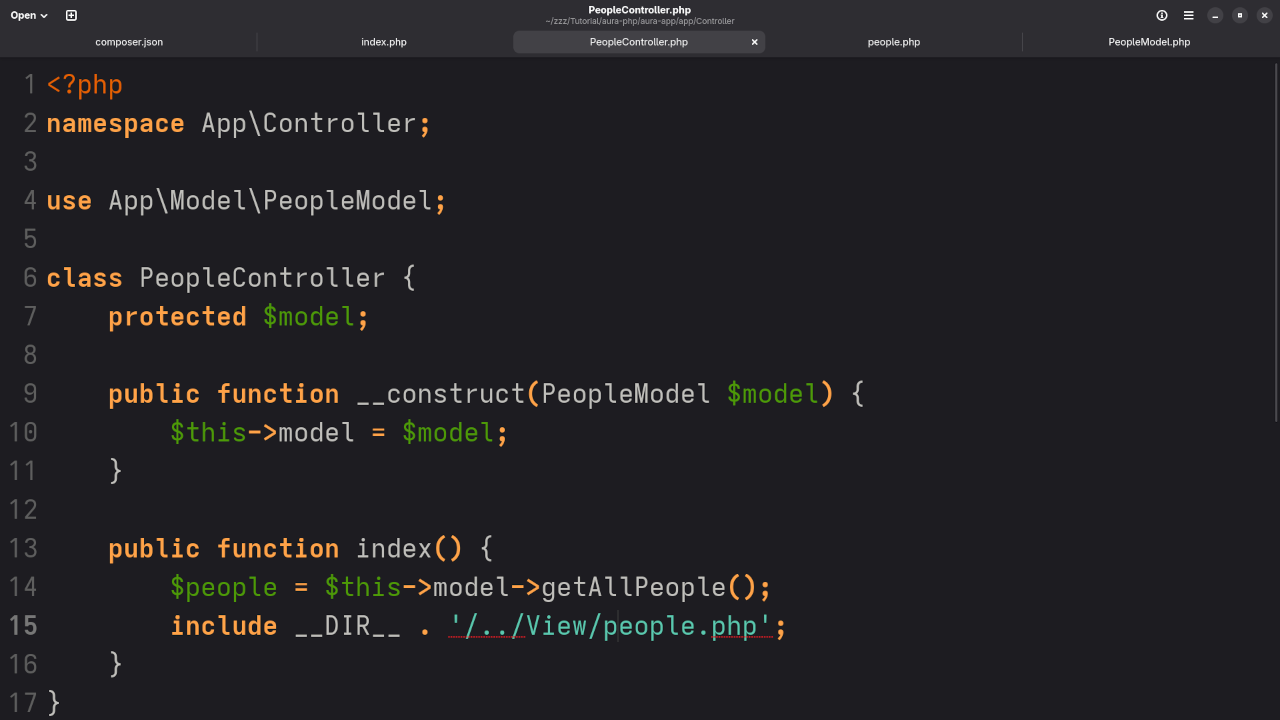
Controller/UserController.php
namespace App\Controller;
use App\Model\UserModel;
class UserController {
protected $model;
public function __construct(UserModel $model) {
$this->model = $model;
}
public function index() {
$people = $this->model->getAllUsers();
include __DIR__ . '/../View/users.php';
}
}
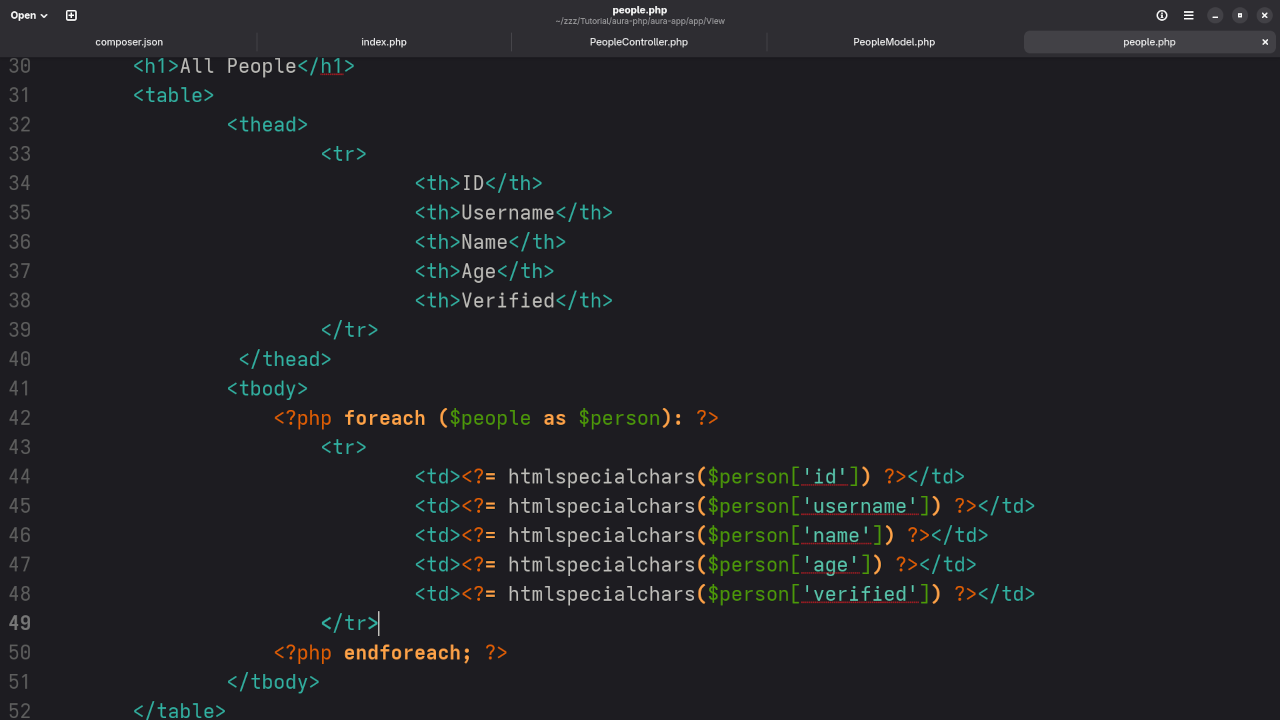
View/users.php
<h1>All Users</h1>
<ul>
<?php foreach ($users as $user): ?>
<li><?= htmlspecialchars($user['name']) ?> - <?= htmlspecialchars($user['email']) ?></li>
<?php endforeach; ?>
</ul>
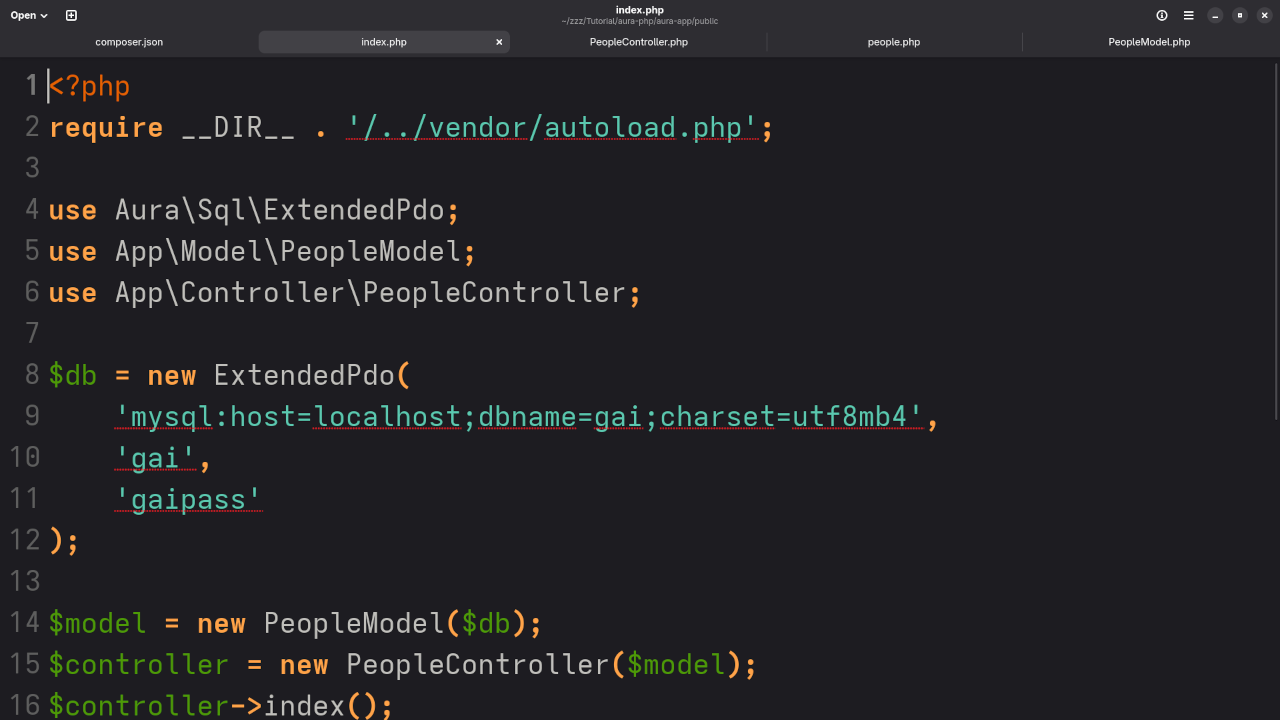
public/index.php
require __DIR__ . '/../vendor/autoload.php';
use Aura\Sql\ExtendedPdo;
use App\Model\PeopleModel;
use App\Controller\PeopleController;
$db = new ExtendedPdo(
'mysql:host=localhost;dbname=gai;charset=utf8mb4',
'gai',
'gaipass'
);
$model = new PeopleModel($db);
$controller = new PeopleController($model);
$controller->index();
Screenshots And Screencast Walkthrough
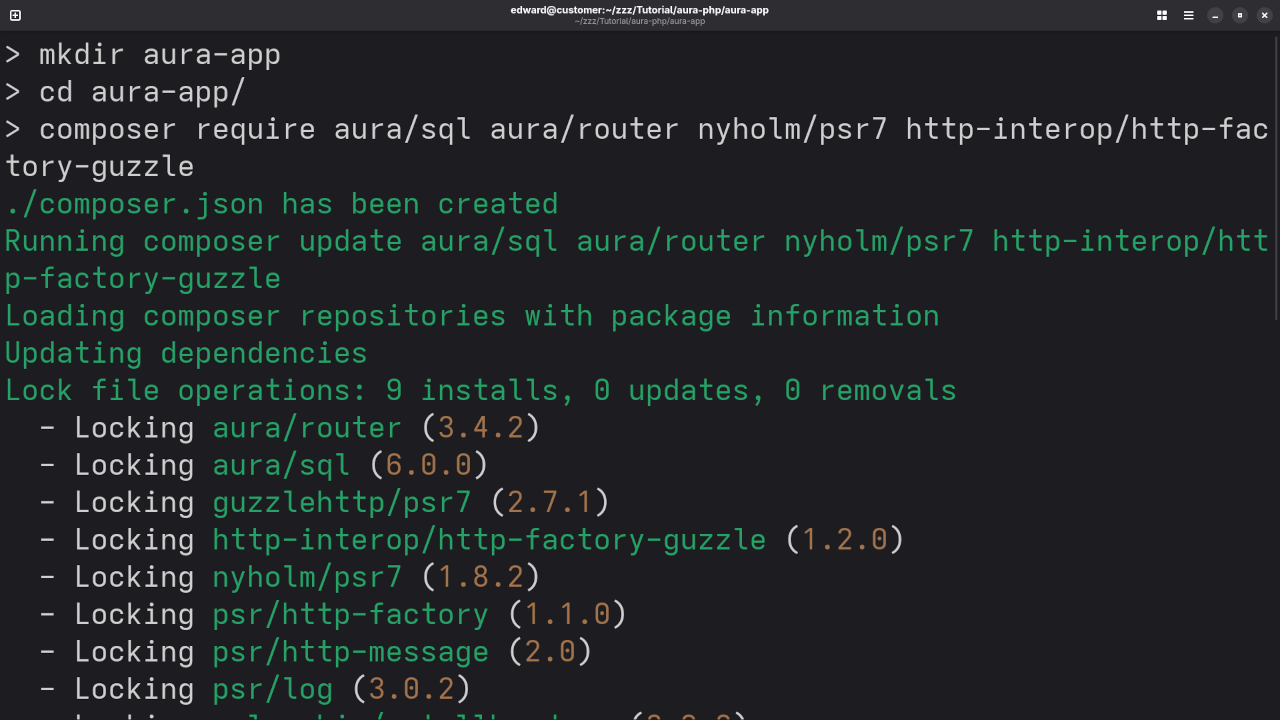
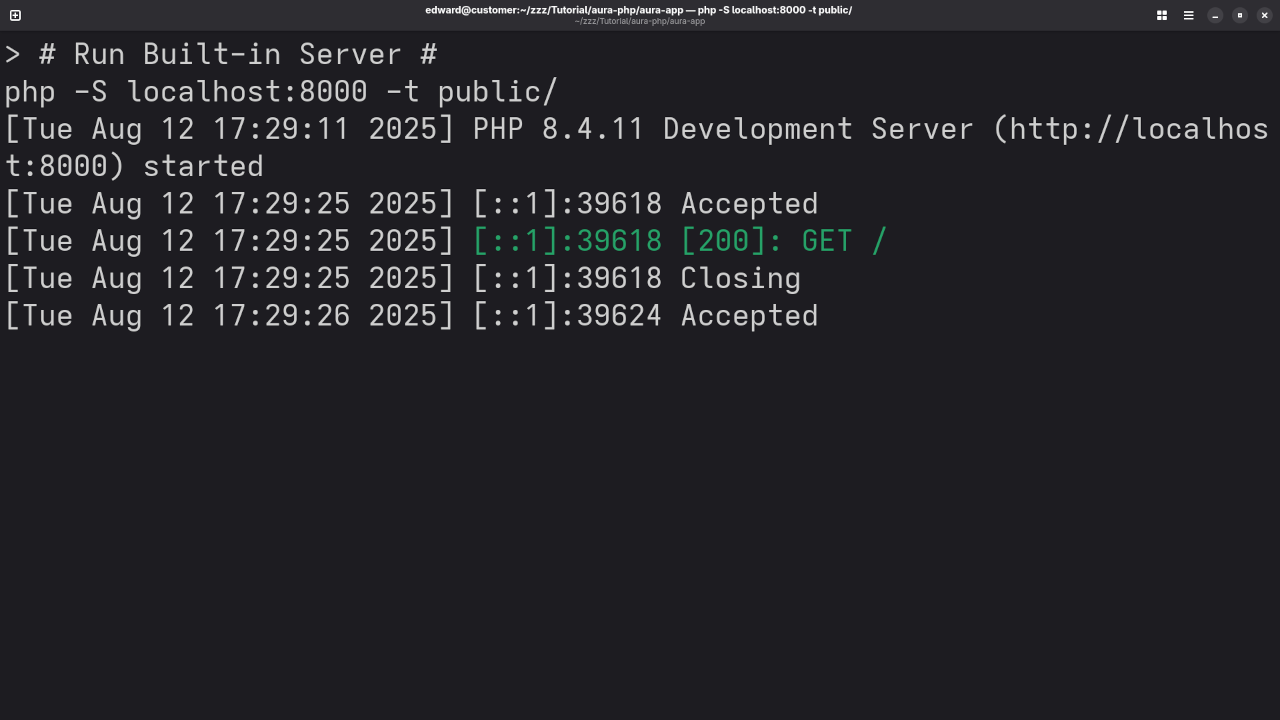
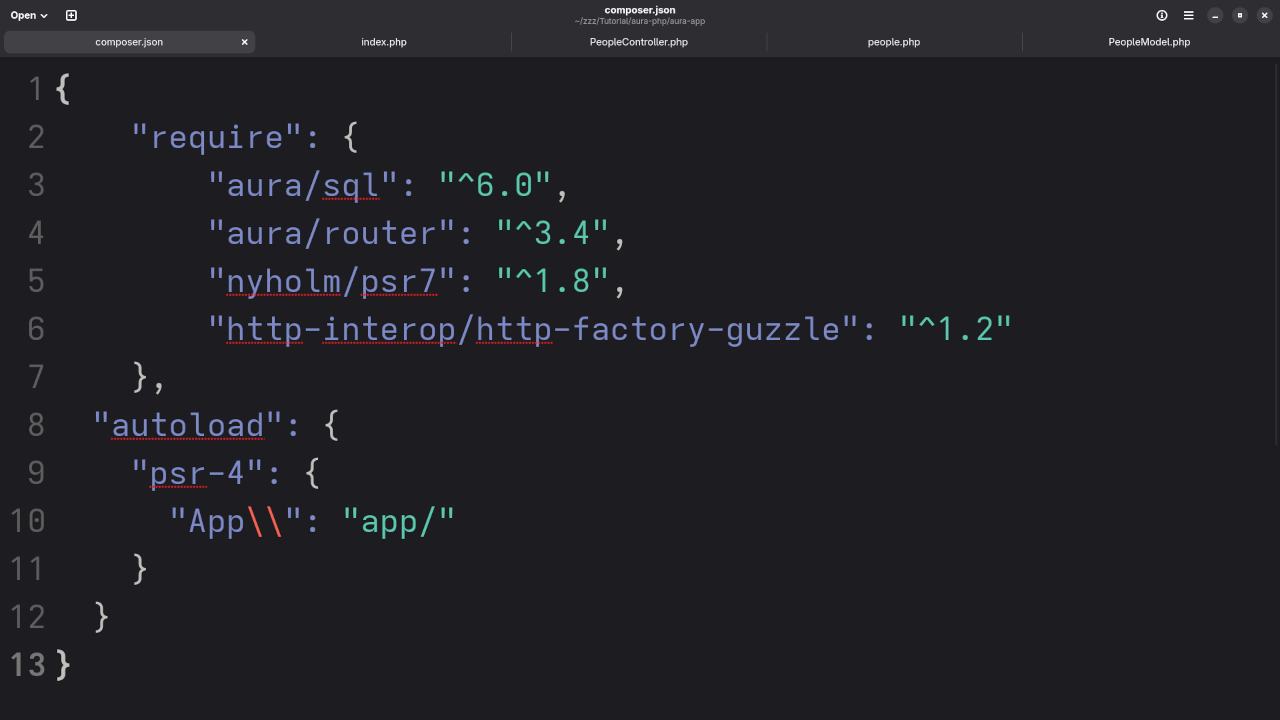
Learn More with My Book
If you’re just starting out, grab a copy of my beginner-friendly PHP book:
Online Course Available
Want a structured video course? Enroll in my course:
Need Help?
I offer:
- ✅ One-on-one programming tutorials
- 🔄 Aura PHP migration & upgrade services
Summary
Aura PHP is a great way to write clean, modular PHP code using the MVC pattern. Whether you’re building a small app or learning how PHP frameworks work, this tutorial gives you a great starting point.
Feel free to leave questions in the comments, or contact me directly for help!
🚀 Recommended Resources
Disclosure: Some of the links above are referral links. I may earn a commission if you make a purchase at no extra cost to you.