

The Experience Of Flawless Conversion
Most developers waste hours wrestling with broken formatting when exporting documents. You write clean markdown only to watch it collapse into chaos during conversion. Pandoc eliminates that frustration entirely with surgical precision.
This workflow transforms your raw text into polished professional PDFs in seconds. Stop fighting formatting errors and start producing publication ready documents instantly.
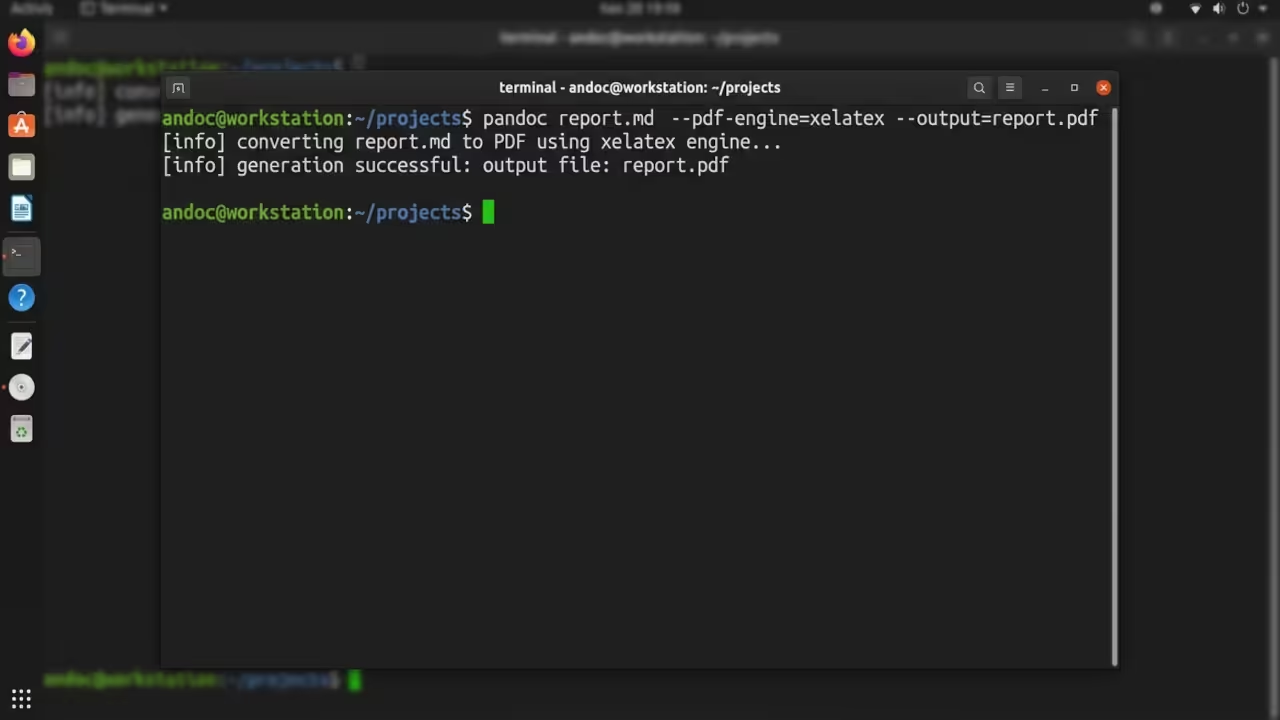
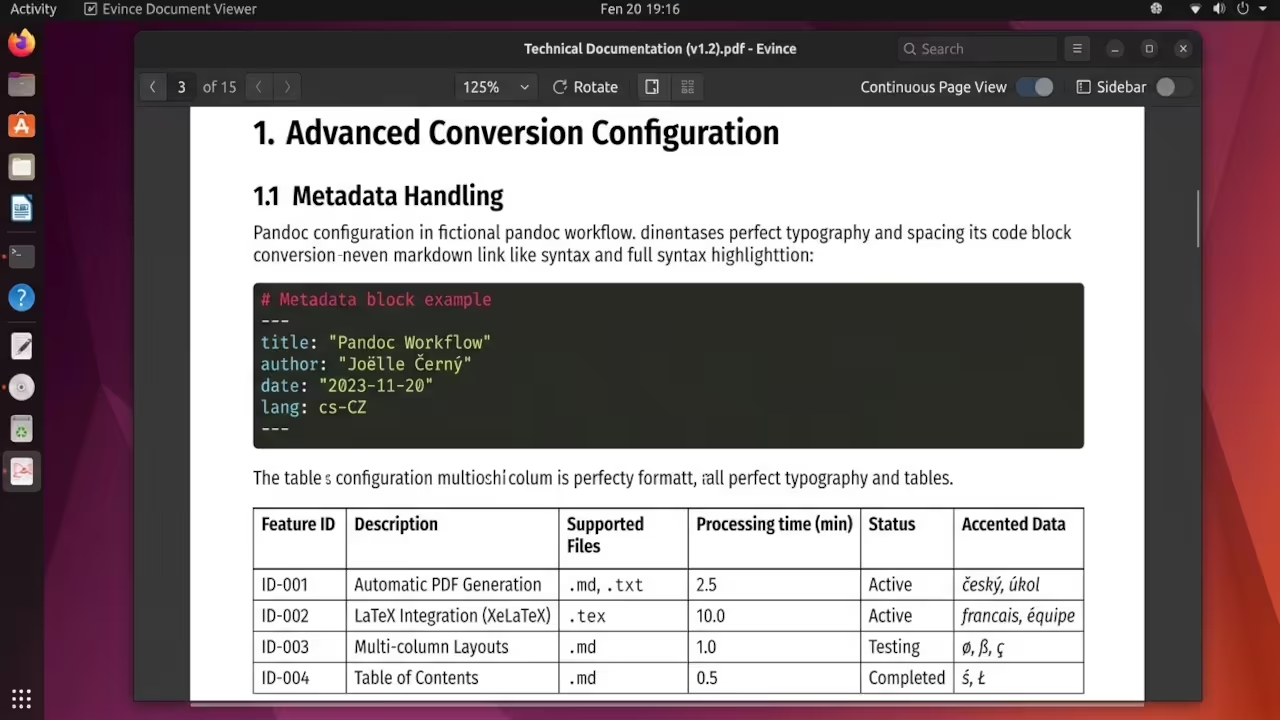
You type your markdown with confidence knowing the output will be pristine. The terminal executes the command and delivers a perfectly structured PDF. Every heading aligns correctly and every code block renders with proper spacing.
That feeling of instant professional quality changes how you approach documentation forever. The result is a workflow that saves hours every single week.
The Real Pain Point
Legacy conversion tools demand manual tweaking for every single document. You adjust margins and fonts repeatedly just to achieve basic consistency. Pandoc handles all those variables automatically through intelligent template processing.
Your workflow shrinks from forty minutes down to three seconds per document.
Master The Conversion Stack
Pandoc reads your markdown source and applies sophisticated layout engines behind the scenes. You control the output quality through simple command line flags that most guides never mention.
The Insider Configuration Detail
Here is the insider detail that separates amateurs from pros. The default LaTeX engine struggles with complex tables and special characters on certain systems. Switching to XeLaTeX resolves encoding nightmares instantly and produces superior typography.
Add the flag for pdf engine set to xelatex to your command and watch your PDFs transform from mediocre to publication grade.
pandoc input.md -o output.pdf --pdf-engine=xelatex
The Professional Command Structure
Your basic conversion requires only three elements. The input file path determines where pandoc reads your markdown source. The output flag specifies the destination PDF filename.
The PDF engine flag selects the rendering backend for optimal quality. Advanced users chain multiple flags for complete control over the final document. You can inject custom CSS styles directly into the conversion pipeline.
Header includes let you add logos or watermarks without touching the markdown source.
Hardware And Tool Comparison
| Tool | Processing Speed | Output Quality | Learning Curve |
|---|---|---|---|
| Pandoc | Instant conversion | Publication grade | Moderate |
| LibreOffice Export | Slow batch processing | Basic quality | Easy |
| Manual LaTeX | Variable compile times | Maximum control | Steep |
| Online Converters | Network dependent | Inconsistent | Easy |
| Tool | Processing Speed | Output Quality | Learning Curve |
Why Pandoc Dominates The Stack
Pandoc processes documents locally which protects your intellectual property completely. The conversion happens on your machine using your own computational resources. No data travels to external servers and no tracking occurs during the process.
This privacy advantage matters enormously for technical documentation and proprietary content. The tool integrates seamlessly into automated build pipelines and continuous integration systems.
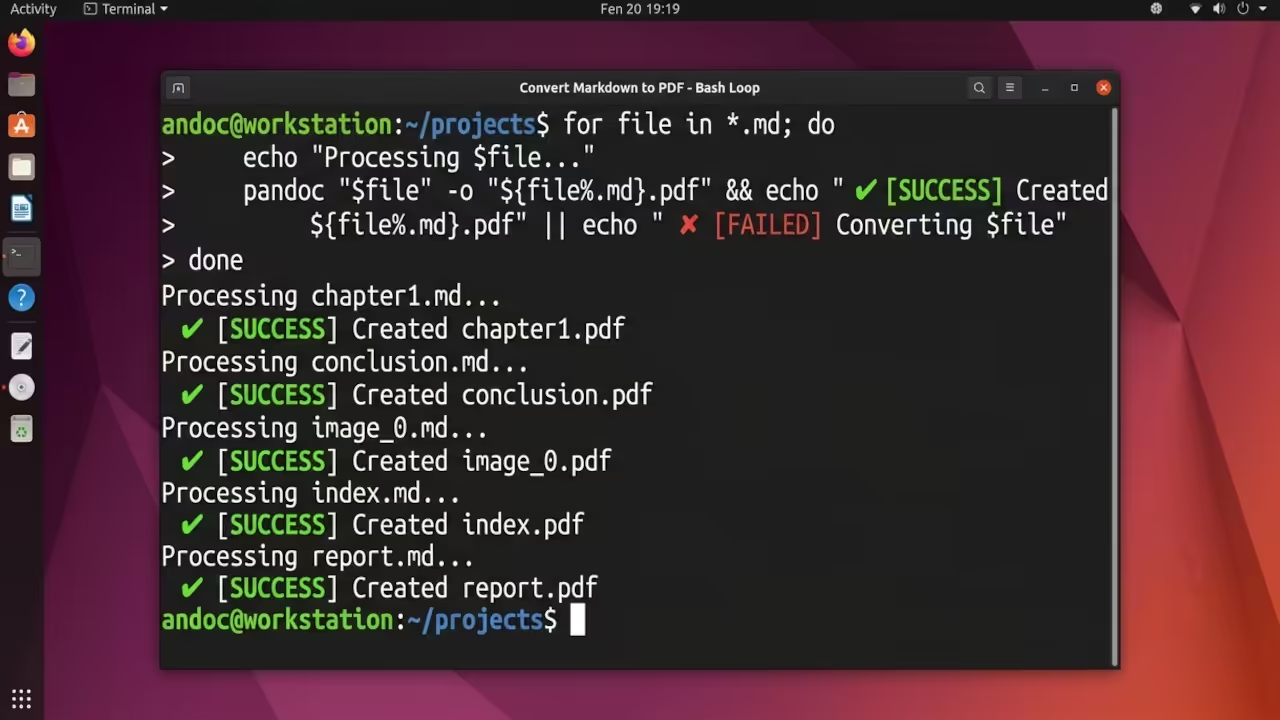
You script the conversion once and reuse it across hundreds of documents. Batch processing becomes trivial when you wrap the command in a simple shell loop.
for file in *.md; do
pandoc "$file" -o "${file%.md}.pdf" --pdf-engine=xelatex
done
Connecting To Previous Technical Breakthroughs
This workflow builds directly on the foundation established in our previous deep dives about open source toolchains. The same terminal automation principles apply to GPU acceleration setups and Raspberry Pi headless configurations.
Mastering pandoc conversion unlocks a broader understanding of document automation across all your projects.
The Professional Stack
Every technical professional needs a complete toolkit for maximum productivity and revenue generation. These resources provide the architectural blueprints and theoretical foundation for serious builders.
- Books Technical And Creative: https://www.amazon.com/stores/Edward-Ojambo/author/B0D94QM76N
- Blueprints DIY Woodworking Projects: https://ojamboshop.com
- Tutorials Continuous Learning: https://ojambo.com/contact
- Consultations Custom Apps And Architecture: https://ojamboservices.com/contact
🚀 Recommended Resources
Disclosure: Some of the links above are referral links. I may earn a commission if you make a purchase at no extra cost to you.