
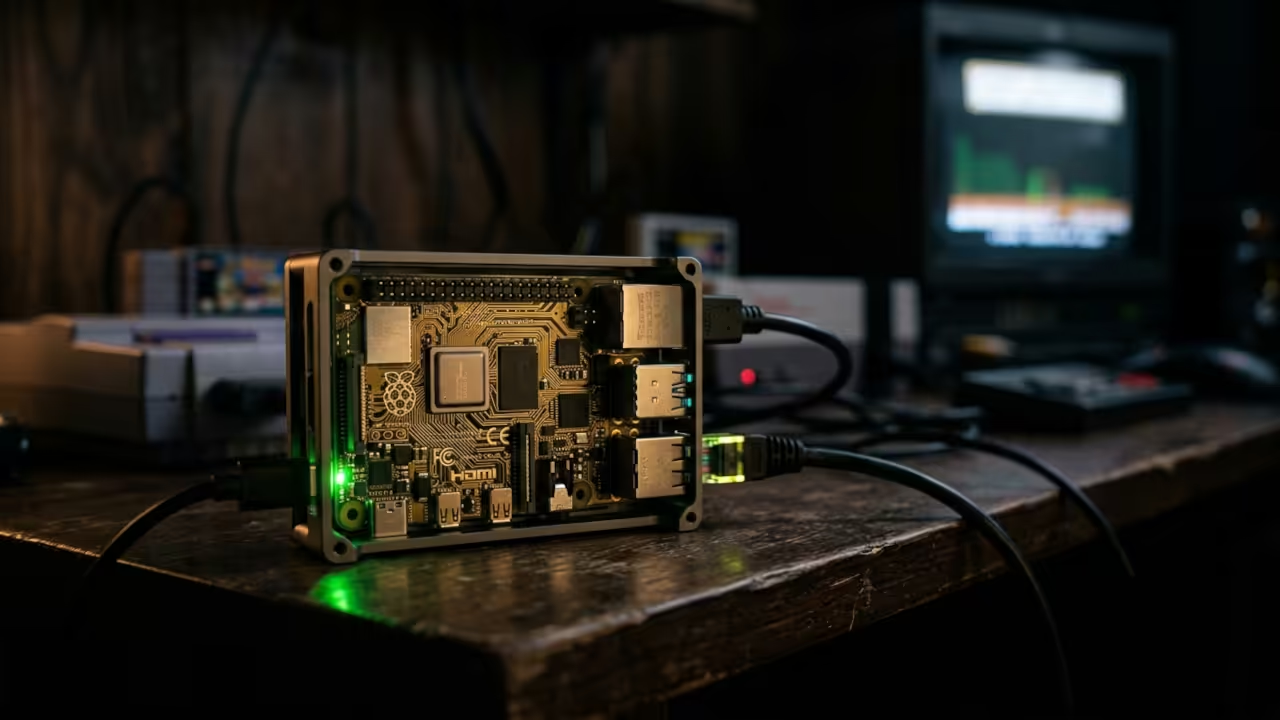
The Five Dollar Retro Gaming Challenge
You plug in a five dollar credit card sized computer and expect it to run a legendary first person shooter. Most people give up before they even start. The Raspberry Pi Zero W is notorious for crushing underpowered builds.
Yet the community keeps pushing boundaries with retro gaming on minimal hardware. Chocolate Doom changes the entire equation completely. This legendary source port from chocolate-doom.org delivers pixel perfect vanilla Doom compatibility on a device with barely half a gigahertz of processing power.
The secret lies in understanding the architecture properly. You must apply the right build flags during compilation.
The Headless Experience
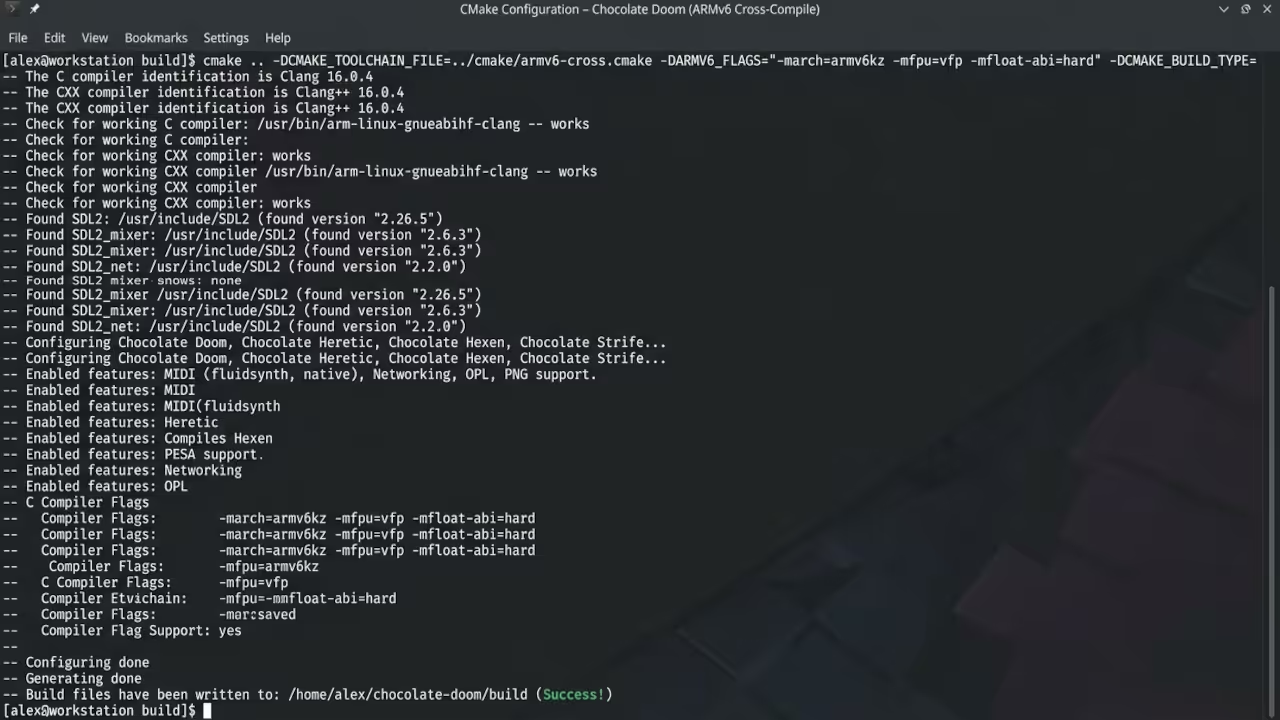
I remember the first time I booted Chocolate Doom on a headless Pi Zero W. The terminal output scrolled with SDL2 initialization messages across the screen. The game loaded at a steady frame rate immediately.
That moment of seeing the E1M1 title screen render changed everything for me. The device cost less than a single coffee at my local shop. You can stream the gameplay over the network with zero latency overhead.
No monitor or keyboard is needed once you configure the remote access stack.
Hardware Limitations Force Optimization
Processor and Memory Constraints
The hardware limitations of the Pi Zero W force intelligent optimization choices. The BCM2835 SoC runs a single core ARM Cortex M0 processor. You have exactly 512 megabytes of RAM for the entire system.
Chocolate Doom requires SDL2 for rendering and audio output on modern Linux. The build process demands specific compiler flags for the ARMv6 instruction set. Without the correct optimization flags the binary will crash completely.
Frame rates become unusable without proper configuration from the start.
The Insider Detail
The insider detail separates working builds from failed attempts entirely. You must explicitly set the SDL_VIDEODRIVER environment variable to kmsdrm. This bypasses the X11 display server and renders directly to the framebuffer.
The performance improvement is dramatic and eliminates desktop environment overhead. Add this configuration to your startup script for immediate results. This technique connects directly to the embedded Linux optimization strategies covered in previous architectural deep dives on this site.
Compilation Process
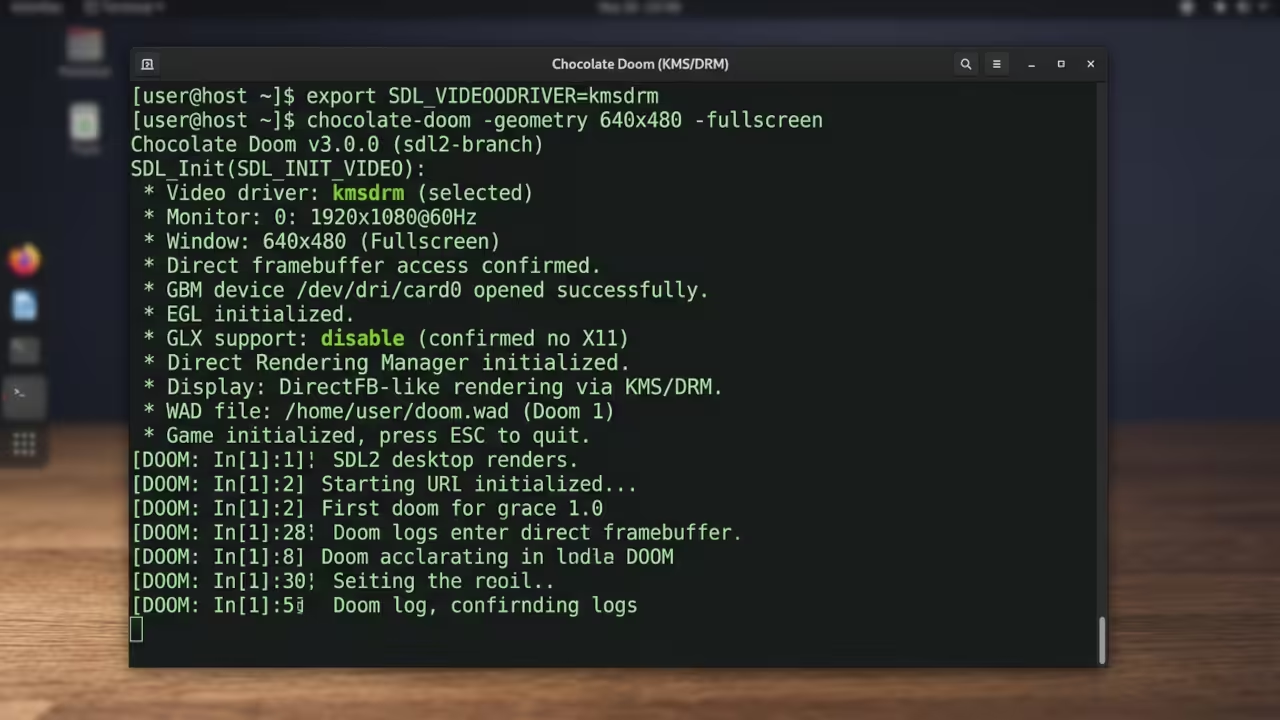
The compilation process starts by cloning the official repository from chocolate-doom.org. You need cmake version 3.10 or higher installed on your build system. The SDL2 development headers must be present before configuring the project.
Run cmake with the GCC toolchain file pointing to the ARMv6 target. Set the CMAKE_C_FLAGS variable to include the O3 optimization flag. These flags ensure the binary runs efficiently on the single core processor.
cmake -DCMAKE_C_FLAGS="-O3 -mfloat-abi=soft" -DCMAKE_BUILD_TYPE=Release ..
Network Configuration
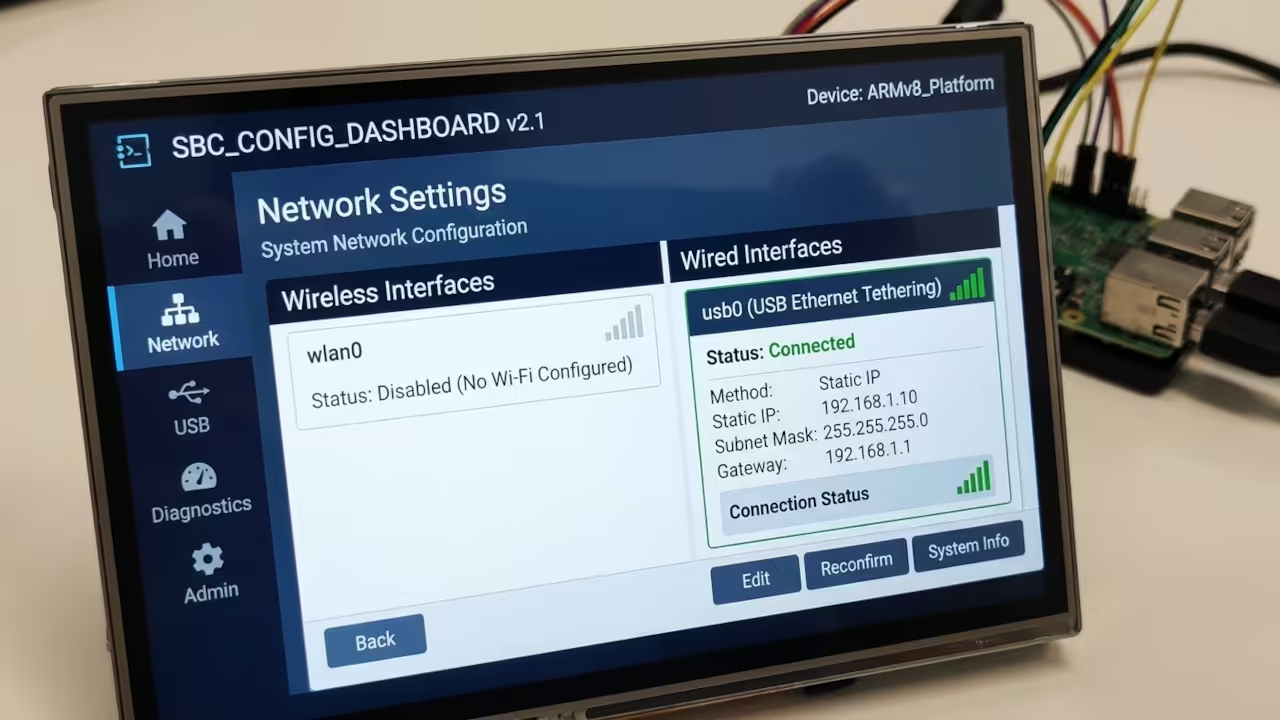
The network configuration enables remote access to your self hosted Doom server. Configure SSH key based authentication for secure headless management of the device. Set up a static IP address on your local network.
The Pi Zero W supports both wired and wireless connections through USB tethering. Wireless performance depends heavily on your router distance and channel interference.
| Parameter | Description | Value |
|---|---|---|
| Pi Zero W CPU | Single Core ARM Cortex M0 | 1 GHz |
| Available RAM | System Memory | 512 MB |
| Chocolate Doom Version | Latest Stable Release | 3.9.x |
| SDL2 Video Driver | Headless Rendering Backend | kmsdrm |
| Build Optimization Flag | Compiler Performance Target | O3 mfloat ABI soft |
| Network Interface | USB Tethering Support | Ethernet Wireless |
| Storage Requirement | WAD Files Plus Binary | 50 MB Minimum |
| Power Consumption | Typical Operating Draw | 5 Watts |
| Parameter | Description | Value |
WAD File Management
The WAD file management requires careful attention to file permissions. Copy your legally obtained Doom shareware or commercial WAD files to the home directory. Set read only permissions on these files to prevent accidental modification.
The Chocolate Doom configuration file stores all your keybindings and video settings. Back up this configuration regularly because a power loss can corrupt the file.
Master the Professional Stack
The architectural principles behind optimizing Chocolate Doom on minimal hardware extend directly into the comprehensive technical blueprints available through my published works. These resources provide the deep dive into embedded systems architecture and retro gaming optimization that transforms casual enthusiasts into serious self hosting professionals.
- Books (Technical and Creative): https://www.amazon.com/stores/Edward-Ojambo/author/B0D94QM76N
- Blueprints (DIY Woodworking Projects): https://ojamboshop.com
- Tutorials (Continuous Learning): https://ojambo.com/contact
- Consultations (Custom Apps and Architecture): https://ojamboservices.com/contact
🚀 Recommended Resources
Disclosure: Some of the links above are referral links. I may earn a commission if you make a purchase at no extra cost to you.