
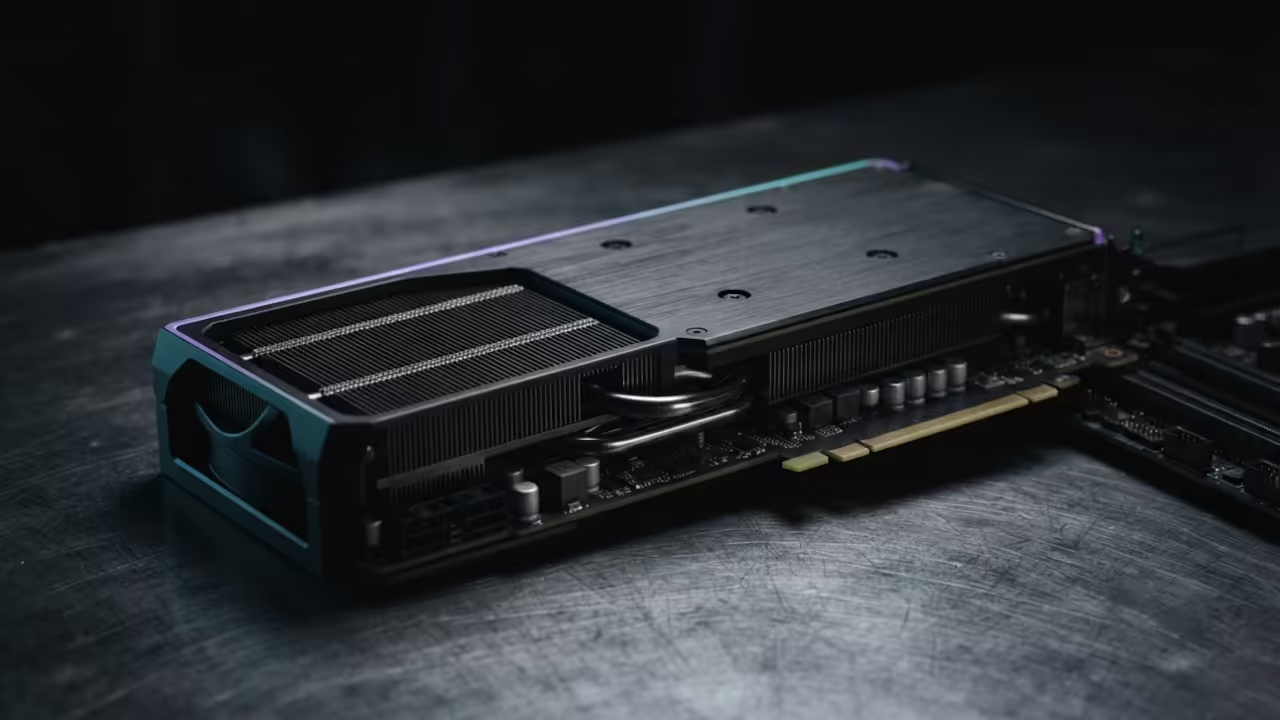
Run MiniT2I Locally on AMD GPU With Stable Diffusion CPP and ROCm
Running text to image generation locally should not require a data center. Yet most tutorials demand multi-billion parameter models that consume dozens of gigabytes of VRAM. Your powerful AMD GPU sits idle while you watch cloud credits drain away.
MiniT2I changes that equation entirely. This minimalist pixel-space diffusion model delivers competitive results using an academic scale compute budget. You can run it on your existing hardware with stable-diffusion.cpp and ROCm acceleration.
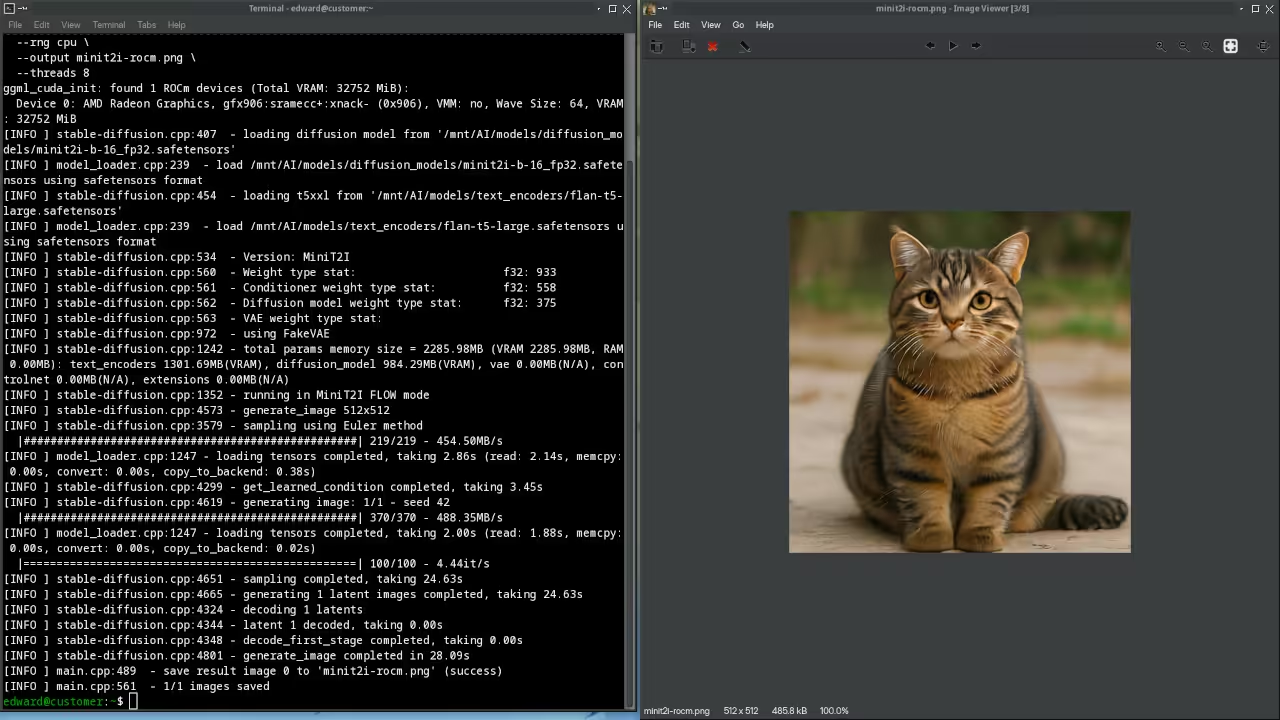
The Experience of Local Generation
MiniT2I proves that text to image generation is accessible. The architecture strips away unnecessary complexity. No image tokenizers. No cascaded generation. No reinforcement learning stages.
Just a clean pixel-space flow matching model with an MM-JiT backbone. The MiniT2I-B/16 variant uses only 258 million parameters. The larger MiniT2I-L/16 scales to 912 million parameters while keeping the same simple recipe. Both models operate at 512 by 512 resolution with 16 by 16 pixel patches producing 1024 image tokens.
The experience of generating your first image locally is transformative. You type a prompt and watch your AMD Instinct Mi60 produce a result in seconds. There is no queue. No API rate limits. No surprise invoices.
The Vulkan backend handles single image generation with remarkable efficiency. The ROCm HIPBLAS backend excels when you push batch generation workloads. This is what local AI should feel like from day one.
Setting Up the Environment
Setting up the environment requires a few precise steps. Clone the stable-diffusion.cpp repository from GitHub and navigate into the directory. Create a build folder and run cmake with the appropriate backend flags enabled.
The SD_HIPBLAS flag activates ROCm support for your AMD Instinct Mi60. The SD_VULKAN flag enables the Vulkan compute backend as an alternative path. You must specify your GPU architecture target during configuration. Run the rocminfo command to detect your exact GPU target name before proceeding.
Downloading the Model Weights
Downloading the model weights is straightforward. Visit the MiniT2I repository on Hugging Face at huggingface.co/MiniT2I/MiniT2I. Download the safetensors checkpoint for your chosen variant. The B/16 model is ideal for testing and rapid iteration.
The L/16 model delivers noticeably stronger prompt following and visual quality. You will also need the FLAN-T5-Large text encoder from huggingface.co/google/flan-t5-large. Place all weights in your models directory before running inference.
The Insider Detail Most Guides Miss
The insider detail that most guides completely miss involves the classifier free guidance scale. MiniT2I requires a CFG scale around 6 for reliable prompt adherence. This is significantly higher than the 2 to 3 range used in class conditional ImageNet models.
The pixel-space nature of the model means guidance artifacts land directly in the output image. Latent models can hide these inconsistencies behind their decoder. You must tune this value carefully for each prompt style.
Generating Images With sd-cli
Generating an image uses a single command line invocation. The sd-cli tool accepts the model path and your text prompt as arguments. Specify the number of sampling steps with the steps flag.
The default Euler sampler runs 100 steps for maximum quality. The distilled Mean Flow variant completes in just 4 steps with minimal quality loss. Add the guidance scale flag set to 6 for strong prompt following. The output image saves directly to your specified path.
Here is the essential command structure for running MiniT2I with stable-diffusion.cpp:
./bin/sd-cli \
--model ../models/MiniT2I-B16.safetensors \
--t5xxl ../models/flan-t5-large \
--prompt "a red rose on a wooden table" \
--steps 100 \
--cfg 6 \
--output output.png
The MM-JiT Architecture
The MM-JiT architecture deserves deeper attention. It removes the AdaLN conditioning branch found in SD3 style MM-DiT designs. Image and text tokens share joint attention blocks with modality specific normalizations.
Two lightweight text adapter blocks reshape frozen FLAN-T5 features before they meet image tokens. This simplification actually improves learning stability for compact models. The backbone resembles a plain pre-norm Transformer pattern used widely in modern generative systems.
| Parameter | MiniT2I-B/16 | MiniT2I-L/16 |
|---|---|---|
| Method | Pixel Space | Pixel Space |
| Generator Params | 258M | 912M |
| Text Encoder | FLAN-T5-L 341M | FLAN-T5-L 341M |
| Image Tokens | 1024 | 1024 |
| GFLOPs per Forward | 570 | 1493 |
| Default Steps | 100 Euler | 100 Euler |
| Distilled Steps | 4 Mean Flow | 4 Mean Flow |
| VRAM Estimate | ~6GB | ~12GB |
| Parameter | MiniT2I-B/16 | MiniT2I-L/16 |
The Training Recipe
The training recipe itself is remarkably transparent. Pretraining runs for 250 thousand steps on LLaVA recaptioned CC12M data. This builds broad visual coverage across the dataset.
Fine tuning then runs for 40 thousand steps on a curated 120 thousand image alignment mixture. This teaches the model what a good prompt response actually looks like. The division mirrors supervised fine tuning patterns from large language model training. Neither stage can replace the other.
This approach builds directly on the architectural principles explored in previous deep dives about local AI inference optimization. The same ROCm and Vulkan backend strategies apply across the entire stable-diffusion.cpp model family. Mastering these fundamentals unlocks every supported model from Flux to Z-Image to MiniT2I.
Master the Professional Stack
Transform your local AI infrastructure with proven architectural blueprints and expert guidance. The complete technical reference library and creative implementation guides are available through these essential resources.
- Books covering technical architecture and creative workflows: https://www.amazon.com/stores/Edward-Ojambo/author/B0D94QM76N
- Blueprints for DIY woodworking and hardware projects: https://ojamboshop.com
- Tutorials for continuous learning and advanced techniques: https://ojambo.com/contact
- Consultations for custom applications and system architecture: https://ojamboservices.com/contact
🚀 Recommended Resources
Disclosure: Some of the links above are referral links. I may earn a commission if you make a purchase at no extra cost to you.