
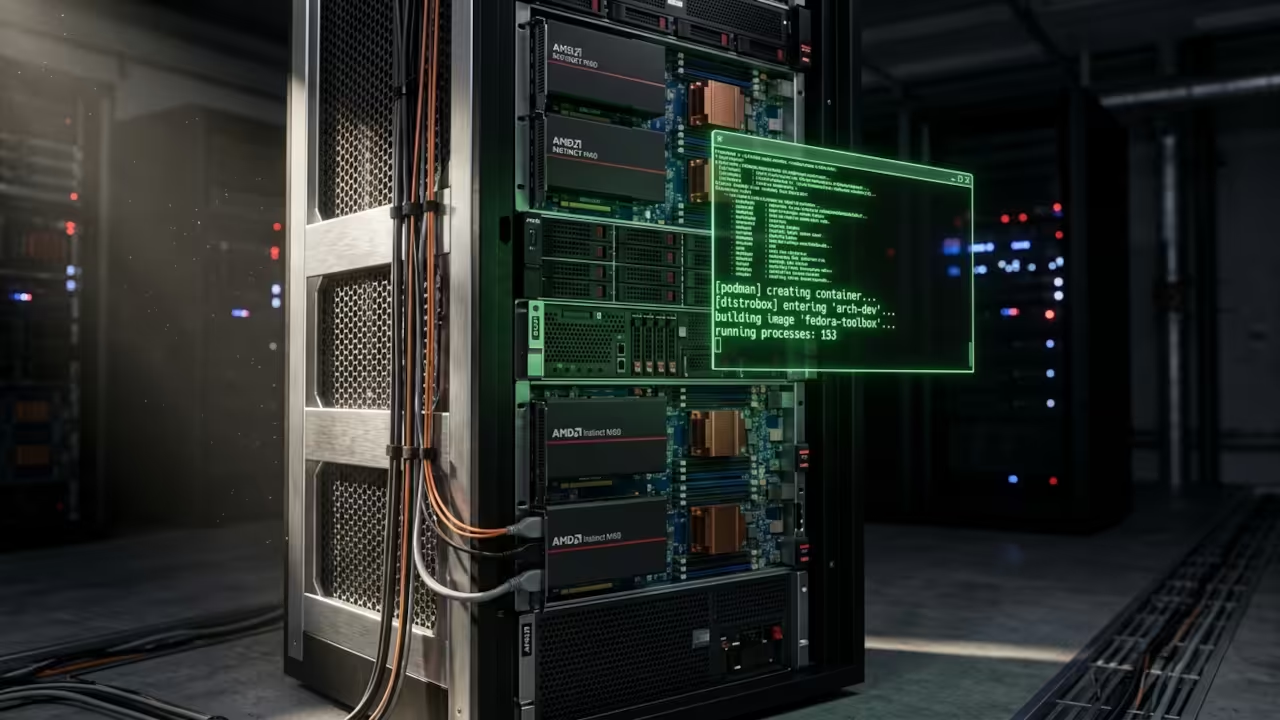
Every creative professional knows the terror of Dependency Hell. You install one Python library for an AI project and suddenly your entire desktop environment collapses.
This is exactly the Technical Fragility that The Sovereign Business: Modernizing Your Infrastructure with Podman Containers warns against on page after page. The book defines this as the Bare Metal Trap where installing software directly onto your operating system creates a snowflake server that is impossible to replicate and terrifying to update. The solution is not another fragile installation guide. The solution is encapsulation via Distrobox containers running on Podman.
The Stability Paradox is the central conflict facing every self-hosted creator. You need a rock-solid operating system for daily reliability. You also need bleeding-edge AI tools that demand the latest libraries and drivers.
Chapter 6 of The Sovereign Business identifies this exact dilemma and introduces Distrobox as the Secret Weapon that resolves it. Force-installing cutting-edge tools on a stable OS leads to Configuration Drift. That drift creates Update Dread where you avoid critical security patches because the risk of breaking your manual hacks is higher than the risk of a cyberattack. This tutorial demonstrates that framework in action with ComfyUI and your AMD GPU.
The Immutable Experience
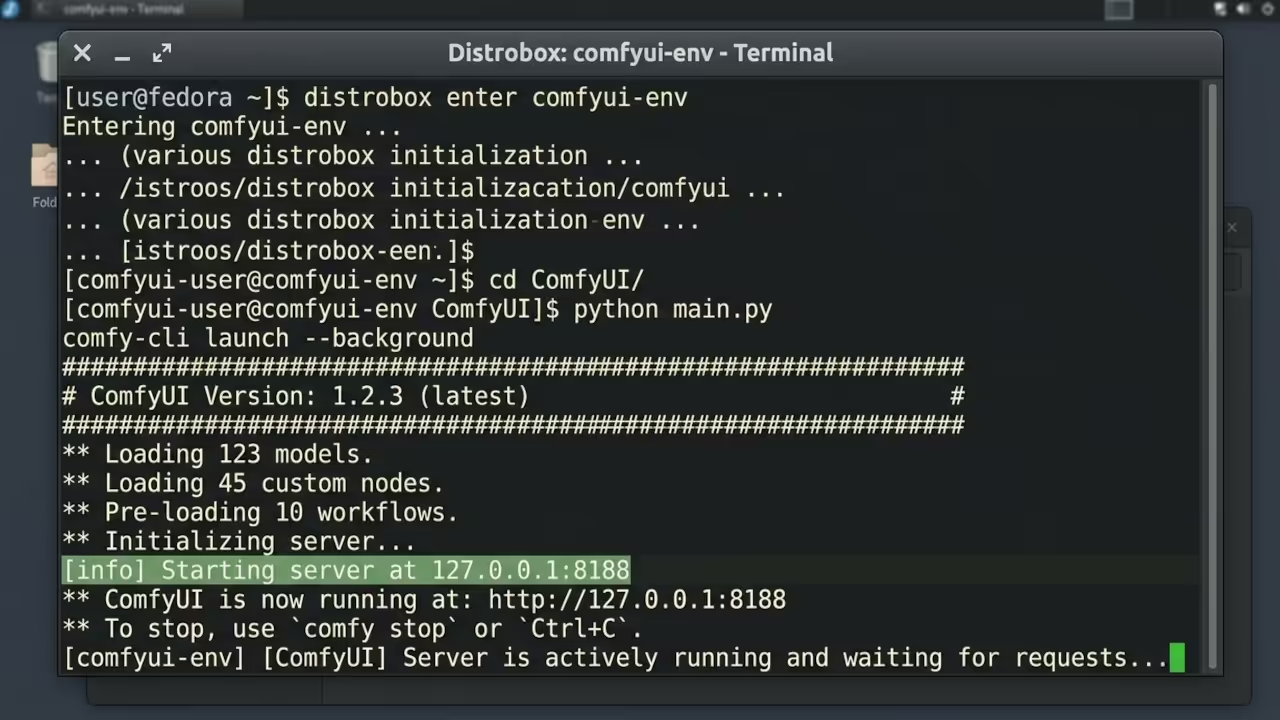
The experience of launching ComfyUI from a containerized Distrobox environment is the practical application of the Immutable Mindset described in Chapter 11 of The Sovereign Business. You enter the isolated container and the interface loads on port 8188 within seconds.
Your AMD Instinct MI60 with 32GB VRAM handles complex node graphs without thermal throttling. If something breaks you do not perform Forensic Archaeology hunting for undocumented changes. You simply destroy the container and redeploy from a fresh blueprint. That is the shift from treating your system as a fragile Pet to treating it as standardized Cattle. The book argues this is the only path to true Architectural Confidence.
Rootless Sovereignty via Podman
The installation process begins with Distrobox creation on your Fedora host using Podman as the container engine. The Sovereign Business emphasizes Rootless Sovereignty as a core security principle. Podman eliminates the privileged Daemon that represents a single point of failure and a massive security vulnerability.
This implements Defense in Depth by ensuring that a breach or crash inside your ComfyUI container cannot compromise your entire Fedora workstation. The container shares your home directory structure while maintaining complete isolation for system libraries and Python dependencies.
sudo dnf install distrobox podman
distrobox create --name comfyui-env --image fedora:41
distrobox enter comfyui-env
The Deployment Workflow
Once inside the container you install the core dependencies for ComfyUI following the Deployment Workflow outlined in Chapter 4 of The Sovereign Business. Git pulls the latest repository directly from the official source. Python virtual environments prevent any cross-contamination between projects.
The ROCm-enabled PyTorch wheel provides native GPU acceleration for your AMD Instinct MI60. This separation of Logic and Data is the fundamental principle that transforms software from a liability into a versioned portable asset.
sudo dnf install git python3 python3-pip
python3 -m venv comfy-env
source comfy-env/bin/activate
pip install torch torchvision torchaudio --index-url https://download.pytorch.org/whl/rocm6.2.4
git clone https://github.com/comfyanonymous/ComfyUI.git
cd ComfyUI
pip install -r requirements.txt
GPU Device Passthrough Insider Detail
The insider detail that most tutorials miss involves the device node passthrough configuration for your AMD GPU. The Sovereign Business explains that Namespaces provide blinders that prevent applications from seeing each other while Cgroups act as resource police.
Your AMD GPU requires direct access to the kernel framebuffer and display render devices through those same isolation mechanisms. The /dev/kfd and /dev/dri paths must be visible inside the container for ROCm to function correctly. Without these mappings your MI60 will sit idle while the CPU burns through cycles. This is Blast Radius Management in practice.
python main.py --listen 127.0.0.1 --port 8188
Multi-Box Architecture
The Multi-Box Architecture described in Chapter 6 of The Sovereign Business recommends segmenting tools into specialized containers. You could create a separate box for ComfyUI image generation and another for LLM workloads. This limits the blast radius of any single tool and prevents Dependency Hell from spreading across your creative stack.
The hardware comparison below reveals why this container isolation pattern matters for professional GPU workflows. Your host system remains pristine while the container absorbs all dependency changes and library conflicts.
| Parameter | Bare Metal Install | Distrobox Container |
|---|---|---|
| System Risk | High dependency conflicts | Zero host contamination |
| GPU Access | Direct driver installation | Device passthrough via Podman |
| VRAM Utilization | Full 32GB available | Full 32GB available |
| Rollback Speed | Hours of manual cleanup | Instant container removal |
| Multi-Project Support | Virtualenv fragmentation | Independent container instances |
| ROCm Integration | Host-wide driver changes | Isolated container libraries |
| Parameter | Bare Metal Install | Distrobox Container |
Master the Professional Stack
This ComfyUI Distrobox deployment is a live demonstration of the Sovereign Architect workflow detailed in The Sovereign Business: Modernizing Your Infrastructure with Podman Containers available at https://amzn.to/4dTZobB. That book provides the complete strategic framework for escaping the Bare Metal Trap resolving the Stability Paradox and achieving Technical Sovereignty through Podman Distrobox and the Immutable Mindset.
- Books (Technical & Creative): https://www.amazon.com/stores/Edward-Ojambo/author/B0D94QM76N
- Blueprints (DIY Woodworking Projects): https://ojamboshop.com
- Tutorials (Continuous Learning): https://ojambo.com/contact
- Consultations (Custom Apps & Architecture): https://ojamboservices.com/contact
🚀 Recommended Resources
Disclosure: Some of the links above are referral links. I may earn a commission if you make a purchase at no extra cost to you.