

Most Java Developers Waste Hours Fighting IDE Instability
Most Java developers waste hours fighting IDE instability during routine upgrades. The frustration builds when your trusted development environment suddenly breaks without warning. Apache NetBeans delivers a seamless upgrade path from version 29 to 30 that eliminates this pain entirely.
This quarterly release cycle brings critical improvements to Gradle, Maven, and the Java Language Server Protocol without disrupting your existing workflow.
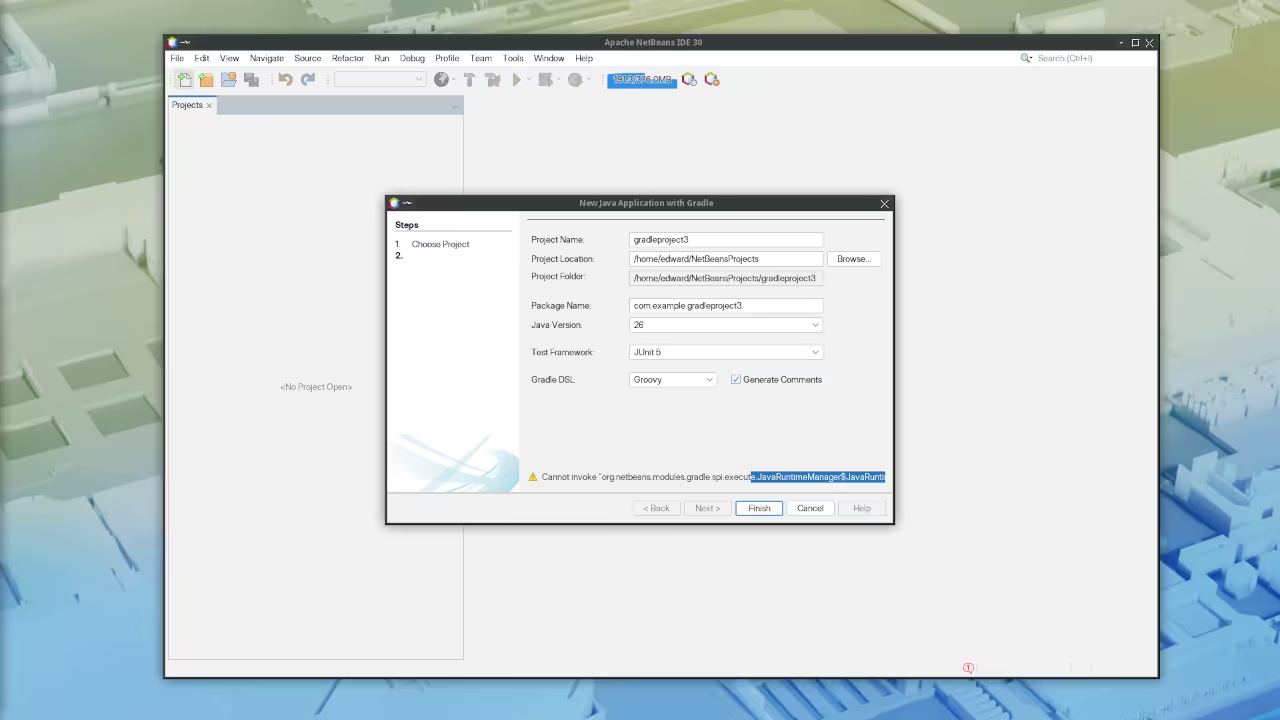
The Apache NetBeans 30 Release
The Apache NetBeans team released version 30 on May 18, 2026. This represents the second release of 2026 in their regular quarterly schedule.
The upgrade from version 29 introduces refined tooling that directly impacts your daily productivity. Twenty dedicated contributors shaped this release including two new community members. Their collective effort ensures your Java development environment stays current with the latest JDK advancements.
Experience the Difference
Upgrading to NetBeans 30 feels like watching a finely tuned machine come alive. The Gradle project warnings that once cluttered your interface simply vanish.
Your Maven Debug Adapter Protocol server now waits properly on its sibling Language Server Protocol to prime before execution. This subtle synchronization eliminates the race conditions that plagued earlier versions. The Fix Imports command now exposes itself to LSP Clients giving remote development setups unprecedented control.
Diamond base new expressions finally resolve erroneous types correctly. These improvements compound over time to create a development experience that genuinely accelerates your workflow.
The Upgrade Process
The upgrade from NetBeans 29 to 30 follows a straightforward installation procedure. NetBeans 30 supports running on JDK 26, JDK 25, or JDK 21. This represents a shift from version 29 which supported JDK 25, JDK 21, or JDK 17.
JDK 17 support has been dropped entirely in this release cycle. You must ensure your system runs one of the supported Java Development Kit versions before proceeding. The binary zip package includes a local JDK runtime for the IDE to run on independently. This bundled runtime eliminates dependency conflicts during the installation phase.
Installation Steps
Download the latest Apache NetBeans 30 package from the official website. Extract the archive to your preferred installation directory on your system. Launch the IDE using the standard startup script for your operating system.
Your existing user directory configuration carries over automatically from version 29. Plugins installed in the previous version remain compatible in most cases. Verify your plugin list after the first launch to confirm proper functionality.
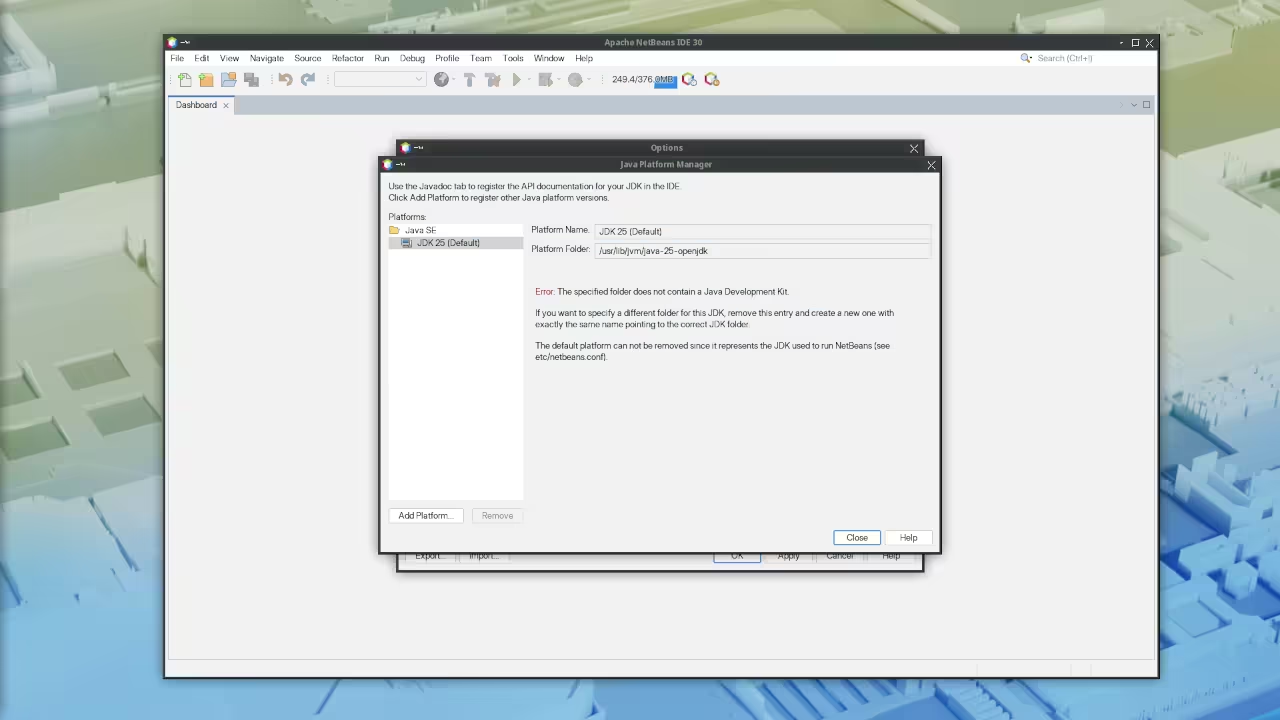
Technical Configuration Secrets
Here is an insider detail that most developers overlook during the upgrade process. The Gradle defaults have been bumped for JDK 26 compatibility in this release. This means your existing Gradle projects automatically benefit from updated default configurations.
You do not need to manually modify your build files for most standard projects. However, if you maintain custom Gradle wrapper versions, verify alignment with the new defaults. The fix for invalid project.xml warnings in Gradle projects addresses a long-standing irritation. Project metadata now validates correctly during initial project import operations.
Language Server Protocol Improvements
The Java Language Server Protocol improvements warrant special attention for distributed development teams. The Fix Imports command exposure to LSP Clients enables remote editing scenarios that previously required workarounds.
Pair this with the corrected type resolution in diamond base new expressions and your code completion accuracy improves measurably. These changes compound to reduce the cognitive overhead of managing complex Java codebases.
Version Comparison
| Parameter | NetBeans 29 | NetBeans 30 |
|---|---|---|
| Minimum JDK | JDK 17 | JDK 21 |
| Maximum JDK | JDK 25 with initial 26 | JDK 26 |
| Release Date | February 23, 2026 | May 18, 2026 |
| Contributors | Previous cycle | 20 including 2 new |
| Gradle Defaults | JDK 25 aligned | JDK 26 aligned |
| LSP Fix Imports | Limited | Exposed to clients |
| Parameter | NetBeans 29 | NetBeans 30 |
Requirements For Programming Text Editor
Glossary:
Code Editor
Designed for writing and editing source code.
IDE
Integrated Development Environment combines various tools need for software development.
Plugin
Software component that adds specific functionality.
Theme
Preset package containing graphical appearance to customize look and feel.
Open source
Freely available for possible modification and redistribution.
SCM
Source code management use to manage and track modifications to a source code repository.
LMB
Left Mouse Button (LMB) or left click
MMB
Middle Mouse Button (MMB) or scroll wheel
Test Tools
| Name | Description |
|---|---|
| CPU | Ryzen 5 5600GT @ 3.60GHz. |
| Memory | 32GB DDR4. |
| Operating System | Fedora Linux 44. |
| Desktop Environment | Xfce 4.20. |
| Name | Description |
| Name | Description |
|---|---|
| Large File | 1GB human-readable text. |
| Regex File | Text with word “Helix” repeated. |
| Syntax File | PHP file containing HTML, CSS & JavaScript. |
| Media File | Smiley face or Tux Linux JPEG file. |
| Java Version | OpenJDK 25.0.3. |
| PHP Version | PHP 8.5.7. |
| Python Version | Python 3.14.5. |
| Netbeans Version | 30 |
| Name | Description |
Test Scoring
- Each feature has two parts.
- Score of zero indicates a missing feature.
- A part of a feature is work a score of 0.5.
Three bias elimination steps were utilized. The editor was used for at least three years on different platforms. Attempts were made to get stable plug-ins for missing features. The same editor was compared between the one in the repository, the developers website, and the compiled version if applicable.
Selecting Editor Version
For this review, Netbeans was downloaded from the developers website and it did not require additional plugins.
Features
- The theme can be native for the editor in terms of the background, and the dark theme did not need tweaks for source code management. Netbeans comes with dark and light themes and others can be created or downloaded. The score for the theme was 1.0.
- Dragging and dropping a text file into the editor opens a new tab. It is still not possible to specify the tab location during the drag and drop operation. The score for drag and drop into editor was 0.5.
- Opening a very large text file did not crash Netbeans. An out of memory window was shown and it was not possible to edit the large file. The score for opening a large file was 0.5.
- Multiple documents can opened in multiple tabs. Tear-off tabs work by opening a new Netbeans editor instances which is handy for multiple monitors. The score for multiple documents was a perfect 1.0.
- Multiple editors can be opened as new tabs with drag options. Every new editor tab can be split vertically or horizontally. The score for multiple editor view was a perfect 1.0.
- Creating non-project files is possible by dragging the folder into the workspace. Non-project files can be opened by the drag and drop operation. The score for creating non-project files was a perfect 1.0.
- Soft word wrap can be enabled in the editor settings. Automatic soft wrap for documents is available for Netbeans. The score for word wrap was a perfect 1.0.
- Spell check works as words are typed. Spelling errors are shown in opened documents. The score for spell check was a perfect 1.0.
- Word count is not available for Netbeans. Selection word count is not available. The score for word count was 0.0.
- Go to line
CTRL-Gcan jump to a specified line. It is possible to jump to either the first or last line. The score for go to line was a perfect 1.0. - Indentation can default to user-defined tab stops. Children are automatically indented. The score for indentation was a perfect 1.0
- Fonts can be dynamically scaled using
ALT-MMB. The system font can be bypassed and a new editor font and size can be set. The score for fonts was a perfect 1.0. - Find and replace using regular expressions can be utilized for all open documents in the current session. Find and replace will work for the current document or a selection in the current document. The score for find and replacing using regular expressions was 1.0.
- Multiple language syntax highlighting in one file is enabled if the language plug-ins are installed. Each language has code-sensitive syntax colors which can be modified. The score for multiple language syntax highlighting was a perfect 1.0.
- Code folding works for markup languages such as HTML. Code folding also works for programming languages such as Java and PHP. The score for code folding was 1.0.
- Selecting rectangular block per column works via a toggle or
CTRL-SHIFT-Ron Linux. Rectangular block selections work with word wrap enabled. The score for selecting rectangular block was a perfect 1.0. - Multiple selection works using the shortcut
CTRL-SHIFT-LMBorCMD-SHIFT-LMBon Macs. Search multiple selection is not available. The score for multiple selection was 0.5. - Distraction-free mode to hide panes works. Line numbers can be toggled to improve distraction-free mode. The score for distraction-free was a perfect 1.0.
- The file manager can create and delete folders. Media files can be dragged and dropped into the file manager pane. The score for file manager was a perfect 1.0.
- Terminal is integrated into Netbeans. The terminal can follow folder. Terminal can execute system commands. The score for terminal was 1.0.
Results
Netbeans is a very powerful IDE. By default, the Netbeans editor is no longer missing required features which can be installed by using extensions. For my required features, the Netbeans editor scored 87.5% or 8.75 out of 10.
Master the Professional Stack
Elevate your development architecture with proven blueprints and expert guidance. These resources provide the theoretical foundation and practical implementation strategies that separate amateur developers from industry professionals.
- Books Technical and Creative: https://www.amazon.com/stores/Edward-Ojambo/author/B0D94QM76N
- Blueprints DIY Woodworking Projects: https://ojamboshop.com
- Tutorials Continuous Learning: https://ojambo.com/contact
- Consultations Custom Apps and Architecture: https://ojamboservices.com/contact
🚀 Recommended Resources
Disclosure: Some of the links above are referral links. I may earn a commission if you make a purchase at no extra cost to you.
Leave a Reply