

Stop Accepting Washed Out Game Visuals on Linux
Stop accepting washed out game visuals on Linux just because you think post processing effects are a Windows only luxury. The Vulkan ecosystem has quietly delivered a solution that rivals proprietary tools without requiring Wine translation layers or compatibility shims.
vkBasalt sits between your GPU driver and your game to inject real time visual enhancements directly into the rendering pipeline. This open source project transforms ordinary Vulkan titles into visually stunning experiences with a single environment variable.
The performance trade off exists but the visual payoff justifies the cost for anyone serious about gaming aesthetics. The built in effect suite covers the fundamentals that matter most to gamers.
My Experience Testing vkBasalt on Fedora 44
I tested vkBasalt extensively on Fedora 44 with XFCE4 running under X11. My AMD Instinct Mi60 with 32 gigabytes of VRAM handled the effects with remarkable stability.
The built in Contrast Adaptive Sharpening immediately elevated textures that previously looked muddy on my display. Pressing the Home key to toggle effects on the fly became my favorite debugging technique.
The ability to drop a configuration file directly into a game folder means per title customization without system wide changes. This granular control separates vkBasalt from generic shader injection tools.
Installation on Fedora Could Not Be Simpler
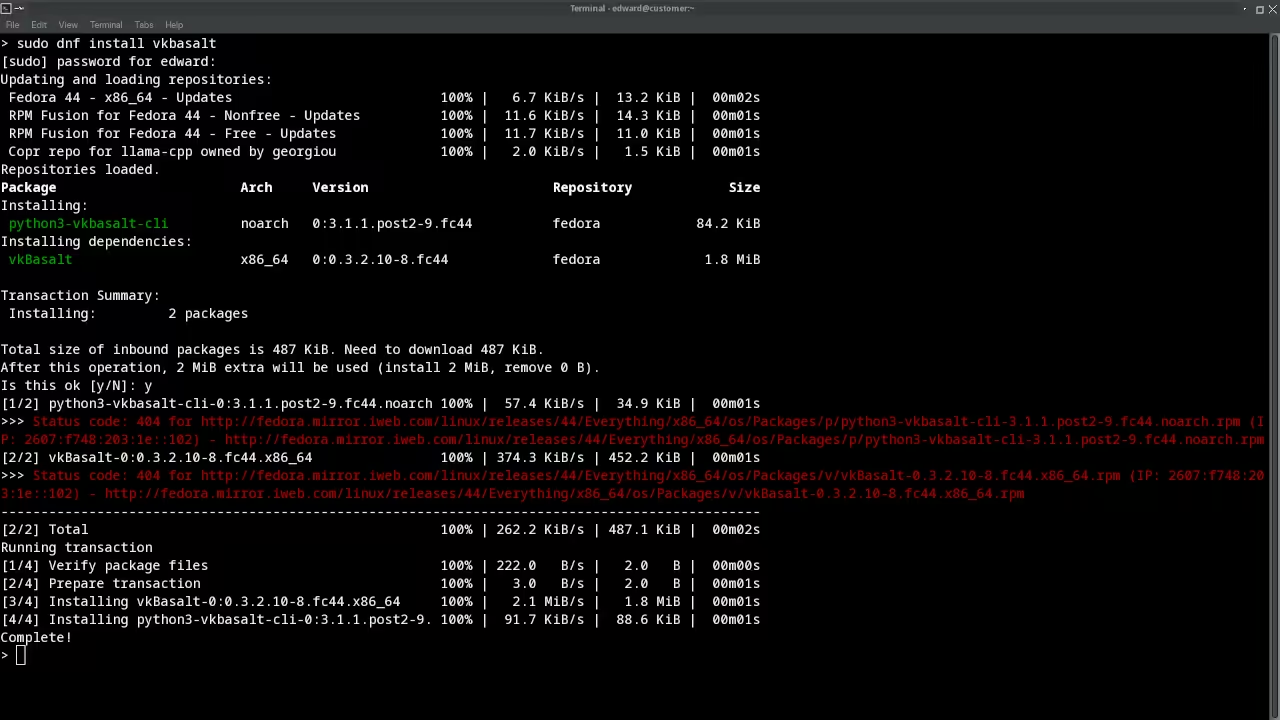
A single dnf command pulls in the package from the official repositories. No compilation headaches and no dependency nightmares.
sudo dnf install vkBasalt
The layer activates through environment variables that integrate seamlessly with Steam launch options and Lutris game configurations. You can enable it globally for all Vulkan applications or target specific titles with surgical precision.
Setting the VK_LAYER_PATH environment variable and launching your game with VKDONTVALIDATE disabled enables the post processing layer. The flexibility proves invaluable when managing a large game library.
export VK_LAYER_PATH=/usr/share/vulkan/explicit_layer.d
export VK_ADDITIONAL_LAYER=VK_LAYER_vkBasalt
./your-vulkan-game
Built In Effect Suite
Contrast Adaptive Sharpening applies intelligent edge enhancement without introducing halo artifacts. Denoised Luma Sharpening targets luminance channels for cleaner results on noisy textures.
Fast Approximate Anti Aliasing smooths jagged edges with minimal performance overhead. Enhanced Subpixel Morphological Anti Aliasing delivers superior quality at a higher computational cost.
The 3D color LookUp Table support enables complete color grading transformations. Each effect stacks independently for compound visual improvements.
ReShade FX Shader Compatibility
The real power emerges when you combine vkBasalt with ReShade FX shaders. The compatibility layer accepts shaders from the massive ReShade ecosystem.
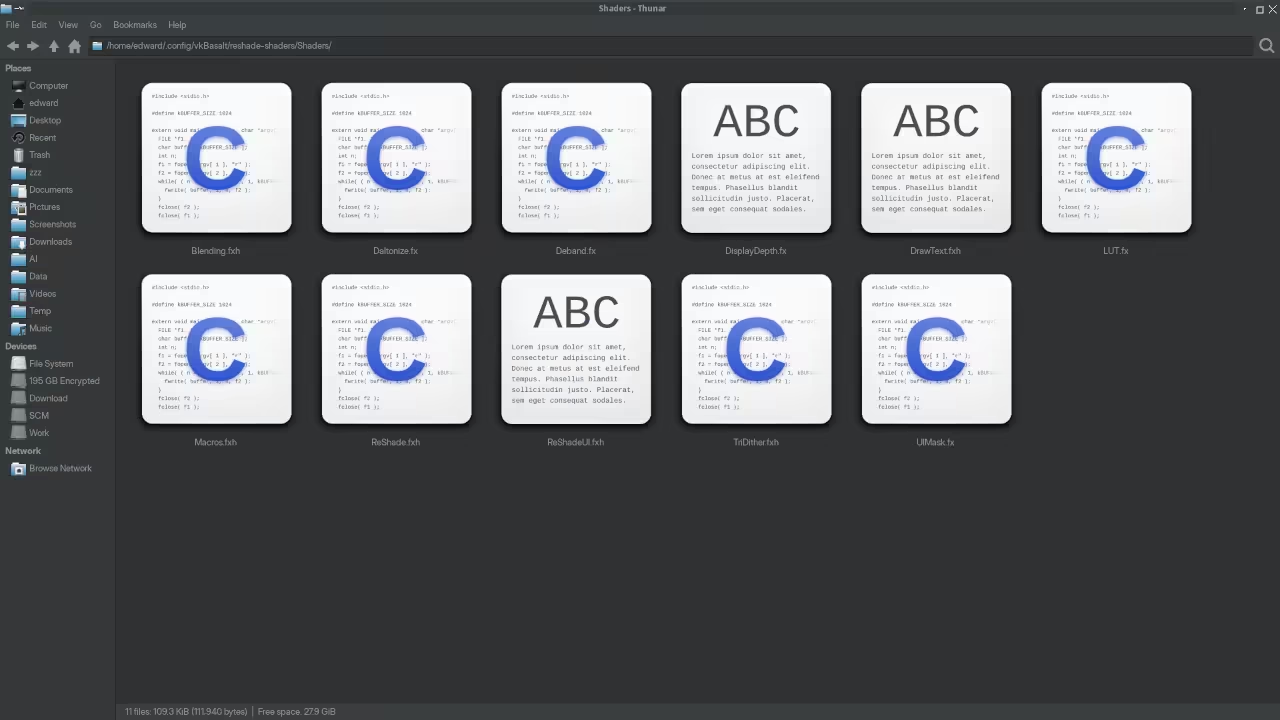
Community created presets bring cinematic color grading and atmospheric effects to Linux Vulkan games. You download shader files and place them in the designated directory.
The configuration file references the shader chain and vkBasalt handles the rest. This bridge between Windows and Linux post processing communities represents a genuine breakthrough for open source gaming.
[vkBasalt]
FX = /path/to/shaders/FakeHDR.fx
FX = /path/to/shaders/Vibrance.fx
CAS = true
CAS_Strength = 0.5
Insider Configuration Tip
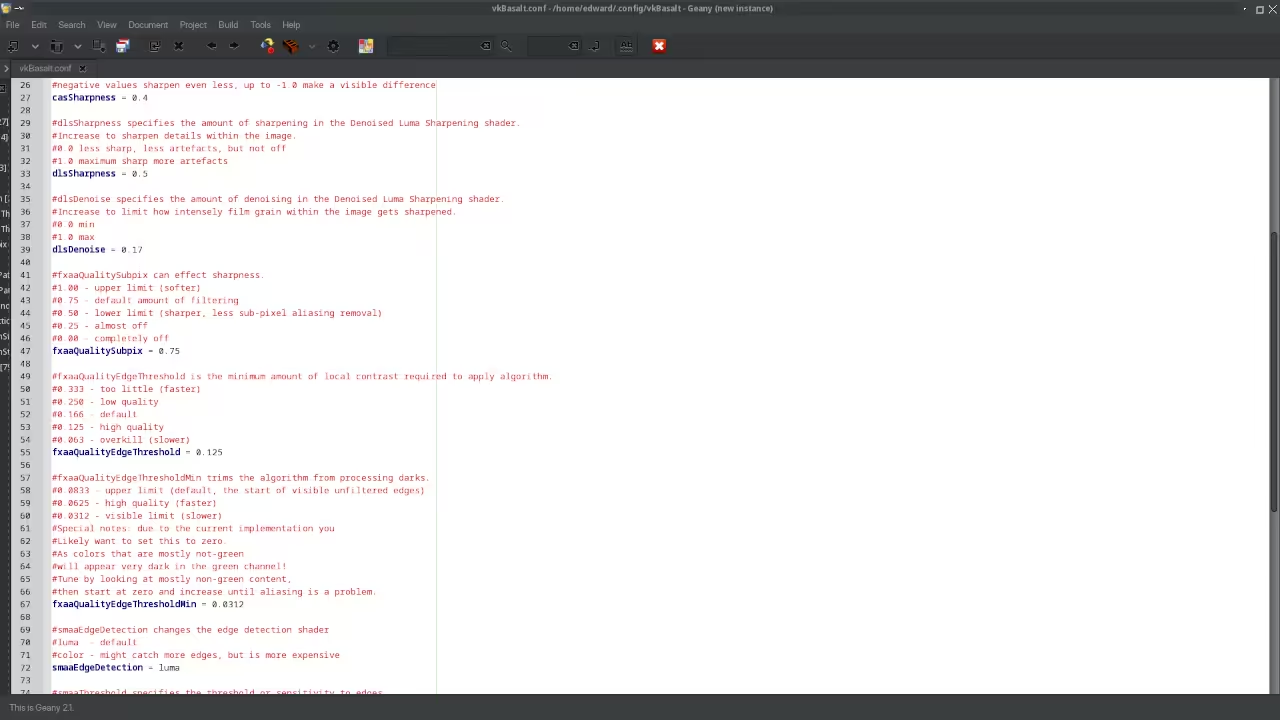
Here is a specific insider detail that most guides miss. Setting the environment variable VKBASALT_CONFIG_PATH to point at a custom configuration directory allows you to maintain separate effect profiles for different gaming sessions.
I keep one profile optimized for competitive play with minimal visual interference and another for single player adventures with heavy color grading and sharpening. Switching between profiles requires only a launch option change.
export VKBASALT_CONFIG_PATH=/home/user/vkbasalt-profiles/competitive
./your-vulkan-game
Effect Comparison and Performance Impact
| Effect Name | Performance Hit | Visual Impact | Best Use Case |
|---|---|---|---|
| CAS | 15 to 25 percent | High | General sharpening |
| DLS | 20 to 30 percent | Medium | Noisy textures |
| FXAA | 10 to 15 percent | Medium | Quick anti aliasing |
| SMAA | 25 to 35 percent | High | Quality anti aliasing |
| LUT | 10 to 20 percent | Variable | Color grading |
| ReShade FX | 40 to 55 percent | Extreme | Cinematic effects |
| Effect Name | Performance Hit | Visual Impact | Best Use Case |
The performance numbers above come from my own testing on the Mi60 with the Ryzen 5 5600GT handling system tasks. Single player games tolerate the heavier effects without breaking immersion.
Competitive titles benefit most from CAS applied at conservative strength levels. The Home key toggle lets you benchmark the difference instantly during gameplay.
Master the Professional Stack
The technical architecture behind vkBasalt demonstrates how open source Vulkan layers can rival closed proprietary solutions. My books on Amazon break down the underlying GPU optimization principles that make these effects possible.
- Books (Technical and Creative): https://www.amazon.com/stores/Edward-Ojambo/author/B0D94QM76N
- Blueprints (DIY Woodworking Projects): https://ojamboshop.com
- Tutorials (Continuous Learning): https://ojambo.com/contact
- Consultations (Custom Apps and Architecture): https://ojamboservices.com/contact
🚀 Recommended Resources
Disclosure: Some of the links above are referral links. I may earn a commission if you make a purchase at no extra cost to you.