
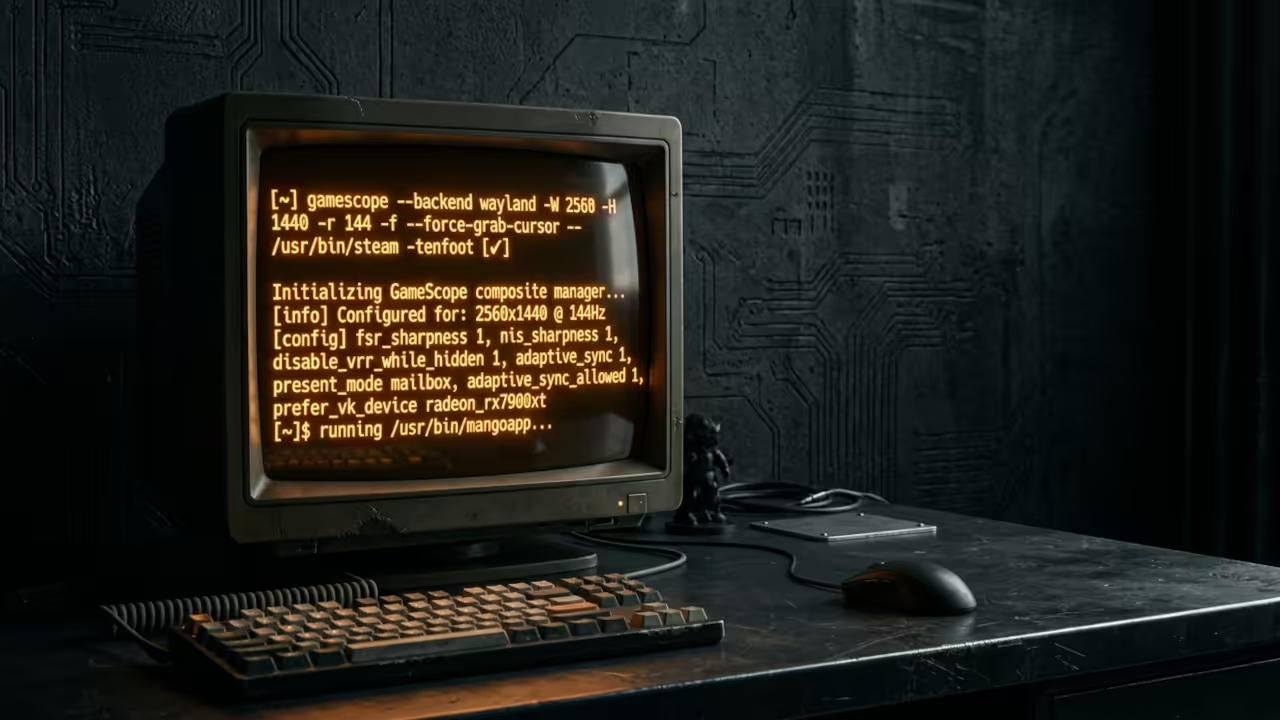
Stop Letting Your Desktop Compositor Destroy Your Gaming Performance
You spend thousands on a powerful AMD Instinct Mi60 GPU. You install the latest Fedora release with a clean X11 session. You launch your favorite game and the frame times stutter. The desktop compositor fights with the game for resources. Input lag creeps in and the experience falls apart.
What if the entire problem is not your hardware but the layer sitting between your GPU and the game? GameScope from Valve is the answer that most Linux gamers never discover.
GameScope is a microcompositor built by Valve specifically for gaming workloads. It runs as a nested session completely isolated from your desktop environment. This means your XFCE desktop stays responsive while GameScope handles all rendering duties.
The Experience Of Isolated Compositing
The first time you launch a game through GameScope the difference is immediate. Window management conflicts vanish because the game no longer talks directly to your desktop compositor. Mouse acceleration issues in older titles disappear completely.
Resolution mismatches that cause stretched or letterboxed displays get resolved with a single command line flag. You gain surgical control over how your game renders without sacrificing desktop stability.
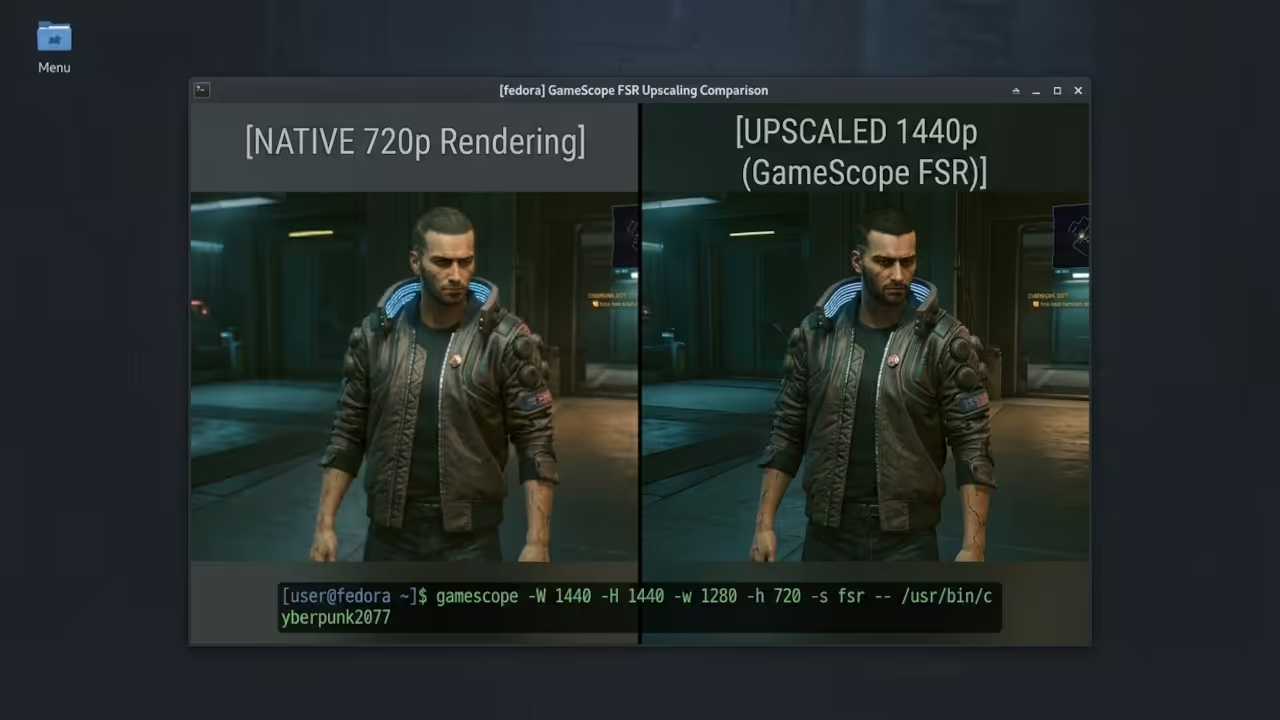
I run GameScope daily on a Ryzen 5 5600GT system paired with an AMD Instinct Mi60 GPU. The 32GB VRAM on the Mi60 handles heavy upscaling workloads without breaking a sweat. GameScope taps into AMD FSR for upscaling and the image quality at 1440p output from a 720p render target is genuinely impressive.
Insider Configuration Secret
Most users install GameScope and never touch the command line arguments. This is a massive missed opportunity. The real power unlocks when you chain specific flags together for your exact hardware and display setup.
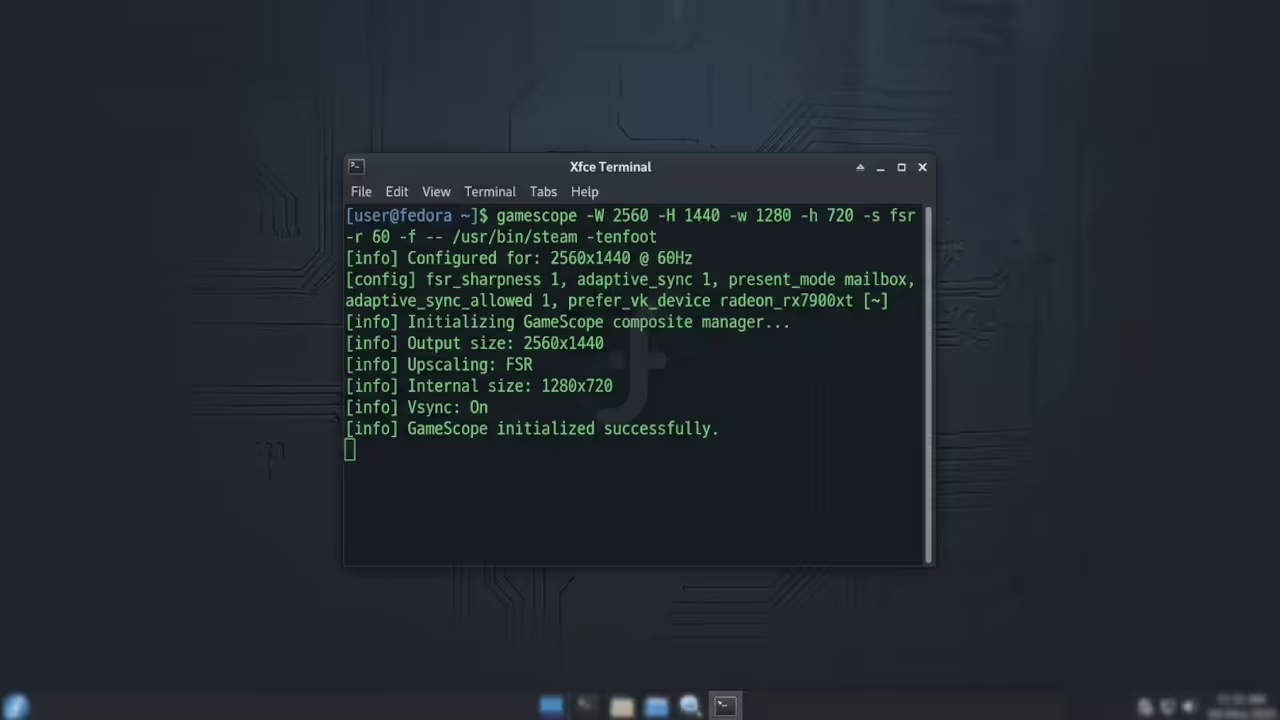
Here is a configuration that leverages FSR upscaling with framerate capping and fullscreen output on an AMD system:
gamescope -W 2560 -H 1440 -w 1280 -h 720 -s fsr -r 60 -f -- %command%
This command tells GameScope to render the game internally at 1280 by 720. It upscales to 2560 by 1440 using FSR and caps the framerate at 60 FPS in fullscreen mode. The double dash separates GameScope arguments from the game launch command.
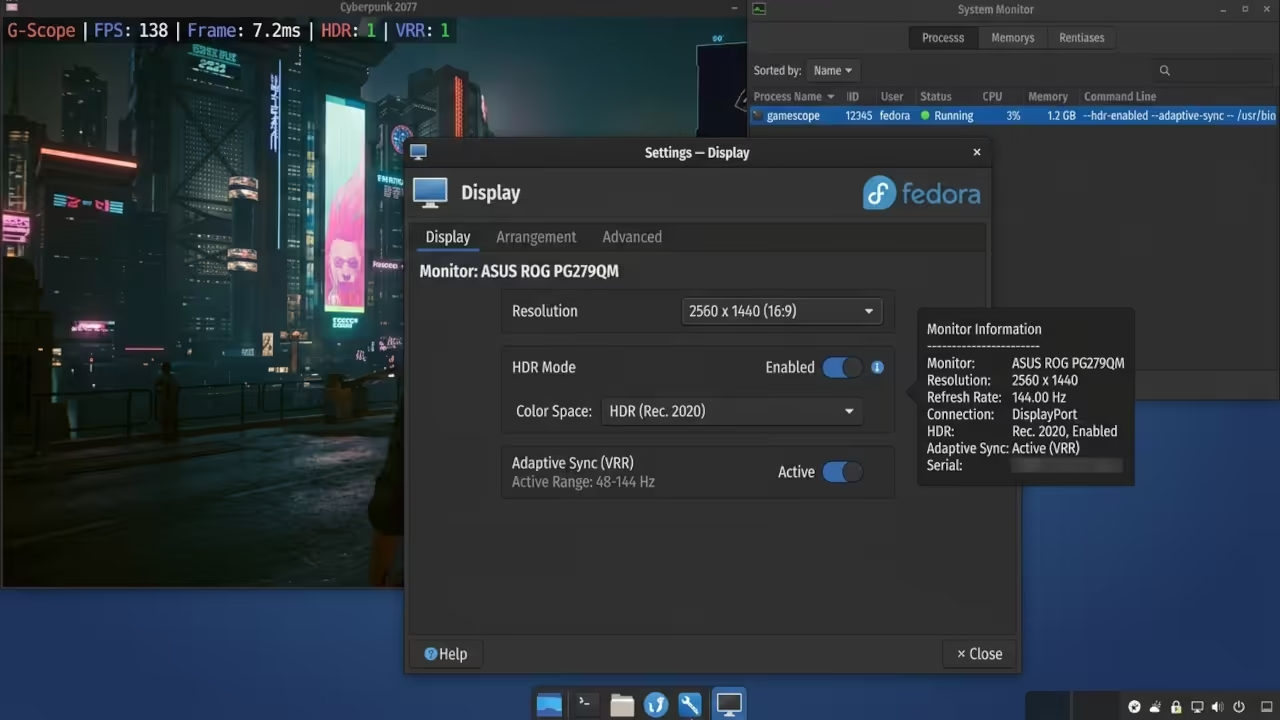
For HDR displays add the -e flag to enable HDR passthrough and the -t flag for adaptive sync. These flags transform how modern games feel on capable monitors. The combination of HDR and VRR through GameScope is something most desktop compositors simply cannot deliver.
Raw Code Snippet Section
Here is a Steam launch command for borderless windowed mode with hotkey support:
gamescope -b -W 1920 -H 1080 -k -r 144 -- %command%
The -b flag creates a borderless window. The -k flag enables the built in hotkey menu so you can toggle settings without alt tabbing. This is essential for handheld setups but equally useful on desktop.
For ultrawide monitors with pillarboxing use this configuration:
gamescope -w 1920 -h 1080 -W 3440 -H 1440 -b -- %command%
This renders the game at 1080p and stretches it to fill a 3440 by 1440 ultrawide display in borderless mode. Older 16 by 9 games suddenly look native on ultrawide panels without any stretching artifacts.
| Feature | GameScope | Desktop Compositor | Native Game |
|---|---|---|---|
| Resolution Spoofing | Full Control | Limited | Game Dependent |
| FSR Upscaling | Built In | Not Available | Game Dependent |
| HDR Passthrough | Supported | Varies | Hardware Dependent |
| Framerate Limiting | Precise | External Tools | In Game Only |
| Input Latency | Minimal | Higher | Baseline |
| Desktop Isolation | Complete | None | Partial |
| VRR Support | Native | Varies | Hardware Dependent |
| Integer Scaling | Supported | Rare | Not Available |
| Feature | GameScope | Desktop Compositor | Native Game |
Master The Professional Stack
GameScope optimization is just one layer of the complete Linux gaming architecture. The full blueprint for hardware acceleration, compositor tuning, and GPU resource management lives in the technical resources below.
- Books for deep technical theory: https://www.amazon.com/stores/Edward-Ojambo/author/B0D94QM76N
- Blueprints for DIY hardware projects: https://ojamboshop.com
- Tutorials for continuous learning: https://ojambo.com/contact
- Consultations for custom application architecture: https://ojamboservices.com/contact
🚀 Recommended Resources
Disclosure: Some of the links above are referral links. I may earn a commission if you make a purchase at no extra cost to you.