

Introduction
Blender is a world class tool for 3D modeling and animation. You can automate complex tasks using the built in Python API.
Character rigging is often a repetitive process for artists. You can write scripts to create skeletons and constraints automatically.
Your Fedora Linux workstation provides a stable environment for this work. Blender runs natively and supports high performance Python scripting today.
Importance Of The GNU GPL License
The software is released under the GNU General Public License. This license is a critical part of the developer community.
The GPL ensures that Blender remains free software forever. You have the right to study and change the source code.
This protection fosters a collaborative environment for all developers. You can share your scripts with others without any legal fear.
Building Armatures With Python
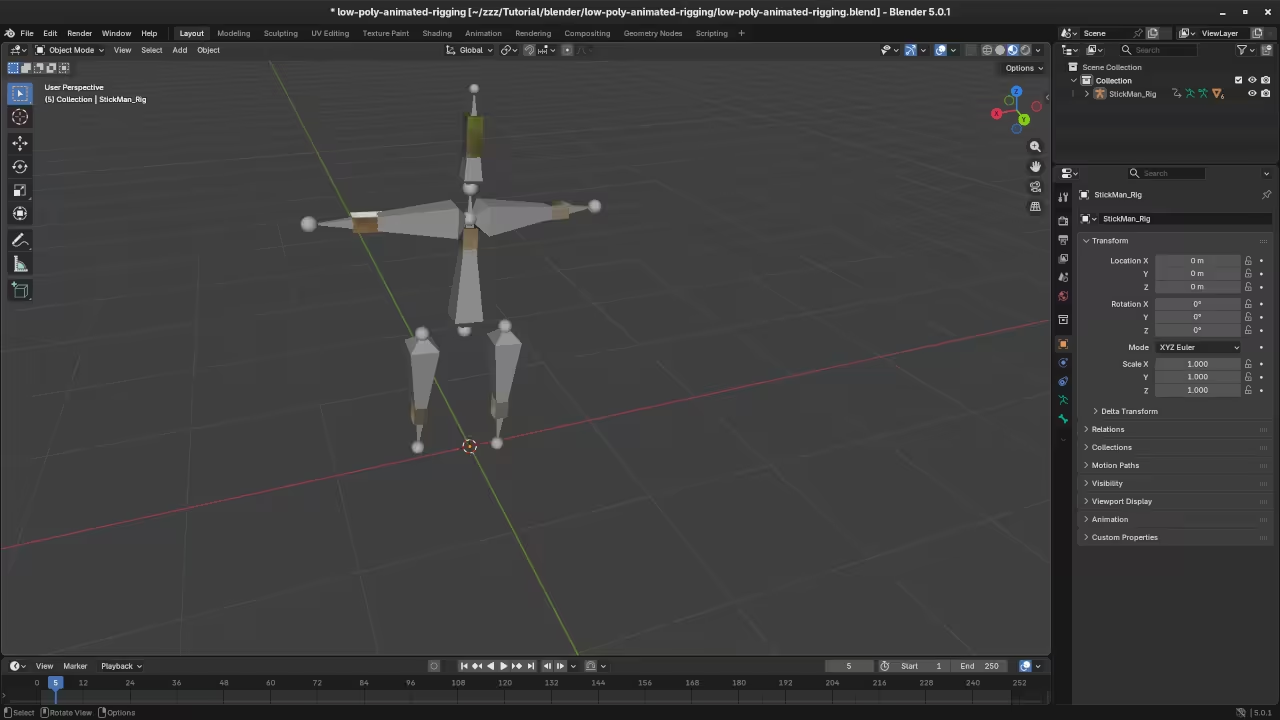
Automating rigs starts with the bpy data module in Python. You use this to create a new armature object first.
An armature acts as a container for all your bones. In Python you must switch to Edit Mode to add bones.
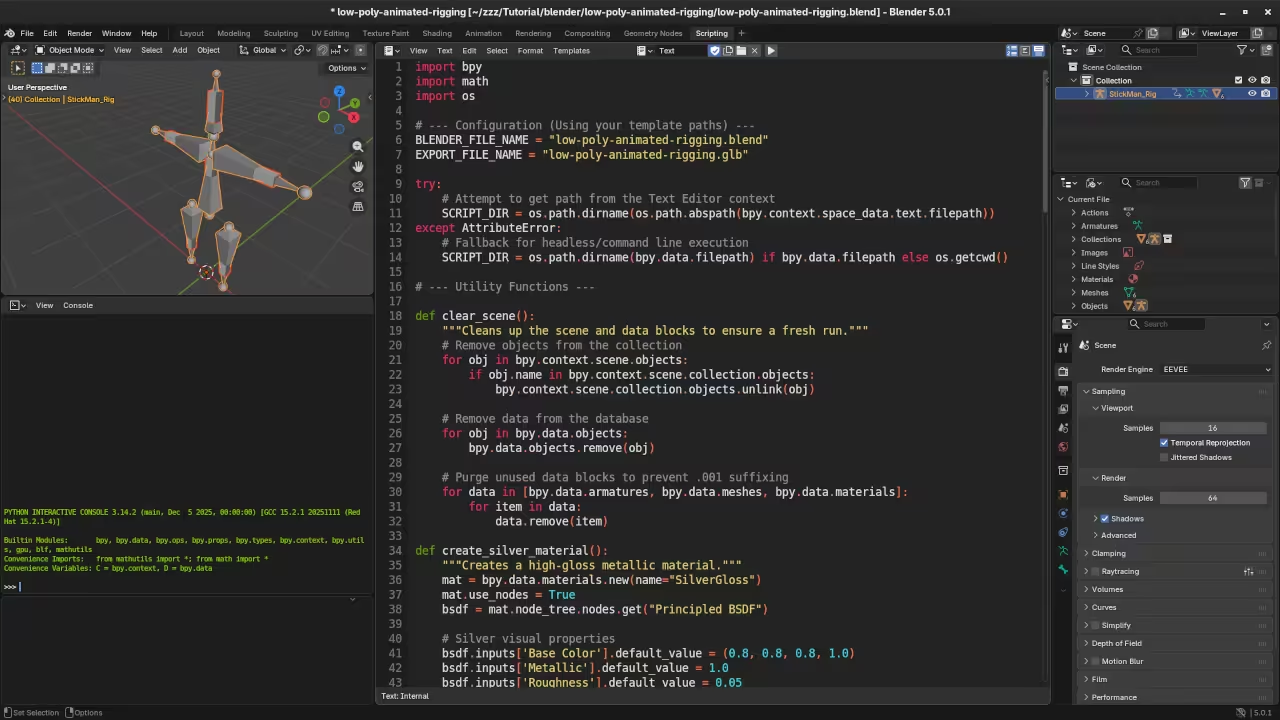
The following Python snippet demonstrates how to generate a basic three bone chain. It creates the data block and positions the joints in space.
import bpy

# Create the armature data and object
arm_data = bpy.data.armatures.new("RigData")
arm_obj = bpy.data.objects.new("CharacterRig", arm_data)
bpy.context.collection.objects.link(arm_obj)

# Switch to Edit Mode to add bones
bpy.context.view_layer.objects.active = arm_obj
bpy.ops.object.mode_set(mode="EDIT")

# Define bone positions
positions = [(0, 0, 0), (0, 0, 1), (0, 0, 2), (0, 0, 3)]
bone_names = ["Base", "Middle", "Top"]

for i in range(3):
    bone = arm_data.edit_bones.new(bone_names[i])
    bone.head = positions[i]
    bone.tail = positions[i + 1]
    if i > 0:
        bone.parent = arm_data.edit_bones[bone_names[i - 1]]

# Return to Object Mode
bpy.ops.object.mode_set(mode="OBJECT")
Displaying In The Browser With ThreeJS
To view your automated rig on the web you must export it as a glTF file. This is the industry standard for 3D on the internet.
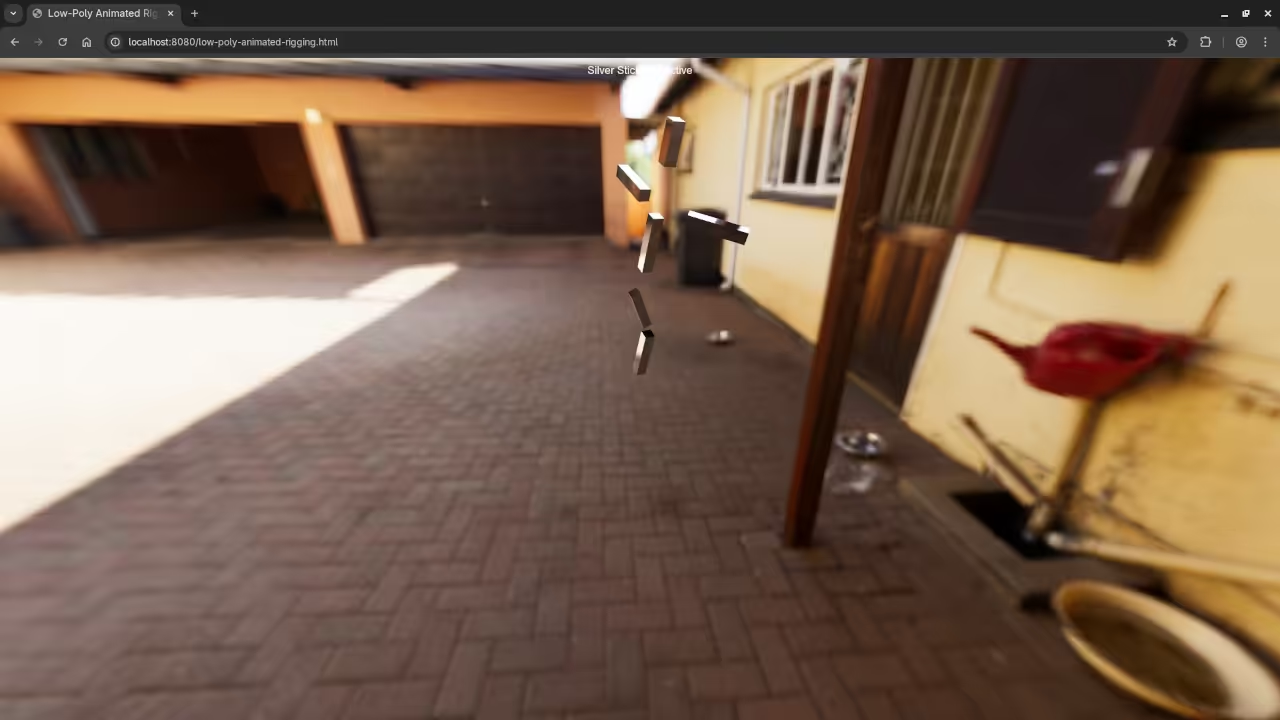
ThreeJS is a powerful JavaScript library that can render this file. It uses WebGL to display your 3D content inside an HTML5 canvas.
Below is the frontend code to load your rig. You need to include the ThreeJS library and the GLTFLoader to make this work.
import * as THREE from "three";
import { GLTFLoader } from "three/examples/jsm/loaders/GLTFLoader.js";

const scene = new THREE.Scene();
const camera = new THREE.PerspectiveCamera(75, window.innerWidth / window.innerHeight, 0.1, 1000);
const renderer = new THREE.WebGLRenderer();

renderer.setSize(window.innerWidth, window.innerHeight);
document.body.appendChild(renderer.domElement);

const loader = new GLTFLoader();
loader.load("path/to/your_rig.glb", function (gltf) {
    scene.add(gltf.scene);

    // Access the bones created via Python
    const skeleton = new THREE.SkeletonHelper(gltf.scene);
    scene.add(skeleton);
});

camera.position.z = 5;

function animate() {
    requestAnimationFrame(animate);
    renderer.render(scene, camera);
}
animate();
Advanced Rigging Logic
Automation is perfect for creating secondary bones like hair or clothing. You can generate hundreds of bones with a single loop.
You can also automate the creation of Inverse Kinematics constraints. This makes your character rigs much easier for animators to use.
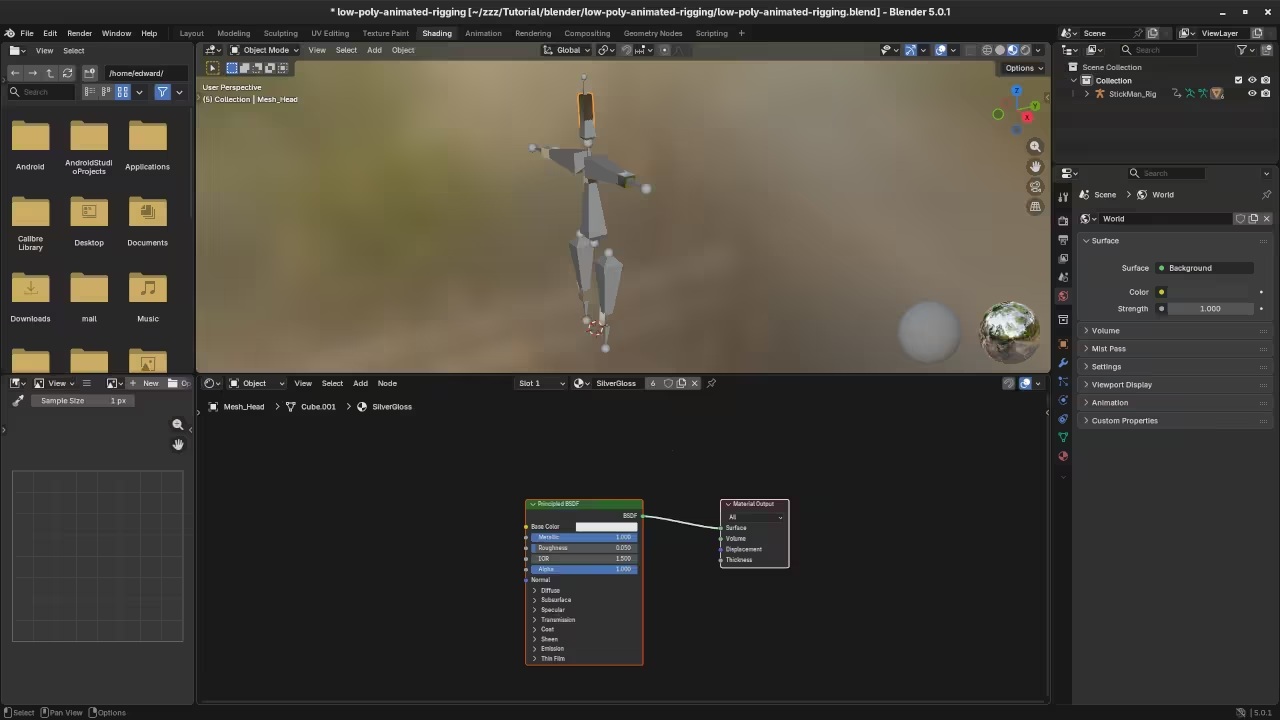
[PLACEHOLDER: COMBINED SCREENSHOTS GALLERY]
This project proves that Blender is a professional pipeline tool. Start your journey into 3D automation on your computer today.
📸 Screenshots & Screencast
Take Your Skills Further
- Books: https://www.amazon.com/stores/Edward-Ojambo/author/B0D94QM76N
- Courses: https://ojamboshop.com/product-category/course
- Tutorials: https://ojambo.com/contact
- Consultations: https://ojamboservices.com/contact
🚀 Recommended Resources
Disclosure: Some of the links above are referral links. I may earn a commission if you make a purchase at no extra cost to you.

Leave a Reply