
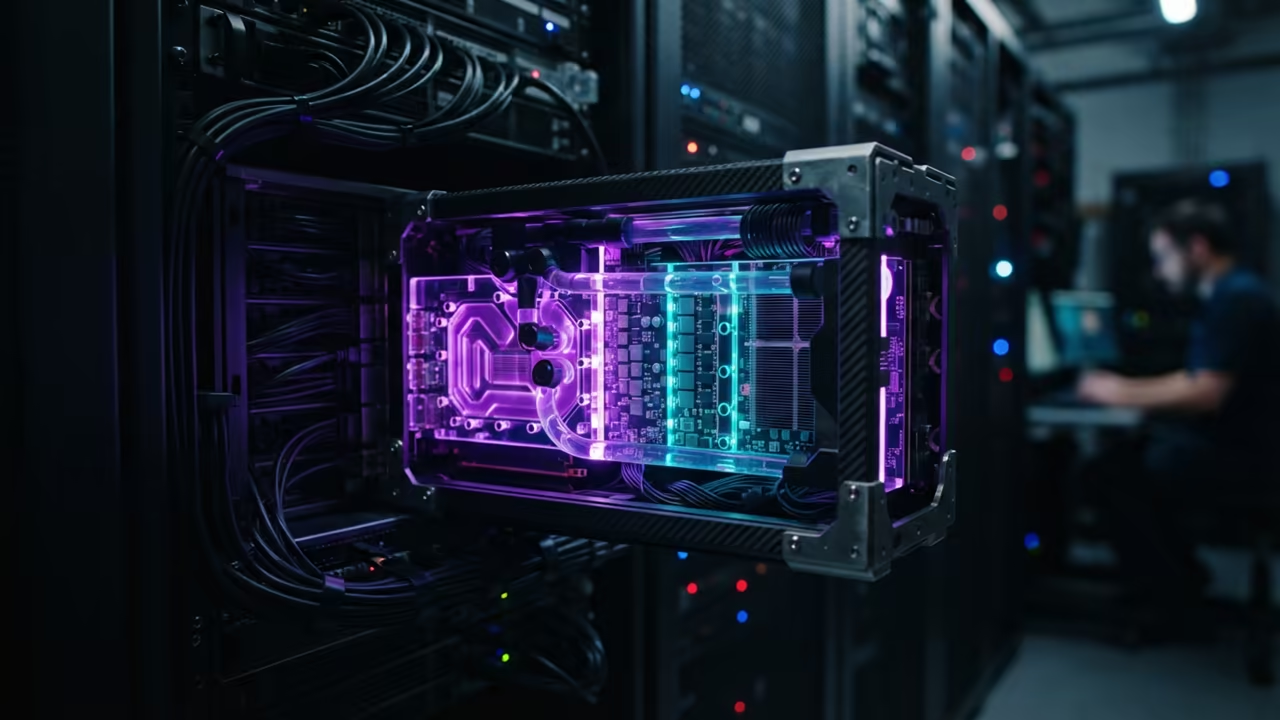
Technical Friction in Local AI
Most tech enthusiasts waste countless hours fighting driver conflicts when running local LLMs. They struggle with ROCm versions or CUDA dependencies that break during every system update.
This technical friction kills productivity and prevents true hardware sovereignty. You can overcome these hurdles by isolating your environment.
Disclaimer: I may earn a commission from purchases made through these links at no extra cost to you.


The Power of Isolation
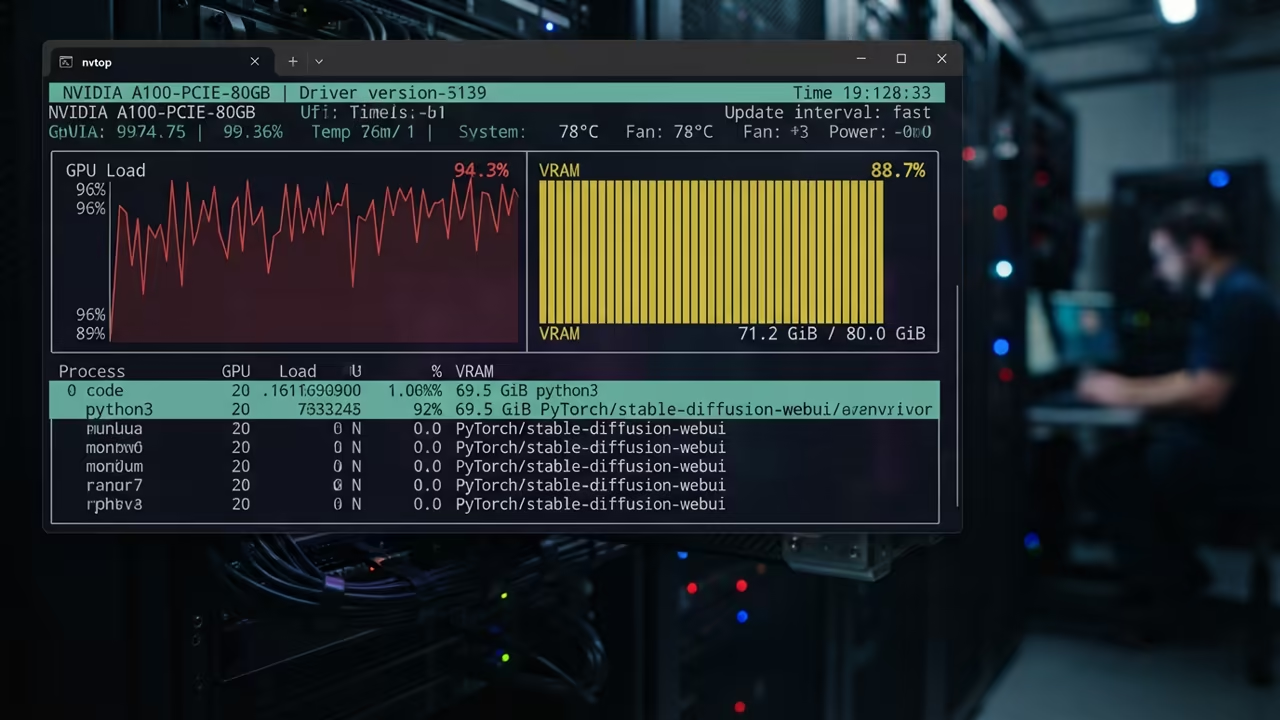
Finally seeing your GPU load spike inside a container is pure magic. Your system remains clean while your AI performs at maximum speed.
This level of isolation is a core pillar of the sovereign business model. You can master these professional isolation strategies in the book The Sovereign Business.
It provides the blueprint for building a resilient and independent tech stack. This approach removes the fear of breaking your host system.
Deploying Vulkan GPU Passthrough
Achieving GPU passthrough with Podman requires a specific approach to the device stack. You must map the direct rendering infrastructure to the container environment.
This ensures the Vulkan backend can communicate with the hardware. The setup allows for universal compatibility across different brands.
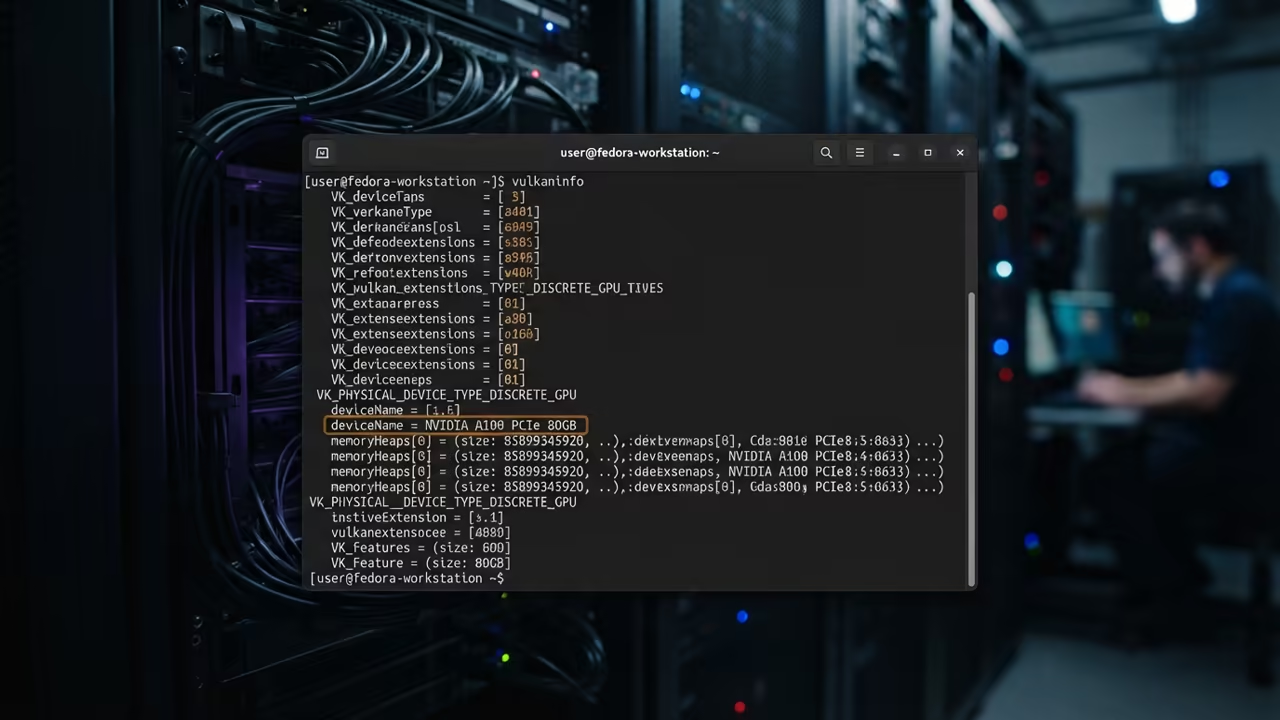
Use the device flag to grant the container access to the GPU. The following command is the essential starting point for your deployment.
podman run -it --device /dev/dri --rm llama-cpp-vulkan
Inside the container you must install the necessary Vulkan drivers and tools. For Fedora based images use the dnf package manager for this task.
dnf install mesa-vulkan-drivers vulkan-tools
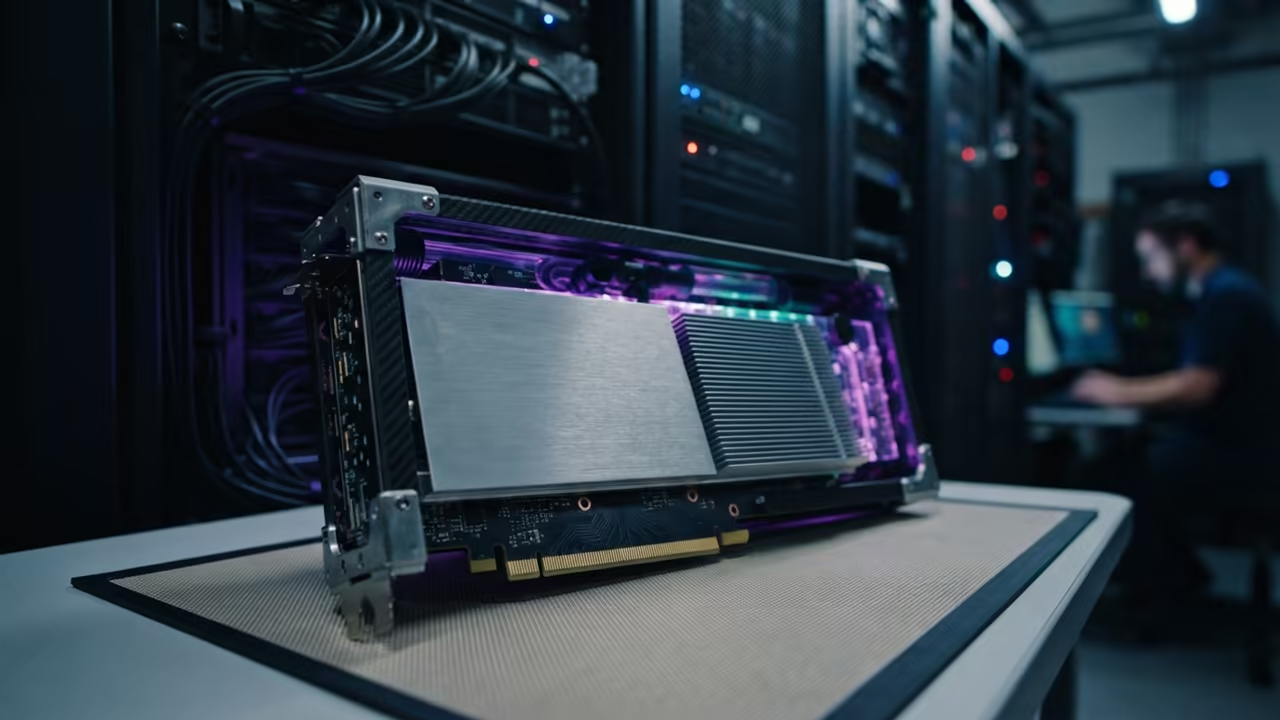
Building the Llama Engine
The llama.cpp binary must be compiled with the Vulkan backend enabled. Use the GGML_VULKAN flag during the CMake configuration process to activate this.
cmake -B build -DGGML_VULKAN=1 && cmake --build build --config Release
This configuration allows any Vulkan capable GPU to handle the heavy lifting. It is especially useful for AMD Instinct Mi60 users who want to avoid ROCm complexity.
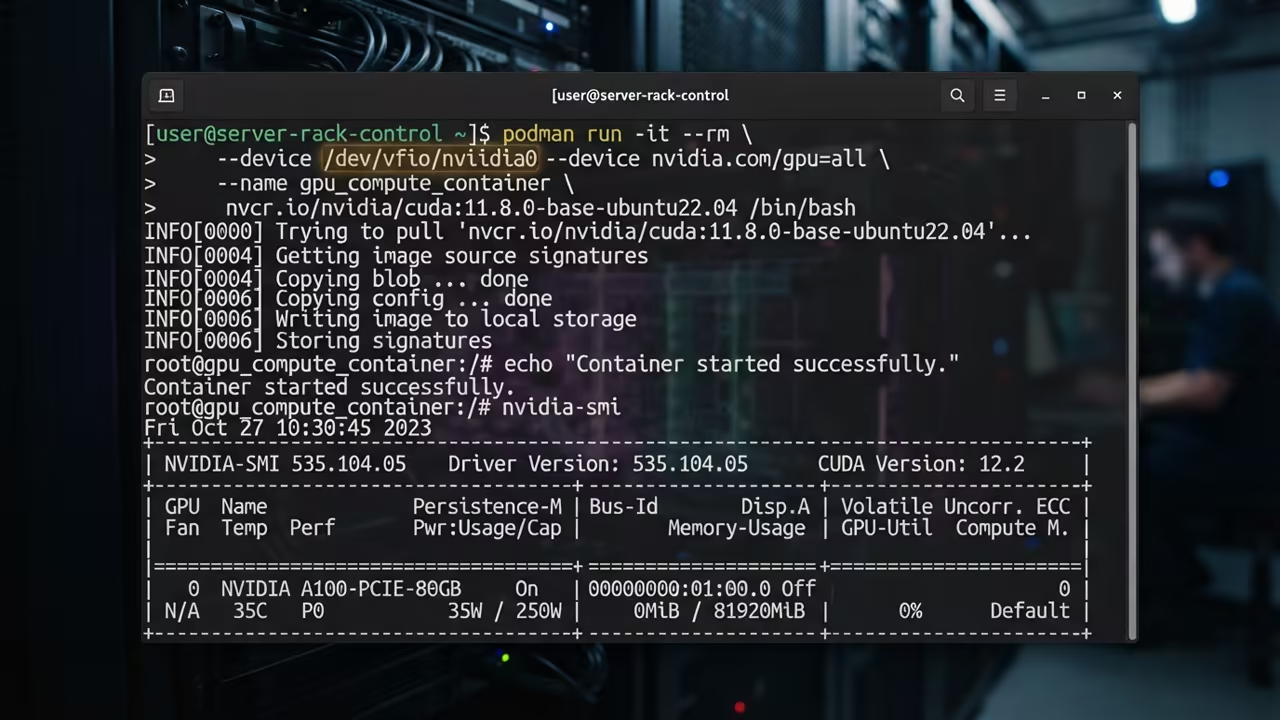
The sovereign professional avoids proprietary lock in by using universal standards like Vulkan. This ensures your AI infrastructure remains portable across different hardware vendors.
You can pivot your entire stack without rewriting your deployment scripts. This agility is essential for maintaining a competitive edge.
| Parameter | Description | Value |
|---|---|---|
| ROCm | Setup Complexity | High |
| Vulkan | Setup Complexity | Low |
| CUDA | Setup Complexity | Medium |
| Parameter | Description | Value |
The MI60 provides massive VRAM that is perfect for large context windows. Combining this hardware with Podman creates a powerhouse for local inference.
You no longer rely on cloud providers for your intelligence needs. This independence secures your data and your intellectual property.
Scaling Your AI Infrastructure
Implementing this setup is the first step toward full technical independence. The ability to deploy isolated AI environments is a high value skill.
It separates the amateurs from the senior architects in the current economy. Mastery of these tools allows for rapid scaling of local intelligence.
For those scaling this to an enterprise level you need a custom strategy. Professional implementation requires a deep understanding of container orchestration and hardware mapping.
If you want to build this at scale reach out for a consultation. Senior Architect services are available for high tier technical project scales at Ojambo Services.
Learning and Support
Get personalized technical help to optimize your local AI hardware today. Dive deeper into these secrets with the online tutorials.
Online Tutorials and Technical Help: ojambo.com/contact
🚀 Recommended Resources
Disclosure: Some of the links above are referral links. I may earn a commission if you make a purchase at no extra cost to you.