
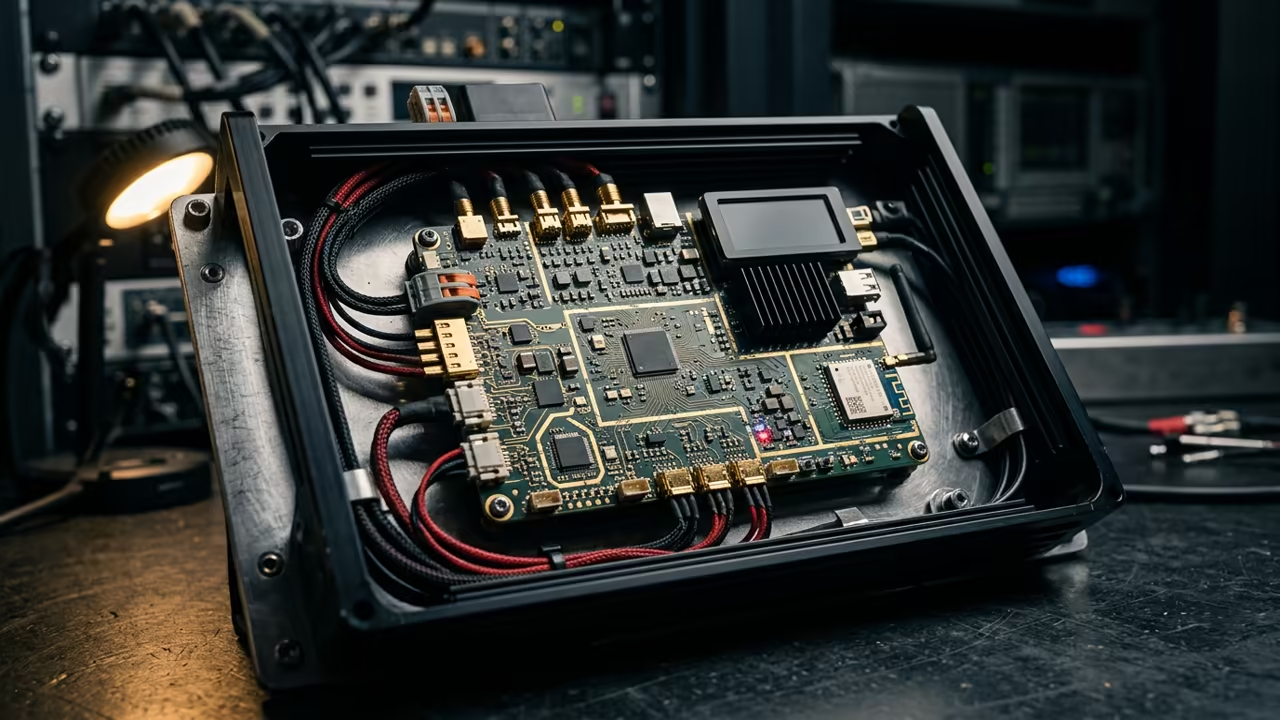
The Hidden Potential of Minimalist Monitoring
Most enthusiasts treat the Raspberry Pi Zero W as a simple IoT node. They believe it lacks the muscle for a rich graphical interface.
This limitation is actually a myth for the clever architect.
You are likely fighting a losing battle with memory leaks and lag. Standard desktop environments devour the limited resources of the Zero W instantly.
This creates a stuttering mess that makes real time monitoring impossible.
Disclaimer: I may earn a commission from purchases made through these links at no extra cost to you.


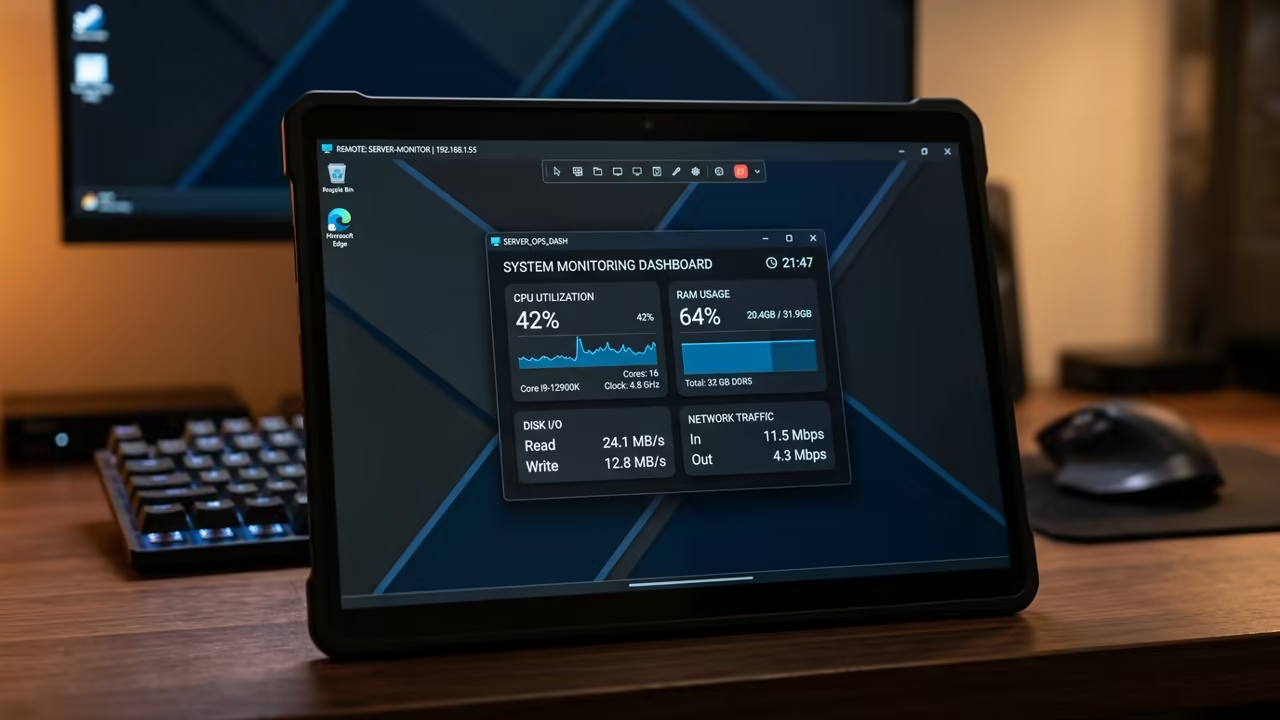
Imagine waking up to a streamlined system status on your tablet. You connect via VNC to see a floating dashboard.
It feels like controlling a ghost in the machine.
This setup transforms a cheap board into a professional command center. The visual feedback provides an immediate sense of system health.
You finally have a window into your headless server.
Architecting the Lean Session
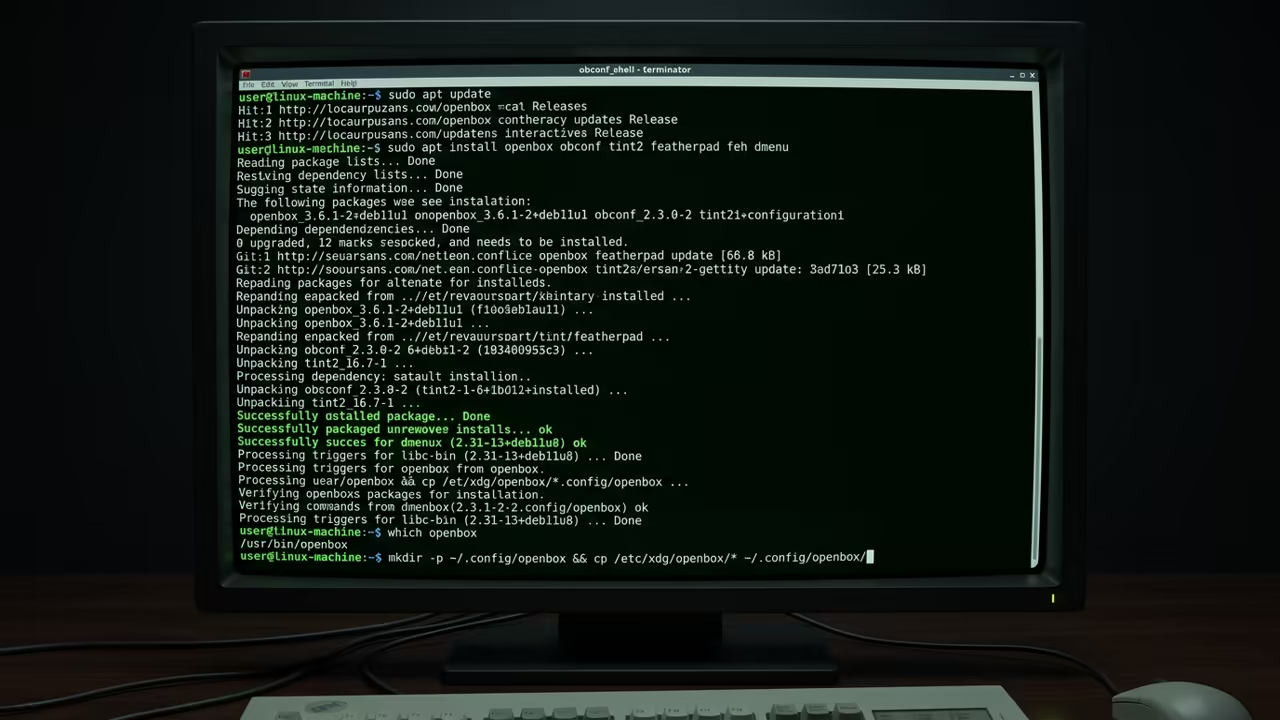
The secret is stripping the OS to its bare bones. Use a minimal X11 session instead of the full desktop.
This frees up critical memory for the Conky engine.
Install a lightweight window manager like Openbox to handle the VNC session. This prevents the system from wasting cycles on heavy window decorations.
Your dashboard will now snap into place with zero lag.
Insider Configuration Secrets
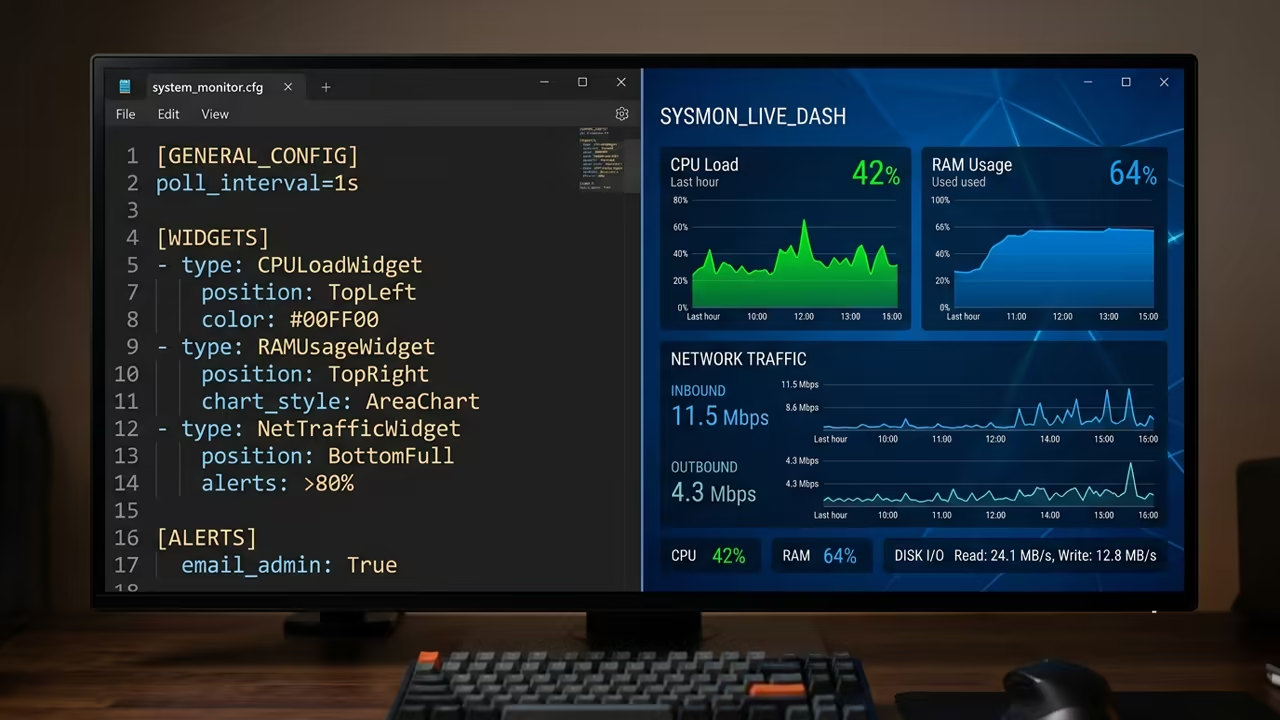
Another insider detail involves the Conky configuration file. Set the update interval to five seconds to save precious CPU cycles.
Disable the Cairo renderer for basic text overlays to boost speed.
Use the following configuration logic to ensure stability on the Zero W. This ensures the process does not spike the processor during updates.
conky.config = {
update_interval = 5.0,
cpu_avg_samples = 2,
net_avg_samples = 2,
out_to_console = false,
out_to_stderr = false,
extra_ aline = false,
own_window = true,
own_window_type = 'desktop',
own_window_transparent = true,
own_window_argb_visual = true,
own_window_argb_value = 0,
own_window_hints = 'undecorated,override_redirect+sheet',
use_xft = true,
font = 'DejaVu Sans Mono:size=10',
text_align = 'left',
}
conky.text = [[
${color grey}System ${hr}
CPU Usage: ${cpu cpu0}%
RAM Usage: ${mem} / ${memmax}
Uptime: ${uptime}
${color grey}Network ${hr}
IP Address: ${addr eth0}
Down: ${downspeed eth0}
Up: ${upspeed eth0}
]]
You can integrate this with previous architectural breakthroughs in headless automation. Combining this with custom Python scripts creates a truly dynamic environment.
It is the ultimate way to manage remote hardware.
Optimizing the VNC Pipeline
Choose the right VNC server to minimize the overhead on your hardware. TigerVNC often outperforms RealVNC on these low power ARM devices.
This choice reduces the latency during screen refreshes significantly.
Adjust the color depth of your VNC session to sixteen bit. This reduces the amount of data sent over the wireless network.
Your dashboard will update faster and consume less bandwidth.
| Parameter | Description | Value |
|---|---|---|
| Memory Use | System RAM Consumption | 60 MB |
| CPU Idle | Background Processor Load | 2 Percent |
| VNC Latency | Input Response Time | Low |
| Stability | Uptime Reliability | Rock Solid |
| Parameter | Description | Value |
Automating the Dashboard
To launch the dashboard automatically upon VNC connection, modify the autostart script. This ensures your monitoring tools are ready the moment you login.
#!/bin/bash
# Start Openbox Window Manager
openbox &
# Start Conky Dashboard
conky -c /home/pi/.config/conky/conky.conf &
The efficiency of this build allows for other background tasks. You can run a DNS server or a small bot simultaneously.
The Pi Zero W becomes a versatile powerhouse.
This lean approach ensures long term stability for your remote monitoring. You will not experience the sudden crashes common with heavier setups.
Your system remains responsive under a constant load.
Learning and Support
Reach out for personalized technical help to optimize your hardware stack. Dive deeper into the secrets of headless computing with our online tutorials.
Online Tutorials and Technical Help: https://ojambo.com/contact
🚀 Recommended Resources
Disclosure: Some of the links above are referral links. I may earn a commission if you make a purchase at no extra cost to you.
Leave a Reply