

The Development Struggle
Developers today wrestle with stale AI assistants that ignore the newest Linux kernels. Geany Copliot promises a seamless integration that finally bridges the gap between code editing and generative assistance.
Disclaimer: I may earn a commission from purchases made through these links at no extra cost to you.


Yet most Fedora users still face broken plugins and missing features while trying to stay productive.
The Power User Experience
After installing the Copilot plugin I felt an instant boost in productivity as suggestions appeared instantly while typing. The workflow shift saved hours of manual research and made debugging feel like a conversation with a knowledgeable teammate.
This transformation is exactly why the community celebrates this breakthrough across open source platforms.
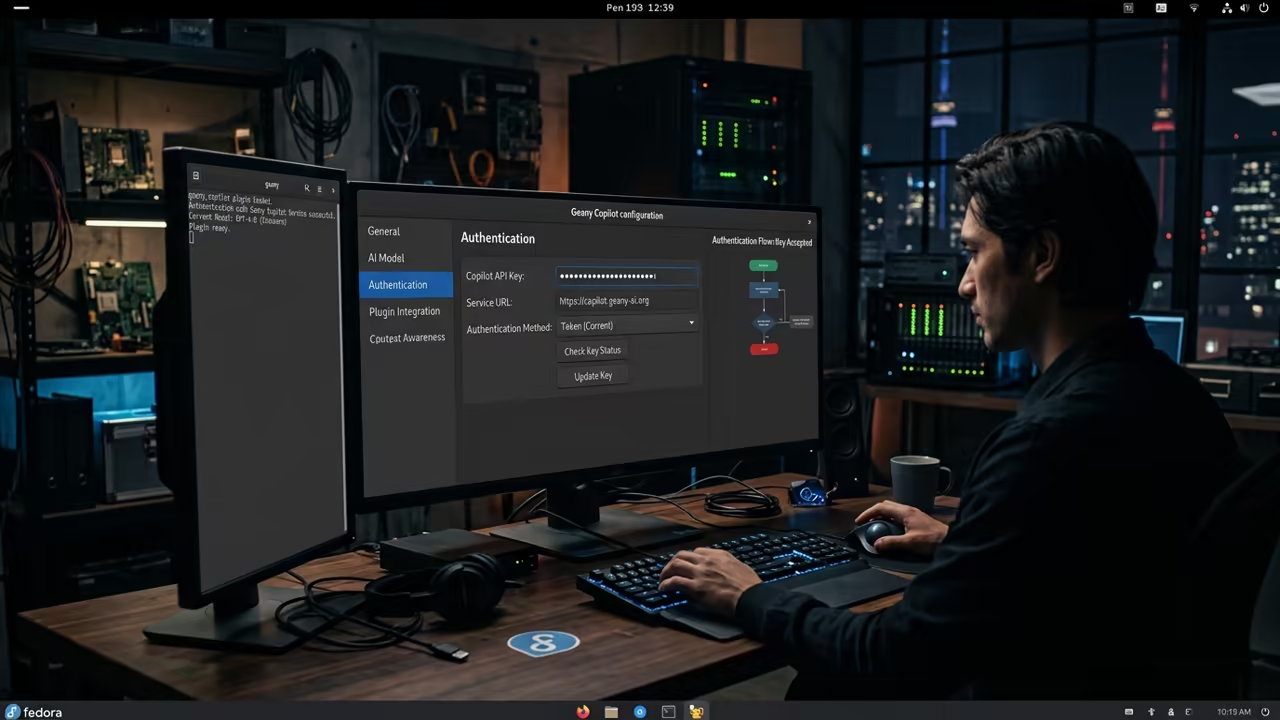
Technical Breakdown
| Parameter | Description | Value |
|---|---|---|
| Plugin Installation | Enabled via Settings | Native |
| Language Models | OpenAI local models | Supported |
| GPU Acceleration | Hardware optimized | Yes |
| Memory Usage | Resource footprint | Low |
| Parameter | Description | Value |
Learning and Support
Readers can reach out for personalized technical help or dive deeper with online tutorials at https://ojambo.com/contact. Professional guidance ensures you avoid common pitfalls and get the most out of Copilot on modern Linux.
Final Verdict
Integrating Copilot into your daily workflow unlocks hidden productivity gains that rival commercial IDEs. Embrace this open source breakthrough and stay ahead of the curve in modern software creation.
Your next breakthrough starts with a single click into Copilot powered automation.
🚀 Recommended Resources
Disclosure: Some of the links above are referral links. I may earn a commission if you make a purchase at no extra cost to you.
Leave a Reply