
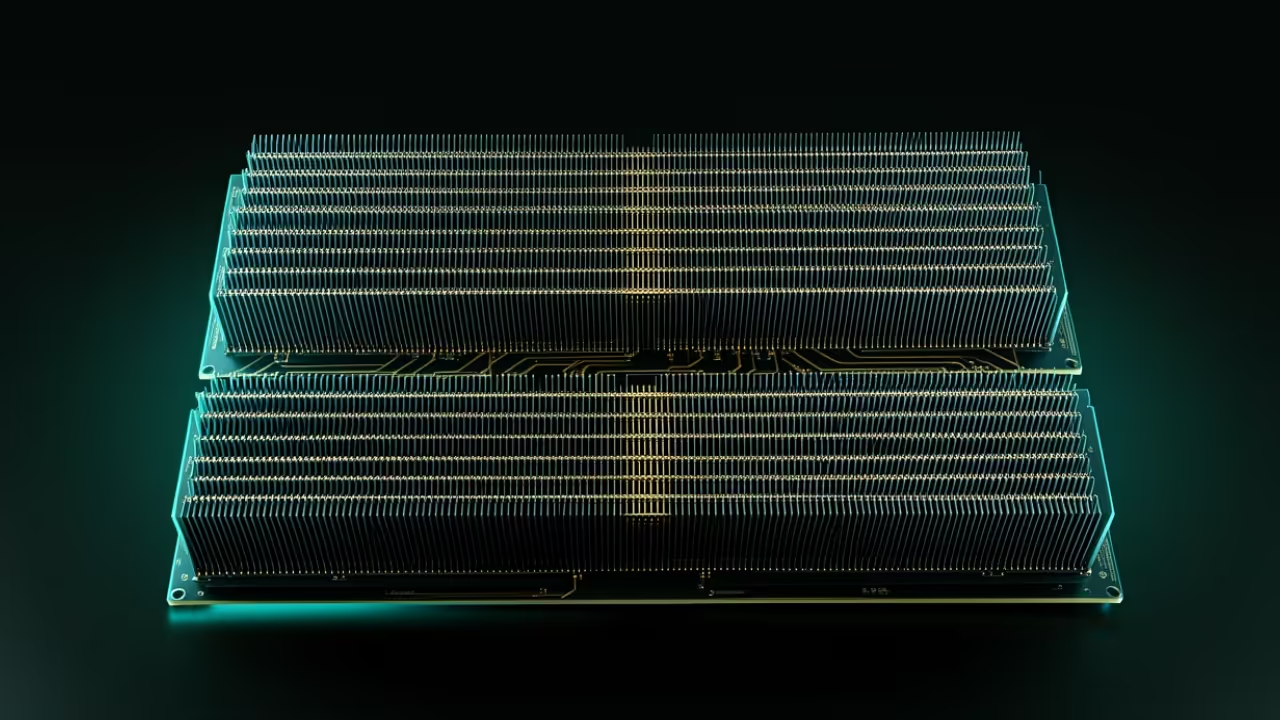
Your hardware is screaming for mercy while your local AI models crawl at a snails pace. Modern compute demands have outpaced traditional consumer setups leaving enthusiasts trapped behind expensive proprietary paywalls and locked ecosystems.
You are likely sitting on untapped silicon gold without even realizing that a professional grade architecture is within reach. This deep dive exposes the hidden configuration secrets to unlocking massive parallel processing power on standard workstations.
We are bypassing the standard limitations by leveraging high bandwidth memory and advanced kernel tuning for ultimate performance. By the end of this guide you will command a machine that rivals enterprise server grade hardware.
The Reality of High Performance Local Compute
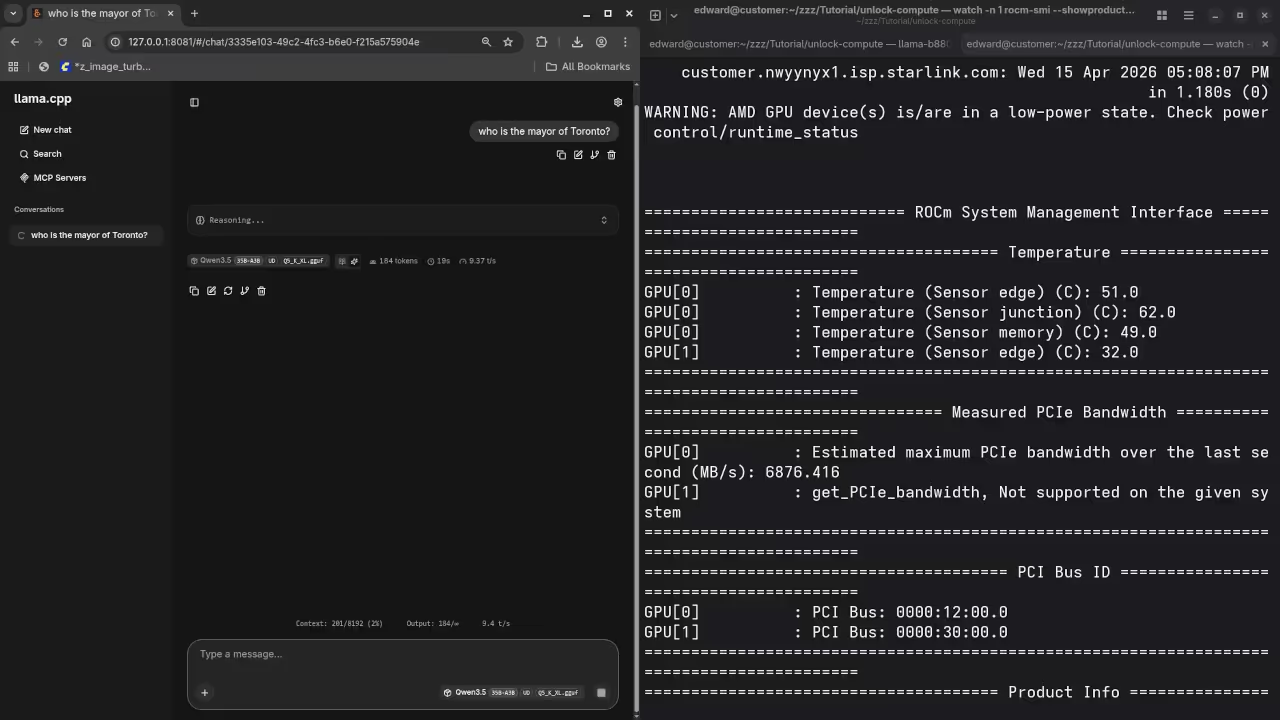
The moment you initialize a complex LLM and see instant token generation is a pure technical rush. Your interface remains fluid on the desktop while thirty two gigabytes of video memory handle the heavy lifting.
There is a profound sense of control when your local hardware outperforms expensive cloud based subscription services. Building this stack requires a surgical approach to memory management and driver orchestration within a modern containerized environment.
Architectural Breakthroughs and Kernel Tuning
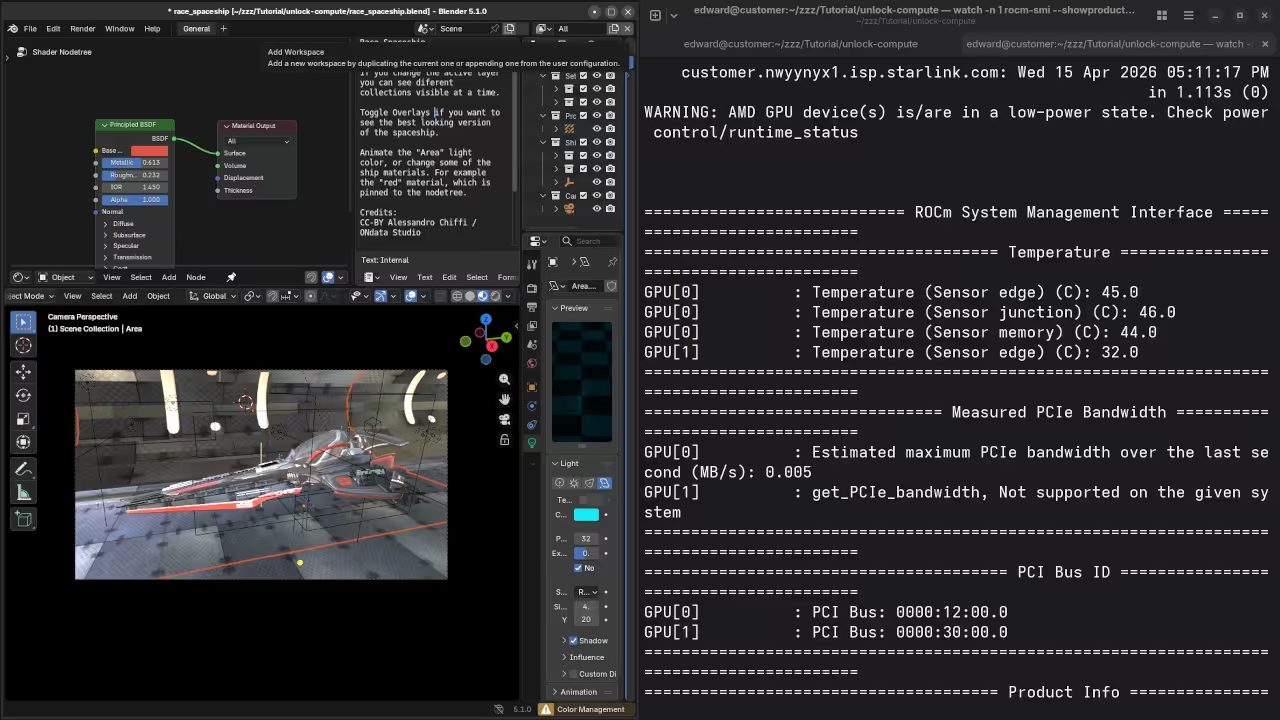
You must ensure your system handles the massive throughput of the MI60 without choking the host processor. These architectural breakthroughs represent the pinnacle of open source engineering for high impact creative professionals and researchers.
One specific insider secret involves the precise allocation of zram to prevent compute stalls during large model offloading. You should set your zram priority higher than disk swap to ensure the CPU never waits for data.
zramctl --find --size 16G
mkswap /dev/zram0
swapon /dev/zram0 --priority 100
Comparing Professional and Consumer Architectures
The difference between a standard workstation and an optimized compute powerhouse comes down to the underlying memory architecture. Professional grade cards use HBM2 memory which provides significantly higher bandwidth than standard GDDR6 found in gaming cards.
| Parameter | Consumer Grade GPU | Professional Instinct MI60 |
|---|---|---|
| Memory Type | GDDR6 | HBM2 |
| Memory Bandwidth | 448 GB/s | 1024 GB/s |
| VRAM Capacity | 8GB to 16GB | 32GB |
| Compute Architecture | RDNA | CDNA |
| Parameter | Consumer Grade GPU | Professional Instinct MI60 |
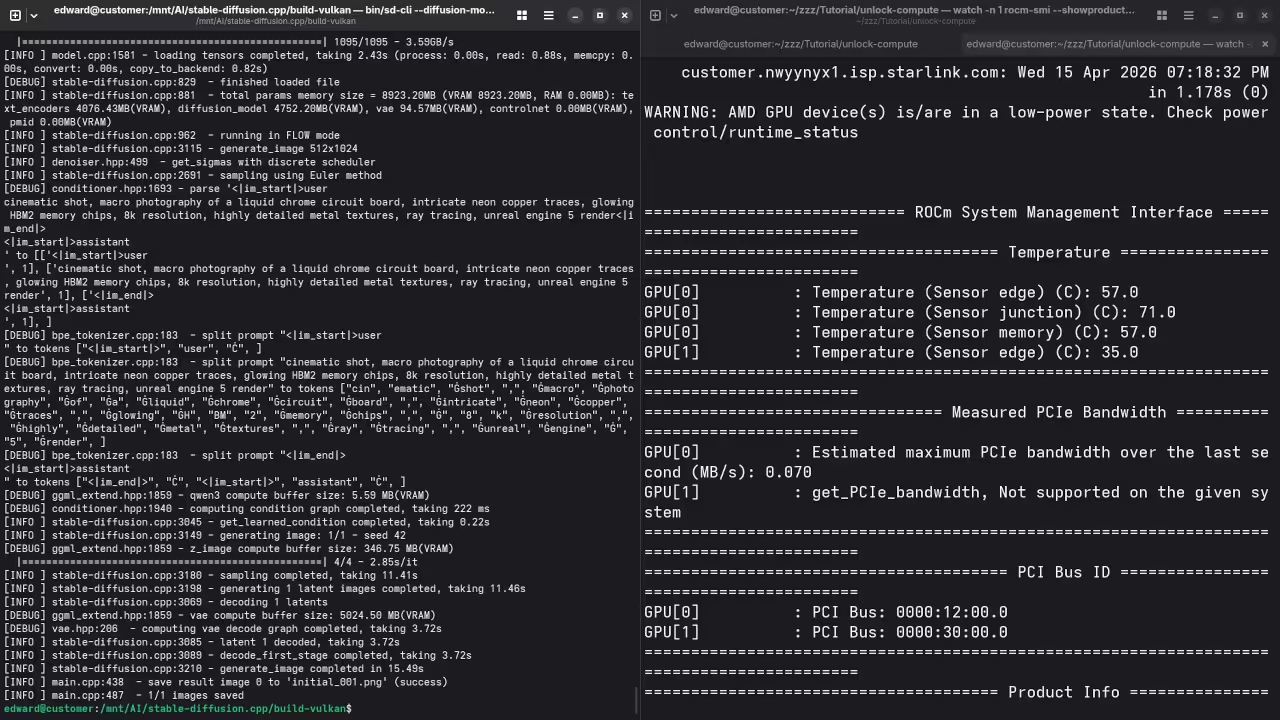
This allows for lightning fast data transfer between the GPU cores and the model weights during generation. This visual breakdown below illustrates why professional silicon maintains throughput where consumer cards fail.
Master the Professional Stack
These optimizations turn raw silicon into a precision instrument for high scale generative tasks. Master the underlying physics of your machine with the expert blueprints and professional services listed below.
- Books (Technical Deep Dives): https://www.amazon.com/stores/Edward-Ojambo/author/B0D94QM76N
- Blueprints (DIY Woodworking Projects): https://ojamboshop.com
- Tutorials (Continuous Learning): https://ojambo.com/contact
- Consultations (Custom Architecture): https://ojamboservices.com/contact
🚀 Recommended Resources
Disclosure: Some of the links above are referral links. I may earn a commission if you make a purchase at no extra cost to you.