
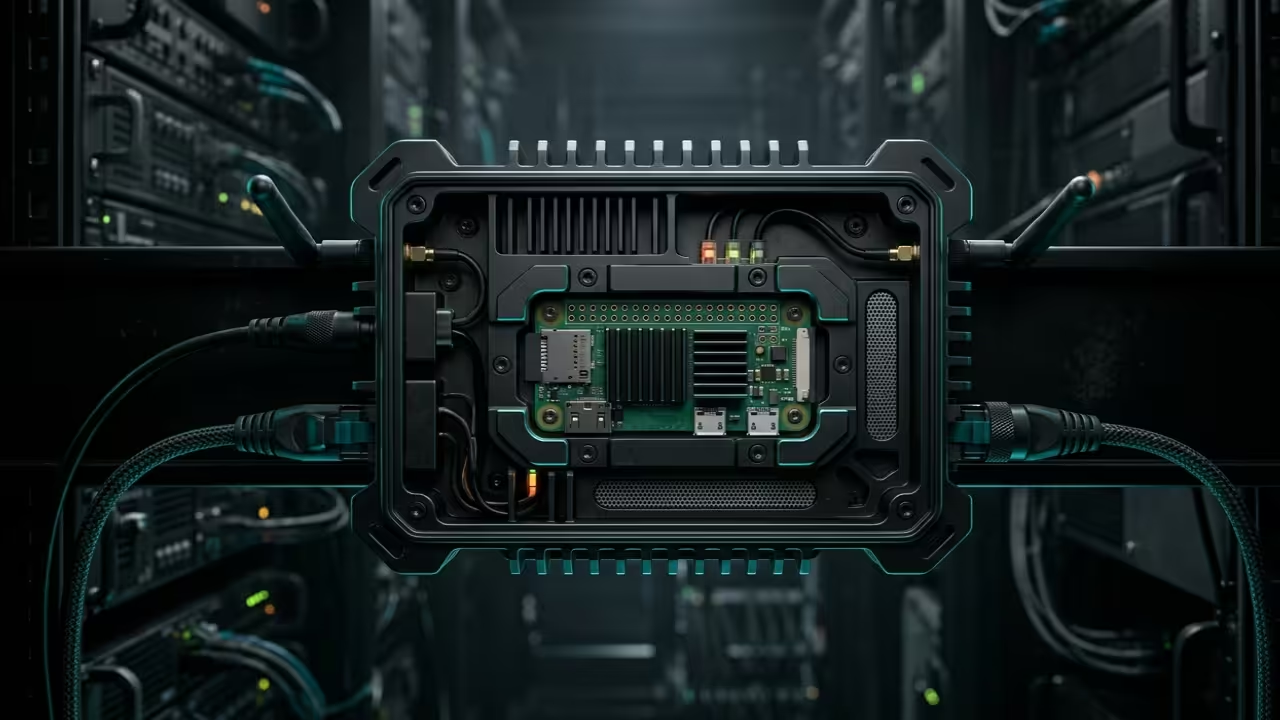
Modern professionals are tethered to massive workstations and vulnerable public networks while traveling. Carrying a heavy laptop just to access secure files or private connections is a productivity killer.
You deserve a pocket sized powerhouse that handles your security and data management silently. This guide reveals the secrets of building a professional grade remote stack on minimal hardware.
The Digital Nomad Experience
Implementing this stack feels like carrying your entire home office in a mint tin. The transition from a public cafe Wi-Fi to a hardened private tunnel is instantaneous.
Watching your file transfers saturate the link while the CPU remains cool is pure technical bliss. You will finally experience true digital freedom without the weight of traditional enterprise gear.
Core System Installation
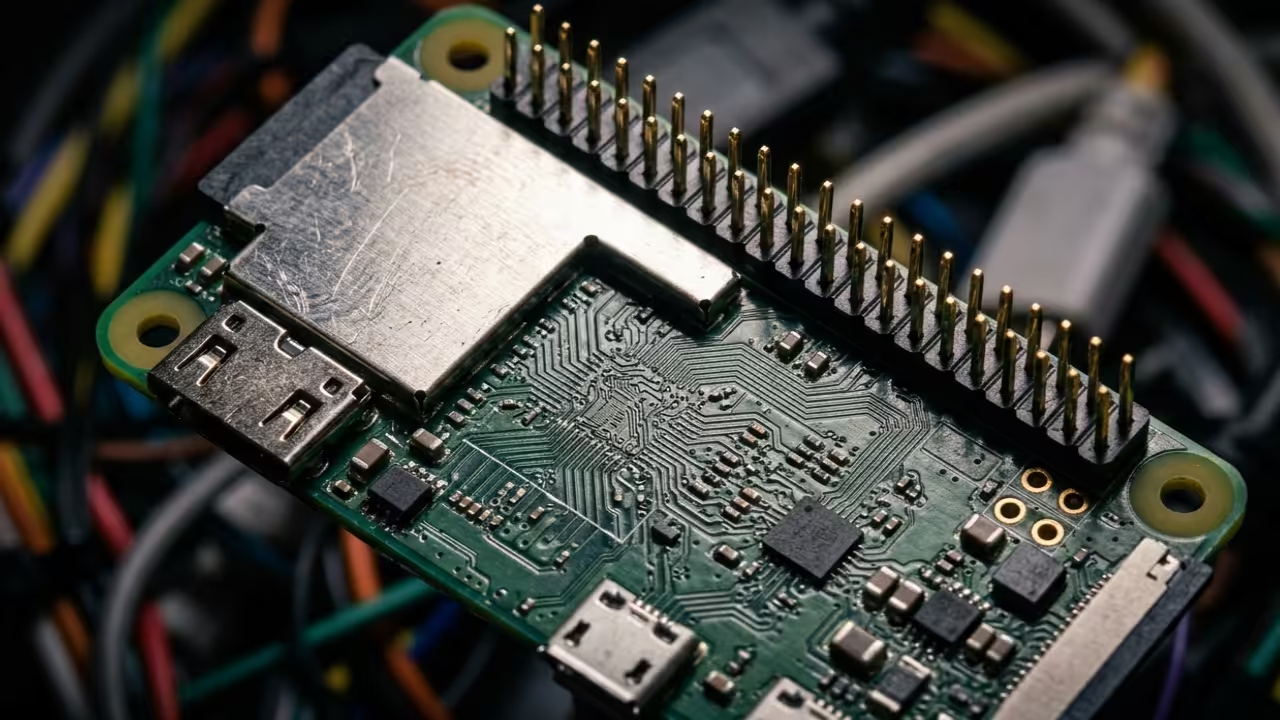
To begin the installation on your Raspberry Pi Zero 2 W we must optimize the kernel for high throughput networking. Use the following command to install the essential WireGuard and networking tools for your mobile gateway.
dnf install wireguard-tools sftp-server samba samba-client
Networking Secret Optimization
The secret to maximizing performance on the Zero is adjusting the MTU settings to avoid packet fragmentation over cellular links. Set your WireGuard interface MTU to 1280 to ensure compatibility across all international carrier backbones.
This specific optimization prevents the dreaded handshake stall often seen in standard mobile configurations. It ensures a stable connection even when traversing restricted enterprise firewalls or low quality public access points.
High Efficiency Storage and Desktop
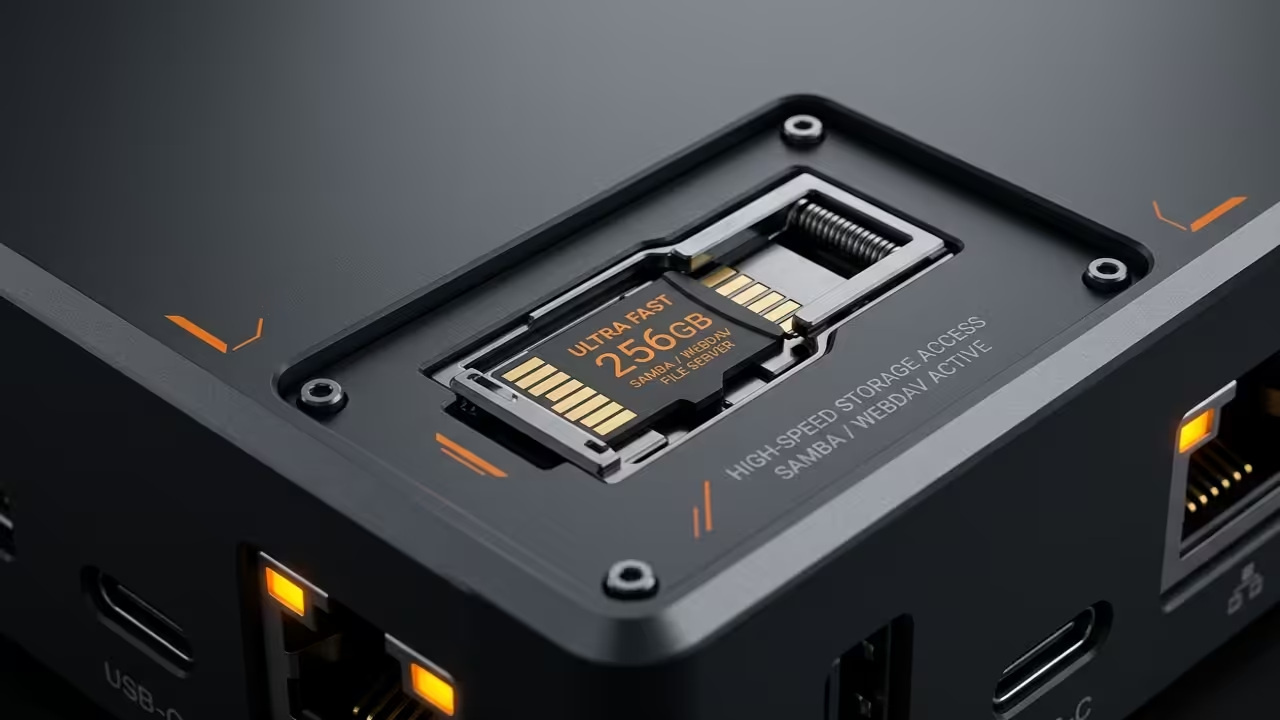
The file server component requires a streamlined Samba configuration to maintain low memory overhead on the ARM architecture. We will bypass heavy graphical management tools in favor of direct configuration file edits.
This ensures the maximum amount of RAM remains available for your encrypted data streams. Minimal overhead is critical when operating on a single core or memory constrained hardware environment.


| Hardware | VPN Throughput | Idle Power |
|---|---|---|
| Pi Zero | 15 Mbps | 0.6W |
| Pi Zero 2 W | 95 Mbps | 0.8W |
| AMD MI60 Node | 10 Gbps | 250W |
| Hardware | VPN Throughput | Idle Power |
Advanced Architectural Breakthroughs
Once the base OS is hardened we move to the remote desktop layer using a high efficiency Wayland compositor. Using a headless configuration allows you to offload rendering tasks to your primary AMD ROCm workstation when needed.
This bridge between low power edge devices and high performance compute nodes is a true architectural breakthrough. It creates a seamless workflow that scales from the palm of your hand to a massive data center.
Master the Professional Stack
Mastering the professional stack requires a deep understanding of how these portable systems interface with enterprise grade infrastructure and specialized hardware. These architectural breakthroughs provide the foundation for scaling your mobile office into a robust and permanent global technical presence.
- Books (Technical Deep Dives): https://www.amazon.com/stores/Edward-Ojambo/author/B0D94QM76N
- Blueprints (DIY Woodworking Projects): https://ojamboshop.com
- Tutorials (Continuous Learning): https://ojambo.com/contact
- Consultations (Custom Architecture): https://ojamboservices.com/contact
🚀 Recommended Resources
Disclosure: Some of the links above are referral links. I may earn a commission if you make a purchase at no extra cost to you.