
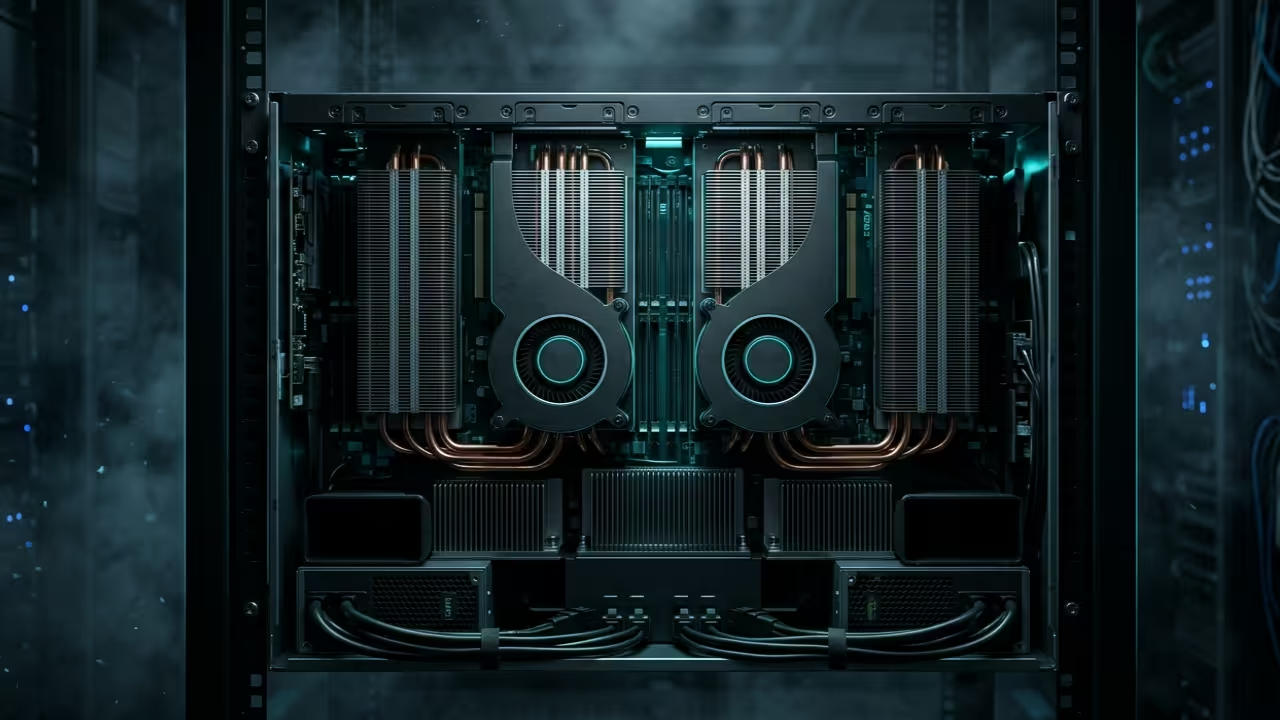
Most creators are currently suffocating under the restrictive memory limits of consumer grade graphics hardware. You are likely tired of seeing out of memory errors while trying to render high resolution SDXL frames.
The industry wants you to believe that expensive cloud subscriptions are the only path forward for professionals. This is a total fabrication designed to keep you locked into a recurring monthly payment cycle.
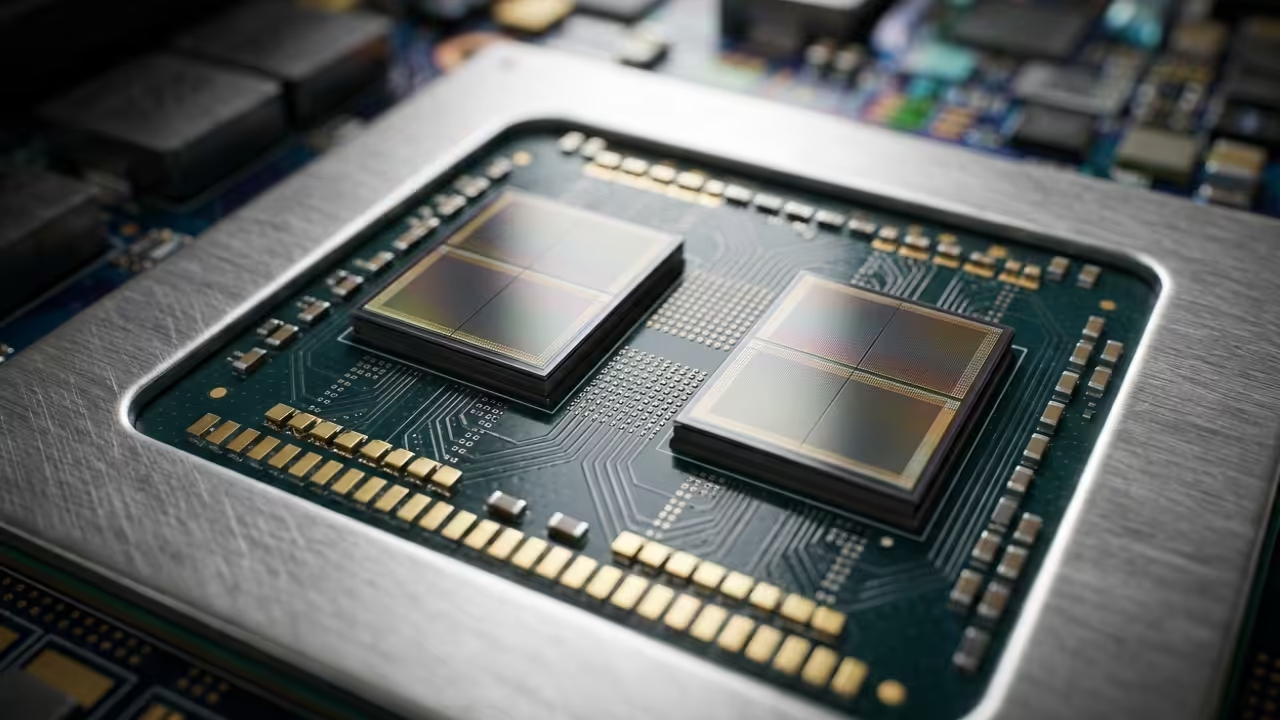
You can actually bypass these bottlenecks by repurposing enterprise grade AMD Instinct hardware for local generative workflows. This approach leverages high bandwidth memory to provide a superior architectural advantage over consumer cards.

The Experience of Unlimited Compute
The sensation of watching a complex SDXL latent walk render in seconds is truly life changing for any artist. There is a specific moment of clarity when the ROCm kernel initializes and utilizes the full bandwidth.
You will feel the raw power of thirty two gigabytes of high bandwidth memory working in perfect digital harmony. This setup transforms your workstation from a standard desktop into a local powerhouse capable of infinite creative iterations.
It feels like stepping out of a crowded room into a wide open field of pure computational potential. This hardware liberation allows for experimentation without the fear of system crashes or thermal throttling.
Technical Optimization Secrets
To achieve peak performance on the MI60 you must bypass the standard entry level installation scripts found online. The secret lies in the specific environment variable orchestration that forces the hipBLAS libraries to prioritize your hardware.
You should set the HSA_OVERRIDE_GFX_VERSION to 9.0.6 to ensure the older Instinct architecture remains compatible with modern tensors. This simple adjustment unlocks the massive parallel processing capabilities hidden within the CDNA lineage of these specific cards.
Combining this with the latest ComfyUI nodes creates a seamless bridge between your hardware and your creative vision. Professional grade results require this level of low level system tuning to maximize TFLOPS output.
Hardware Comparison and Benchmarks
The hardware landscape has shifted significantly in 2026 making enterprise gear more accessible than ever for home enthusiasts. You can compare the raw specifications of common setups to see why the MI60 remains a technical titan.
| Hardware | VRAM Capacity | Bus Width |
|---|---|---|
| AMD MI60 | 32GB HBM2 | 4096-bit |
| RTX 4080 | 16GB GDDR6X | 256-bit |
| RX 7900XTX | 24GB GDDR6 | 384-bit |
| Hardware | VRAM Capacity | Bus Width |
Environment Configuration
Modern workflows require precision in the terminal to ensure the Python environment hooks into the correct system libraries. Use the following command sequence to initialize your environment specifically for the Fedora 44 and GNOME 50 stack.
export HSA_OVERRIDE_GFX_VERSION=9.0.6
export RCCL_P2P_DISABLE=1
python3 -m venv venv
source venv/bin/activate
pip install --pre torch torchvision torchaudio --index-url https://download.pytorch.org/whl/nightly/rocm6.0
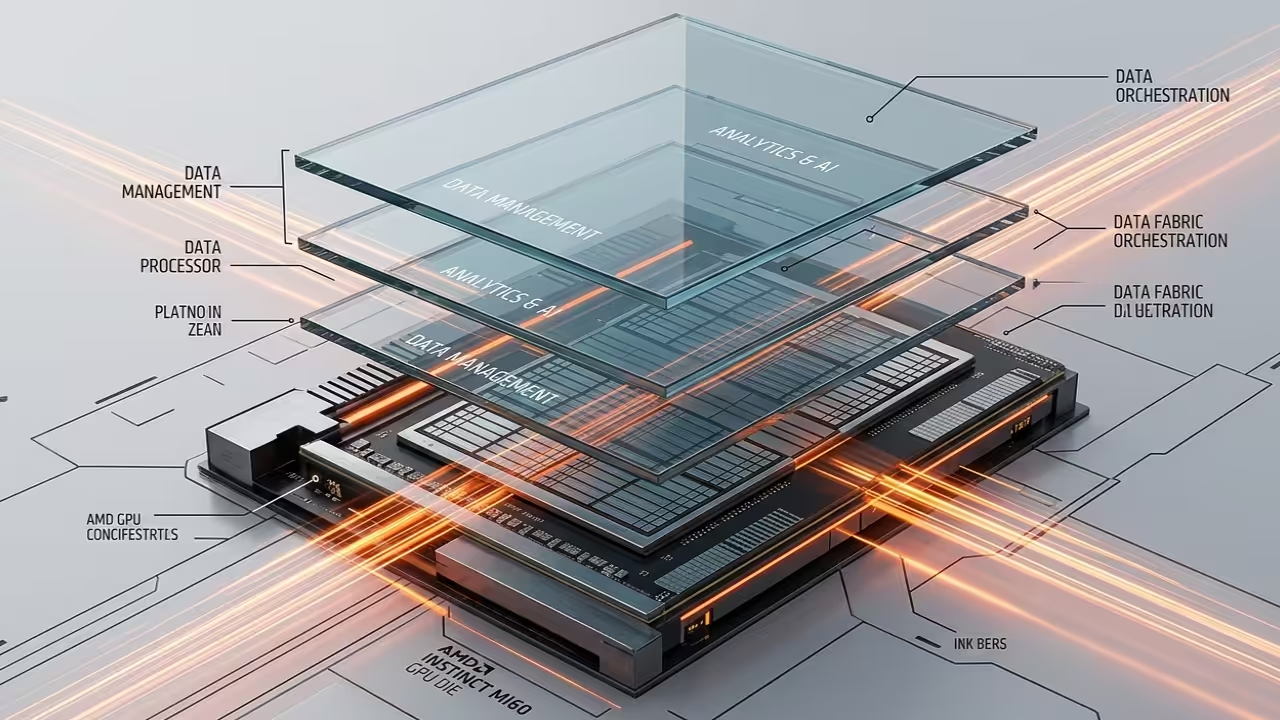
This configuration connects perfectly to our previous architectural breakthroughs regarding Raspberry Pi cluster management and high speed data fabric. By integrating these systems you create a holistic ecosystem where local AI serves as the ultimate creative catalyst.
You are no longer just a user of technology but a master of your own digital domain. This setup ensures that your professional stack remains future proof against the ever increasing demands of generative model weights.
Master the Professional Stack
- Books: https://www.amazon.com/stores/Edward-Ojambo/author/B0D94QM76N
- Blueprints: https://ojamboshop.com
- Tutorials: https://ojambo.com/contact
- Consultations: https://ojamboservices.com/contact
🚀 Recommended Resources
Disclosure: Some of the links above are referral links. I may earn a commission if you make a purchase at no extra cost to you.