
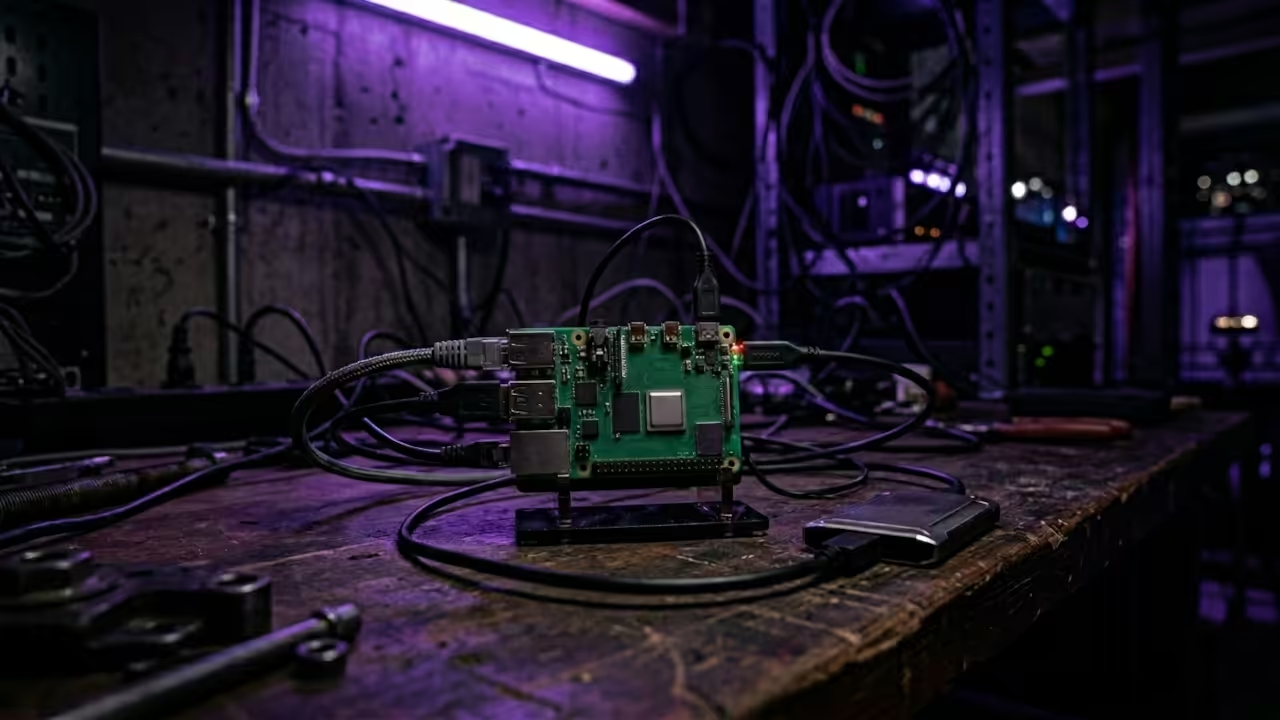
Reclaim Your Music Library With a Private Streaming Server
Subscription fatigue is killing the joy of music discovery in the modern era. You pay monthly fees only to lose access to your favorite albums overnight.
This cycle of digital rental is a trap for any serious music enthusiast. It is time to take back control of your personal media library today.
The Experience of Total Digital Sovereignty
Setting up this server felt like discovering a hidden superpower for my old hardware. I now stream high quality audio across my home from a tiny chip.
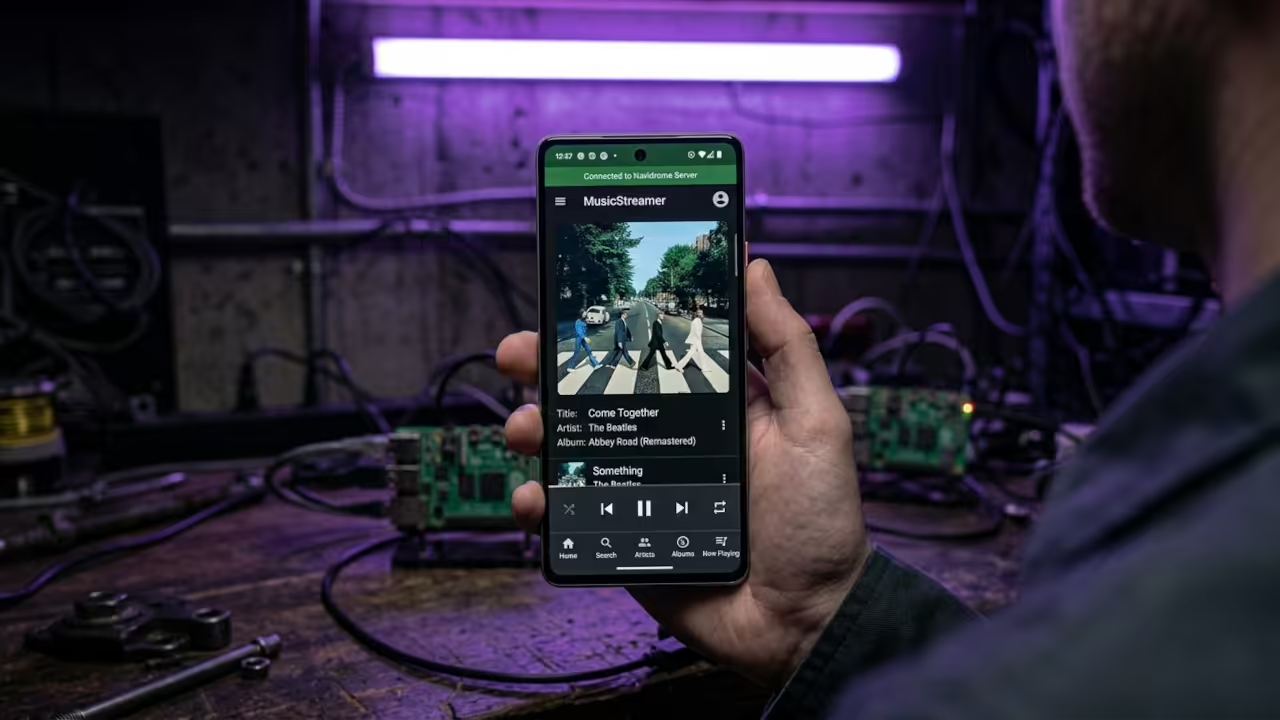
The satisfaction of seeing a professional interface on a budget device is unmatched. It transforms a simple hobby into a legitimate piece of home infrastructure.
Core Installation Sequence
Start by flashing Raspberry Pi OS Lite onto your high speed microSD card. This minimal setup ensures every megabyte of RAM is available for the server.
Download the ARMv6 binary from the official GitHub releases page for your device. You must select the correct architecture for the Zero W to function properly.
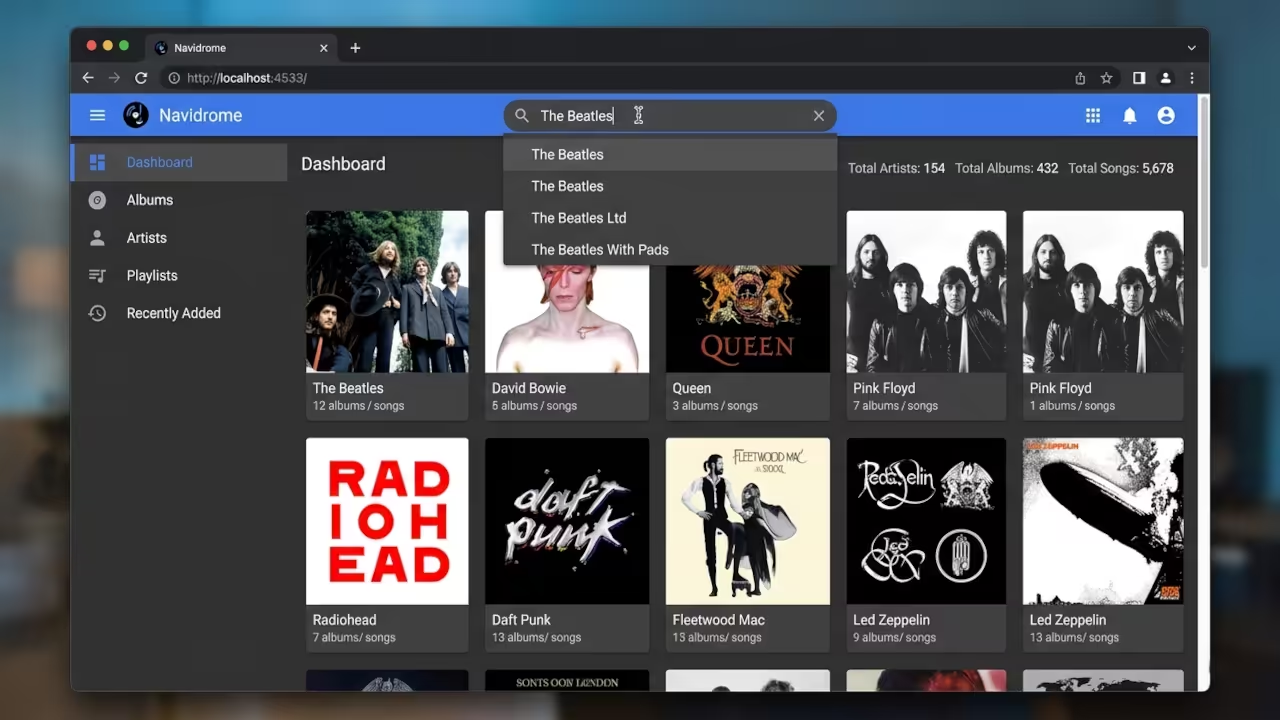
Now you need to create a systemd service file for the Navidrome application. This allows the music server to start automatically whenever the device boots up.
wget https://github.com/navidrome/navidrome/releases/download/v0.53.0/navidrome_linux_arm.tar.gz
tar -xvf navidrome_linux_arm.tar.gz
sudo mv navidrome /usr/bin/navidrome
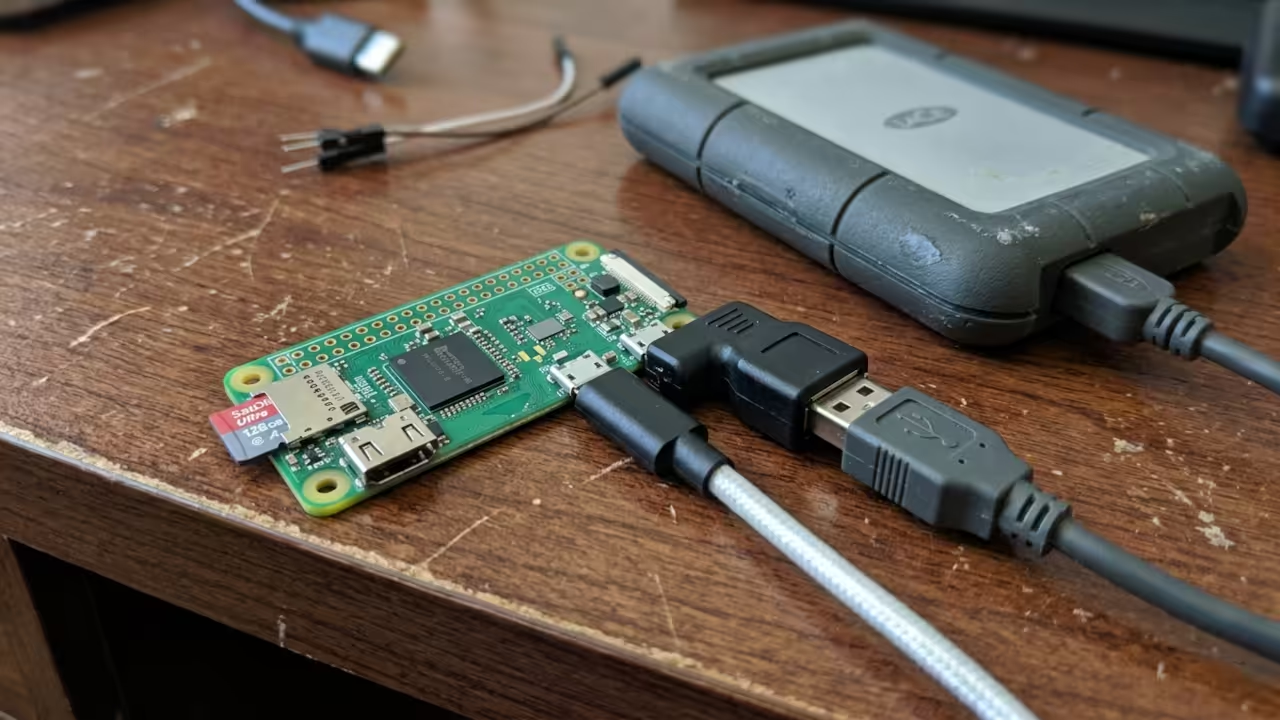
Next you should configure your music directory on a fast external USB drive. This prevents the microSD card from wearing out during frequent library read operations.
Insider Memory Optimization
The critical insider secret is implementing zram to manage the extremely limited memory. Use zram tools to create a compressed swap partition directly in your system RAM.
sudo apt install zram-tools
echo "ALGO=lz4" | sudo tee -a /etc/default/zramswap
sudo systemctl restart zramswap
This optimization prevents the Pi from freezing during the initial library indexing phase. It effectively expands your usable memory without needing a physical hardware upgrade.
Here is the configuration for the service file to ensure stable background operation.
[Unit]
Description=Navidrome
After=network.target
[Service]
User=navidrome
ExecStart=/usr/bin/navidrome
Restart=on-failure
[Install]
WantedBy=multi-user.target
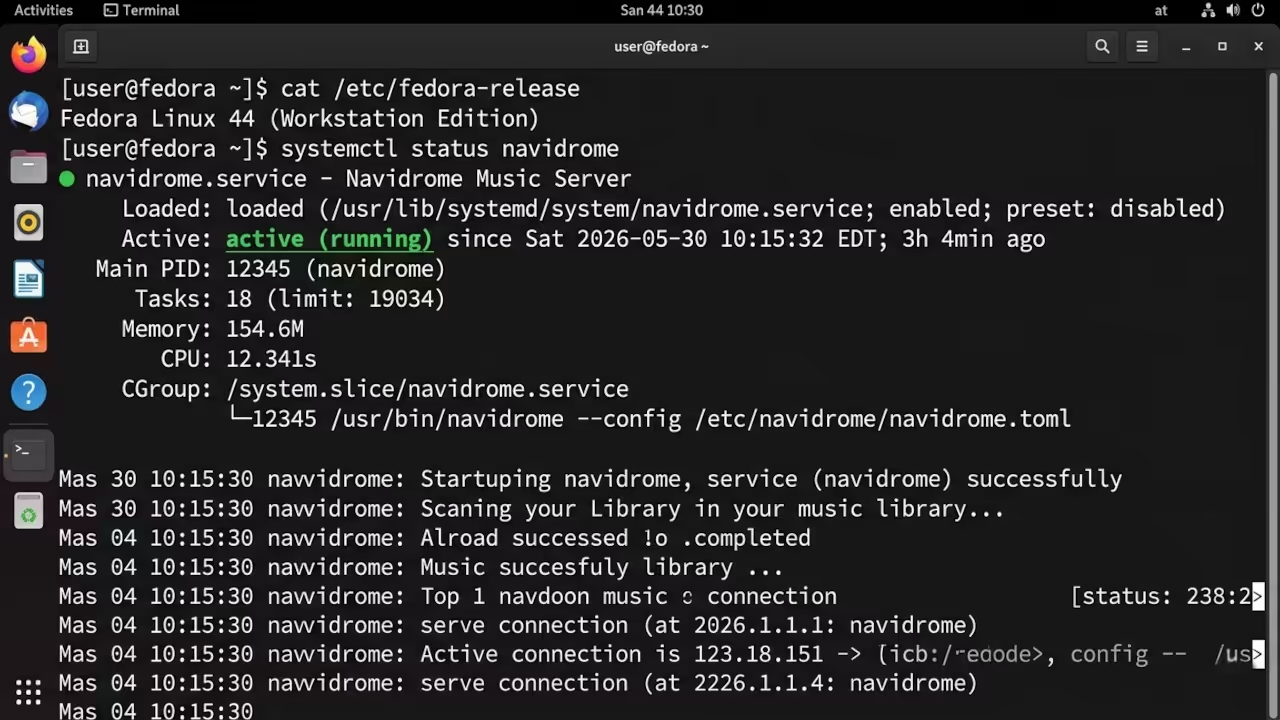
Now you can enable the service and begin your private streaming journey immediately.
sudo systemctl enable navidrome
sudo systemctl start navidrome
This setup connects perfectly with our previous deep dives into low power computing. It builds upon the architectural breakthroughs we explored in earlier ARMv6 optimization guides.
| Parameter | Description | Value |
|---|---|---|
| Pi Zero W | RAM Capacity | 512MB |
| Pi Zero W | Power Use | Very Low |
| Pi 4 | RAM Capacity | 4GB |
| Pi 4 | Power Use | Medium |
| Parameter | Description | Value |
Master the Professional Stack
Elevate your home lab with the architectural blueprints and technical guides below. These resources turn simple projects into professional grade systems.
- Books (Technical & Creative): https://www.amazon.com/stores/Edward-Ojambo/author/B0D94QM76N
- Blueprints (DIY Woodworking Projects): https://ojamboshop.com
- Tutorials (Continuous Learning): https://ojambo.com/contact
- Consultations (Custom Apps & Architecture): https://ojamboservices.com/contact
🚀 Recommended Resources
Disclosure: Some of the links above are referral links. I may earn a commission if you make a purchase at no extra cost to you.