Skip to content
Ojambo Ojambo Logo
  • Shop
  • Watch
    • Live
      • Optimizing the 3D Pyraminx for Fedora Linux on youtube
      • Mastering Local AI on Fedora 43 Fixing ROCm Installation Errors for AMD Instinct Mi60 on youtube
      • Build A Private Ad Blocker Using Fedora Quadlets on youtube
      • Build Games in Blender 5 UPBGE on Fedora Linux on youtube
      • Modern Shell for Developers Nushell on Fedora Linux on youtube
  • Fun
    • Fitness Calculator
  • Articles
    • Tips & Tricks
    • News
    • Reviews
    • Food
    • Business
    • Learning
    • Apps
    • Python
    • Code Editor
    • Artificial Intelligence
  • My account
    • Orders
    • Downloads
    • Addresses
    • Payment methods
    • Account details
  • Donate
  • Go to shopping cart0

Tag: Video Generation

Optimize Wan 2.1 on AMD Mi60 with Fedora

Optimize Wan 2.1 on AMD Mi60 with Fedora

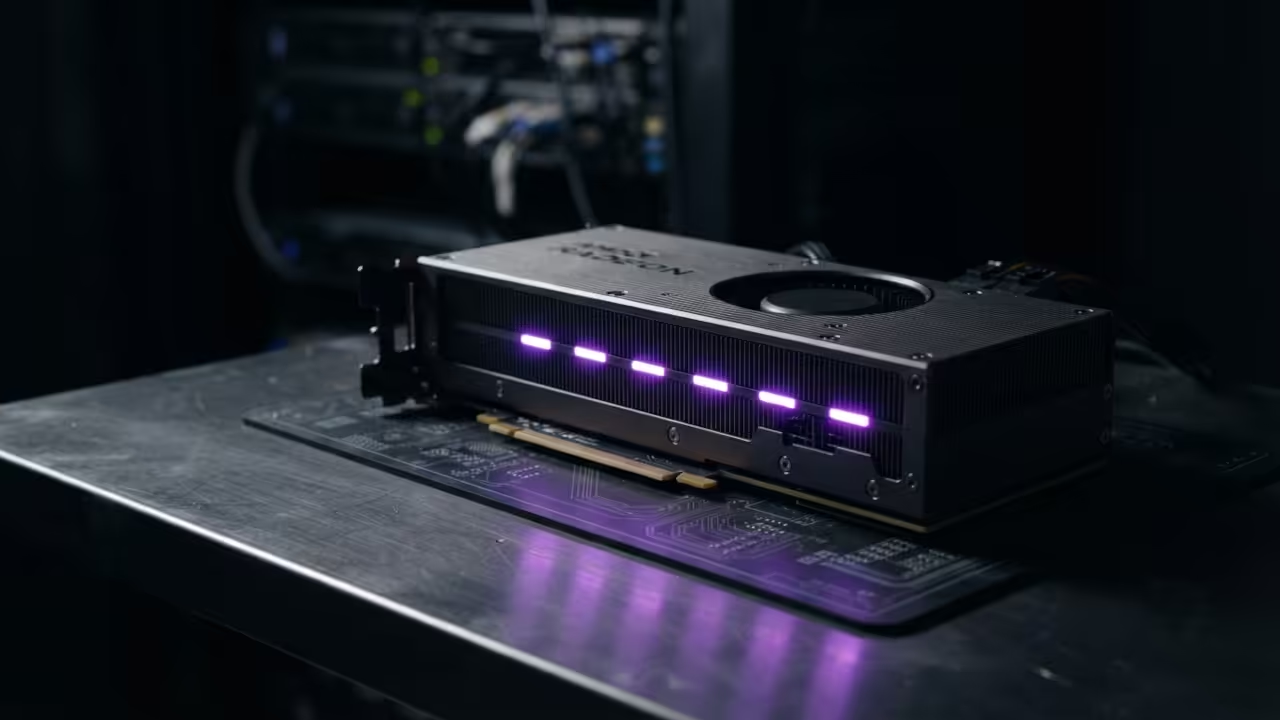
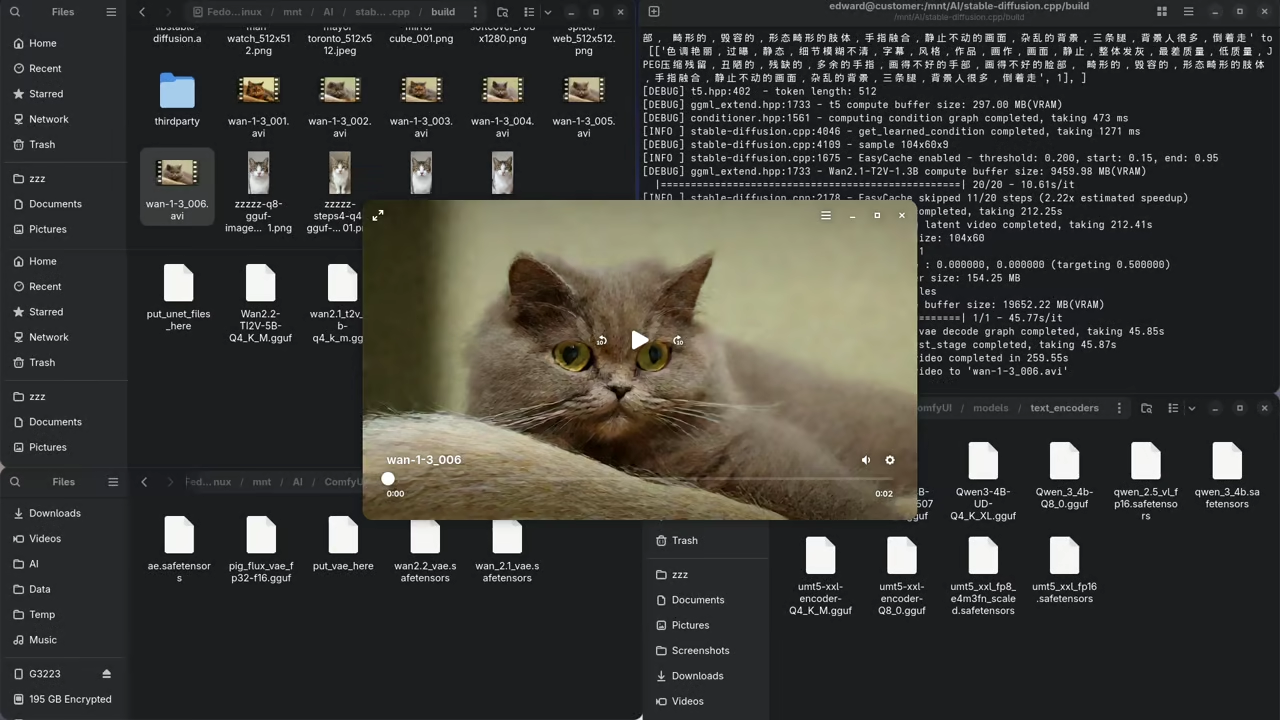
Introduction Speed up Wan 2.1 video generation on Fedora 43 today. This guide uses stable-diffusion.cpp

...Read The Rest »
Posted in Artificial IntelligenceTagged AMD Mi60, Fedora 43, GGUF, Quantization, ROCm, Stable-Diffusion.cpp, Video Generation, Wan 2.1Leave a Comment on Optimize Wan 2.1 on AMD Mi60 with Fedora
Revised 2026-01-16 20:35:26 By Edward
Review Generative AI Wan 2.2 T2V 14B Model

Review Generative AI Wan 2.2 T2V 14B Model

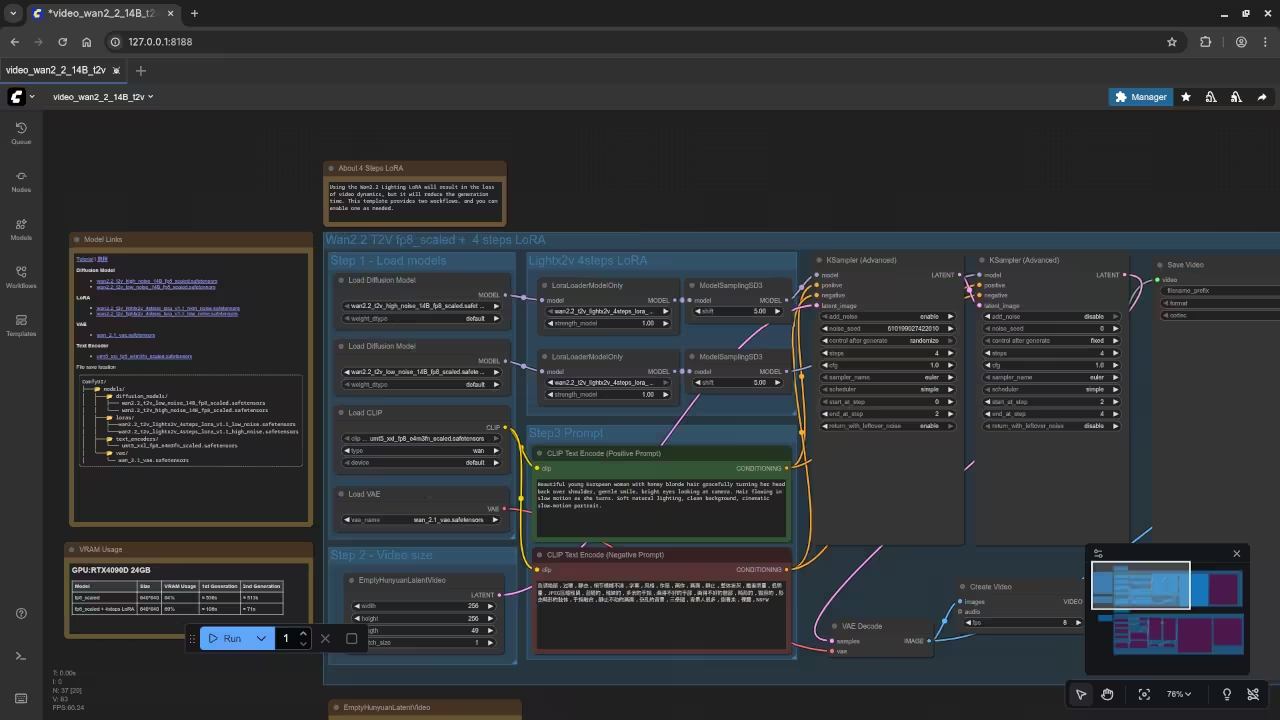
ComfyUI + Wan 2.2 T2V 14B: Beginner’s Guide to Text-to-Video on Linux (AMD Instinct Mi60

...Read The Rest »
Posted in Artificial IntelligenceTagged ai art, AMD Instinct MI60, Apache 2.0, Beginner Tutorial, ComfyUI, linux, open source, ROCm, Text-to-Video, Video Generation, Wan 2.2 T2V 14B
On 2025-10-23 17:00:37 By Edward

OjamboShop.com Learning Python
OjamboShop.com Learning PHP
Ojambo.com Design Request a quote
OjamboServices Apps
Ojambo Shop
Ojambo Tic Tac Toe Pro
Ojambo Four In A Row Free
Ojambo Feed 2.0
How I Lost 32.2 Kg Book on Ojamboshop

  • About
  • License
  • Privacy Policy
  • Refund and Returns Policy
  • Contact
Channels : Odysee — Rumble — Bitchute — YouTube
Copyright © 2003 - 2026 Ojambo.com | Theme: ojambo by Edward Ojambo.