

The Fragmented Notification Nightmare
The modern digital workspace is a fragmented nightmare of notification badges. Every single project requires a different proprietary app that drains system memory.
This constant context switching kills deep work and destroys your mental clarity.
Disclaimer: I may earn a commission from purchases made through these links at no extra cost to you.


The Path to Digital Clarity
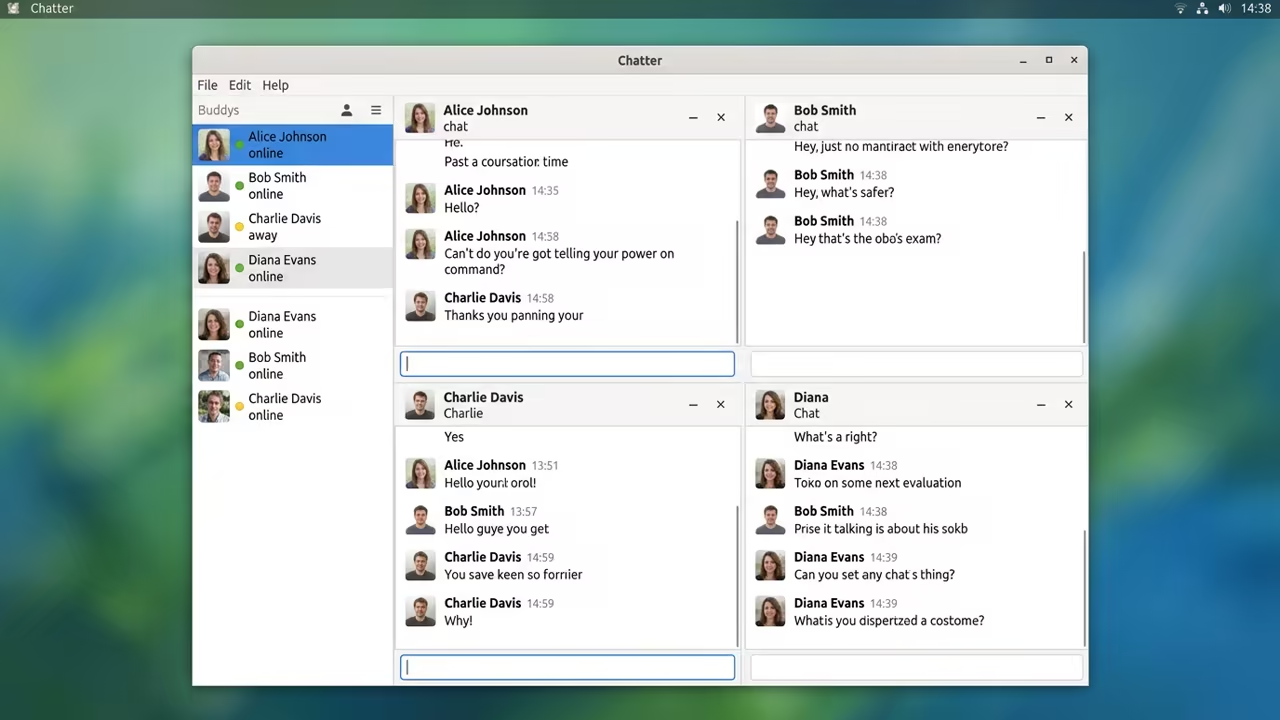
Imagine a single window that handles every single conversation you have. The interface is lightning fast because it avoids the heavy Electron bloat.
You feel a sudden surge of productivity as the chaos vanishes.
The Engineering Behind the Efficiency
Pidgin is built on the GTK toolkit for a native desktop experience. This design choice ensures that the application remains responsive under heavy load.
It manages multiple accounts simultaneously without crashing your entire operating system.
The Power of Libpurple
The libpurple library is the secret engine that drives this entire operation. It abstracts the complexities of different chat protocols into a unified API.
This allows developers to add new plugins without altering the core code.
Achieving Communication Sovereignty
Using a bridge like Matrix allows you to connect to Discord or Telegram. This setup effectively removes the need for those resource hungry official clients.
You maintain a single point of entry for all your social interactions.
Optimization Secrets for Power Users
The technical configuration requires a few specific tweaks for maximum performance. You should disable unused plugins to reduce the memory footprint even further.
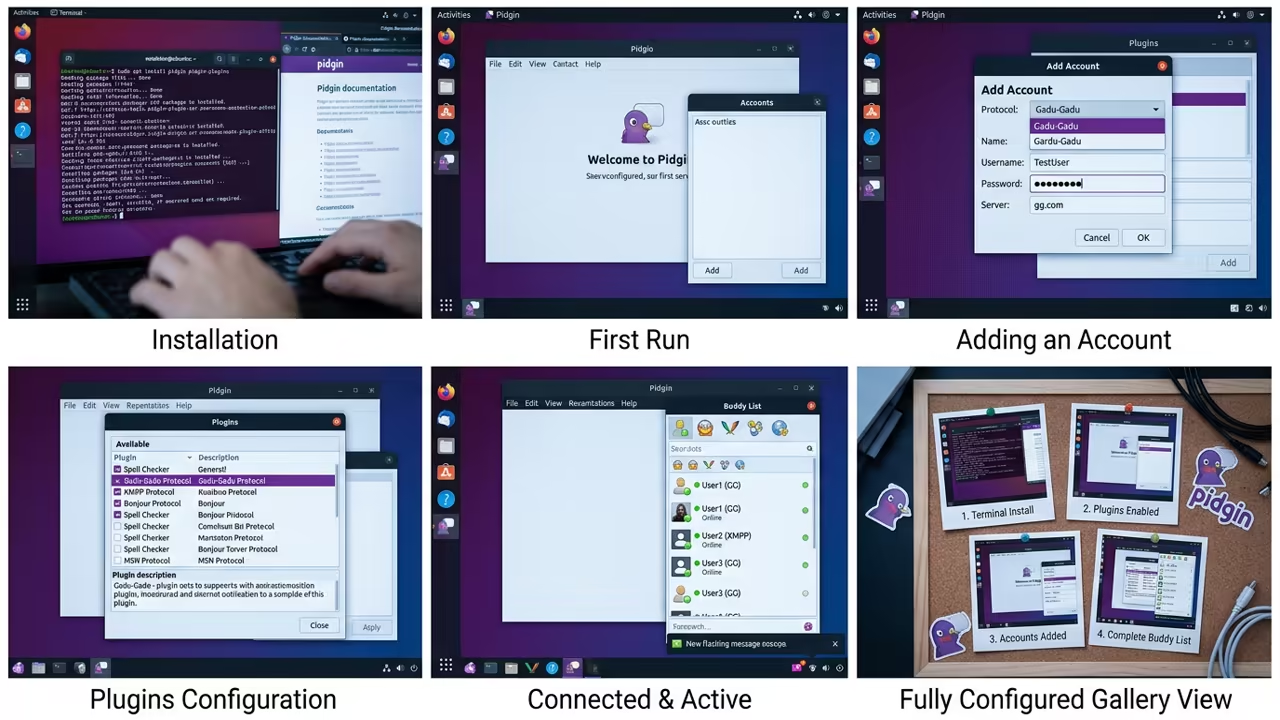
Navigate to the plugins menu and uncheck every protocol you do not use.
For those on Fedora, the installation is straightforward through the official repositories. Run the following command to get the system ready for universal chat.
sudo dnf install pidgin -y
Once installed, you can create a custom launcher for faster access. Add the following line to your startup applications list for seamless integration.
pidgin &
Native vs Proprietary Comparison
| Parameter | Description | Value |
|---|---|---|
| RAM Usage | Resource consumption | 50MB |
| Privacy | Data sovereignty | High |
| Control | Configuration level | Full |
| Speed | Interface response | Instant |
| Parameter | Description | Value |
The Professional Edge of Native Clients
The experience of using a native client is truly liberating for professionals. You no longer suffer from the lag associated with web based wrappers.
Every single click feels immediate and the interface stays out of your way.
Integrating the Sovereign Stack
This approach aligns with our previous deep dives into sovereign computing. When you control the client, you control the data flow and the telemetry.
This is the cornerstone of a secure and professional technical stack.
The feeling of success comes when you close ten apps and open one. Your CPU temperature drops and your focus returns to the actual work.
It is a simple change that yields massive professional dividends.
Professional Scaling and Mastery
For high tier technical project scales, consider a Senior Architect consultation for your infrastructure. We can help you build a sovereign communication network for your entire organization.
Explore the essential technical blueprints on the Amazon Author Page to expand your skill set. These resources provide the foundation for mastering professional system architecture.
Learning and Support
Reach out for personalized technical help to secure your communication hub. Dive deeper with our specialized online tutorials to master these tools.
Online Tutorials & Technical Help: https://ojambo.com/contact
🚀 Recommended Resources
Disclosure: Some of the links above are referral links. I may earn a commission if you make a purchase at no extra cost to you.
Leave a Reply