Optimize Wan 2.1 on AMD Mi60 with Fedora

Fedora 43 AI Video Setup

Live stream set for 2025-01-16 at 14:00:00 Eastern

Ask questions in the live chat about any programming or lifestyle topic.

This livestream will be on YouTube or you can watch below.


Introduction

Speed up Wan 2.1 video generation on Fedora 43 today. This guide uses stable-diffusion.cpp with full ROCm acceleration.

The AMD Instinct Mi60 powers this high performance setup. It features 32GB of VRAM and 24GB of RAM.

Software and Model Licenses

Visit https://github.com/leejet/stable-diffusion.cpp for the source code. This application uses the flexible MIT License for developers.

The Wan 2.1 1.3B model uses the Apache 2.0 license. Both licenses allow for personal and commercial video projects.

High Performance GPU Tweaks

The --diffusion-conv-direct flag increases your GPU efficiency. It bypasses slow layers to process video frames faster.

Using --cache-preset ultra keeps weights ready in VRAM. This prevents reloading data during the sampling process today.

The --vae-tiling option is vital for 832×480 resolution. It breaks frames into small blocks to save memory.

Your 24GB of system RAM supports the UMT5-XXL encoder. Quantizing to Q4_K_M makes this large model fit easily.

[PLACEHOLDER: COMBINED SCREENSHOTS GALLERY]

Optimized Command Line Usage

Use aria2c to download the large model files quickly. The multi-connection tool handles the GGUF files with ease.

Run the sd-cli with the --type q4_K parameter. This quantization maintains quality while boosting the generation speed.

The --cache-mode easycache setting reduces redundant math calculations. It reuses previous results to finish the video sooner.

Set --flow-shift 3.0 to improve the motion consistency. This ensures your lovely cat video looks smooth and natural.

Screenshot
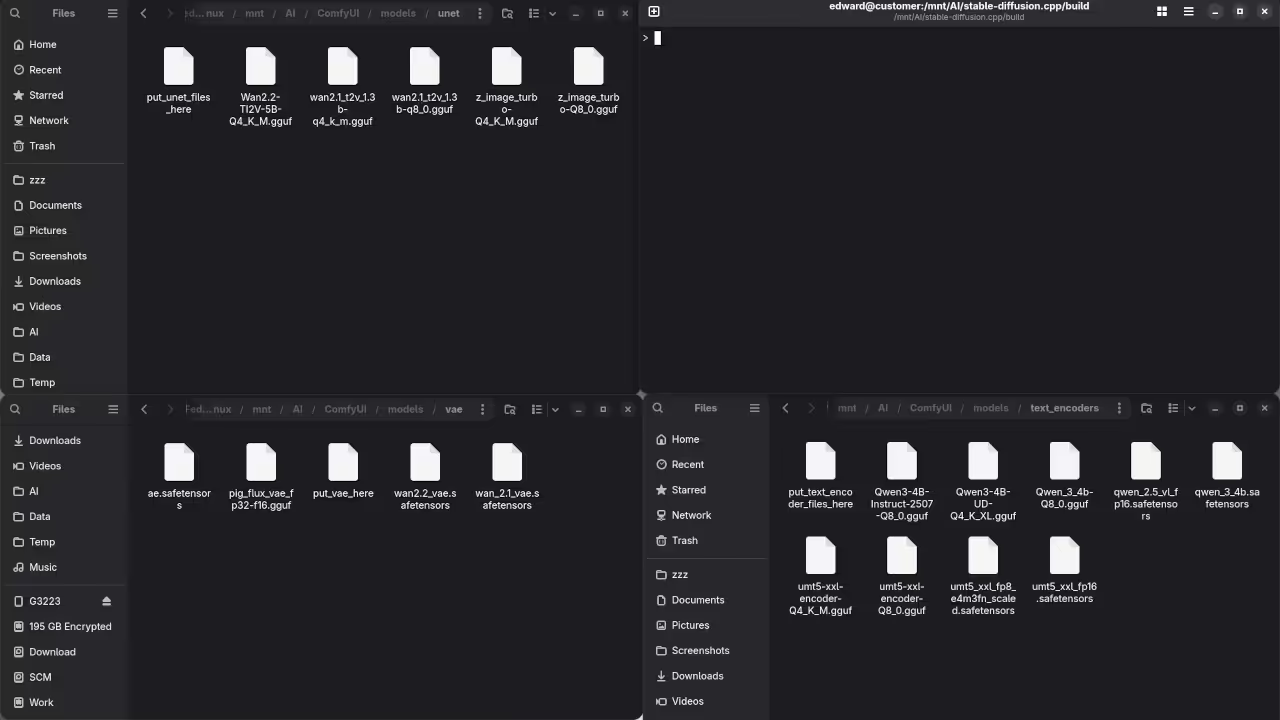
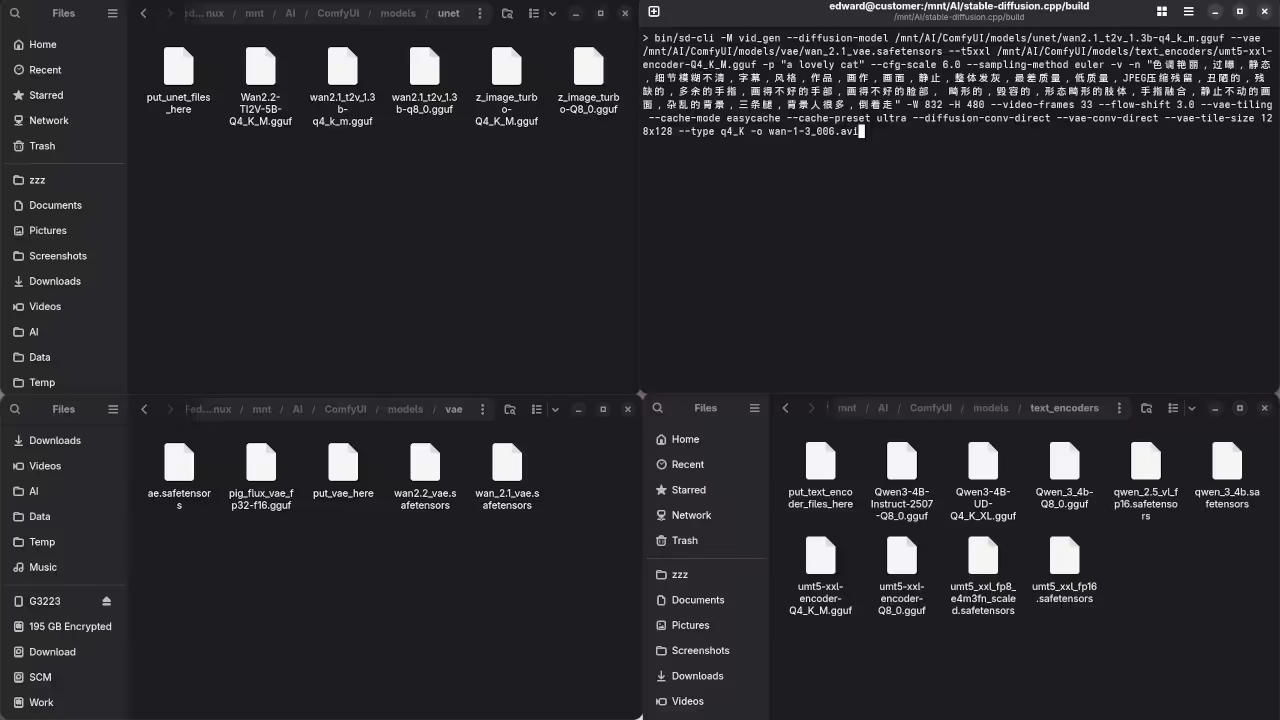
Wan 2.1 1.3B Weights
File Manager Displaying Wan 2.1 1.3B Model Weights

stable-diffusion.cpp Options
Command Line Displaying stable-diffusion.cpp Options For Wan 2.1 1.3B T2V

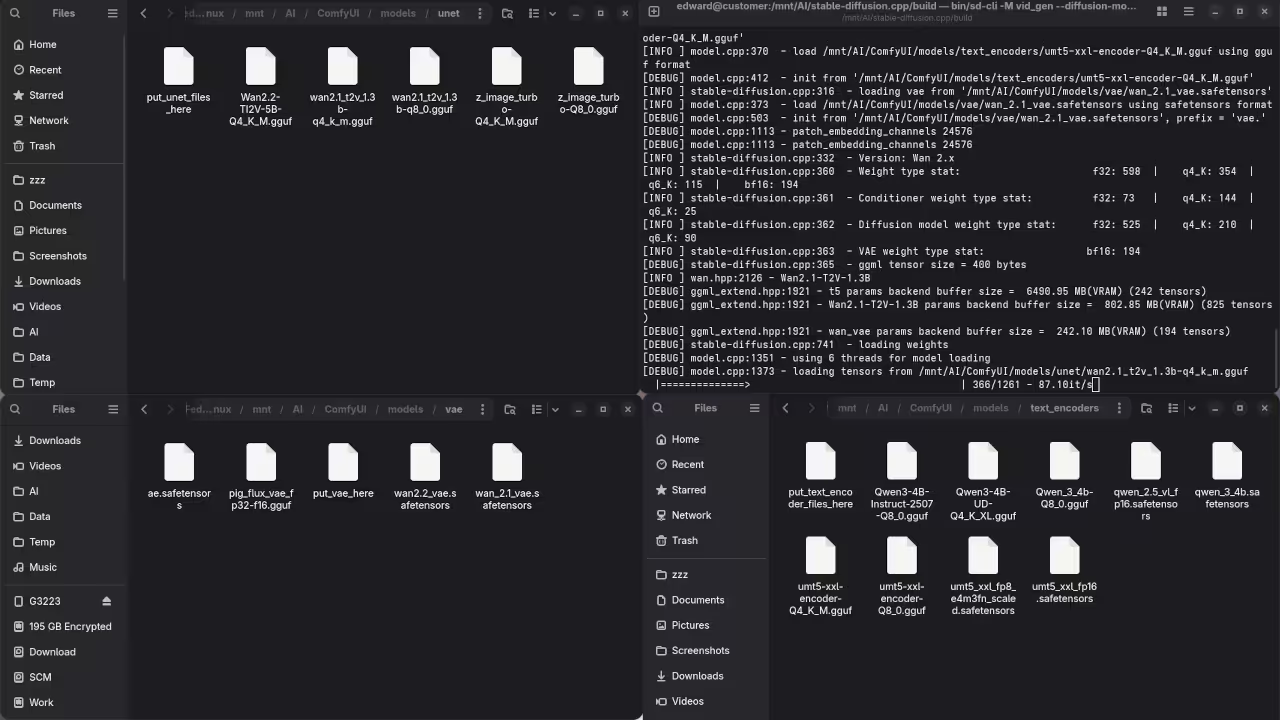
stable-diffusion.cpp loading tensors
Command Line stable-diffusion.cpp Running Wan 2.1 1.3B T2V Loading Tensors

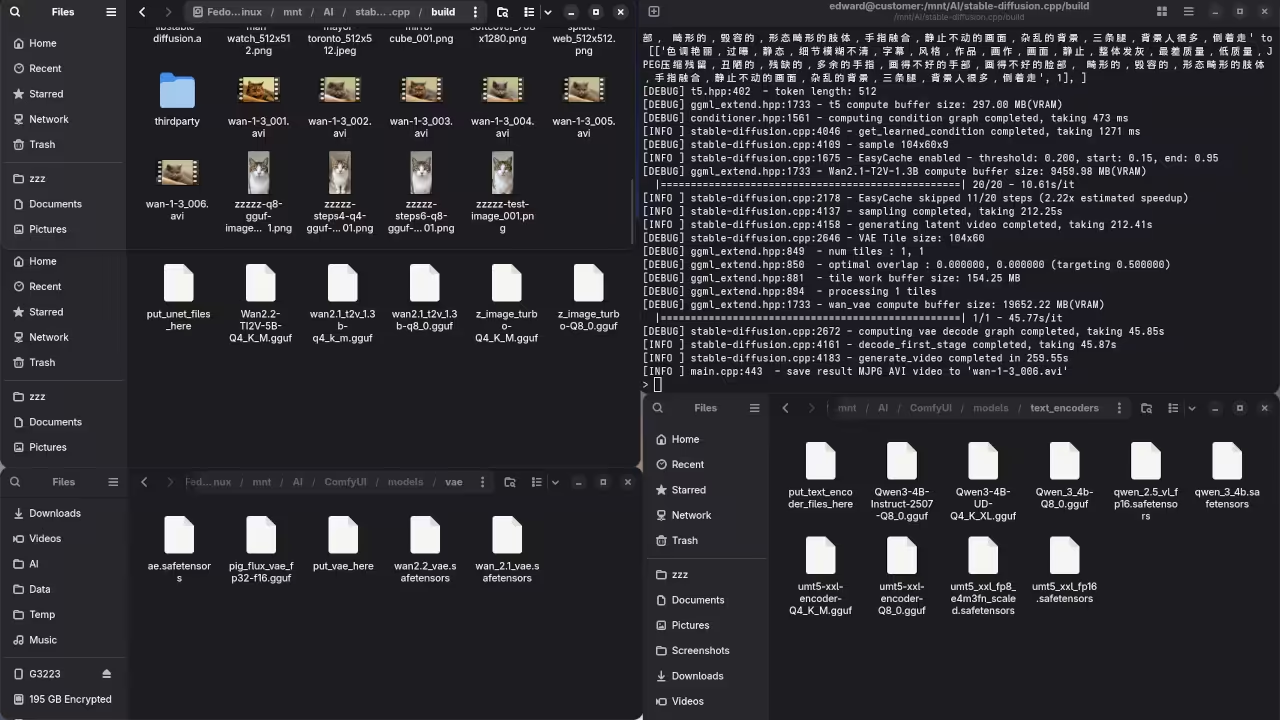
stable-diffusion.cpp Completed
Command Line stable-diffusion.cpp Running Wan 2.1 1.3B Completed

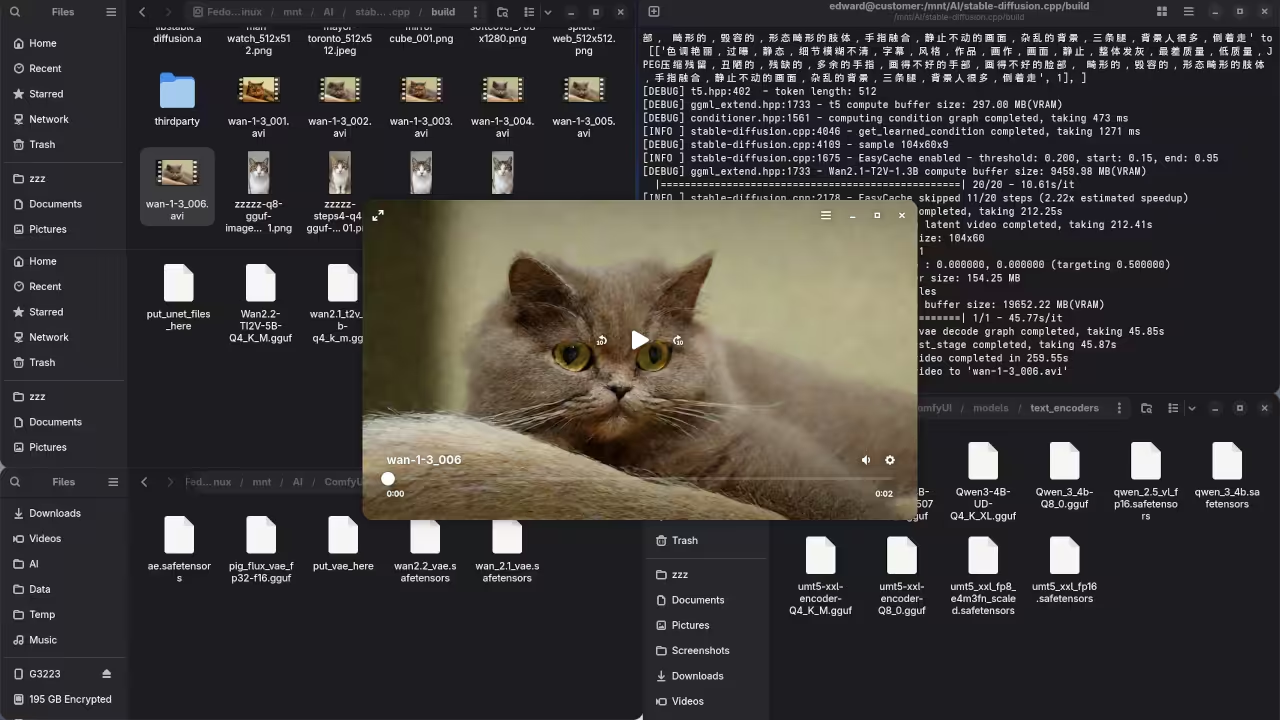
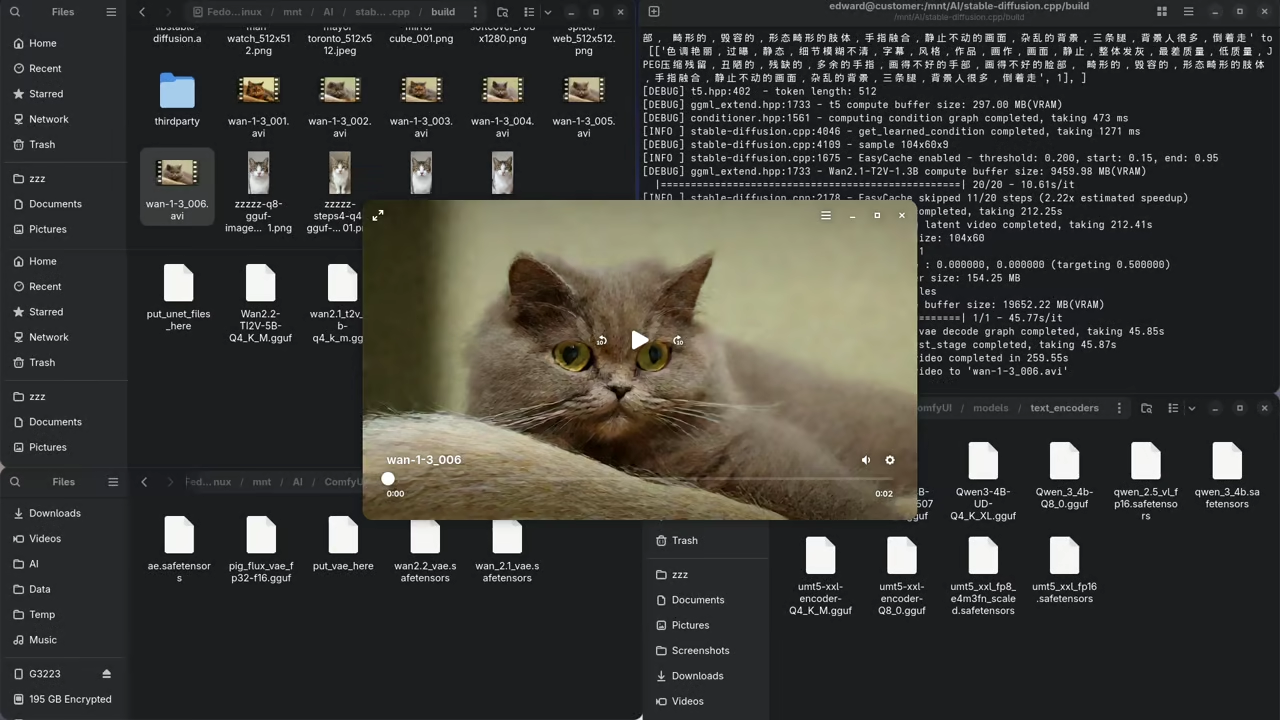
AI Generated Video
Video Player Playing Wan 2.1 1.3B AI Generated Video

Live Screencast

Screencast Of AI Generated Video Using Wan 2.1 1.3B T2V And stable-diffusion.cpp

Take Your Skills Further

Recommended Resources:

Disclosure: Some of the links above are referral (affiliate) links. I may earn a commission if you purchase through them - at no extra cost to you.

About Edward

Edward is a software engineer, web developer, and author dedicated to helping people achieve their personal and professional goals through actionable advice and real-world tools.

As the author of impactful books including Learning JavaScript, Learning Python, Learning PHP, Mastering Blender Python API, and fiction The Algorithmic Serpent, Edward writes with a focus on personal growth, entrepreneurship, and practical success strategies. His work is designed to guide, motivate, and empower.

In addition to writing, Edward offers professional "full-stack development," "database design," "1-on-1 tutoring," "consulting sessions,", tailored to help you take the next step. Whether you are launching a business, developing a brand, or leveling up your mindset, Edward will be there to support you.

Edward also offers online courses designed to deepen your learning and accelerate your progress. Explore the programming on languages like JavaScript, Python and PHP to find the perfect fit for your journey.

📚 Explore His Books – Visit the Book Shop to grab your copies today.
💼 Need Support? – Learn more about Services and the ways to benefit from his expertise.
🎓 Ready to Learn? – Check out his Online Courses to turn your ideas into results.

Leave a Reply

Your email address will not be published. Required fields are marked *