
Every AI Agent Forgets. This One Does Not.
Every AI agent on the market today forgets everything the moment you close the window. You repeat the same instructions week after week. You waste hours rebuilding context that should have survived from the last session.
The industry sold us stateless chatbots and called them intelligent assistants. That era ends today with a tool that actually learns from you.
Hermes Agent from Nous Research is the first open-source agent with a genuine built-in learning loop. It creates reusable skills from your successful task completions. It improves those skills during active use and nudges itself to persist knowledge that matters.
It searches its own past conversations and builds a deepening model of who you are across sessions. You can run it on a five dollar VPS or right on your own desktop machine.
Installation Is Remarkably Straightforward
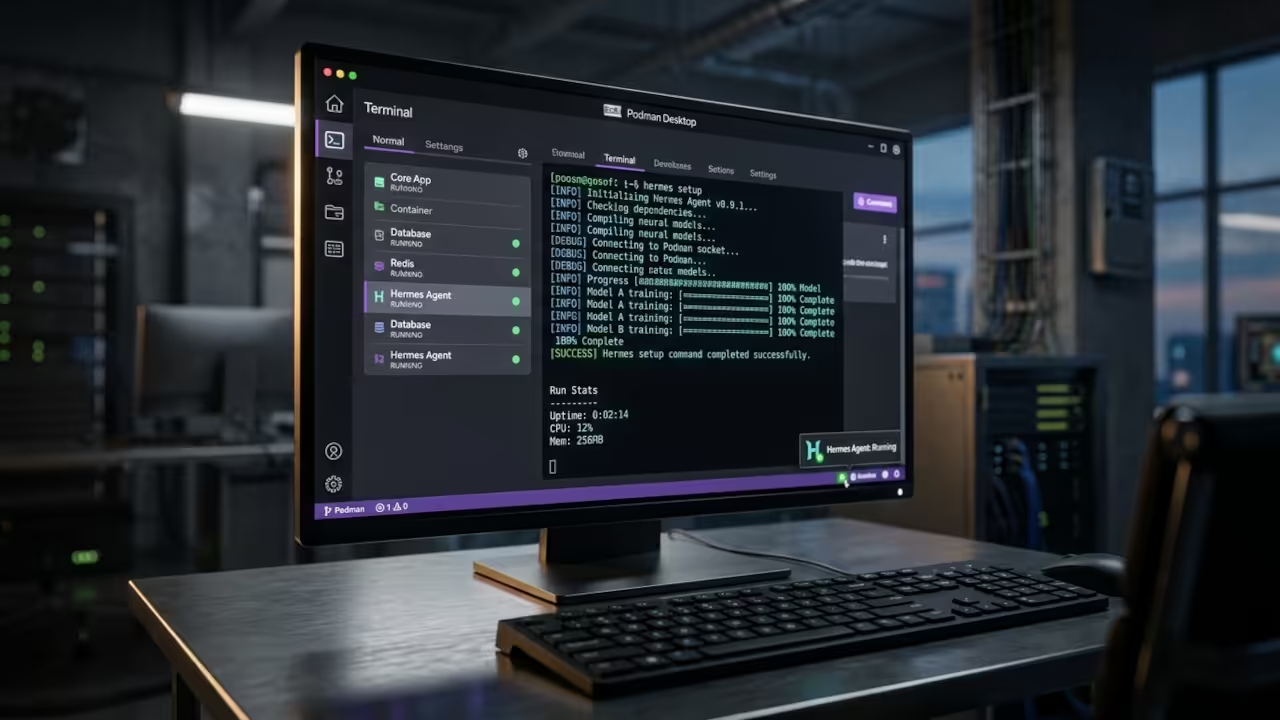
The installation process is remarkably straightforward for a tool this powerful. You install the agent through a single command that handles all dependencies automatically. The installer pulls Python, Node.js, ripgrep and ffmpeg without requiring root access.
Then you run the setup wizard and choose your preferred AI provider. The entire process takes less than ten minutes on a modern system.
The Experience Changes Everything
The experience of running Hermes Agent locally changes everything about how you work with AI. Your first conversation feels like talking to a smart but blank assistant. By the third session it already knows your preferences and workflow patterns.
After a week it anticipates your needs before you even type the full command. The persistent memory system transforms a good tool into an indispensable partner.
Terminal Backend Architecture
What makes Hermes Agent truly special is the terminal backend architecture. The agent supports six different backends for executing shell commands. You can run commands locally on your machine or inside a Docker container.
Remote servers via SSH work seamlessly. Modal cloud sandboxes provide isolated execution environments. Daytona workspaces and Singularity containers round out the options.
The Podman Desktop Secret Most Guides Overlook
The Podman Desktop configuration requires one specific environment variable that most guides overlook entirely. You must set HERMES_DOCKER_BINARY to podman before running the agent. This tells Hermes to invoke the Podman binary instead of Docker when spawning containers.
The agent then manages every container with three identification labels automatically. The orphan reaper process cleans up stale containers without manual intervention. This single configuration step unlocks the full containerized workflow on a Podman system.
Here is the exact code snippet for setting the environment variable in your shell configuration file.
export HERMES_DOCKER_BINARY=podman
hermes setup --portal
The first line forces Hermes to use Podman as the container runtime. The second line launches the interactive setup wizard with portal authentication enabled. One OAuth flow covers your model provider plus all four Tool Gateway tools.
The Tool Gateway Breakthrough
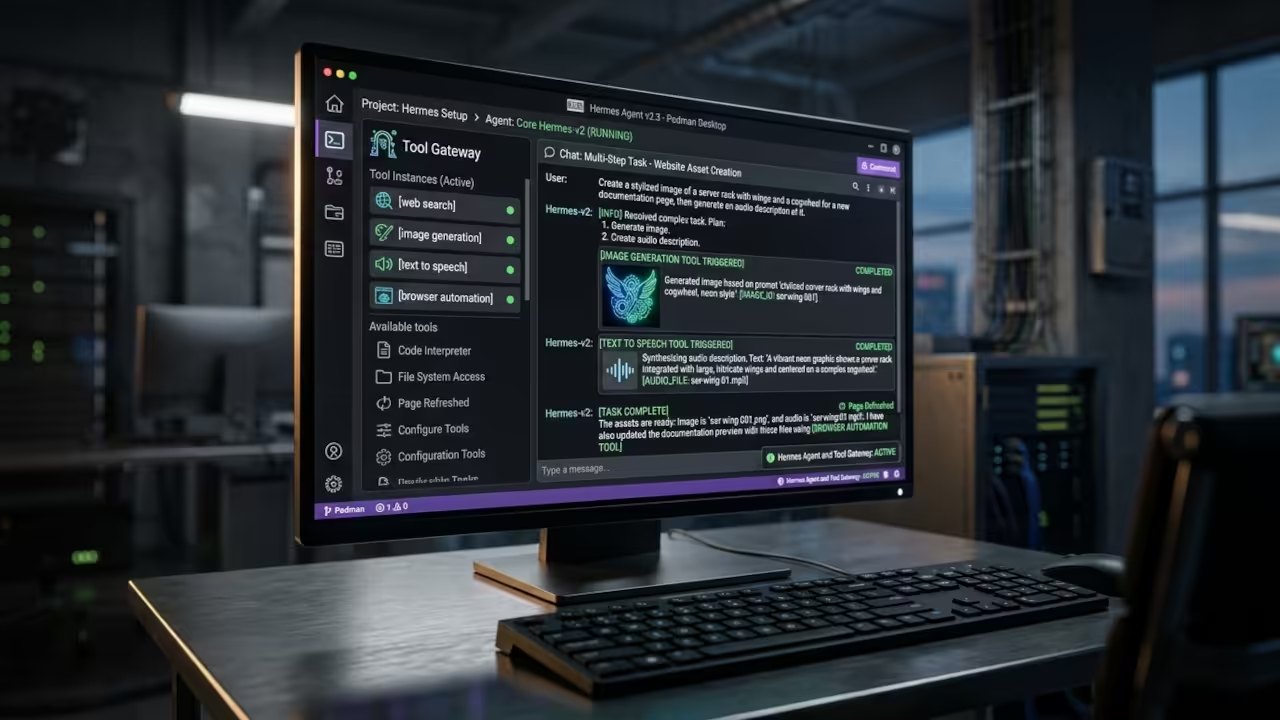
The Tool Gateway represents a significant architectural breakthrough for local AI agents. Most agents require separate API keys for every integration. Hermes consolidates authentication through a single portal login.
Web search provides real-time information retrieval without leaving your local environment. Image generation connects to compatible providers through the unified gateway. Text to speech transforms written responses into audio output.
Browser automation enables the agent to interact with web applications directly. One command activates all four tools simultaneously.
| Agent Name | Persistent Memory | Learning Loop | Local Execution | Container Backend | Tool Gateway |
|---|---|---|---|---|---|
| Hermes Agent | Yes | Built-in | Yes | Six backends | Unified OAuth |
| Claude Code | No | No | Partial | IDE only | Provider specific |
| OpenClaw | Limited | Manual | Yes | Docker only | Separate keys |
| Codex CLI | No | No | Cloud only | None | None |
| Agent Name | Persistent Memory | Learning Loop | Local Execution | Container Backend | Tool Gateway |
Configuration And Control
The configuration file lives in the hidden hermes directory inside your home folder. Every setting is stored in plain text for easy access and manual editing. You can modify provider selections, API keys and model preferences directly.
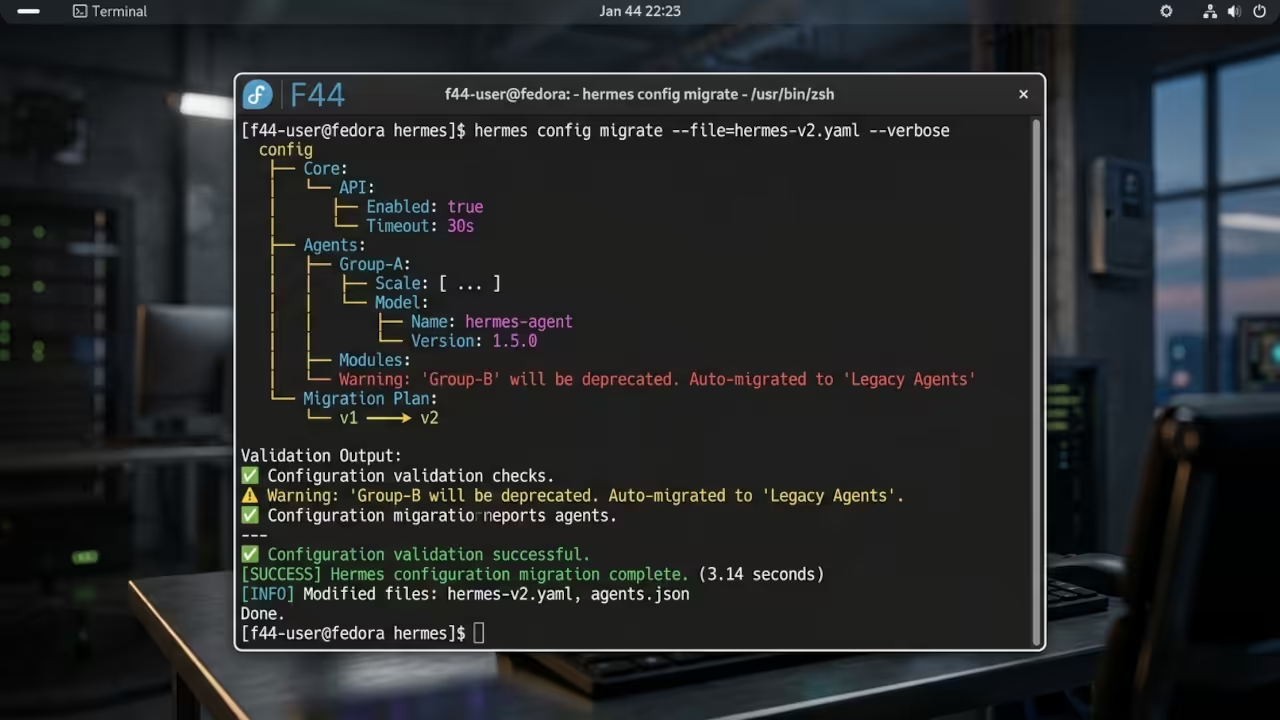
The config migrate command validates your settings and applies any schema updates automatically. This transparency gives you complete control over every aspect of the agent behavior.
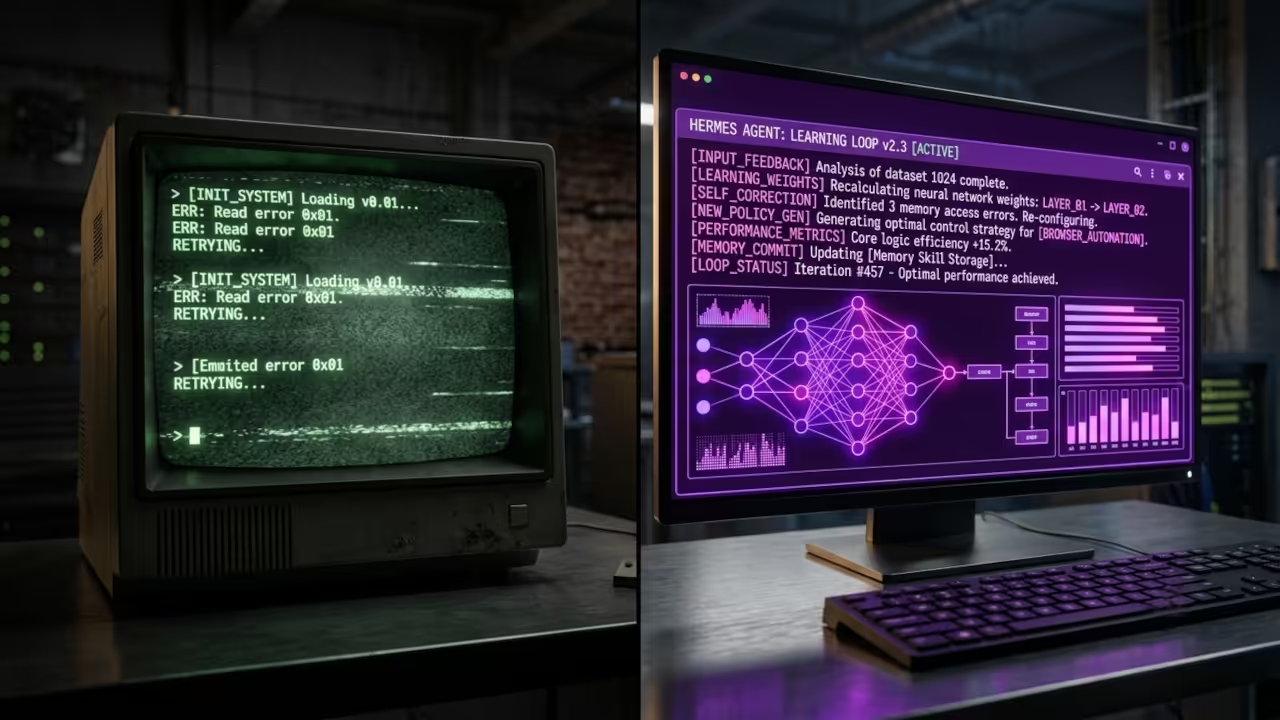
Consent-Aware Persistent Memory
The persistent memory system uses a consent-aware learning approach that respects your privacy. Repeated corrections become compact memory entries that the agent references in future sessions. Durable workflow lessons transform into procedural skills that execute automatically.
The write approval feature stages those writes for your review before they affect future sessions. You maintain final authority over what the agent remembers and what it forgets.
Master the Professional Stack
These optimizations connect directly to the architectural blueprints that have powered thousands of successful self-hosted deployments. My technical books break down the theory behind persistent memory systems and containerized AI agents.
- Books: https://www.amazon.com/stores/Edward-Ojambo/author/B0D94QM76N
- Blueprints: https://ojamboshop.com
- Tutorials: https://ojambo.com/contact
- Consultations: https://ojamboservices.com/contact
🚀 Recommended Resources
Disclosure: Some of the links above are referral links. I may earn a commission if you make a purchase at no extra cost to you.