
Getting Started with Yii2: How to Install and Build a Sample App that Uses a Database
If you’re a developer looking to build fast, secure, and feature-rich PHP applications, Yii2 is an excellent choice. Yii2 is an open-source, high-performance PHP framework that makes developing modern web applications easy and enjoyable.
In this article, we’ll walk you through the steps to:
- Install Yii2
- Set up a basic app
- Connect to a database
- Pull data from a sample table
- List the supported databases
What is Yii2?
Yii2 stands for “Yes, it is!” — and for good reason. It’s a full-stack framework designed for building robust and scalable web applications. It supports rapid development, secure coding practices, and is optimized for performance.
Yii2 follows the MVC (Model-View-Controller) Architecture that makes code more organized, maintainable, and testable..
Open Source
Yii is released under the BSD-3-Clause Revised License. The permissive license requires the preservation of the copyright notice and disclaimer. It allows commercial use, modification, distribution, and allows making derivatives proprietary, consult the license for more specific details.
The PHP scripting language is licensed under the PHP License. The permissive license has conditions requiring preservation of copyright and license notices. Redistribution is permitted in source or binary form with or without modifications, consult the license for more specific details.
Requirements For Yii2
Glossary
Model
Represents the data and business logic. Interacts with the database (CRUD operations), performs calculations, and handles data processing.
View
Responsible for displaying the user interface. Contains HTML, CSS, and potentially some PHP for data presentation.
Controller
Acts as the intermediary. Receives user requests, loads models, interacts with them to retrieve data, and then loads the appropriate views to display the results.
How to Install Yii2
To install Yii2, you’ll need Composer. If you haven’t installed it yet, download Composer here.
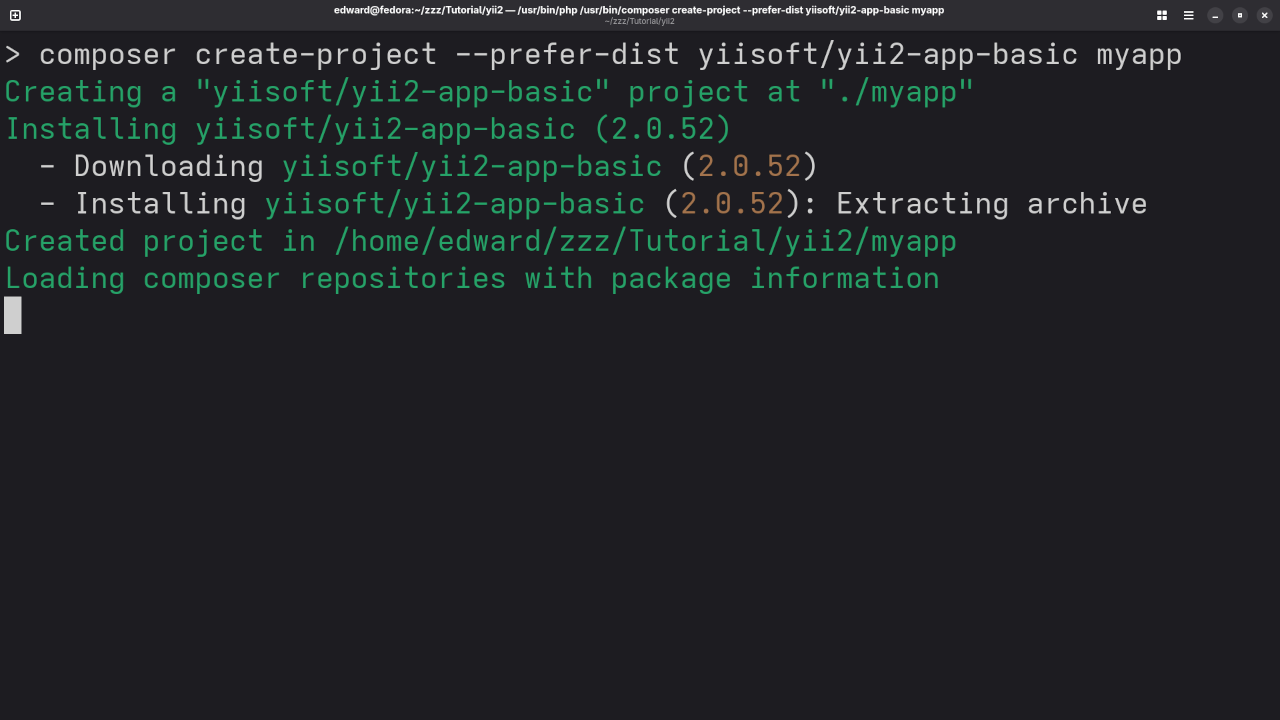
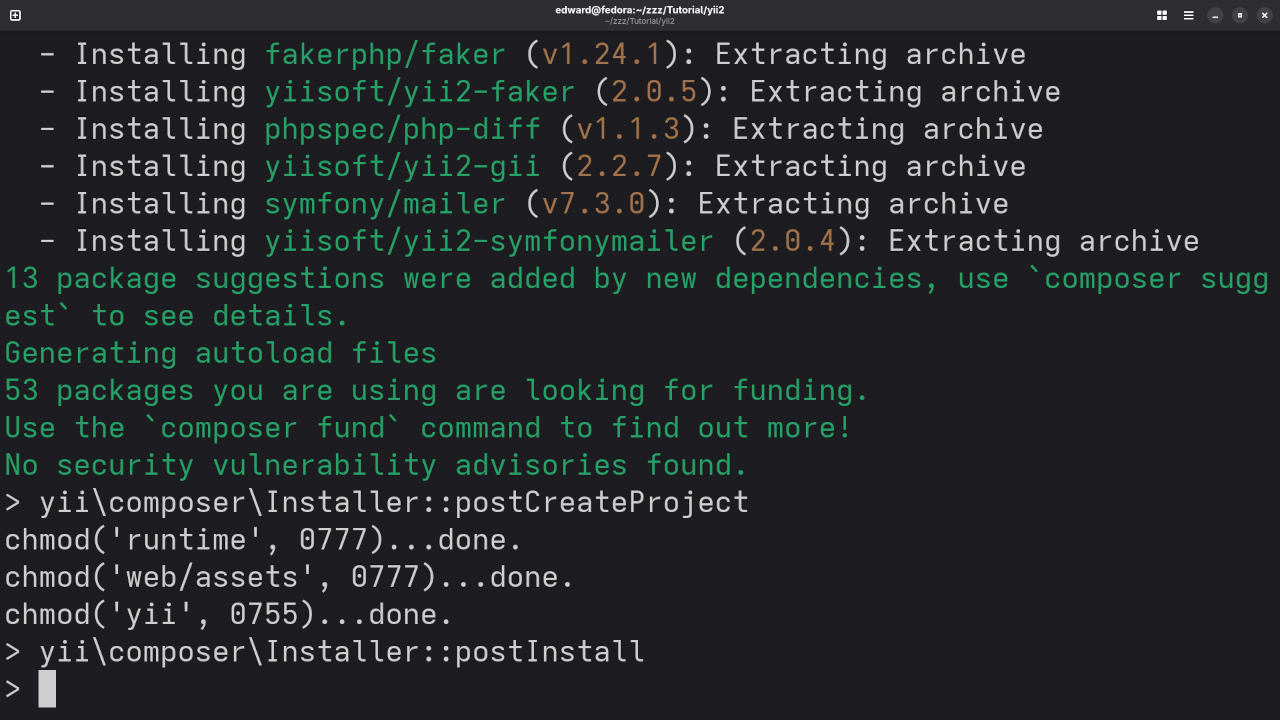
Step 1: Create a New Project
composer create-project --prefer-dist yiisoft/yii2-app-basic myapp
Step 2: Set File Permissions
chmod -R 777 myapp/runtime
chmod -R 777 myapp/web/assets
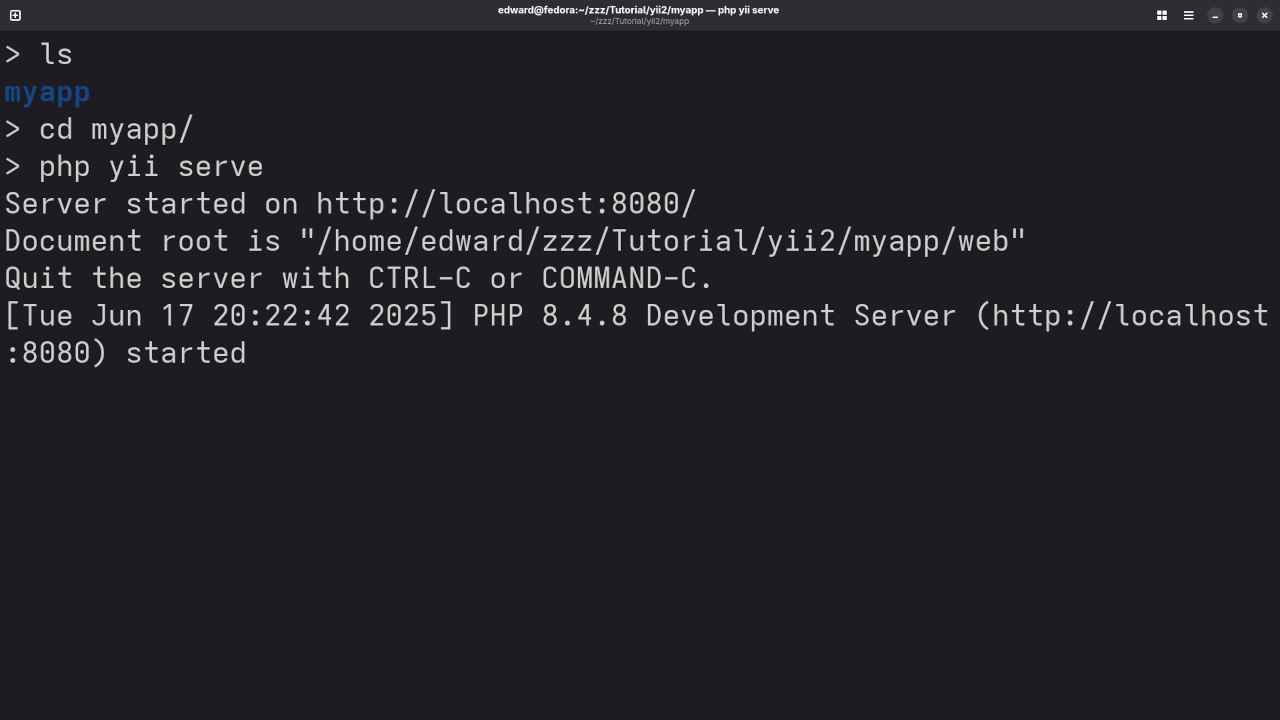
Step 3: Run the Built-In PHP Server
cd myapp
php yii serve
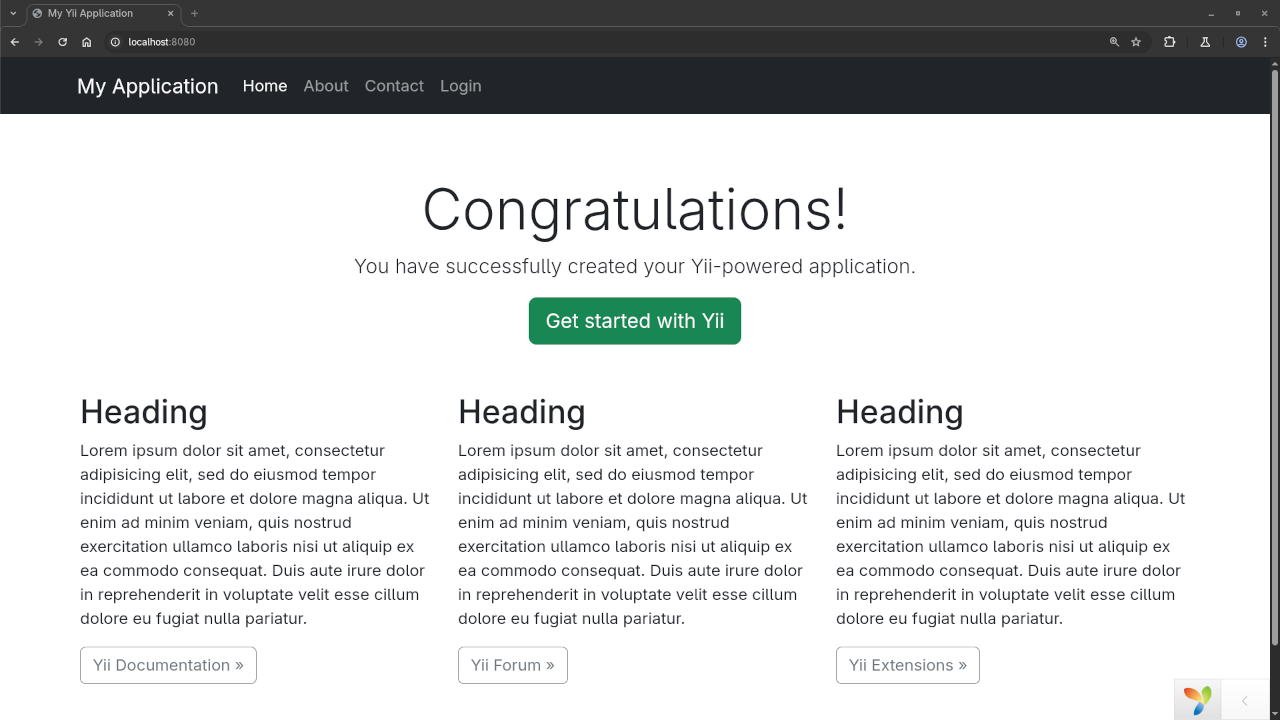
Then go to http://localhost:8080 in your browser.
Setting Up the Database Connection
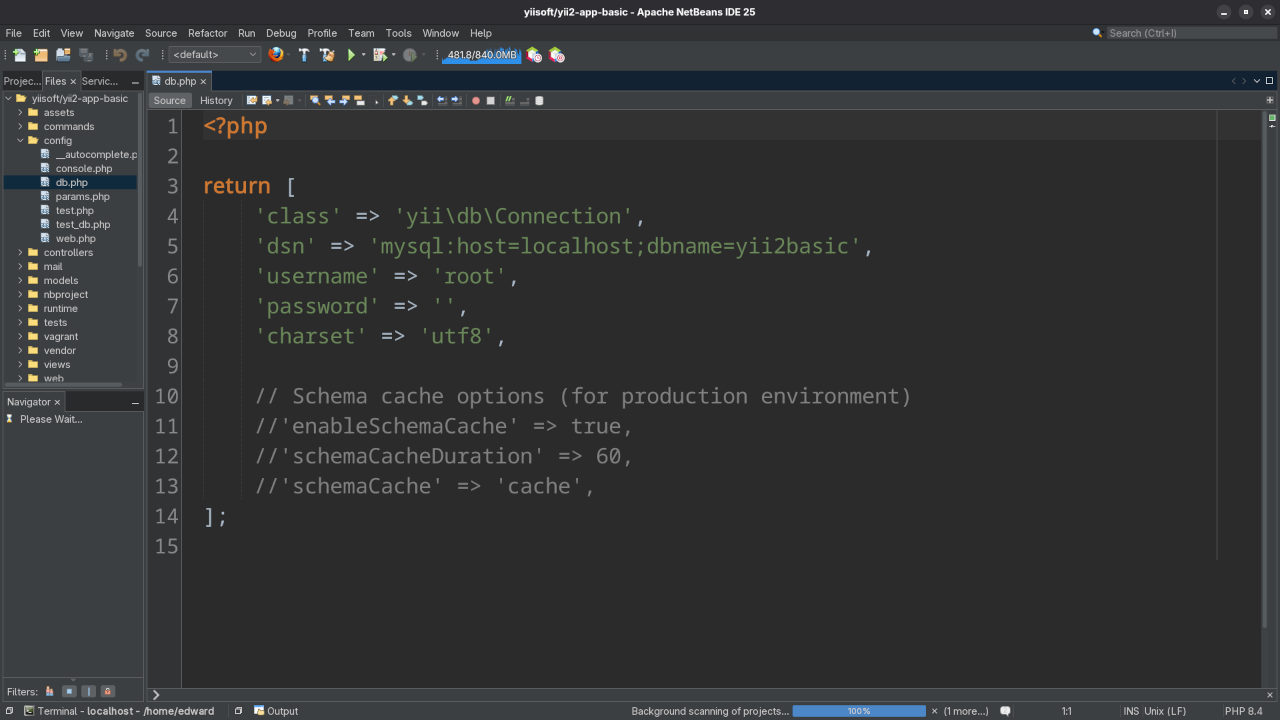
Yii2 uses a database configuration file at config/db.php.
return [
'class' => 'yii\db\Connection',
'dsn' => 'mysql:host=localhost;dbname=mydatabase',
'username' => 'root',
'password' => '',
'charset' => 'utf8',
];
Creating a Sample Table and Pulling Data
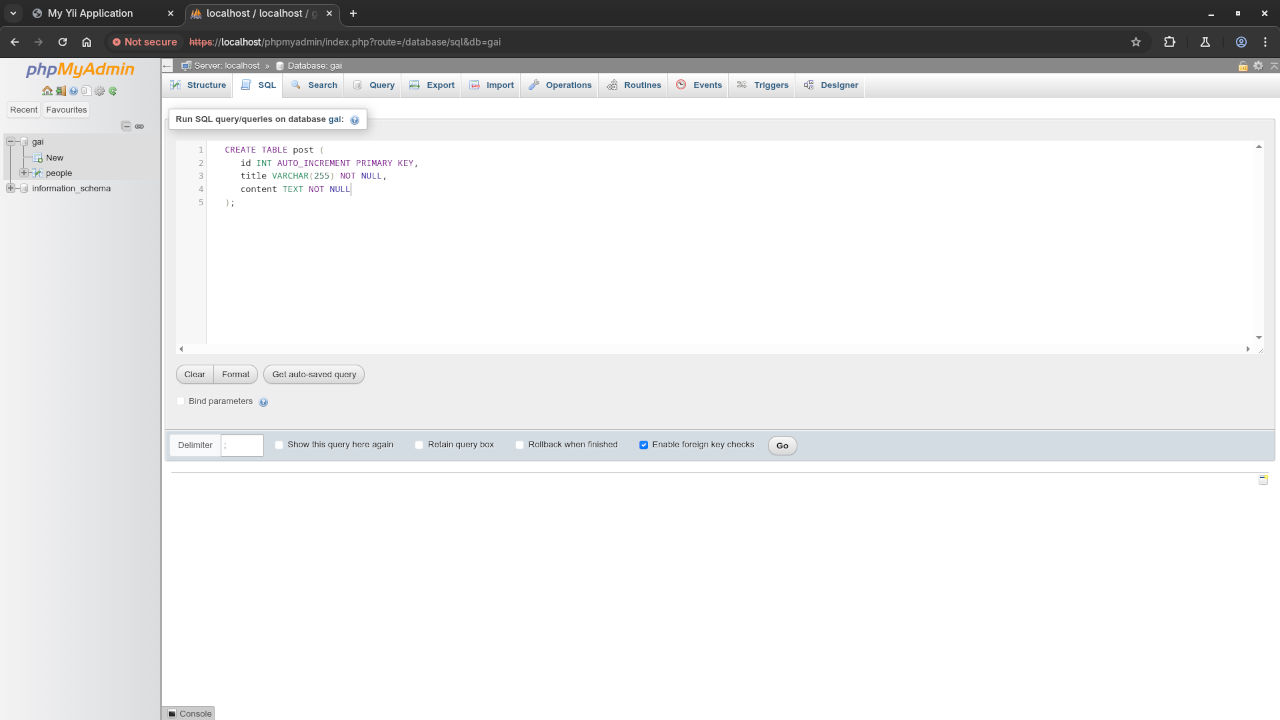
Create Table SQL
CREATE TABLE post (
id INT AUTO_INCREMENT PRIMARY KEY,
title VARCHAR(255) NOT NULL,
content TEXT NOT NULL
);
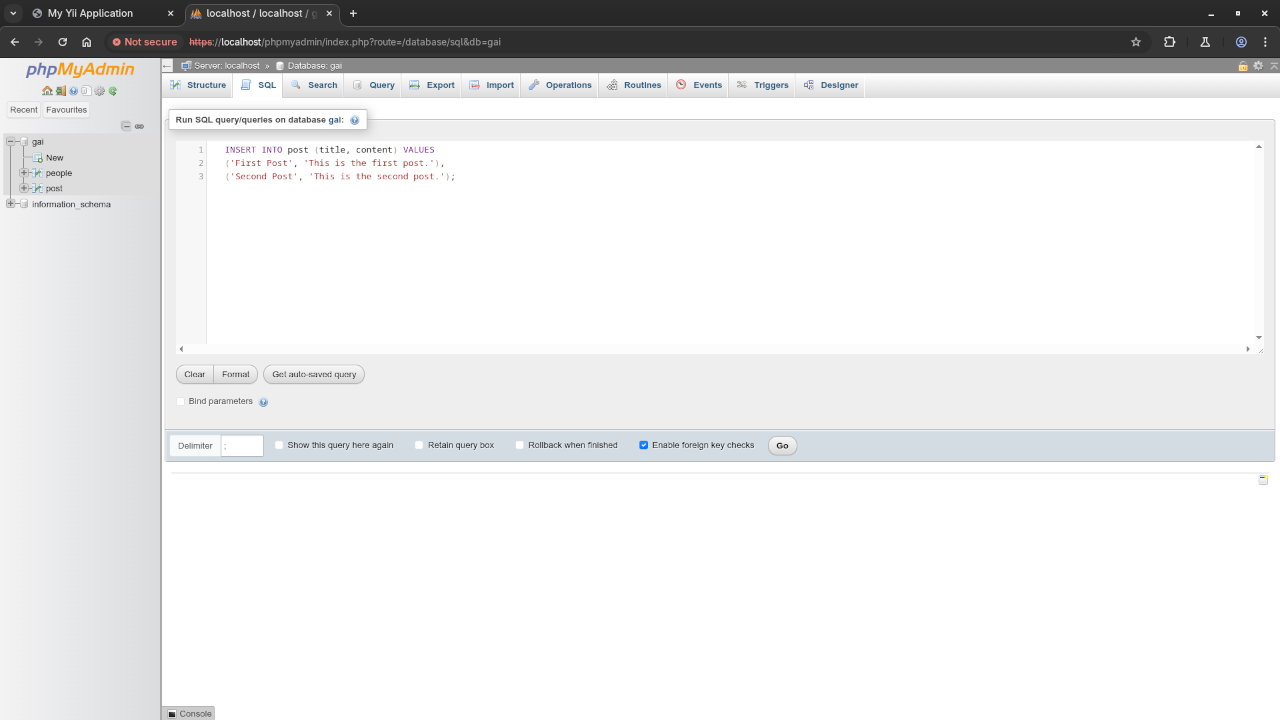
Insert Sample Data
INSERT INTO post (title, content) VALUES
('First Post', 'This is the first post.'),
('Second Post', 'This is the second post.');
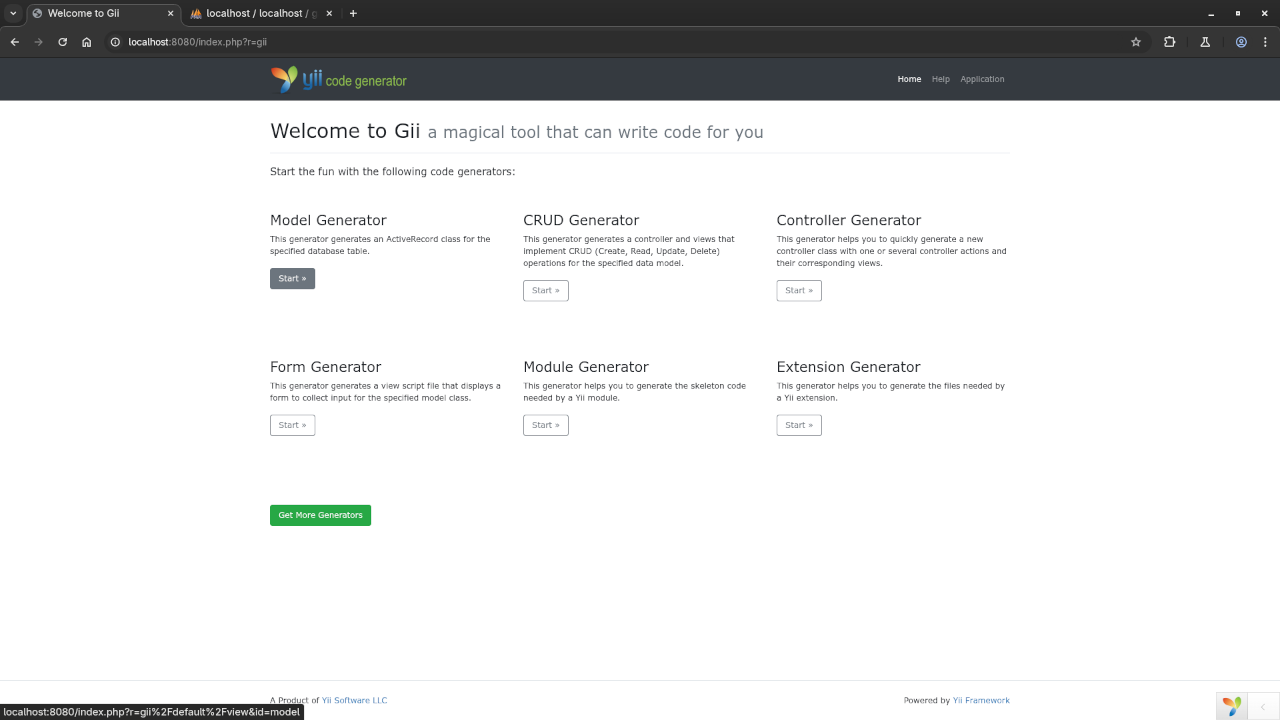
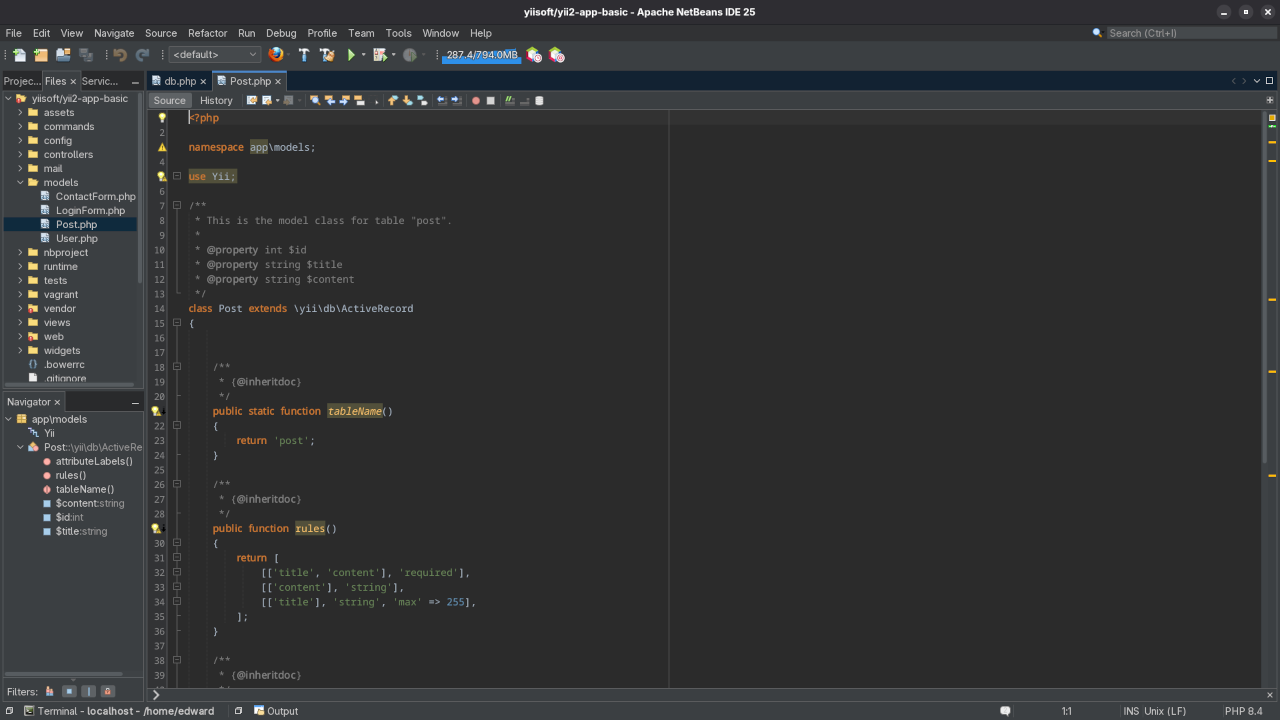
Generate a Model with Gii
Visit Gii code generator:
http://localhost:8080/index.php?r=gii
- Use the Model Generator
- Enter
postas table name - Click Preview, then Generate
Display Data from the Model
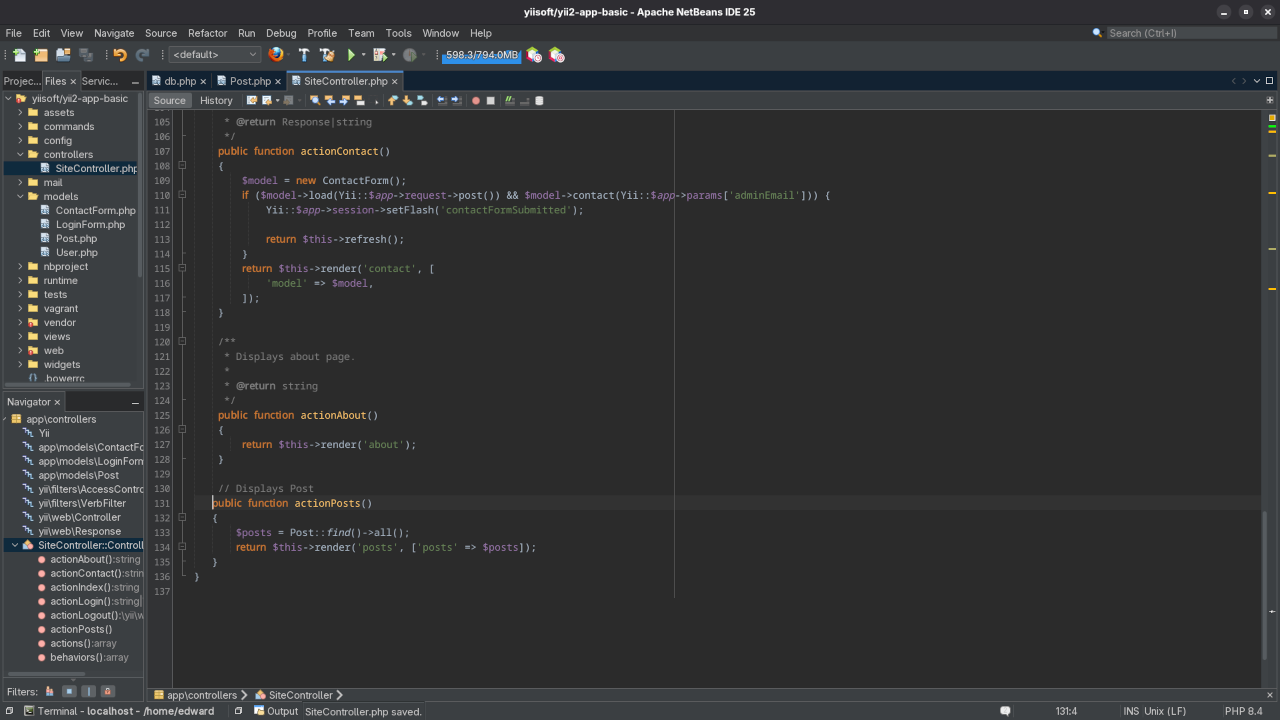
use app\models\Post;
public function actionPosts()
{
$posts = Post::find()->all();
return $this->render('posts', ['posts' => $posts]);
}
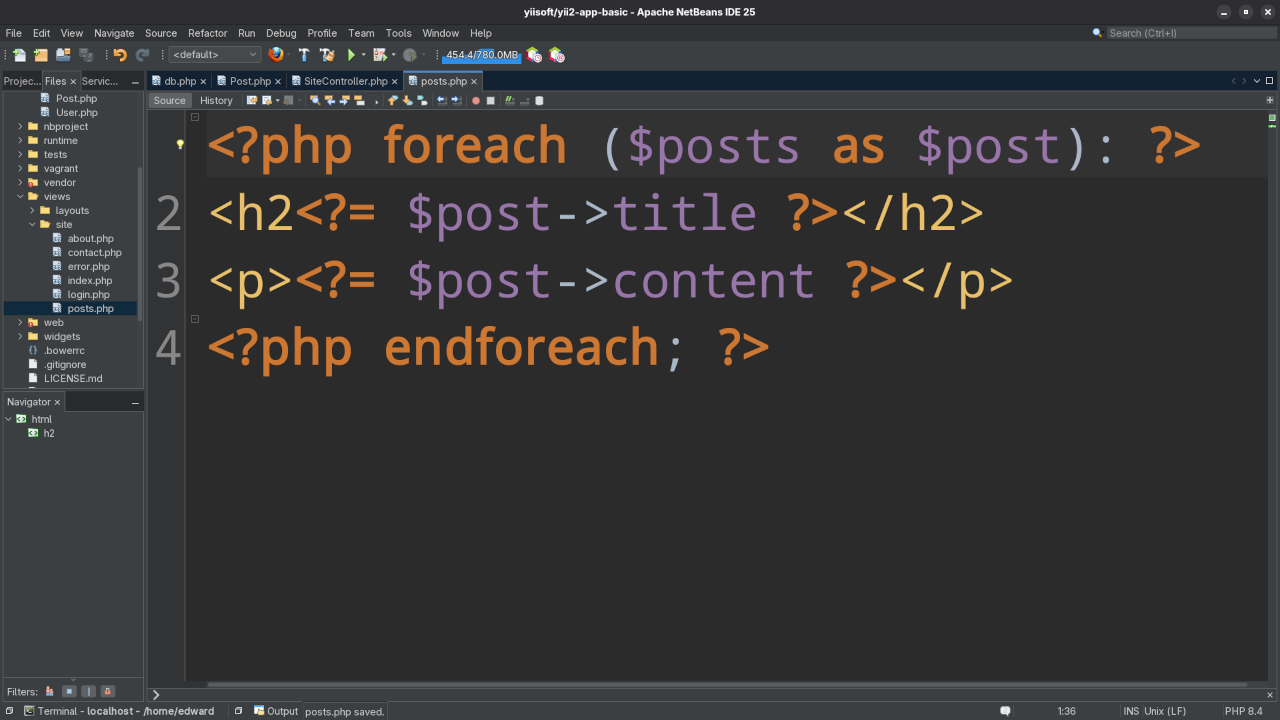
Create a view at views/site/posts.php:
<?php foreach ($posts as $post): ?>;
<h2<?= $post->title ?></h2>
<p><?= $post->content ?></p>
<?php endforeach; ?>
Supported Databases in Yii2
- MySQL / MariaDB
- PostgreSQL
- SQLite
- Microsoft SQL Server
- Oracle (via extensions)
Screenshots
Screencast
Watch the full walkthrough on YouTube:
Need Help?
Need help setting this up? Feel free to leave a comment or contact me directly and I’ll be happy to help!
Summary
- Installed Yii2 via Composer
- Configured a database
- Created a model using Gii
- Displayed database content on a web page
Yii2 is a fast, secure, and powerful PHP framework that can get your apps running in no time.
🚀 Recommended Resources
Disclosure: Some of the links above are referral links. I may earn a commission if you make a purchase at no extra cost to you.