
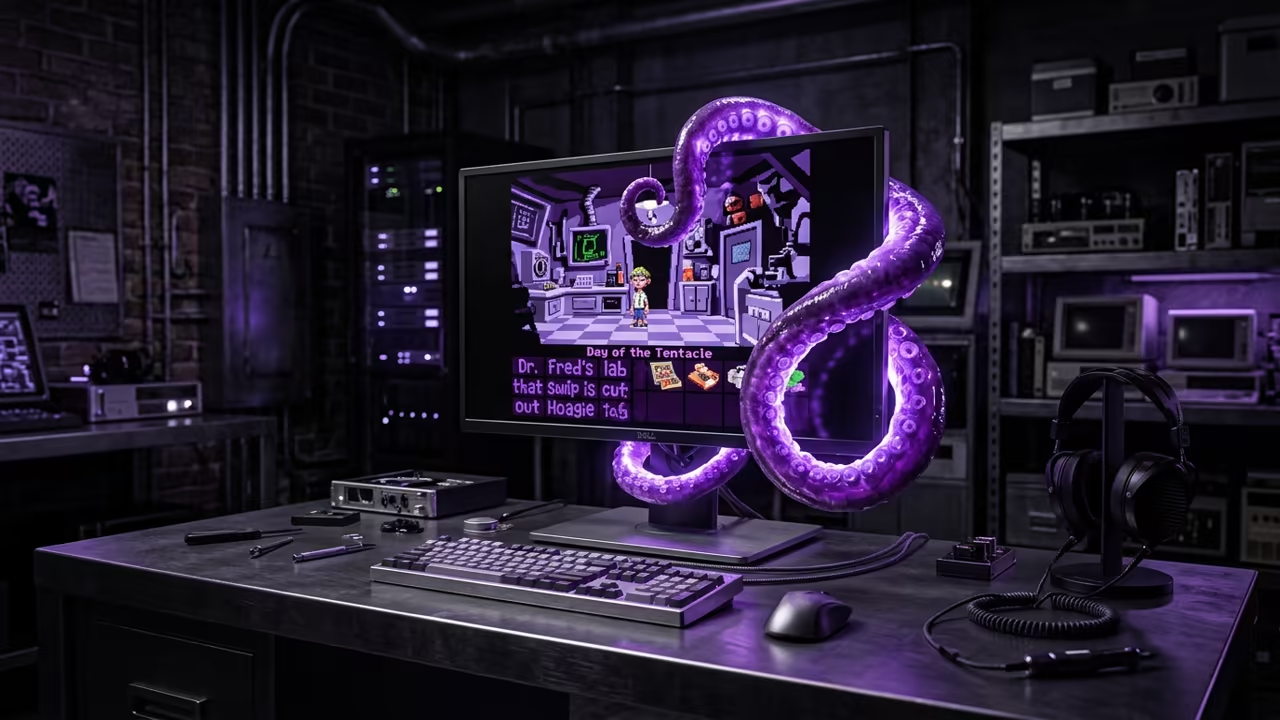
The Legacy Gaming Trap
Most gamers are trapped in a cycle of buying shiny remasters that strip away the original soul of classic adventure titles. You spend forty dollars on a version that feels sterile and loses the precise timing of the original puzzles.
Disclaimer: I may earn a commission from purchases made through these links at no extra cost to you.


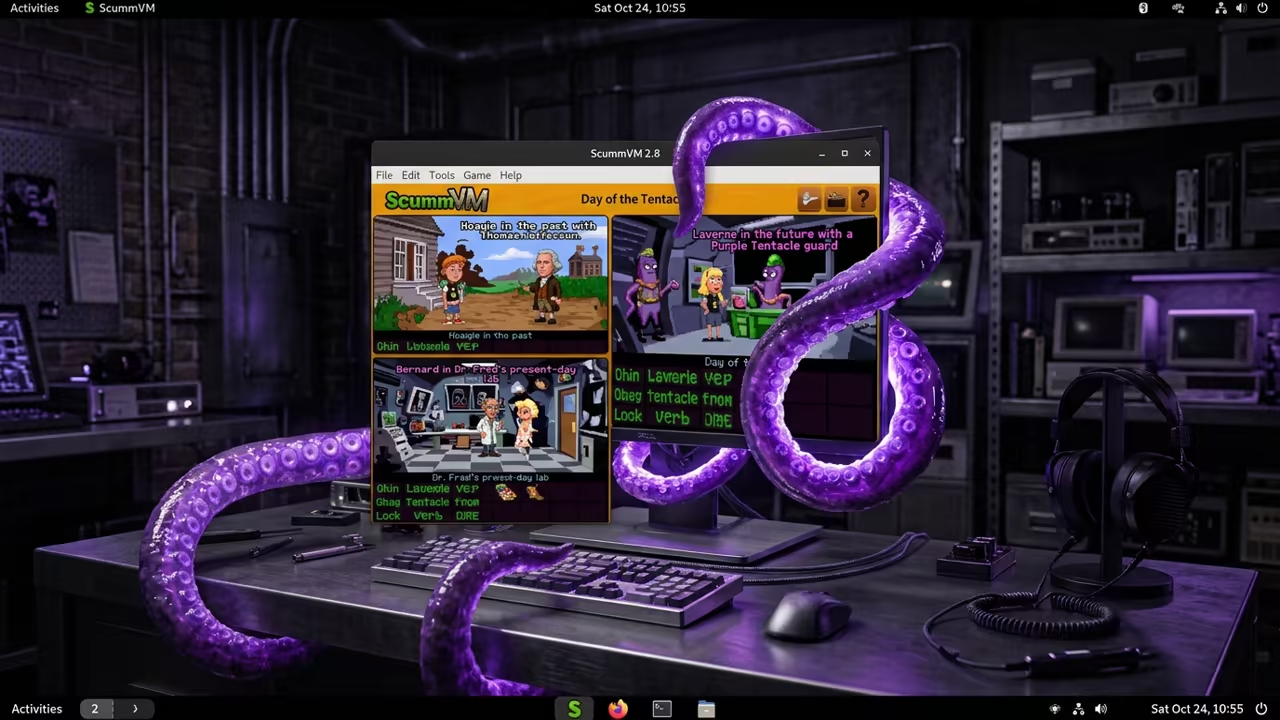
This technical disaster ends today because ScummVM turns your modern rig into a perfect time machine for Day of the Tentacle. You can finally experience the chaotic genius of LucasArts without fighting with ancient DOS configurations or broken installers.
Digital Euphoria Experience
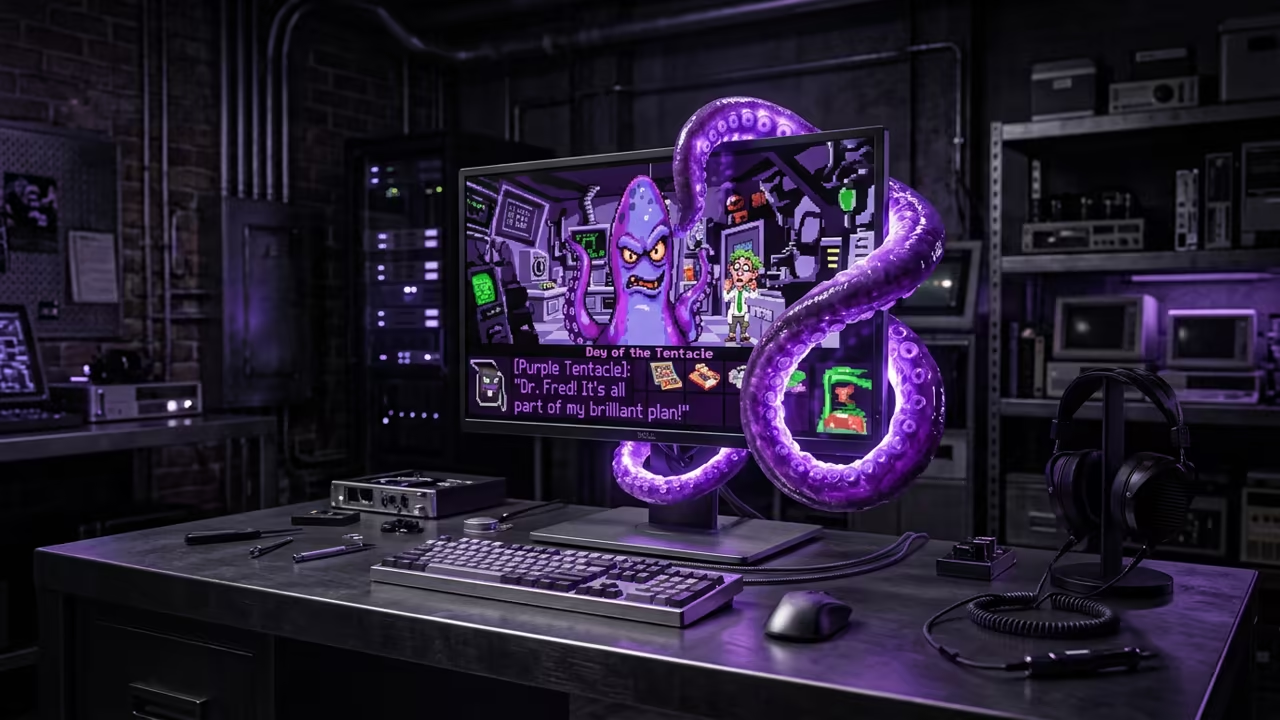
The feeling of launching Day of the Tentacle on a high performance system is pure digital euphoria. The vibrant colors pop against the backdrop of a stable environment that never crashes or stutters.
You will notice the interface responds instantly to every single mouse click and keyboard command. It feels like playing a modern game while maintaining the nostalgic charm of the early nineties era.
Technical Engine Optimization
To truly master the experience you must dive into the configuration files for the engine. Most users simply launch the app and accept the default settings which is a massive mistake.
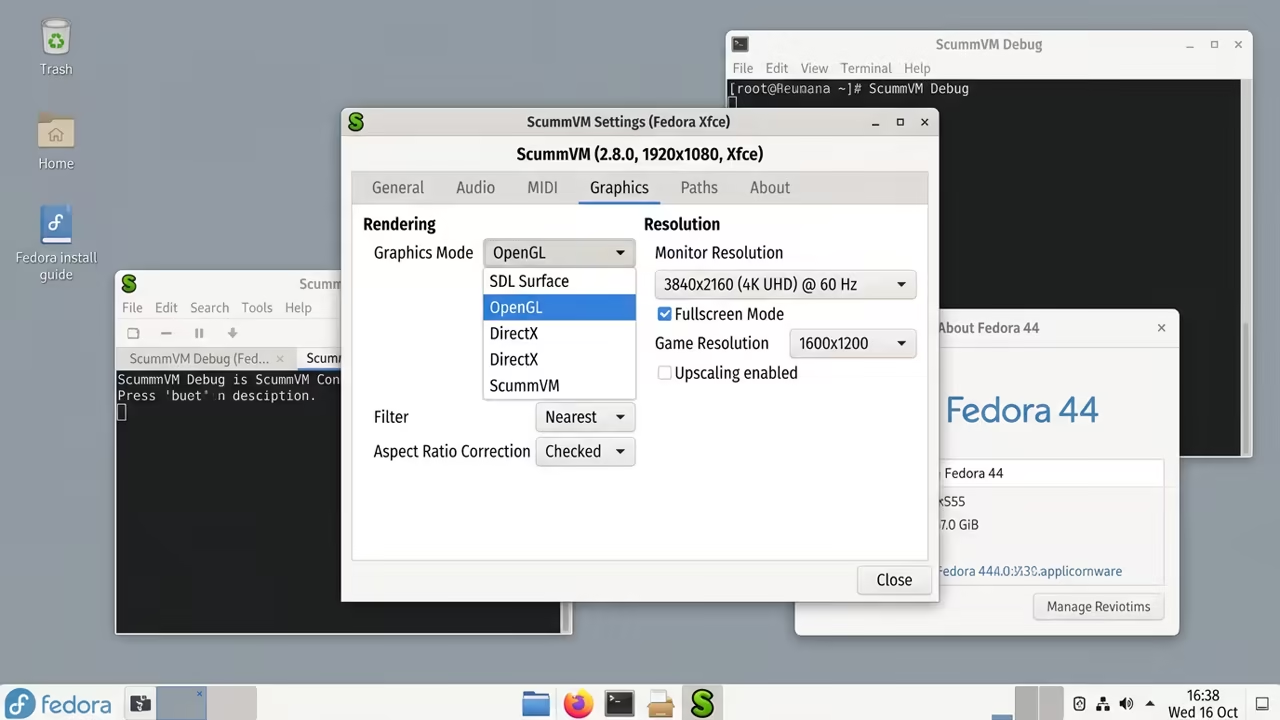
Open your scummvm.ini file and locate the graphics section to optimize your visual output. Set the gfx_mode to opengl to leverage the power of your modern GPU drivers.
This small change eliminates the shimmering effect often seen when scaling legacy resolutions to 4K displays. It provides a crisp image that respects the original pixel art while filling your entire screen.
Advanced Debugging and Performance
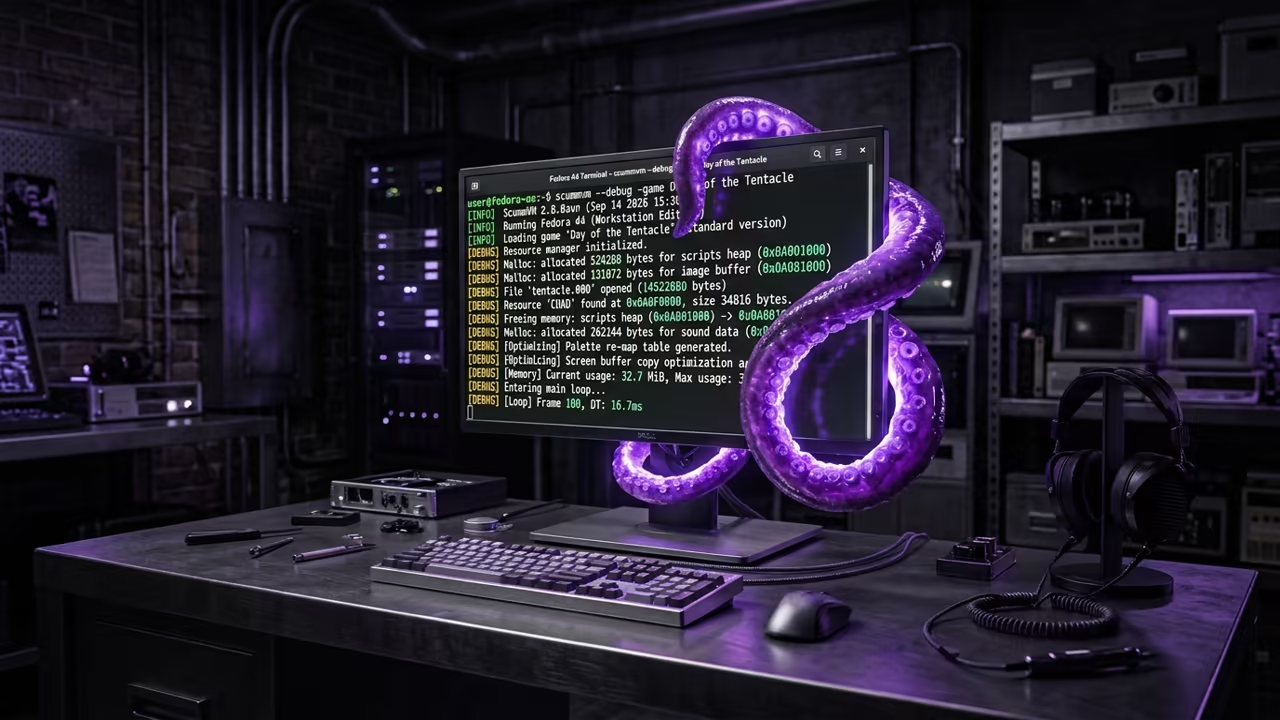
You can also use the debug flag in the terminal to monitor engine performance in real time. Run the command scummvm -debug to see how the game handles memory allocation during complex puzzle sequences.
scummvm -debug -game Day of the Tentacle
This allows you to identify any bottlenecks in the audio synchronization or script execution. It is the same method senior architects use to optimize legacy software for modern hardware stacks.
Comparative Performance Analysis
When comparing your options you will see why this approach wins every single time. The difference in stability and ease of use is staggering across different platforms.
| Parameter | ScummVM | DOSBox | Modern Remaster |
|---|---|---|---|
| Setup Time | Fast | Slow | Instant |
| Stability | High | Medium | High |
| Original Feel | Perfect | Perfect | Modified |
| Hardware Use | Optimized | Emulated | Modern |
| Parameter | ScummVM | DOSBox | Modern Remaster |
Architectural Integration
This setup connects perfectly to our previous deep dives into open source gaming frameworks. You are building a library of timeless entertainment that remains accessible regardless of OS updates.
Learning and Support
Reach out for personalized technical help to optimize your legacy gaming environment. Dive deeper into our online tutorials for more advanced software configurations.
Online Tutorials and Technical Help: https://ojambo.com/contact
🚀 Recommended Resources
Disclosure: Some of the links above are referral links. I may earn a commission if you make a purchase at no extra cost to you.
Leave a Reply